
Angel’s Weather Model – Brings 3D Snow Drips and Animated Storm Skies

 0


Angel’s Weather Model reworks the weather in your world with updated visuals and clear audio. It packs in 13 custom 3D models and 1,203 texture files to refresh how biomes, clouds, fog, and snow look. You get new snow block drips across different layer heights, animated textures, and fresh particle effects during storms. The pack also updates plant models and works with Respackopts for easy visual adjustments.
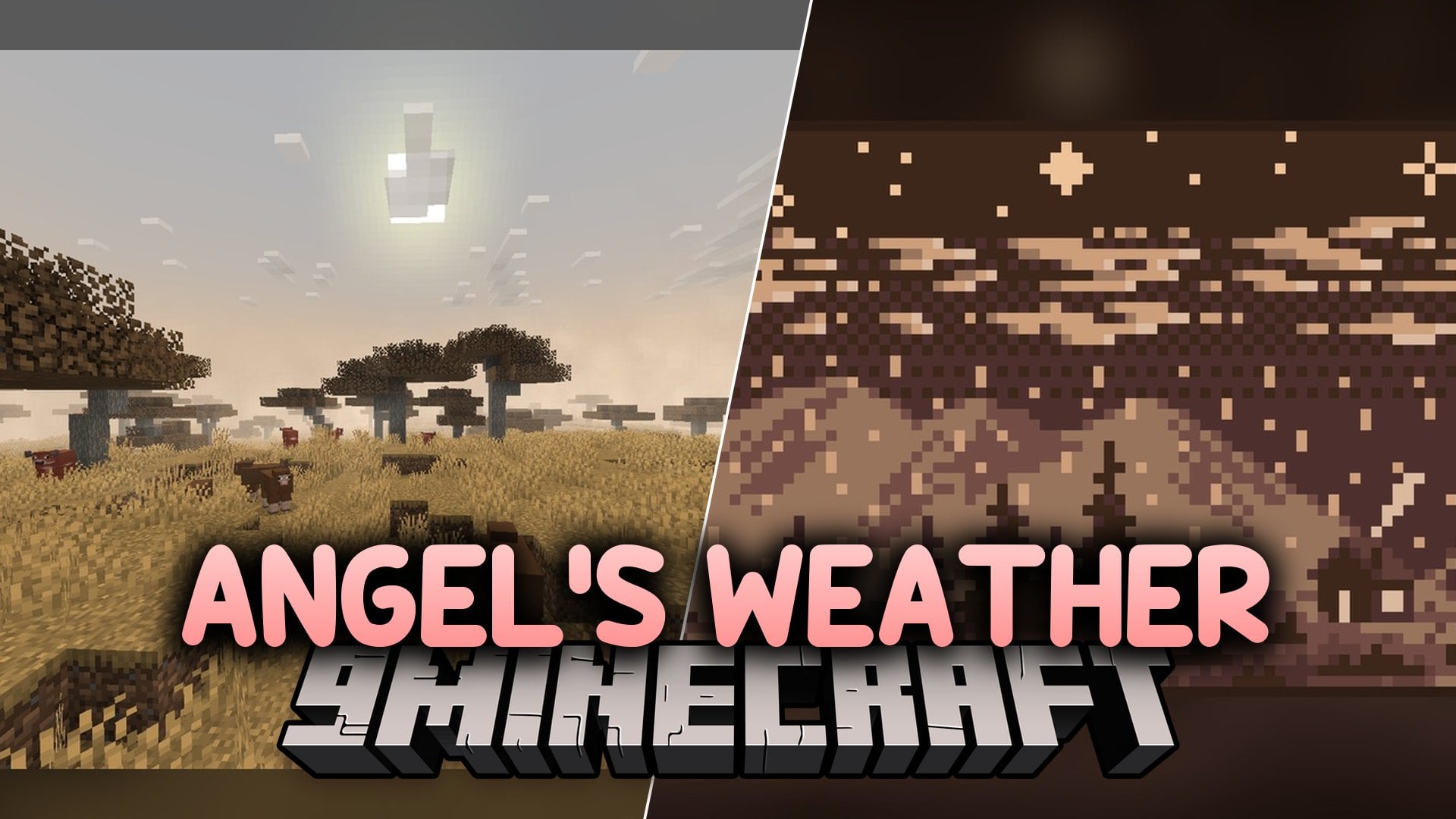
Features:
- Full Weather Rework: Brings new cloud, fog, and snow variants along with fresh particle effects and clear audio.
- Snow Drip Models: Adds 3D drip details to snow blocks, powder snow, and stacked snow layers at heights 2, 4, 6, 8, 10, 12, 14, and 16.
- Updated Biome Colors: Refreshes biome color palettes and includes custom
cross_big,tinted_cross, andtinted_cross_doublemodels for foliage. - Includes 1,203 texture files with animated textures and 13 custom 3D models.
- Works with Respackopts so you can adjust pack settings from the menu.
How to Use:
- Move the downloaded pack into your resource packs folder and turn it on in the game settings.
- Visit a snowy biome or place down a snow block and powder snow to see the new
snow_block_dripsandpowder_snow_dripsmodels. - Stack snow layers from 2 up to 16 layers high to watch the matching drip models change with each height level.
- Look closely at grassy and wooded biomes to see the revamped biome colors on
tinted_cross,tinted_cross_double, andcross_bigplant blocks. - Wait for rain or snow to start, or use the
/weathercommand, to hear the new audio and watch the animated textures, fog variants, and clouds in action.
Requirements:
- A Minecraft version that supports animated textures
Screenshots:
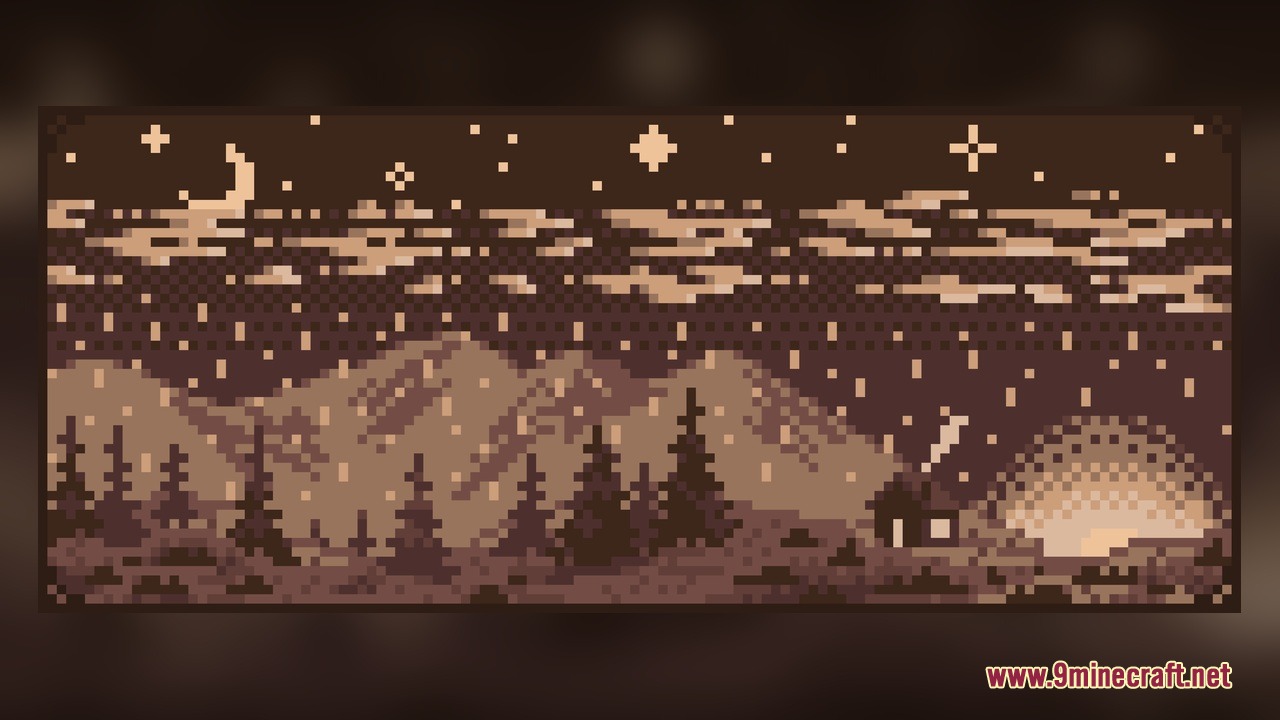
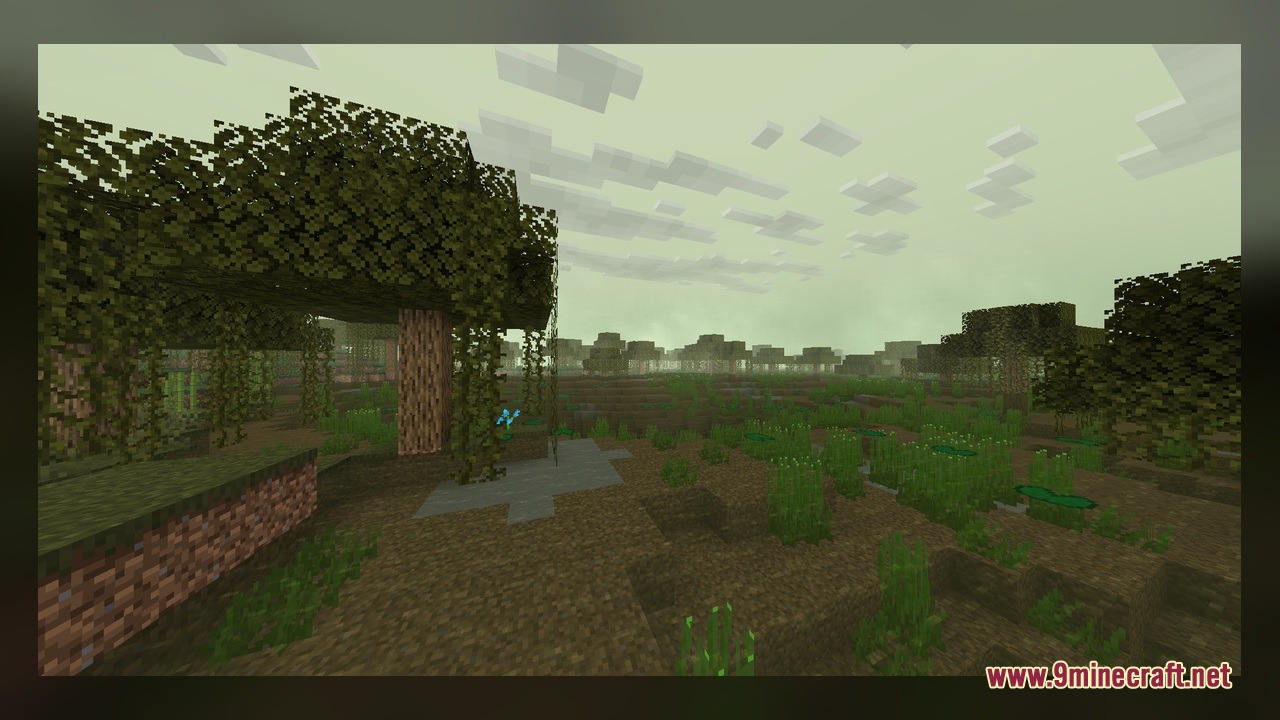
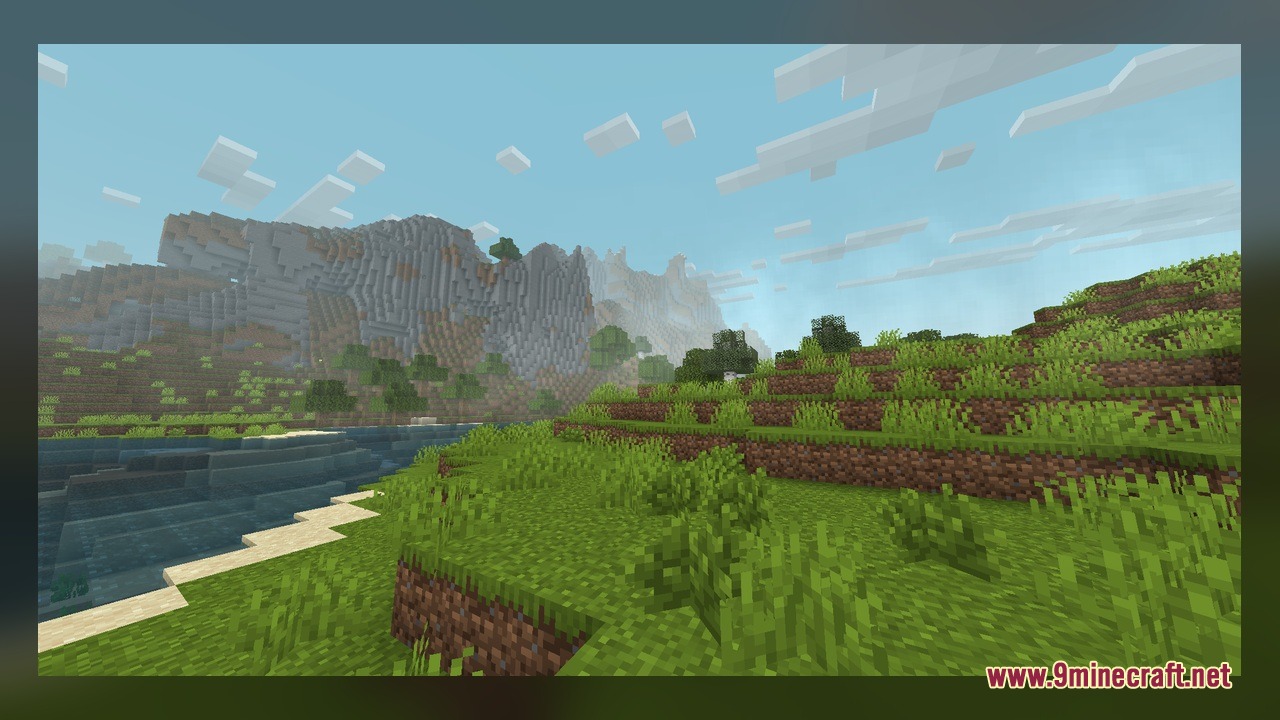
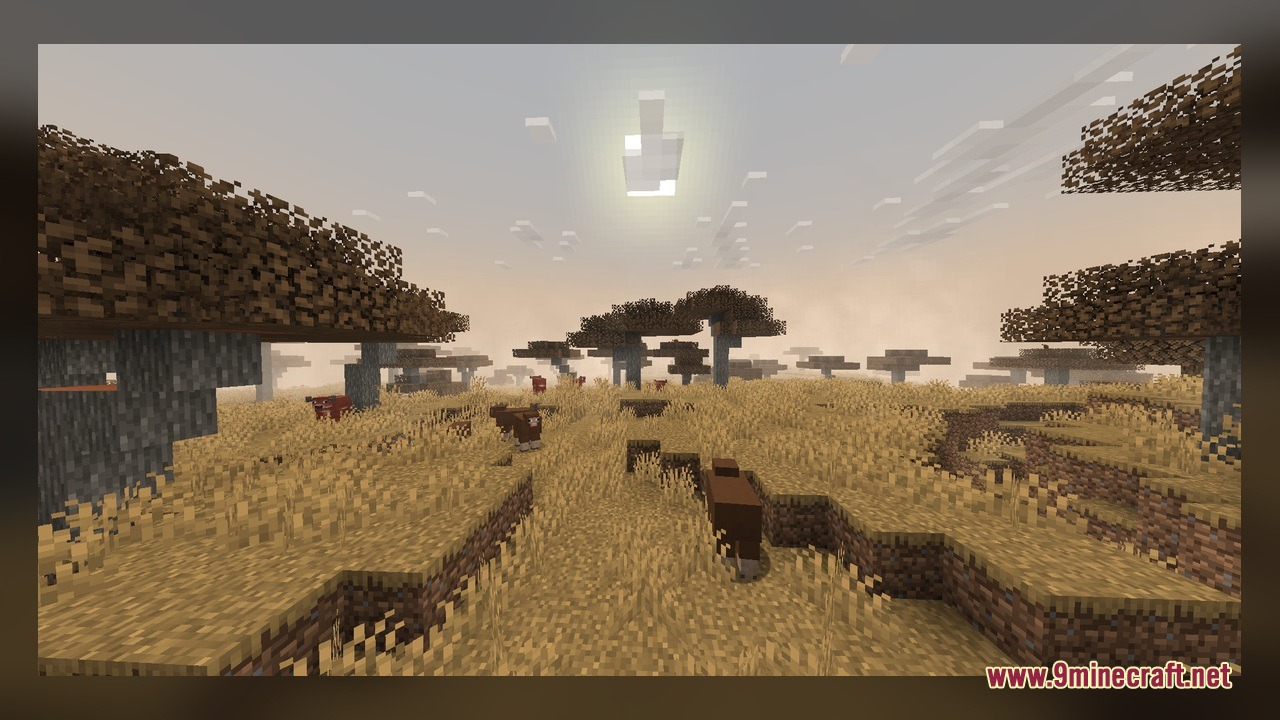
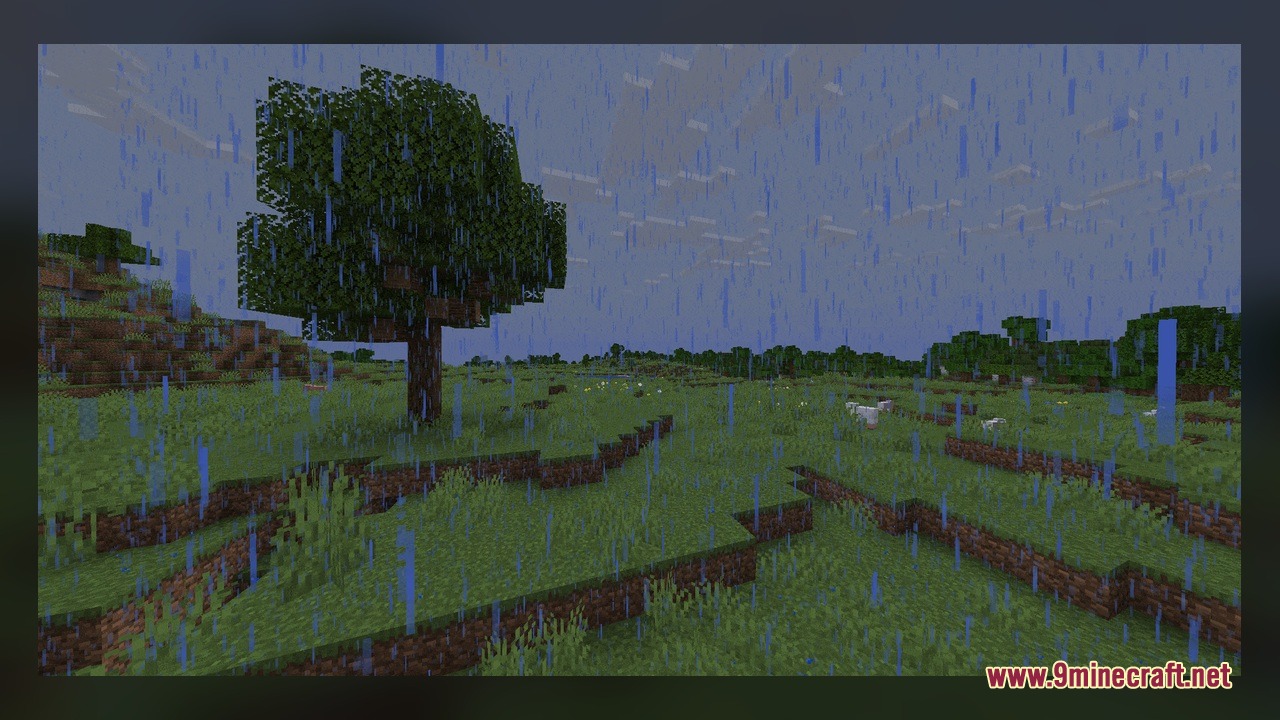
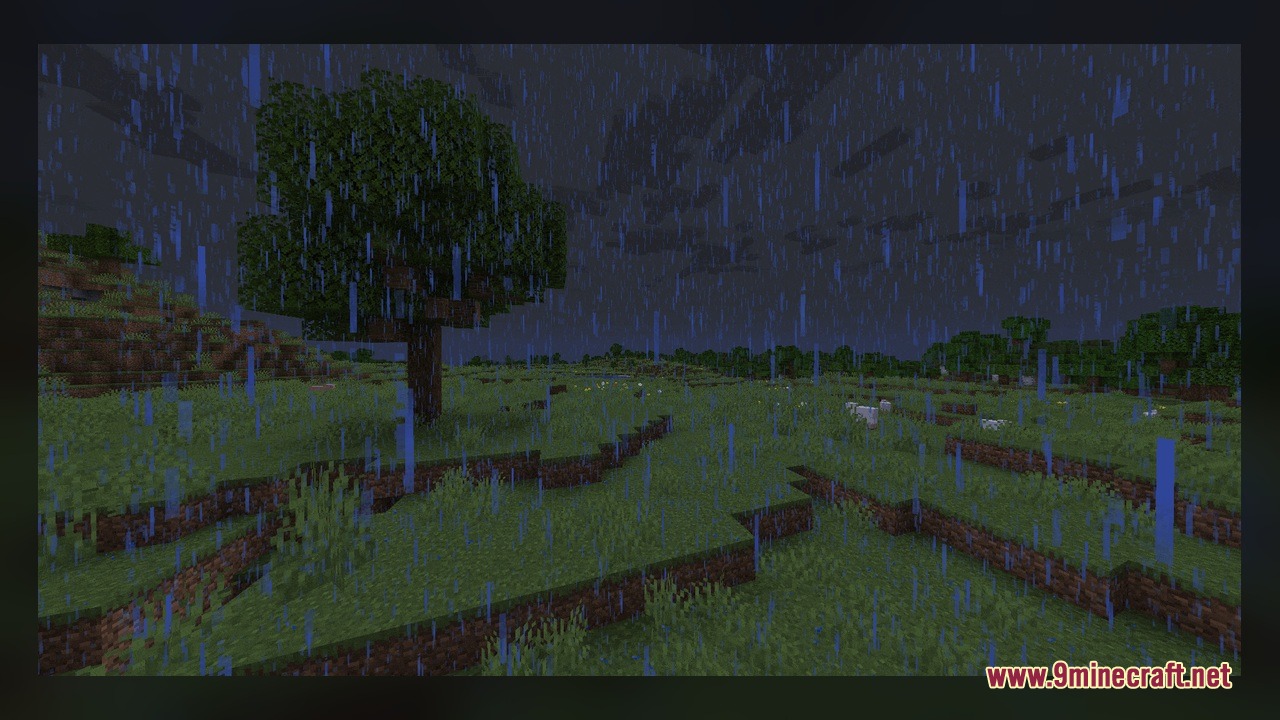
Angel’s Weather Model Download Links
Click to rate this post!
[Total: 0 Average: 0]
You May Also Like
Picked for this page
 Bare Bones X Model – Brings Simple 3D Foliage and Modded Block Visuals
 Quadral Model – Brings Vivid Colors and 31 Custom 3D Models to Vanilla
 Pixel-Tree Model – Transforms Everyday Vanilla Blocks with Detailed 3D Shapes
 Deluxe Model – Transforms Flat Blocks Into Animated 3D Shapes with Fullbright
 Pastelcraft Model – Brings Soft Pastel Colors and 3D Redstone Blocks
 Vanilla Realism Model – Transforms Flat Blocks Into Animated 3D Shapes
 Gui’s Better Vanilla Model – Brings Animated 3D Torches and Plants
 Brush & Juice Model – Brings Animated 3D Redstone and Mechanical Blocks
 The Original Work Programmer Art Model – Brings Classic Retro Visuals and Models
 Coquet Model – Transforms Vanilla Foliage and Terrain with 3D Shapes
 Minebox Plus Model – Transforms Caves, Plants, and Redstone with 3D Models
 Fresh Ores And Ingots VR Model – Transforms Flat Minerals Into 3D Gems
Most viewed in Models over the last 7 days
 Jenny Mod Skin Pack Mega Collection – 310+ Characters
 The Most Complete Collection of Jenny Mod Resources – Models, Animations, Structures,…
 Albedo Rework Jenny Mod Model
 750 Models Addon for Yes Steve Model Mod
 Pomni Jenny Mod Model
 Power Model – Custom Girl for PleasureCraft Mod
 Galath Rework Model – Custom Girl for PleasureCraft Mod
 Ram Model – Custom Girl for PleasureCraft Mod
 Femboy Ellie Rework Jenny Mod Model
 Ellie Rework Jenny Mod Model
 100+ Custom Animations For Jenny Mod
 Ellen Model – Custom Girl for PleasureCraft Mod
More from Models
 ADL Enviro 200MMC Buses Model – Brings British City Transit to Streets
 MTW’s Pirates CIT Model – Equips Seafaring Weapons and Classic Pirate Hats
 JR E235 Model – Brings Modern Japanese Commuter Trains to Transit Railways
 PotatoCraft 8X Model – Brings Minimal 8x Textures, 3D Doors, and Clear PvP Menus
 ViaBackwards Plus Model – Brings Backported 3D Block Visuals to Older Versions
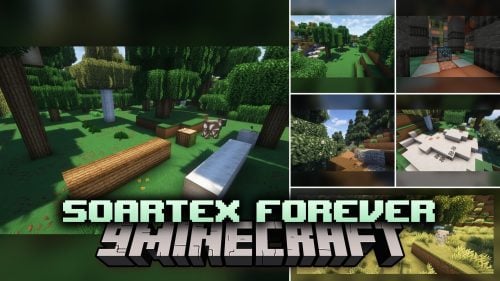 Soartex Forever Model – Brings Smooth 3D Blocks and Animated Textures to Worlds
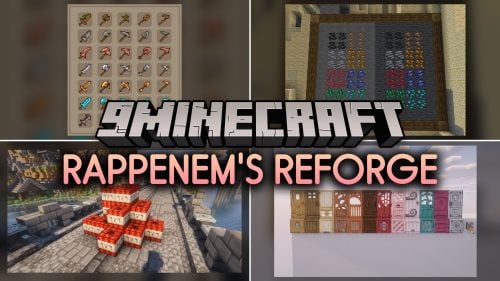 Rappenem’s Reforge Model – Brings Detailed 3D Pumpkins and Animated Doors
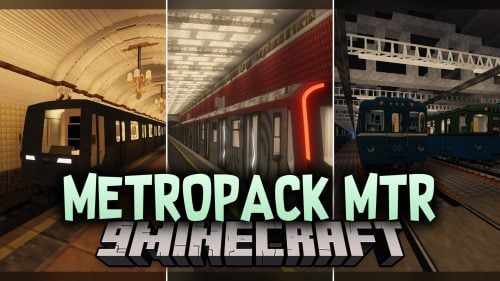 Metropack MTR Model – Brings Detailed Russian Metro Trains to Rail Networks
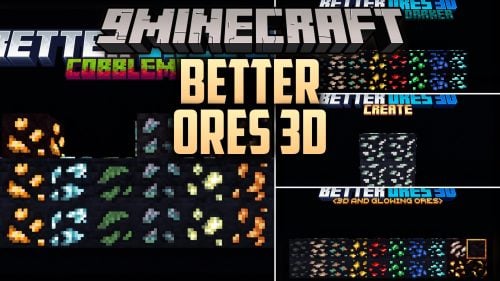 Better Ores 3D Model – Transforms Flat Cave Walls with Glowing Mineral Crystals
 Roundista – Transforms Blocks with Rounded 3D Models and Animated Textures
 Midnighttigger’s Default Connected Textures Model – Adds 3D Animated Block Panes
 ItemBound ReBound Model – Transforms Renamed Items Into 3D Weapons and Decor

This post has no comments yet. Be the first — your comment will appear here.