
Deluxe Model – Transforms Flat Blocks Into Animated 3D Shapes with Fullbright

 0


Deluxe Model transforms everyday Minecraft blocks and items into detailed 3D shapes. Known internally as the Max Deluxe4K Pack, it packs in 145 custom 3D models and 8,276 texture files inside a single file. You get animated textures, built-in fullbright lighting, and extra visual support for modded setups. Everything from redstone comparators to wall torches and cactus flowers gets a fresh 3D look.
Features:
- 145 Custom 3D Models: Replaces flat block shapes with three-dimensional designs for ladders, cauldrons, and more.
- Built-In Fullbright: Brightens up dark areas automatically so you can see clearly underground without placing torches everywhere.
- Animated Textures: Brings moving visual details to specific blocks and items across its 8,276 included texture files.
- Adds multi-stage 3D models for the dried ghast that visibly change across four hydration levels.
- Gives redstone comparators distinct 3D states when powered on or switched into subtract mode.
- Updates lighting blocks including normal torches, wall torches, redstone torches,銅 copper torches, and glow lichen.
- Includes eleven separate 3D note models and a custom cactus flower model.
- Bundles support for multiple game versions and mods into one single file.
Included 3D Models:
- Lighting & Utility: Normal torches, wall torches, lit redstone torches, copper torches, copper wall torches, cauldrons, and ladders.
- Redstone & Notes: Comparators with separate models for on and subtract states, plus eleven distinct note models (note_01 through note_11).
- Nature & Hydration: Cactus flowers, glow lichen, and dried ghasts with four hydration stages (0 to 3).
How to Use:
- Open the Minecraft options menu, select Resource Packs, and move the pack to the active column to turn it on.
- Craft and place a comparator, then right-click it to toggle subtract mode and power it with redstone to see the model switch between four different 3D states.
- Place normal torches, redstone torches, or copper torches on both floors and walls to view their custom standing and wall-mounted 3D shapes.
- Find glow lichen in caves or cactus flowers in desert areas to inspect their updated 3D plant models up close.
- Obtain a dried ghast and hydrate it step by step to watch the 3D model change through hydration levels 0, 1, 2, and 3.
- Place a cauldron, climb a ladder, or trigger note blocks to see the eleven custom note models and animated textures in action.
Requirements:
- A Minecraft version that supports animated textures
Screenshots:
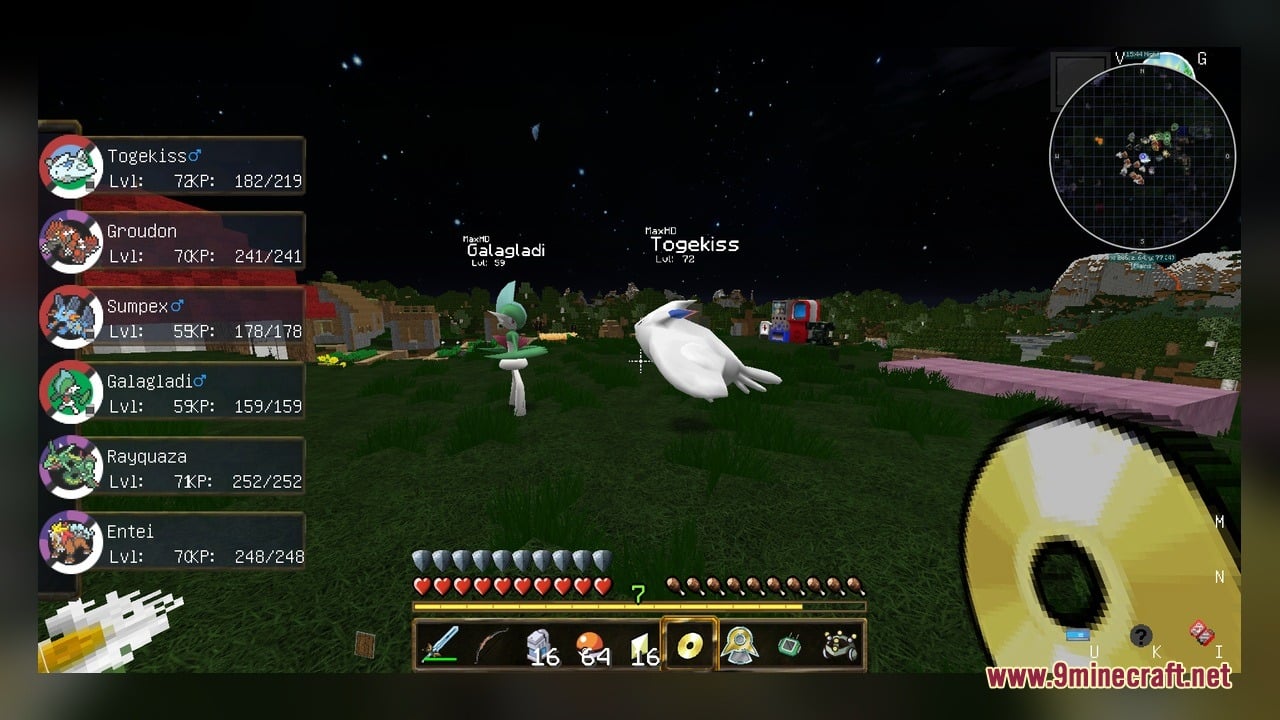
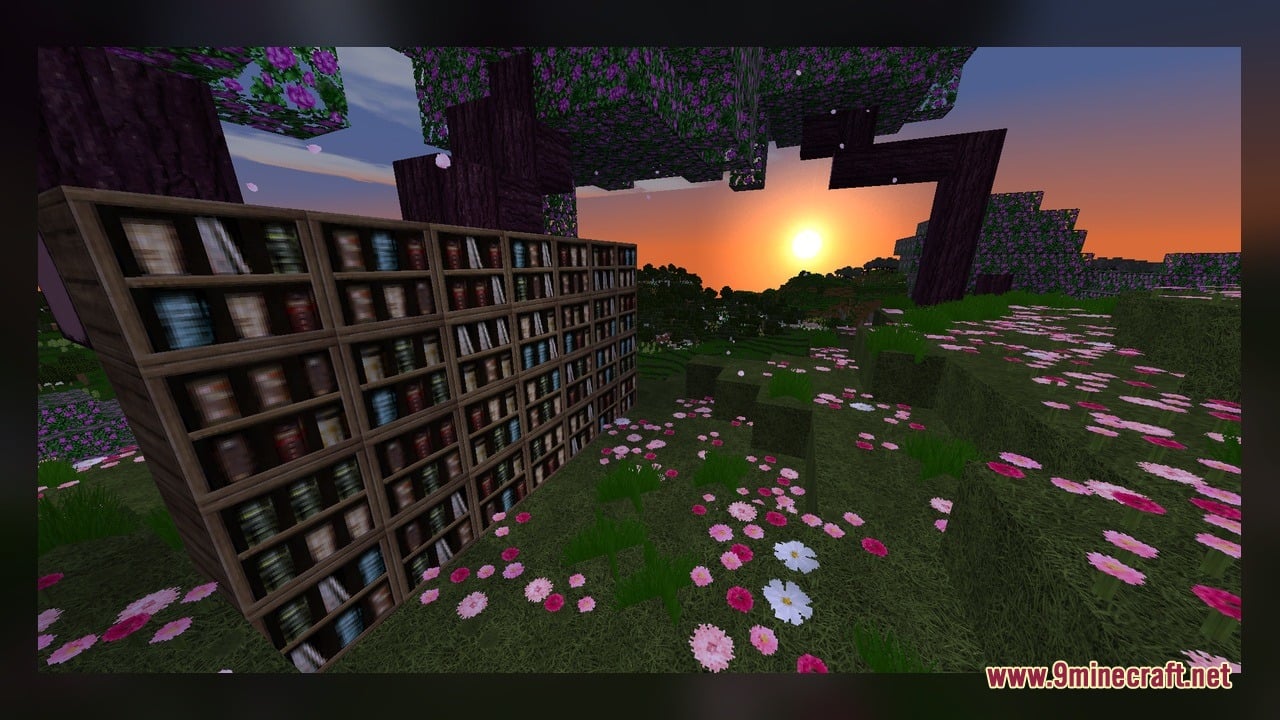
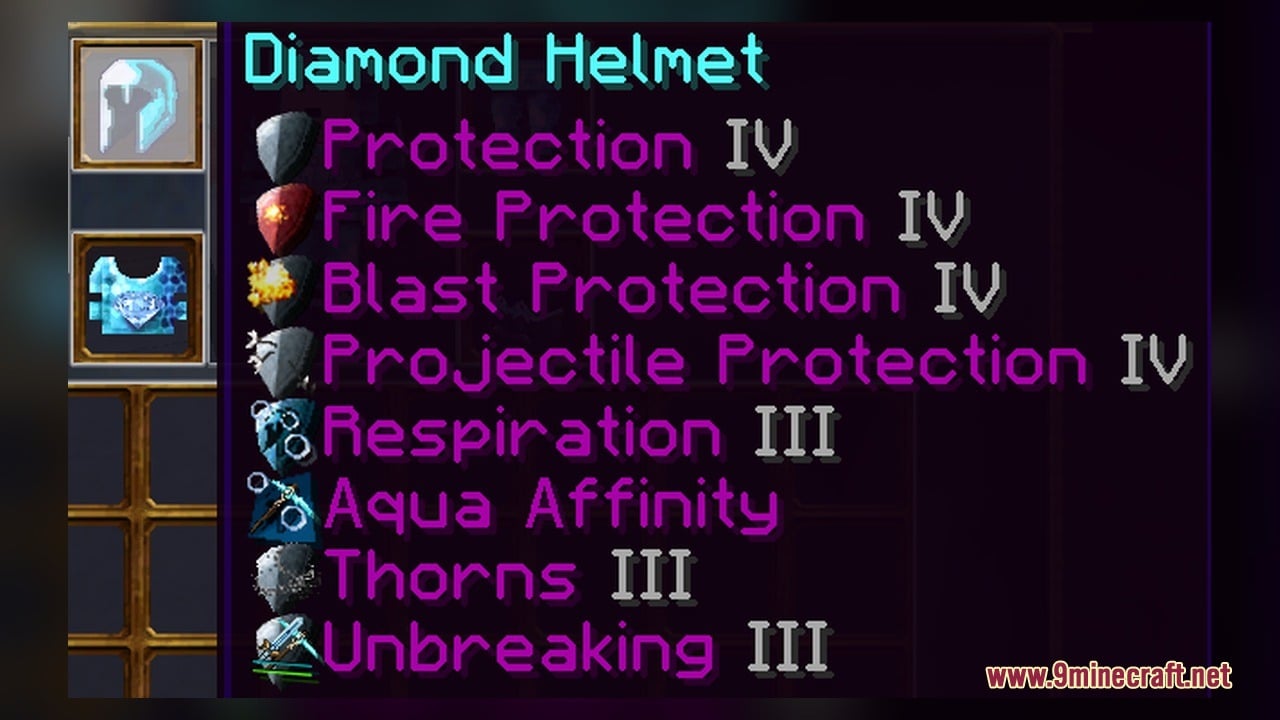
Deluxe Model Download Links
Click to rate this post!
[Total: 0 Average: 0]
You May Also Like
Picked for this page
 Bare Bones X Weskerson’s 3D Items Model – Brings Clean Animated 3D Redstone
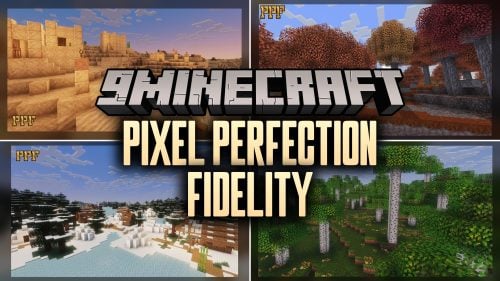 Pixel Perfection Fidelity Model – Brings Cozy Medieval 3D Models to Blocks
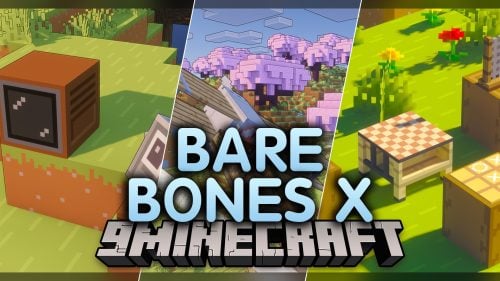 Bare Bones X Model – Brings Simple 3D Foliage and Modded Block Visuals
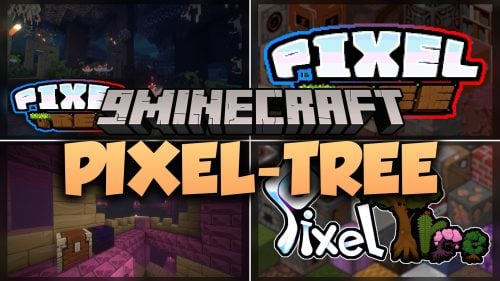 Pixel-Tree Model – Transforms Everyday Vanilla Blocks with Detailed 3D Shapes
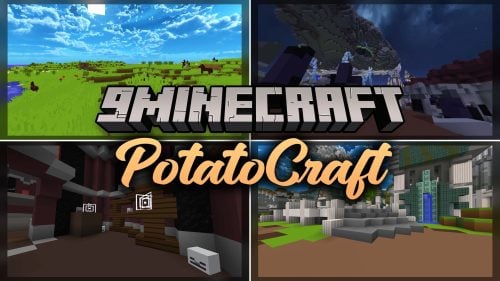 PotatoCraft Model – Brings Clean 3D Blocks and Transparent PvP Menus
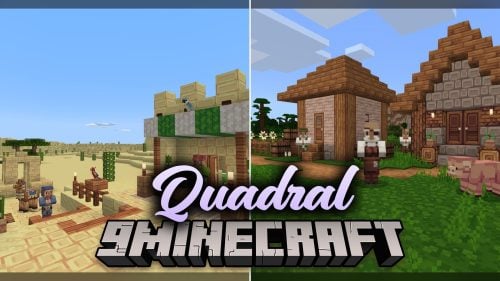 Quadral Model – Brings Vivid Colors and 31 Custom 3D Models to Vanilla
 Brush & Juice Model – Brings Animated 3D Redstone and Mechanical Blocks
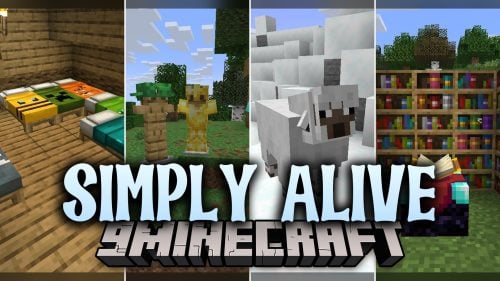 Simply Alive Model – Brings Animated 3D Blocks and Capybara Totems
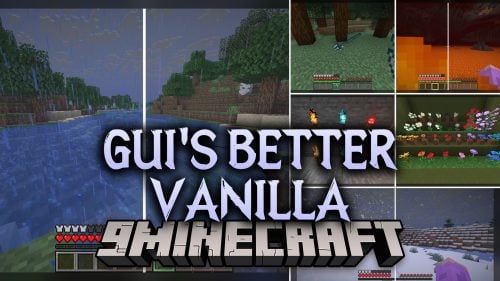 Gui’s Better Vanilla Model – Brings Animated 3D Torches and Plants
 Fresh Ores And Ingots VR Model – Transforms Flat Minerals Into 3D Gems
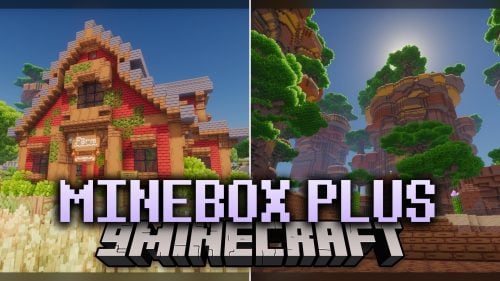 Minebox Plus Model – Transforms Caves, Plants, and Redstone with 3D Models
 Fresh Buckets VR Model – Brings Animated 3D Buckets to Vivecraft Hands
Most viewed in Models over the last 7 days
 Jenny Mod Skin Pack Mega Collection – 310+ Characters
 The Most Complete Collection of Jenny Mod Resources – Models, Animations, Structures,…
 Albedo Rework Jenny Mod Model
 Galath Rework Model – Custom Girl for PleasureCraft Mod
 Power Model – Custom Girl for PleasureCraft Mod
 Pomni Jenny Mod Model
 750 Models Addon for Yes Steve Model Mod
 Ram Model – Custom Girl for PleasureCraft Mod
 Femboy Ellie Rework Jenny Mod Model
 Ellie Rework Jenny Mod Model
 100+ Custom Animations For Jenny Mod
 Steve (Jenny & Zoey) Pack Jenny Mod Model
More from Models
 Mace Pvp Overlay Model – Brings Slim Combat Models for Clearer Vision
 Atomic Delight Vanilla Model – Brings 3D Depth to Vanilla Blocks
 Acrit’s Fancy Nature Model – Transforms Flat Greenery Into Bushy 3D Foliage
 Stellar 3D Model – Adds Real 3D Shapes to Doors, Trapdoors, Ladders and Rails
 KingdomCome 1280x Model – Adds Detailed 3D Amethyst and Basalt Shapes
 ReProgrammer Model – Brings Programmer Art Style to Newer Blocks and Items
 Just 3D Foods Model – Brings Cooked Meats and Fruit to Life in 3D
 BD&Hill Reforge The Sword Edge Model – Equips Weapons with Glowing 3D Blades
 Conquest_ Model – Adds 721 Detailed Props From Paintings to Hunting Trophies
 Olaf’s Enhanced 3D Model – Adds Real Depth to Flat Vanilla Blocks
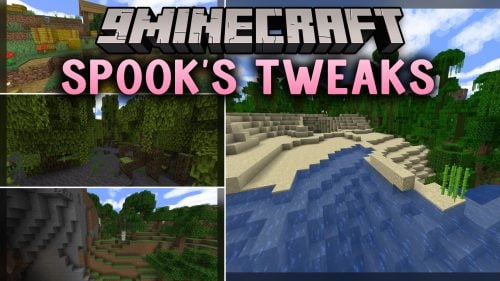 Spook’s Tweaks Model – Adds Fluffy Leaves, Vivid Biomes, and 3D Blocks
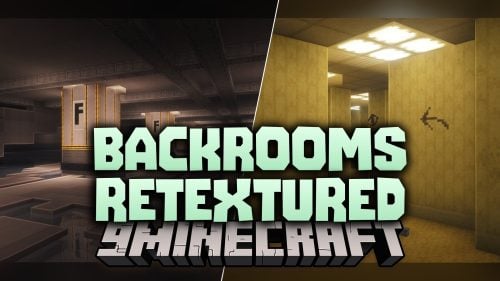 Backrooms Retextured Model – Turns Wool Into Liminal Horror Blocks

This post has no comments yet. Be the first — your comment will appear here.