
CStrifiky Model – Transforms Vanilla Swords and Bows Into CS:GO PvP Weapons

 0


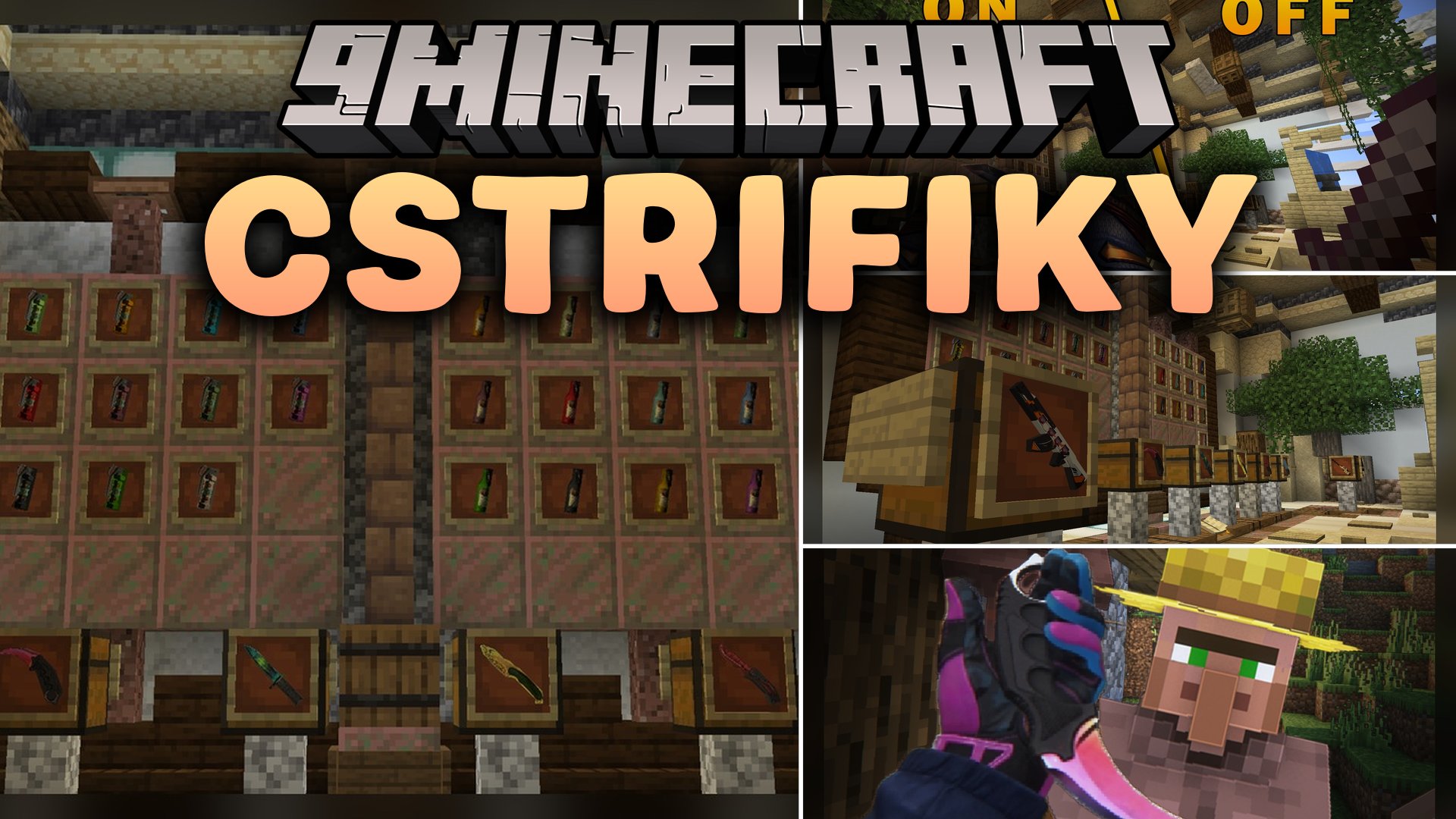
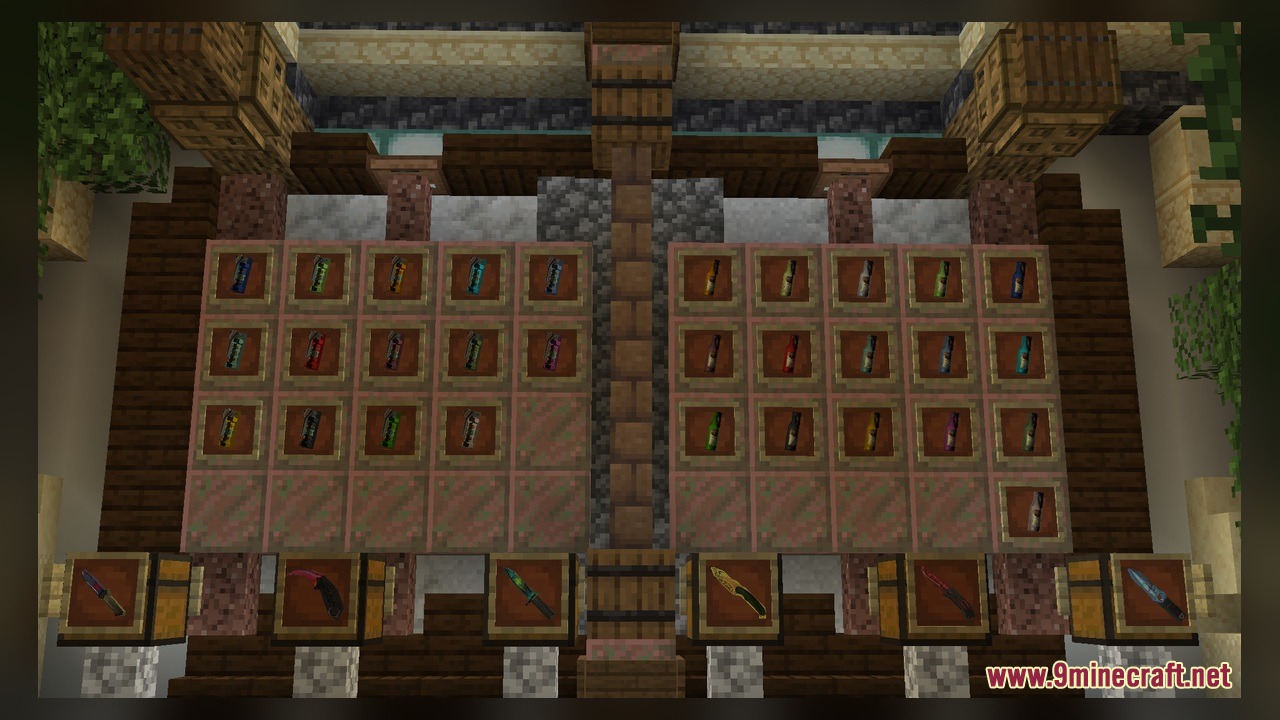
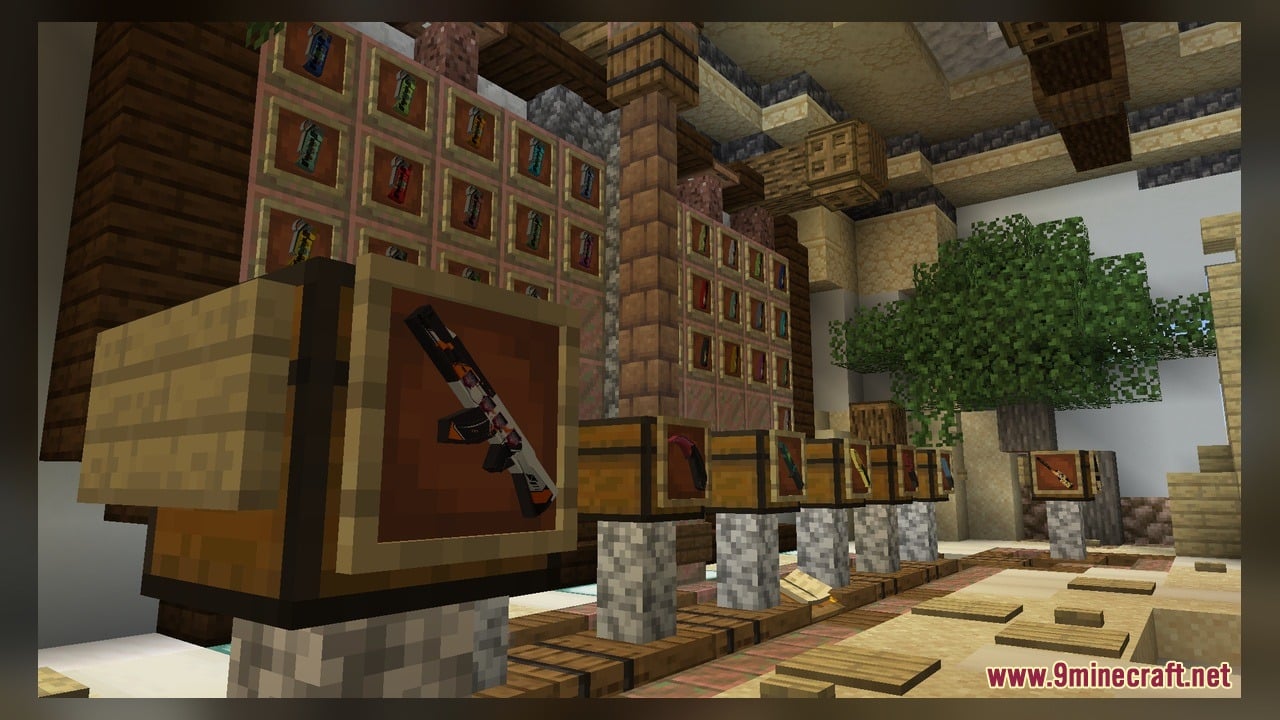
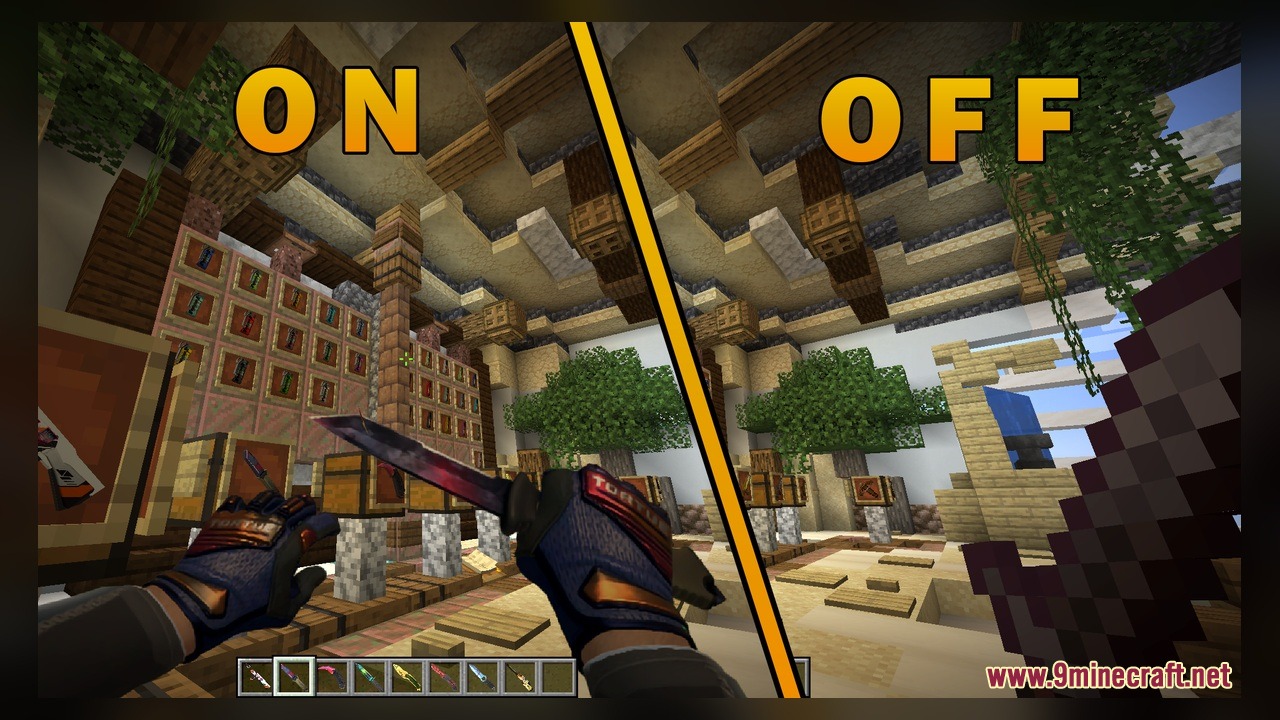
CStrifiky Model transforms standard Minecraft combat items into CS:GO weapons for PvP battles. This pack includes 12 custom 3D models and 55 texture files that replace swords, bows, crossbows, and throwable potions. Every tier of sword from wood to netherite gets a fresh look, while ranged weapons and potions also receive new shapes and animated textures. It gives PvP players a shooter-inspired visual style without changing vanilla weapon stats or mechanics.
Features:
- CS:GO Weapon Replacements: Changes vanilla melee and ranged weapons into 3D models inspired by CS:GO gear.
- 12 Custom 3D Models: Includes remodeled shapes for all six sword tiers, bows, crossbows, and throwable potions.
- Animated Textures: Packs 55 texture files with moving visual details on the weapon models.
- Replaces the wooden sword, stone sword, golden sword, iron sword, diamond sword, and netherite sword with new weapon models.
- Updates the regular bow and includes a specific model state for the initial pulling stage (
bow_pulling_0). - Changes the look of the crossbow along with its loaded arrow state (
crossbow_arrow). - Restyles both the splash potion and the lingering potion to match the tactical weapon theme.
Replaced Vanilla Items:
- Wooden Sword (
wooden_sword) - Stone Sword (
stone_sword) - Golden Sword (
golden_sword) - Iron Sword (
iron_sword) - Diamond Sword (
diamond_sword) - Netherite Sword (
netherite_sword) - Bow (
bowandbow_pulling_0) - Crossbow (
crossbowandcrossbow_arrow) - Splash Potion (
splash_potion) - Lingering Potion (
lingering_potion)
How to Use:
- Place the downloaded pack into your Minecraft
resourcepacksfolder and activate it in the Resource Packs settings menu. - Craft or grab any of the six vanilla swords-wooden, stone, golden, iron, diamond, or netherite-from a crafting table, smithing table, or the Creative inventory to hold the new CS:GO melee models.
- Equip a bow and hold Right-Click to draw an arrow; watch the model switch to its pulling state (
bow_pulling_0) and inspect the animated textures up close. - Craft a crossbow and hold Right-Click with arrows in your inventory until it finishes loading to see the distinct loaded model state (
crossbow_arrow). - Brew a splash potion using gunpowder or a lingering potion using dragon’s breath at a brewing stand, then hold them in your hand to view their updated 3D shapes before throwing them in PvP combat.
Requirements:
- A Minecraft version that supports animated textures
Screenshots:

CStrifiky Model Download Links
Click to rate this post!
[Total: 0 Average: 0]
You May Also Like
Picked for this page
 ShadowBlade Model – Equips Animated 3D Fantasy Weapons for PvP Combat
 Simply Alive Model – Brings Animated 3D Blocks and Capybara Totems
 TheRa 3D Model – Brings Animated Bows and Depth to Vanilla Items
 Slimefun Model – Brings 3D Shields, Solar Panels, and Animated Server Tech
 ZickZack ORI Red Model – Brings 3D Pen Bows, Trackers, and Custom Skies
 Gravestone Dungeons Resource Pack Model – Brings Animated 3D Dungeon Rituals
 Moons Cuter Bedwars Model – Brings Cute 3D Blocks and Clean PvP Visuals
 Better Gear Model – Transforms Flat Tools Into Animated 3D Weapons
 Vanilla SMP Model – Brings Clear 3D Weapons and Visible Traps to PvP
 Drown’s Tool Tweaks Model – Brings Animated 3D Weapons and Glowing Altars
 PacksHQ Model – Brings Custom 3D Gear and Animated Textures to Hypixel Skyblock
 ASTERA Model – Brings Sharp 3D Blades to Vanilla Melee Battles
Most viewed in Models over the last 7 days
 Jenny Mod Skin Pack Mega Collection – 310+ Characters
 The Most Complete Collection of Jenny Mod Resources – Models, Animations, Structures,…
 Albedo Rework Jenny Mod Model
 750 Models Addon for Yes Steve Model Mod
 Power Model – Custom Girl for PleasureCraft Mod
 Galath Rework Model – Custom Girl for PleasureCraft Mod
 Pomni Jenny Mod Model
 Femboy Ellie Rework Jenny Mod Model
 Ram Model – Custom Girl for PleasureCraft Mod
 100+ Custom Animations For Jenny Mod
 Ellie Rework Jenny Mod Model
 Ellen Model – Custom Girl for PleasureCraft Mod
More from Models
 Vanilla Mending Model – Brings Custom 3D Shapes and Animated Vanilla Textures
 FX Small Items Model – Transforms Held Items for Cleaner PvP Combat
 Halloween Pack Jenny Mod Model – Transforms Companions with Spooky Costumes
 200 Series Shinkansen Model – Brings Japanese Bullet Trains to Rails
 MTR Austrian Express Collection 1 Model – Brings Detailed Austrian Trains
 KTX_EUM Model – Brings Modern Electric Trains to MTR4 Railway Tracks
 TGV Duplex Model – Adds European High-Speed Passenger Trains to Rail Tracks
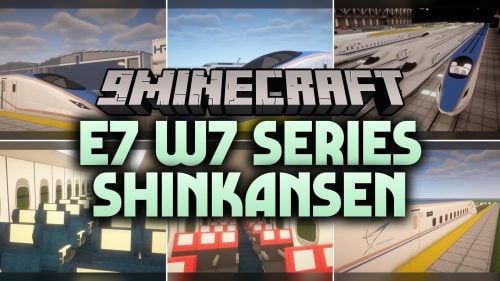 E7 W7 Series Shinkansen Model – Brings Japanese Bullet Trains to Railways
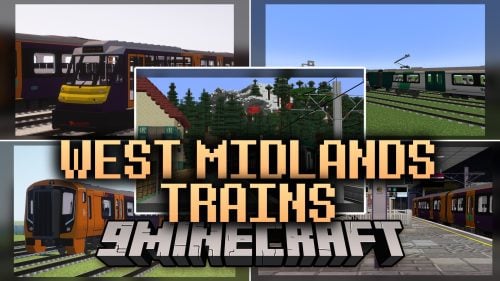 West Midlands Trains Model – Brings British Commuter Trains to Railways
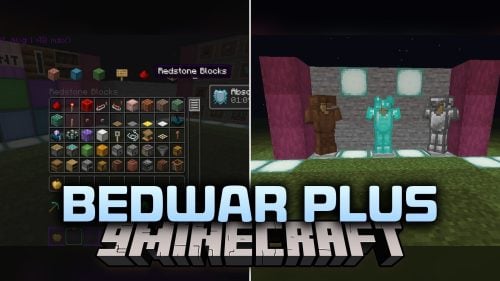 BedWar Plus Model – Brings Interactive 3D Utility Blocks to Match Arenas
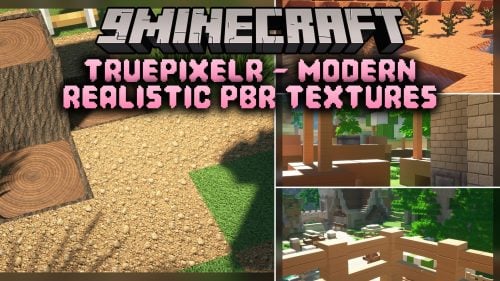 TruePixelR – Adds Physical Depth to Foliage and Articulated Wooden Doors
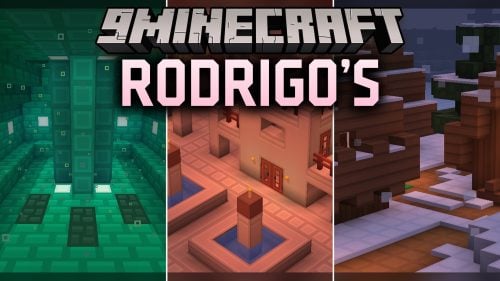 Rodrigo’s Model – Brings Animated 3D Cartoon Shapes to Vanilla Blocks

This post has no comments yet. Be the first — your comment will appear here.