
Gravestone Dungeons Resource Pack Model – Brings Animated 3D Dungeon Rituals
 3
 0

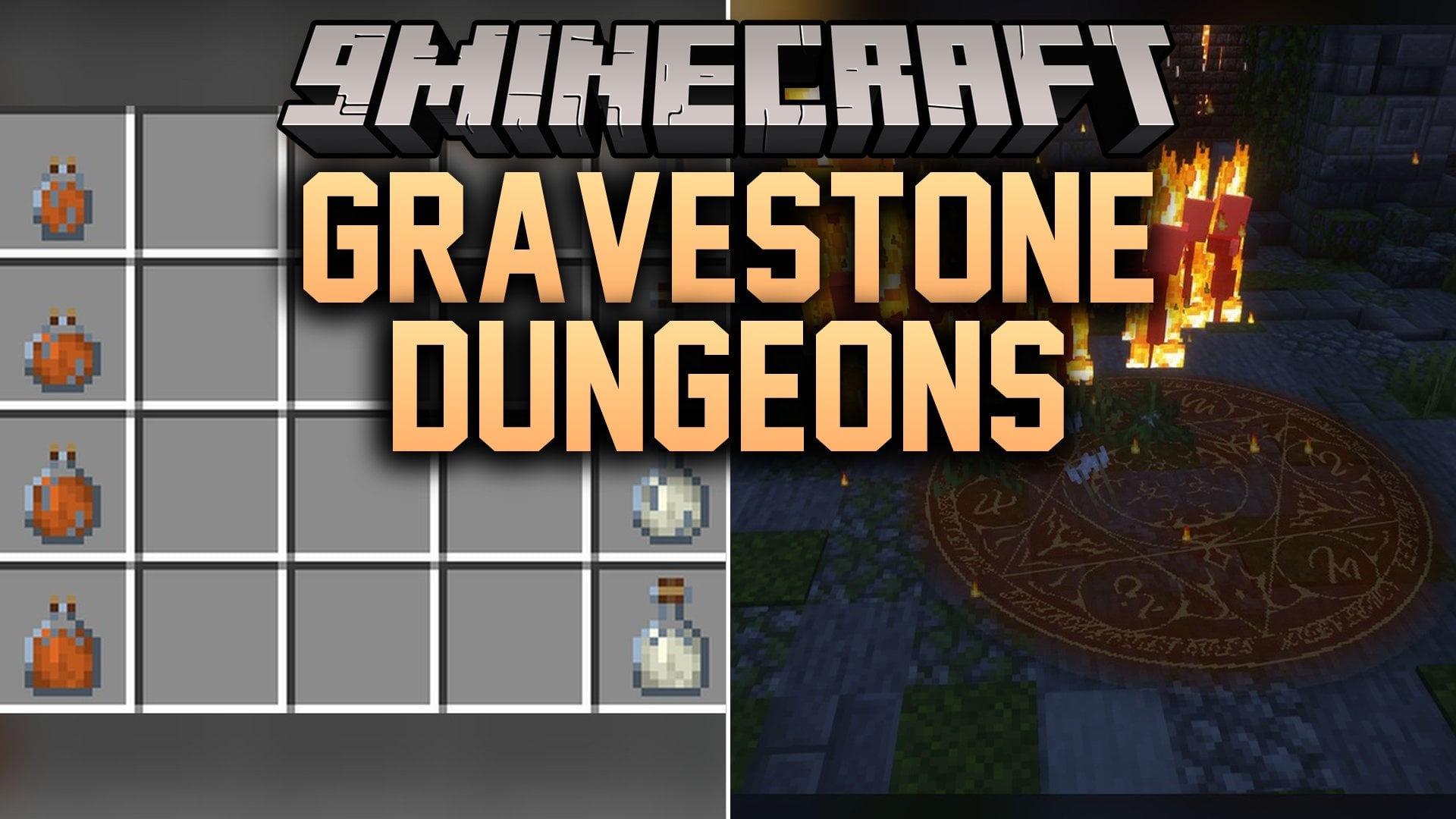
Gravestone Dungeons Resource Pack Model adds custom 3D visuals for the Gravestone Dungeons Data Pack. This pack packs in 54 custom 3D models and 492 texture files with animated textures. You get to see unique looks for weapons, elemental rituals, warp stones, and player stat icons while exploring dungeons.
Features:
- 54 Custom 3D Models: Gives a unique look to weapons, rituals, and stat markers from the companion data pack.
- 492 Texture Files: Includes animated textures that make magical items and ritual effects move on screen.
- Greatblade Defense Weapon: Renders a custom 3D blade model for defensive combat.
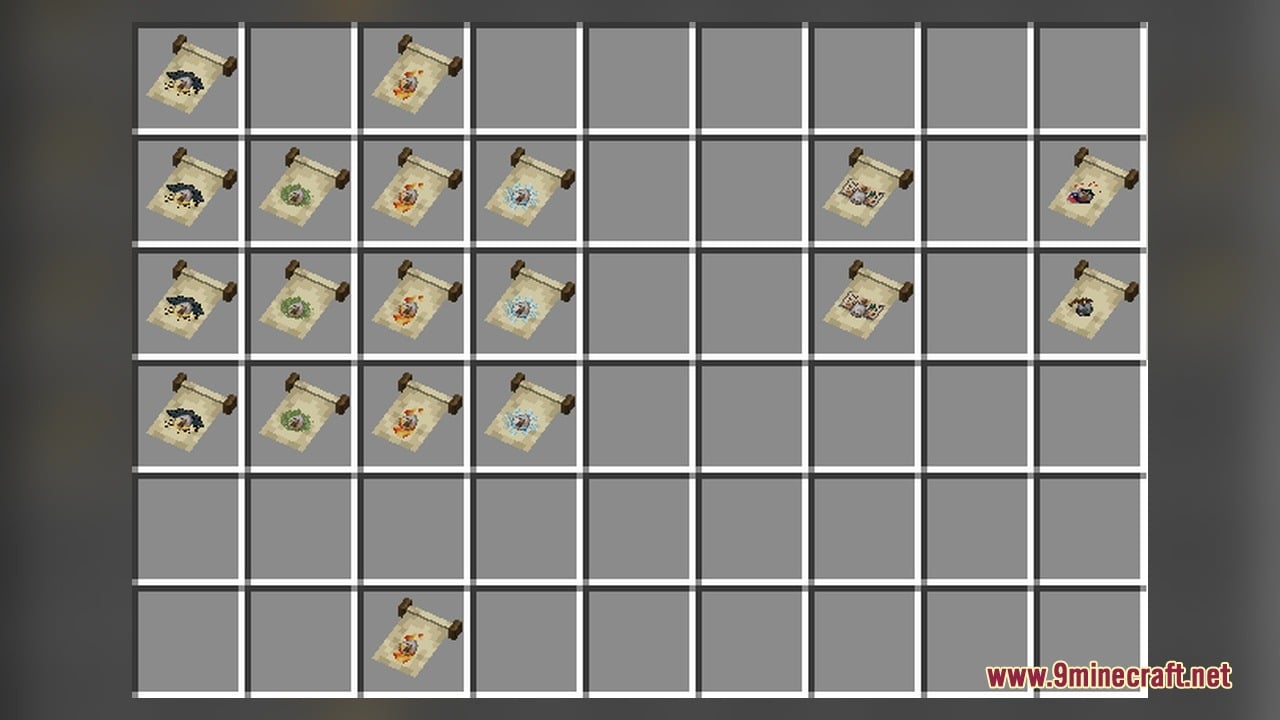
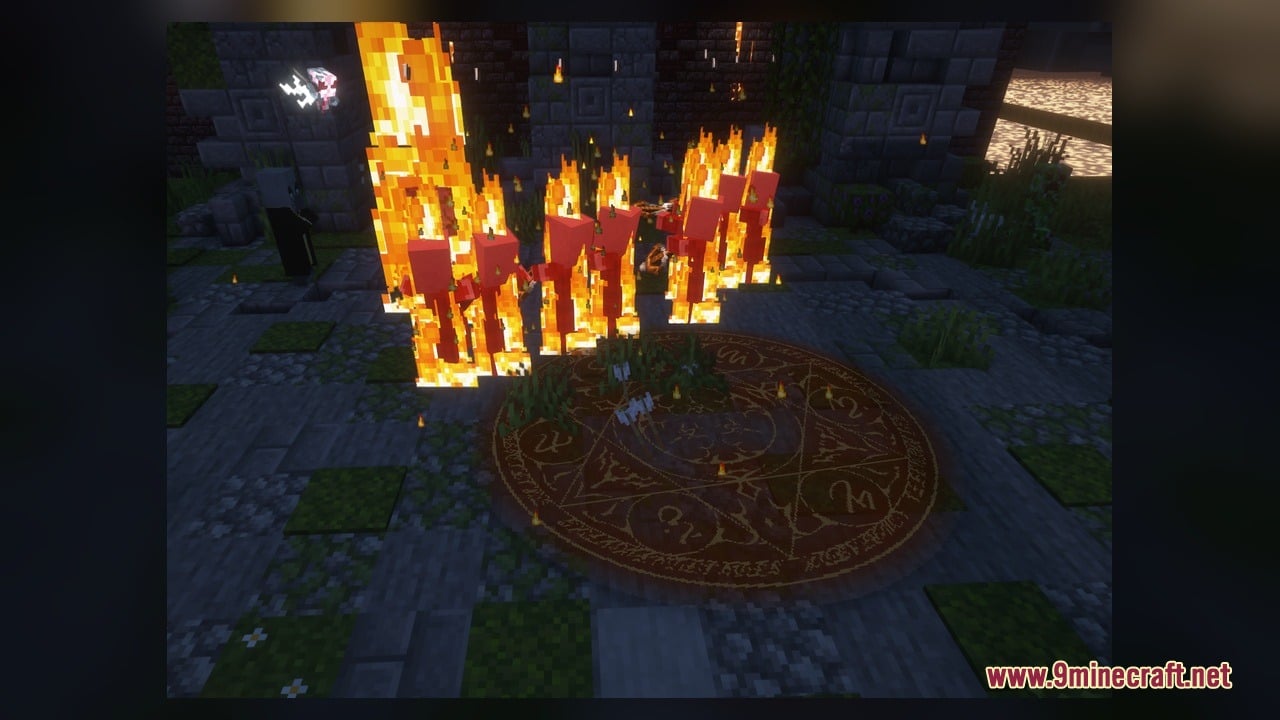
- Adds elemental and combat ritual models including fire, ice, thunder, protection, and retaliation pulse.
- Brings multi-stage warp ritual visuals for the Overworld, the Nether, and the End.
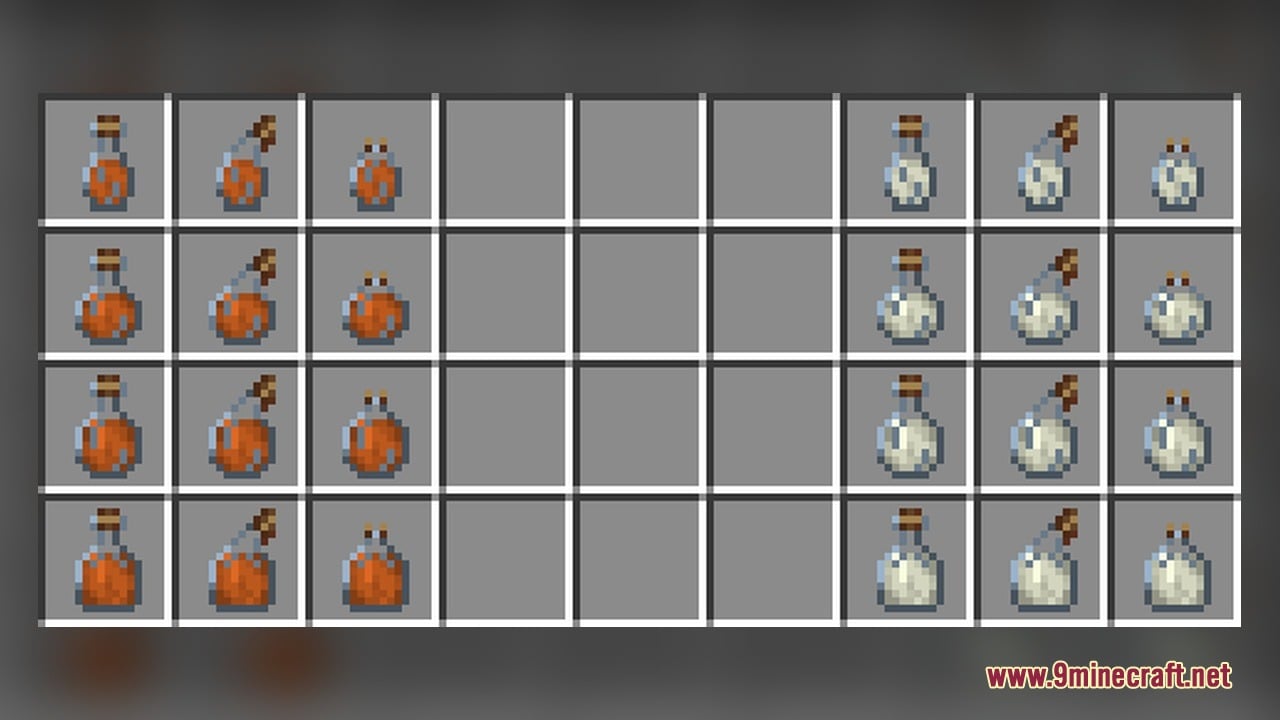
- Includes utility and stat models for mana, max health, oxygen bonus, entity interaction range, companion, breeding stone, and reset.
Ritual Models:
- Elemental and Combat: Ritual Fire, Ritual Ice, Ritual Thunder, Ritual Protection, Ritual Retaliation Pulse, and Ritual Breeding Stone.
- General Warp Stages: Four separate model stages from ritual_warp1 to ritual_warp4.
- Dimension Warp Stages: Four stage models each for Overworld warps, Nether warps, and End warps.
Items and Stat Icons:
- Combat and Utility: Greatblade Defense, Breeding Stone, Companion, and Reset.
- Player Attributes: Mana, Max Health, Oxygen Bonus, and Entity Interaction Range.
How to Use:
- Place the pack into your resourcepacks folder and enable it in the game settings alongside the Gravestone Dungeons Data Pack.
- Obtain and hold the Greatblade Defense item to see its custom 3D sword model in your hand.
- Trigger elemental rituals like Ritual Fire, Ritual Ice, Ritual Thunder, or Ritual Retaliation Pulse in dungeons to watch their animated textures in action.
- Activate dimension travel using the Overworld, Nether, and End warp rituals to see the model change across four visual stages (from warp 1 to warp 4).
- Place and use the Breeding Stone or Ritual Breeding Stone to view their custom block and ritual models.
- Check your dungeon status menus and upgrades to see the custom icons for Mana, Max Health, Oxygen Bonus, Companion, Entity Interaction Range, and Reset.
Requirements:
- A Minecraft version that supports animated textures
Screenshots:
Gravestone Dungeons Resource Pack Model Download Links
Click to rate this post!
[Total: 0 Average: 0]
You May Also Like
Picked for this page
 Mace Pvp Overlay Model – Brings Slim Combat Models for Clearer Vision
 Pixel Perfection Fidelity Model – Brings Cozy Medieval 3D Models to Blocks
 Bare Bones X Model – Brings Simple 3D Foliage and Modded Block Visuals
 100Follower Bedwars Pack Model – Transforms Arena Blocks for Clearer Fights
 Quadral Model – Brings Vivid Colors and 31 Custom 3D Models to Vanilla
 Brush & Juice Model – Brings Animated 3D Redstone and Mechanical Blocks
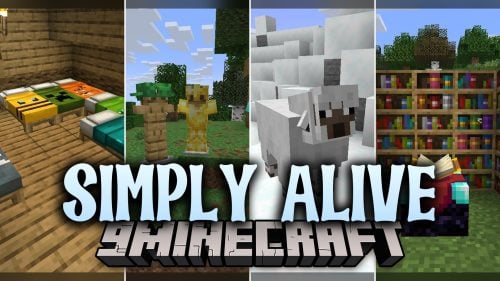 Simply Alive Model – Brings Animated 3D Blocks and Capybara Totems
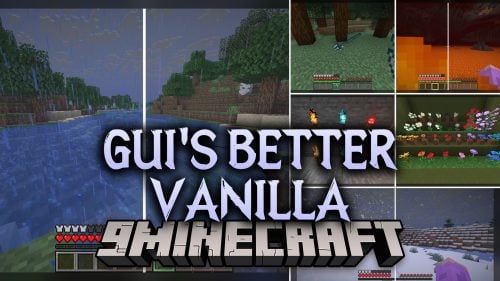 Gui’s Better Vanilla Model – Brings Animated 3D Torches and Plants
 Fresh Ores And Ingots VR Model – Transforms Flat Minerals Into 3D Gems
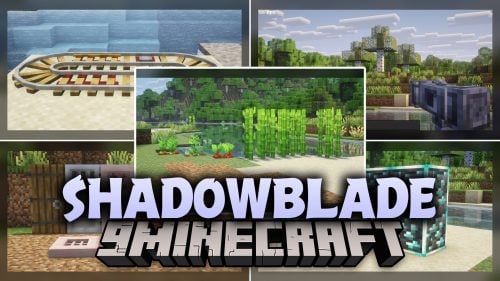 ShadowBlade Model – Equips Animated 3D Fantasy Weapons for PvP Combat
 ZickZack ORI Red Model – Brings 3D Pen Bows, Trackers, and Custom Skies
 The Original Work Programmer Art Model – Brings Classic Retro Visuals and Models
Most viewed in Models over the last 7 days
 Jenny Mod Skin Pack Mega Collection – 310+ Characters
 The Most Complete Collection of Jenny Mod Resources – Models, Animations, Structures,…
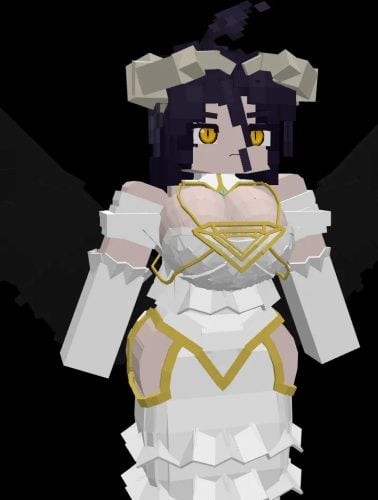 Albedo Rework Jenny Mod Model
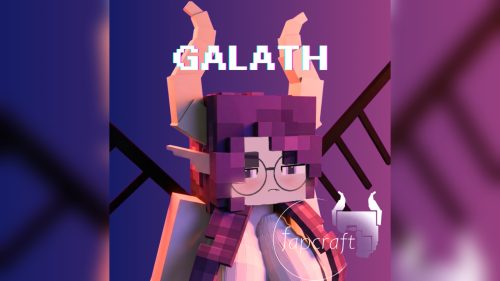 Galath Rework Model – Custom Girl for PleasureCraft Mod
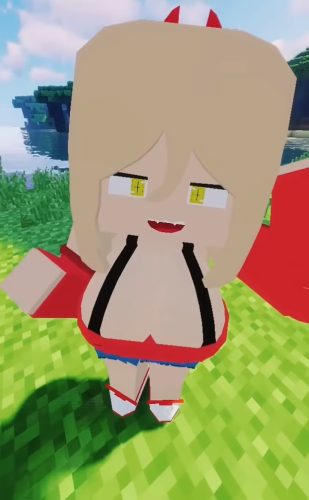 Power Model – Custom Girl for PleasureCraft Mod
 Pomni Jenny Mod Model
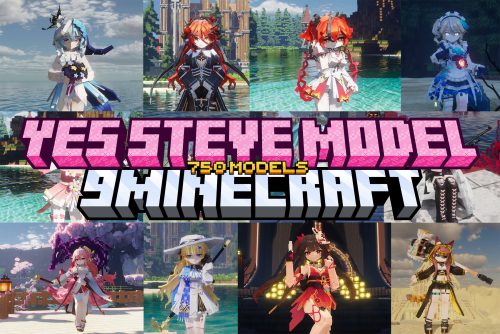 750 Models Addon for Yes Steve Model Mod
 Ram Model – Custom Girl for PleasureCraft Mod
 Femboy Ellie Rework Jenny Mod Model
 Ellie Rework Jenny Mod Model
 100+ Custom Animations For Jenny Mod
 Steve (Jenny & Zoey) Pack Jenny Mod Model
More from Models
 Alternative Custom Player Animations Model – Brings Fresh Player Movements
 Computer Craft ReCreated Model – Transforms Computers Into Brass Machines
 Story Mode Style Model – Turns Vanilla Blocks Into Chunky 3D Adventure Props
 Deluxe Model – Transforms Flat Blocks Into Animated 3D Shapes with Fullbright
 Fresh Buckets VR Model – Brings Animated 3D Buckets to Vivecraft Hands
 N700 Series Shinkansen Model – Brings Japanese Bullet Trains to Railways
 Forager Model – Brings Animated 3D Depth to Vanilla Blocks and Plants
 Items In Hands Model – Adds Visible Hands Holding Tools and Weapons
 Mickey Joe’s Barely Default Model – Adds Glowing Animated 3D Gear and Props
 PVP Zegarn Anime Sky Model – Brings Custom 3D Crystals and Clean Combat Visuals
 Reverie Model – Transforms Everyday Blocks with Vibrant 3D Cartoon Visuals
 White Darkness Model – Brings Monochrome 3D Visuals to PvP Combat

This post has no comments yet. Be the first — your comment will appear here.