
Simple Create Radios Model – Brings Mechanical Radios to Create Builds

 0


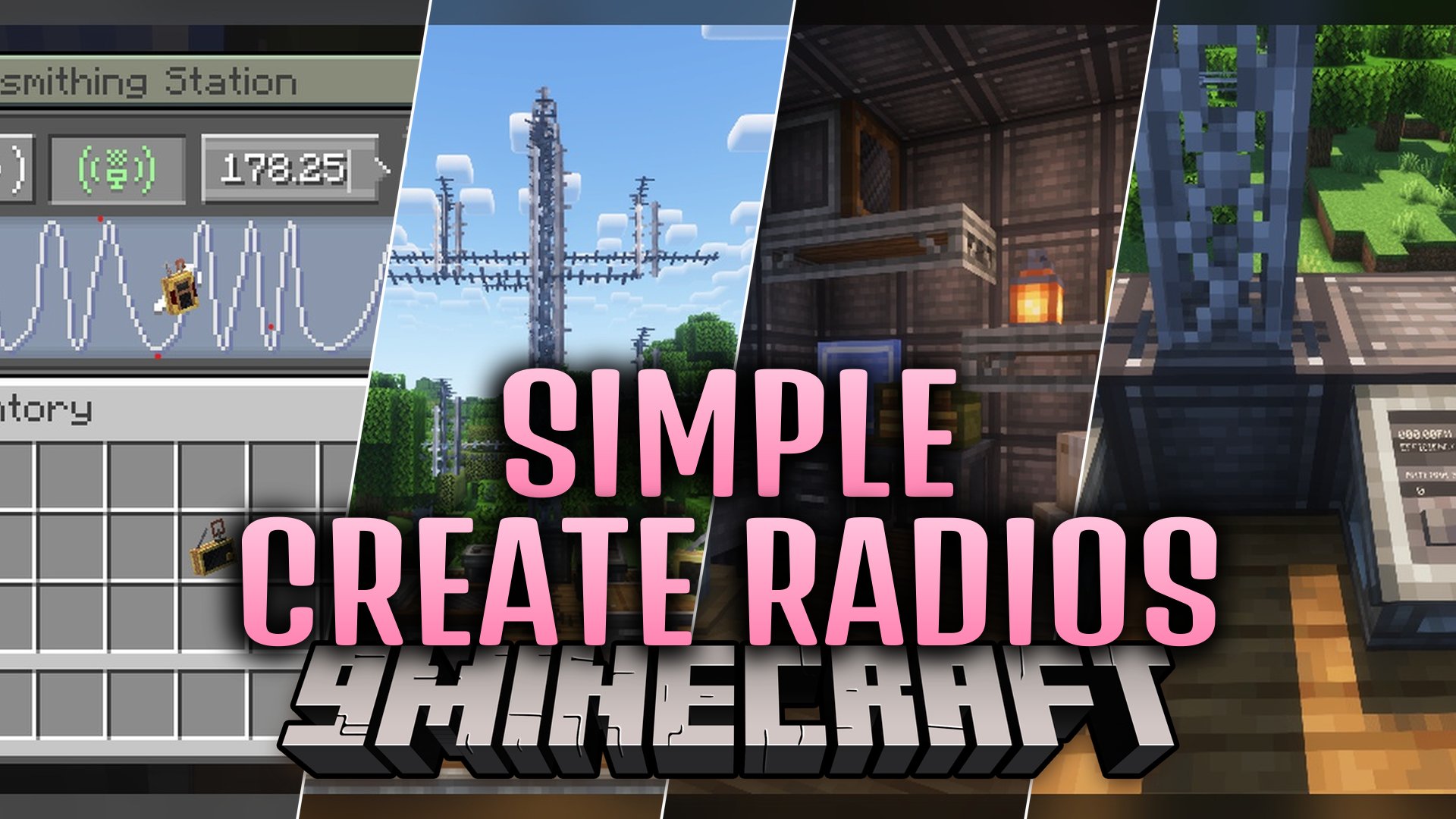
Simple Create Radios Model transforms the look of the SimpleRadio mod to match the visual style of the Create mod. It packs in 10 custom 3D models and 36 texture files, including animated textures for radio blocks and handheld items. Players can replace standard radio equipment with mechanical designs for transmitters, receivers, speakers, and transceivers. This pack works alongside the SimpleRadio mod to keep factory builds looking consistent.
Features:
- Create Visual Style: Redesigns SimpleRadio blocks and items so they fit right in with Create mod gears and machines.
- 10 Custom 3D Models: Includes 10 distinct 3D models covering stationary blocks and handheld communication gear.
- 36 Texture Files: Ships with 36 custom textures, including animated textures that bring the radio blocks to life.
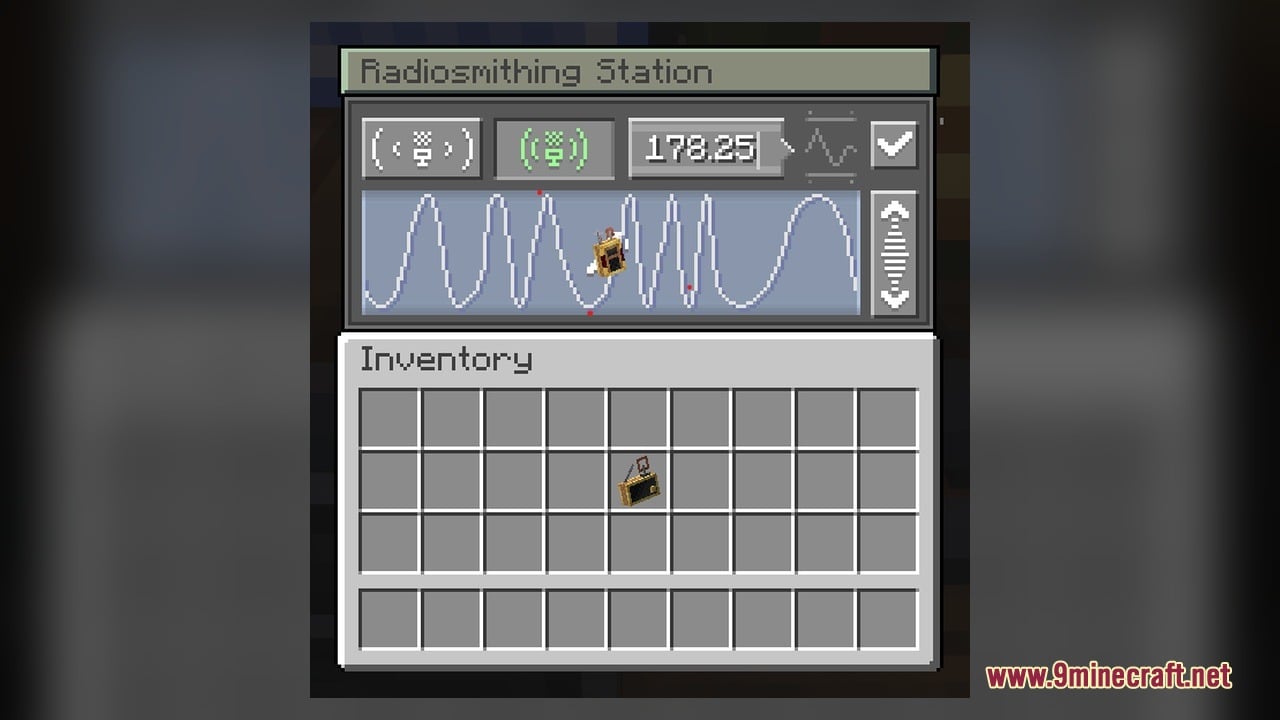
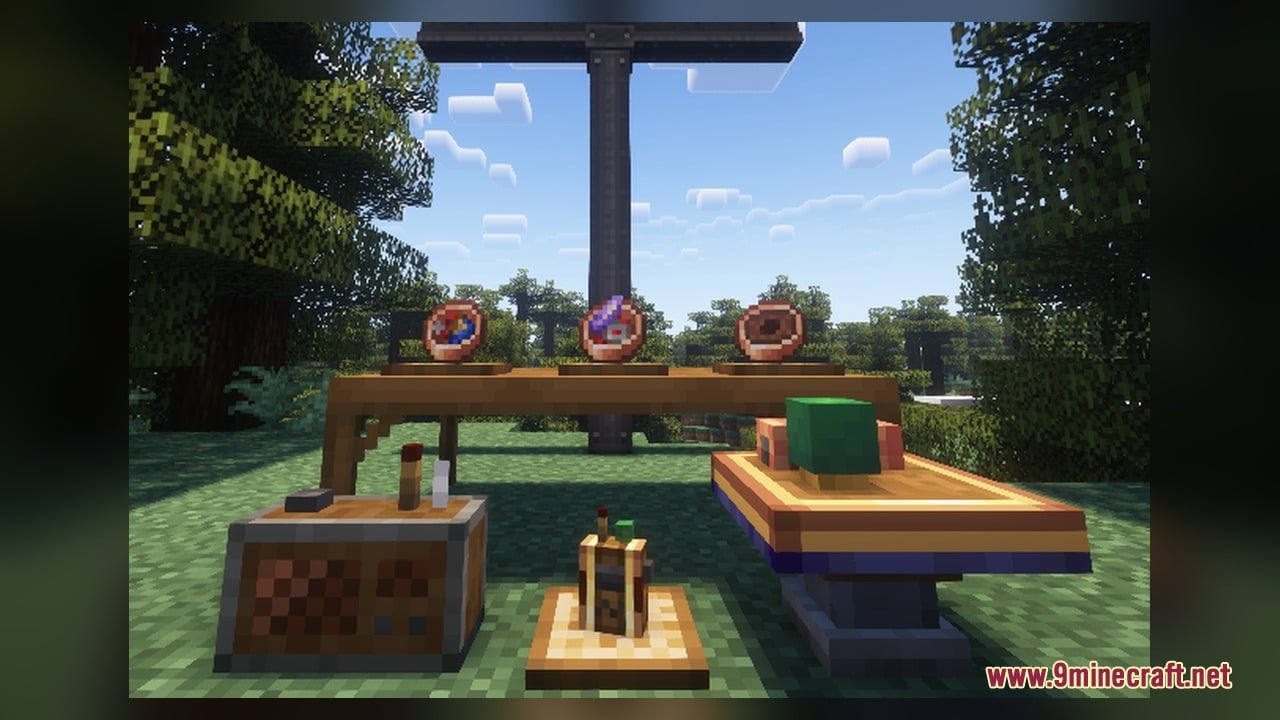
- Adds two model states for the crafting block: a standard radiosmither model and a radiosmither_transceiver model when a transceiver is placed inside.
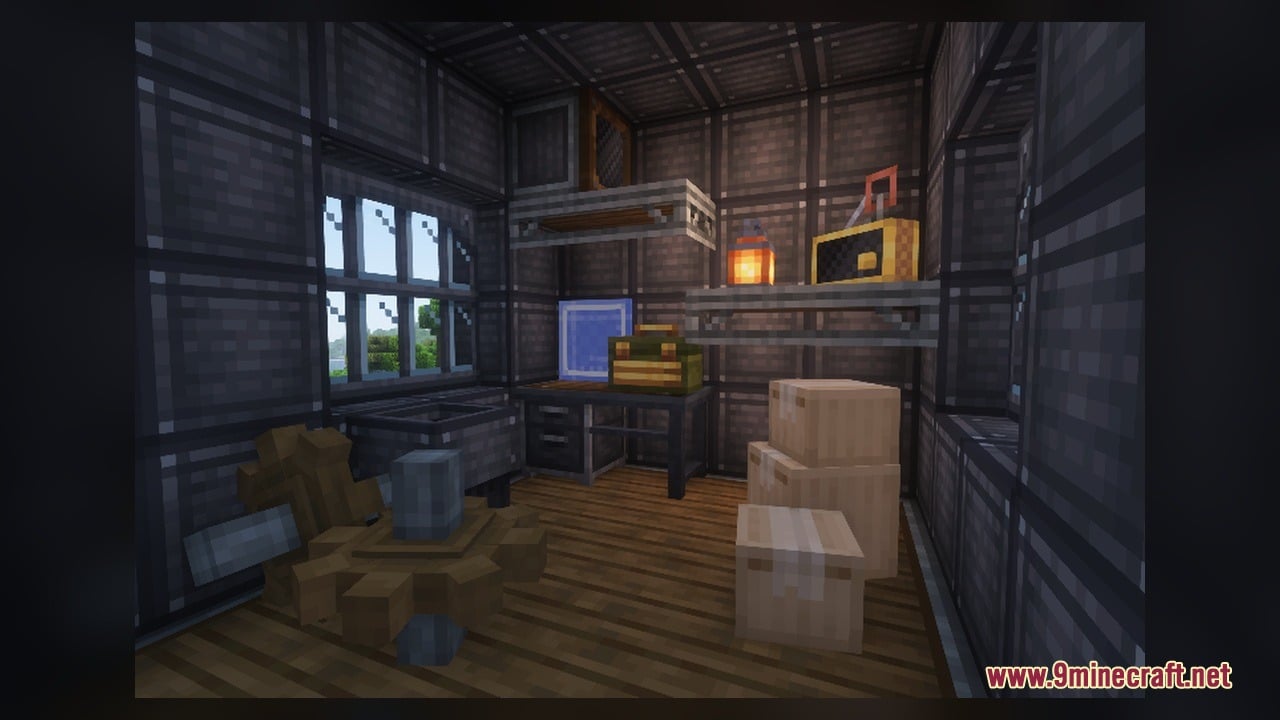
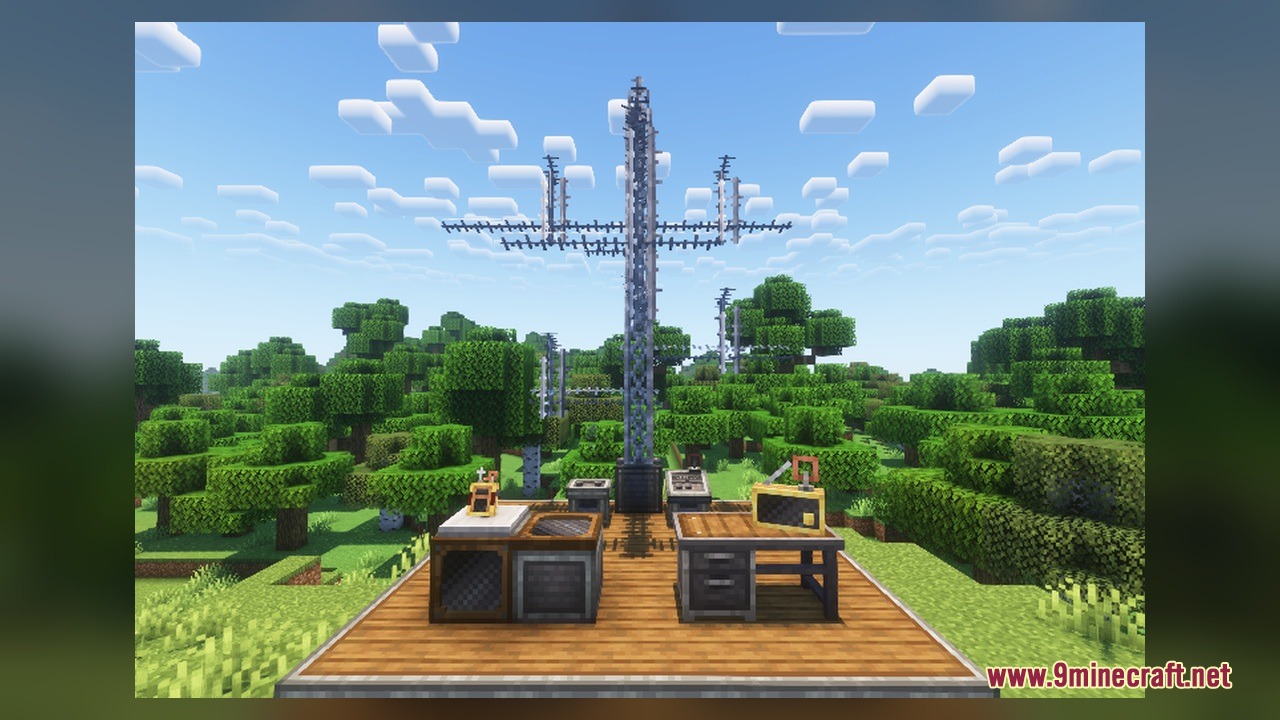
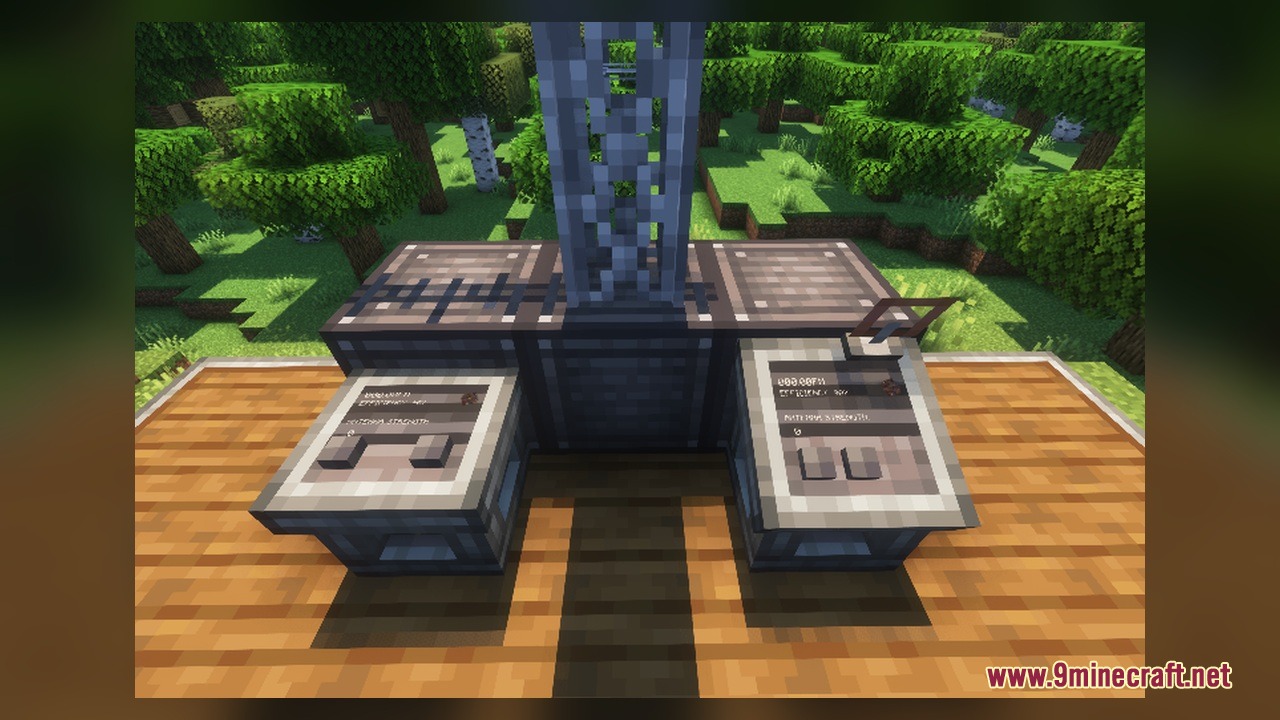
- Replaces the main stationary blocks with custom 3D models for the radio, receiver, speaker, and transmitter.
- Includes four distinct handheld models: transceiver_in_hand, glowing_transceiver_in_hand, using_transceiver_in_hand, and using_glowing_transceiver_in_hand.
How to Use:
- Move the downloaded zip file into your Minecraft resourcepacks folder, open the game options, and activate the pack above the default resources.
- Load a world with the SimpleRadio mod installed and obtain the radio blocks from the Creative inventory or craft them in Survival mode.
- Place the radiosmither block on the ground and insert a transceiver into it to watch the model change into the radiosmither_transceiver state.
- Set down the radio, receiver, speaker, and transmitter blocks around your base to view their new Create-styled 3D models and animated textures.
- Hold a normal or glowing transceiver in your hand to see the custom transceiver_in_hand and glowing_transceiver_in_hand models.
- Hold down the use button while holding either transceiver to switch the model into the active using_transceiver_in_hand or using_glowing_transceiver_in_hand position.
Requirements:
- A Minecraft version that supports animated textures
Screenshots:
Simple Create Radios Model Download Links
Click to rate this post!
[Total: 1 Average: 5]
You May Also Like
Picked for this page
 Bare Bones X Model – Brings Simple 3D Foliage and Modded Block Visuals
 Computer Craft ReCreated Model – Transforms Computers Into Brass Machines
 100Follower Bedwars Pack Model – Transforms Arena Blocks for Clearer Fights
 AsaThorr’s PvP Model – Brings Sleek Combat Models for Clearer Duels
 The Original Work Programmer Art Model – Brings Classic Retro Visuals and Models
 Slimefun Model – Brings 3D Shields, Solar Panels, and Animated Server Tech
 Brush & Juice Model – Brings Animated 3D Redstone and Mechanical Blocks
 Seamless Glowing Ores Model – Adds Connected Glowing Borders to Ores
 Moons Cuter Bedwars Model – Brings Cute 3D Blocks and Clean PvP Visuals
 Kaleidoscope Tavern Vanilla Enhanced Model – Brings 3D PBR Tavern Visuals
 PacksHQ Model – Brings Custom 3D Gear and Animated Textures to Hypixel Skyblock
 Enhanced Visuals Model – Adds Animated Foliage and Crisp 3D Blocks
Most viewed in Models over the last 7 days
 Jenny Mod Skin Pack Mega Collection – 310+ Characters
 The Most Complete Collection of Jenny Mod Resources – Models, Animations, Structures,…
 Albedo Rework Jenny Mod Model
 750 Models Addon for Yes Steve Model Mod
 Power Model – Custom Girl for PleasureCraft Mod
 Galath Rework Model – Custom Girl for PleasureCraft Mod
 Pomni Jenny Mod Model
 Femboy Ellie Rework Jenny Mod Model
 Ram Model – Custom Girl for PleasureCraft Mod
 100+ Custom Animations For Jenny Mod
 Ellie Rework Jenny Mod Model
 Ellen Model – Custom Girl for PleasureCraft Mod
More from Models
 RE-oCd Model – Adds Animated Growth Stages to Crops and Flowerbeds
 Refined Torches Model – Adds Detailed 3D Torches and Animated Lanterns
 Justzilla’s Classic Model – Brings Retro Aesthetics to Modern Blocks
 SR BlackRose 16x Model – Transforms PvP Combat with Animated 3D Gear
 Mob Cards Nether Model – Transforms Spawn Eggs Into Animated Collectible Cards
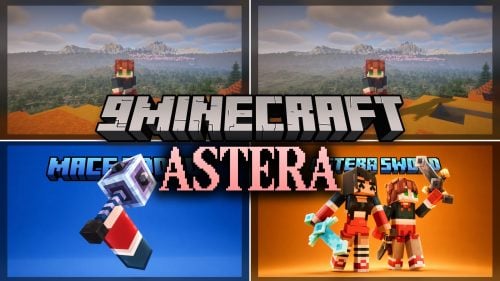 ASTERA Model – Brings Sharp 3D Blades to Vanilla Melee Battles
 Mob Cards End Model – Transforms Spawn Eggs Into Collectable Trading Cards
 Mob Cards Blue Model – Transforms Spawn Eggs Into 3D Trading Cards
 Shirahane Vehicle Model – Brings Custom Passenger Trains to Rail Networks
 WIN350 Model – Brings Sleek Shinkansen Bullet Trains to Railway Lines
 Dee’s Extended Equipment Model – Equips 3D Gauntlets, Claws, and Shields
 Zerotekz’s Blades Of War 1 Model – Equips Animated 3D Blades and Magic Staves

This post has no comments yet. Be the first — your comment will appear here.