
Drodi’s Arsenal Model – Transforms Default Tools and Armor Into 3D Gear

 0


Drodi’s Arsenal Model overhauls the look of tools and armor in Minecraft. This pack ships with 4 Blockbench source models and 40 texture files to refresh your everyday gear. You can use the updated items directly in your worlds or open the source files in Blockbench to edit the models yourself.

Features:
- Tool and Armor Overhaul: Replaces the default visuals of Minecraft tools and armor with newly modeled designs.
- 4 Blockbench Source Models: Includes 4 original Blockbench model files that can be opened and edited in Blockbench if you want to customize the shapes.
- 40 Texture Files: Packs in 40 distinct texture files to cover the redesigned tools and armor pieces.
How to Use:
- Place the downloaded pack into your Minecraft resource packs folder and activate it from the in-game Options menu.
- Load into a Survival or Creative world to start viewing the overhauled gear.
- Open the Creative inventory or use a crafting table to obtain standard tools and armor pieces.
- Hold the tools in your main hand or off-hand to inspect the updated 3D shapes and textures from both first-person and third-person views.
- Equip the armor pieces in your inventory slots to see how the 40 new textures look on your character model.
- Open the 4 included source models in Blockbench if you want to view the raw geometry or make your own edits to the tools and armor.
Requirements:
- Blockbench, only if you want to edit the included source models
Screenshots:


Drodi’s Arsenal Model Download Links
Click to rate this post!
[Total: 0 Average: 0]
You May Also Like
Picked for this page
 ShadowBlade Model – Equips Animated 3D Fantasy Weapons for PvP Combat
 TheRa 3D Model – Brings Animated Bows and Depth to Vanilla Items
 Universal 3D Archery – Transforms Flat Bows and Crossbows Into 3D Weapons
 Gravestone Dungeons Resource Pack Model – Brings Animated 3D Dungeon Rituals
 Slimefun Model – Brings 3D Shields, Solar Panels, and Animated Server Tech
 ASTERA Model – Brings Sharp 3D Blades to Vanilla Melee Battles
 Vanilla SMP Model – Brings Clear 3D Weapons and Visible Traps to PvP
 Drown’s Tool Tweaks Model – Brings Animated 3D Weapons and Glowing Altars
 Agamyst RE Cherry Blossom Model – Transforms Vanilla Gear Into Floral Weapons
 Items & Stuff X Enchantment Outline Model – Adds Glowing Outlines to 3D Gear
 Coffee_XiaoGuan’s Tool Outlines Model – Adds Glowing 3D Outlines to Your Gear
 Story Mode Revamped Model – Brings Telltale Adventure Gear and 3D Blocks
Most viewed in Models over the last 7 days
 Jenny Mod Skin Pack Mega Collection – 310+ Characters
 The Most Complete Collection of Jenny Mod Resources – Models, Animations, Structures,…
 Albedo Rework Jenny Mod Model
 750 Models Addon for Yes Steve Model Mod
 Galath Rework Model – Custom Girl for PleasureCraft Mod
 Power Model – Custom Girl for PleasureCraft Mod
 Pomni Jenny Mod Model
 Ram Model – Custom Girl for PleasureCraft Mod
 Femboy Ellie Rework Jenny Mod Model
 100+ Custom Animations For Jenny Mod
 Ellie Rework Jenny Mod Model
 Steve (Jenny & Zoey) Pack Jenny Mod Model
More from Models
 Cyberpack Model – Unlocks Animated Cyberpunk Weapons, Revolvers, and Tools
 3D Tools And Weapons Model – Transforms Flat Vanilla Gear Into Animated 3D Items
 Wet Backapacks Model – Unlocks Six Themed 3D Backpacks with Custom Straps
 Snowfall’s Crystal Essentials Model – Brings Animated 3D Blocks to Crystal PvP
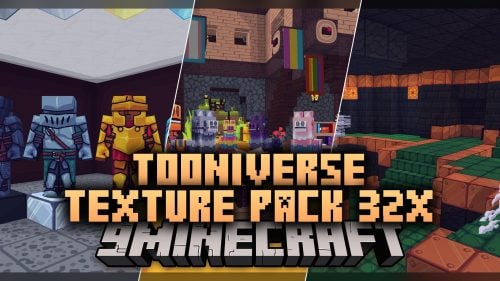 Tooniverse Texture Pack 32x Model – Brings Cute 3D Cartoon Blocks to Worlds
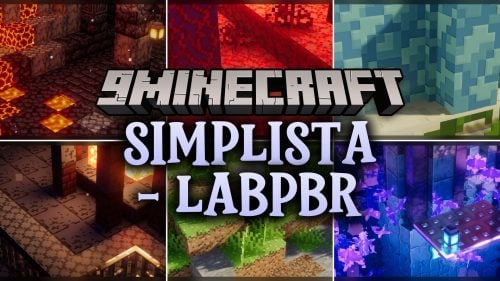 Simplista – Brings Clean 64x Textures, 3D Block Models, and LabPBR Reflections
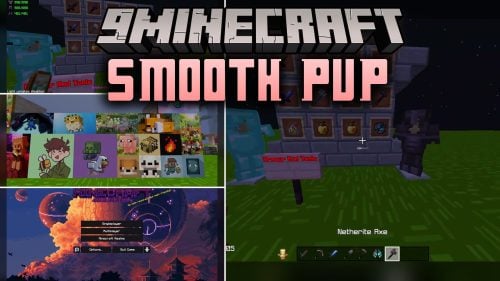 Smooth PVP Model – Brings Clean Block Textures and Custom 3D Shapes for Combat
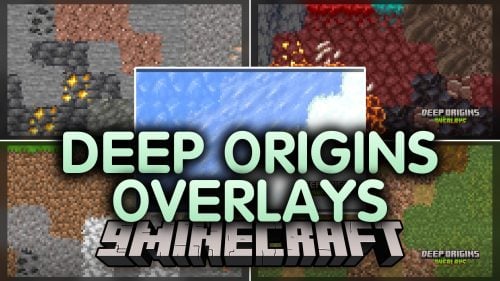 Deep Origins Overlays Model – Adds Smooth Animated Block Transitions
 Kaleidoscope Deco Model – Adds Animated Fantasy Props and Collectible 3D Dolls
 Glowing 3D Items Model – Transforms Flat Vanilla Tools Into Animated 3D Gear
 3D Trial Chambers Model – Transforms Spawners, Vaults, and Maces Into 3D Shapes
 RedstoneAuxiliary Model – Adds Clear 3D Visual Cues to Redstone Blocks

This post has no comments yet. Be the first — your comment will appear here.