


Biome Paint Tools Mod 1.12.2, 1.11.2
 393
393
 0
0

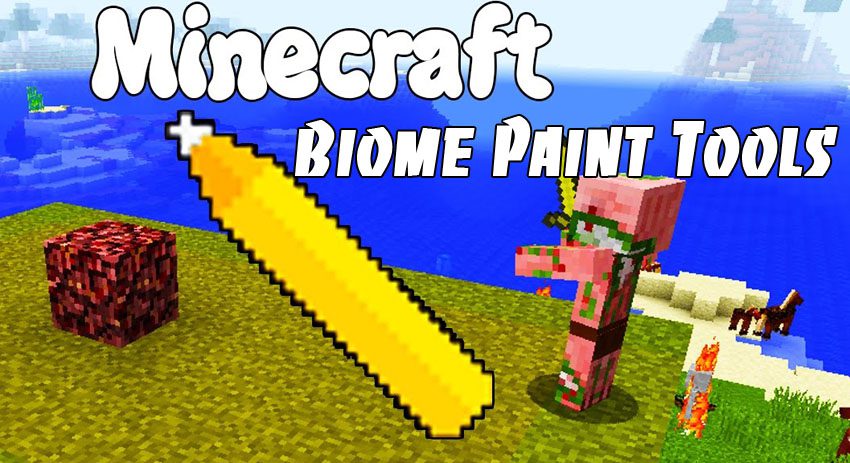
Biome Paint Tools Mod 1.12.2, 1.11.2 allows people to change biome on certain position using pencil.
How does it work?
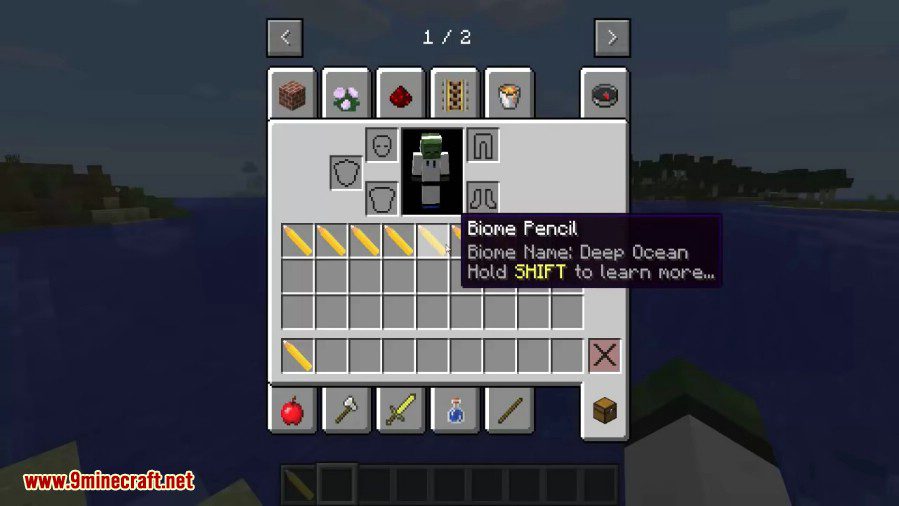
- Craft biome pencil. (or use empty pencil)
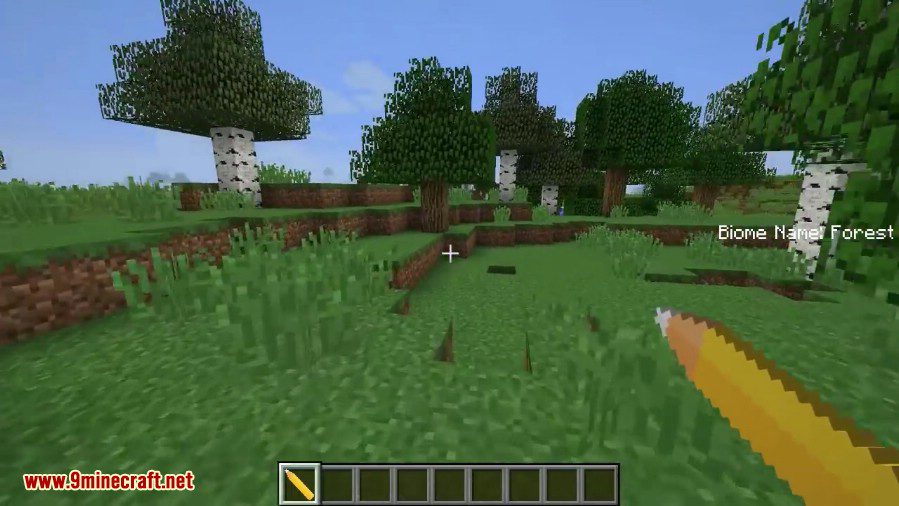
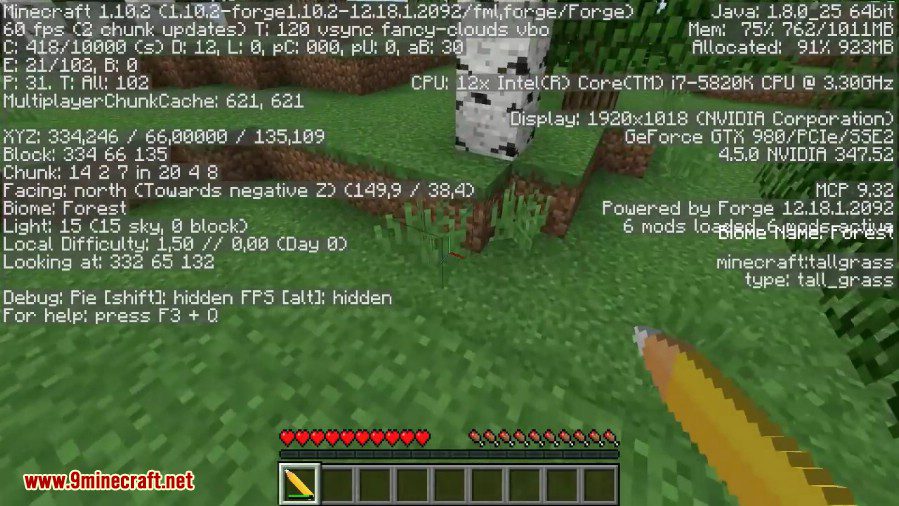
- Sneak-right-click on the grass (or any other block). This will configure pencil to biome on that position.
- Continue sneak-right-clicking on any block with the same biome to charge pencil.
- Right click on any block that has different biome. This will change the biome to what is pencil bound to. Uses 1 charge.
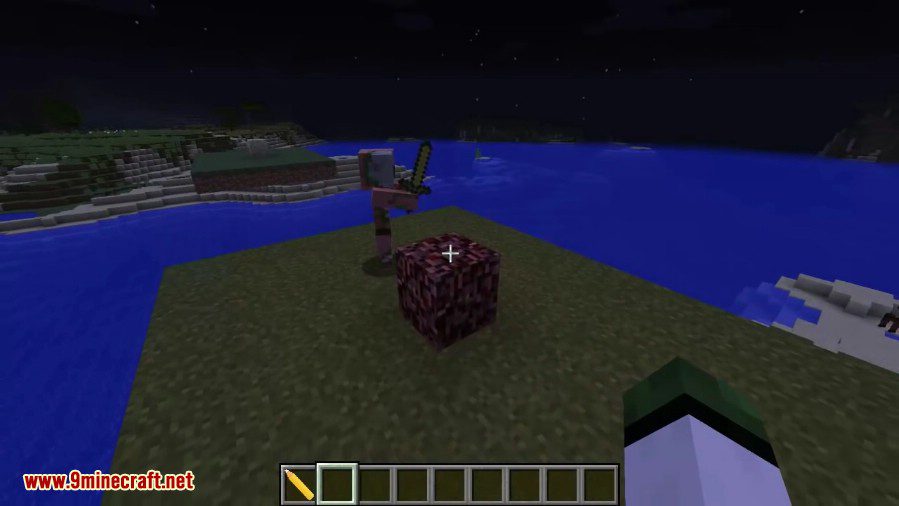
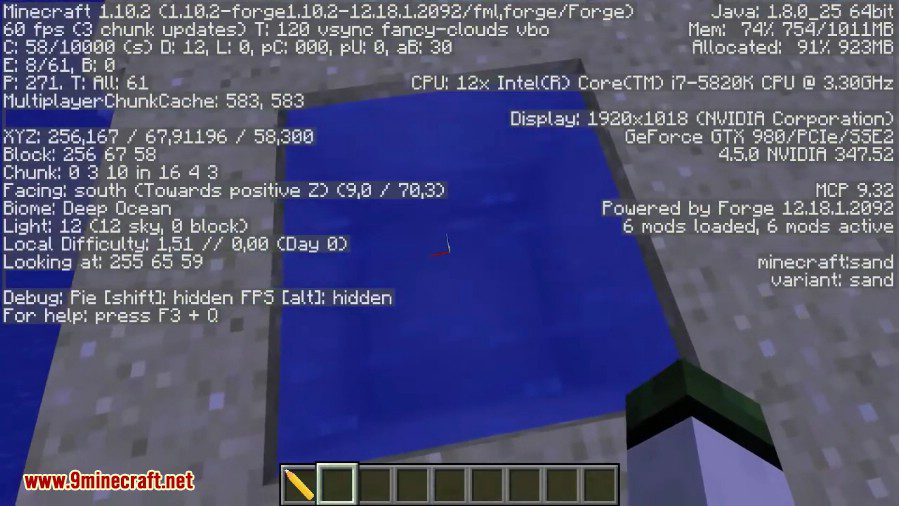
Screenshots:
Crafting Recipes:
Main recipe

Reset recipe

How to Install:
New to Minecraft? Follow our step-by-step guide to install Mods on your PC.View Guide
Biome Paint Tools Mod 1.12.2, 1.11.2 Download Links
For Minecraft 1.10.2
For Minecraft 1.11.2
For Minecraft 1.12.1
For Minecraft 1.12.2
Click to rate this post!
[Total: 0 Average: 0]
You May Also Like






This post has no comments yet. Be the first — your comment will appear here.