
Crock Pot Mod (1.20.1, 1.18.2) – Cook Hearty Meals to Fuel Daily Expeditions

 0


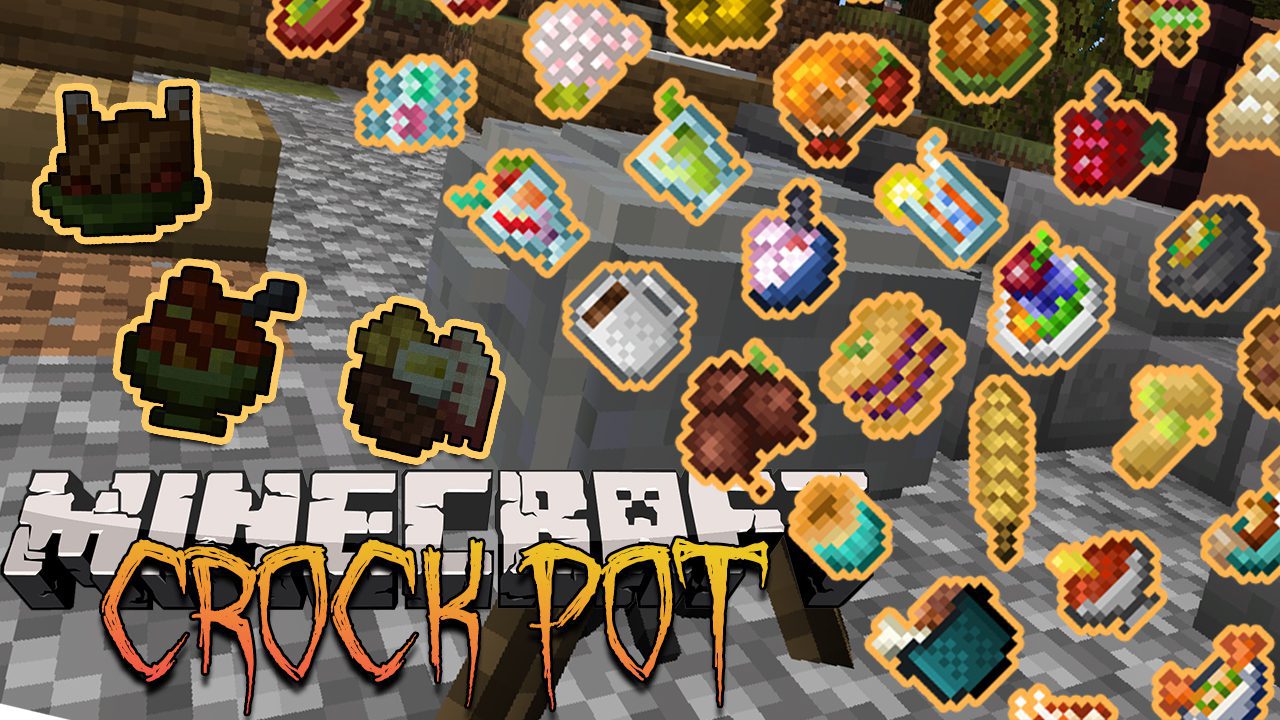
Crock Pot Mod brings the cooking system from Don’t Starve straight into Minecraft. It adds a four-slot cooking pot, over 50 custom dishes, unique food effects, and new crops from Unknown Seeds. You combine ingredients from different food categories to cook hearty meals, place dishes in your world as decoration, and use special items with parrots, Piglins, and small animals. The mod also supports datapacks for custom recipes and works right away with Serene Seasons, Create, and Just Enough Effect Descriptions.
Features:
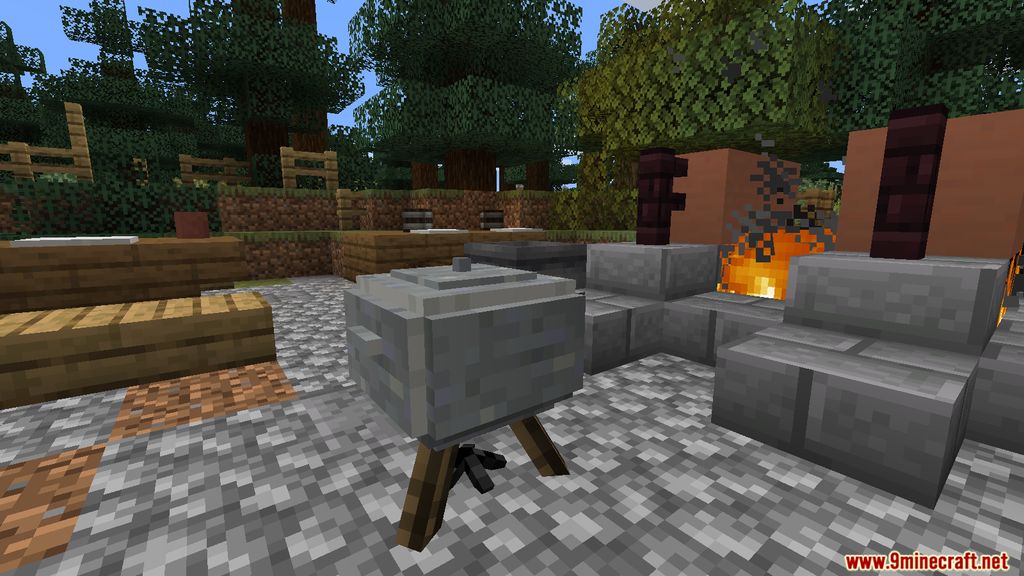
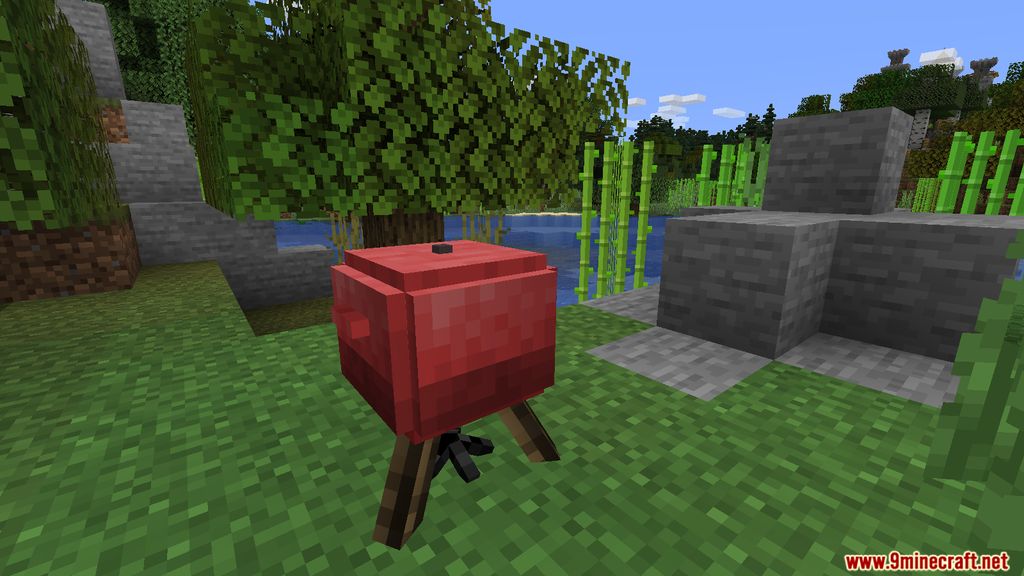
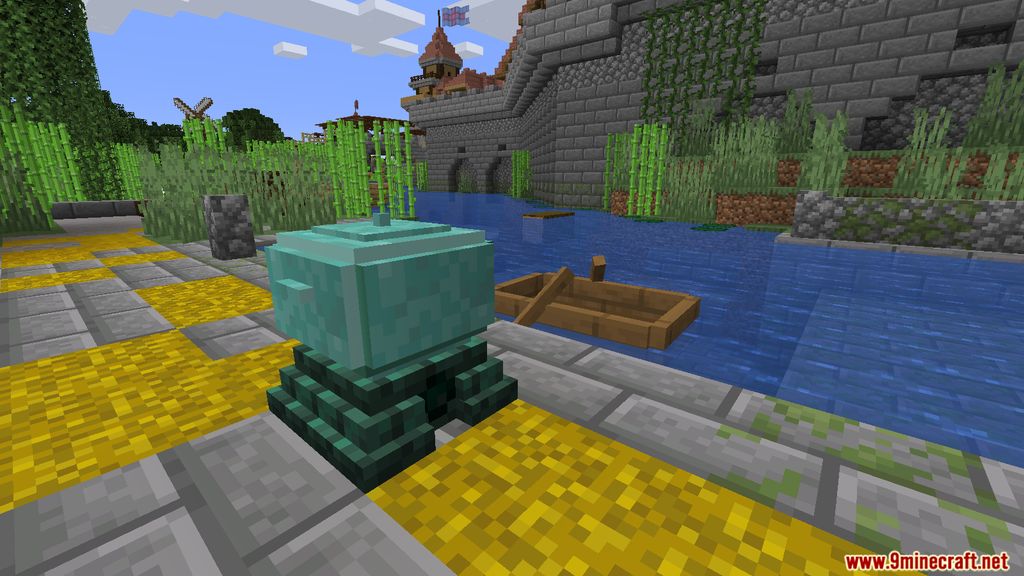
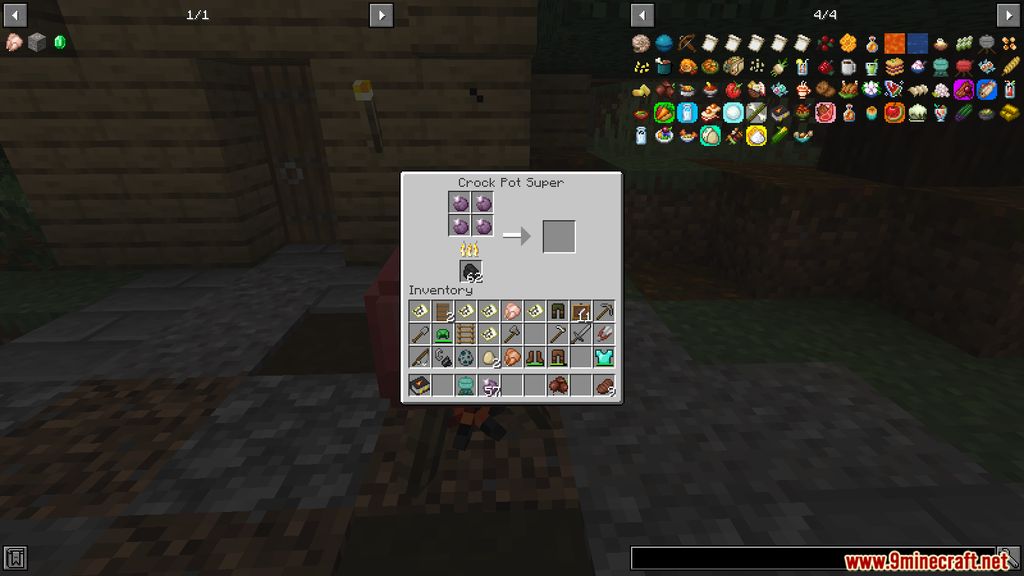
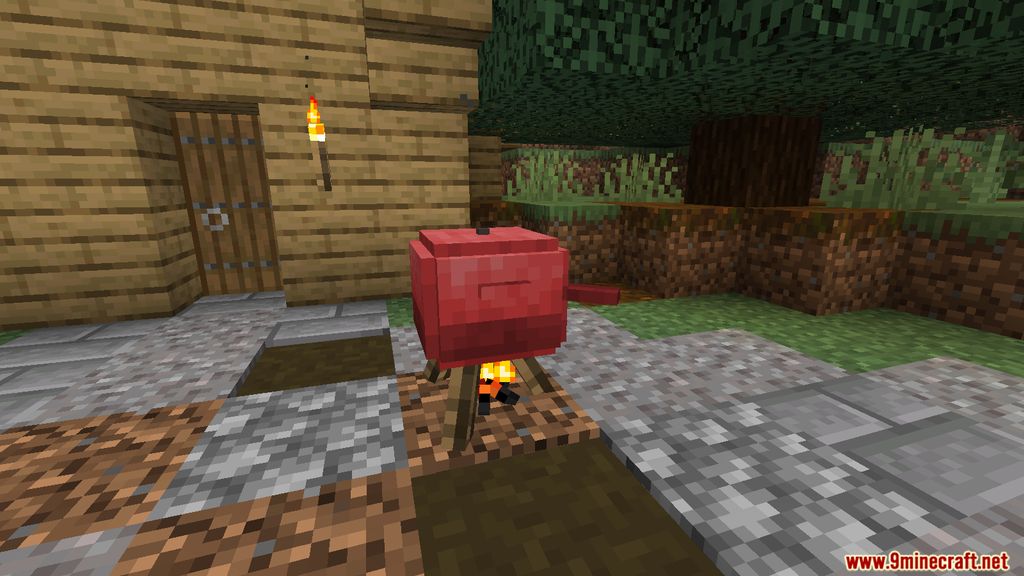
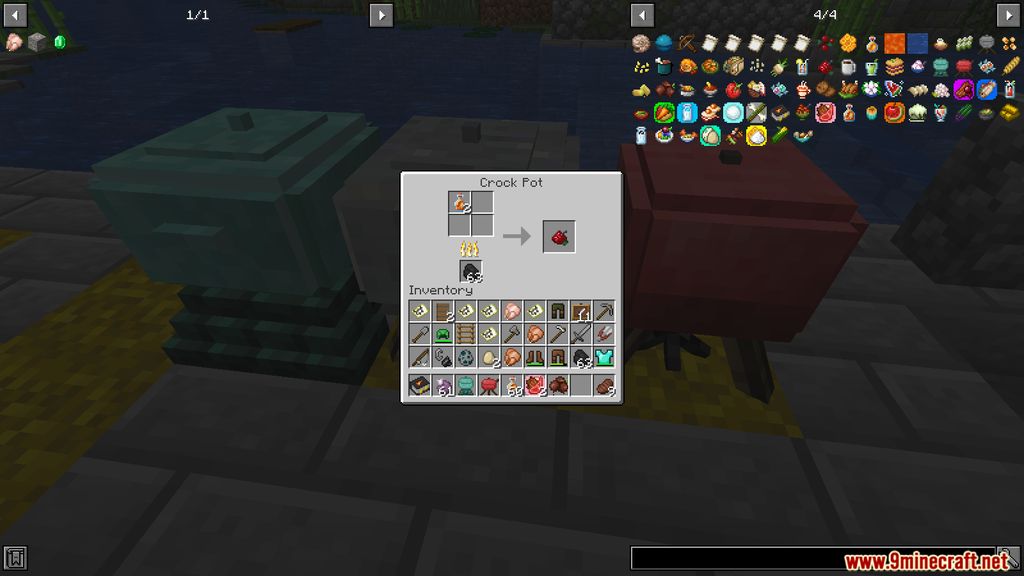
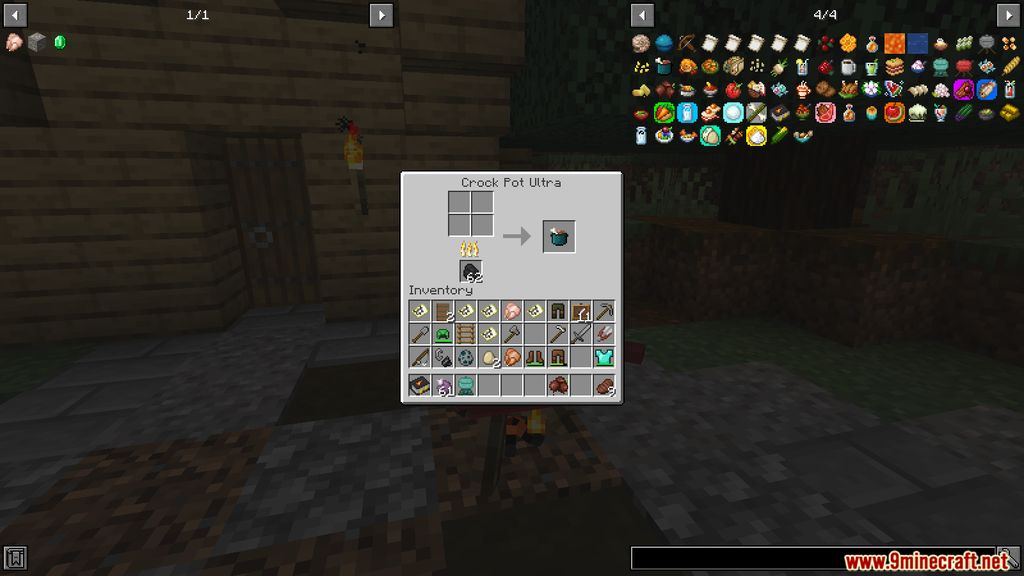
- Crock Pot: Adds a functional cooking block with four ingredient slots. Each dish depends on the recipe and the food categories of the items you put inside, requiring either a mix of categories or strict ingredients.
- Dishes: Introduces over 50 custom meals adapted from Don’t Starve to fit Minecraft. You can place every dish in the world to decorate your kitchen or show off your food.
- Effects: Gives special buffs to different dishes, including faster swimming speed, immunity to the Wither effect, and other effects to discover.
- Crops: Drops Unknown Seeds from broken grass so you can farm new crops. You only see what each seed grows into after you plant and grow it.
- You can feed a Parrot in a Birdcage to collect eggs.
- Powcake lets you lure small roadside animals.
- Piglins trade better items when you share shimmering golden treats with them.
Built-in Mod Compatibility:
- Adds Food Values for most mods that include basic ingredients.
- Supports Seasonal Crop Fertility for Serene Seasons.
- Integrates fully with Just Enough Effect Descriptions to show detailed effect info.
- Provides ammo for the Potato Cannon from Create.
- Includes wide tag support to work smoothly with other mods.
Datapack Customization:
- Lets you add new Crock Pot Recipes through datapacks.
- Allows you to add custom Parrot Feeding Recipes.
- Supports changing Food Values to fit custom setups or modpacks.
How to Use:
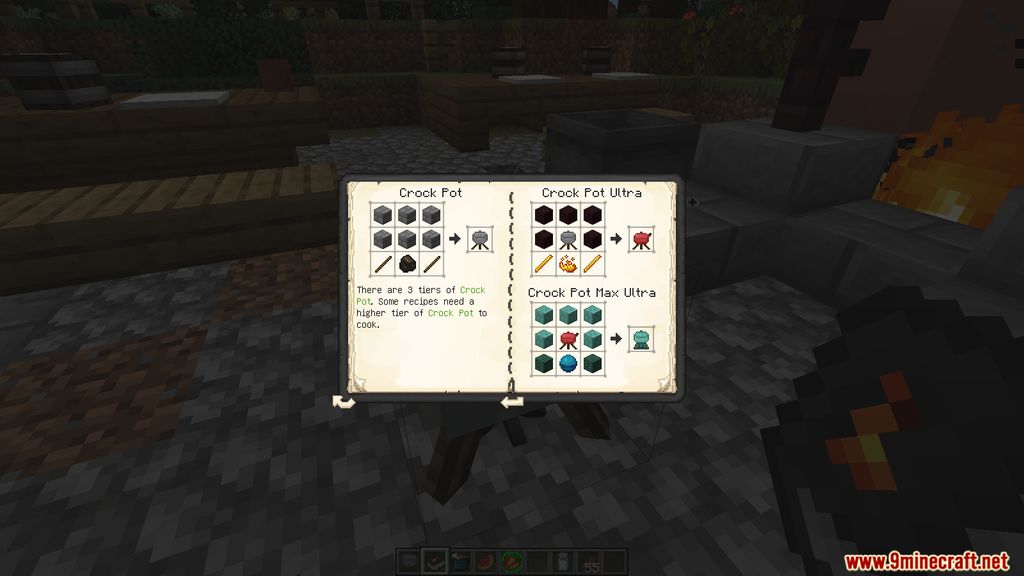
- Craft and place a Crock Pot in your world to access its four cooking slots.
- Put food ingredients into the four slots based on food categories or specific recipes to cook a meal.
- Collect your cooked dish to eat it for special effects like faster swimming or Wither immunity, or place it in the world as decoration.
- Break grass to get Unknown Seeds, then plant and grow them to see which new crops sprout.
- Feed a Parrot inside a Birdcage to collect eggs.
- Use Powcake to lure small roadside animals, or share shimmering golden treats with Piglins to trade for better items.
Screenshots:
How to Install:
New to Minecraft? Follow our step-by-step guide to install Mods on your PC.View Guide
Requirements:
Crock Pot Mod Download Links
For Minecraft 1.20.1, 1.20
Forge version: Download from Server 1 – Download from Server 2
For Minecraft 1.18.2
Forge version: Download from Server 1
For Minecraft 1.18.1
Forge version: Download from Server 1
For Minecraft 1.16.5
Forge version: Download from Server 1
For Minecraft 1.15.2
Forge version: Download from Server 1
If you rent a paid server to play modded Minecraft with friends, how do you usually set it up?
22 responses · See the full results →
You May Also Like
Picked for this page
 Farmer’s Delight Mod (1.21.11, 1.20.1) – Farming Expansion for Minecraft
 To the Bat Poles Mod (26.3, 1.20.1) – Sliding Down The Poles
 AutoFish for Forge Mod (26.2, 1.20.1) – The Ultimate Fishing Companion
 LevelHearts Mod (1.21.1, 1.20.1) – Increasing Your Overall Health
 Food TXF Mod (26.3, 1.20.1) – Extra Food Items!
 Froglins Mod (1.21.11, 1.19.2) – Hunters of the Night
 Crafted Core Mod (26.3, 1.20.1) – Library for ToCraft’s Mods
 Wooden Shears Mod (26.3, 1.20.1) – Early Game Additions
 Silkier Touch Mod (26.3, 1.20.1) – Take What Was Once Untouchable
 Custom Cursor Reload Mod (26.3, 1.20.1) – Style Your Pointer
 Structures Plus Mod (26.3, 1.20.1) – Adds Unique World Structures
 Abandoned Structures Yachts Mod (1.20.1) – Scavenge Derelict Ocean Yachts
Most viewed in Mods over the last 7 days
 Ala Industrial Mod (26.3) – Run Electric Power Grids and Automated Factories
 PleasureCraft Mod (26.3, 1.21.1) – Jenny Mod Remake for Fabric
 Jennycraft Mod (26.3, 1.20.1) – Virtual Girlfriend in Minecraft
 Fapcraft Mod (26.3, 1.12.2) – Comprehensive and Detailed Content
 Jenny Mod (Fapcraft) Official Complete Guide – How to use, Tutorial
 BangCraft Mod (1.20.1) – Jenny, Ellie and Elliot
 Fabric Loader (26.3, 1.20.1) – Fabric Installer for All Minecraft Versions
 Meteor Client Mod (26.3, 1.20.1) – Xray, HUD, Fly
 The Shooting Star Demo Mod (26.3, 1.20.1) – Vaporize Terrain From Orbit
 OptiFine HD (26.3, 1.20.1) – Run Faster, FPS Boost, Shaders Support
 Aristois Client Mod (1.21.4, 1.20.1) – World Class Minecraft Utility
 Prestige Client Mod (1.21.11, 1.21.4) – Powerful Ghost Features for Crystal & Sword PvP
More from Mods
 Animal Info Mod (26.3, 1.21.11) – Quick Stats For Your Animals
 Timber Tales Dynamic Tree System Mod (26.3, 1.20.1) – Watch Entire Trees Topple
 Gabou’s Libs Mod (26.3, 1.20.1) – Keep Custom Weather and Survival Mods Stable
 /Sit Mod (26.3, 1.21.1) – Make The Player Sit Down
 Arcane Redstone Dial Mod (26.3, 1.20.1) – Trigger Commands and Shortcuts
 The Graveyard Mod (26.3, 1.20.1) – Cemeteries in Minecraft
 Enhanced Overlay Mod (26.3, 1.21.11) – Remove Screen Clutter
 Flint Mod (1.21.11) – Run DiamondFire Community Addons Without Crashing
 Not Just Sandwich Mod (26.3, 1.20.1) – Edibles, Sandwiches
 Waddles Mod (26.3, 1.20.1) – Make Icy Biomes Feel Alive
 Artemis’ Thin Logs Mod (26.3, 1.20.1) – Build Custom Trees and Detailed Wood
 Asterion Mod (26.3, 1.20.1) – Survive Ancient Mazes and Slay the Legendary Minotaur

This post has no comments yet. Be the first — your comment will appear here.