


Arcane Redstone Dial Mod (26.2, 1.21.1) – Trigger Commands and Shortcuts
 0
0
 0
0

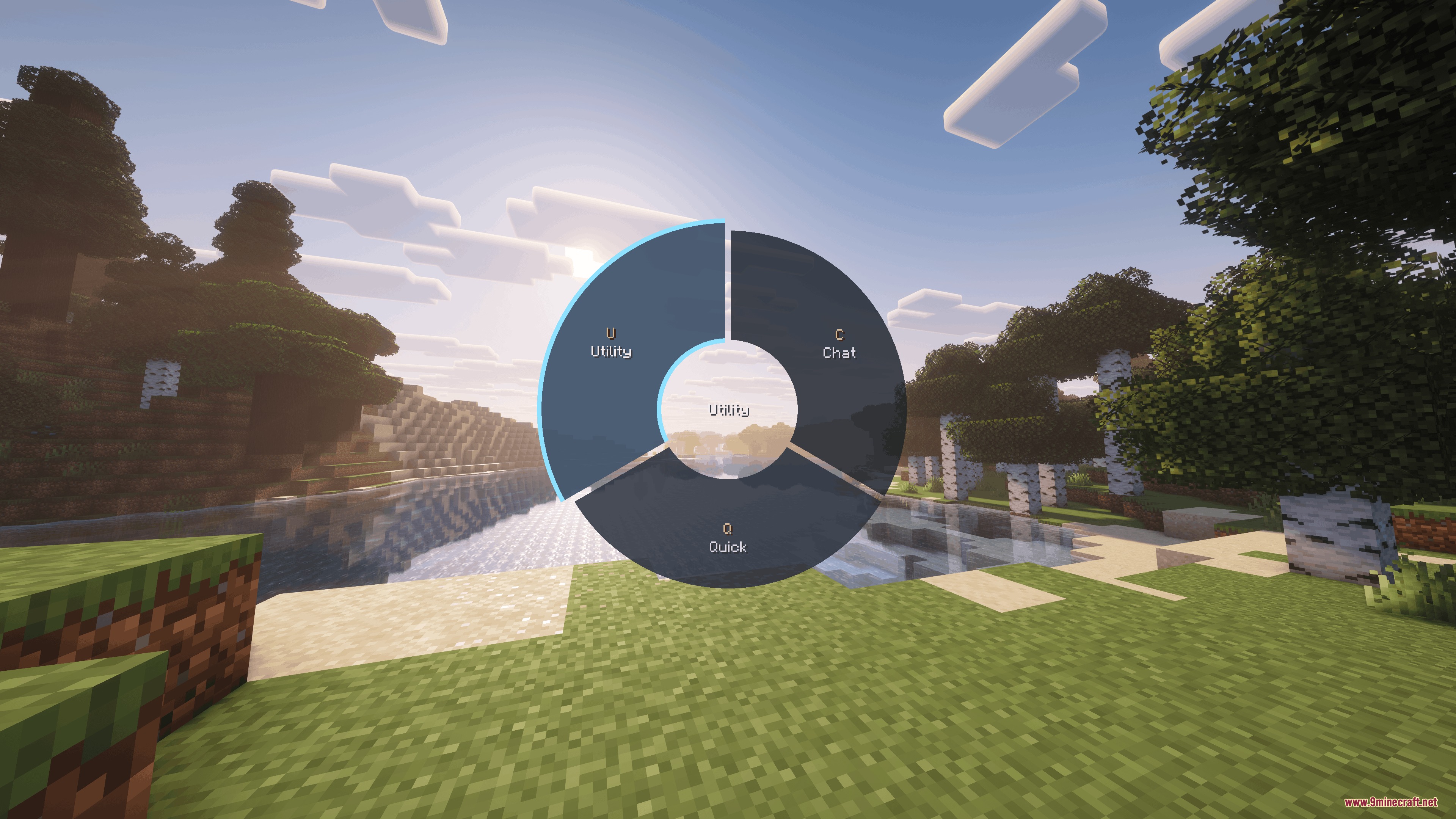
Arcane Redstone Dial Mod adds a customizable radial quick-action menu for quick command execution and workflow management. It operates completely on the client side, allowing you to trigger chat macros, utility shortcuts, and key actions without needing any server-side installations. You can switch between different layout setups on the fly to suit survival tasks, building projects, or multiplayer sessions.
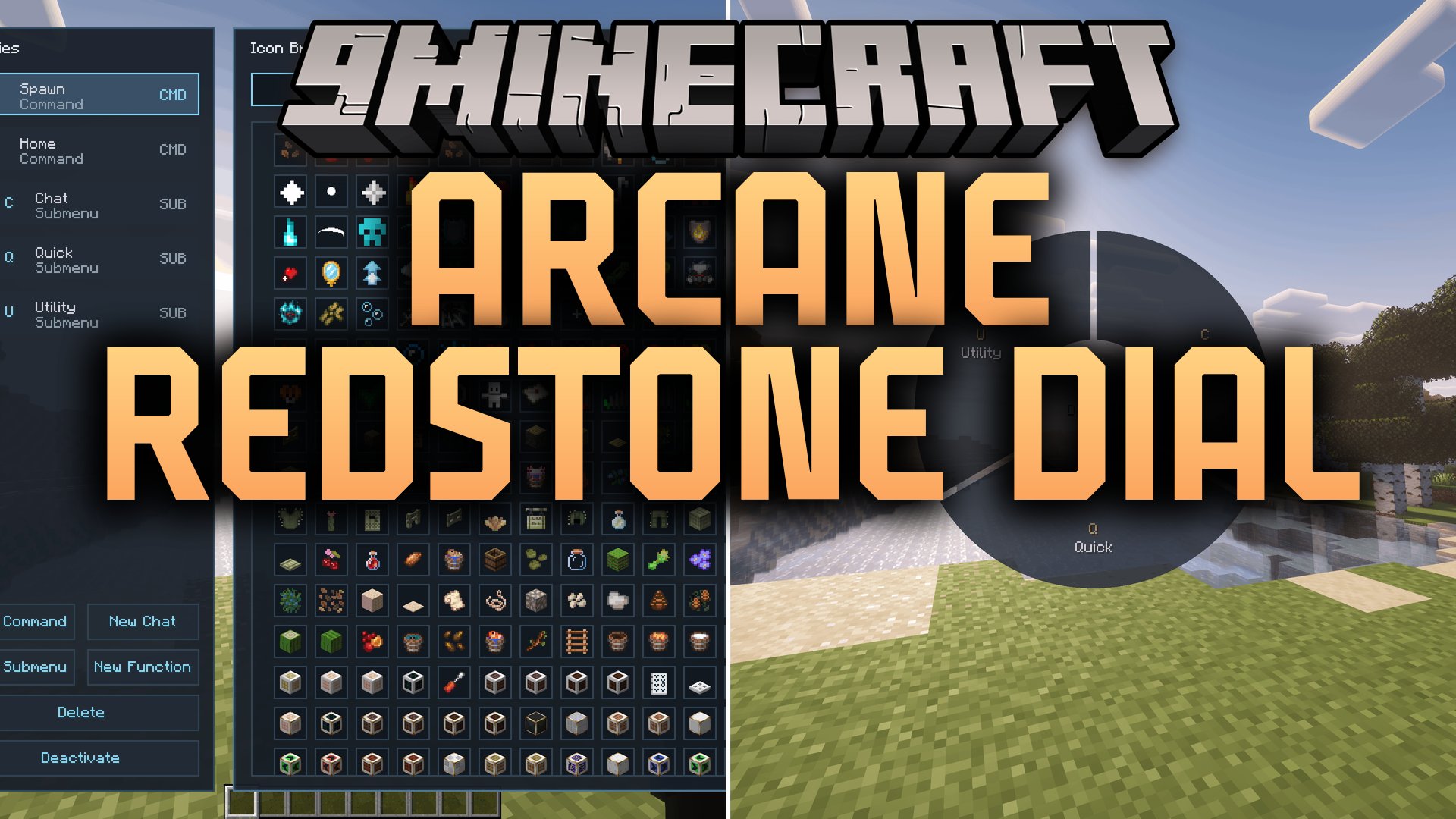
Features:
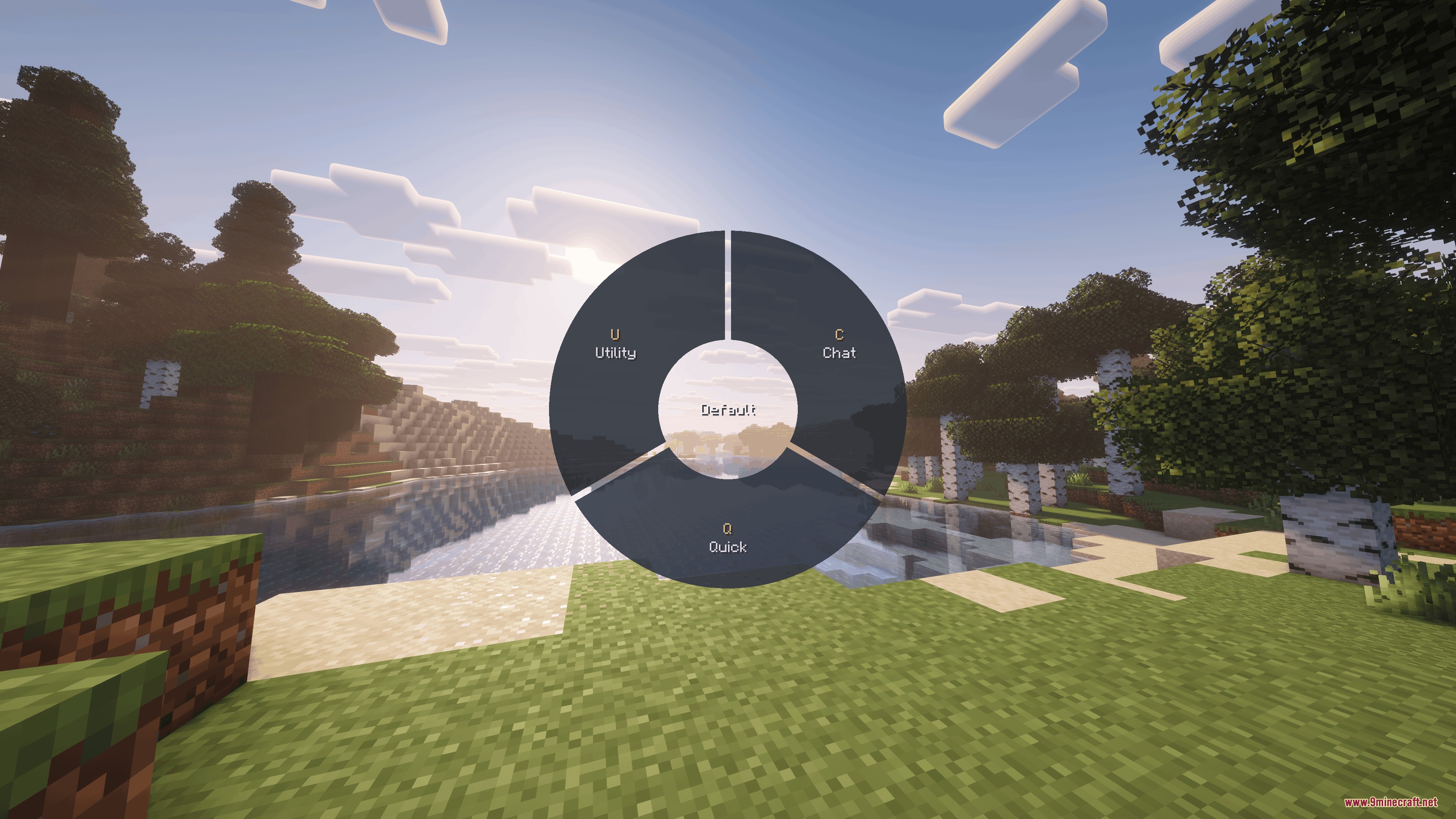
- Brings a hold-to-open radial wheel interface for rapid action selection.
- Supports mouse flicks, direct clicks, and numpad key bindings for selecting wheel options.
- Features up to 8 segments per wheel layout with support for nested sub-wheels.
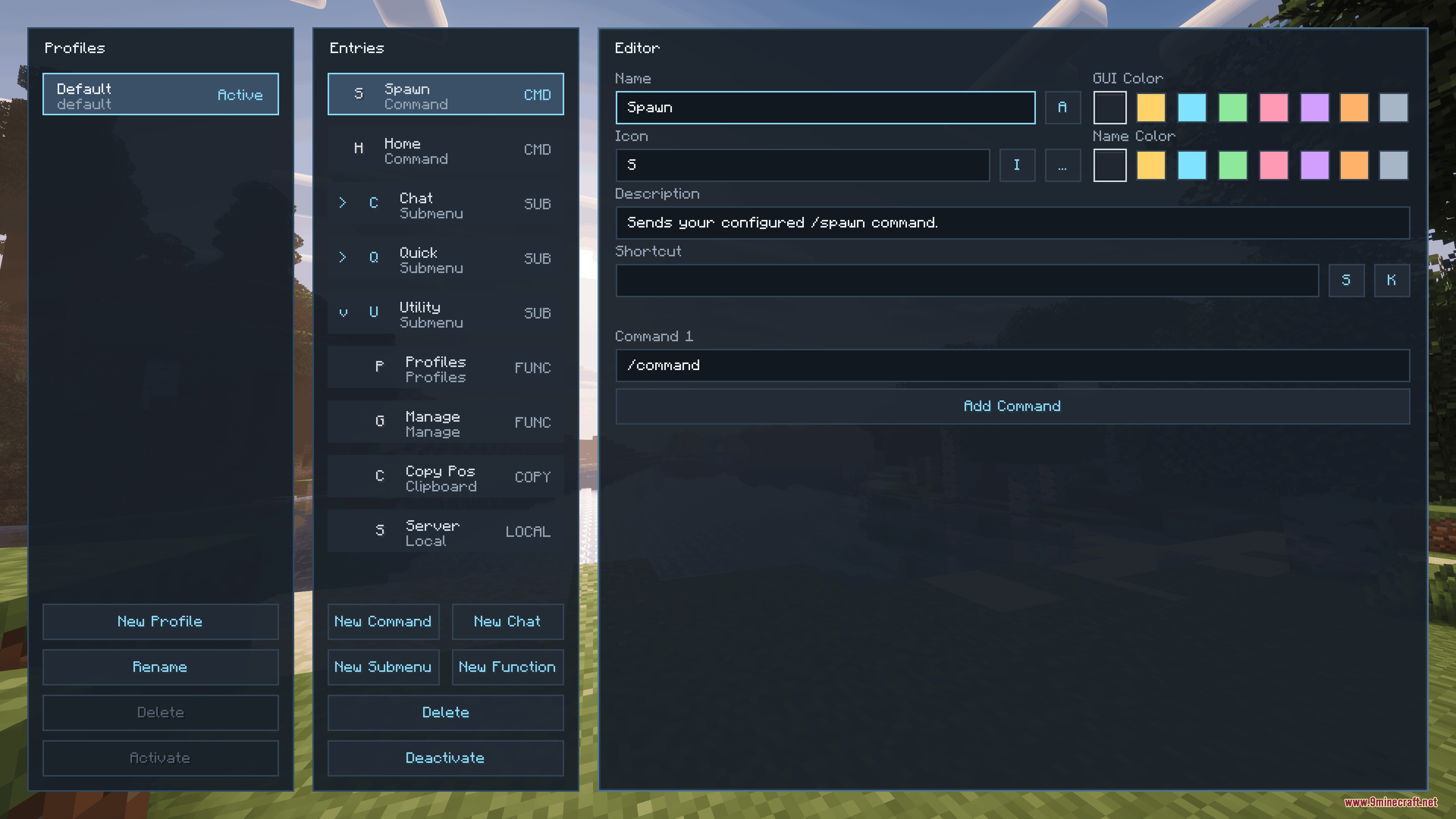
- Includes a built-in profile manager to create, rename, reorder, and customize individual wheels.
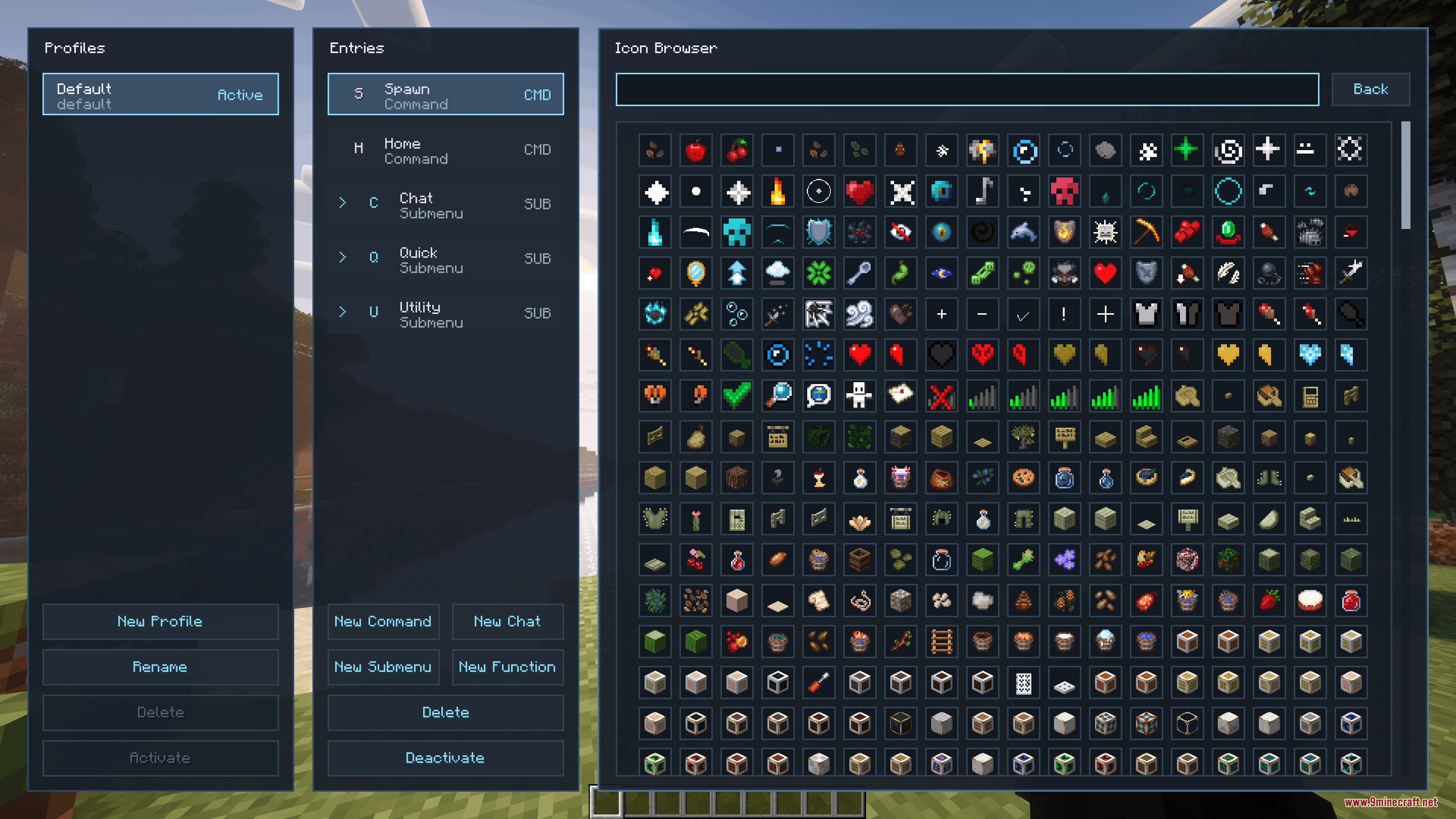
- Lets you assign custom glyphs, colors, and shortcut keys to each wheel entry.
- Sends server commands or posts custom chat messages with a single click.
- Opens chat with prefilled text templates or copies specific game values directly to your clipboard.
- Triggers client-side functions including perspective switches, screenshots, hotbar navigation, and movement toggles.
- Saves all profile configurations locally on your computer for seamless use across different worlds.
How to Use:
- Hold the assigned menu key to bring up the radial wheel on your screen.
- Move your mouse toward any segment or press the corresponding numpad number to activate that action.
- Open the built-in configuration manager to create new profiles or add nested wheels.
- Assign your desired commands, chat macros, or game shortcuts to specific segments.
- Release the menu key to confirm your choice and return to regular gameplay.
Screenshots:
How to Install:
New to Minecraft? Follow our step-by-step guide to install Mods on your PC.View Guide



Arcane Redstone Dial Mod Download Links
For Minecraft 26.2
For Minecraft 26.1.2, 26.1.1, 26.1
For Minecraft 1.21.11
For Minecraft 1.21.10, 1.21.9
For Minecraft 1.21.8, 1.21.7, 1.21.6
For Minecraft 1.21.5
For Minecraft 1.21.4
For Minecraft 1.21.1, 1.21
Click to rate this post!
[Total: 0 Average: 0]
You May Also Like


This post has no comments yet. Be the first — your comment will appear here.