
ColorUtility Mod (1.17.1, 1.16.5) – Design Eye-Catching Base Signs

 0


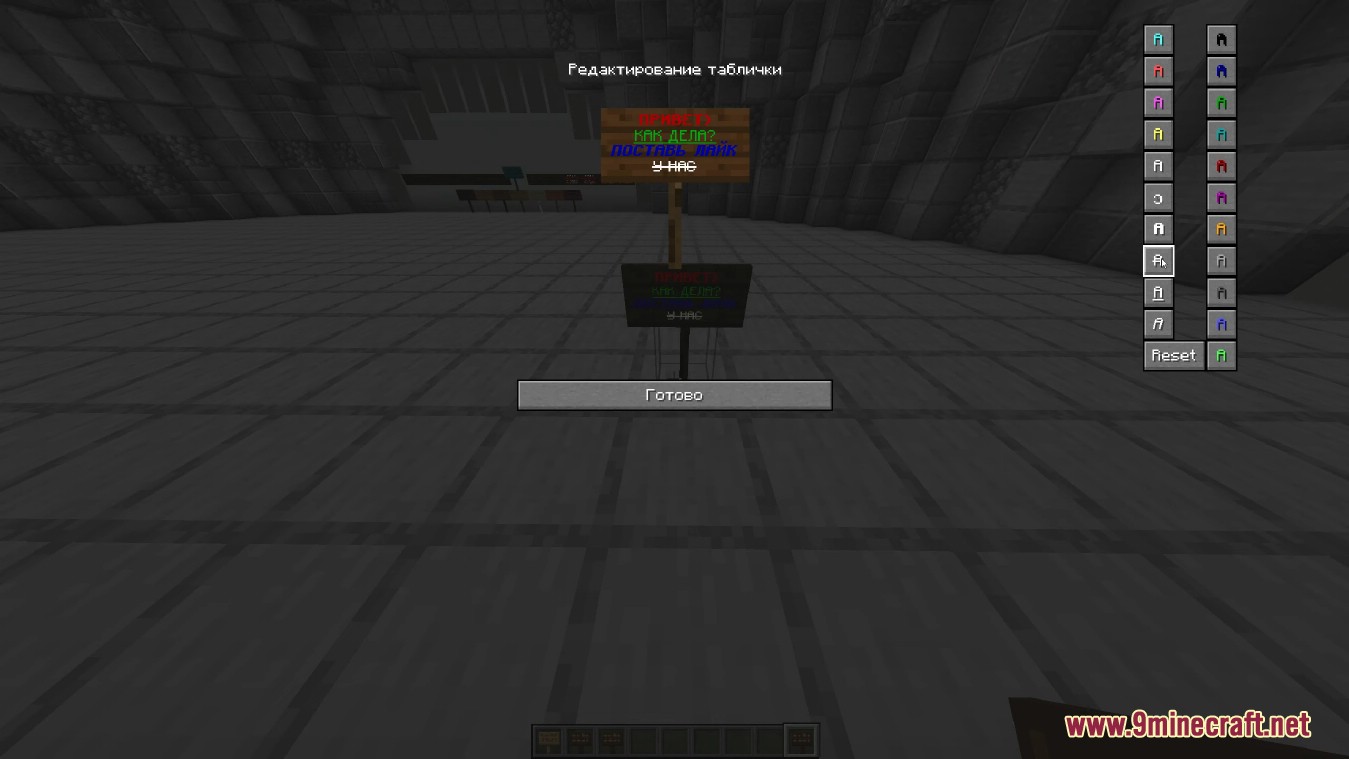
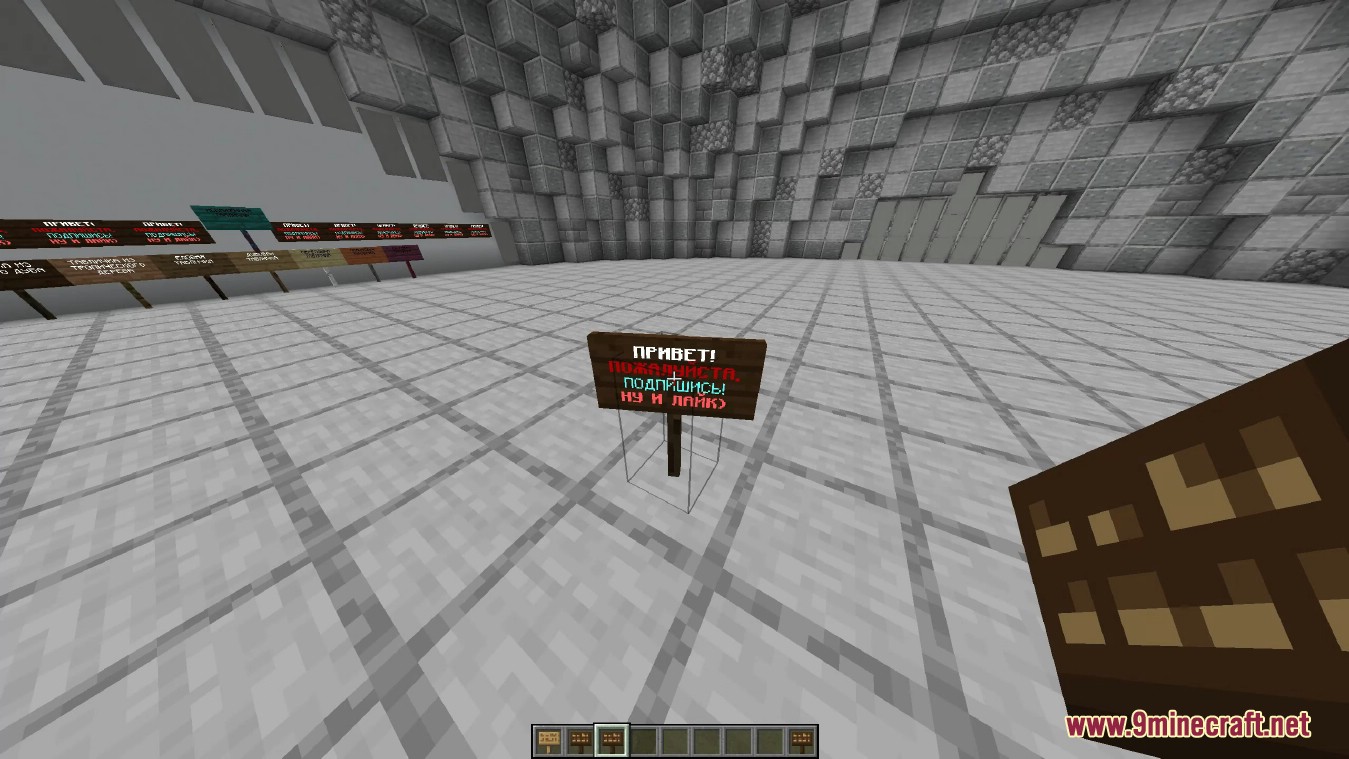
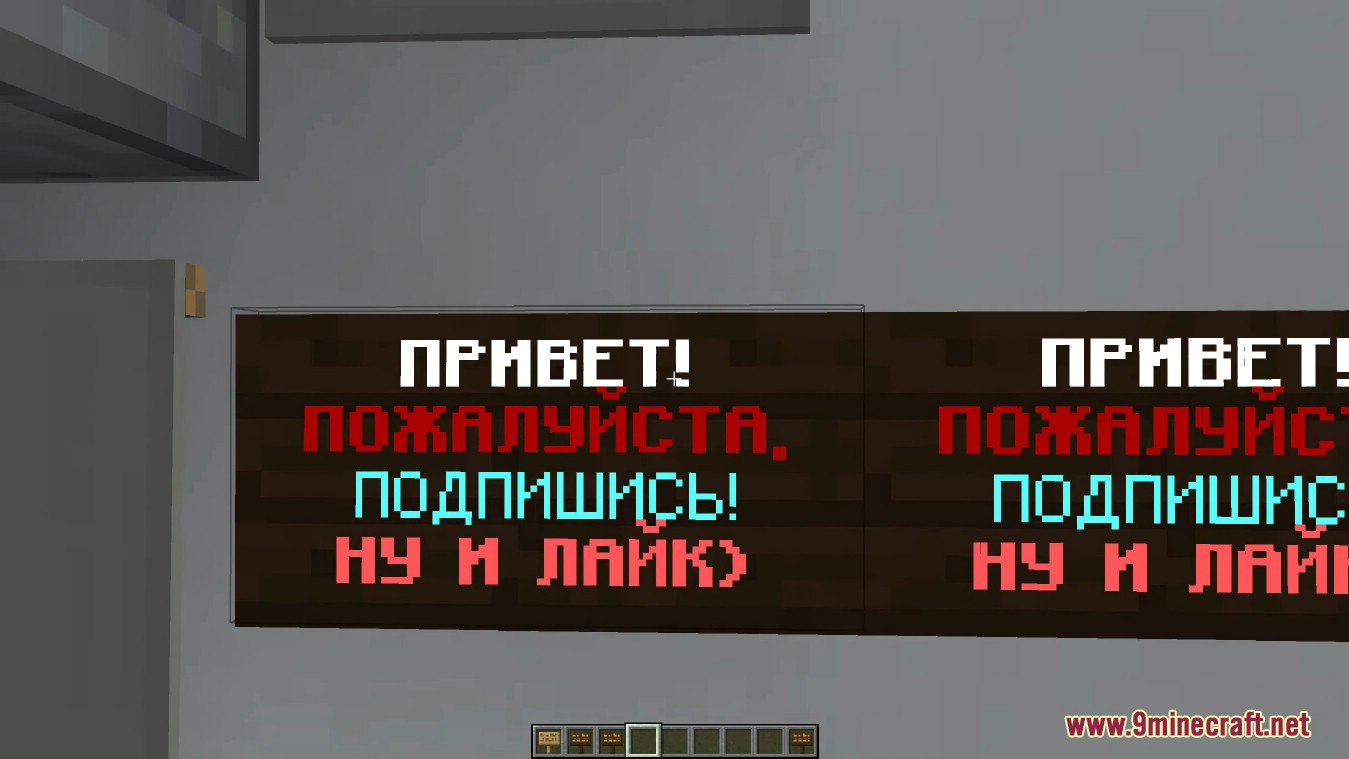
ColorUtility Mod makes color codes easy to use in Minecraft. It lets the game accept the “§” character directly when you type. When you edit signs or write in books, an on-screen colorpad helps you add color strings and text styles like bold or italic. This mod works on both client and server setups.
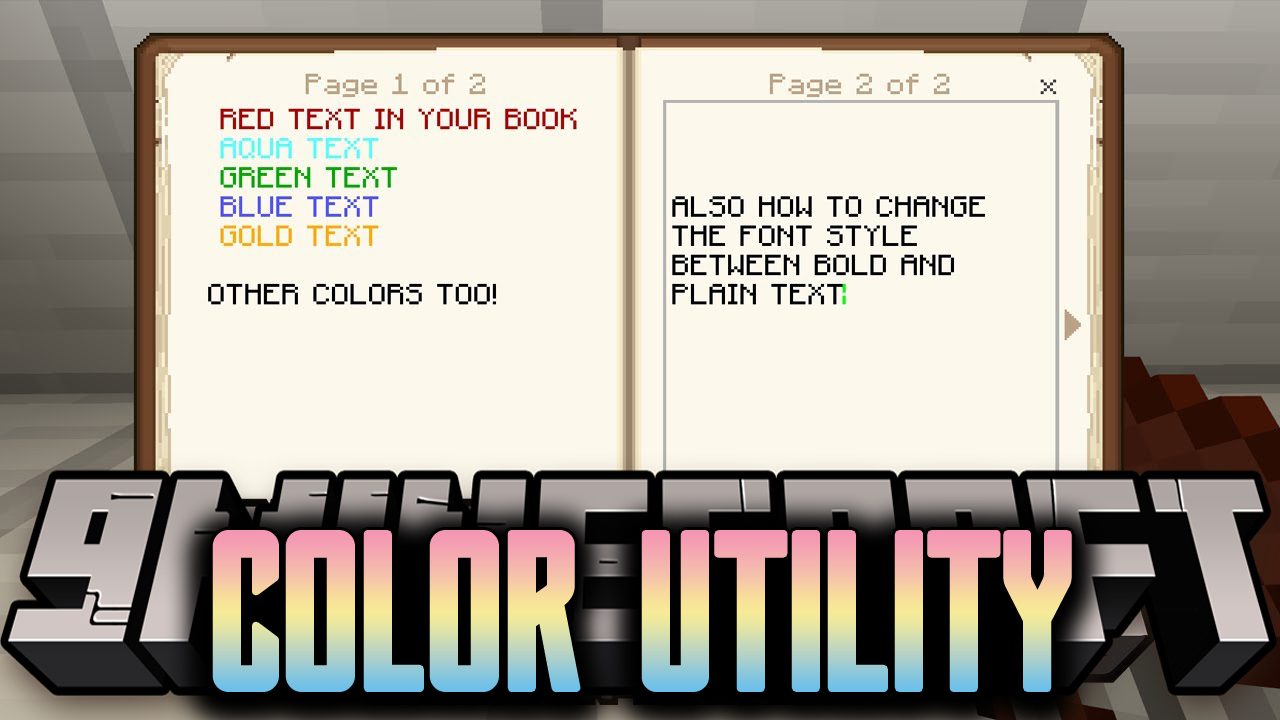
Features:
- Lets Minecraft accept the “§” character directly in text fields.
- Shows a handy on-screen colorpad when you edit signs or write in books.
- Makes it easy to add color strings to your text using the ColorButton.
- Supports bold and italic text styles through the TextFormButton so you can mix colors and formatting.
- Works on both client and server sides.
How to Use:
- Open a sign or a writable book to bring up the editing screen and show the on-screen colorpad.
- Click a ColorButton on the colorpad to add a color string to your text.
- To color your text and make it bold or italic at the same time, click the ColorButton first and then click the TextFormButton so both styles apply together.
Screenshots:
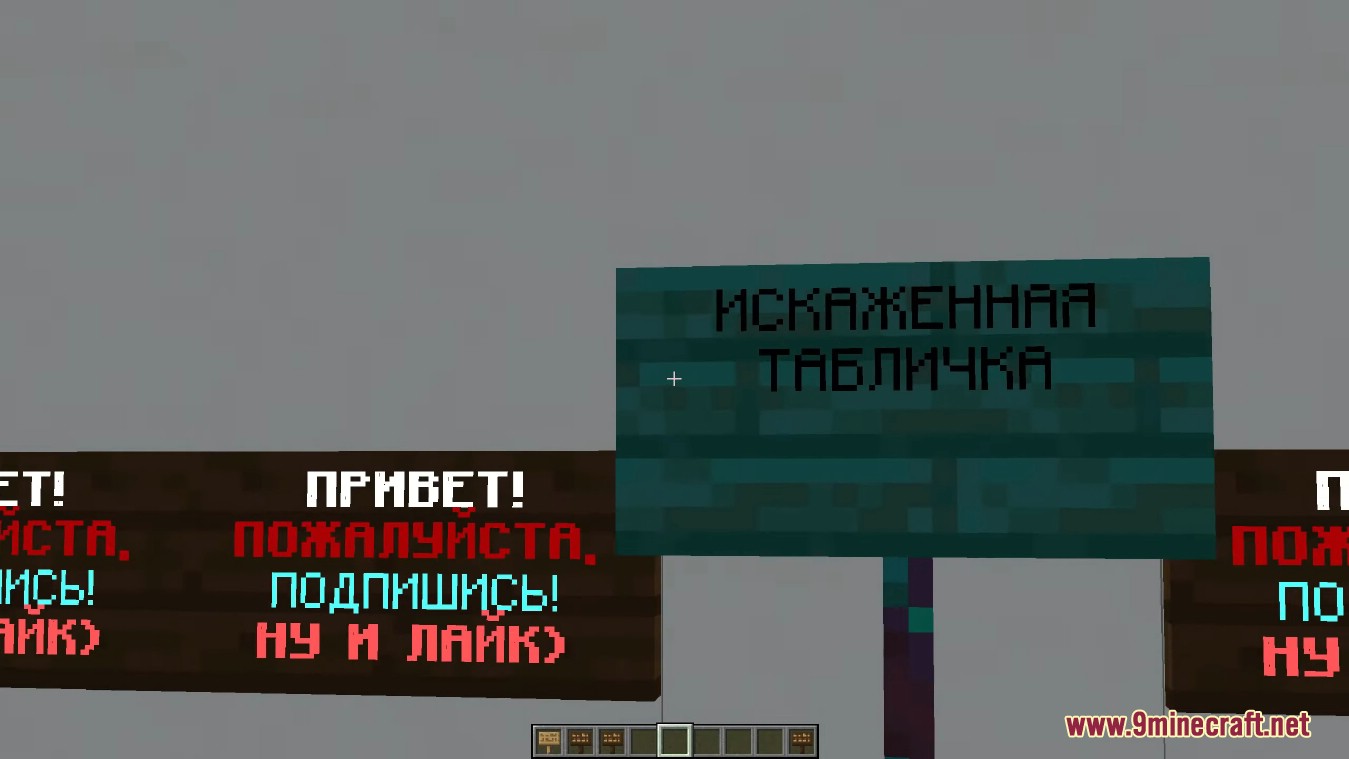
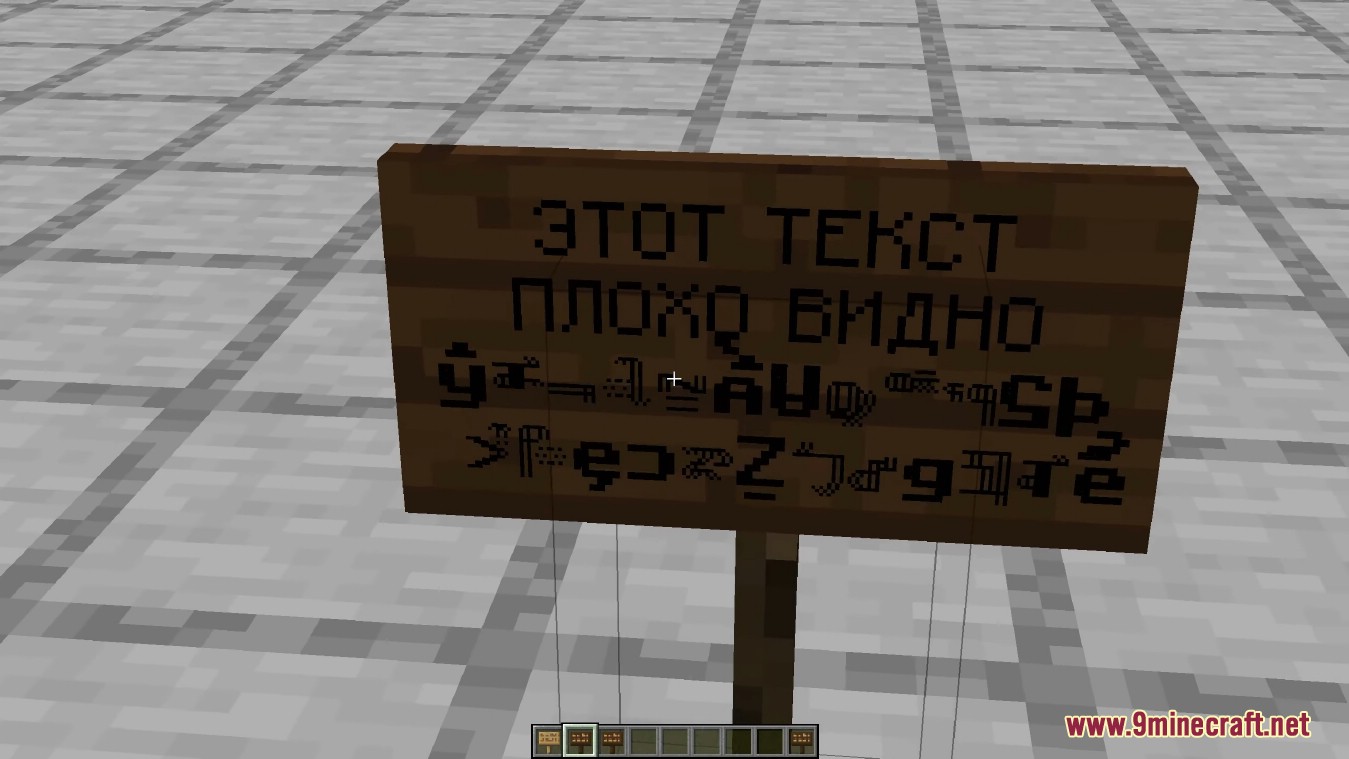
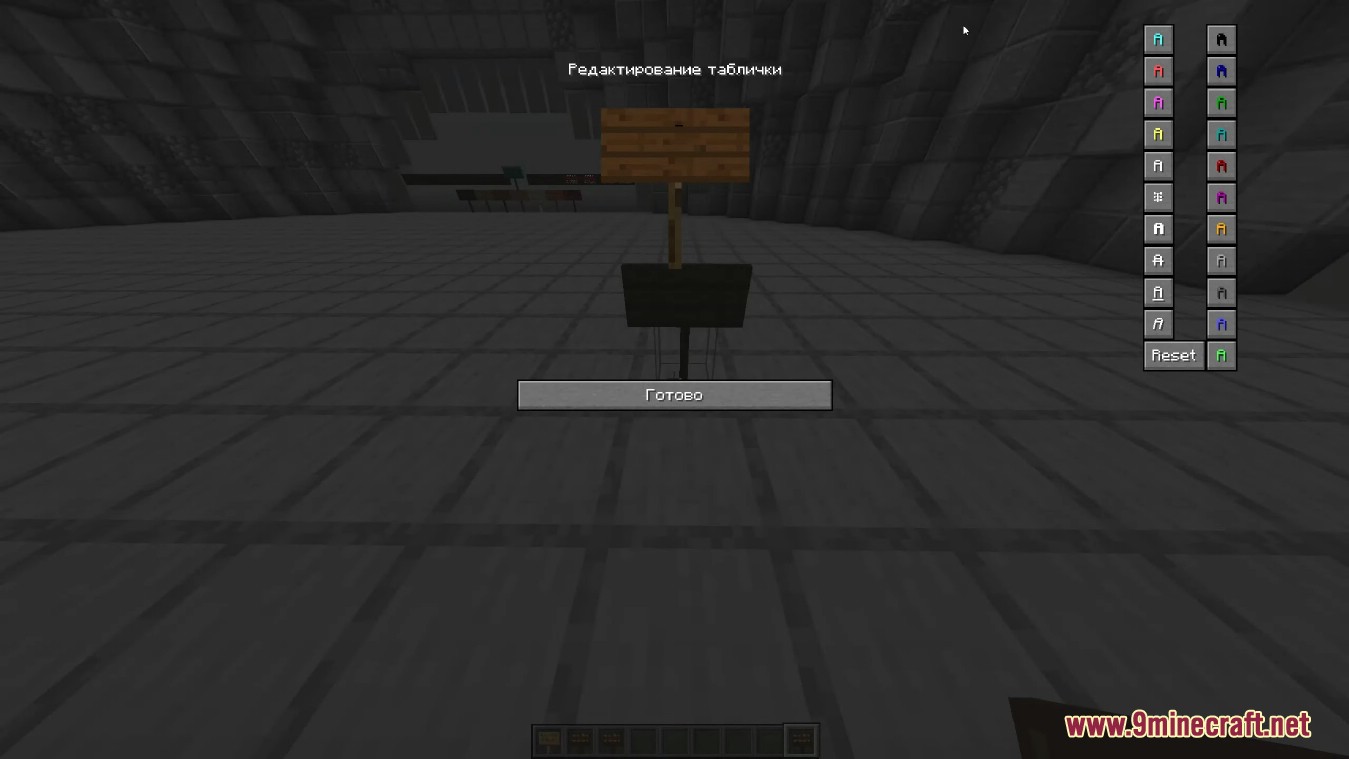
How to Install:
New to Minecraft? Follow our step-by-step guide to install Mods on your PC.View Guide
ColorUtility Mod Download Links
For Minecraft 1.17.1
Fabric version: Download from Server 1
For Minecraft 1.16.5
Forge version: Download from Server 2
Fabric version: Download from Server 2
For Minecraft 1.12.2, 1.11.2, 1.10.2, 1.9.4, 1.8.9
Forge version: Download from Server 2
Click to rate this post!
[Total: 0 Average: 0]
You May Also Like
Picked for this page
 Skin Layers 3D Mod (26.3, 1.20.1) – Render The Player Skin Layer in 3D
 Wormhole Portals Mod (26.3, 1.20.1) – Interdimensional Portals of Any Size, Shape and Color
 Bloxy’s Structures Mod (1.21.4, 1.20.1) – More Structures with 4 New Bossfights
 Kambrik Library (26.1.2, 1.20.1) – Kotlin Library for Fabric
 LibrarianLib (1.21.1) – The Core of Wizardry Mods
 Carpet Org Addition Mod (26.3, 1.20.1) – Modular Tweaks For Minecraft
 PVP Arena Mod (26.3, 1.21.11) – Summon And Fight In Arenas
 Berezka Library Mod (26.3, 1.20.1) – Library That Has Loot Tables For Berezkas Mods
 Wearable Lanterns Mod (1.20.1, 1.20) – Go Caving Without Juggling Torches
 Misplaced Mod (1.20.1) – Don’t Play This Mod Alone
 Flame Sweeping Mod (1.20.6, 1.20.1) – Set Entire Hordes of Mobs on Fire
 Cobblemon Minimons Mod (1.21.11, 1.21.1) – Display Your Collection
Most viewed in Mods over the last 7 days
 Ala Industrial Mod (26.3) – Run Electric Power Grids and Automated Factories
 PleasureCraft Mod (26.3, 1.21.1) – Jenny Mod Remake for Fabric
 Jennycraft Mod (26.3, 1.20.1) – Virtual Girlfriend in Minecraft
 Fapcraft Mod (26.3, 1.12.2) – Comprehensive and Detailed Content
 Jenny Mod (Fapcraft) Official Complete Guide – How to use, Tutorial
 BangCraft Mod (1.20.1) – Jenny, Ellie and Elliot
 Fabric Loader (26.3, 1.20.1) – Fabric Installer for All Minecraft Versions
 Meteor Client Mod (26.3, 1.20.1) – Xray, HUD, Fly
 The Shooting Star Demo Mod (26.3, 1.20.1) – Vaporize Terrain From Orbit
 OptiFine HD (26.3, 1.20.1) – Run Faster, FPS Boost, Shaders Support
 Aristois Client Mod (1.21.4, 1.20.1) – World Class Minecraft Utility
 SchnurriTV Mod (1.12.2) – Characters and Features
More from Mods
 NovaUtils Mod (26.1.2) – Locate Buried Ores and Inspect Chests Through Walls
 In-Game Account Switcher with Cookies Mod (1.21.11) – Swap Your Alts Without Relaunching
 CrewX Mod (1.8.9) – Dominate Competitive Server Matches Without Lag
 Vanilla Refit Mod (1.21.1) – Build Thinner Walls with Vertical Slabs
 IZeMod Mod (26.2) – Helpful Survival Tools for Everyday Fabric Adventures
 SkullLIB Mod (1.20.1) – Bring Prehistoric Beasts and New Animals to Your World
 EasyGui Mod (1.21.11, 1.21.1) – Build Custom Screen Menus and Animated HUD
 Legacy Wavey Capes Mod (1.8.9) – Watch Your Cape Flow Naturally While Sprinting
 Warrior Cats Events Mod (1.21.1, 1.20.1) – Live As a Wild Clan Cat
 Apex Enchantment Freedom Mod (26.3) – Stack Conflicting Enchantments
 Tensura GUI Mod (1.21.1) – Track Your Fantasy Skills and Race Evolutions
 Remnants Roguelite Dungeons Mod (26.3, 1.20.1) – Risk It All in Procedural

This post has no comments yet. Be the first — your comment will appear here.