
Realistic Fire Spread Mod (1.21.4, 1.20.1) – Burning Mobs Set Your World Ablaze
 6,434
 0


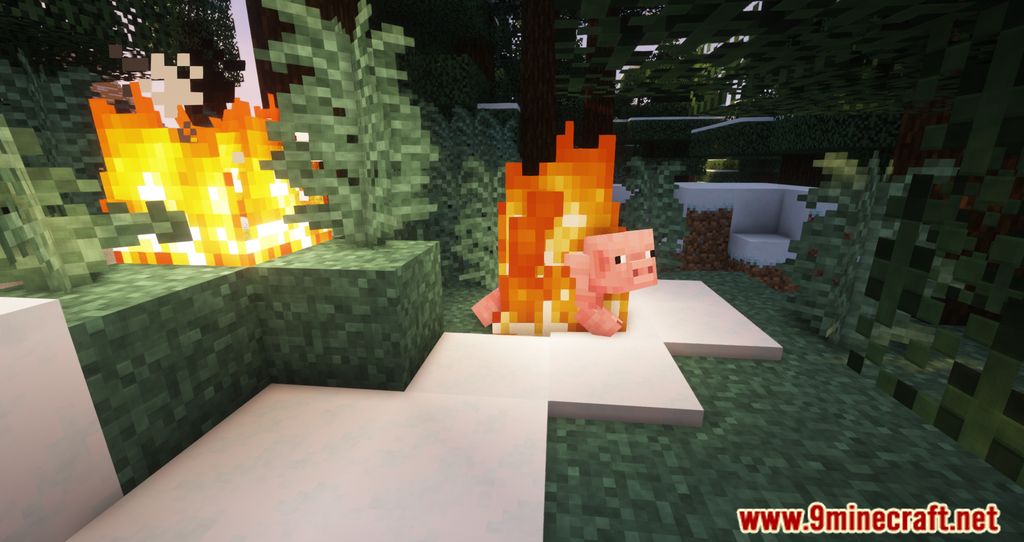
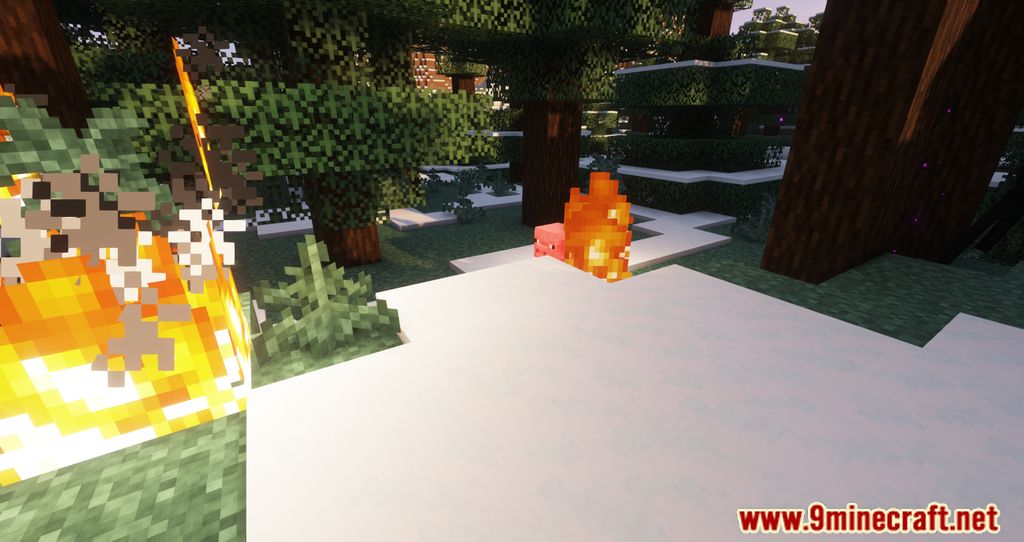
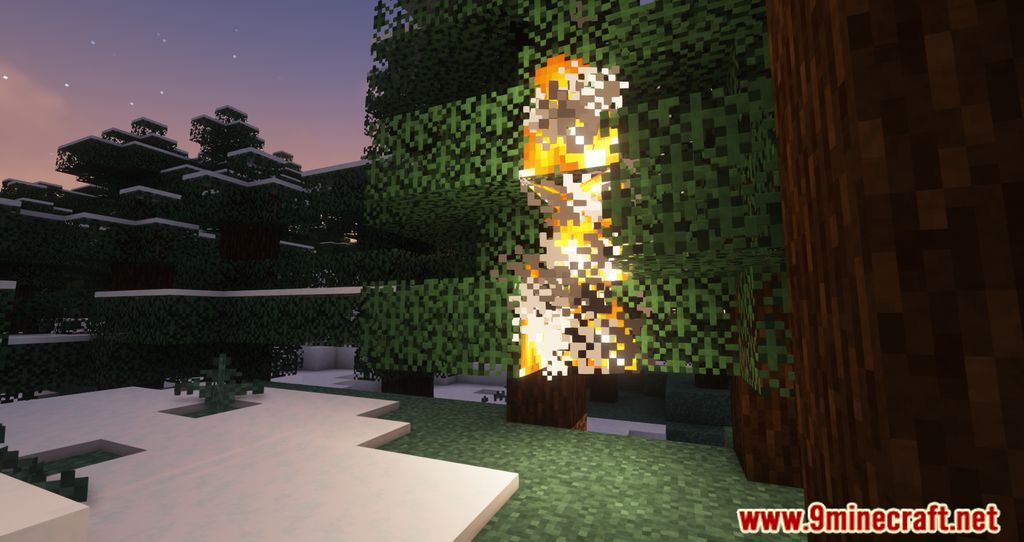
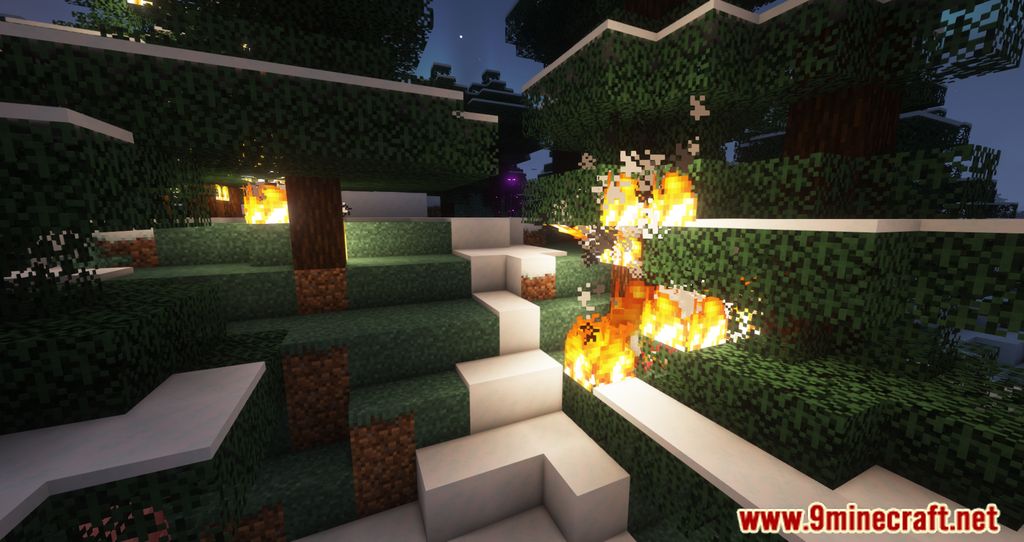
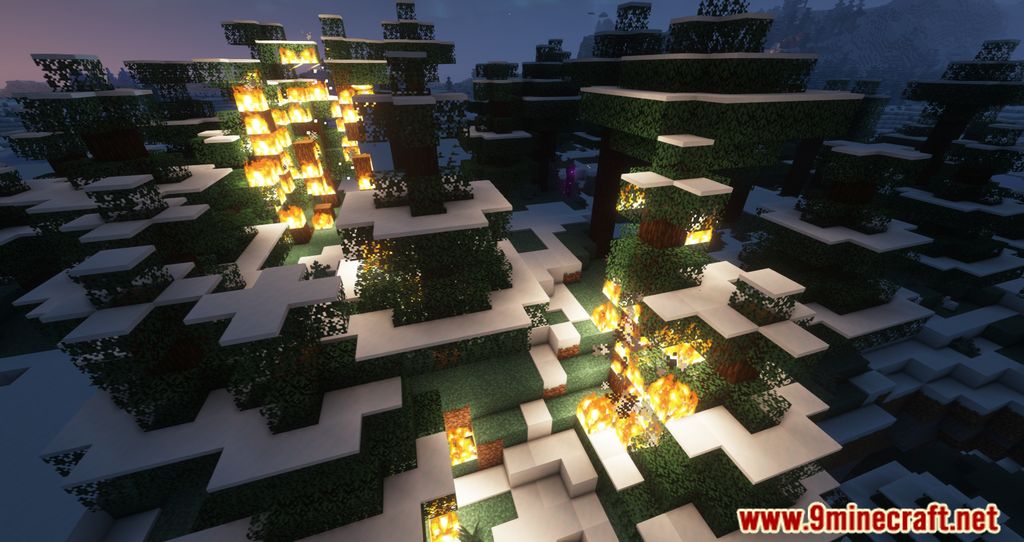
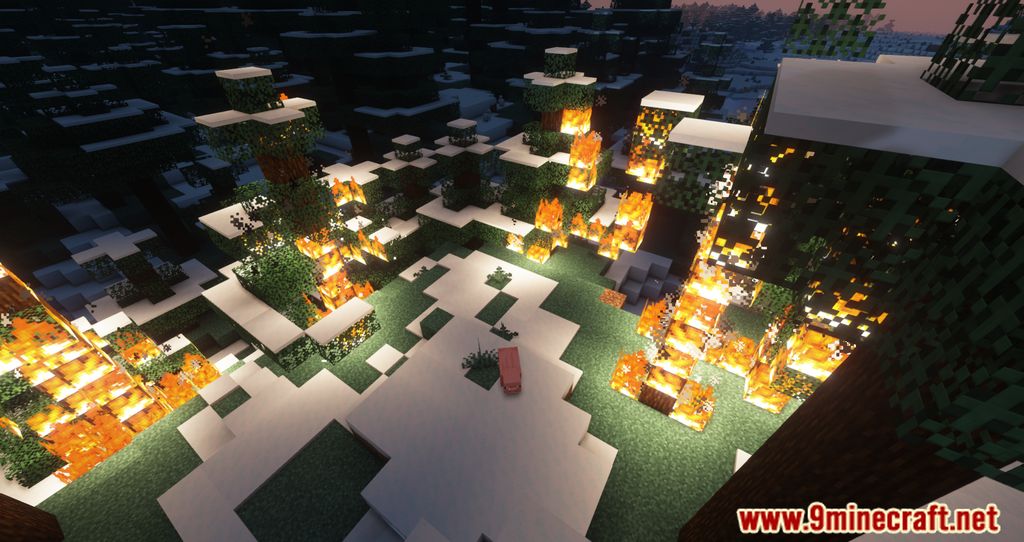
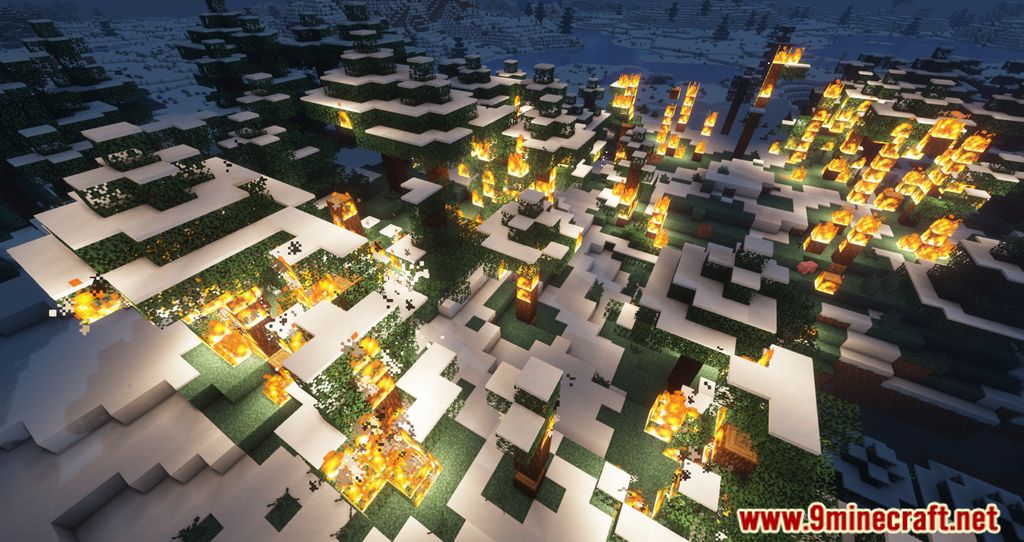
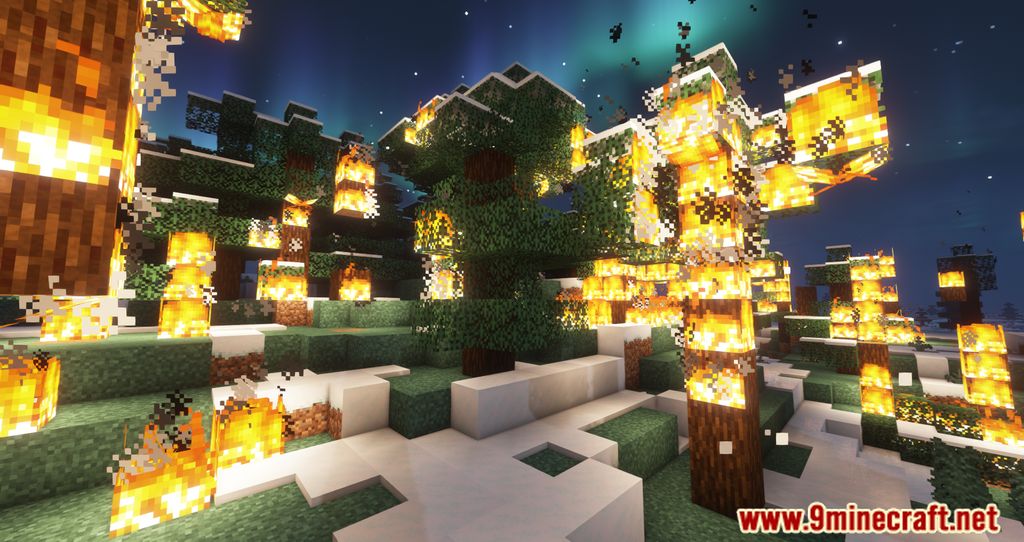
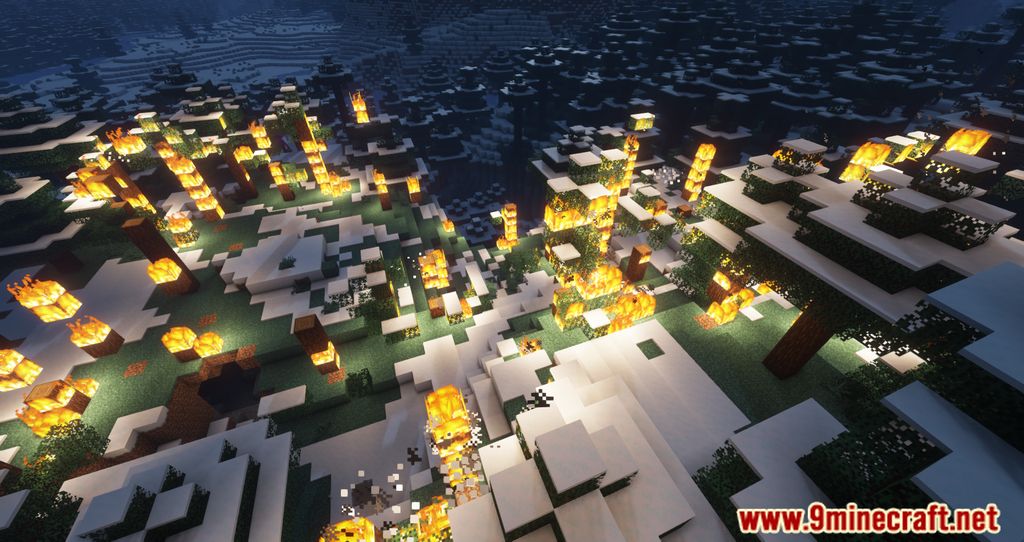
Realistic Fire Spread Mod lets burning mobs, players, and flaming arrows set nearby flammable blocks on fire. This change applies to both hostile monsters and friendly animals as they move around your world. Because flames spread easily from burning targets to trees or houses, you need to stay careful around fire.
Features:
- Burning mobs and players light up nearby flammable blocks as they move around the world.
- Flaming arrows set flammable blocks on fire when they hit.
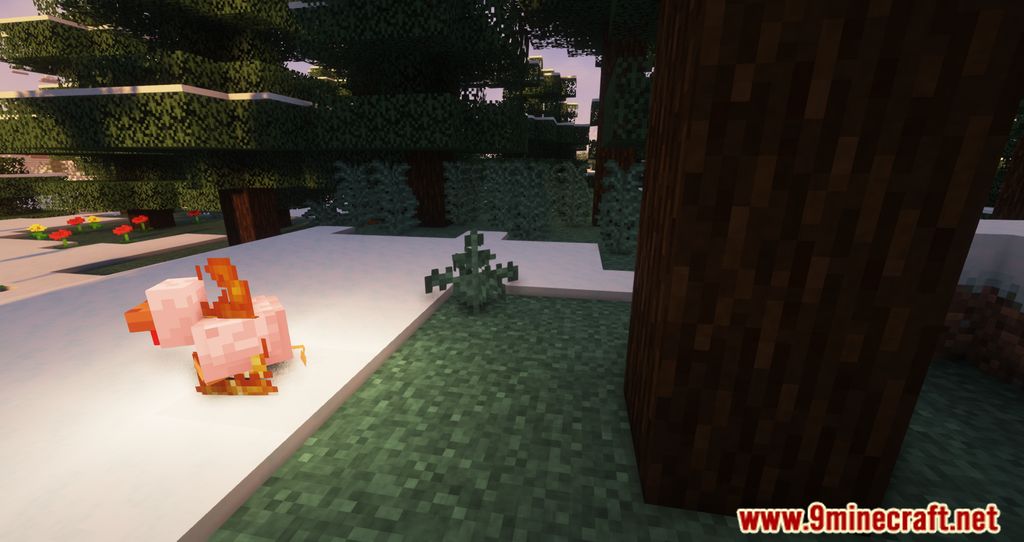
- Works on both hostile monsters and friendly animals or pets as long as they are on fire.
- Makes fire spread in unpredictable ways across forests and near wooden builds, encouraging you to play carefully around flames.
Screenshots:
How to Install:
New to Minecraft? Follow our step-by-step guide to install Mods on your PC.View Guide

Realistic Fire Spread Mod Download Links
For Minecraft 1.21.4
Fabric version: Download from Server 1 – Download from Server 2
For Minecraft 1.21.3, 1.21.2
Fabric/Quilt version: Download from Server 1 – Download from Server 2
For Minecraft 1.21.1, 1.21
Fabric/Quilt version: Download from Server 1 – Download from Server 2
For Minecraft 1.20.6
Fabric/Quilt version: Download from Server 1 – Download from Server 2
For Minecraft 1.20.1
Fabric/Quilt version: Download from Server 1 – Download from Server 2
For Minecraft 1.19.4
Fabric/Quilt version: Download from Server 1 – Download from Server 2
For Minecraft 1.19.3
Fabric version: – Download from Server 2
For Minecraft 1.19.2
Fabric version: Download from Server 1
For Minecraft 1.19.1
Fabric version: Download from Server 1
For Minecraft 1.19
Fabric version: Download from Server 1
For Minecraft 1.18.2
Fabric version: Download from Server 1
For Minecraft 1.17.1
Fabric version: Download from Server 1
For Minecraft 1.16.5
Fabric version: Download from Server 1
What is your favorite type of Minecraft mod?
26 responses · See the full results →
You May Also Like
Picked for this page
 No Darkness Effect Mod (26.3, 1.20.1) – Completely Removes Darkness Effect
 Exp Ore Mod (26.3, 1.20.1) – Adds Experience Ore Block
 Only Excavators Mod (26.3, 1.20.1) – 3×3 Mining Tools
 Better End Cities Mod (26.2, 1.20.1) – Making End Cities Look Better
 Forgiveness Mod (26.2, 1.20.1) – Many Usefull Crafts
 Argentina’s Delight Mod (1.21.1, 1.20.1) – More Food and Plants
 Eroding Stone Entities Mod (26.3, 1.20.1) – Stone Erosion Mechanic
 Server Pinger Fixer Mod (26.3, 1.20.1) – Improves Server Pinging Speed
 Fabric Seasons Croptopia Compat Mod (26.2, 1.20.1) – Farm Crops By the Season
 Netherited Mod (26.3, 1.21.1) – Keep Your Gear Safe From Fire And Lava
 Sodium Chinese Localization Mod (26.3, 1.20.1) – Sodium Translation
 Bosses Unleashed Mod (1.20.1, 1.20) – Boss From Another Dimension
Most viewed in Mods over the last 7 days
 Ala Industrial Mod (26.3) – Run Electric Power Grids and Automated Factories
 PleasureCraft Mod (26.3, 1.21.1) – Jenny Mod Remake for Fabric
 Jennycraft Mod (26.3, 1.20.1) – Virtual Girlfriend in Minecraft
 Fapcraft Mod (26.3, 1.12.2) – Comprehensive and Detailed Content
 Jenny Mod (Fapcraft) Official Complete Guide – How to use, Tutorial
 BangCraft Mod (1.20.1) – Jenny, Ellie and Elliot
 Fabric Loader (26.3, 1.20.1) – Fabric Installer for All Minecraft Versions
 Meteor Client Mod (26.3, 1.20.1) – Xray, HUD, Fly
 The Shooting Star Demo Mod (26.3, 1.20.1) – Vaporize Terrain From Orbit
 OptiFine HD (26.3, 1.20.1) – Run Faster, FPS Boost, Shaders Support
 Aristois Client Mod (1.21.4, 1.20.1) – World Class Minecraft Utility
 Prestige Client Mod (1.21.11, 1.21.4) – Powerful Ghost Features for Crystal & Sword PvP
More from Mods
 Fetzi’s Displays Mod (26.1.2, 1.20.1) – Turn Rare Gear and Weapons
 Primal Plushies Paleo Pals Mod (1.21.1, 1.20.1) – Decorate Your Base
 Ipla Mod (26.3, 1.20.1) – Showcase Your Favorite Items
 MesdagPortLib Mod (1.20.1) – Run Modern Minecraft Mechanics on Older Versions
 Hellion’s API Mod (1.21.11, 1.21.1) – Play Hellion Series Addons Without Crashes
 Terrestria Mod (26.3, 1.20.1) – Highly Detailed Biomes
 Tre’s Tack Library Mod (1.20.1) – Outfit Your Horses with Fully Detailed Tack
 YDM’s coreX Library Mod (1.20.1) – Loot RPG Gear with Random Names
 Gunpowder Recipe Mod (26.3, 1.20.1) – Gunpowder is Craftable
 Villager Timetable Mod (26.3, 1.20.1) – Master Villager Schedules
 Artemis Laboratory Blocks Mod (26.3, 1.20.1) – Lab Blocks And Dynamic Decorations
 Fabric ORM Jimmer Mod (26.3, 1.20.1) – Prevent Sudden Server Crashes

This post has no comments yet. Be the first — your comment will appear here.