
Artemis Laboratory Blocks Mod (26.3, 1.20.1) – Build Futuristic Research
 554
 0


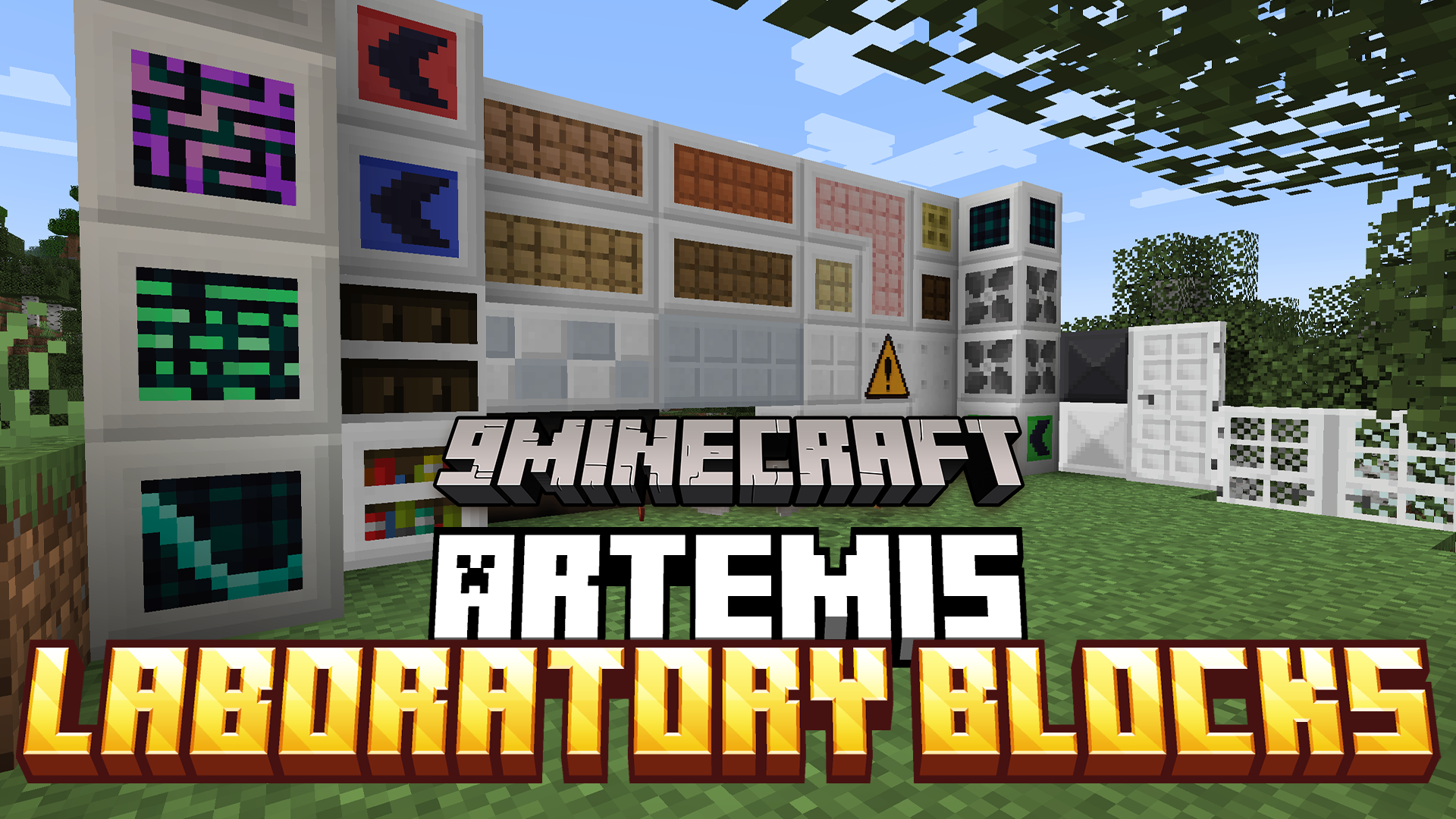
Artemis Laboratory Blocks Mod expands Minecraft with a variety of modern and futuristic laboratory building blocks. It brings clean research facilities and dark experimental rooms to the game through connected textures, glowing blocks, and detailed decorative elements.
Features:
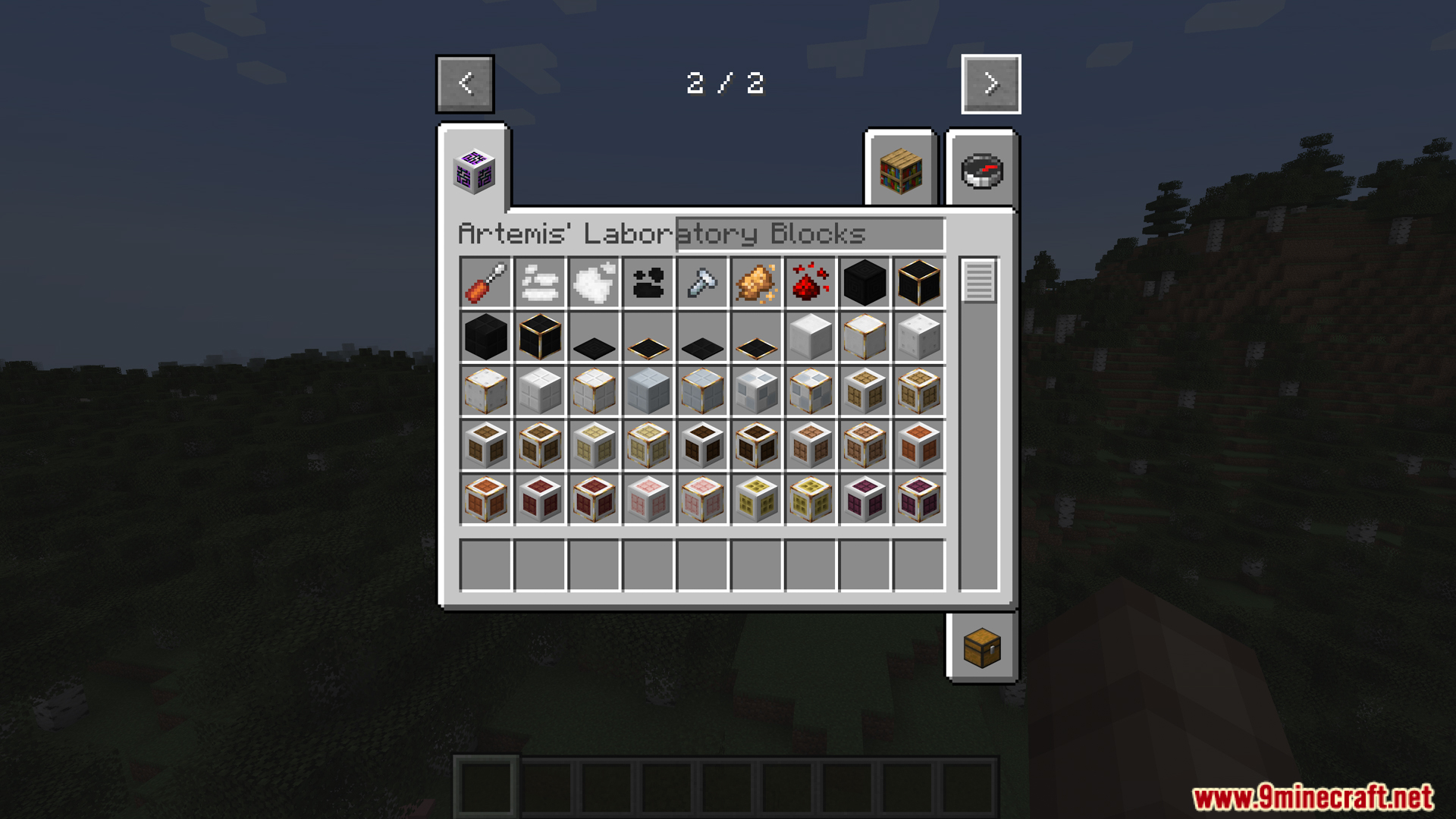
- Bright & Dark Laboratory Blocks: Provides complete bright and dark laboratory block palettes with a wide selection of building materials and decorations that convert using dye.
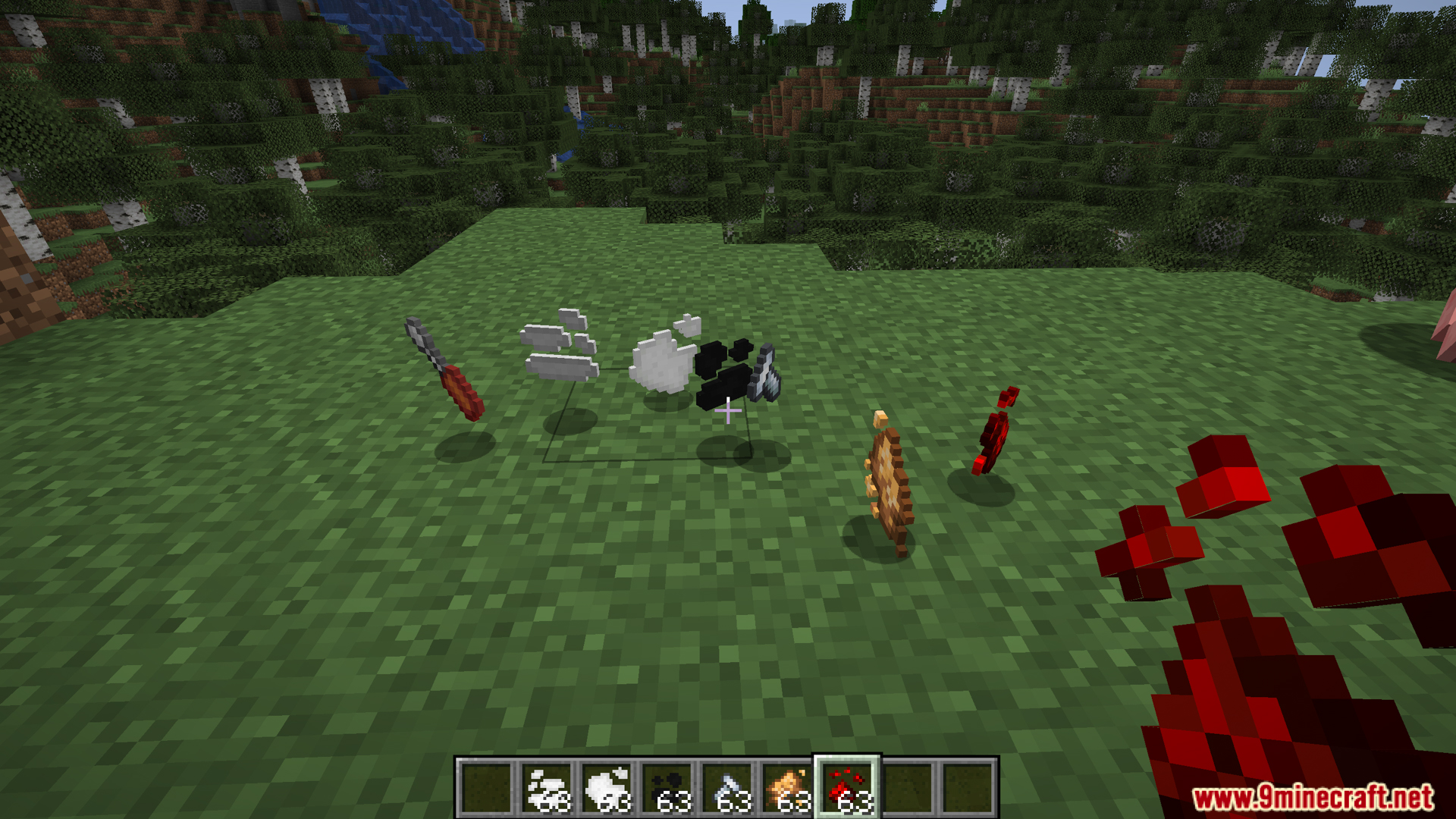
- Glowing Laboratory Blocks: Illuminates builds with glowing variants of most laboratory blocks using glowstone particles and a configuration tool.
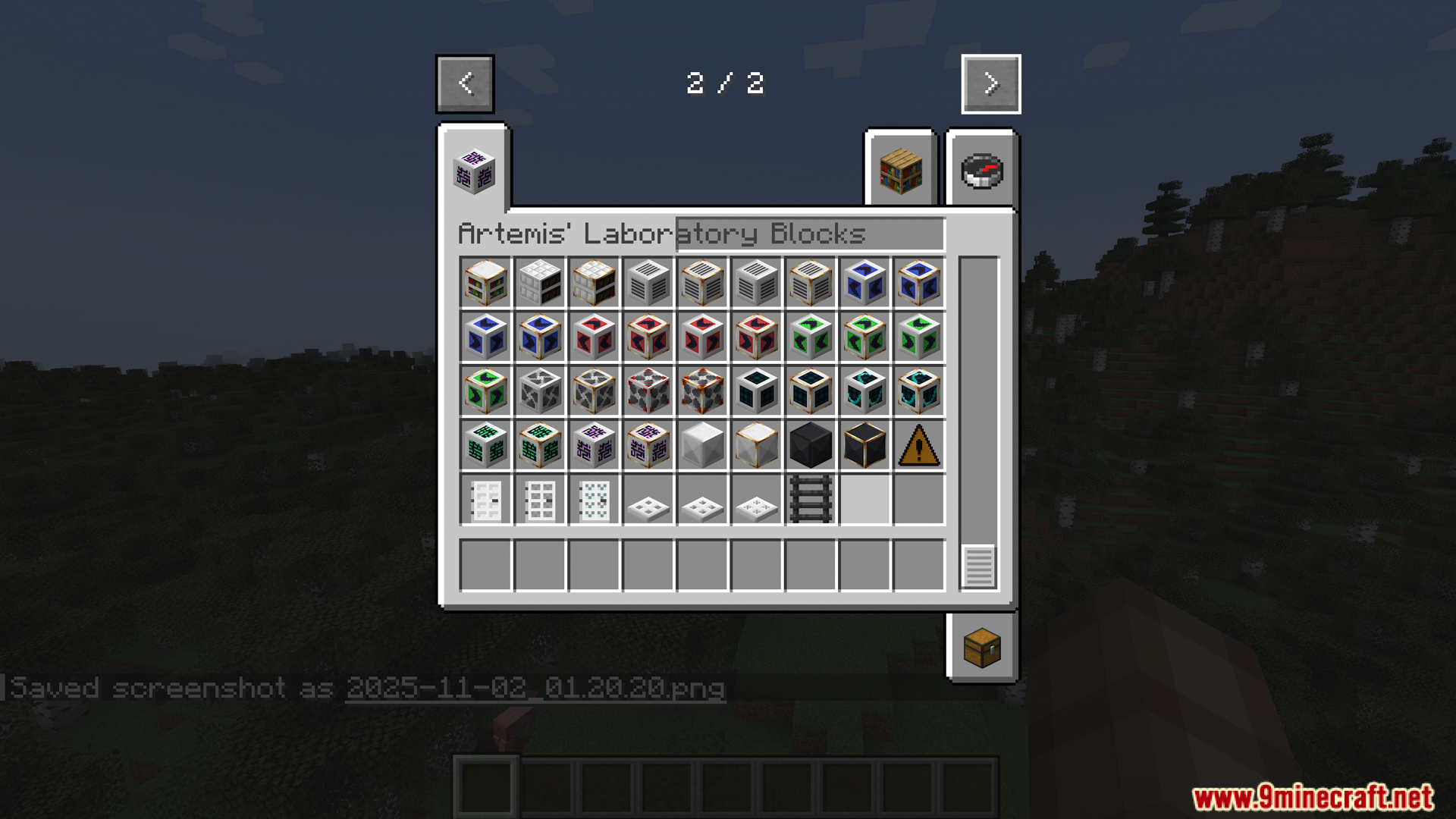
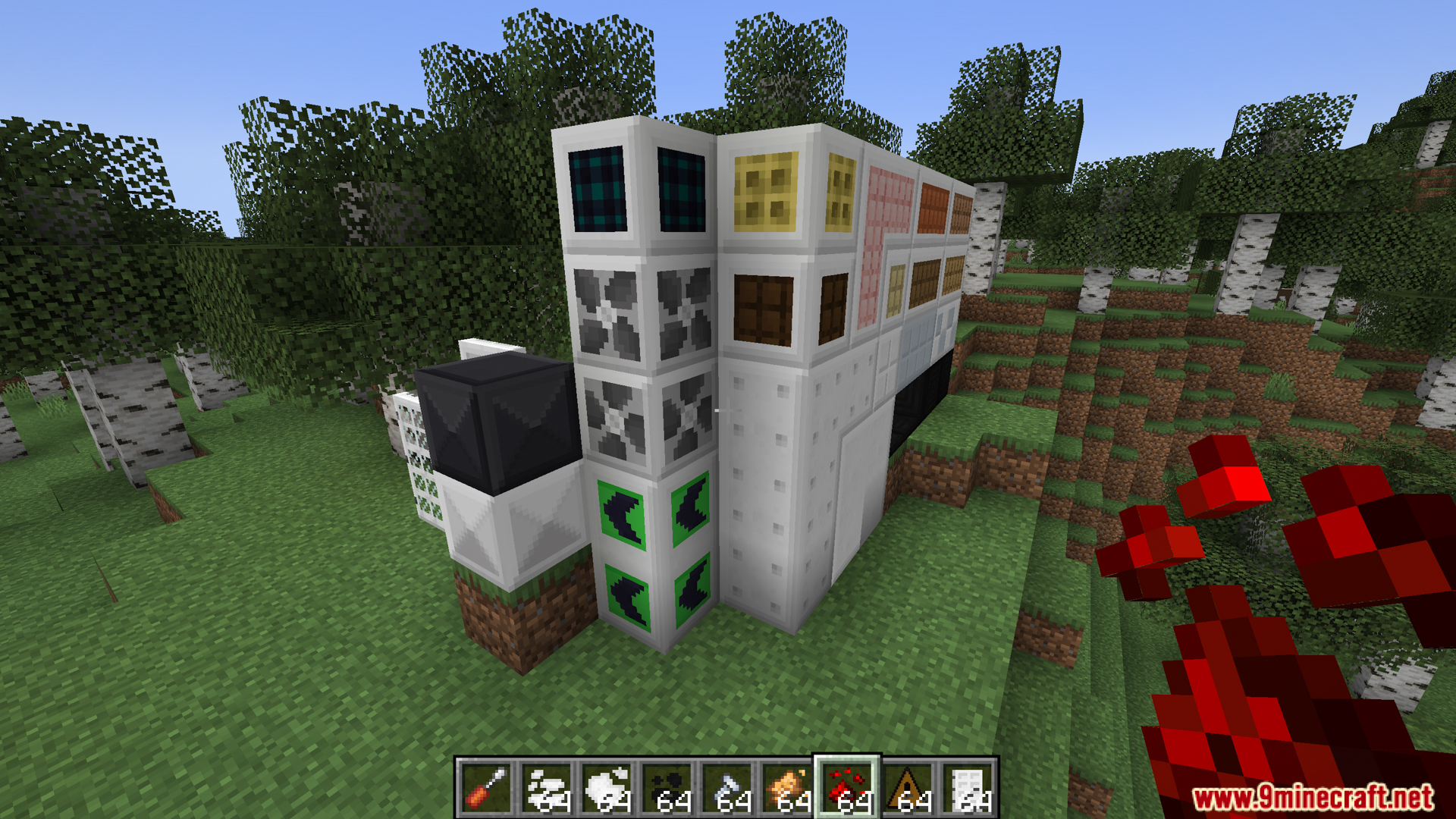
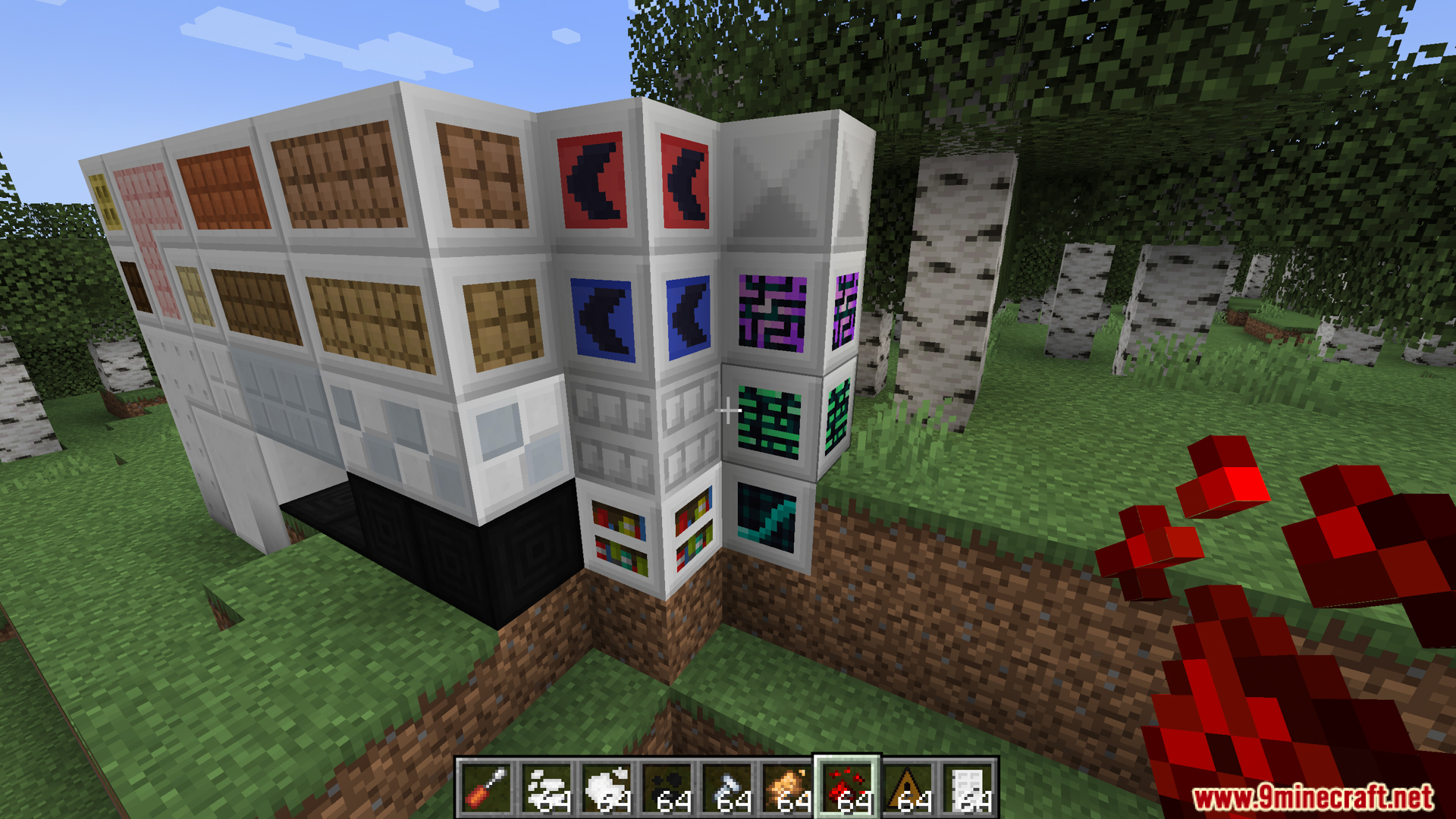
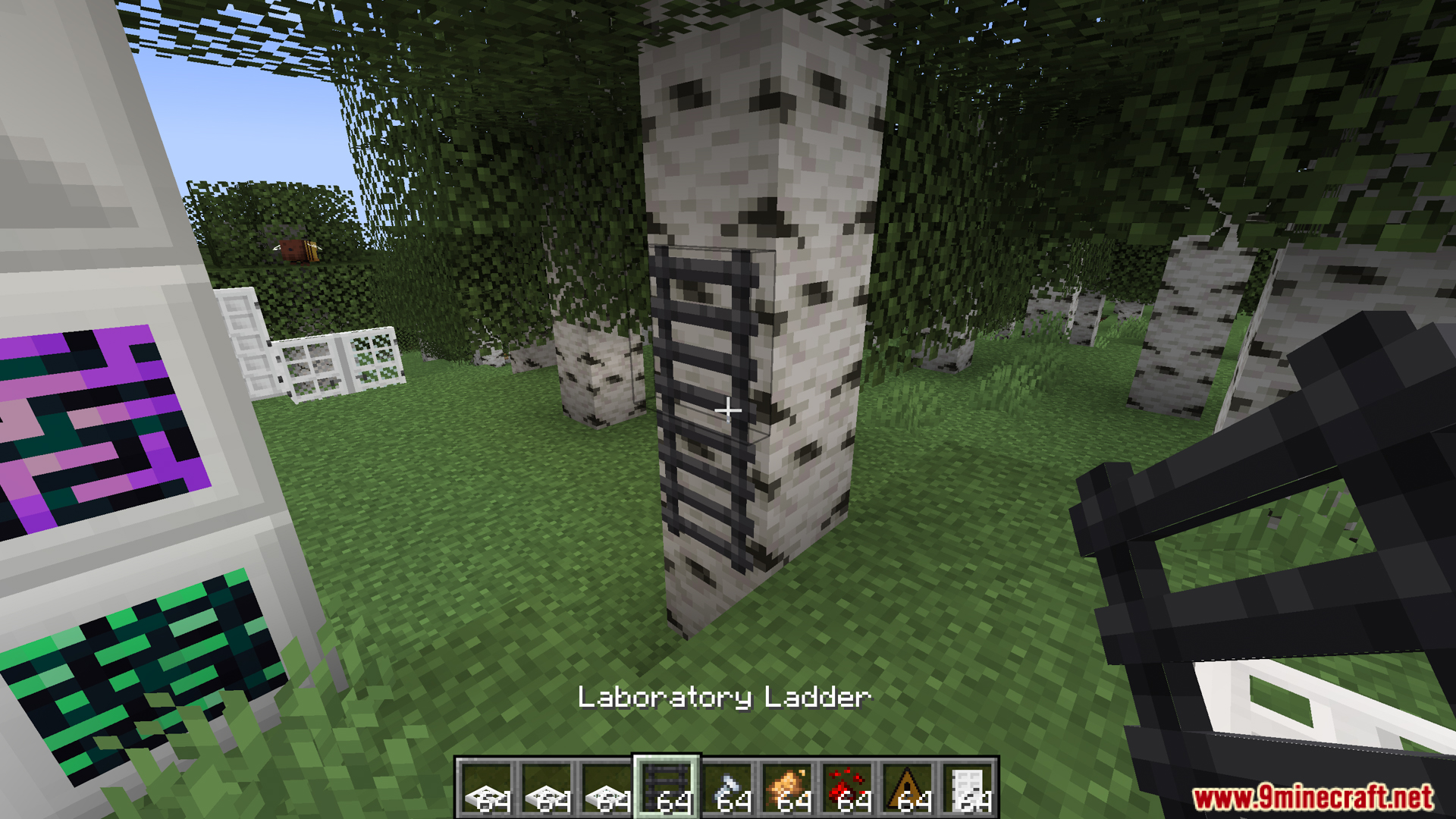
- Decorative & Functional Blocks: Adds reinforced blocks, pillars, glass, vents, fans, redstone-controlled fans, colored indicators, and screens.
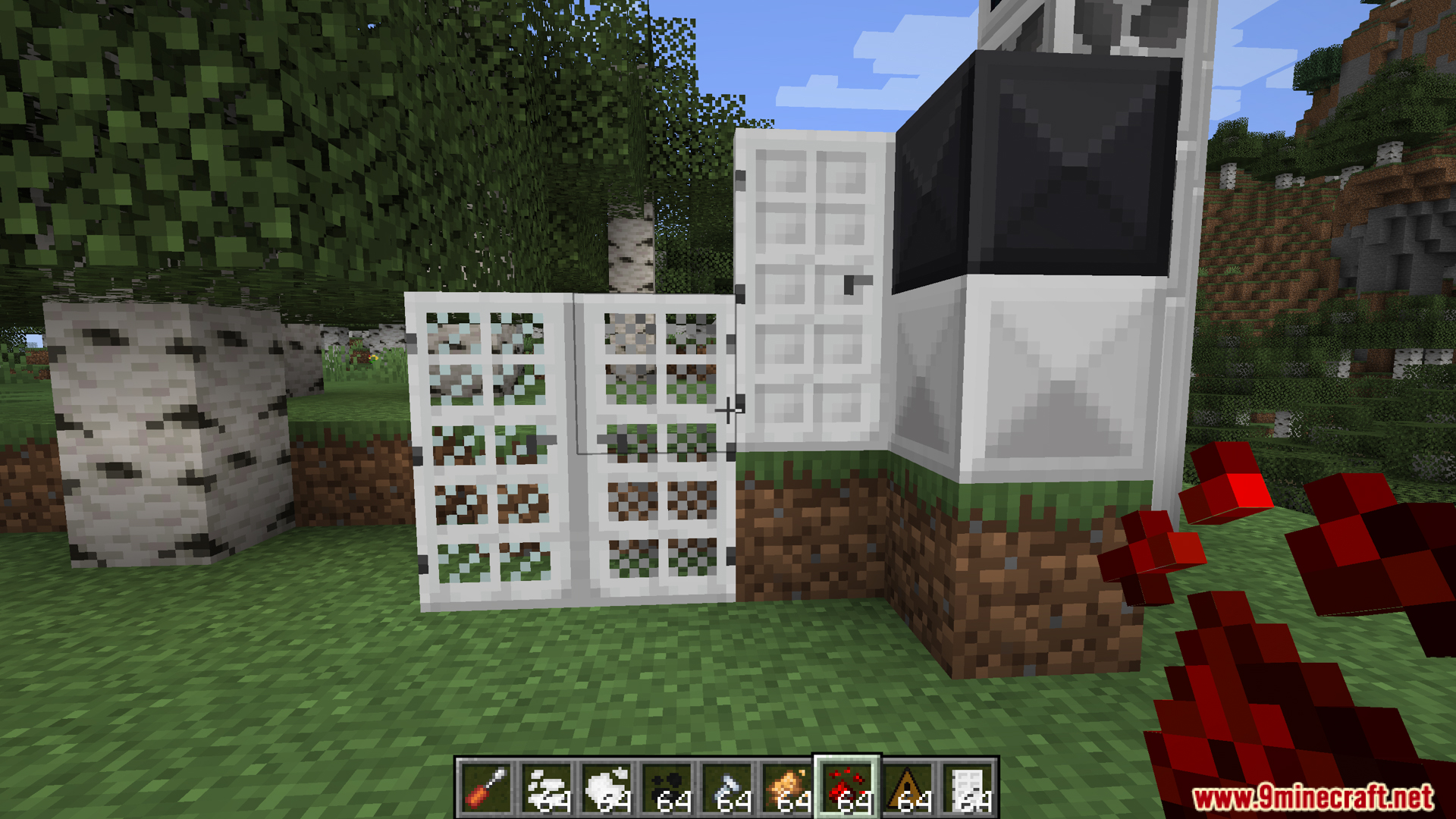
- Adds solid, mesh, and glass doors and trapdoors for extra building options.
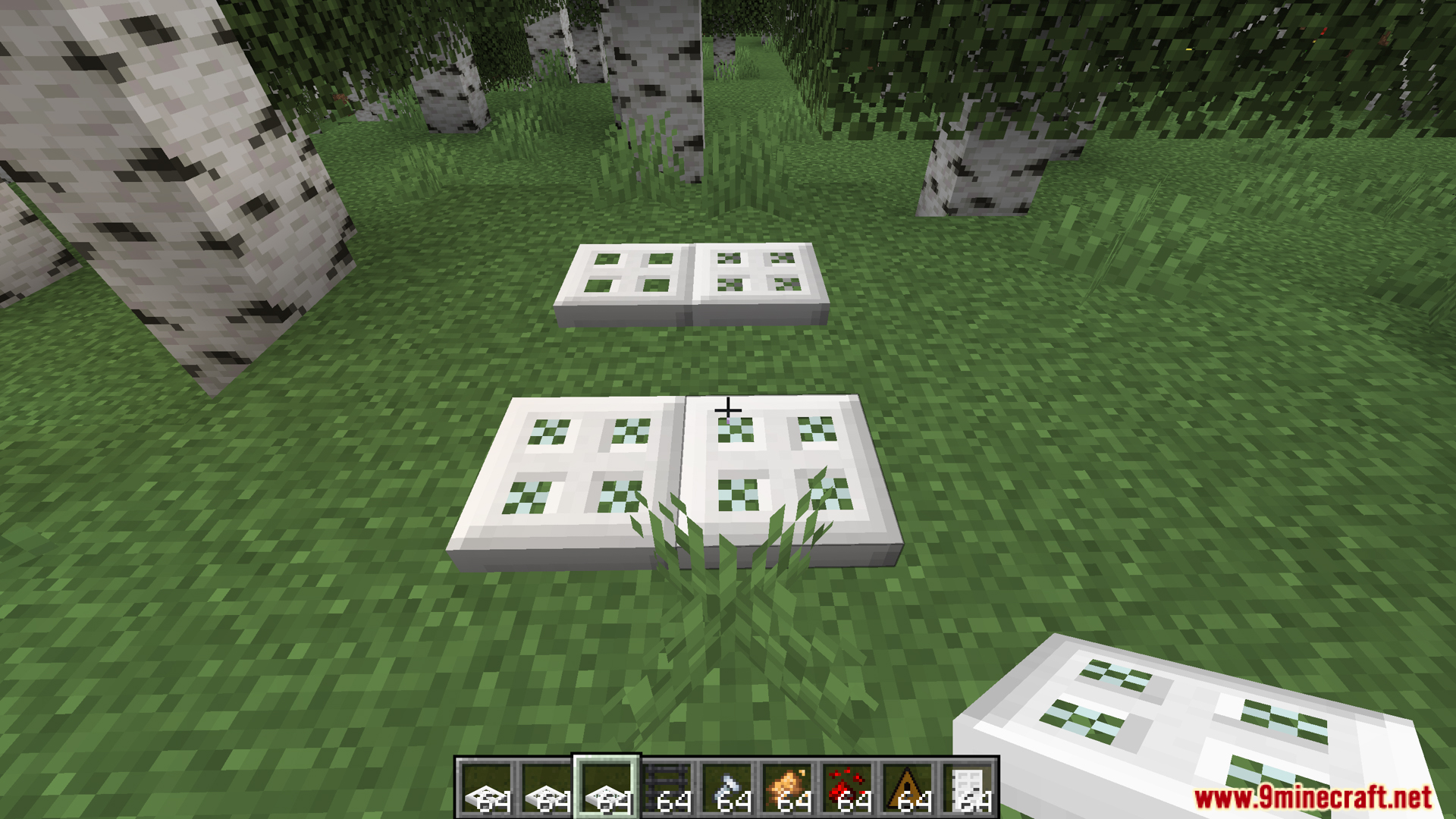
- Offers connected laboratory tiles and wooden floors in various wood types.
- Lets you change existing wooden flooring using planks or use the stonecutter.
- Introduces two atmospheric music discs found in abandoned mineshaft chests, end city treasure chests, or dropped by creepers killed by skeletons.
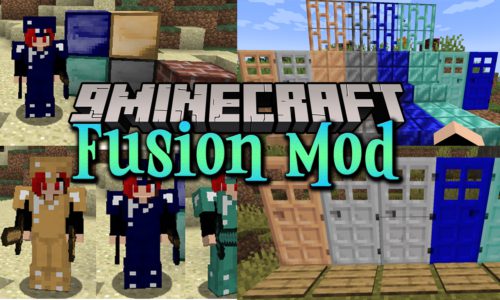
- Requires the Fusion mod to load correctly and provide connected textures.
How to Use:
- Install the required Fusion mod to ensure connected textures load correctly.
- Select bright or dark laboratory blocks from your inventory and dye them to change color palettes.
- Apply glowstone particles to blocks by right-clicking or crafting to make them glow.
- Use the configuration tool to remove glowstone particles when needed.
- Find music discs in abandoned mineshafts and end cities or obtain them from creepers defeated by skeletons.
Screenshots:
How to Install:
New to Minecraft? Follow our step-by-step guide to install Mods on your PC.View Guide
Requirements:



Artemis Laboratory Blocks Mod Download Links
For Minecraft 1.16.5
For Minecraft 1.21.1, 1.21
For Minecraft 1.21.11
For Minecraft 26.1.2, 26.1.1, 26.1
For Minecraft 26.2
For Minecraft 1.20.1, 1.20
For Minecraft 1.19.2
For Minecraft 1.18.2
For Minecraft 26.3
For Minecraft 1.20.2
Click to rate this post!
[Total: 1 Average: 5]
QUICK MINECRAFT SURVEY · ONE TAP
Mods & Modpacks
What do you usually do when your modded game crashes on startup?
1 responses · See the full results →
You May Also Like
Picked for this page
 CleanView Mod (1.21.11, 1.20.1) – No More Swirlies
 Bridging Mod (26.3, 1.20.1) – Build Bridges Over the Void
 Tectonic Mod (26.3, 1.20.1) – Improved Biomes
 Chunk Loaders Mod (26.3, 1.20.1) – Keep Everything Running Even When You’re Away
 Dynamic Crosshair Mod (26.3, 1.20.1) – Hides Or Changes The Crosshair
 Horse Statistics Mod (26.3, 1.20.1) – Attribute Display, Taming Assistance
 Hexxit Gear R Mod (26.2, 1.20.1) – The Resurgence Of Hexxit
 Mine Spawners Mod (1.21.11, 1.20.1) – Get Spawners Using a Silk Touch Pick
 O-Peepo’s Timber Mod (1.21.10, 1.20.1) – Automatic Tree Felling
 Day Count Mod (26.3, 1.20.1) – A Day Counter HUD
 Arrows Info Mod (26.3, 1.20.1) – Arrow Display HUD
 Trashed Mod (26.3, 1.20.1) – Voiding the Items
Most viewed in Mods over the last 7 days
 Ala Industrial Mod (26.3) – Run Electric Power Grids and Automated Factories
 PleasureCraft Mod (26.3, 1.21.1) – Jenny Mod Remake for Fabric
 Jennycraft Mod (26.3, 1.20.1) – Virtual Girlfriend in Minecraft
 Fapcraft Mod (26.3, 1.12.2) – Comprehensive and Detailed Content
 Jenny Mod (Fapcraft) Official Complete Guide – How to use, Tutorial
 BangCraft Mod (1.20.1) – Jenny, Ellie and Elliot
 Fabric Loader (26.3, 1.20.1) – Fabric Installer for All Minecraft Versions
 The Shooting Star Demo Mod (26.3, 1.20.1) – Vaporize Terrain From Orbit
 Meteor Client Mod (26.3, 1.20.1) – Xray, HUD, Fly
 OptiFine HD (26.3, 1.20.1) – Run Faster, FPS Boost, Shaders Support
 Aristois Client Mod (1.21.4, 1.20.1) – World Class Minecraft Utility
 Prestige Client Mod (1.21.11, 1.21.4) – Powerful Ghost Features for Crystal & Sword PvP
More from Mods
 Shin’s Tensura Race Models Mod (1.19.2) – Play As Unique 3D Anime Race
 Offgrid Mod (26.3, 1.20.1) – Furnish Compact Interiors Without Strict Grid
 Tempest Almanac Iron’s Spells ‘n Spellbooks Mod (1.21.1, 1.20.1)
 Chat Guides Mod (26.3, 1.21.11) – Never Memorize Complex Server Commands Again
 TRMT Reimagined the Roads More Travelled Mod (26.3, 1.20.1)
 Morrowless Mod (1.21.1) – Defend Your Shelter From Nightmare Creatures
 THE SLOPSTROSITY Mod (1.21.1) – Battle a Ridiculous Slime Boss
 Decoween Mod (1.21.1, 1.20.1) – Transform Ordinary Survival Bases
 Simply Light 9minecraft Mod (26.3) – Decorate Builds Without Torches
 Alex’s Caves Continued Mod (26.3, 1.20.1) – Conquer Six Massive Underground
 Anvil Uses Mod (26.3, 1.20.1) – Track Item Anvil Usage
 Animal Info Mod (26.3, 1.21.11) – Quick Stats For Your Animals

This post has no comments yet. Be the first — your comment will appear here.