
Coloured Tooltips Mod (1.19.2, 1.12.2) – Match Your Inventory to Your Theme
 1,820
 0


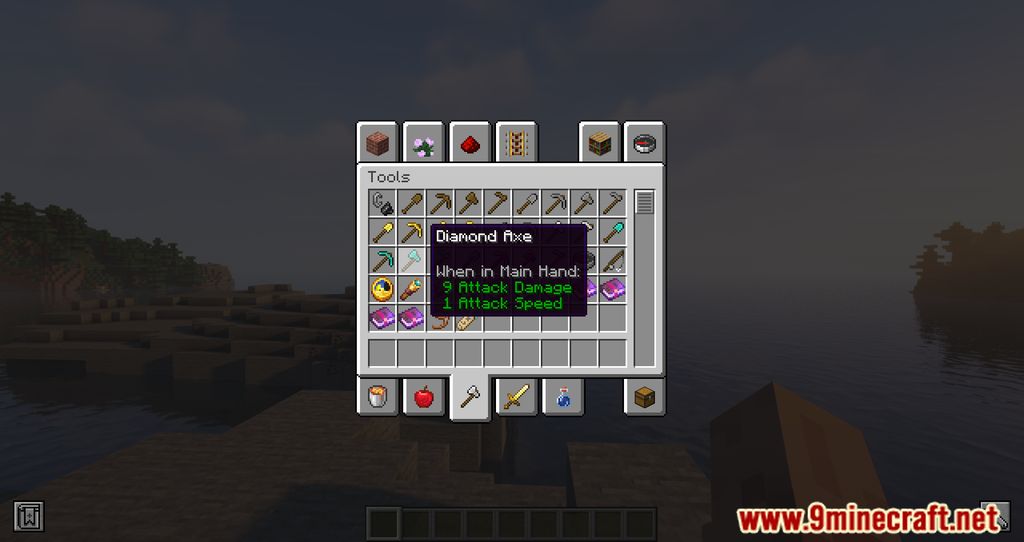
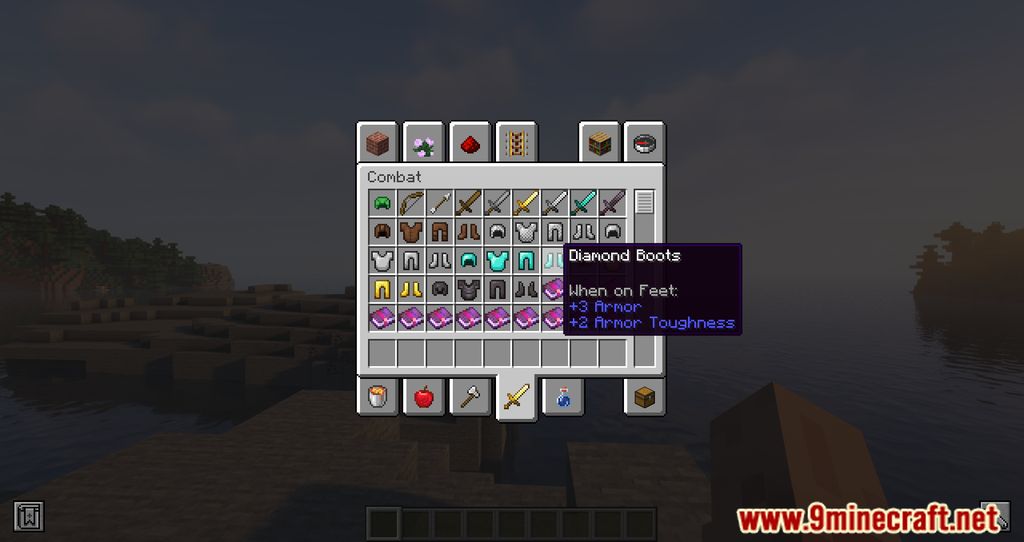
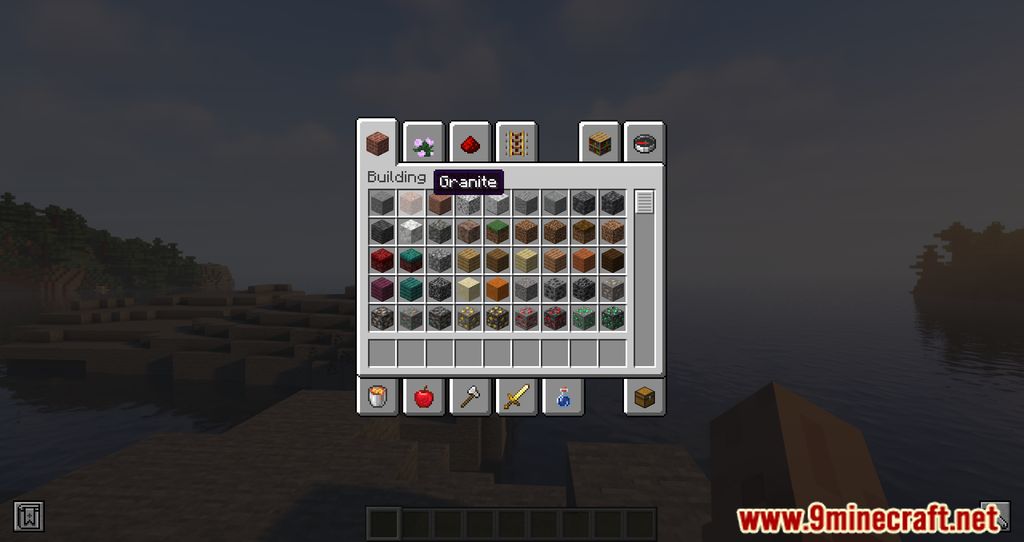
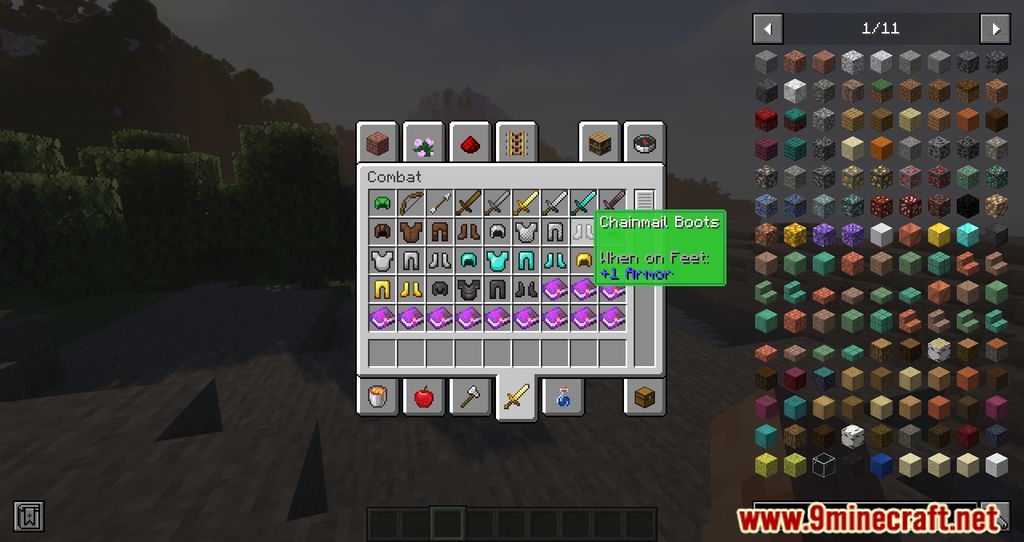
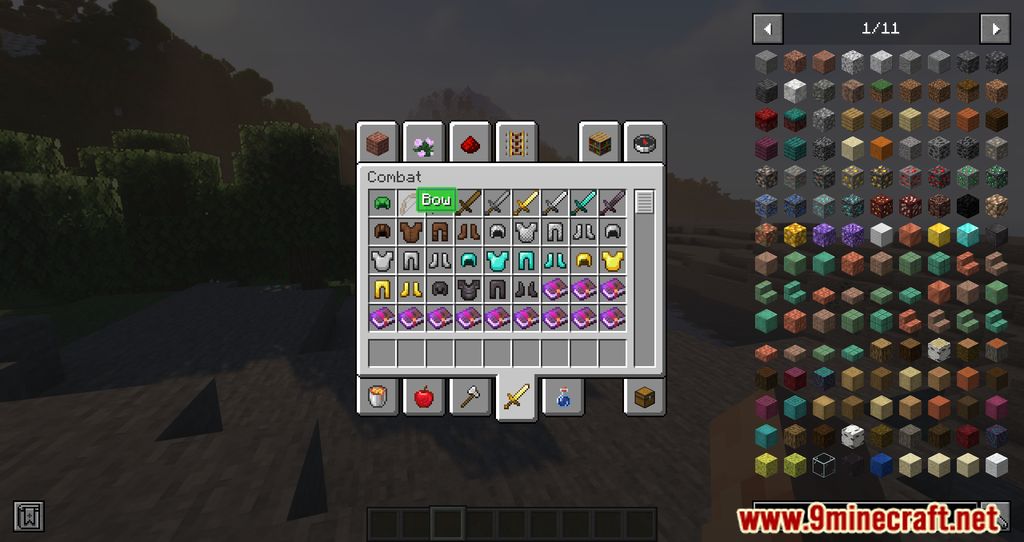
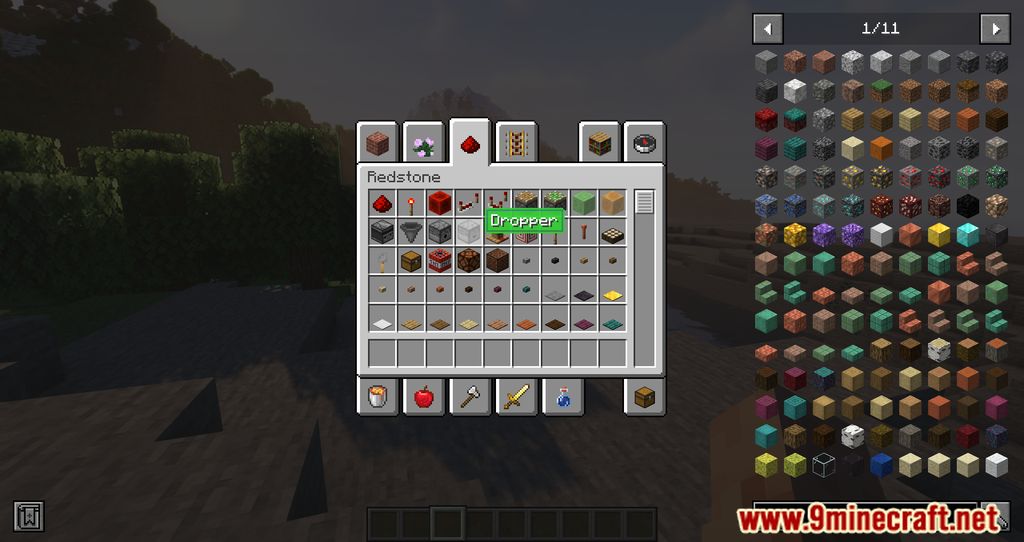
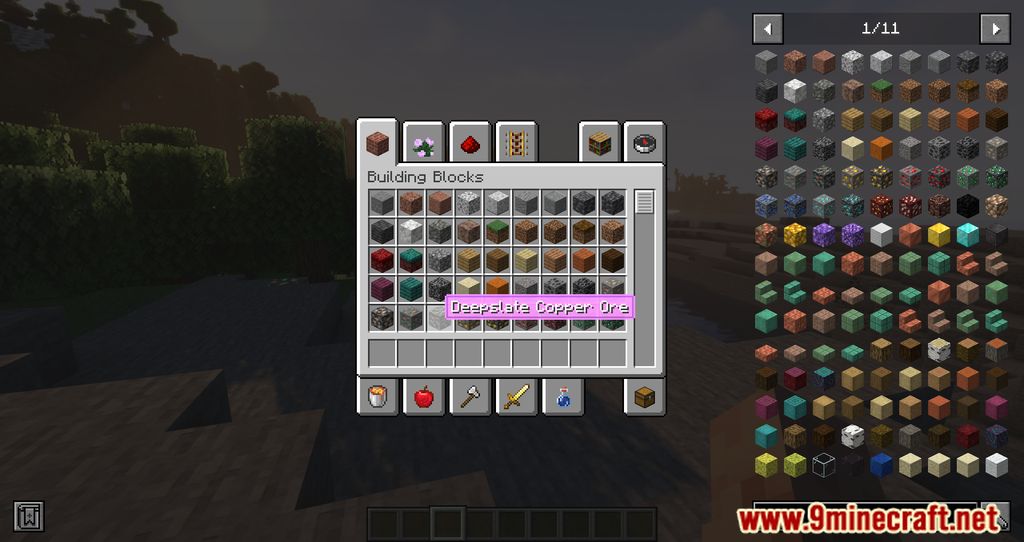
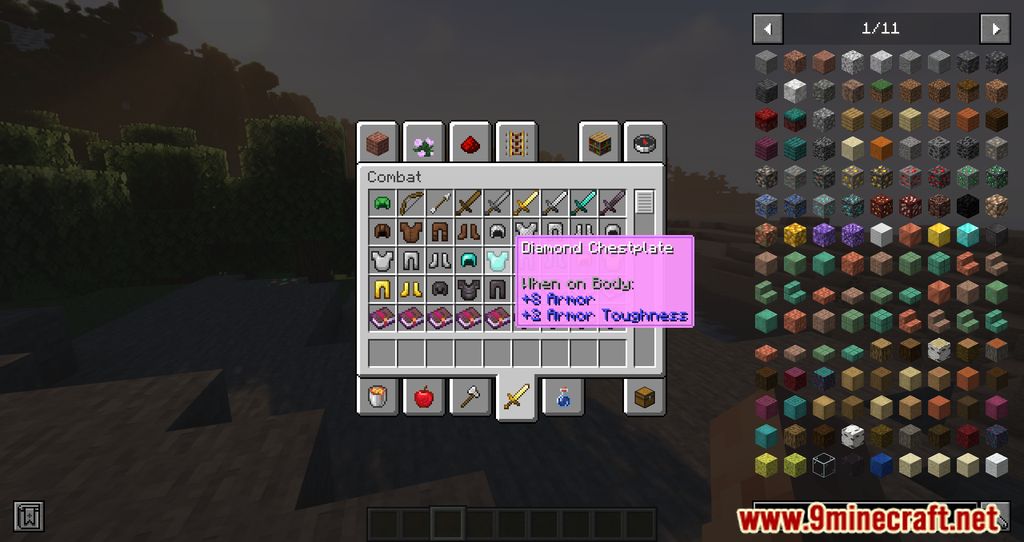
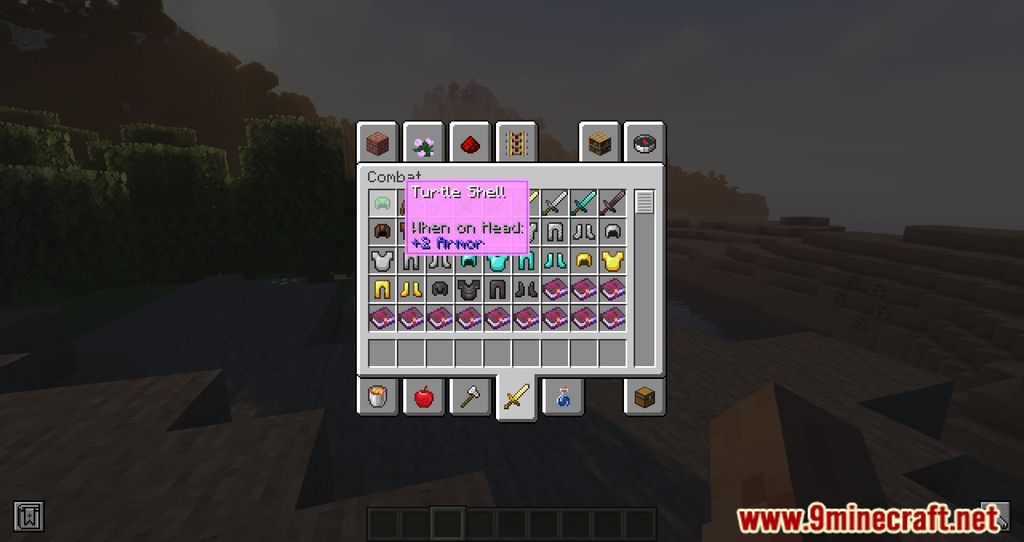
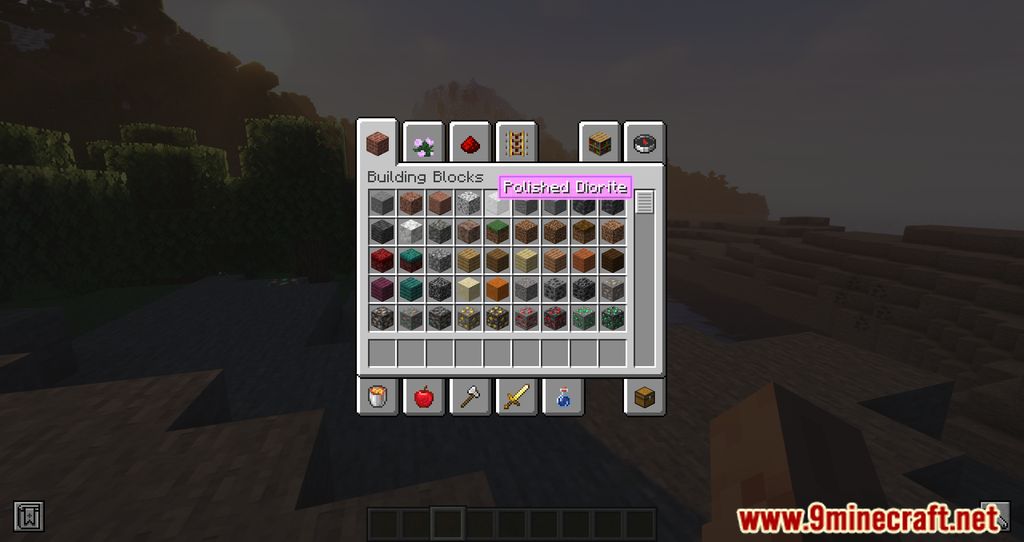
Coloured Tooltips Mod lets you change the default color of tooltips in Minecraft. It updates all tooltips that use Forge rendering code, including item tooltips and GUI tooltips like creative tab names. You can pick any color and transparency level by editing a simple config file.
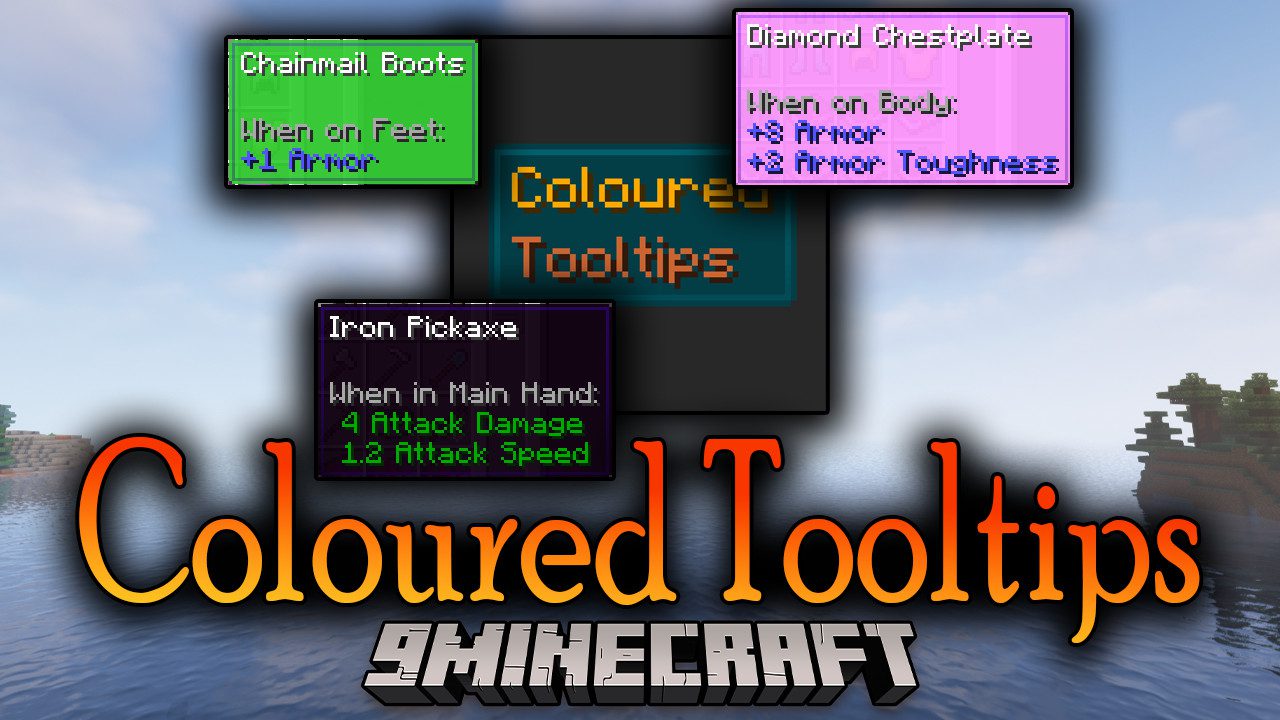
Features:
- Lets you change the default color of tooltips in the game.
- Supports ARGB hex strings so you can set both color and transparency using two extra characters at the start.
- Changes every tooltip that uses Forge’s tooltip rendering code.
- Applies your custom colors to item tooltips and GUI tooltips, such as creative tab names.
Configuration:
config/colouredtooltips.cfg: Config file used on 1.12.2 to set your custom tooltip colors.config/colouredtooltips-client.toml: Config file used on 1.13 and newer to set your custom tooltip colors.
How to Use:
- Go to your
configfolder and findcolouredtooltips.cfg(on 1.12.2) orcolouredtooltips-client.toml(on 1.13 and newer). - Open the file with a text editor so you can edit the color setting.
- Pick a color as an ARGB hex string, which is a normal RGB hex string with two extra characters at the start to control transparency. You can use an online color picker if you are not familiar with hex colors.
- Enter your new ARGB hex string into the config file and save it so your item and GUI tooltips show the new color.
Screenshots:
How to Install:
New to Minecraft? Follow our step-by-step guide to install Mods on your PC.View Guide
Requirements:



Coloured Tooltips Mod Download Links
For Minecraft 1.19.2
For Minecraft 1.19.1
For Minecraft 1.19
For Minecraft 1.18.2
For Minecraft 1.18.1
For Minecraft 1.17.1
For Minecraft 1.16.5
For Minecraft 1.12.2
Click to rate this post!
[Total: 0 Average: 0]
You May Also Like
Picked for this page
 Sophisticated Core (26.3, 1.20.1) – Library for P3pp3rF1y’s Mods
 SimpleZoom Mod (26.3, 1.20.1) 1.16.5, 1.15.2 (Zoom in Your Screen)
 Additional Lanterns Mod (26.3, 1.20.1) – Lamps Made from New Materials
 Eldritch Mobs Mod (1.21.11, 1.20.1) – Mobs More Dangerous, Exciting
 Searchables Mod (26.3, 1.20.1) – Find Any Item in Modpacks
 Time Changer Mod (26.1, 1.20.1) – Control Your Day
 Mooshroom Spawn Mod (26.3, 1.20.1) – Mooshroom Spawning to More Biomes
 Client Maps Mod (26.3, 1.20.1) – Stores Map Data On Client Side
 Third Person Shooting: Zero Mod (1.21.1, 1.20.1) – Shooting in Third-Person View
 Improved Grindstone Mod (26.1.2, 1.20.1) – Enhanced Enchantment Management
 Modular Force Field System Mod (1.21.11, 1.20.1) – Defend Your Base From Any Threat
 Berk Furniture Mod (1.20.1, 1.18.2) – Decorate Your Viking House
Most viewed in Mods over the last 7 days
 Ala Industrial Mod (26.3) – Run Electric Power Grids and Automated Factories
 PleasureCraft Mod (26.3, 1.21.1) – Jenny Mod Remake for Fabric
 Jennycraft Mod (26.3, 1.20.1) – Virtual Girlfriend in Minecraft
 Fapcraft Mod (26.3, 1.12.2) – Comprehensive and Detailed Content
 Jenny Mod (Fapcraft) Official Complete Guide – How to use, Tutorial
 BangCraft Mod (1.20.1) – Jenny, Ellie and Elliot
 Fabric Loader (26.3, 1.20.1) – Fabric Installer for All Minecraft Versions
 The Shooting Star Demo Mod (26.3, 1.20.1) – Vaporize Terrain From Orbit
 Meteor Client Mod (26.3, 1.20.1) – Xray, HUD, Fly
 OptiFine HD (26.3, 1.20.1) – Run Faster, FPS Boost, Shaders Support
 Aristois Client Mod (1.21.4, 1.20.1) – World Class Minecraft Utility
 Prestige Client Mod (1.21.11, 1.21.4) – Powerful Ghost Features for Crystal & Sword PvP
More from Mods
 XinexLib Mod (1.21.1) – Keep Your Ultreon Studios Mods Running
 Libvulpes – Fixed Mod (1.12.2) – Launch Rockets with Fewer Bugs
 Freelook Perspective Mod (26.3, 1.21.1) – Watch Your Back While Sprinting
 FAUNA Engine Mod (1.21.1, 1.20.1) – Powering Legendary Dragons
 Avali Nexus Mod (26.3) – Settle Frozen Frontiers with High-Tech Bird Tribes
 Orient’s Hotpot Chronicles Mod (1.20.1) – Boil Fresh Hotpot Meals Over Open Flames
 Far Lands Traveler Mod (26.1.2) – Survive the Long Trek to the Edge of the World
 Beli’s SkyLyrics Mod (1.21.11) – Sing Along to Desktop Tracks Projected in the Night Sky
 Explainstone and Songmelyn Mod (1.21.1) – Broadcast Custom Music Across Your Base
 Rockstar Shaders Mod (26.3) – Cast Ray-Traced Light Across Vast Distant Horizons
 ERYDON Mod (1.20.1) – Design Grand Courtyards with Carved Marble Pillars
 Infinity Bound Mod (1.21.1) – Snap Away Enemies with Legendary Superhero Gear

This post has no comments yet. Be the first — your comment will appear here.