
GUI Compass Mod (26.3, 1.20.1) – Track Coordinates on Screen

 0


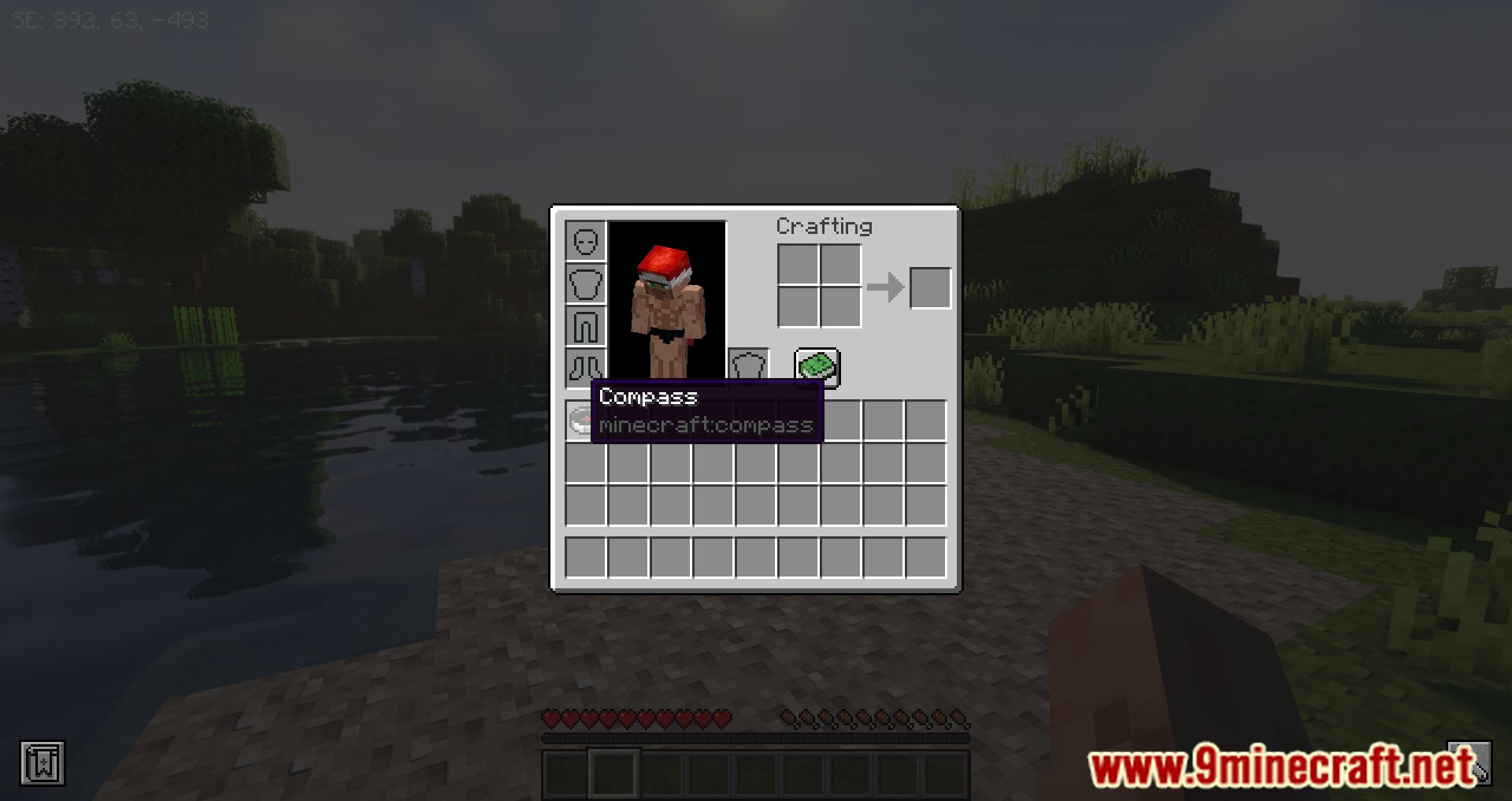
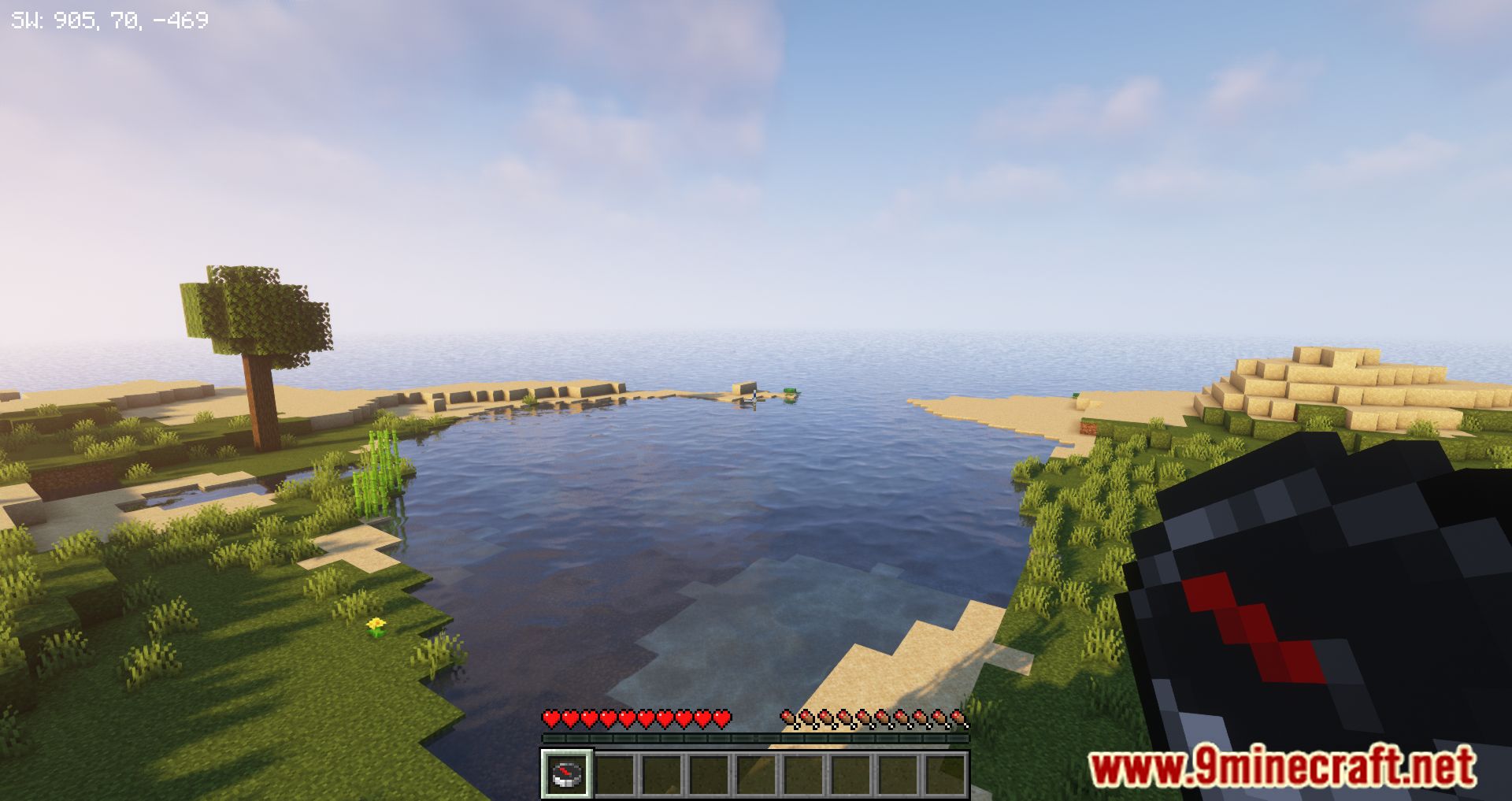
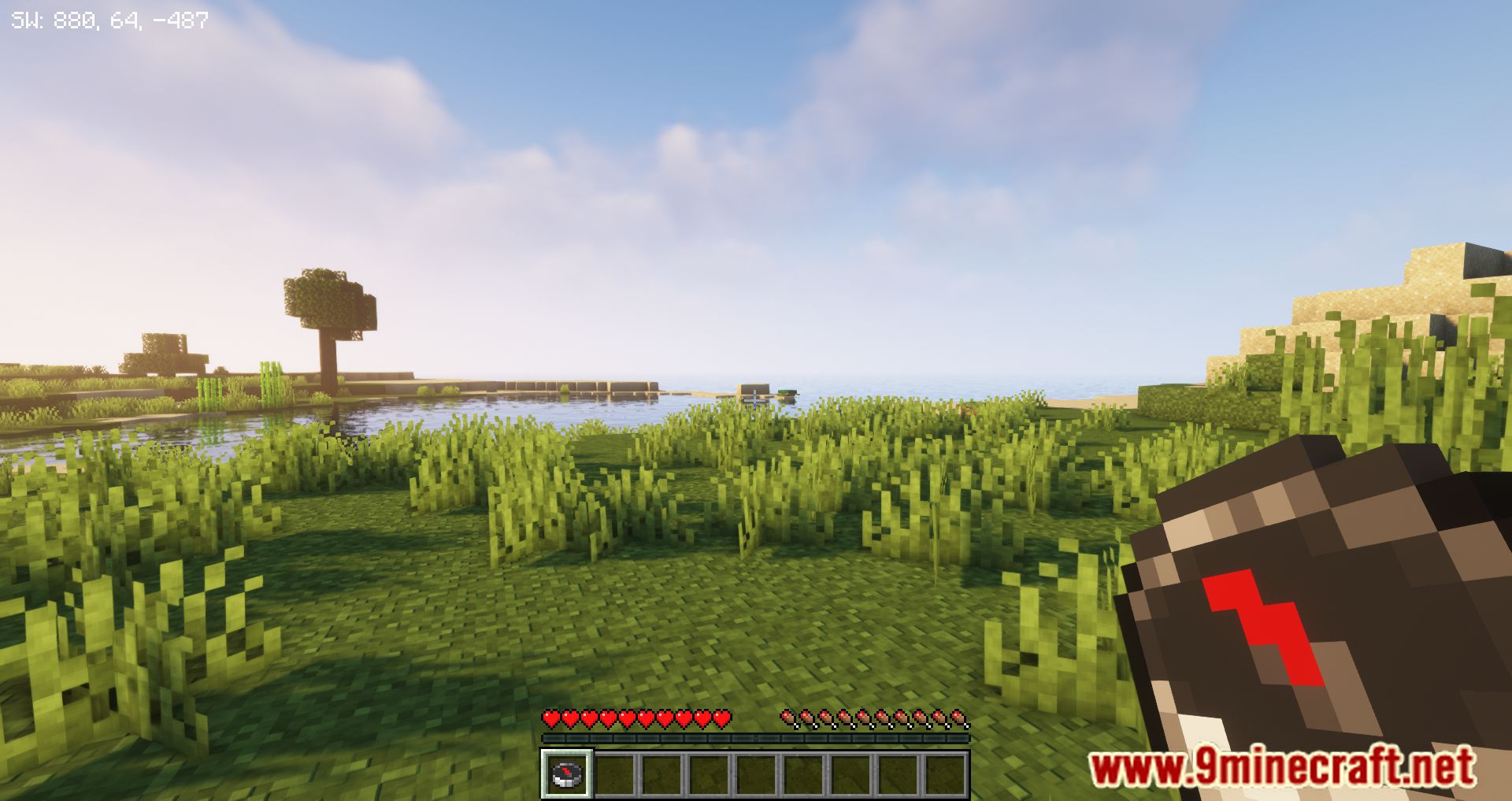
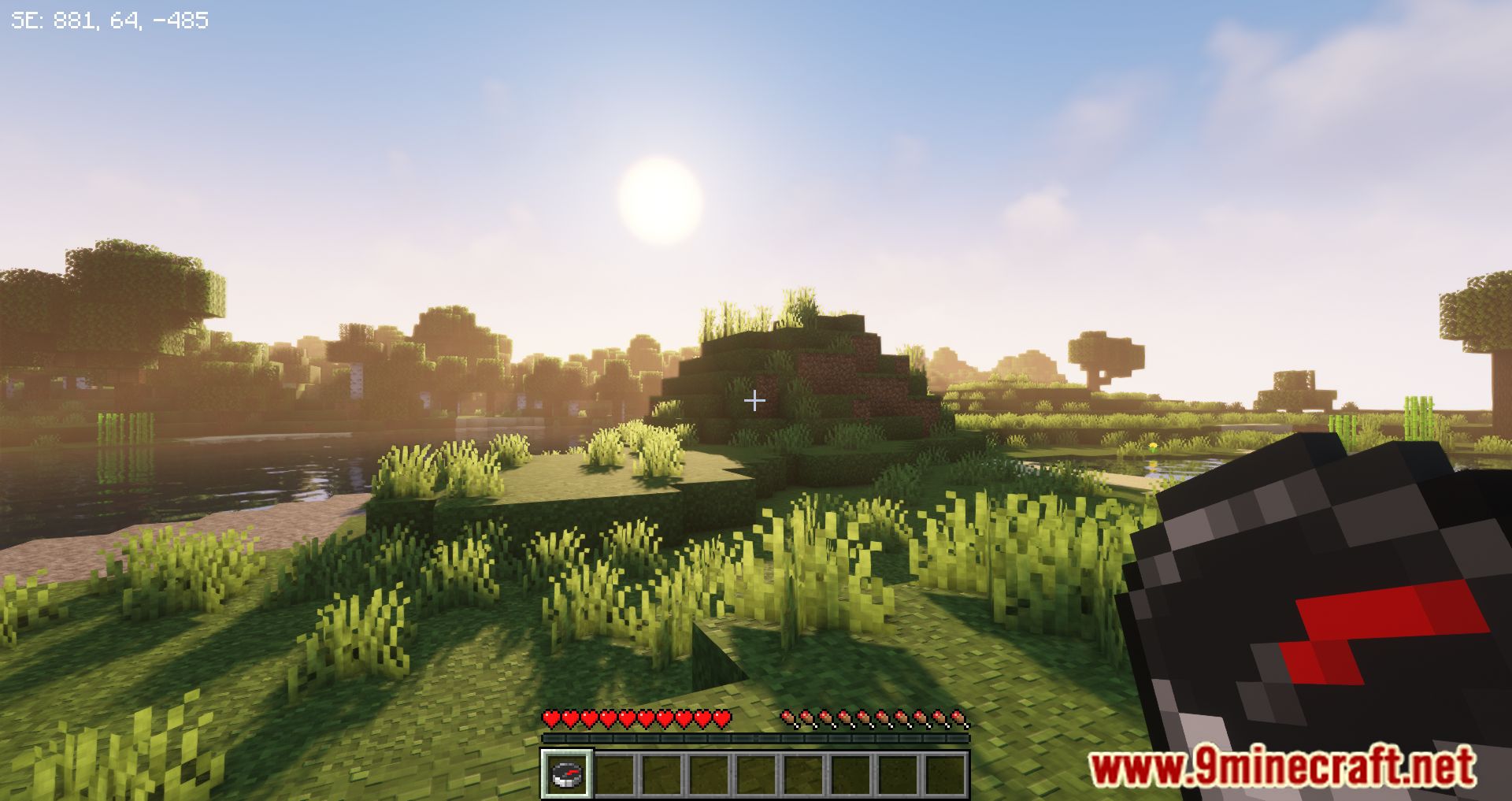
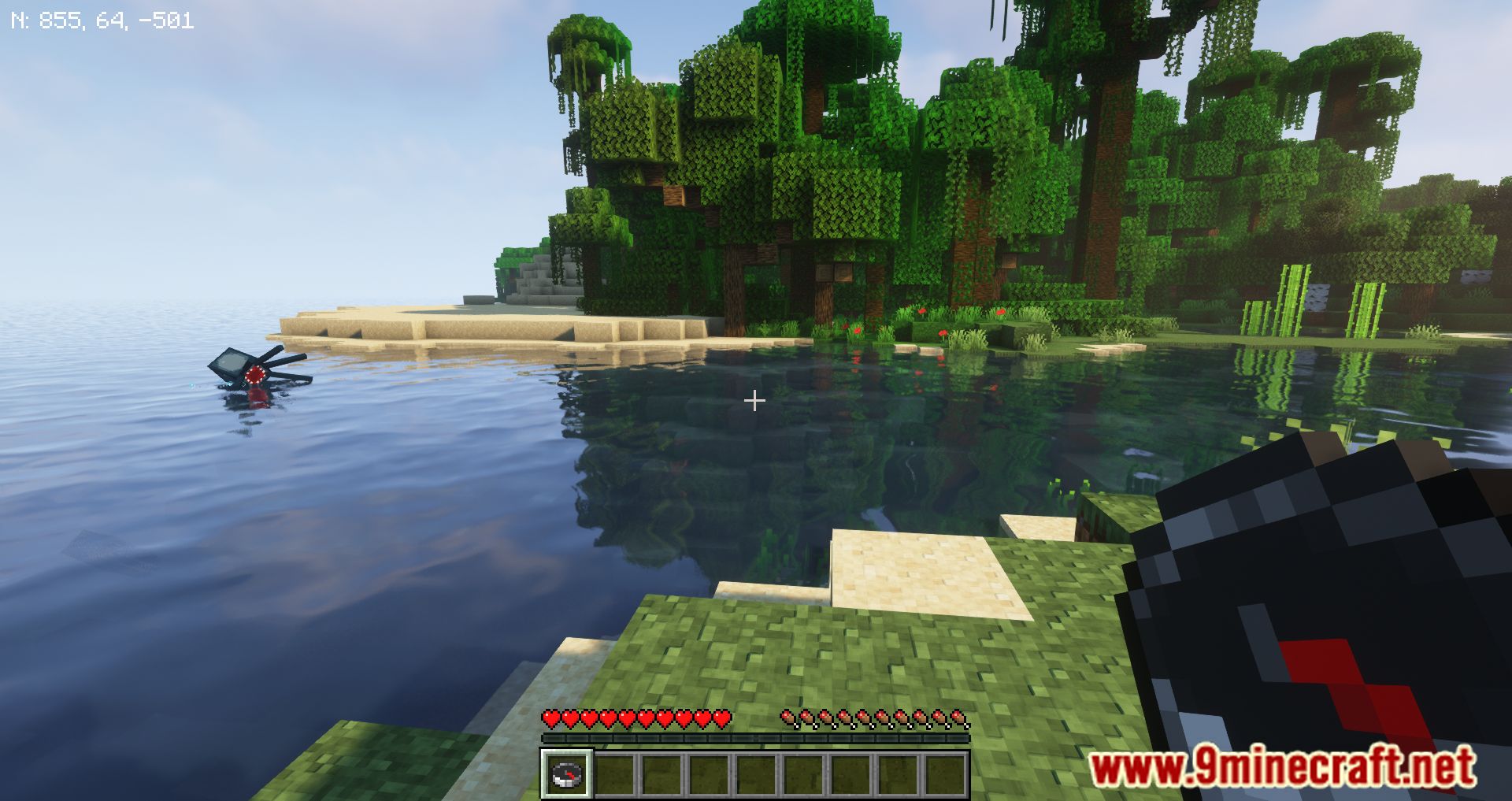
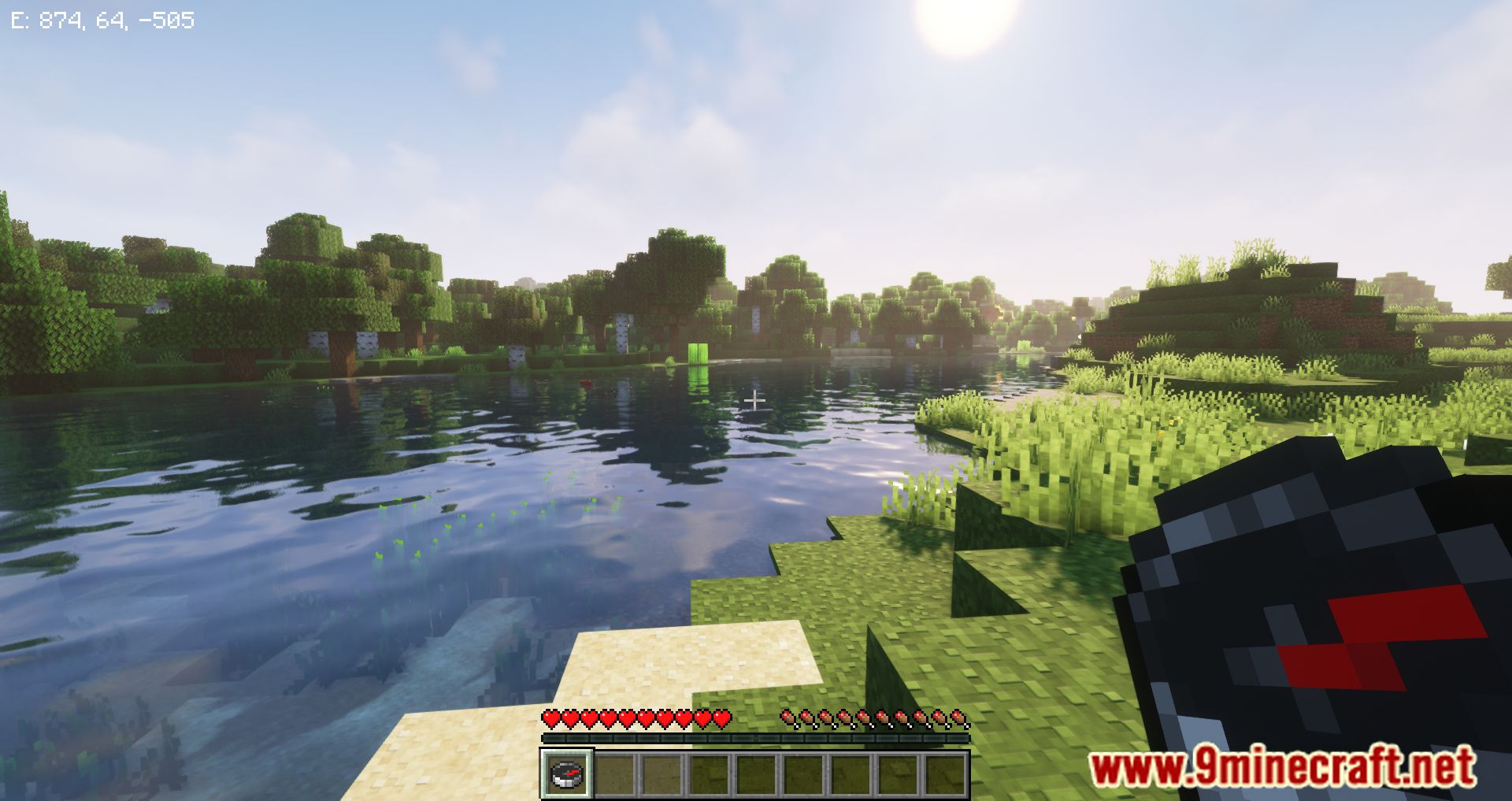
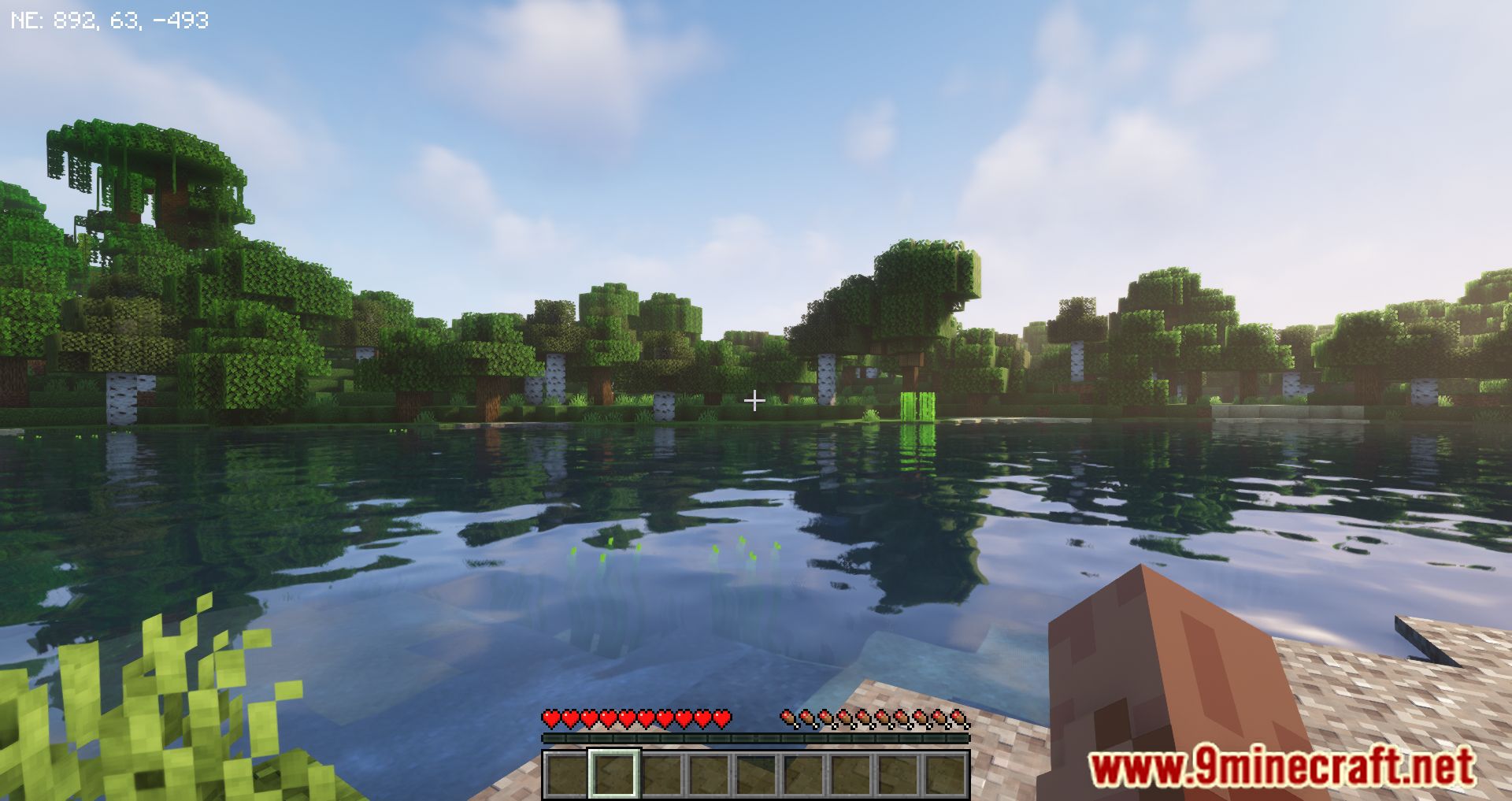
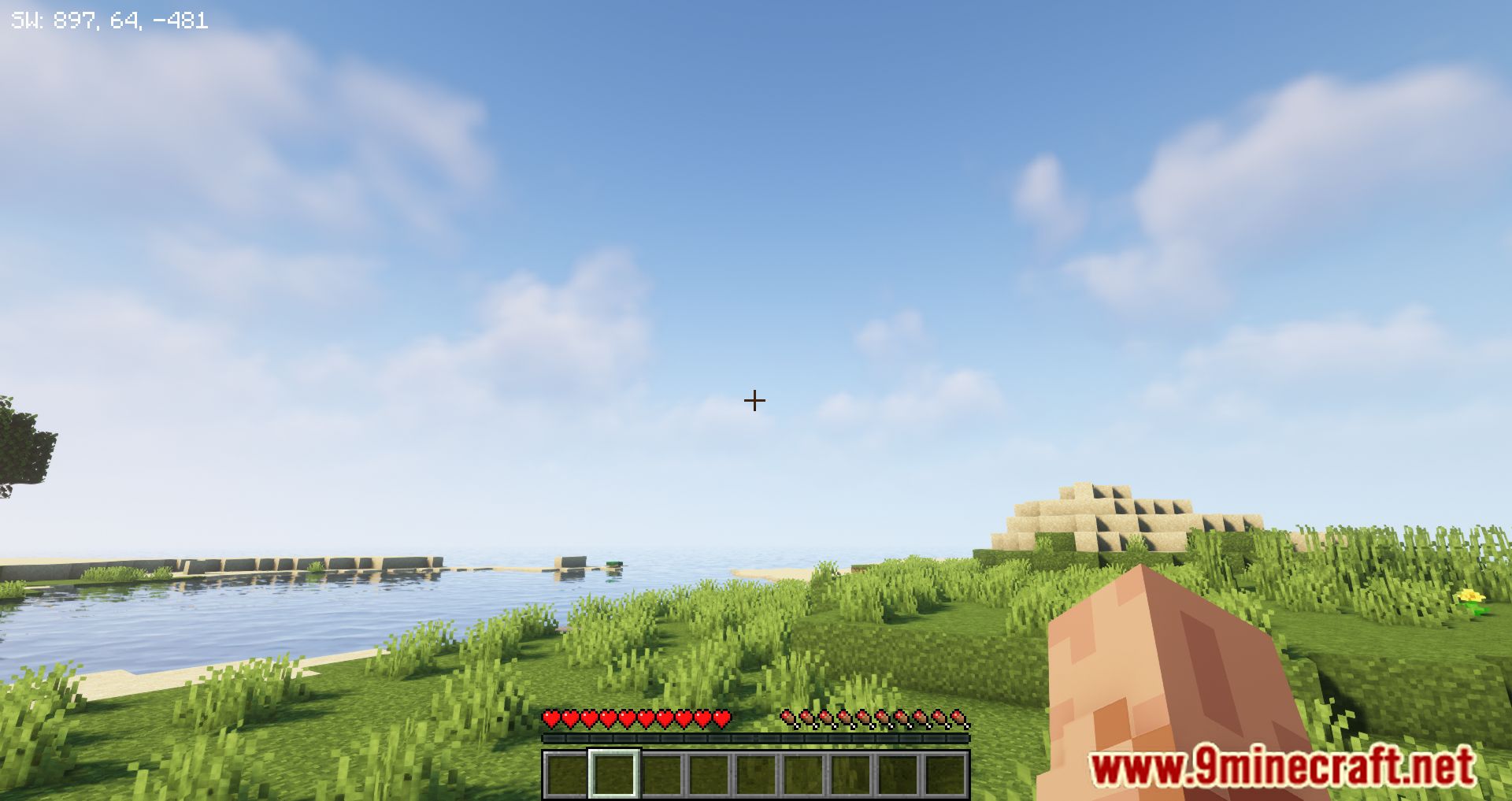
GUI Compass Mod adds a simple and useful interface element that shows your current direction and coordinates right on the screen. It works whenever you keep a compass in your inventory or bundle. The display sits in the top left corner by default, but you can change its position and style in the settings.

Features:
- Shows your facing direction and X, Y, and Z coordinates directly on the screen.
- Works automatically as long as you keep a compass inside your inventory or bundle.
- Places the text in the top left corner by default.
- Allows you to change the displayed format using the configuration file.
- Requires the Collective library mod to run properly.
- Lets you toggle whether a compass is strictly required in your inventory to show the info.
- Gives you options to change the screen placement of the text.
- Includes a vertical offset setting so the text does not overlap with other interface elements.
- Enables or disables a shadow underneath the text for better readability.
- Lets you customize the exact text color using red, green, and blue values.
Screenshots:
How to Install:
New to Minecraft? Follow our step-by-step guide to install Mods on your PC.View Guide
Requirements:




GUI Compass Mod Download Links
For Minecraft 26.3
For Minecraft 26.2
For Minecraft 26.1.2, 26.1.1, 26.1
For Minecraft
1.21.11,
1.21.10,
1.21.9
All Versions Covered
1.21.11
1.21.10
1.21.9
1.21.8
1.21.7
1.21.6
1.21.5
1.21.4
1.21.1
1.21
All Versions Covered
1.21.11
1.21.10
1.21.9
1.21.8
1.21.7
1.21.6
1.21.5
1.21.4
1.21.1
1.21
For Minecraft 1.21.10, 1.21.9
For Minecraft 1.21.8, 1.21.7, 1.21.6
For Minecraft 1.21.5
For Minecraft 1.21.4
For Minecraft 1.21.3, 1.21.2
For Minecraft 1.21.1, 1.21
For Minecraft 1.20.6
For Minecraft 1.20.4
For Minecraft 1.20.2
For Minecraft 1.20.1, 1.20
For Minecraft 1.19.4
For Minecraft 1.19.3
For Minecraft 1.19.2
For Minecraft 1.19.1
For Minecraft 1.19
For Minecraft 1.18.2
For Minecraft 1.18.1
For Minecraft 1.17.1
For Minecraft 1.16.5
For Minecraft 1.15.2
For Minecraft 1.14.4
For Minecraft 1.12.2
Click to rate this post!
[Total: 0 Average: 0]
You May Also Like
Picked for this page
 Blockus Mod (26.3, 1.20.1) – Lots of New Decorative Blocks
 JourneyMap Integration Mod (26.1, 1.20.1) – JourneyMap More Useful
 libIPN Mod (26.3, 1.20.1) – Library for mirinimi’s Mods
 Simple Discord Rich Presence Mod (26.3, 1.20.1) – Lightweight Discord Integration
 Stack Refill Mod (26.3, 1.20.1) – Automatic Item Refill
 Advanced Hook Launchers Mod (26.3, 1.20.1) – Climb, Abseil, Slay the Dragons
 Wooden Hopper Mod (26.3, 1.20.1) – Half as Fast as Vanilla Hopper
 Healing Soup Mod (26.3, 1.20.1) – Soup Heals Health
 Bedrock Crafter Mod (26.3, 1.20.1) – Craft Bedrock and Building Blocks
 Crafting Tweaks Mod (26.3, 1.20.1) – Extra Functions of Crafting Tables
 Improved Vanilla Mod (1.21.10, 1.20.1) – Refining The Vanilla Experience
 Custom Scoreboard Mod (26.3, 1.20.1) – Advanced Options for Scoreboards
Most viewed in Mods over the last 7 days
 Ala Industrial Mod (26.3) – Run Electric Power Grids and Automated Factories
 PleasureCraft Mod (26.3, 1.21.1) – Jenny Mod Remake for Fabric
 Jennycraft Mod (26.3, 1.20.1) – Virtual Girlfriend in Minecraft
 Fapcraft Mod (26.3, 1.12.2) – Comprehensive and Detailed Content
 Jenny Mod (Fapcraft) Official Complete Guide – How to use, Tutorial
 BangCraft Mod (1.20.1) – Jenny, Ellie and Elliot
 Fabric Loader (26.3, 1.20.1) – Fabric Installer for All Minecraft Versions
 The Shooting Star Demo Mod (26.3, 1.20.1) – Vaporize Terrain From Orbit
 Meteor Client Mod (26.3, 1.20.1) – Xray, HUD, Fly
 OptiFine HD (26.3, 1.20.1) – Run Faster, FPS Boost, Shaders Support
 Aristois Client Mod (1.21.4, 1.20.1) – World Class Minecraft Utility
 Prestige Client Mod (1.21.11, 1.21.4) – Powerful Ghost Features for Crystal & Sword PvP
More from Mods
 GroovyDuvet Mod (1.21.11, 1.20.1) – Run Groovy Scripted Addons Without Game
 Swing Through Grass 9minecraft Mod (26.3, 26.2) – Fight Mobs Without Breaking Tall Grass
 Improved Boss Bars 9minecraft Mod (26.3) – Unique Health Bars for Every Boss Fight
 Cozy’s Improved Wolves Mod (26.3, 1.20.1) – Bond with Loyal Dogs That Never Die
 Cuisine Craft Mod (1.21.11, 1.20.1) – Cook Restaurant Dishes with Fresh Farm
 XinexLib Mod (1.21.1) – Keep Your Ultreon Studios Mods Running
 Libvulpes – Fixed Mod (1.12.2) – Launch Rockets with Fewer Bugs
 Freelook Perspective Mod (26.3, 1.21.1) – Watch Your Back While Sprinting
 FAUNA Engine Mod (1.21.1, 1.20.1) – Powering Legendary Dragons
 Avali Nexus Mod (26.3) – Settle Frozen Frontiers with High-Tech Bird Tribes
 Orient’s Hotpot Chronicles Mod (1.20.1) – Boil Fresh Hotpot Meals Over Open Flames
 Far Lands Traveler Mod (26.1.2) – Survive the Long Trek to the Edge of the World

This post has no comments yet. Be the first — your comment will appear here.