


Player Heads Plugin (1.19.1, 1.18.2) – Bukkit, Spigot, Paper

 0
0 

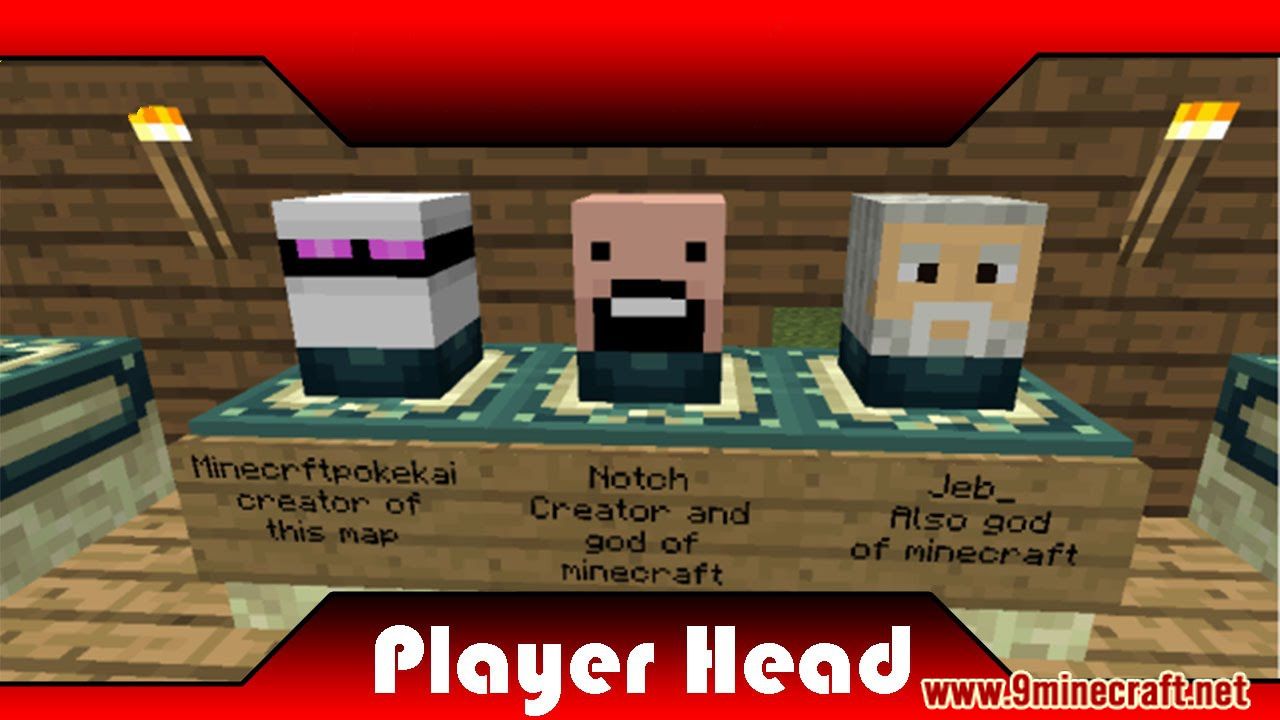
Player Heads Plugin implements everything but the kitchen sink. You can now lop off enemies heads in battle, and mount it on a pole for all to fear, wear your opponent’s face as a mask like camouflage, or just collect all of the mob heads.
Features
- Lightweight
- Easy to use
- Configurable messages
- Simple commands
Commands
| Command | Arguments | Description | Relevant Permissions |
|---|---|---|---|
| /PlayerHeads | <config/spawn/rename> … | Basic command to access the plugin (alias /ph) | playerheads.command |
| /ph config | <get/set/reload> … | Access, modify or reload PlayerHeads configuration (config.yml) values. | playerheads.confg.* |
| /ph config get | < setting> | Read a configuration setting, outputting its current value. | playerheads.confg.get |
| /ph config set | < setting> [value] | Modify a configuration setting. If no value is supplied, the setting will be removed and assumed to be default. | playerheads.confg.set |
| /ph config reload | Reloads configuration settings and lang (localization) properties from file. | playerheads.confg.reload | |
| /ph rename | [headname] | Changes the owner of the head held in your hand. If no name is specified, a generic playerhead will be used. | playerheads.rename playerheads.rename.player |
| /ph rename | #< mobname> | Changes the head in your hand to one of a mob’s. | playerheads.rename playerheads.rename.mob |
| /ph spawn | [headname] [targetuser] [amount] | Spawns a head with the specified owner. If no owner is specified, this spawns your head. Additional parameters can specify who receives the head and how many the receive | playerheads.spawn.* playerheads.spawn playerheads.spawn.own playerheads.spawn.forothers |
| /ph spawn | #< mobname> [targetuser] [amount] | Spawns a head for a mob. Additional parameters can specify who receives the head and how many the receive | playerheads.spawn.* playerheads.spawn playerheads.spawn.own playerheads.spawn.forothers |
| /ph setblock | <worldname> <x> <y> <z> <headname or #mobname> [wall or floor] [facing_direction] | Creates a head block in the world (v5.2.14+) | playerheads.setblock |
Notes
- PlayerHeads is now translatable! Edit “lang.properties” to whatever phrases you desire.
- lang files will change between releases, when updating be sure to delete the old file if you haven’t edited it.
- If you’ve given people the * permission node, they will get 100% drop rates. If you don’t want this to happen, deny (or add negative) nodes for the following: playerheads.alwaysbehead and playerheads.alwaysbeheadmob
- If you want to disable head drops in a specific world, use your permission plugin to deny (or add negative) nodes for the following in that world: playerheads.canbehead and playerheads.canbeheadmob
- If you have any problem using “lang_[language]_[country]_[variant].properties” for any reason, just use the file name “lang.properties” to override messages.
- Spawn mob heads with the following names: #creeper #zombie #skeleton #wither #spider #enderman #enderdragon…
Known issues
- Renamed heads (with an anvil) don’t stay renamed after placing, mining, dropping them.
- If for any reason your mob heads loose their name, you can get it back by placing and mining it.
- If you use the plugin on a 1.8-1.12.2 server, you should read about some notes here as well.
- If you use the BountyHunters plugin and you have enabled head drops for bounties as well as player head drops from PlayerHeads, both will be dropped – for now, you should disable one or the other. Alternative solutions are being looked at.
- If you use JPerms, users with Op or playerheads.* permission will receive playerheads.alwaysbehead[mob] permissions and have 100% droprate since PlayerHeads permissions nodes are ignored. It’s recommended to use another permissions plugin if this is a concern (LuckPerms, PermissionsEX, GroupManager).
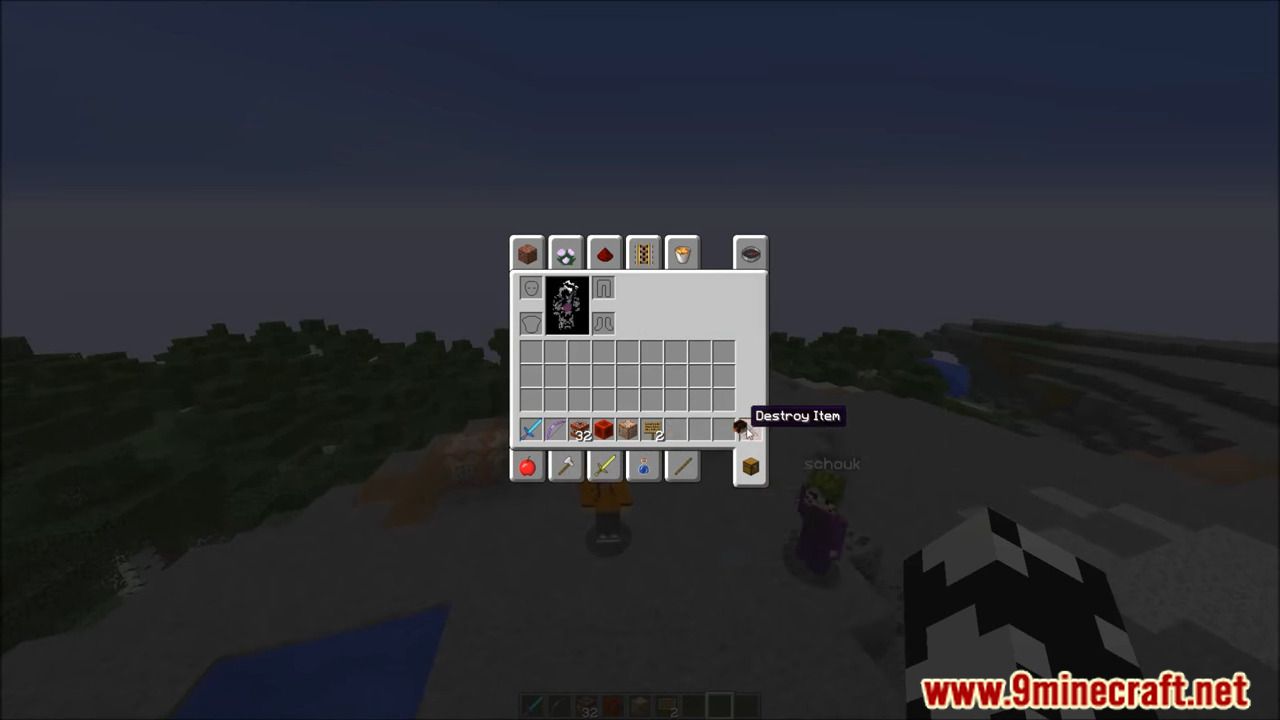
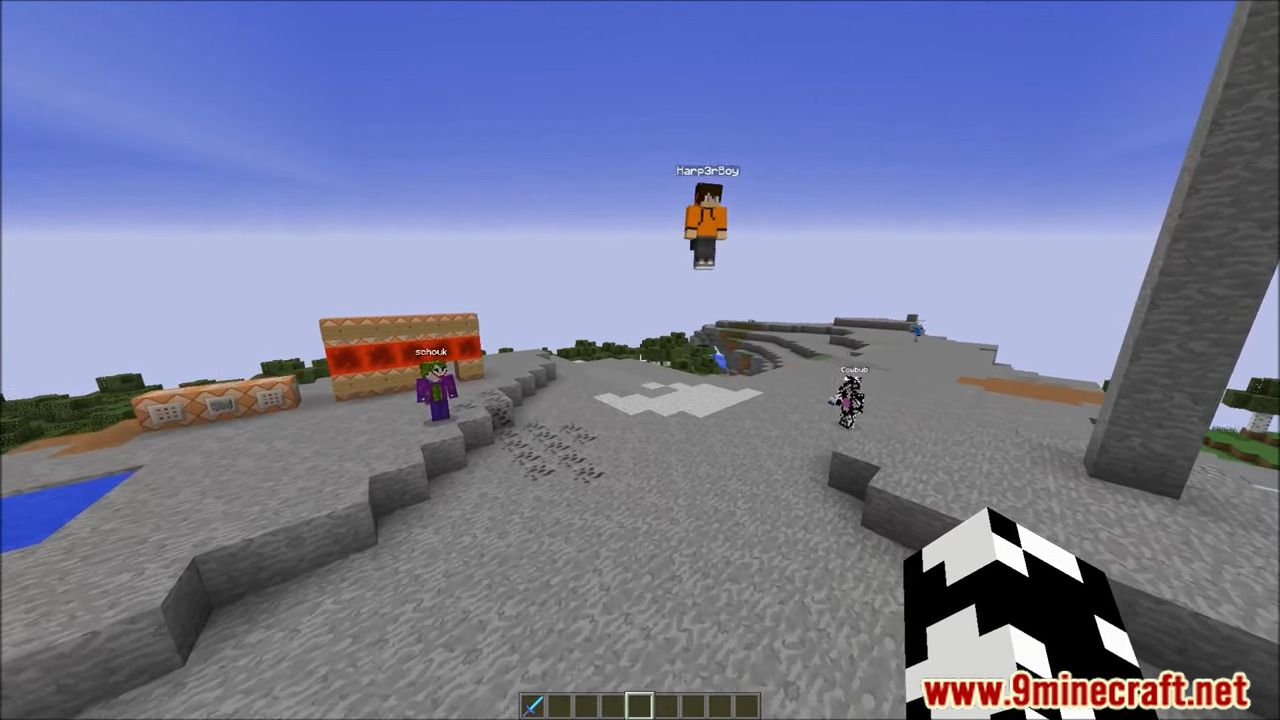
Screenshots:
How to Install:
New to Minecraft? Follow our step-by-step guide to install Plugins on your PC.View Guide
Player Heads Plugin Download Links
For All Versions from Minecraft Bukkit 1.12 to Minecraft Bukkit 1.19.1
Click to rate this post!
[Total: 0 Average: 0]
You May Also Like














This post has no comments yet. Be the first — your comment will appear here.