
BeastWithdraw Plugin (1.21.11, 1.20.1) – Turn Bank Balance Into Physical Cash

 0


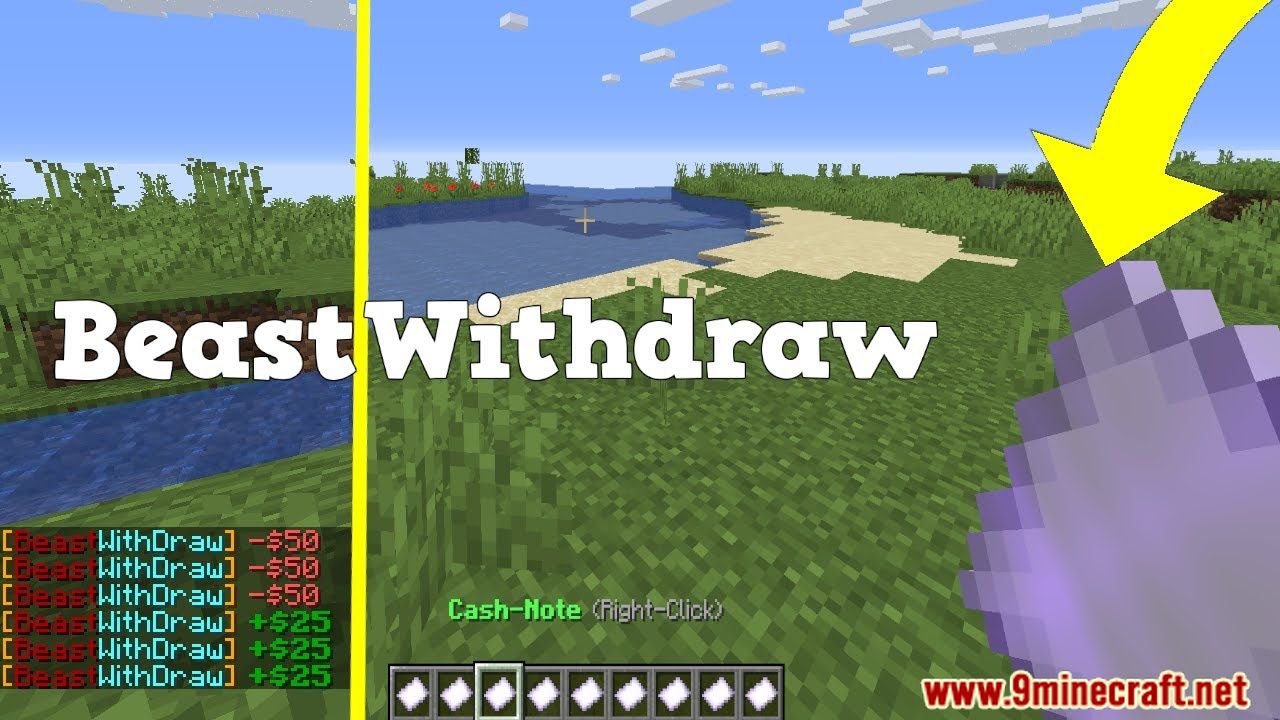
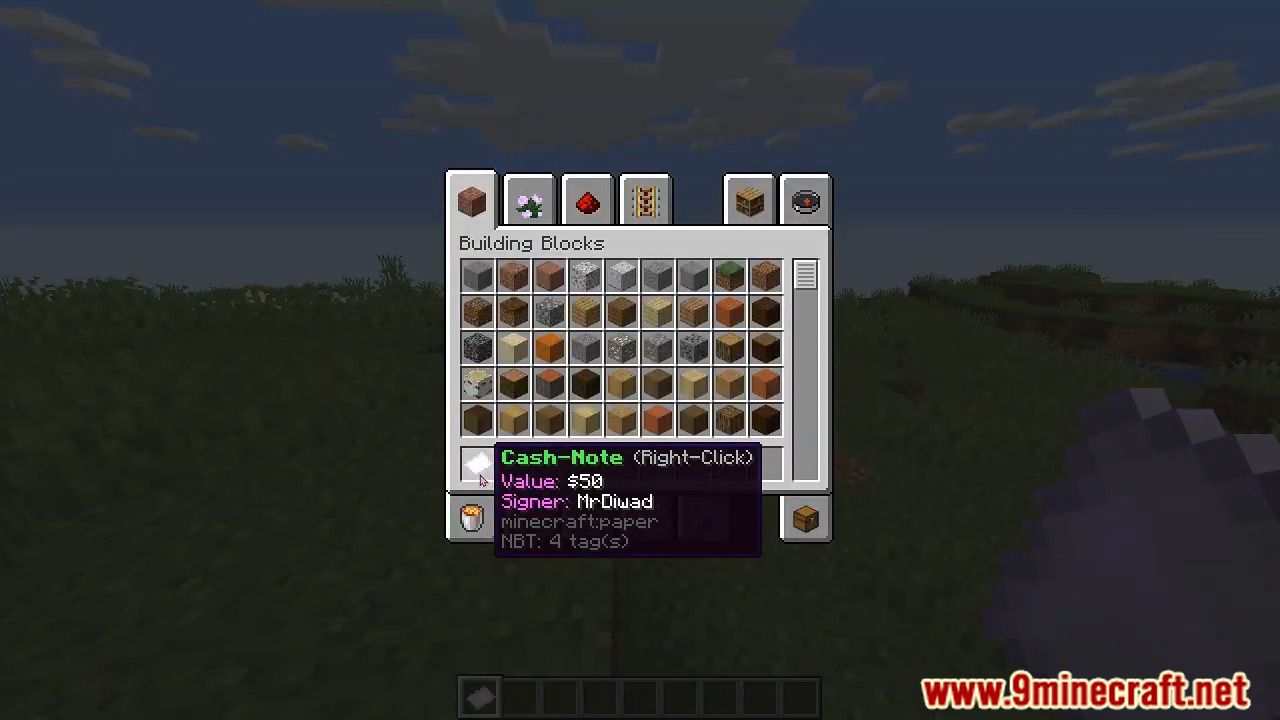
BeastWithdraw Plugin lets players convert server balances into physical items. It provides a secure system to withdraw XP, money, and BeastTokens currencies into redeemable bottles or notes. All note values are stored safely using NBT data. The plugin requires BeastLib to run properly.
Features:
- Withdraw XP into XP bottles and money into cash notes.
- Withdraw BeastTokens currencies into notes.
- Redeem single notes or entire stacks by sneaking.
- Set configurable minimum and maximum withdrawal limits.
- Apply optional redeem taxes and withdrawal fees.
- Protect note items against crafting, grindstone use, and villager trading.
- Play configurable withdrawal and redemption sounds.
- Store transaction logs in the console and combined files.
Commands:
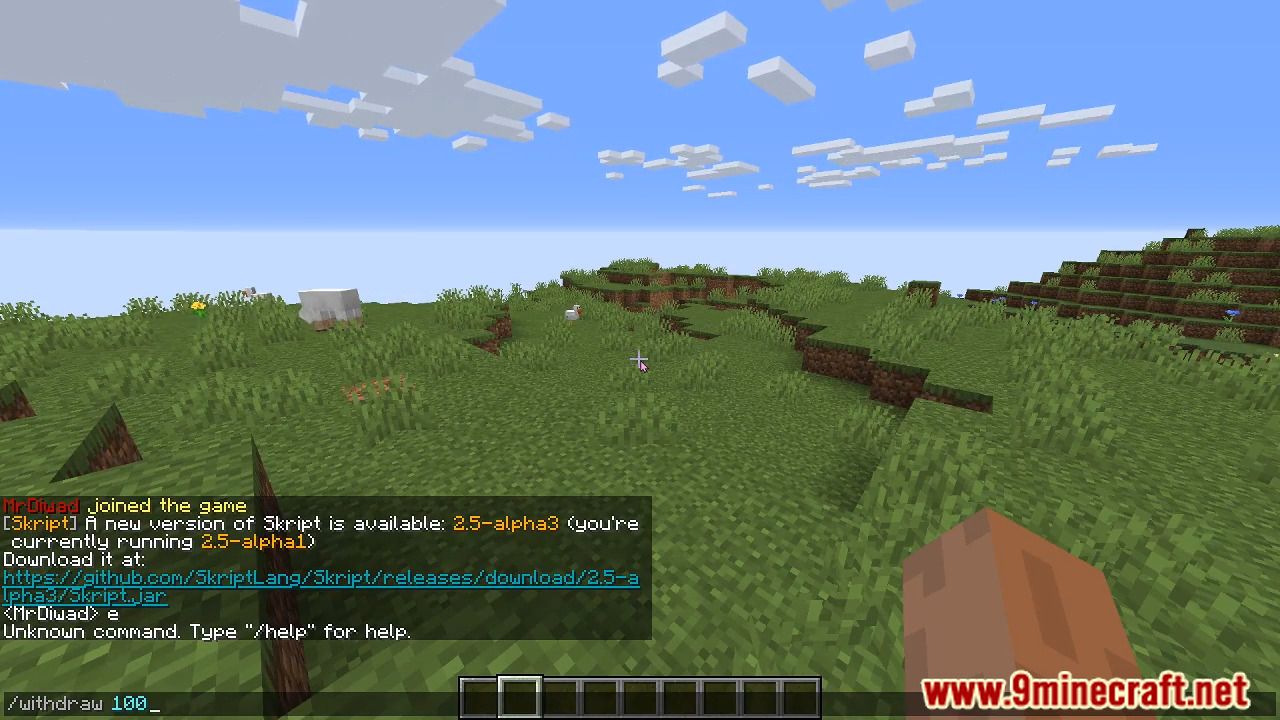
/xpbottle <xp> [stack]: Withdraw a specific amount of XP into bottles./xpbottle all [stack]: Withdraw all available XP./xpbottle <levels>L [stack]: Withdraw XP based on levels./cashnote <amount> [stack]: Withdraw money into cash notes./cashnote all [stack]: Withdraw all available money./withdraw <amount> [stack]: Cash note command alias./withdraw all [stack]: Withdraw all available money using the alias./beastwithdraw give <player> <type> <amount> [stack] [tax] [signer] [-s]: Give a note item to a player./beastwithdraw giveAll <type> <amount> [stack] [tax] [signer] [-s]: Give a note item to all online players./beastwithdraw reload: Reload the plugin configuration./beastwithdraw version: Check the current plugin version./beastwithdraw help: Open help information./beastwithdraw doctor: Check for common configuration issues./beastwithdraw debug: Toggle debug mode.
How to Use:
- Place the plugin jar and BeastLib into your server plugins folder.
- Restart your server to generate the configuration files.
- Use chat commands like /xpbottle or /cashnote to withdraw your currencies into physical items.
- Sneak while using notes to redeem entire stacks at once.
Screenshots:



How to Install:
New to Minecraft? Follow our step-by-step guide to install Plugins on your PC.View Guide
BeastWithdraw Plugin Download Links
For All Versions from Minecraft Bukkit 1.12 to Minecraft Bukkit 1.19.1
For Minecraft Bukkit 1.21.11
For Minecraft Bukkit 1.21.10, 1.21.9
For Minecraft Bukkit 1.21.1, 1.21
For Minecraft Bukkit 1.19.3, 1.19.2
Click to rate this post!
[Total: 0 Average: 0]
You May Also Like
Picked for this page
 WorldGuard Plugin (26.1.2, 1.20.1) – Bukkit, Spigot, Paper
 Quests Plugin (26.1.2, 1.20.1) – Bukkit, Spigot, Paper
 MultiWorld Plugin (26.1.2, 1.20.1) – Spigot
 Orebfuscator Plugin (26.1.2, 1.20.1) – Bukkit, Spigot, Paper
 ValhallaMMO Plugin (26.1.2, 1.20.1) – Bukkit, Spigot, Paper
 Fancy Holograms Plugin (26.1.2, 1.20.1) – Spigot
 SuperVanish Plugin (26.2, 1.20.1) – Bukkit, Spigot, Paper
 UberEnchant Plugin (1.21.11, 1.20.1) – Bukkit, Spigot, Paper
 Interaction Visualizer Plugin (26.1.2, 1.20.1) – Spigot
 BuildPaste Plugin (26.3, 1.20.1) – Bukkit, Spigot, Paper
 Aj Leaderboards Plugin (26.1.2, 1.20.1) – Spigot
 BentoBox Plugin (26.1.2, 1.20.1) – Spigot
Most viewed in Plugins over the last 7 days
 Vulcan Anti Cheat Plugin (1.21.8, 1.20.1) – A Powerful Shield Against Cheating
 Citizens Plugin (1.21.10, 1.20.1) – The Best NPC Plugin
 Dynmap 9minecraft Plugin (26.3) – A Live Google-Maps-Style View of Your Whole Server
 Displaymotion Plugin (1.21.4) – Amaze Players with Custom Animations and No Client Mods
 Ultimate Donut SMP Plugin (26.3, 1.20.1) – Build Teams Trade Goods
 MMOItems Premium Plugin (1.21.8, 1.20.1) – Create Stunning Custom Items
 WorldEdit Plugin (1.21.11, 1.20.1) – Easy In-Game Minecraft Map Editor
 Citizens2 Plugin (1.21.8, 1.20.1) – Craft Unique NPCs
 MythicCrucible Plugin (1.21.8, 1.20.1) – Addon for MythicMobs
 MythicMobs Premium Plugin (1.21.9, 1.20.1) – Craft Epic Custom Mobs And Bosses
 AstralPractice Plugin (1.13) – Turn Idle Lobbies Into Non-Stop Duel Arenas
 Ultimate Donut SMP Plugin (26.2, 1.21.11) – Everything Players Need to Trade
More from Plugins
 OPProtector Plugin (1.13) – Stop Power Abuse So Everyone Plays in Peace
 Banhamer Plugin (26.3, 1.20.1) – Turn Server Rivalries Into High-Stakes Rescue
 Crownfall Plugin (26.3, 1.21.1) – Fight for the Throne in High Stakes Chess
 Archaeo Plugin (1.21.10) – Unearth Fragile Relics and Build Server Museums Together
 ActivityTF Plugin (1.21.10) – Keep Your Community Active with Rewarding Daily Tasks
 Tk Chat Plugin (26.3, 1.21.1) – Keep Players Talking Together
 Donut Utils Plugin (26.1.2, 1.21.11) – Stop Toxic Trolls Before They Ruin
 Grim Anticheat Plugin (26.3, 1.20.1) – Realtime Cheat Detection Plugin
 ArmourShop Plugin (1.21.10) – Let Players Stand Out with Custom Armor Skins
 GeigerCounters Plugin (1.21.10) – Send Players Hunting Buried Caches Across the Map
 GemInfusion Plugin (1.21.10) – Turn Mining Loot Into Custom Gear for Every Player
 InteractibleFurniture Plugin (1.21.10) – Give Players Cozy Homes to Show Off Loot

This post has no comments yet. Be the first — your comment will appear here.