
Quark Oddities Mod (1.21.1, 1.20.1) – Automate Items with Pipes

 0


Quark Oddities Mod extends Quark Mod with unusual features for creative builds and simple automation. This addon unlocks copper pipes that move items, a puzzle system for enchantments, and helpful storage blocks. All the code lives inside the main mod, and this addon file acts as an easy switch to turn those features on. The file itself holds no content, so all updates happen directly in the main mod.
Features:
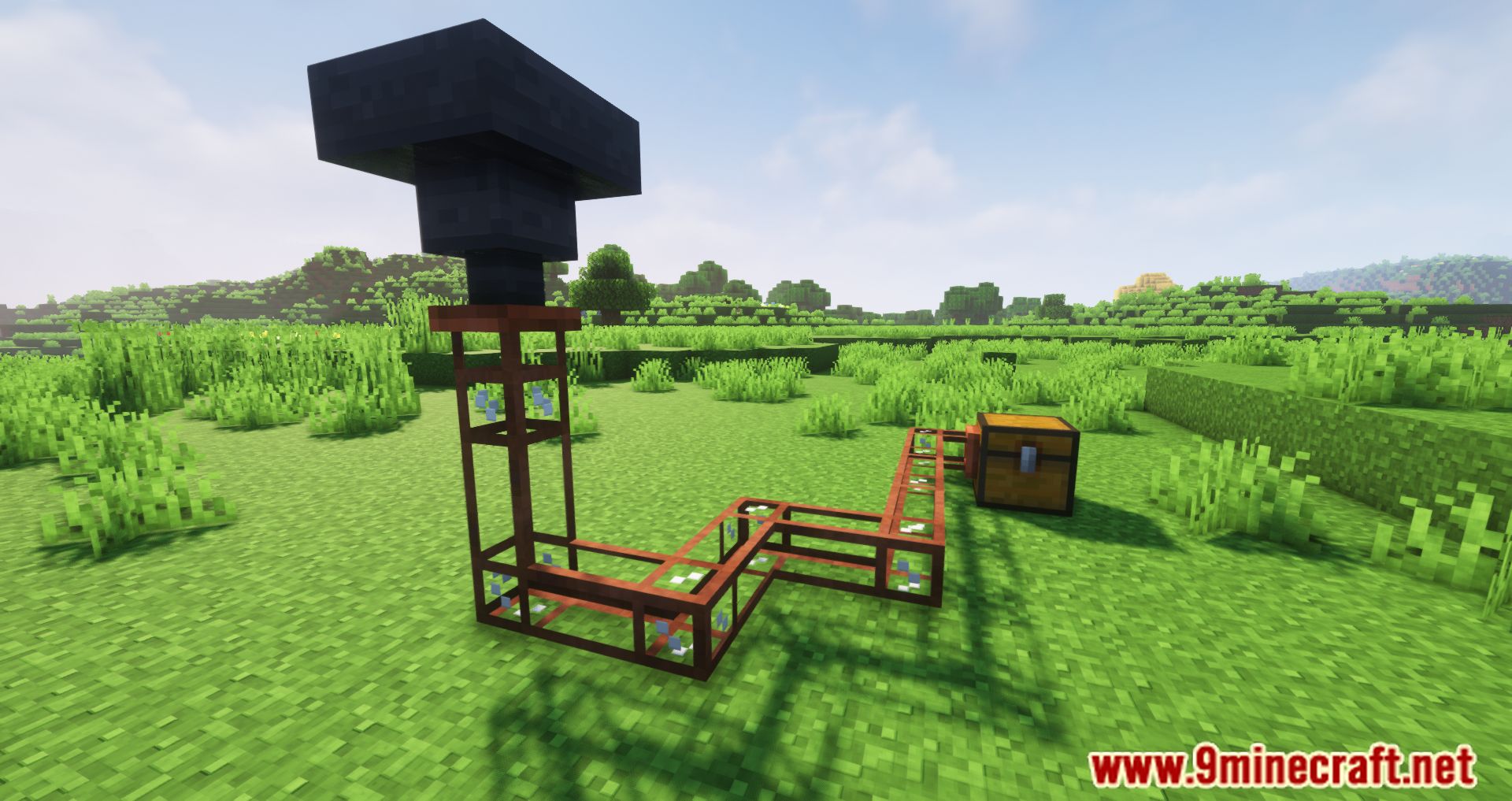
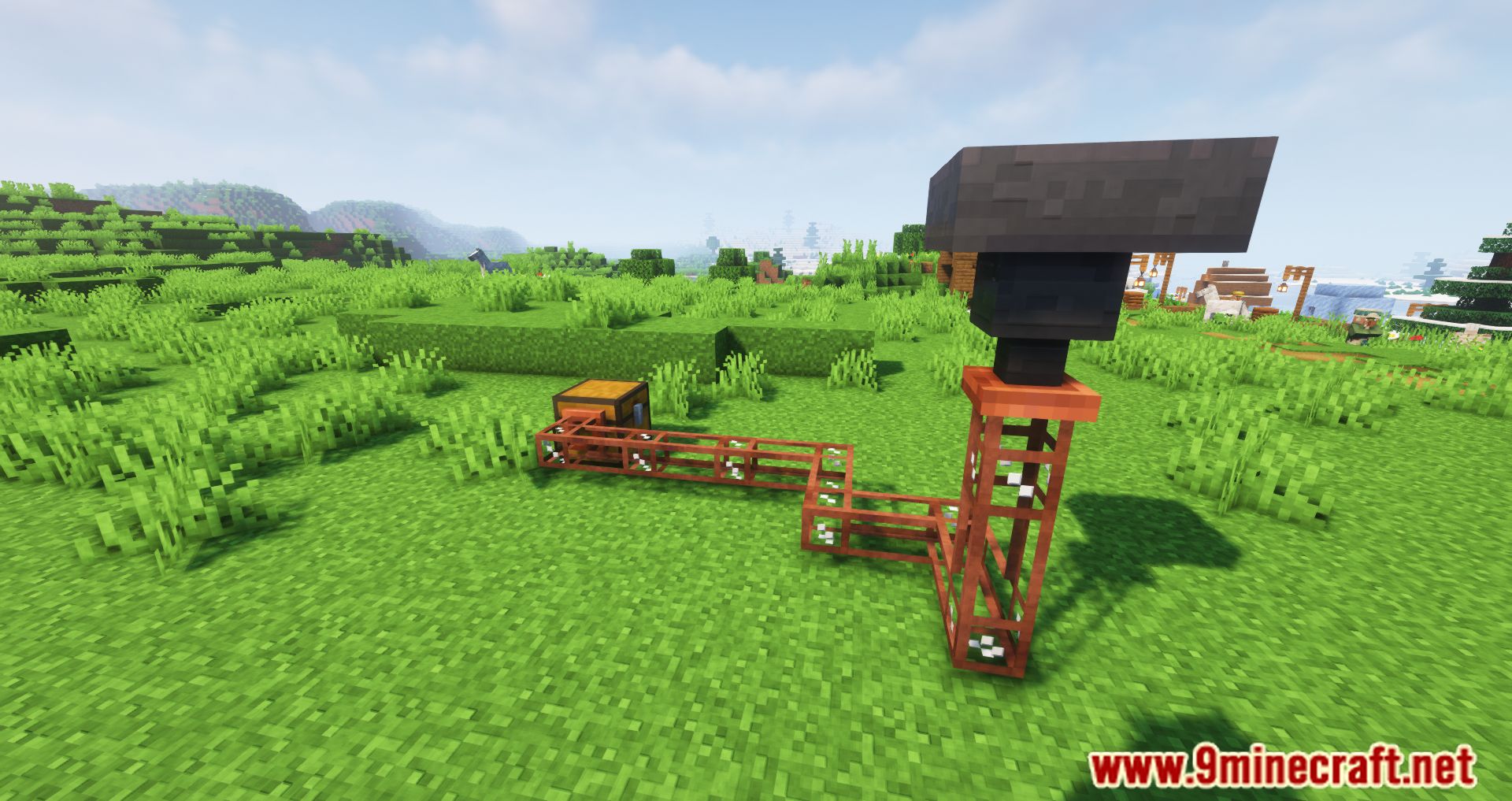
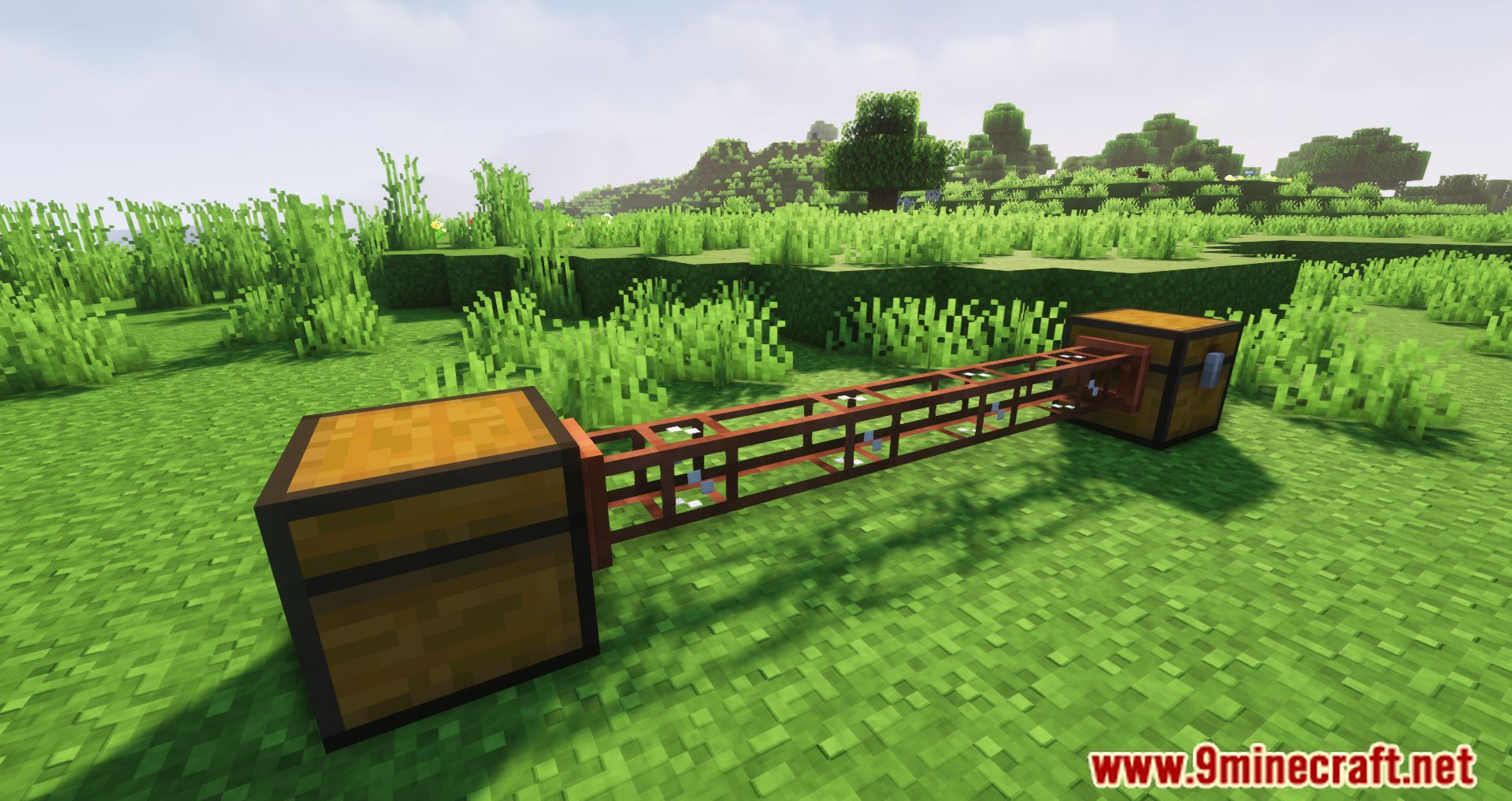
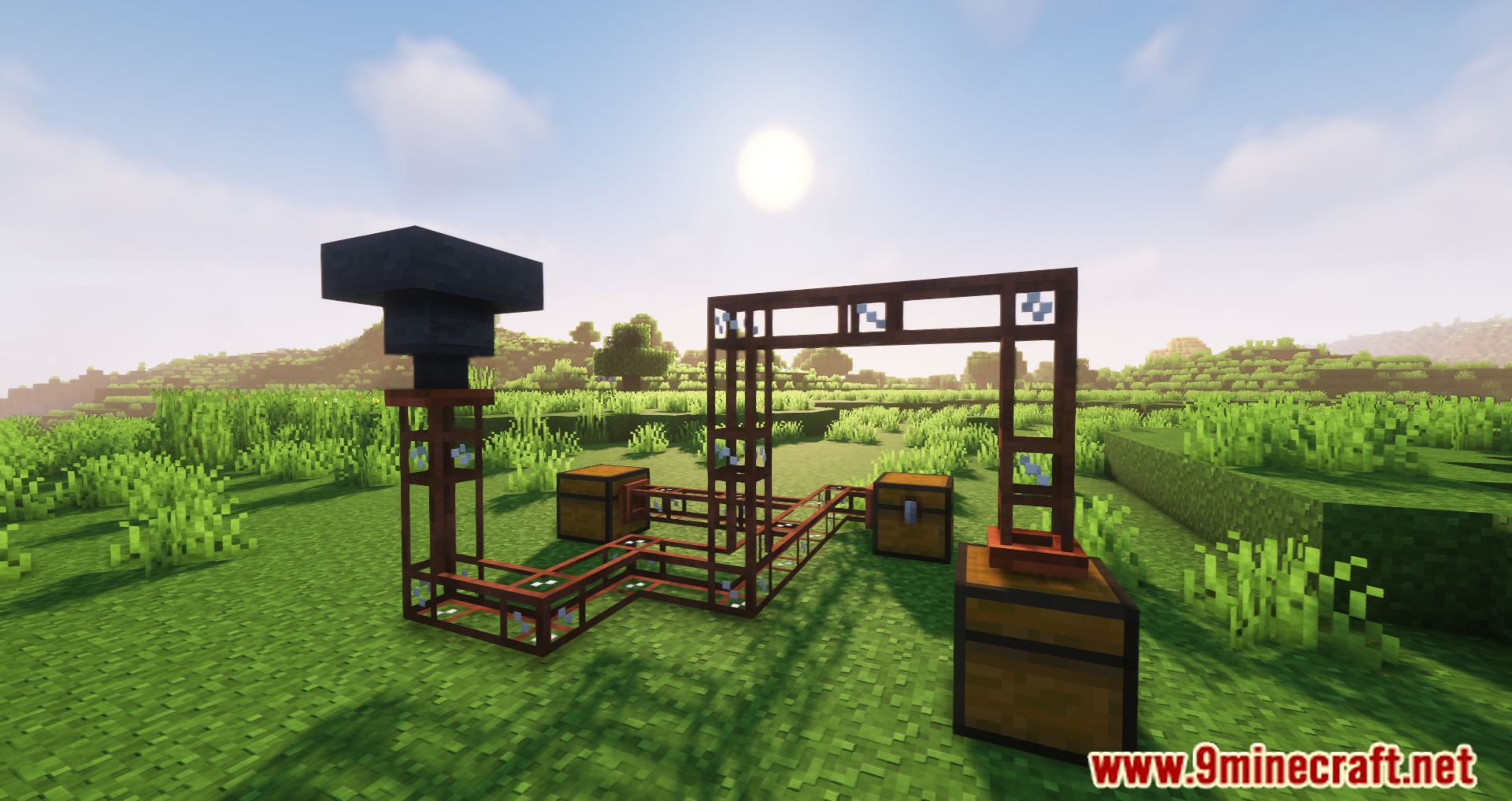
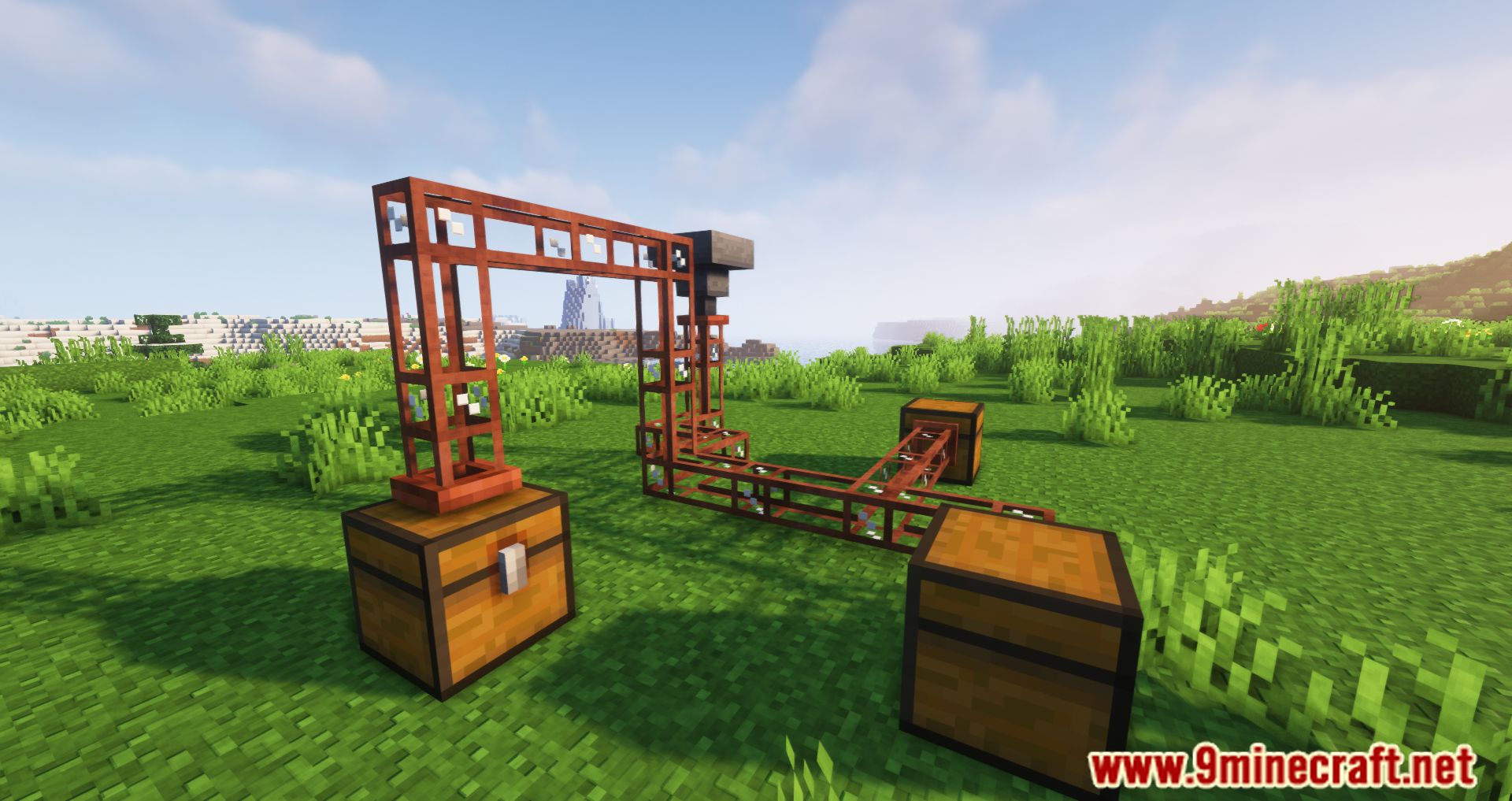
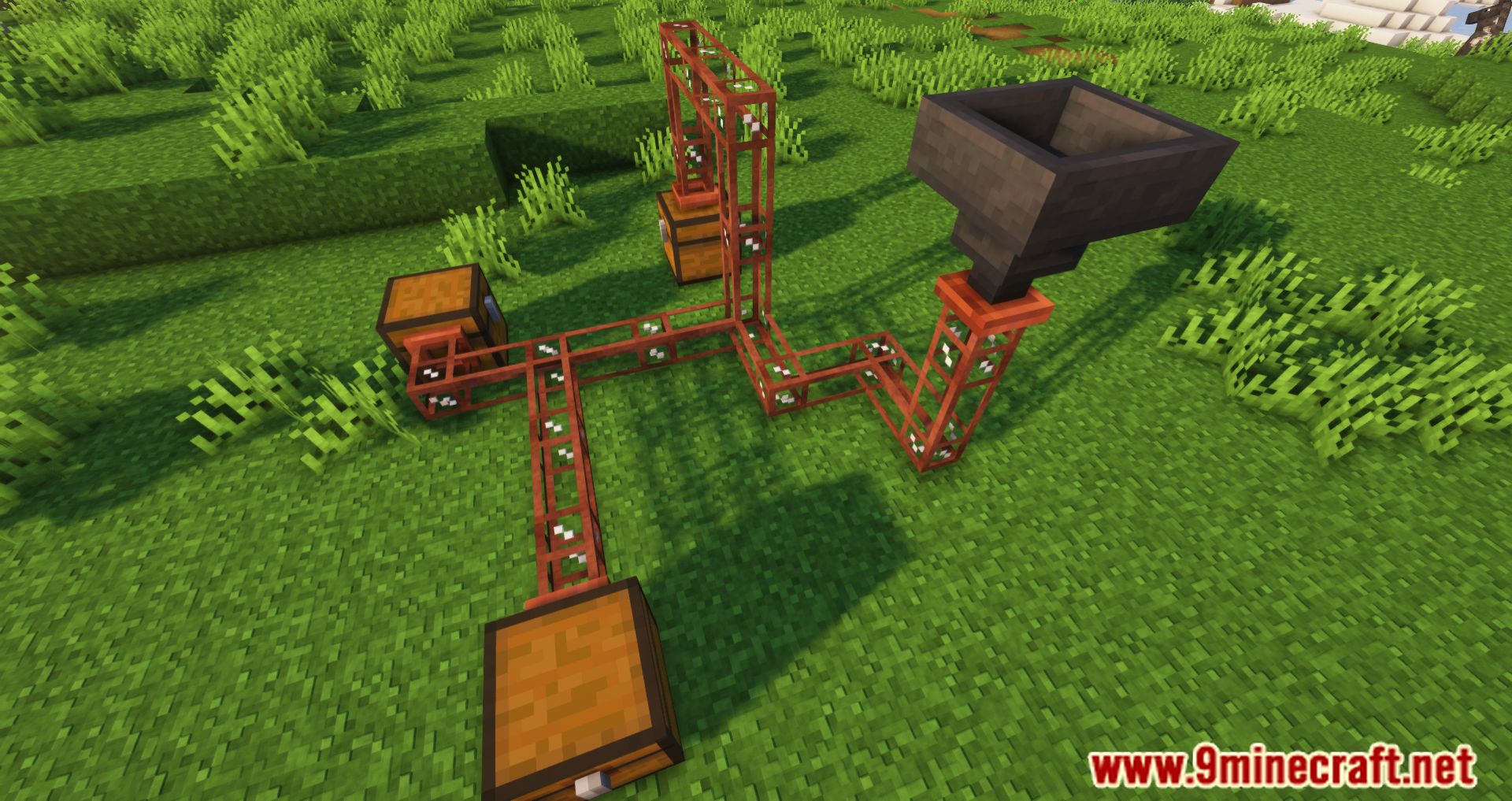
- Copper Pipes: Adds a regular copper pipe and a glass-encased copper pipe for moving items between blocks like chests, furnaces, hoppers, and dispensers. You can also toss items straight into a pipe, where they move downward when possible, turn around at blocked exits, and pop out the end like a dispenser. Redstone signals stop the pipe, comparators count the items inside, and having more than 16 items in one section breaks the pipe.
- Matrix Enchanting: Changes enchanting into a puzzle system with patterns shaped like Tetris blocks. Higher enchantment table levels give you more shapes that you can rotate, combine, and fit into the enchanting area for stronger enchantments.
- Storage Crate: Gives you an extra storage block that holds up to 640 items, counting every single item the same whether stacked together or spread across slots.
- Totem of Holding: Leaves a totem at your death location to hold all your items until any player picks them up. If you die again while your totem is active, it breaks and drops all the items.
- Backpack: Lets you get a rare hide drop by killing a Ravager to increase your inventory size.
- Adds a magnet block that pushes or pulls placed metal blocks.
- Includes a tiny potato that believes in itself, letting you right-click to pat it, rename it at an anvil, and give it items to hold.
Screenshots:
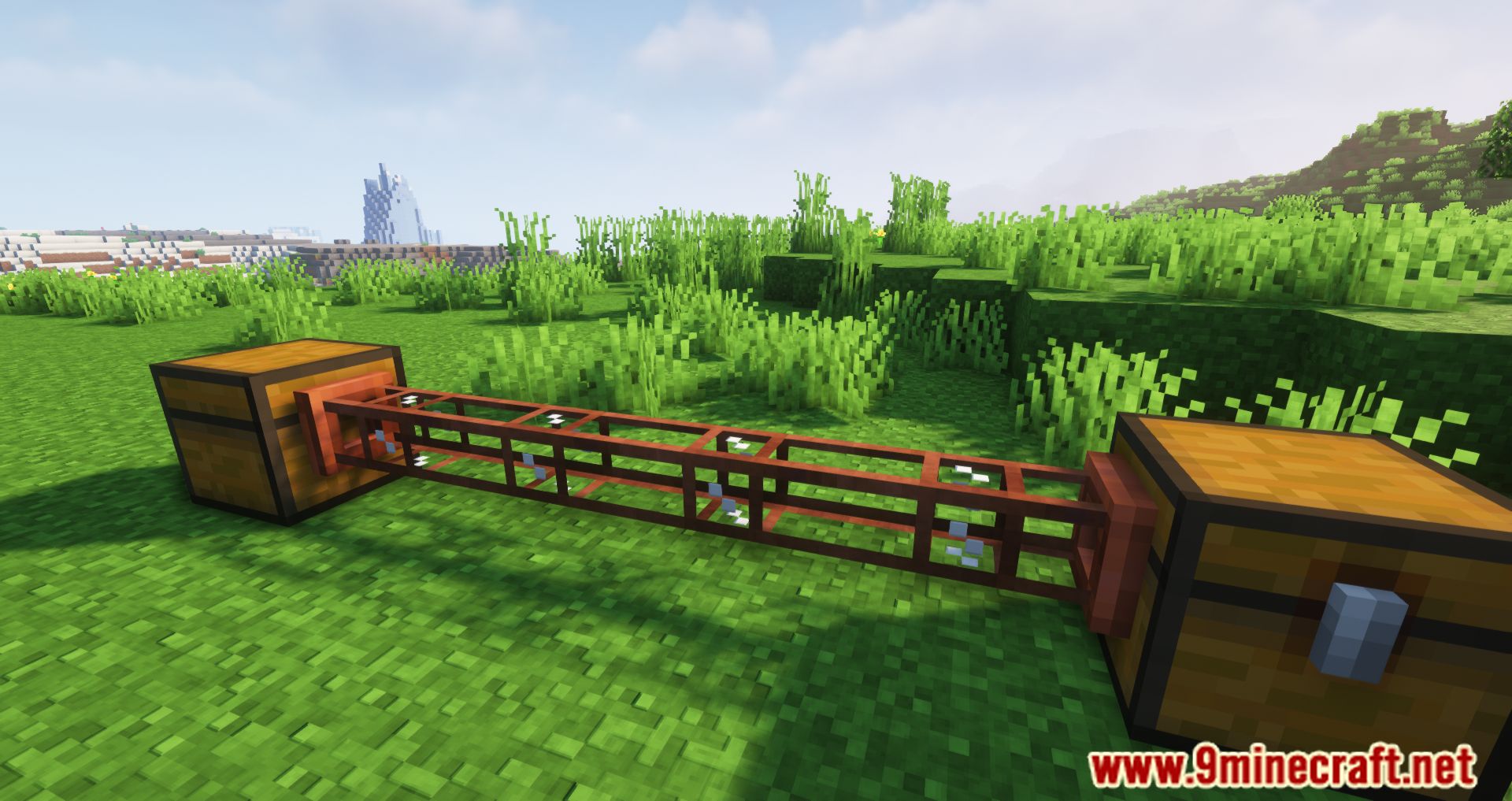
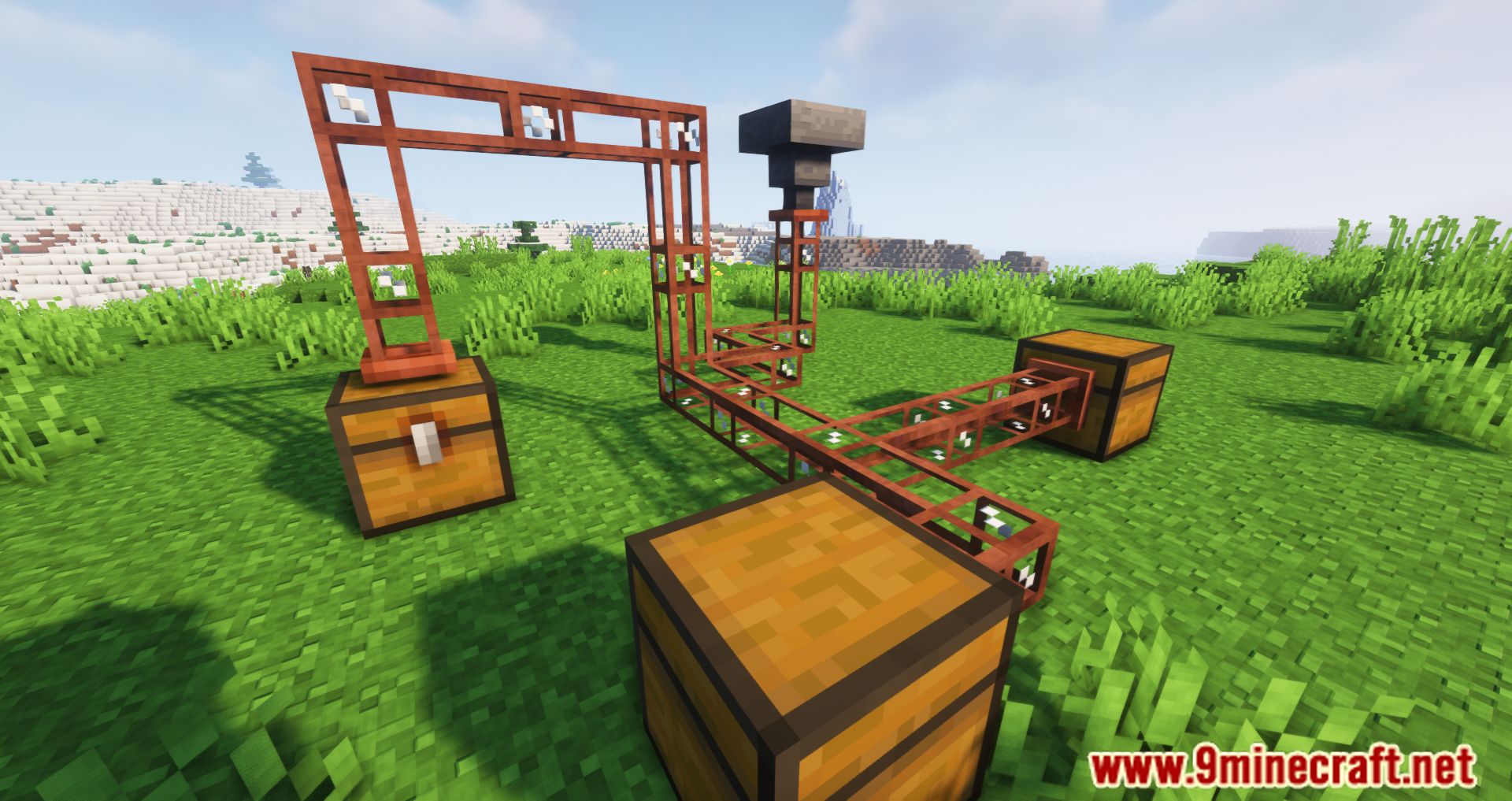
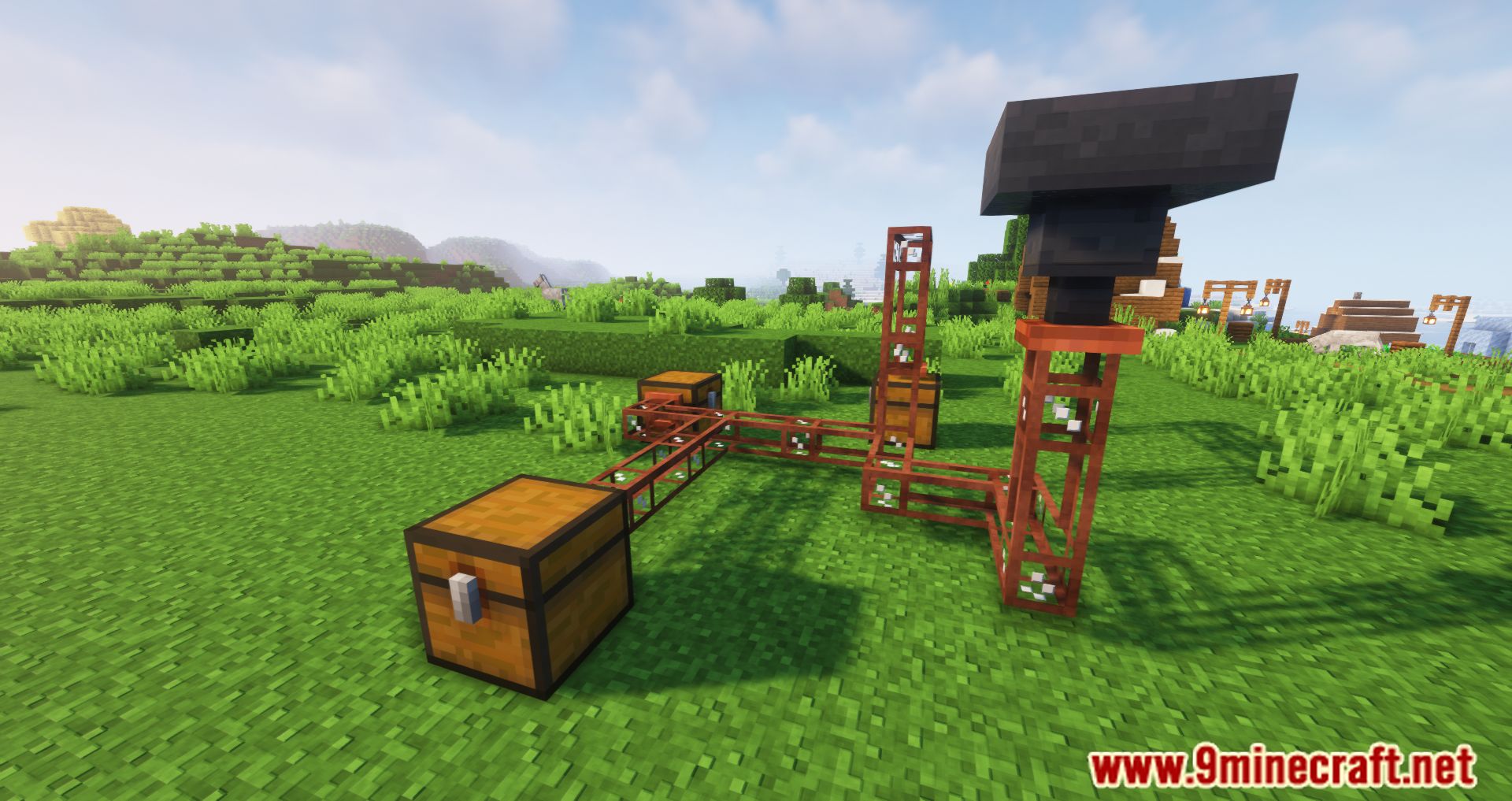
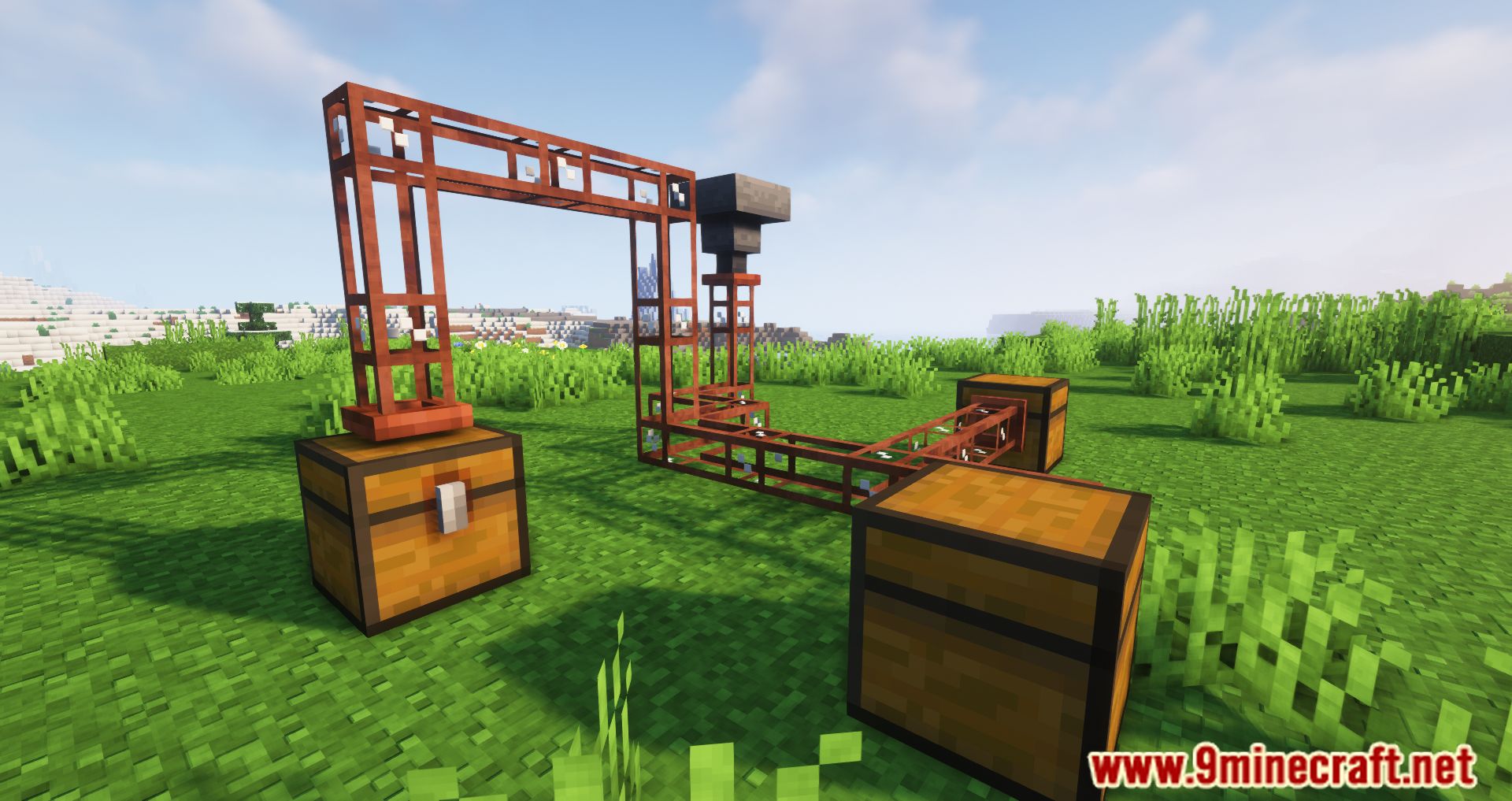
How to Install:
New to Minecraft? Follow our step-by-step guide to install Mods on your PC.View Guide
Requirements:



Quark Oddities Mod Download Links
For Minecraft 1.21.1, 1.21
For Minecraft 1.20.1, 1.20
For Minecraft
1.19.2,
1.19,
1.18.2
All Versions Covered
1.19.2
1.19
1.18.2
1.18.1
1.18
All Versions Covered
1.19.2
1.19
1.18.2
1.18.1
1.18
For Minecraft 1.16.5
For Minecraft 1.12.2
Click to rate this post!
[Total: 1 Average: 5]
You May Also Like
Picked for this page
 Custom Crosshair Mod (26.3, 1.20.1) – Customize With New Shapes, Colors and Sizes
 Variants and Ventures Mod (26.3, 1.20.1) – New Dangers in Every Biome
 Paradise Lost Mod (1.21.11, 1.20.1) – A Heavenly Land
 AddonsLib Mod (26.3, 1.20.1) – Library for Macaw’s Mods
 BindCommands Mod (26.3, 1.21.1) – Enables Binding of Minecraft Commands
 Clickable Advancements Mod (26.3, 1.20.1) – Open Advancement from Chat
 EXP Counter Mod (26.3, 1.20.1) – Customizable Information
 Dark Tides Mod (26.3, 1.20.1) – Allowing You To Breathe Underwater
 Cozary Red Panda Mod (1.21.11, 1.20.1) – Adds Adorable Pet Red Pandas
 Common Sense Mod (1.21.8, 1.20.1) – Over 200 Recipes
 Enchantable Mace Mod (1.21.11, 1.21) – Allows Sword Enchantments On Maces
 Lexiconfig Mod (1.21.11, 1.20.1) – Simplify Mod Configurations
Most viewed in Mods over the last 7 days
 Ala Industrial Mod (26.3) – Run Electric Power Grids and Automated Factories
 PleasureCraft Mod (26.3, 1.21.1) – Jenny Mod Remake for Fabric
 Jennycraft Mod (26.3, 1.20.1) – Virtual Girlfriend in Minecraft
 Fapcraft Mod (26.3, 1.12.2) – Comprehensive and Detailed Content
 Jenny Mod (Fapcraft) Official Complete Guide – How to use, Tutorial
 BangCraft Mod (1.20.1) – Jenny, Ellie and Elliot
 Fabric Loader (26.3, 1.20.1) – Fabric Installer for All Minecraft Versions
 Meteor Client Mod (26.3, 1.20.1) – Xray, HUD, Fly
 The Shooting Star Demo Mod (26.3, 1.20.1) – Vaporize Terrain From Orbit
 OptiFine HD (26.3, 1.20.1) – Run Faster, FPS Boost, Shaders Support
 Aristois Client Mod (1.21.4, 1.20.1) – World Class Minecraft Utility
 Prestige Client Mod (1.21.11, 1.21.4) – Powerful Ghost Features for Crystal & Sword PvP
More from Mods
 XinexLib Mod (1.21.1) – Keep Your Ultreon Studios Mods Running
 Libvulpes – Fixed Mod (1.12.2) – Launch Rockets with Fewer Bugs
 Freelook Perspective Mod (26.3, 1.21.1) – Watch Your Back While Sprinting
 FAUNA Engine Mod (1.21.1, 1.20.1) – Powering Legendary Dragons
 Avali Nexus Mod (26.3) – Settle Frozen Frontiers with High-Tech Bird Tribes
 Orient’s Hotpot Chronicles Mod (1.20.1) – Boil Fresh Hotpot Meals Over Open Flames
 Far Lands Traveler Mod (26.1.2) – Survive the Long Trek to the Edge of the World
 Beli’s SkyLyrics Mod (1.21.11) – Sing Along to Desktop Tracks Projected in the Night Sky
 Explainstone and Songmelyn Mod (1.21.1) – Broadcast Custom Music Across Your Base
 Rockstar Shaders Mod (26.3) – Cast Ray-Traced Light Across Vast Distant Horizons
 ERYDON Mod (1.20.1) – Design Grand Courtyards with Carved Marble Pillars
 Infinity Bound Mod (1.21.1) – Snap Away Enemies with Legendary Superhero Gear

This post has no comments yet. Be the first — your comment will appear here.