
Public Gui Announcement Mod (1.21.11, 1.20.1) – See What Menus Friends
 2,094
 0


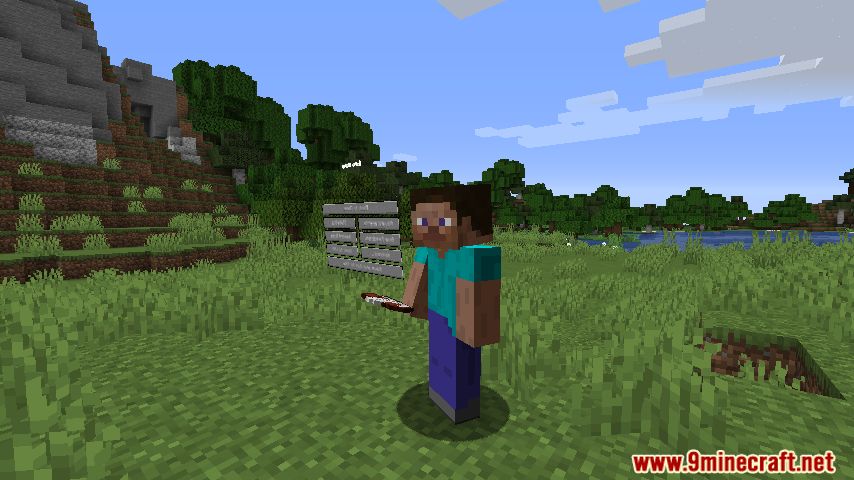
Public Gui Announcement Mod shows the menu screens that friends and nearby players open in the game. This cosmetic mod displays all vanilla interfaces, such as inventory screens, chests, and game settings, so everyone around can tell what screen is open. It also includes a think bubble option and works with 13 other mods, including Iron Chests, Sophisticated Backpacks, and Advanced Peripherals. All shown screens stay non-interactive and hide the actual items inside your inventory or chests. To work properly in multiplayer, the mod must run on both the server and the client.

Features:
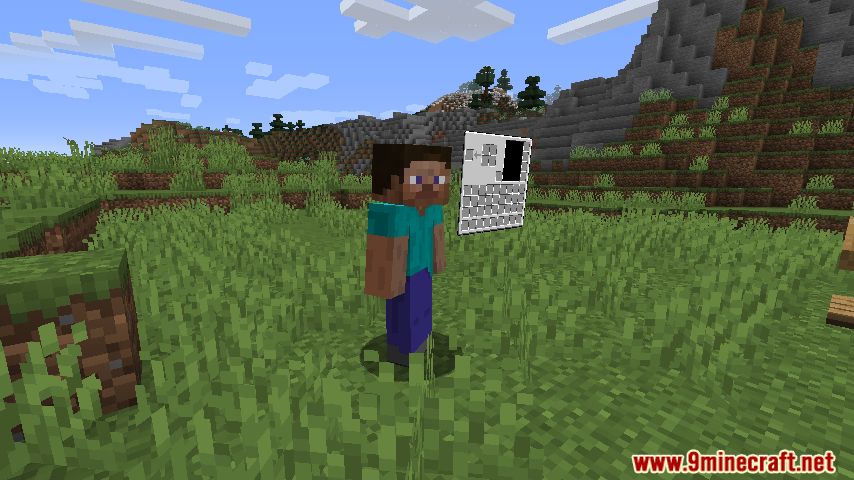
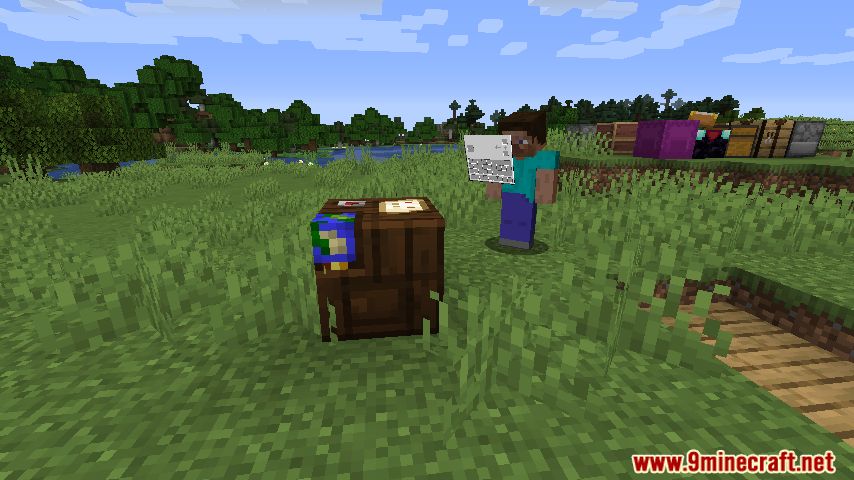
- Live GUI Display: Shows the exact menu screen that nearby friends and players have open, such as their inventory, a chest, or game settings.
- Cosmetic Only: Keeps every displayed screen non-interactive and leaves vanilla screens unchanged, so nobody can click or edit another player’s menu.
- Hides the items inside open inventories and chests so your gear stays private.
- Supports all vanilla Minecraft GUI screens right away.
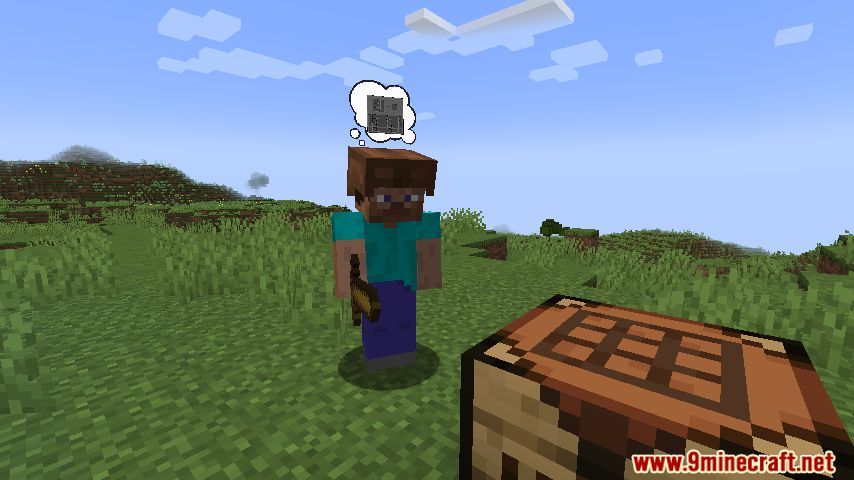
- Includes a think bubble option that displays the open interface inside a thought bubble.
- Supports custom resource packs that change the look of the think bubble icons.
- Needs to be on both the server and the client to work properly in multiplayer.
Compatible Mods:
- BonsaiPots
- Charging Gadgets
- Custom Selection Box
- Iron Chests
- All In The Quiver
- Mining Gadgets
- RGB Blocks
- Advanced Peripherals
- Sophisticated Backpacks
- Vanilla Tweaks
- Telepads
- Paintings++
- Apple Crates
Screenshots:


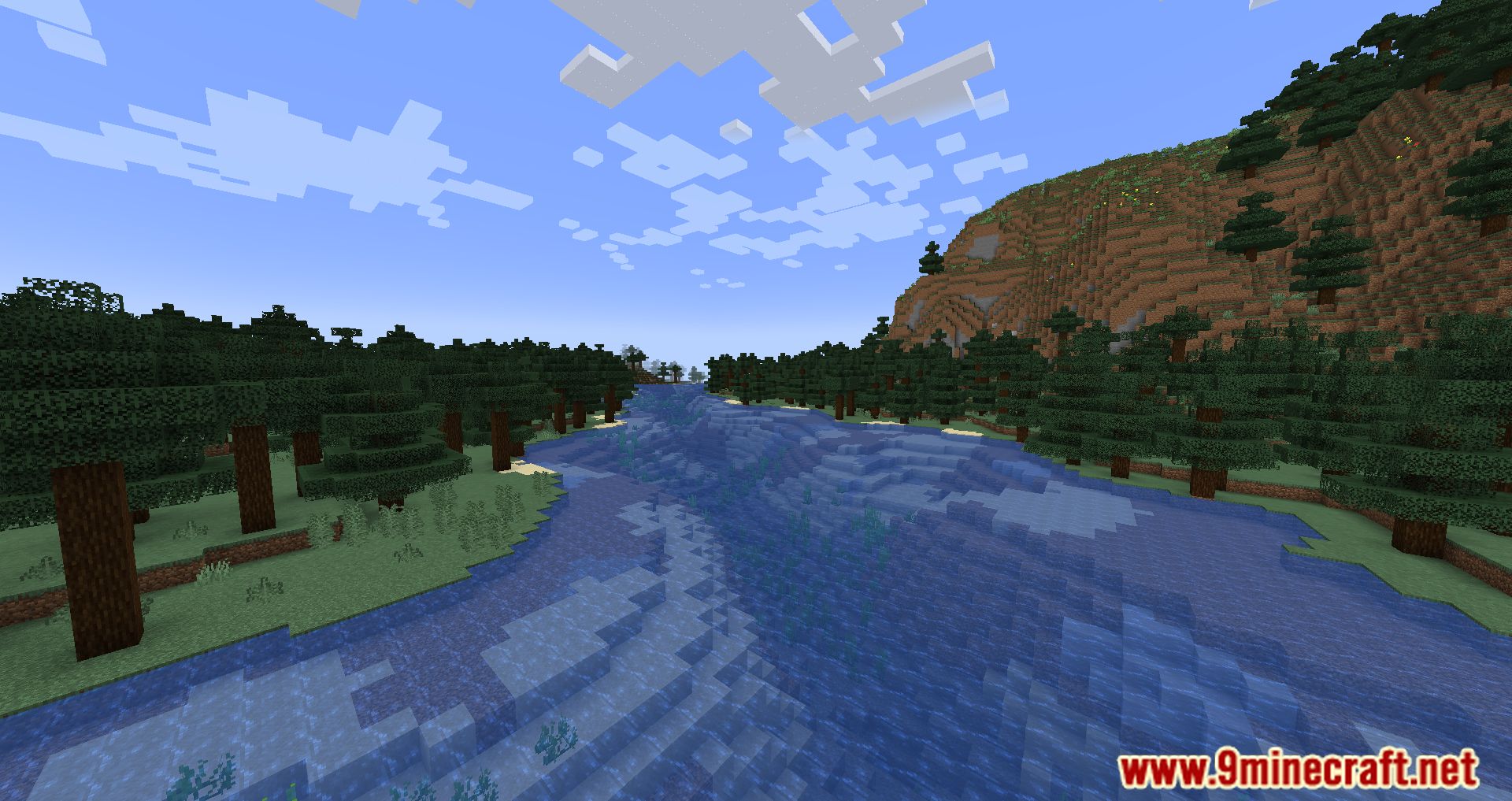
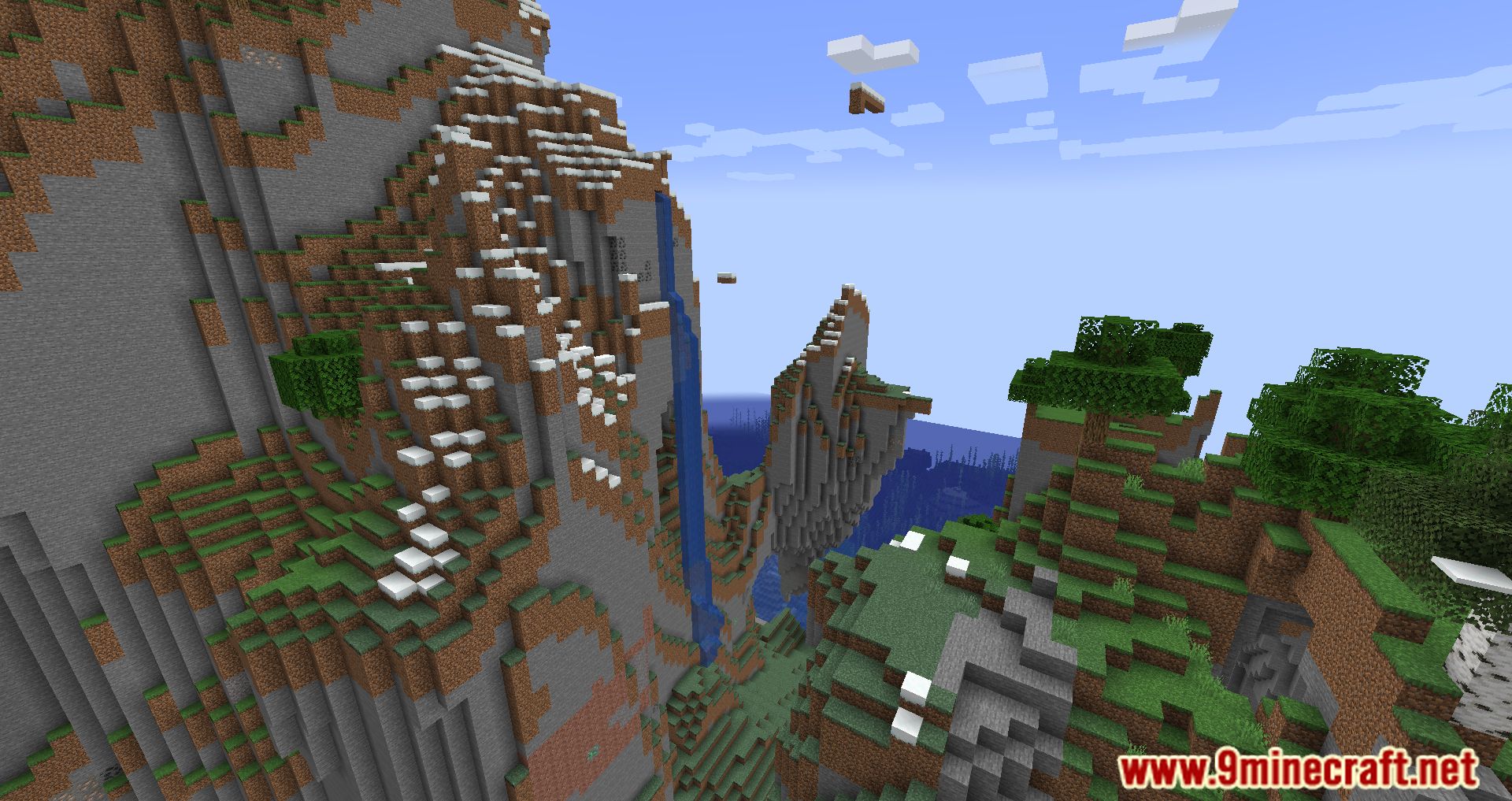

How to Install:
New to Minecraft? Follow our step-by-step guide to install Mods on your PC.View Guide
Public Gui Announcement Mod Download Links
For Minecraft 1.21.11
NeoForge Version: Download from Server 1 – Download from Server 2
Fabric/Quilt Version: Download from Server 1 – Download from Server 2
For Minecraft 1.21.10
NeoForge Version: Download from Server 1 – Download from Server 2
Fabric/Quilt Version: Download from Server 1 – Download from Server 2
For Minecraft 1.21.1, 1.21
NeoForge Version: Download from Server 1 – Download from Server 2
Fabric/Quilt Version: Download from Server 1 – Download from Server 2
For Minecraft 1.20.1, 1.20
Forge Version: Download from Server 1 – Download from Server 2
Fabric Version: Download from Server 1 – Download from Server 2
For Minecraft 1.19.3
Forge Version: Download from Server 1
Fabric Version: Download from Server 1
For Minecraft 1.19.2
Forge Version: Download from Server 1
Fabric Version: Download from Server 1
For Minecraft 1.19
Forge Version: Download from Server 1
Fabric Version: Download from Server 1
For Minecraft 1.18.2
Forge Version: Download from Server 1
Fabric Version: Download from Server 1
For Minecraft 1.17.1
Forge Version: Download from Server 1
For Minecraft 1.16.5
Forge Version: Download from Server 1
For Minecraft 1.15.2
Forge Version: Download from Server 1
For Minecraft 1.14.4
Forge Version: Download from Server 1
How do you usually learn how a complex mod works?
0 responses · See the full results →
You May Also Like
Picked for this page
 Minecraft Comes Alive Reborn Mod (26.2, 1.20.1) – Start Your Own Little Family
 Just Zoom Mod (26.3, 1.20.1) – Enhance Zoom with Advanced Customization
 Simple Discord Rich Presence Mod (26.3, 1.20.1) – Lightweight Discord Integration
 Items Displayed Mod (26.3, 1.20.1) – 3D Item Display
 Bottle Your Xp Mod (26.3, 1.20.1) – Store Your Experience in Glass Bottles
 MMD OreSpawn Library (26.3, 1.20.1) – Customizable Spawning of Ores
 MineMenu Mod (26.1.2, 1.20.1) – Make Your Life Easier
 Caves and Canyons Mod (26.2, 1.20.1) – Rift Valleys Replace Traditional Canyons
 Beautiful Enchanted Books Mod (26.2, 1.20.1) – Unique Book Textures
 Random Sheep Colours Mod (26.3, 1.20.1) – Random Wool Colors
 Explosion Overhaul Mod (26.2, 1.21.1) – Make Destruction Cinematic
 Infinities Mod (1.21.10, 1.20.1) – Improved Enchantability For Bows & Crossbows
Most viewed in Mods over the last 7 days
 Ala Industrial Mod (26.3) – Run Electric Power Grids and Automated Factories
 PleasureCraft Mod (26.3, 1.21.1) – Jenny Mod Remake for Fabric
 Jennycraft Mod (26.3, 1.20.1) – Virtual Girlfriend in Minecraft
 Fapcraft Mod (26.3, 1.12.2) – Comprehensive and Detailed Content
 Jenny Mod (Fapcraft) Official Complete Guide – How to use, Tutorial
 BangCraft Mod (1.20.1) – Jenny, Ellie and Elliot
 Fabric Loader (26.3, 1.20.1) – Fabric Installer for All Minecraft Versions
 Meteor Client Mod (26.3, 1.20.1) – Xray, HUD, Fly
 The Shooting Star Demo Mod (26.3, 1.20.1) – Vaporize Terrain From Orbit
 OptiFine HD (26.3, 1.20.1) – Run Faster, FPS Boost, Shaders Support
 Aristois Client Mod (1.21.4, 1.20.1) – World Class Minecraft Utility
 SchnurriTV Mod (1.12.2) – Characters and Features
More from Mods
 Not Just Sandwich Mod (26.3, 1.20.1) – Edibles, Sandwiches
 Waddles Mod (26.3, 1.20.1) – Make Icy Biomes Feel Alive
 Artemis’ Thin Logs Mod (26.3, 1.20.1) – Build Custom Trees and Detailed Wood
 Asterion Mod (26.3, 1.20.1) – Survive Ancient Mazes and Slay the Legendary Minotaur
 Passthrough Signs Mod (26.3, 1.20.1) – Right-Click Through Wall Signs
 Packing Tape Mod (26.3, 1.20.1) – Move Chests, Machines
 No XP Anvils Mod (26.3, 1.20.1) – Repair And Enchant Without XP
 Naruto Shippuden Mod (26.3, 1.16.5) – Immerse Yourself in The World of Ninja
 Araxer’s Bestiary Mod (26.3, 1.20.1) – Build an In-Game Encyclopedia of Every Mob
 Villagers Plus Mod (26.3, 1.20.1) – Expanded Villager Types and Villages
 Ore Excavation 9minecraft Mod (26.3) – Mine Ores and Chop Trees in a Single Swing
 Dirigo Mod (26.1.2, 1.21.1) – Walk Across Nether Lava Seas and Automate Animal

This post has no comments yet. Be the first — your comment will appear here.