
Bongo Mod (1.20.1, 1.19.4) – Turn Any World Into Team Scavenger Hunts
 13,140
 0


Bongo Mod brings a bingo minigame to Minecraft. Teams race to collect items, earn advancements, defeat mobs, and travel to biomes shown on a bingo card, and the first team to complete five tasks in a row, column, or diagonal wins. This mod supports up to 16 teams, three built-in task difficulties, and two game modes: an invulnerable default mode and a PvP mode with starter gear. It also adds a shared team backpack, private team chat, an expandable card view, and custom task support through datapacks. Matches run with simple chat commands, and you need cheats or operator permissions to create, start, and stop games.
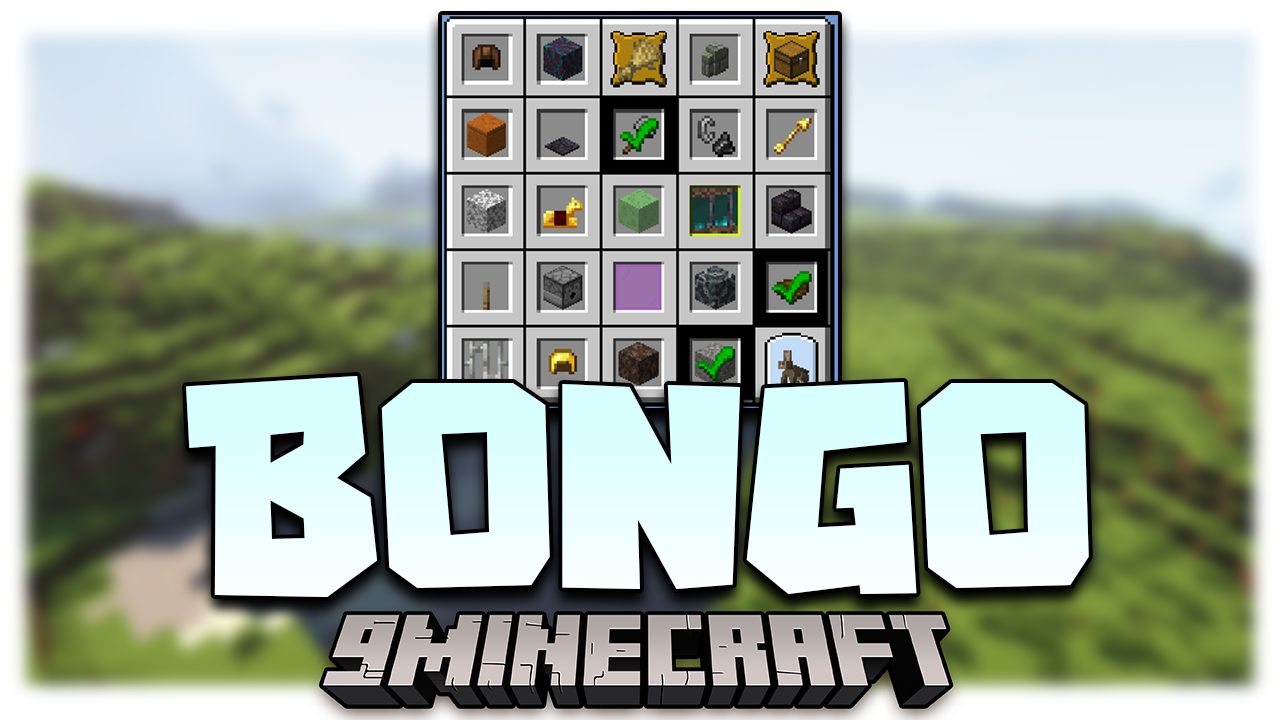
Features:
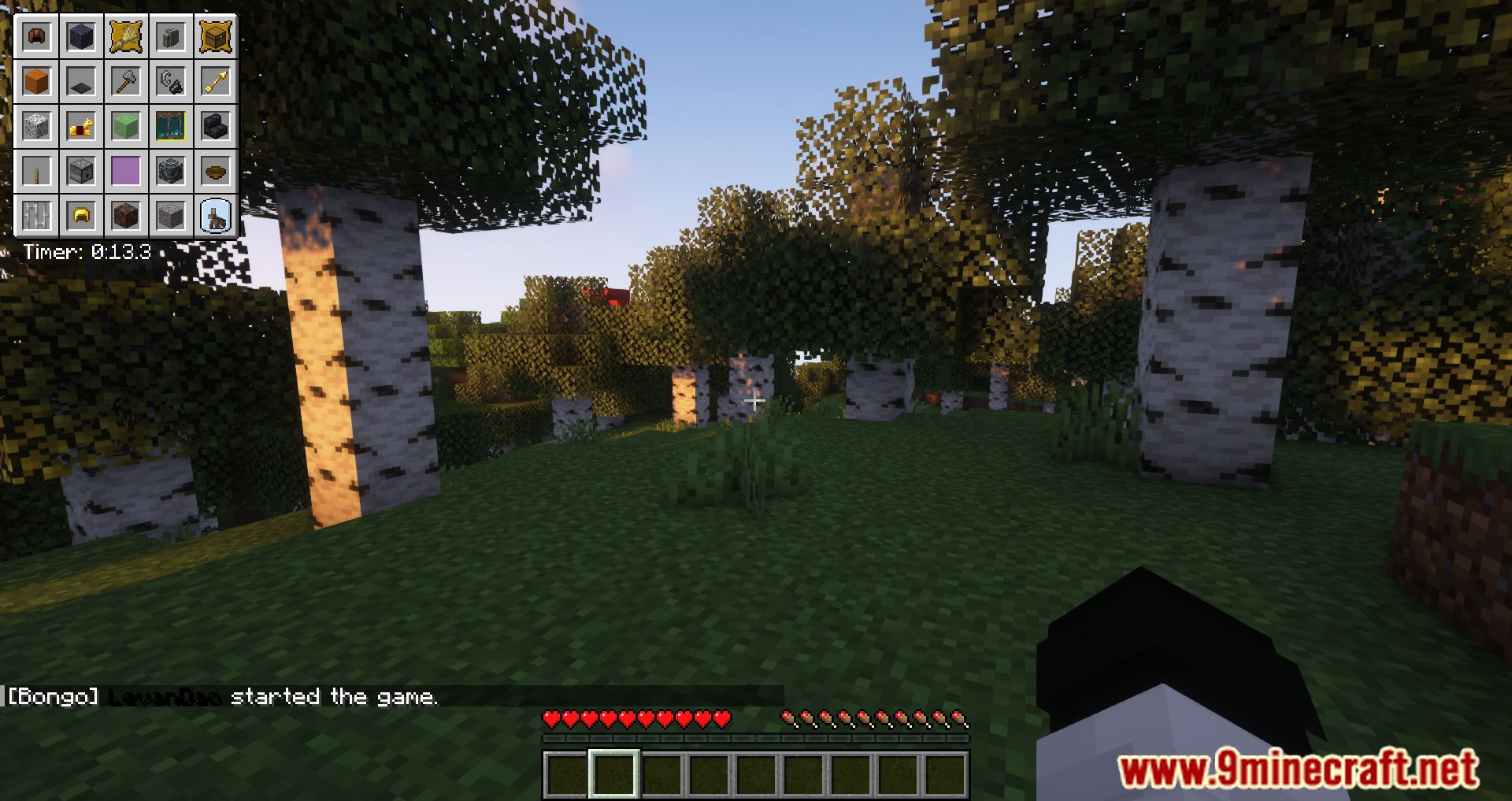
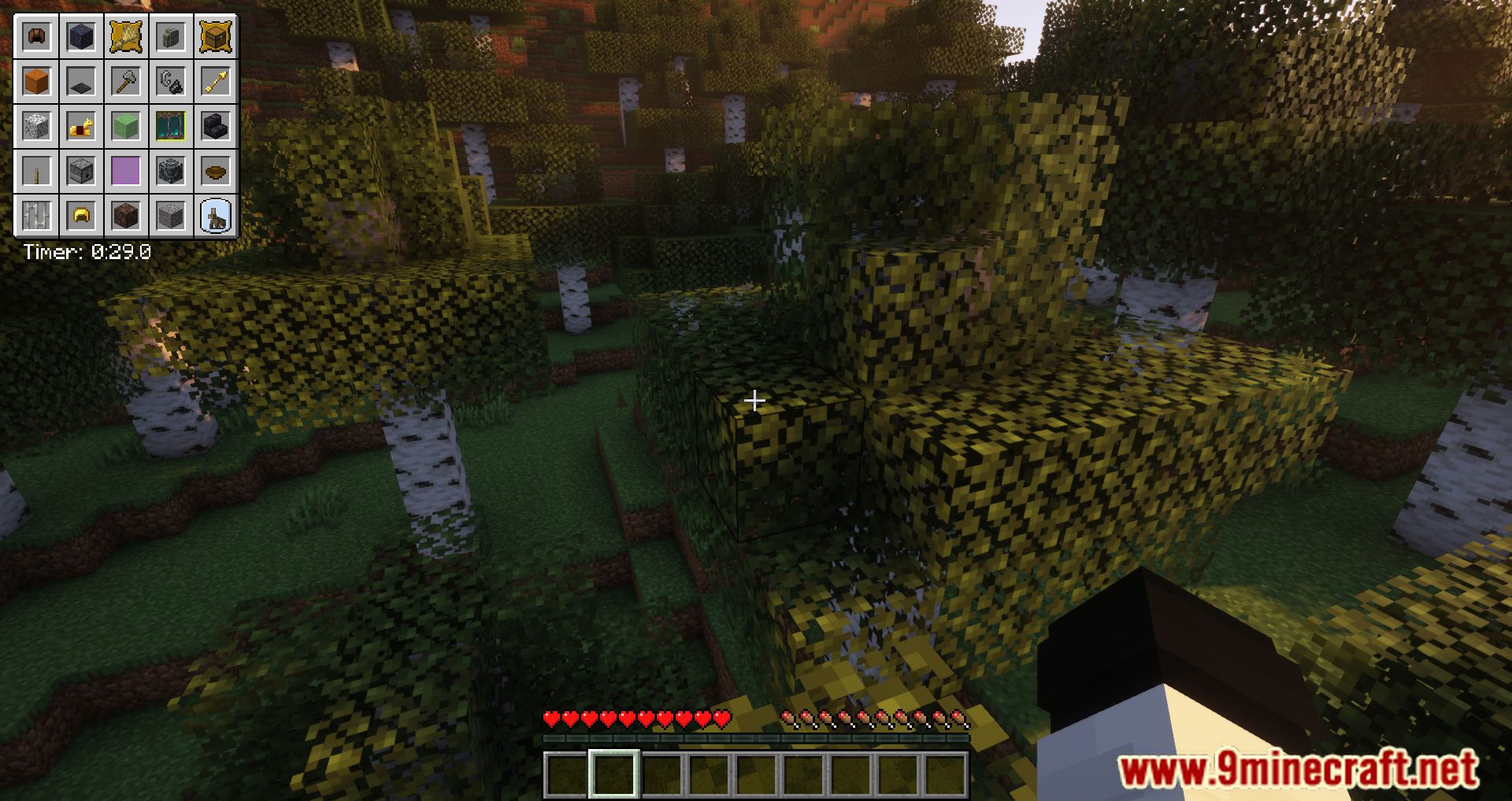
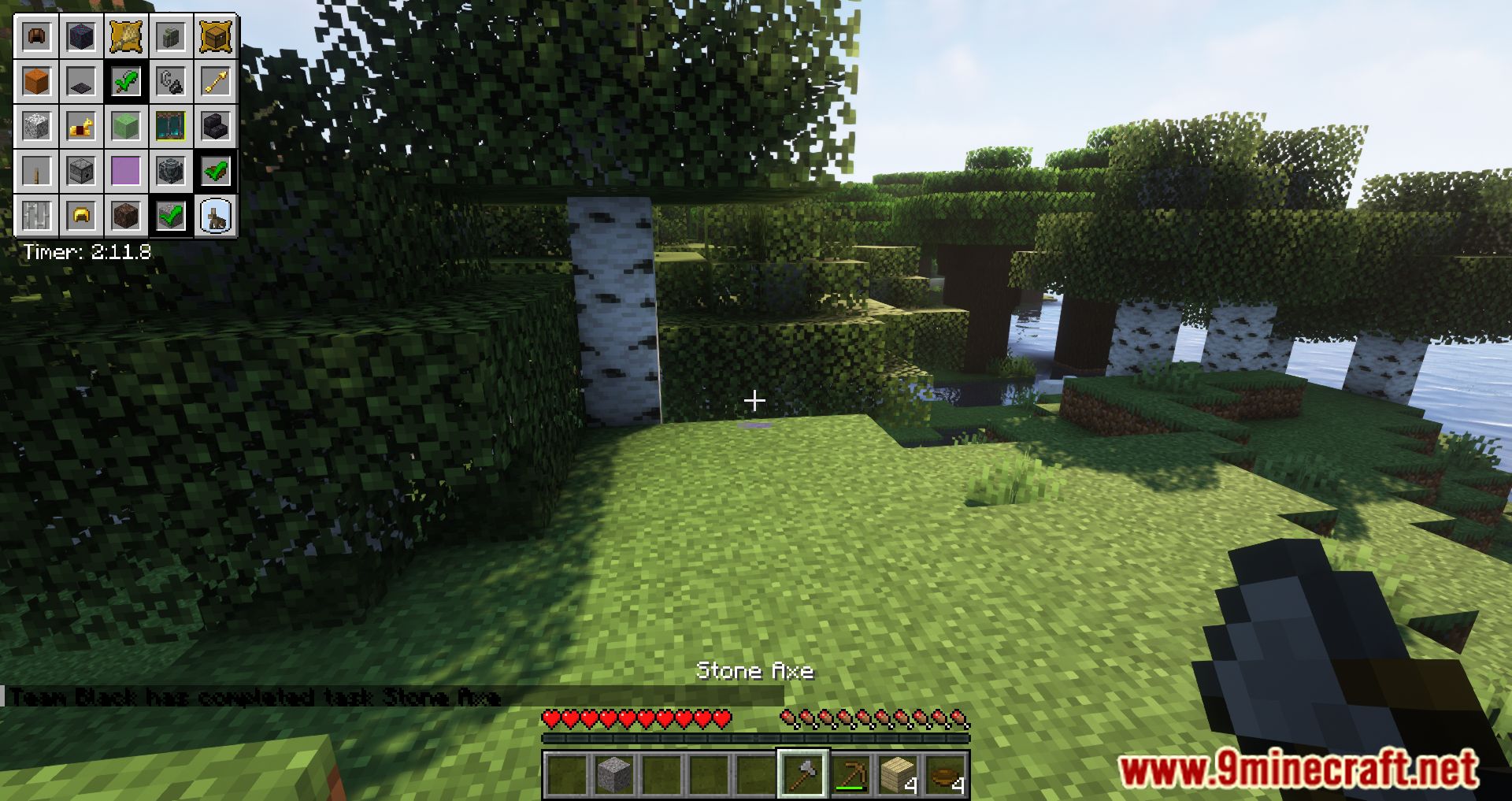
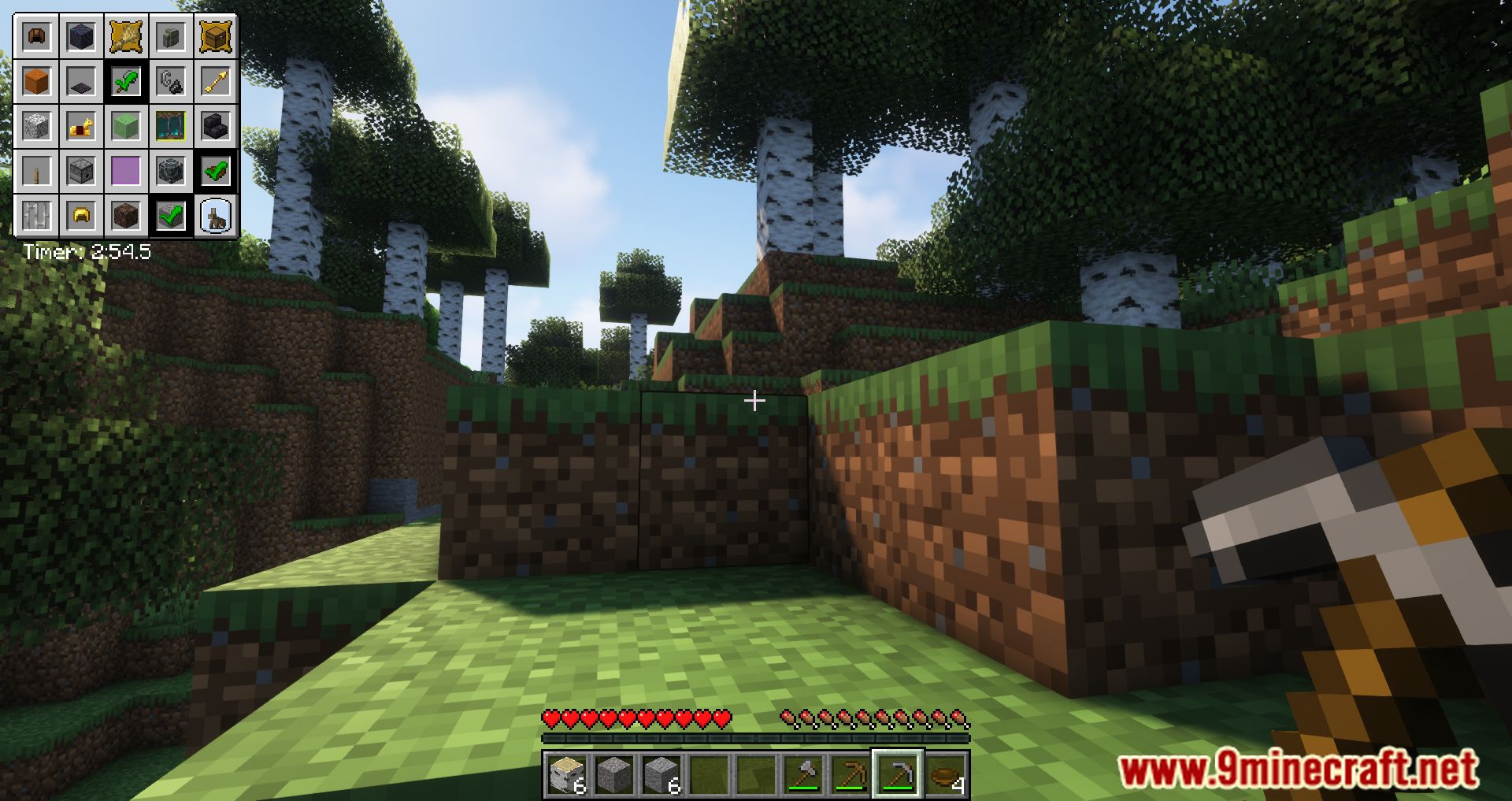
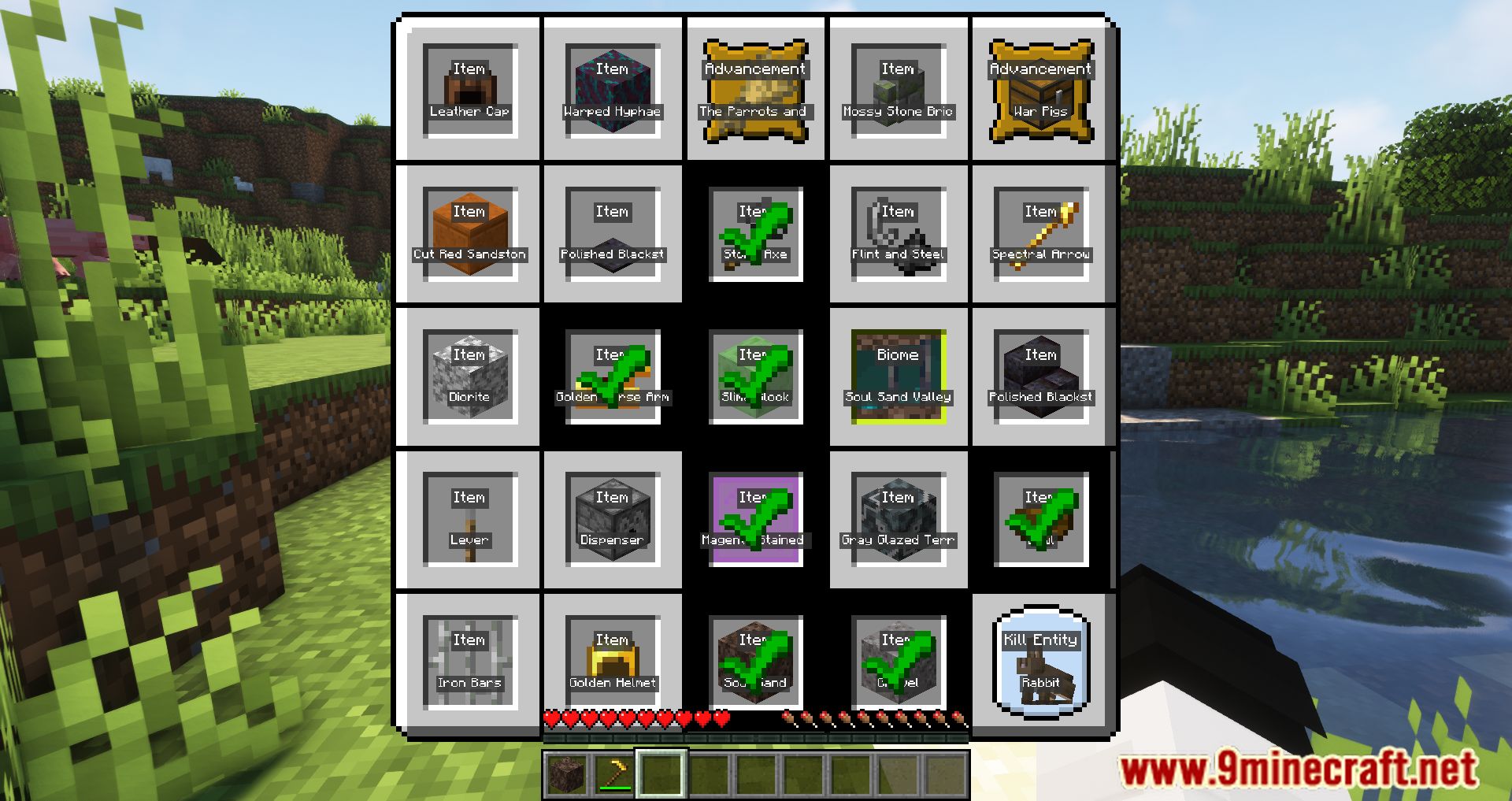
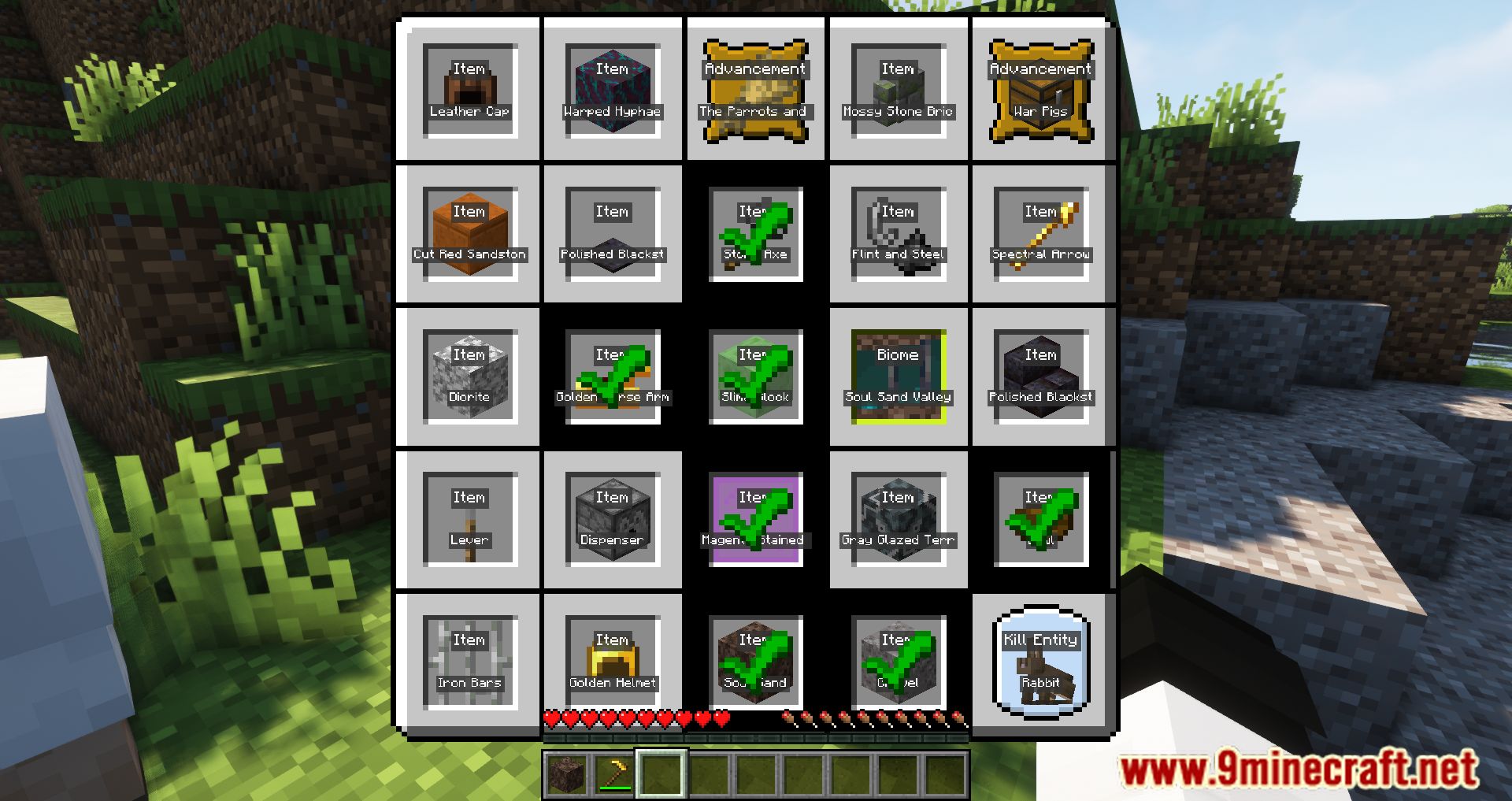
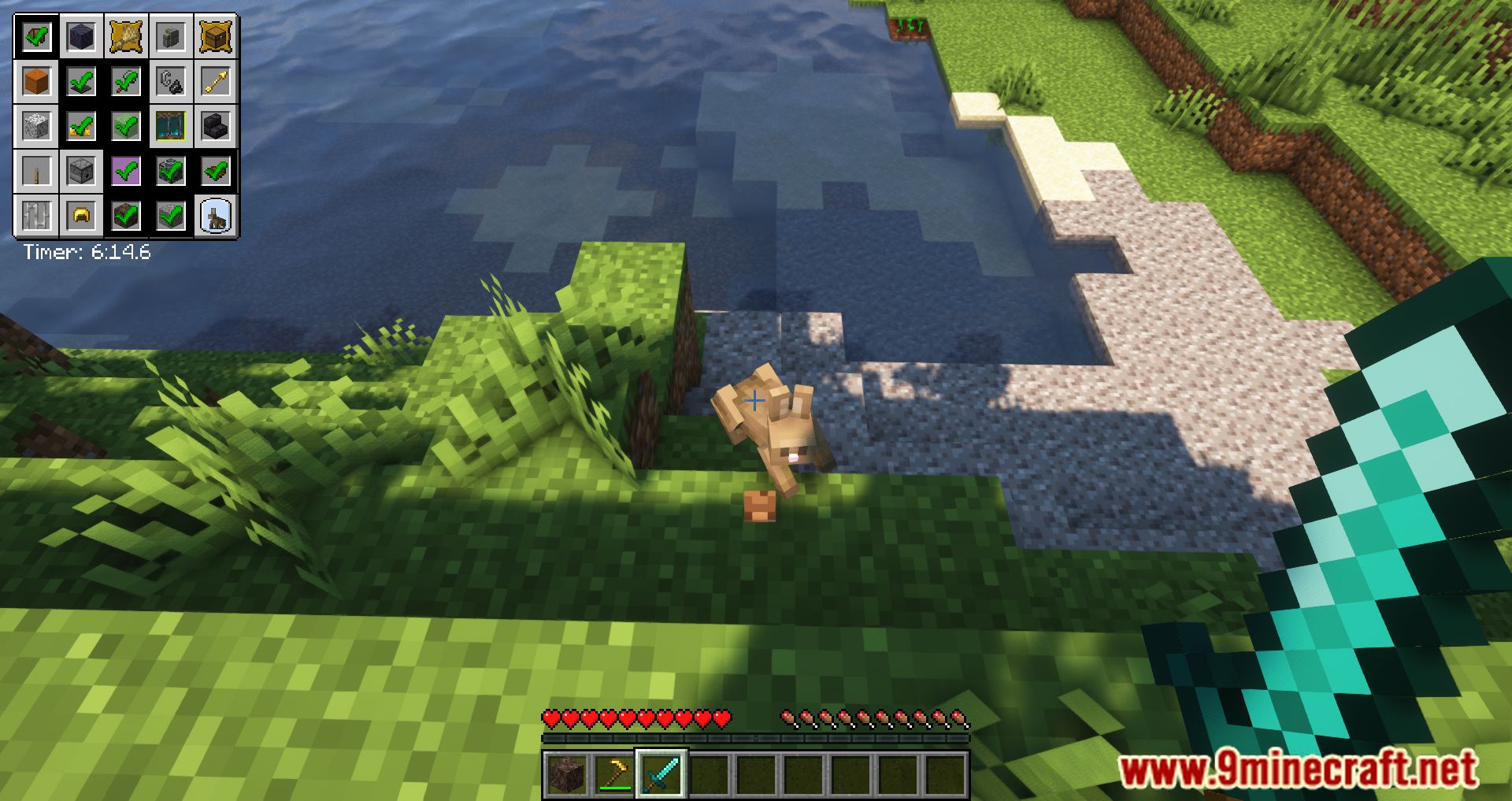
- Bingo Card System: Tracks items to collect, advancements to earn, mobs to defeat, and biomes to visit, and awards the win to the first team that finishes five tasks in a row, column, or diagonal.
- Up to 16 Teams: Lets players join one of 16 teams or split everyone into mostly equal-sized teams before a match starts.
- Shared Team Backpack: Gives every member on the same team access to one shared backpack during a match so you can exchange items easily.
- Private Team Chat: Adds a TeamChat mode that sends your chat messages only to your teammates.
- You can press the Y key (default keybind) to expand the bingo card over the whole screen and display item names.
- Lets you customize the size of the bingo card in the client config.
- Clears every player’s inventory and advancements automatically when a match begins.
- Supports custom task lists through datapacks so you can add your own tasks to the bingo card.
- Lets you search
#bingoin JEI to see all items needed for the game. - Works with MineMention so you can use
@teamto message your teammates, turning off the built-in TeamChat while MineMention is installed.
Built-in Task Definitions:
bongo:easy: Loads the built-in easy task list for the bingo card.bongo:normal: Loads the built-in normal task list for the bingo card.bongo:hard: Loads the built-in hard task list for the bingo card.
Commands:
/bingo create <tasks_id> <settings_id>: Creates a new bingo game with the chosen task list (bongo:easy,bongo:normal,bongo:hard, or a custom datapack list) and rules (defaultorpvp); requires operator permissions or cheats enabled./bingo join <team>: Joins one of the 16 available teams so you can play in the match./bingo start: Starts the game and clears the inventory and advancements of all players; requires operator permissions or cheats enabled./bingo stop: Stops the current game and hides the bingo card; requires operator permissions or cheats enabled./bingo backpackor/bp: Opens your team’s shared backpack while a game is running./bingo teamchator/tc: Toggles TeamChat mode so only your team members see your chat messages (not available when MineMention is installed)./bingo leave: Leaves your current team./bingo spread <teams>: Splits all players into mostly equal-sized teams based on the number of teams you set./bingo teams: Lists all teams along with all of their members.
How to Use:
- Enable cheats or get operator permissions on your world or server so you can run the game setup commands.
- Run
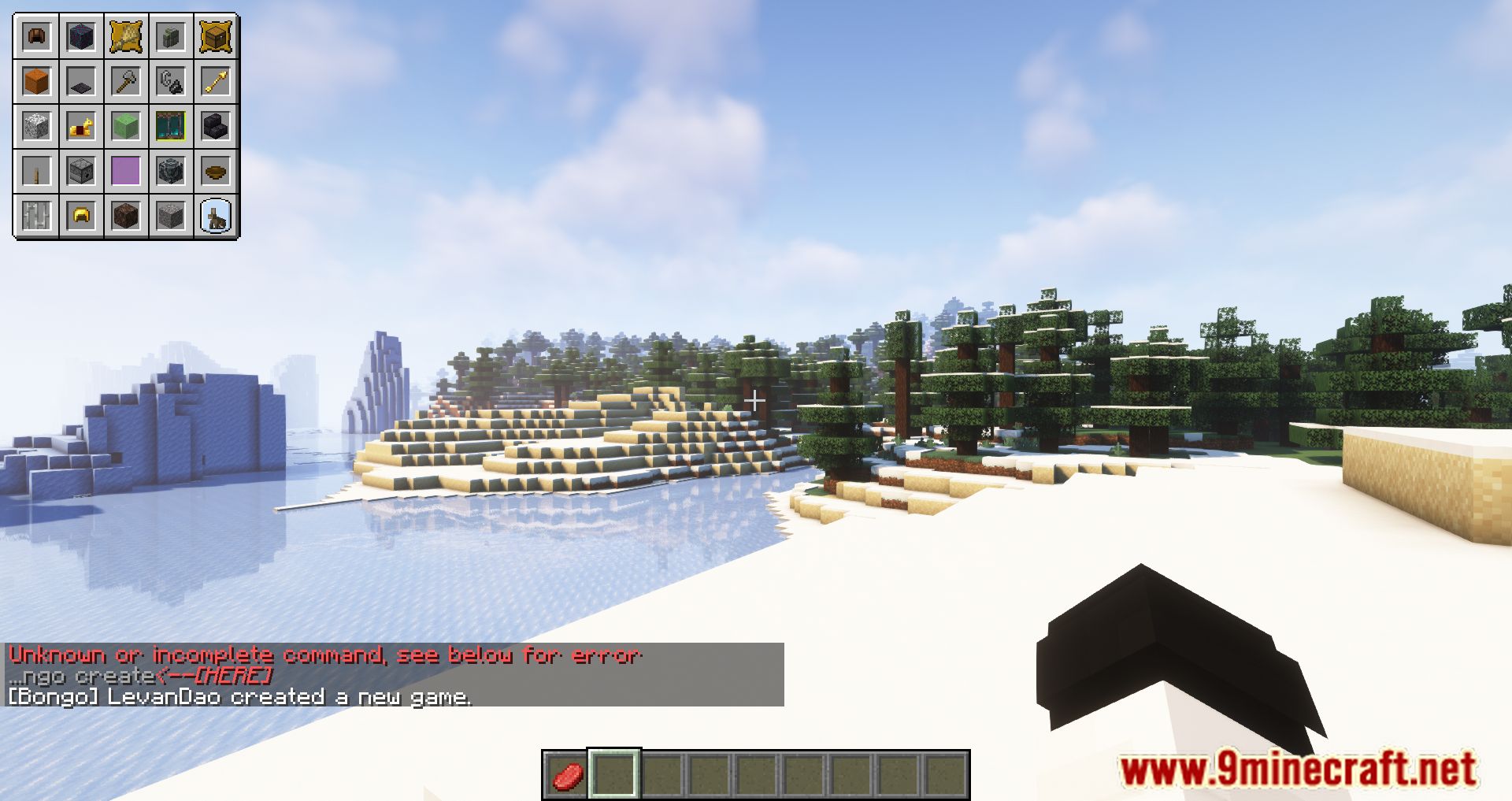
/bingo create <tasks_id> <settings_id>to create a new match using a task list (such asbongo:easy,bongo:normal, orbongo:hard) and a game setting (defaultorpvp). - Have each player pick one of the 16 teams with
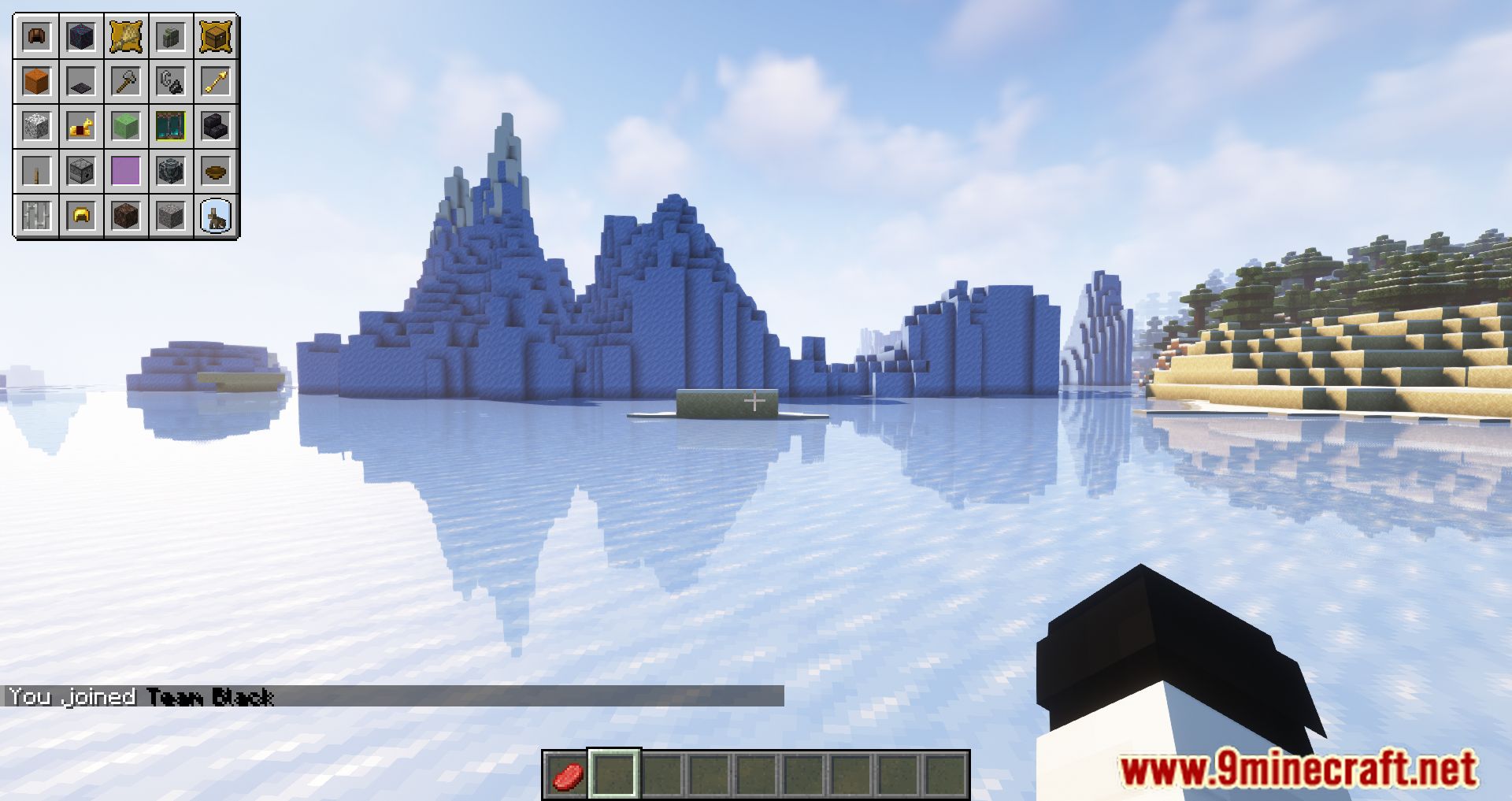
/bingo join <team>, or run/bingo spread <teams>to divide everyone into mostly equal-sized teams. - Run
/bingo startto begin the match; this clears all players’ inventories and advancements and starts tracking tasks on the bingo card. - Press Y to expand the bingo card over the whole screen and view item names, or adjust the card size in the client config if you want a different layout.
- Run
/bingo backpack(or/bp) during the match to share items with your teammates, and run/bingo teamchat(or/tc) to message only your team (or use@teamif MineMention is installed). - Search
#bingoin JEI at any time to check all items needed for the bingo match. - Collect items, earn advancements, defeat mobs, and visit biomes to finish five tasks in a row, column, or diagonal before other teams; run
/bingo stopwhenever you want to end the match and hide the card.
Screenshots:
How to Install:
New to Minecraft? Follow our step-by-step guide to install Mods on your PC.View Guide
Requirements:
Bongo Mod Download Links
For Minecraft 1.20.1
Forge Version: Download from Server 1 – Download from Server 2
For Minecraft 1.19.4
Forge Version: Download from Server 1 – Download from Server 2
For Minecraft 1.19.3
Forge Version: Download from Server 1 – Download from Server 2
For Minecraft 1.19.2, 1.19.1
Forge Version: Download from Server 1
For Minecraft 1.19
Forge Version: Download from Server 1
For Minecraft 1.18.2
Forge Version: Download from Server 1
For Minecraft 1.18.1
Forge Version: Download from Server 1
For Minecraft 1.17.1
Forge Version: Download from Server 1
For Minecraft 1.16.5
Forge Version: Download from Server 1
You May Also Like
Picked for this page
 Traveler’s Backpack Mod (26.3, 1.20.1) – A Mobile Base on Your Back
 Better Advancements Mod (26.3, 1.20.1) – New Advancements System
 Chest Tracker Mod (26.3, 1.20.1) – Tracking Your Items
 Dark Utilities Mod (26.3, 1.20.1) – Expansive Content of Minecraft
 Modular Routers Mod (26.2, 1.20.1) – Item Routers with Pluggable Modules
 Crawl Mod (1.21.11, 1.20.1) – Smart Moving Returns
 Item Borders Mod (26.3, 1.20.1) – Borders For Rare Items
 Set World Spawn Point Mod (26.3, 1.20.1) – Exact Spawn Location
 Bottled Air Mod (26.3, 1.20.1) – Underwater Breathing
 Coal Explosion Mod (1.21.11, 1.20.1) – Be Careful With Coal Ores
 Pick Block Pro Mod (1.21.3, 1.20.1) – Creative Builder Utility Mod
 Compatible Sword Enchantments Mod (26.3, 1.21.1) – Makes Mutually Exclusive Enchantments Compatible
Most viewed in Mods over the last 7 days
 Ala Industrial Mod (26.3) – Run Electric Power Grids and Automated Factories
 PleasureCraft Mod (26.3, 1.21.1) – Jenny Mod Remake for Fabric
 Jennycraft Mod (26.3, 1.20.1) – Virtual Girlfriend in Minecraft
 Fapcraft Mod (26.3, 1.12.2) – Comprehensive and Detailed Content
 Jenny Mod (Fapcraft) Official Complete Guide – How to use, Tutorial
 BangCraft Mod (1.20.1) – Jenny, Ellie and Elliot
 Fabric Loader (26.3, 1.20.1) – Fabric Installer for All Minecraft Versions
 Meteor Client Mod (26.3, 1.20.1) – Xray, HUD, Fly
 The Shooting Star Demo Mod (26.3, 1.20.1) – Vaporize Terrain From Orbit
 OptiFine HD (26.3, 1.20.1) – Run Faster, FPS Boost, Shaders Support
 Aristois Client Mod (1.21.4, 1.20.1) – World Class Minecraft Utility
 Prestige Client Mod (1.21.11, 1.21.4) – Powerful Ghost Features for Crystal & Sword PvP
More from Mods
 SimpleRPGCore Mod (1.21.4, 1.21.1) – Fight with Classic RPG Stats
 Bard RPG Series Plus by Fichte Mod (1.21.1, 1.20.1) – Buff Allies in Combat
 Fabric Gui ImGui Mod (26.3, 1.21.11) – Clean Custom Menus and In-Game Control
 Multi Item Lib Mod (1.20.1) – Wield Custom Gear with Flawless Hand Animations
 Universe3090 Mod (1.20.1) – Survive Corrupted Dimensions Filled
 Wireless Automate Mod (1.21.1) – Automate Base Logistics Without Messy Pipes
 Vaskars Opus Faction War Quests & Bosses Mod (1.21.11, 1.20.1)
 Multitools and More Mod (26.3, 1.20.1) – Clear Your Hotbar and Travel
 Luxium Let There Be Light Mod (1.20.1) – Stunning Lighting on Low-End Computers
 Soulscraft Tarnished Legacy Mod (1.21.1) – Hunt Relics to Forge Dark Fantasy
 Fetzi’s Displays Mod (26.1.2, 1.20.1) – Turn Rare Gear and Weapons
 Primal Plushies Paleo Pals Mod (1.21.1, 1.20.1) – Decorate Your Base

This post has no comments yet. Be the first — your comment will appear here.