
Happy Trails Mod (1.21.11, 1.20.1) – Run Faster on Built Paths

 0


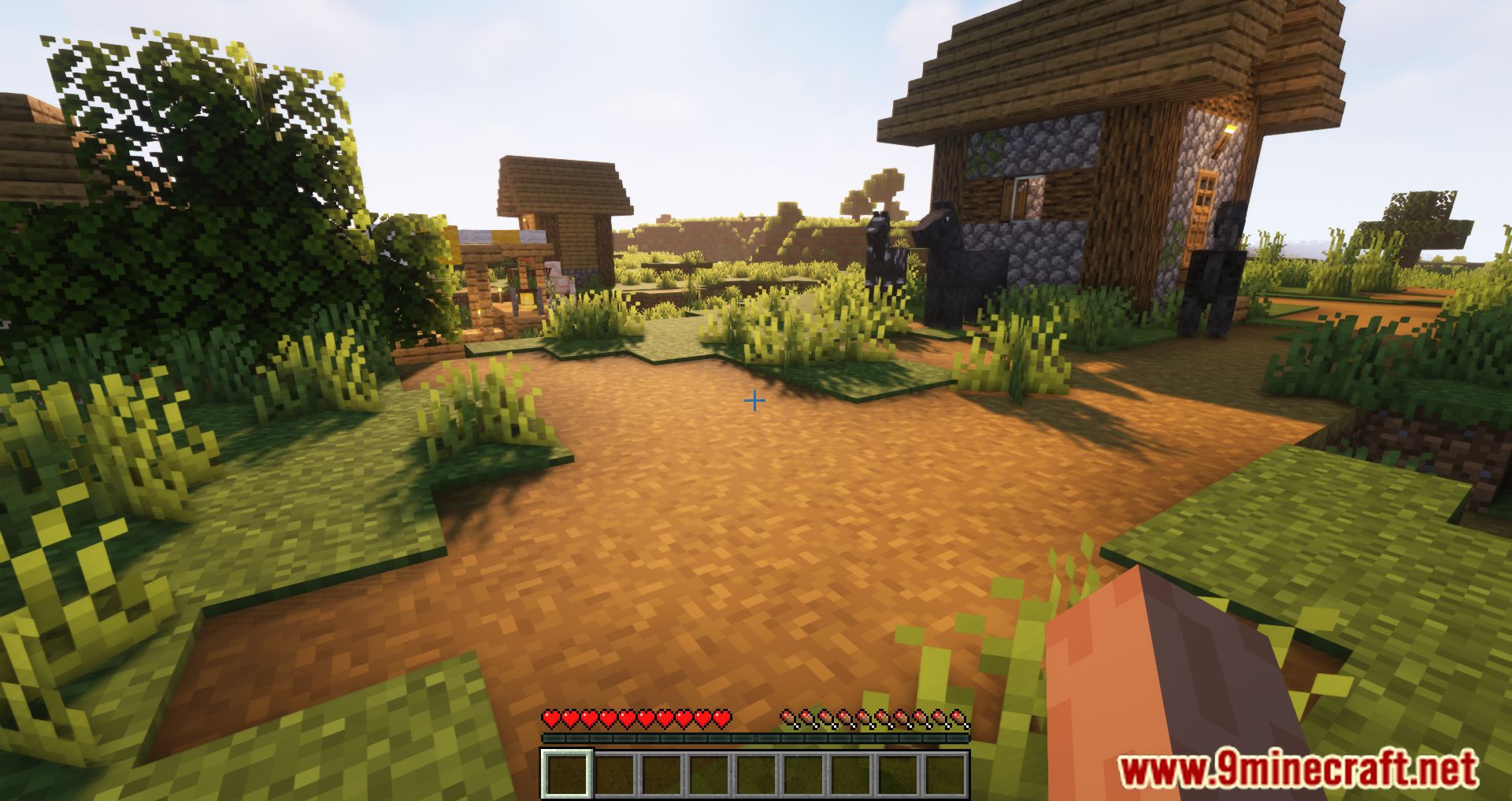
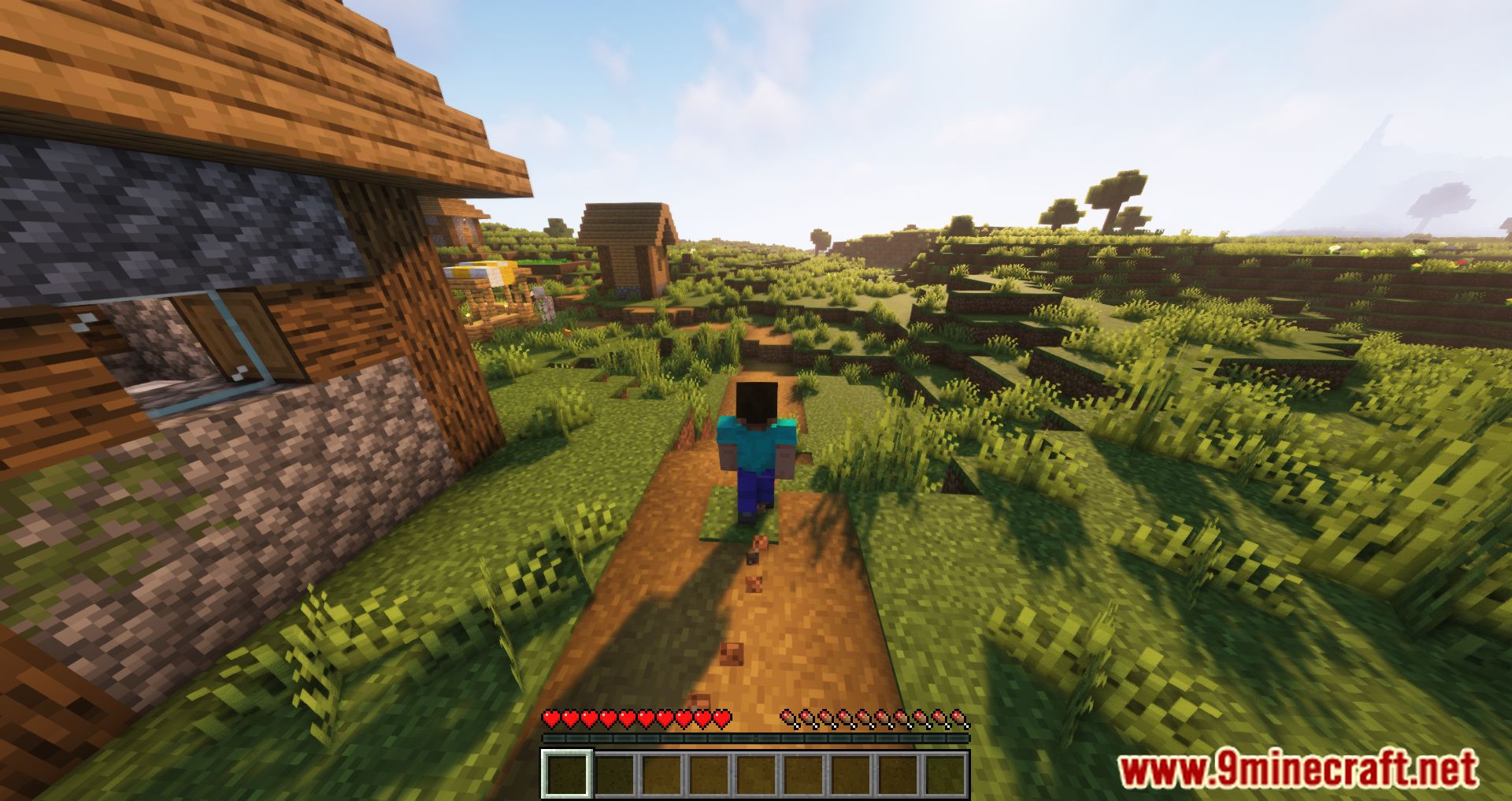
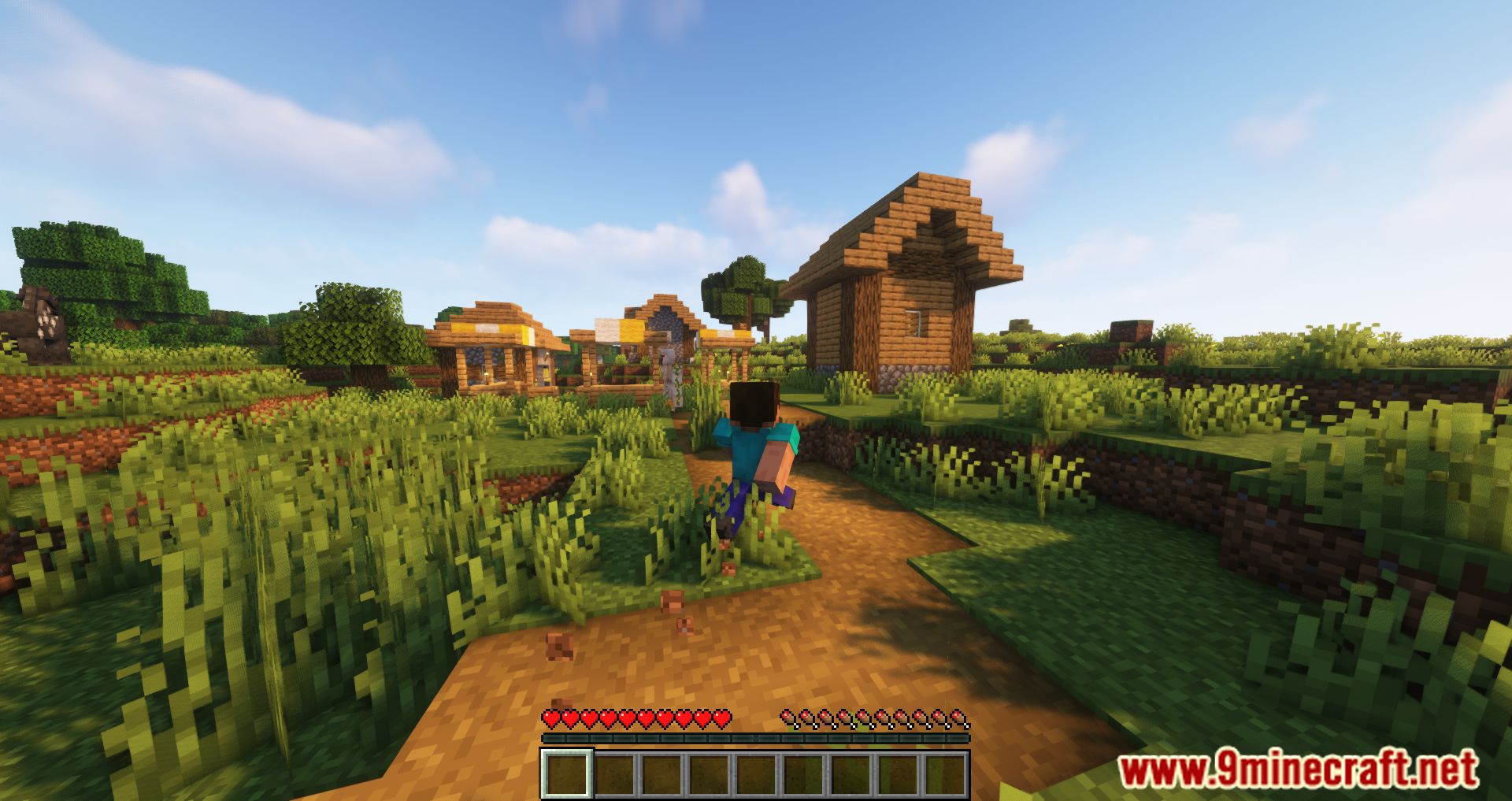
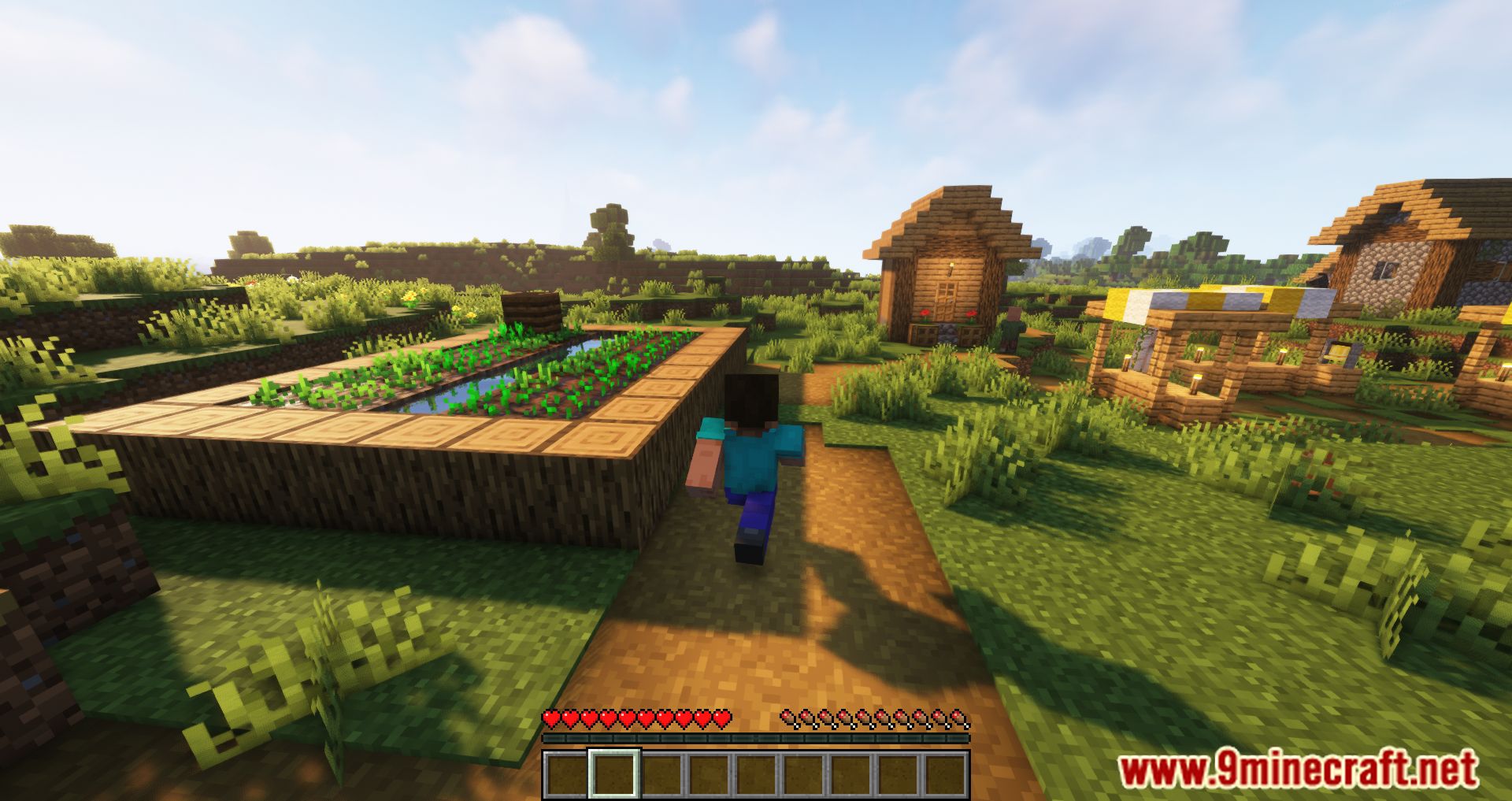
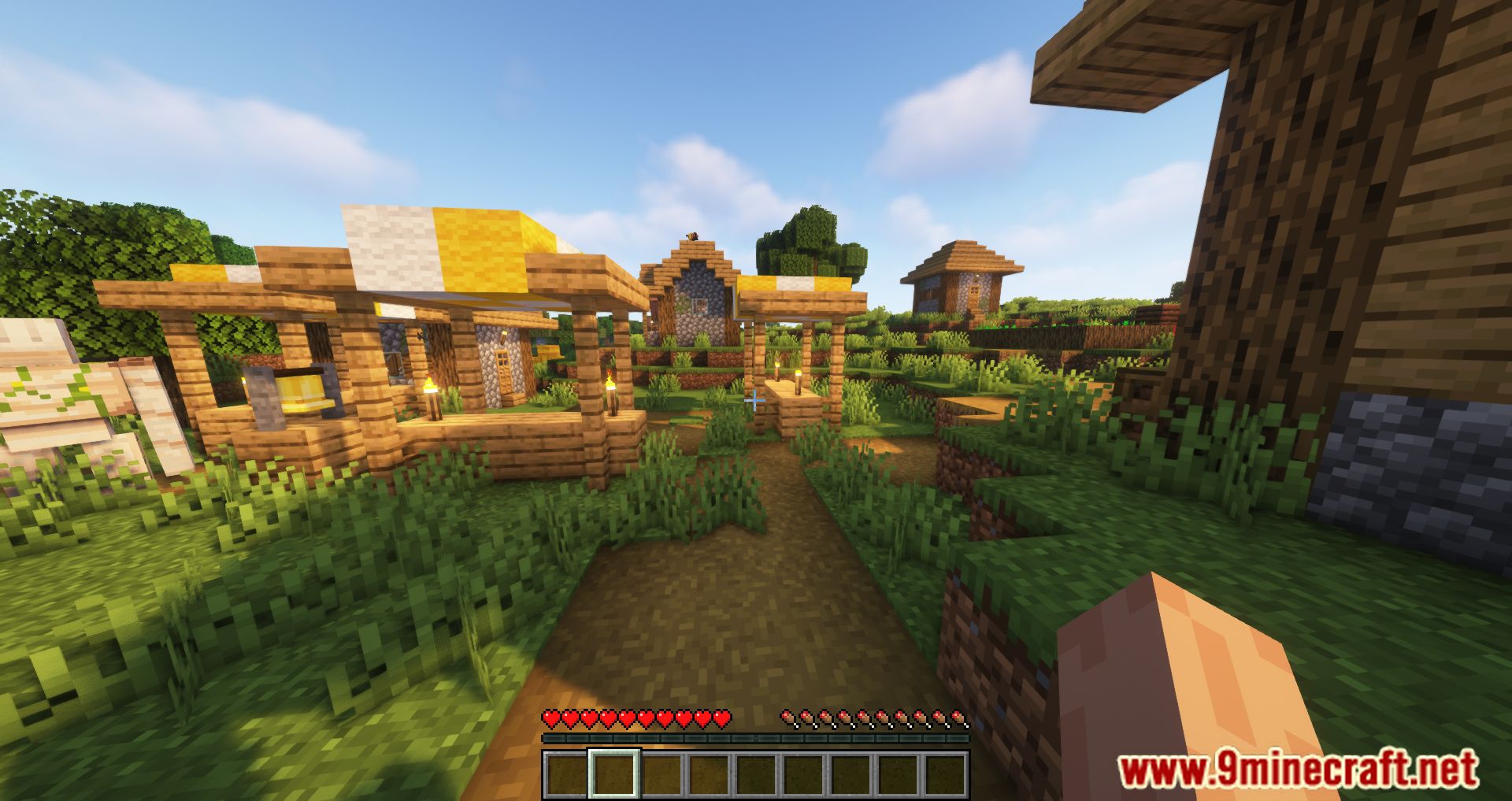
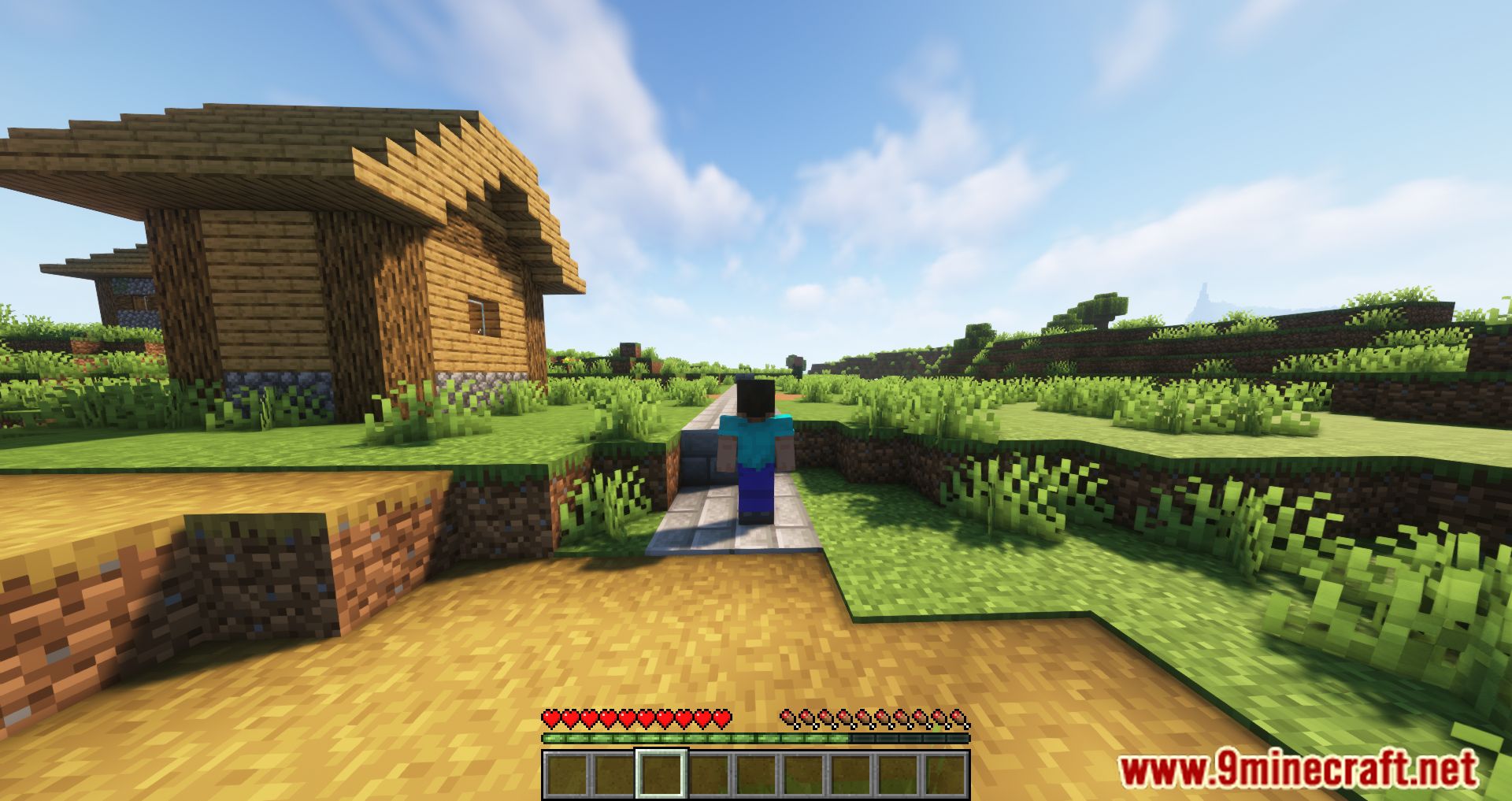
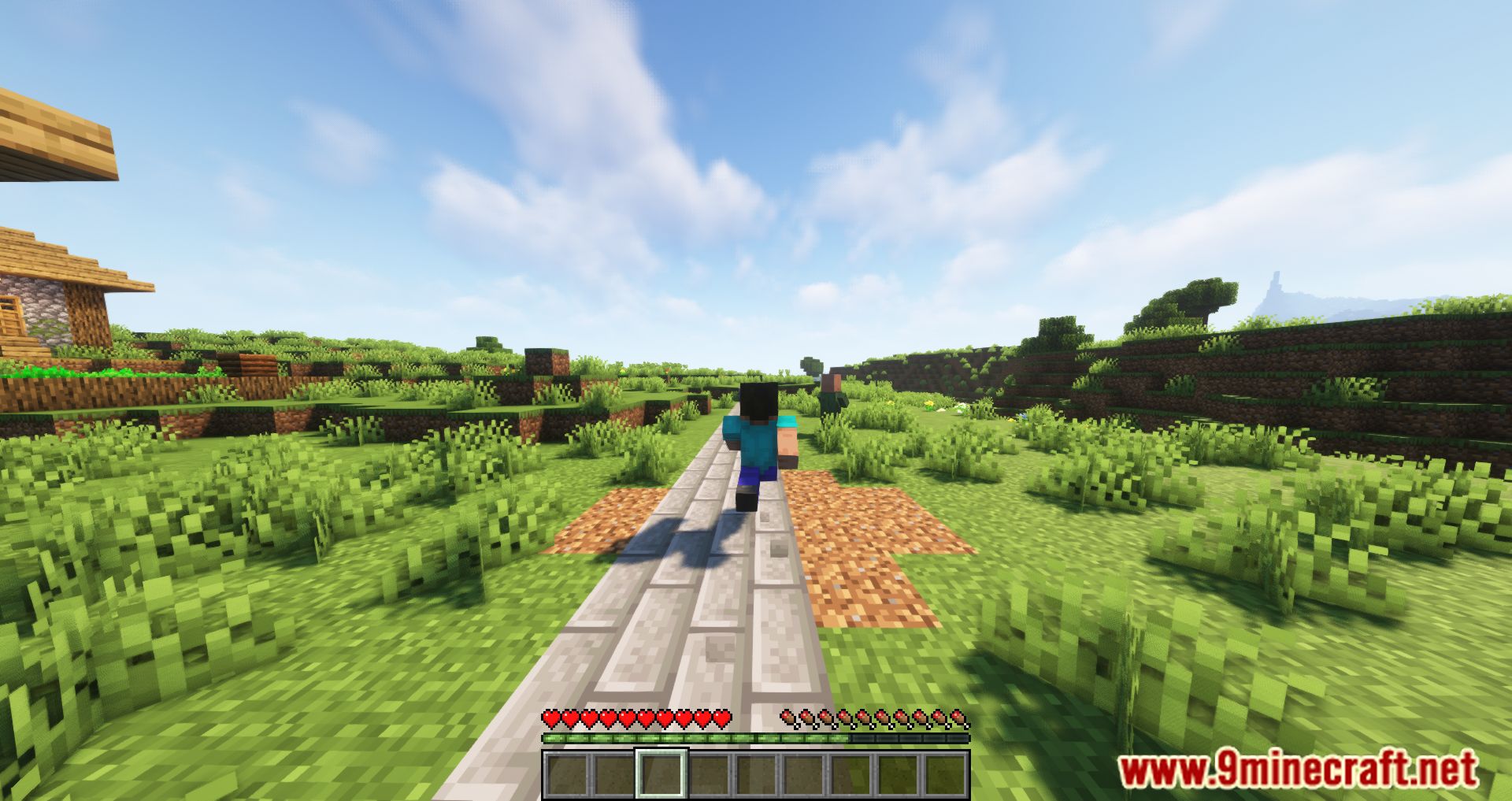
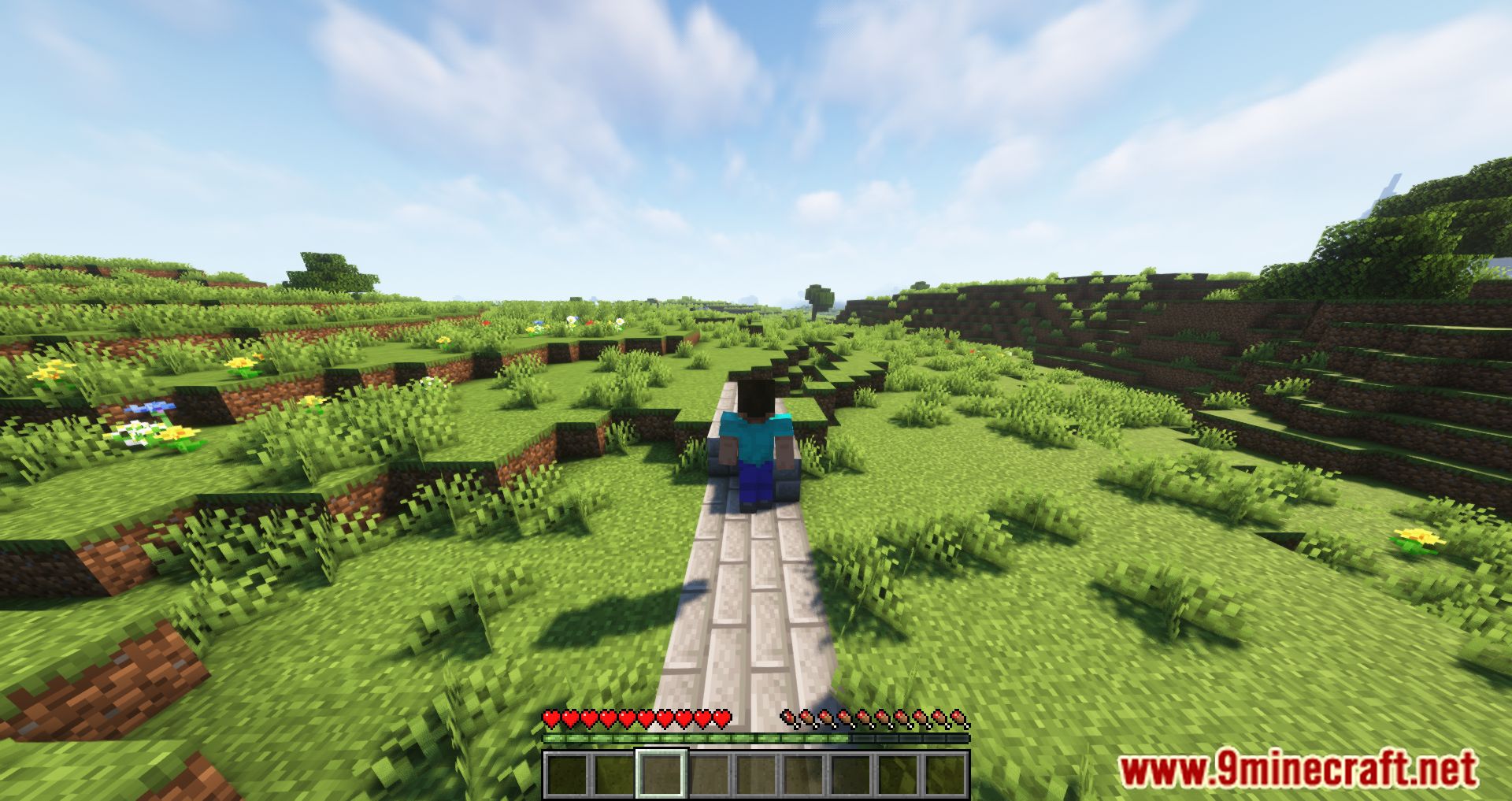
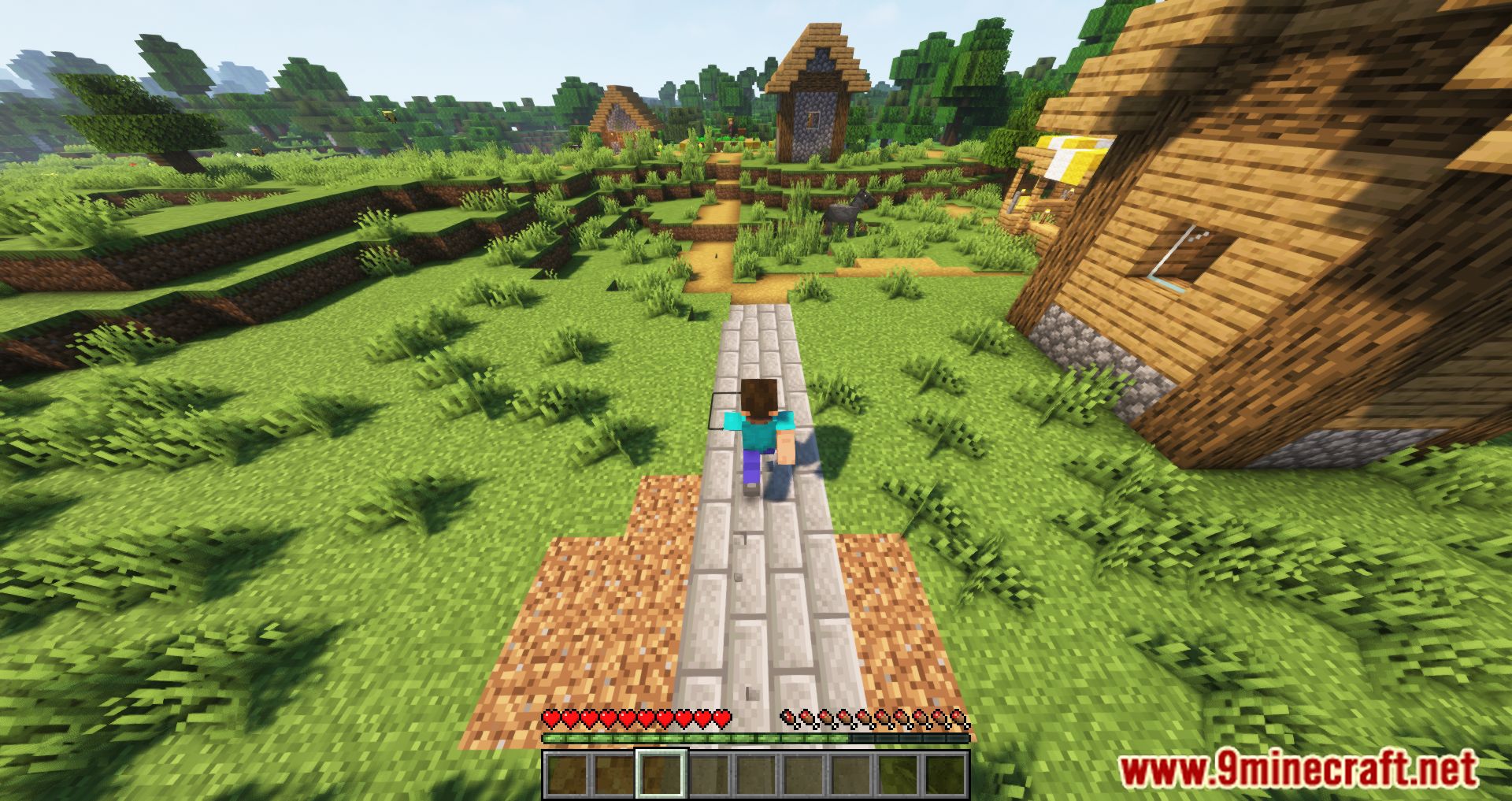
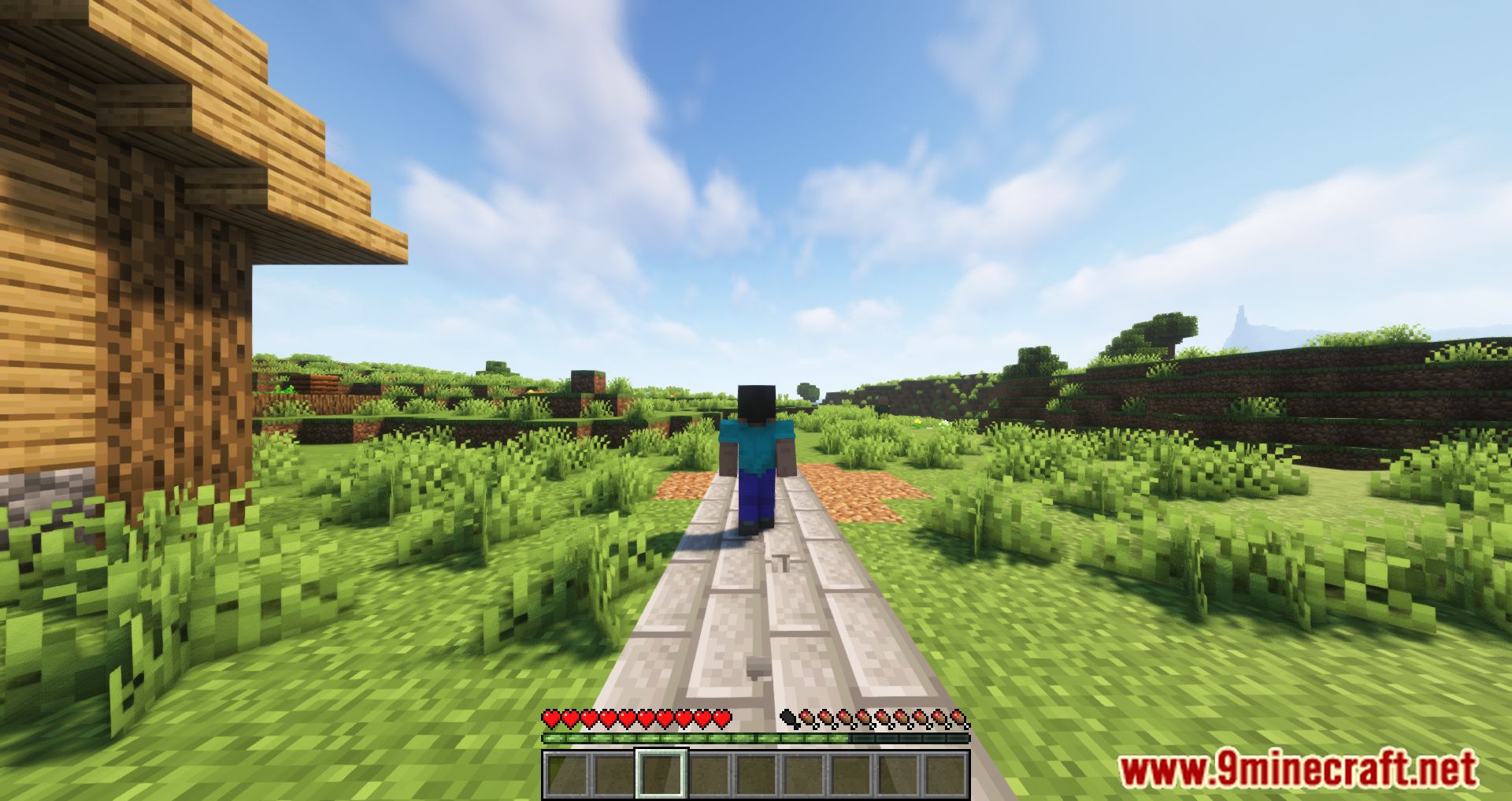
Happy Trails Mod lets you move faster on paths and roads while slowing you down on rough ground or thick plants. By default, this mod speeds you up on grass paths and stone brick roads, slows you down on sand, and works on both solid and non-solid blocks like tall grass and water. Building roads and paths makes travel quicker for both players and mounts, while dense plants make trips slower. You can set custom speeds from -99 to +99 for almost any block with in-game commands using either potion effects or movement speed modifiers. It works in single player and runs on the server in multiplayer, so players without the mod still get the speed changes on configured paths.

Features:
- Ready-to-Play Defaults: Works right away with no setup, giving grass paths a Speed 22 boost, stone brick roads a Speed 33 boost, and sand a -11 slowdown.
- Solid and Non-Solid Block Support: Changes movement speed on or in almost any block except air, including roads, grass, tall grass, dense undergrowth, and liquids like water.
- Mount and Steed Support: Applies block speed boosts and slowdowns to horses and any modded mount based on LivingEntity.
- Lets server operators and single-player users set custom speed values from -99 to +99 for almost any block with in-game commands.
- Stacks movement speed attribute modifiers with speed bonuses from gear and other mods.
- Lets you turn speed and slowness potion particles on or off when using potion-based speed values.
- Works in single player and runs on the server in multiplayer, so players without the mod still get speed bonuses on configured paths even if they see a red “X”.
- Includes three debug levels (0 for off by default, 1 for text log output, and 2 for both chat and text log output) to help test block setups.
- Saves each world’s settings in
saves/Worldname/serverconfigurations/<modname>.tomland lets you copy that file to thedefaultconfigsfolder so every new world uses the same setup automatically.
Speed Value Ranges:
- 0: Removes the block from the custom speed list and returns it to normal speed.
- -10 to -1 and 1 to 10: Uses speed or slowness potion effects that last about one second after you leave the block. Speed 10 is much faster, while -7 to -10 stop normal walking so you can only move by jumping.
- -99 to -11: Slows you down by changing the movement speed attribute directly, from a little slower at -11 to about 1/100th of normal speed at -99.
- 11 to 99: Speeds you up by changing the movement speed attribute directly, from a little faster at 11 to about 20 times faster at 99.
Commands:
/happytrails info: Shows details about the block you are standing on, including its speed level, your player position, the current debug level, and whether particles are on./happytrails report: Prints a full list of all configured blocks and their speed values in chat./happytrails setHappyTrailsSpeed <value>: Adds or updates the block you are standing on in the config file with a speed value from -99 to +99, or sets it to0to return the block to normal speed./happytrails particlesOn <true/false>: Turns speed and slowness potion particles on (true) or off (false) when using potion-based speed values./happytrails debugLevel <0/1/2>: Sets the debug level to0(off by default),1(text log file only), or2(chat screen and text log file).
How to Use:
- Make sure you have Operator permission on a server or local Creative mode in single player so you can run the mod’s commands.
- Stand on the block you want to check and type
/happytrails infoin chat to see its block name, speed level, player position, debug level, and particle status. - While standing on that block, type
/happytrails setHappyTrailsSpeed <value>with a number from -99 to +99 to save the new speed to the config file, or use0to reset the block to normal speed. - Run
/happytrails particlesOn falseor/happytrails particlesOn truein chat to hide or show potion particles when using speed values between -10 and 10. - Type
/happytrails reportin chat to print a list of every configured block and check your speed settings. - Run
/happytrails debugLevel 1or/happytrails debugLevel 2while testing to log speed details to the text file or chat, then set it back to0to turn debugging off. - To reuse the same block speeds in every new world, copy your config file from
saves/Worldname/serverconfigurations/<modname>.tomlinto thedefaultconfigsfolder so new worlds load those settings automatically.
Screenshots:
How to Install:
New to Minecraft? Follow our step-by-step guide to install Mods on your PC.View Guide
Happy Trails Mod Download Links
For Minecraft 1.12.2
Forge Version: Download from Server 1 – Download from Server 2
For Minecraft 1.15.2
Forge Version: Download from Server 1 – Download from Server 2
For Minecraft 1.16.5
Forge Version: Download from Server 1 – Download from Server 2
For Minecraft 1.17.1
Forge Version: Download from Server 1 – Download from Server 2
For Minecraft 1.18.1
Forge Version: Download from Server 1 – Download from Server 2
For Minecraft 1.18.2
Forge Version: Download from Server 1 – Download from Server 2
Fabric Version: Download from Server 1
For Minecraft 1.19.2, 1.19.1, 1.19
Forge Version: Download from Server 1 – Download from Server 2
Fabric Version: Download from Server 1
For Minecraft 1.19.3
Forge Version: Download from Server 1 – Download from Server 2
Fabric Version: Download from Server 1
For Minecraft 1.19.4
Fabric Version: Download from Server 1
For Minecraft 1.20.1, 1.20
Forge/NeoForge Version: Download from Server 1 – Download from Server 2
Fabric Version: Download from Server 1
For Minecraft 1.20.2
Forge Version: Download from Server 1
Fabric Version: Download from Server 1
For Minecraft 1.20.4, 1.20.3
Forge Version: Download from Server 1
Fabric Version: Download from Server 1
For Minecraft 1.20.6
Forge Version: Download from Server 1
Fabric Version: Download from Server 1
For Minecraft 1.21.1, 1.21
Forge version: Download from Server 1 – Download from Server 2
Fabric version: Download from Server 1 – Download from Server 2
For Minecraft 1.21.5
Forge version: Download from Server 1 – Download from Server 2
Fabric version: Download from Server 1 – Download from Server 2
For Minecraft 1.21.8, 1.21.7, 1.21.6
Forge version: Download from Server 1 – Download from Server 2
Fabric version: Download from Server 1 – Download from Server 2
For Minecraft 1.21.10, 1.21.9
Fabric version: Download from Server 1 – Download from Server 2
For Minecraft 1.21.11
Fabric version: Download from Server 1 – Download from Server 2
You May Also Like
Picked for this page
 Naturally Charged Creepers Mod (26.3, 1.20.1) – Increased Game Difficulty
 Dusty Decorations Mod (1.21.11, 1.20.1) – Decoration for Ports and Markets
 Horde Nights Mod (1.21.11, 1.20.1) – Blood Moon Horde Survival
 Netherite But Cheaper Mod (26.3, 1.20.1) – Makes Netherite Only Slightly Cheaper
 Mods Command Mod (26.3, 1.20.1) – Minecraft Mod Management
 Player Death Kick Mod (26.3, 1.20.1) – Remove Players From Server Upon Death
 Interdimensional Map Markers Mod (26.3, 1.20.1) – Cross-Dimensional Mapping Made Easy
 Block Blocker Mod (1.21.11, 1.20.1) – Control Block Placement And Breaking
 Discontinuous Beacon Beams Mod (26.3, 1.20.1) – A Visual Tweak For Beacons
 Better Multiplayer Sleep Mod (26.3, 1.20.1) – Let One Player Make It Daytime
 Player Pronouns Mod (26.3, 1.20.1) – Displaying and Respecting Player Pronouns
 Startup Time Mod (26.2, 1.20.1) – Track Load Times
Most viewed in Mods over the last 7 days
 Ala Industrial Mod (26.3) – Run Electric Power Grids and Automated Factories
 PleasureCraft Mod (26.3, 1.21.1) – Jenny Mod Remake for Fabric
 Jennycraft Mod (26.3, 1.20.1) – Virtual Girlfriend in Minecraft
 Fapcraft Mod (26.3, 1.12.2) – Comprehensive and Detailed Content
 Jenny Mod (Fapcraft) Official Complete Guide – How to use, Tutorial
 BangCraft Mod (1.20.1) – Jenny, Ellie and Elliot
 Fabric Loader (26.3, 1.20.1) – Fabric Installer for All Minecraft Versions
 The Shooting Star Demo Mod (26.3, 1.20.1) – Vaporize Terrain From Orbit
 Meteor Client Mod (26.3, 1.20.1) – Xray, HUD, Fly
 OptiFine HD (26.3, 1.20.1) – Run Faster, FPS Boost, Shaders Support
 Aristois Client Mod (1.21.4, 1.20.1) – World Class Minecraft Utility
 Prestige Client Mod (1.21.11, 1.21.4) – Powerful Ghost Features for Crystal & Sword PvP
More from Mods
 Dirigo Mod (26.1.2, 1.21.1) – Walk Across Nether Lava Seas and Automate Animal
 HandLib Mod (26.3, 1.21.1) – Keep Your Multiplayer World Stable
 Happy Ghasts Boost Mod (26.1.2, 1.20.1) – Fly Across Vast Distances at Top Speed
 LiquidBounce Client Mod (26.3, 1.20.1) – LiquidLauncher, A Free Client
 Create Hand Made Mod (1.21.1) – Craft Create Recipes By Hand in Your Workshop
 Seed Map for Xaero Mod (26.1) – See Rare Biomes and Dungeons Before You Travel
 MCPersist Mod (26.3) – Keep Your World Online for Friends Even After Logging Off
 Minecraft Java MCP Server Mod (1.21.11) – Command Your World Through External AI Tools
 Arcanism Mod (26.2) – Build Magic Factories and Program Custom Spells
 Archangel Client Mod (1.21.11) – Master Every PvP Duel with Clean Screen Stats
 Block Front Survival Patch Mod (1.21.1) – Wage Tactical Warfare in Survival
 Better Enchantment Bookshelf Placement Mod (26.2, 1.20.1)

This post has no comments yet. Be the first — your comment will appear here.