
Here Be No Dragons! Mod (1.21.4, 1.20.1) – Skip Experimental World Warnings

 0


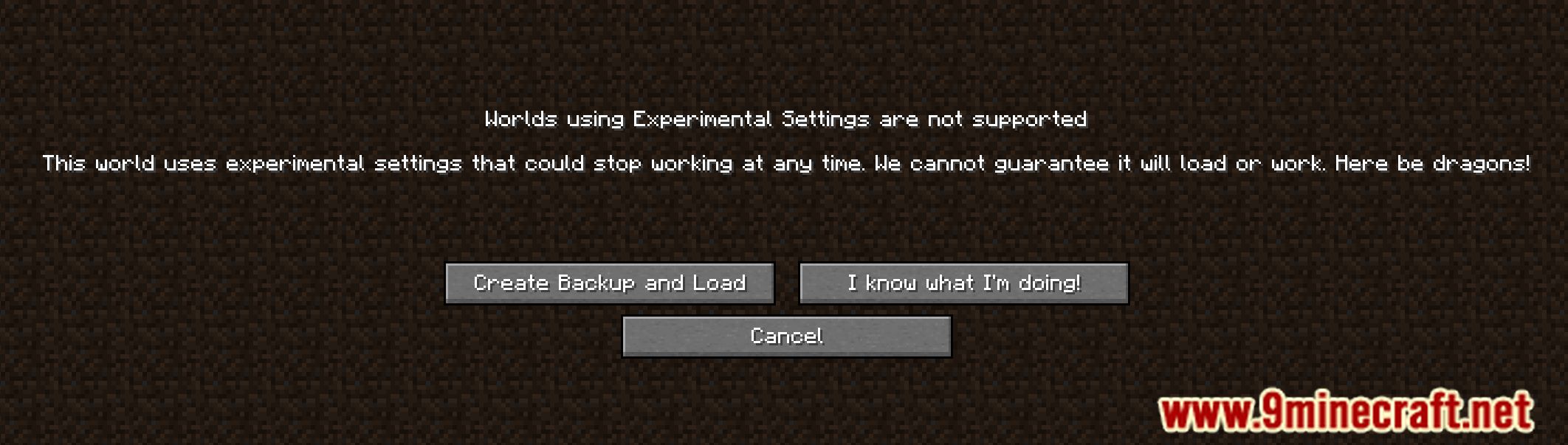
Here Be No Dragons! Mod stops the annoying warning screen that pops up when you use custom dimensions or experimental world settings. It lets you load custom worlds straight away without stopping to click past warnings. This makes world creation faster and smoother for players who test new setups.

Features:
- Prevents the experimental world settings warning screen from appearing when loading custom dimensions.
- Saves time by letting you jump straight into custom worlds without extra confirmation clicks.
Screenshots:
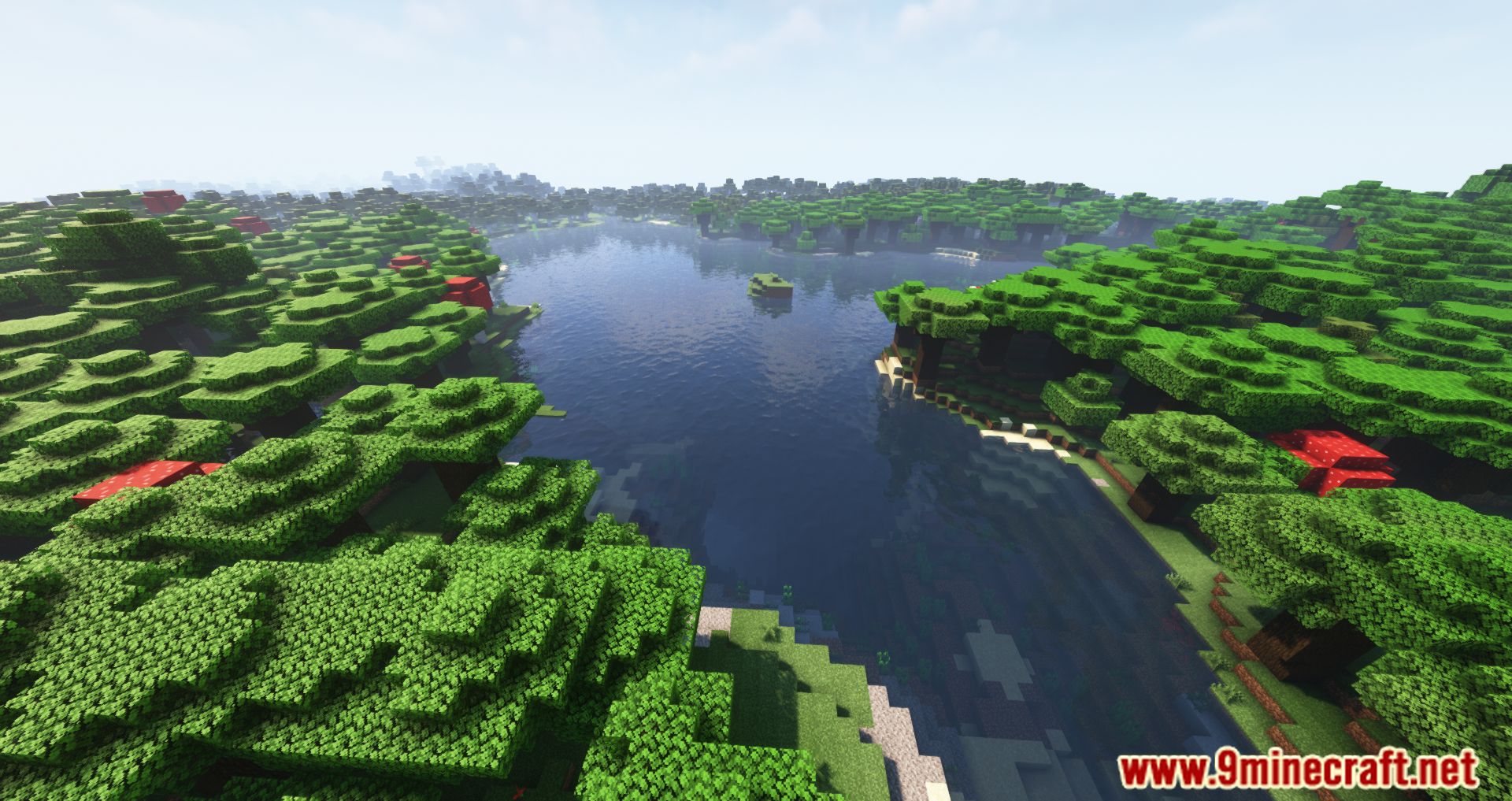
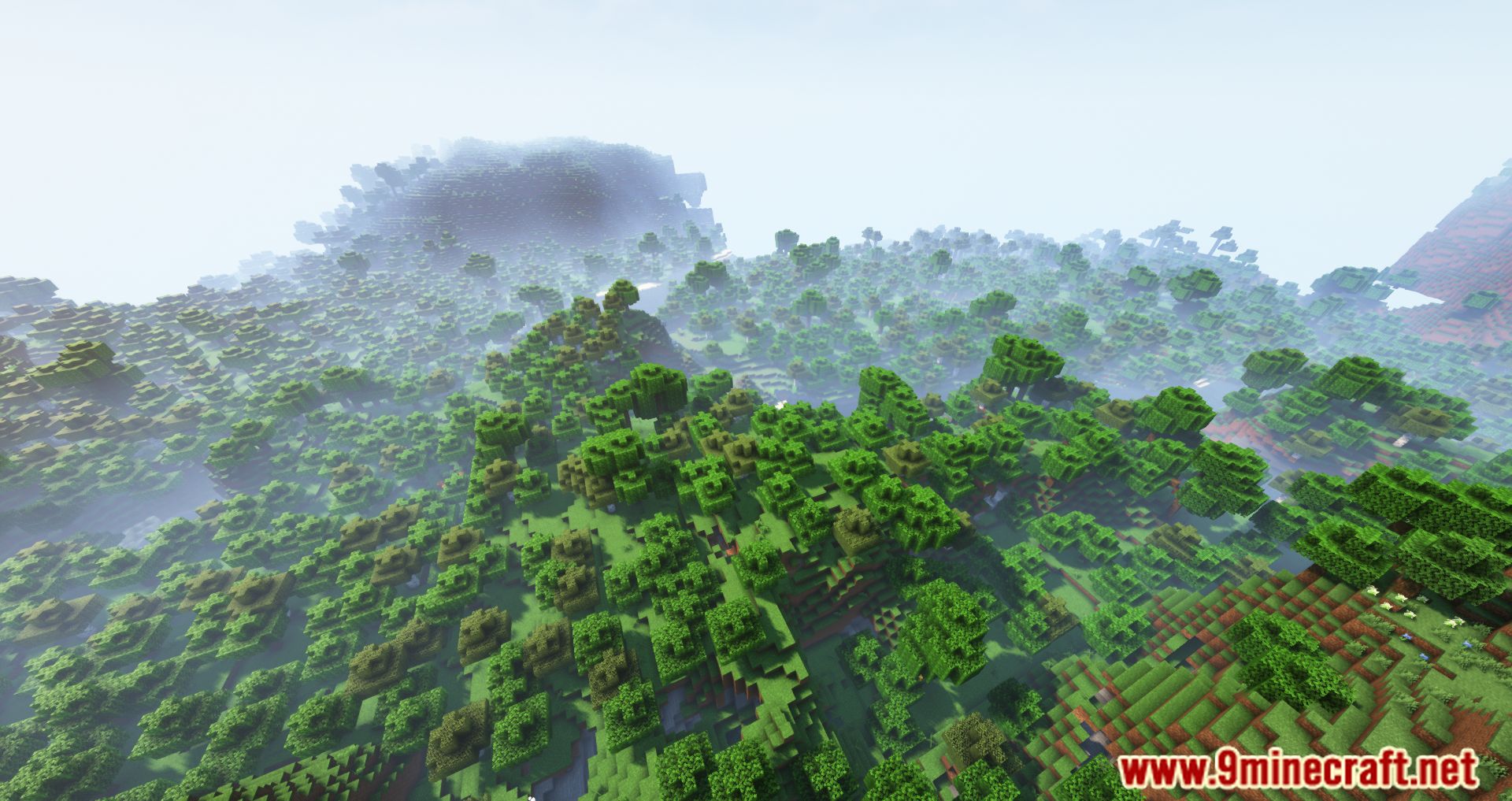

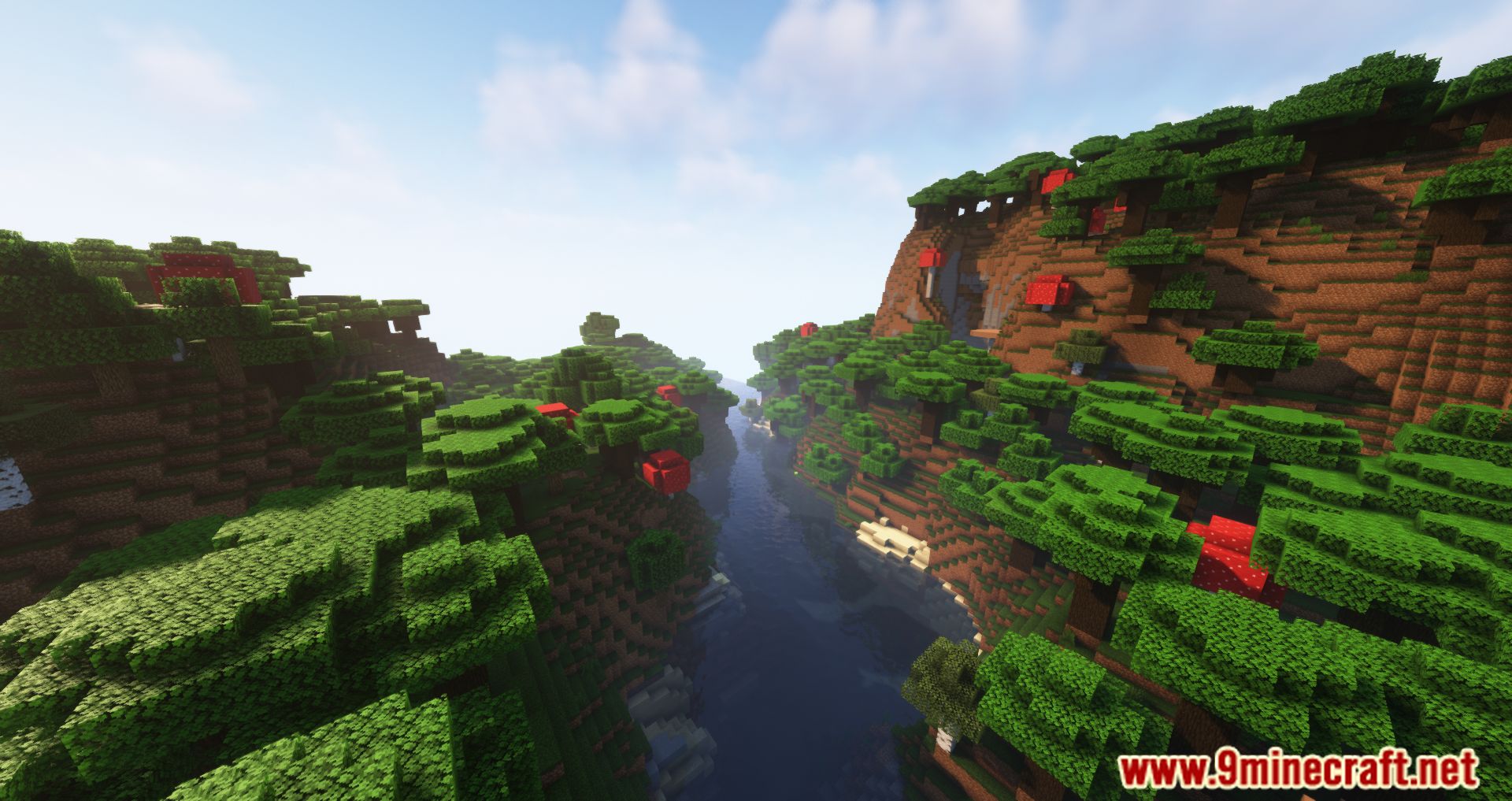
How to Install:
New to Minecraft? Follow our step-by-step guide to install Mods on your PC.View Guide
Here Be No Dragons! Mod Download Links
For All Versions from Minecraft 1.16.5 to Minecraft 1.20.2, 1.19.4
Fabric/Quilt Version: Download from Server 1 – Download from Server 2
For All Versions from Minecraft 1.16.5 to Minecraft 1.20.4
Fabric/Quilt Version: Download from Server 1 – Download from Server 2
For All Versions from Minecraft 1.16.5 to Minecraft 1.21.4
Fabric/Quilt Version: Download from Server 1 – Download from Server 2
Click to rate this post!
[Total: 0 Average: 0]
You May Also Like
Picked for this page
 Sodium Extra Mod (1.21.11, 1.20.1) – Optifine’s Features for Sodium
 Chisels & Bits Mod (26.1.2, 1.20.1) – The Ultimate of Building Tool
 World Handler – Command GUI Mod (1.21.11, 1.20.1)
 Integrated Terminals Mod (26.3, 1.20.1) – Manage Integrated Dynamics Networks
 Biome Particle Weather Mod (1.21.8, 1.20.1) – Interesting Weather Effects
 Profundis Mod (1.21.4, 1.20.1) – 9 New Quality Cave Biomes
 GPU Tape Mod (26.2, 1.20.1) – Boosts Game Rendering Performance
 Fire Spread Tweaks Mod (26.3, 1.20.1) – Disables Default Fire Spread
 Simply No Shading Mod (26.2, 1.20.1) – Uniform Brightness Across All Blocks
 Village Hero Plus Mod (26.1.2, 1.20.1) – Rare Loot Chances
 Always Sprint Mod (26.3, 1.20.1) – Sprinting Is Always On
 Craftable Bedrock Mod (26.1.2, 1.20.1) – The Craftables Series
Most viewed in Mods over the last 7 days
 Ala Industrial Mod (26.3) – Run Electric Power Grids and Automated Factories
 PleasureCraft Mod (26.3, 1.21.1) – Jenny Mod Remake for Fabric
 Jennycraft Mod (26.3, 1.20.1) – Virtual Girlfriend in Minecraft
 Fapcraft Mod (26.3, 1.12.2) – Comprehensive and Detailed Content
 Jenny Mod (Fapcraft) Official Complete Guide – How to use, Tutorial
 BangCraft Mod (1.20.1) – Jenny, Ellie and Elliot
 Fabric Loader (26.3, 1.20.1) – Fabric Installer for All Minecraft Versions
 Meteor Client Mod (26.3, 1.20.1) – Xray, HUD, Fly
 The Shooting Star Demo Mod (26.3, 1.20.1) – Vaporize Terrain From Orbit
 OptiFine HD (26.3, 1.20.1) – Run Faster, FPS Boost, Shaders Support
 Aristois Client Mod (1.21.4, 1.20.1) – World Class Minecraft Utility
 SchnurriTV Mod (1.12.2) – Characters and Features
More from Mods
 Hammers 3×3 Mod (1.21.8, 1.20.1) – Carve Caves with One Swing
 Huge Structure Blocks Mod (26.3, 1.20.1) – Pushing Limits With Huge Structure Blocks Mod
 Rctapi Fix Mod (1.21.1) – Fight Cobblemon Trainers Without Any Server Crashes
 Better Title Screen Mod (26.3, 1.20.1) – Adding Custom Text Messages
 Log Cleaner Mod (26.3, 1.20.1) – Cleans Old and Unused Log Files
 Brick Variety Mod (26.3, 1.20.1) – More Brick Variants
 Fast Xp Mod (26.3, 1.21.1) – Faster XP Bottle Usage
 Cherry Villages Mot’s Structures Mod (26.3, 1.21.11) – Find Fresh Settlements
 XinexLib Mod (1.21.1) – Keep Your Ultreon Studios Mods Running
 Libvulpes – Fixed Mod (1.12.2) – Launch Rockets with Fewer Bugs
 Freelook Perspective Mod (26.3, 1.21.1) – Watch Your Back While Sprinting
 FAUNA Engine Mod (1.21.1, 1.20.1) – Powering Legendary Dragons

This post has no comments yet. Be the first — your comment will appear here.