
Mindful Darkness Mod (26.3, 1.20.1) – Craft and Smelt Without Screen Glare

 0


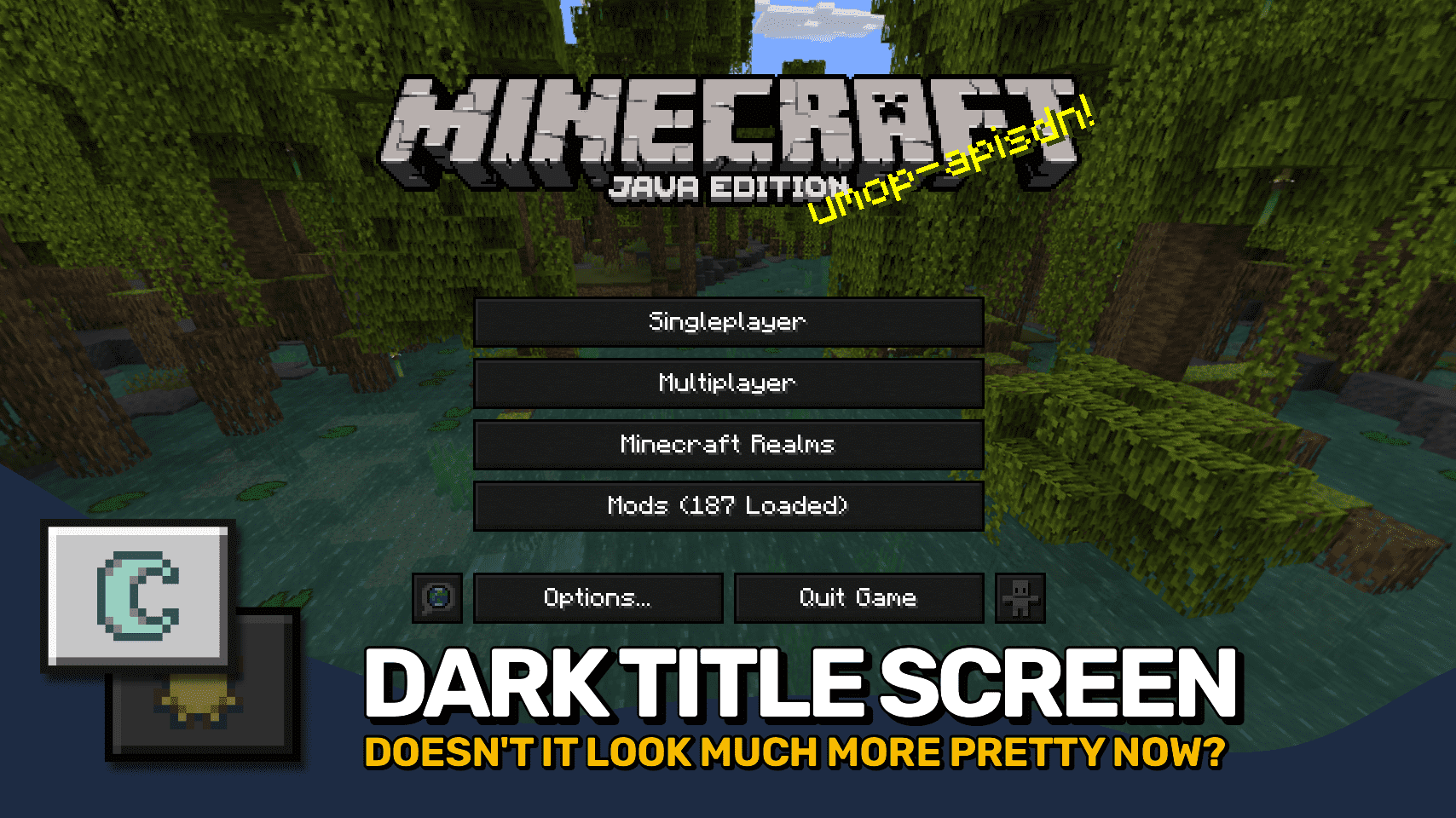
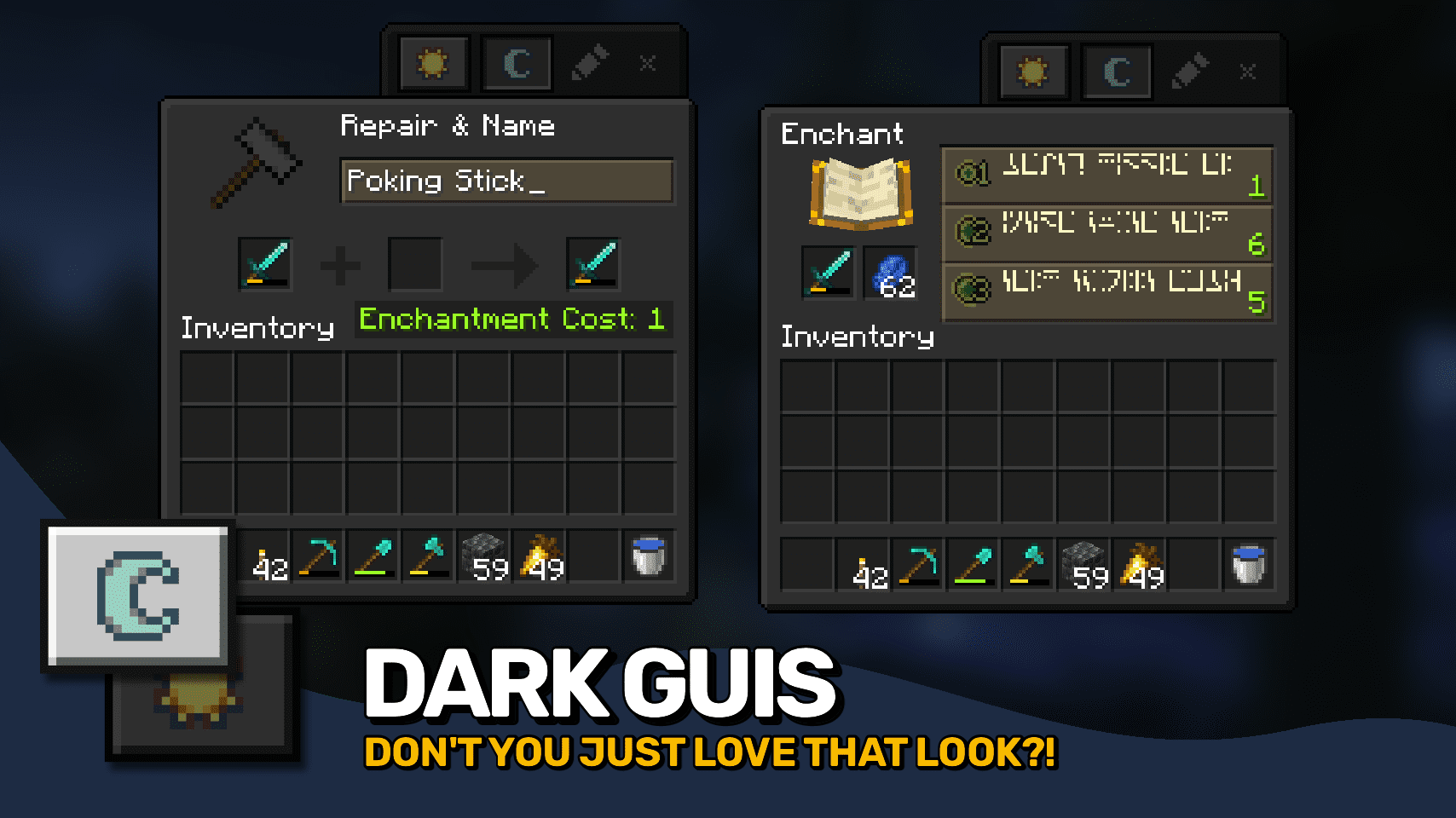
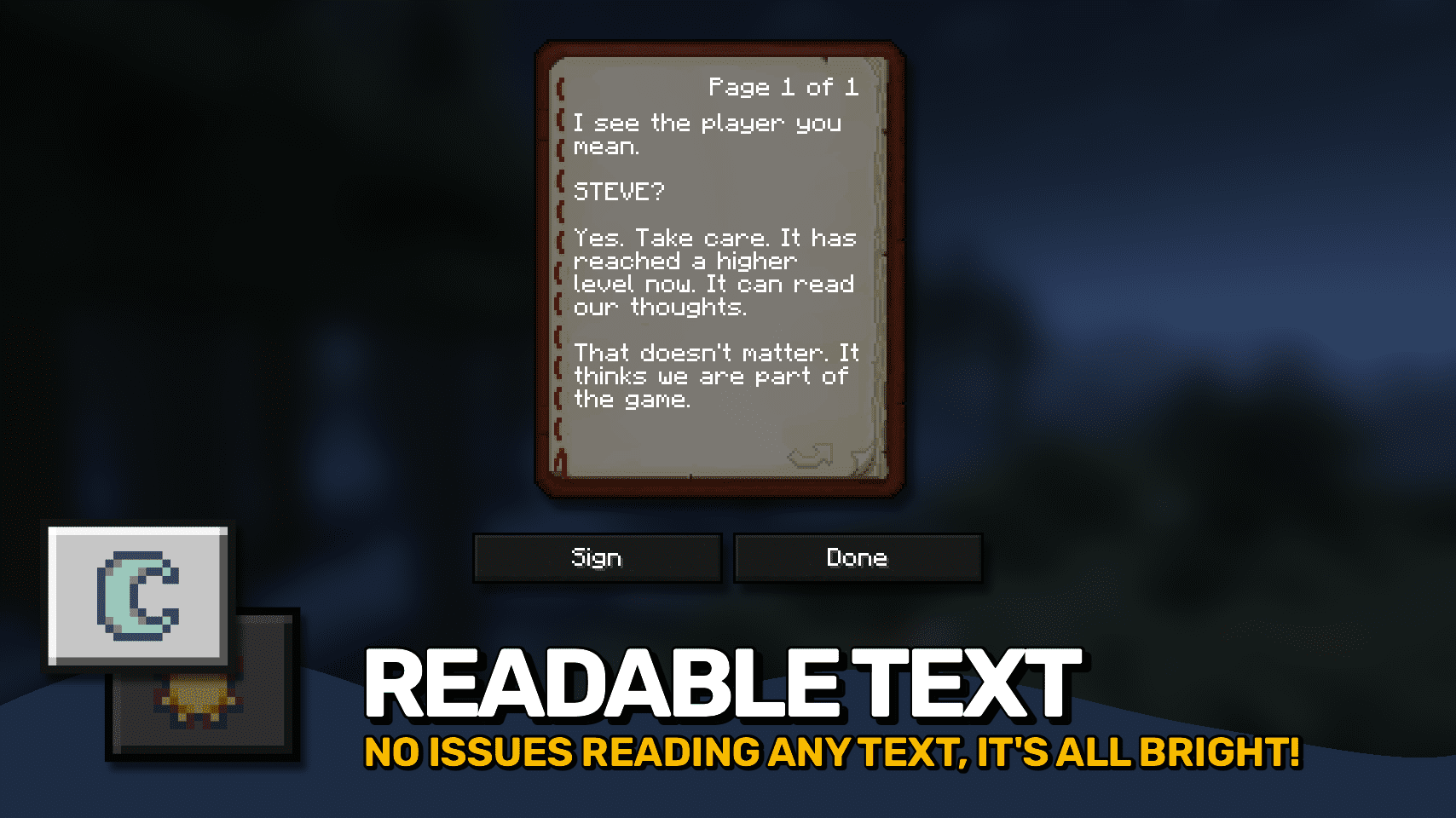
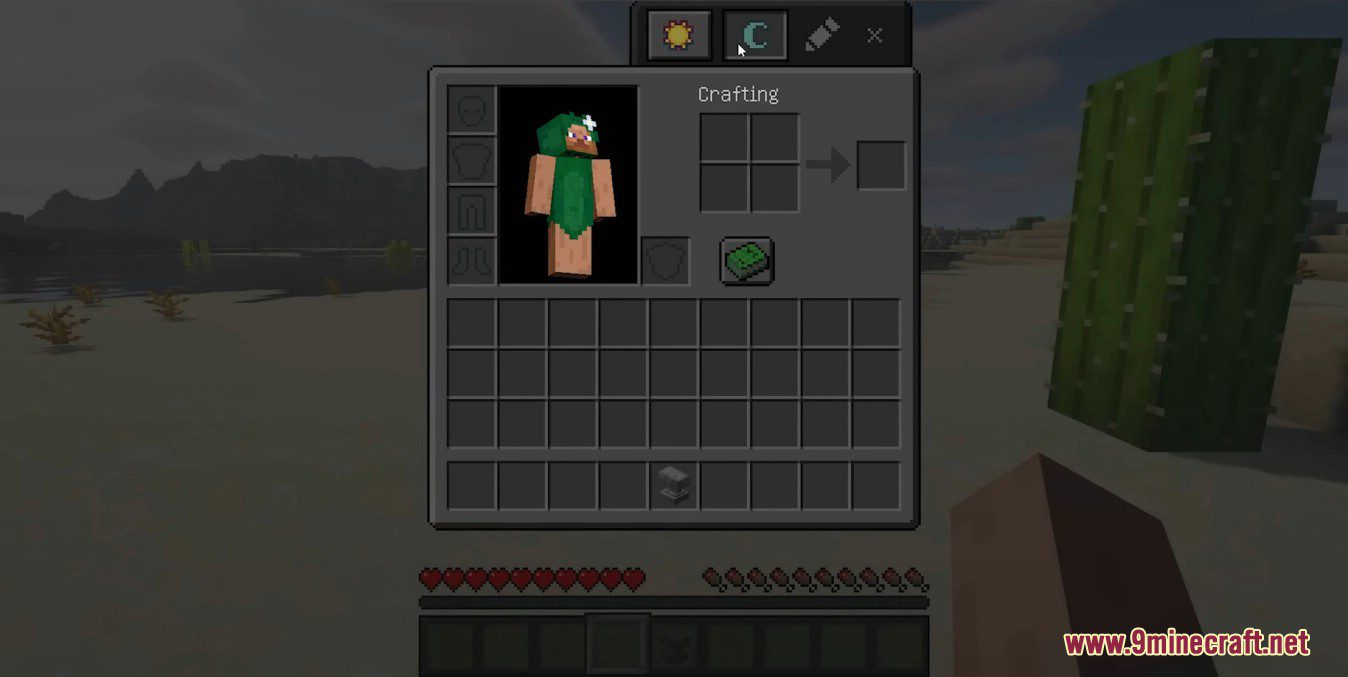
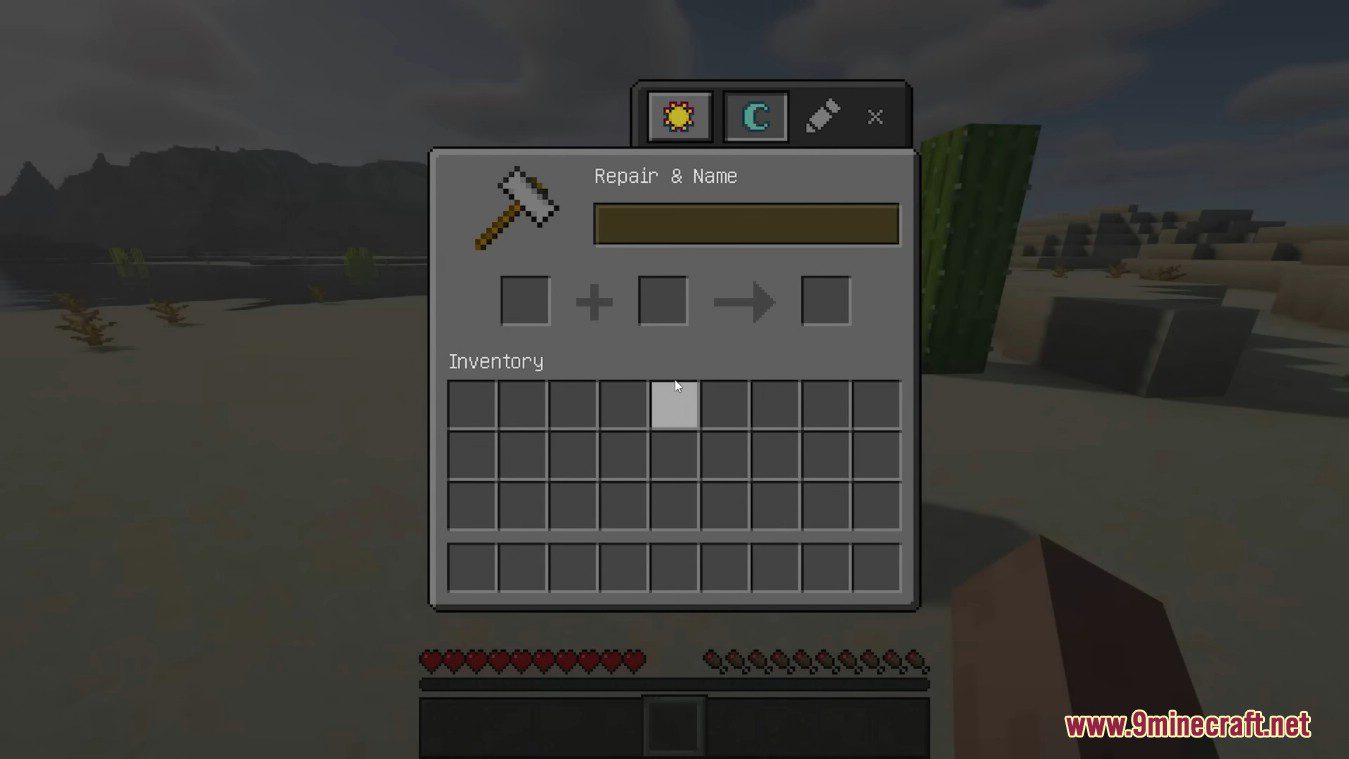
Mindful Darkness Mod adds an automatic dark mode to your Minecraft menus and interfaces. It darkens screens right away and does not need any resource packs or manual texture changes. You can turn the effect on or off in the game, choose from different darkening algorithms, adjust the darkness intensity, and pick which GUI textures change. This mod runs on the client and requires Puzzles Lib, plus Fabric API and Forge Config API Port if you play on Fabric.
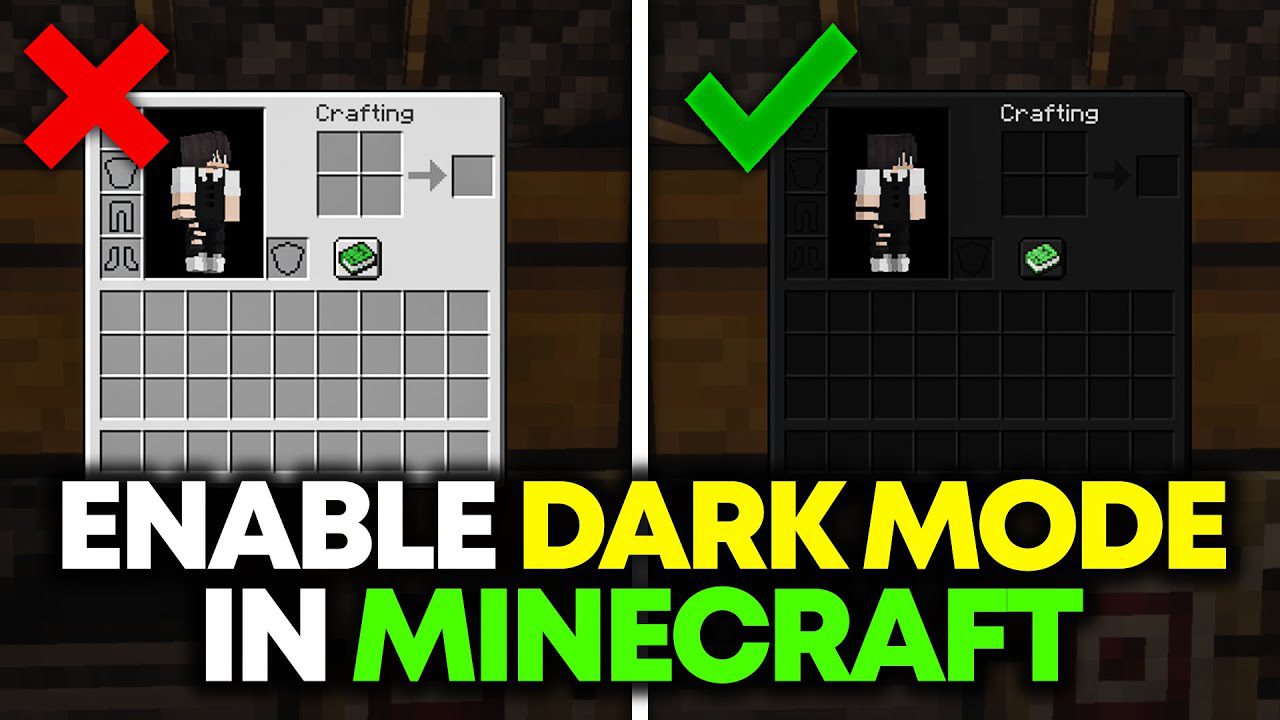
Features:
- Applies an automatic dark mode to in-game menus and interfaces with no resource packs or texture edits required.
- Lets you turn dark mode on or off directly inside the game at any time.
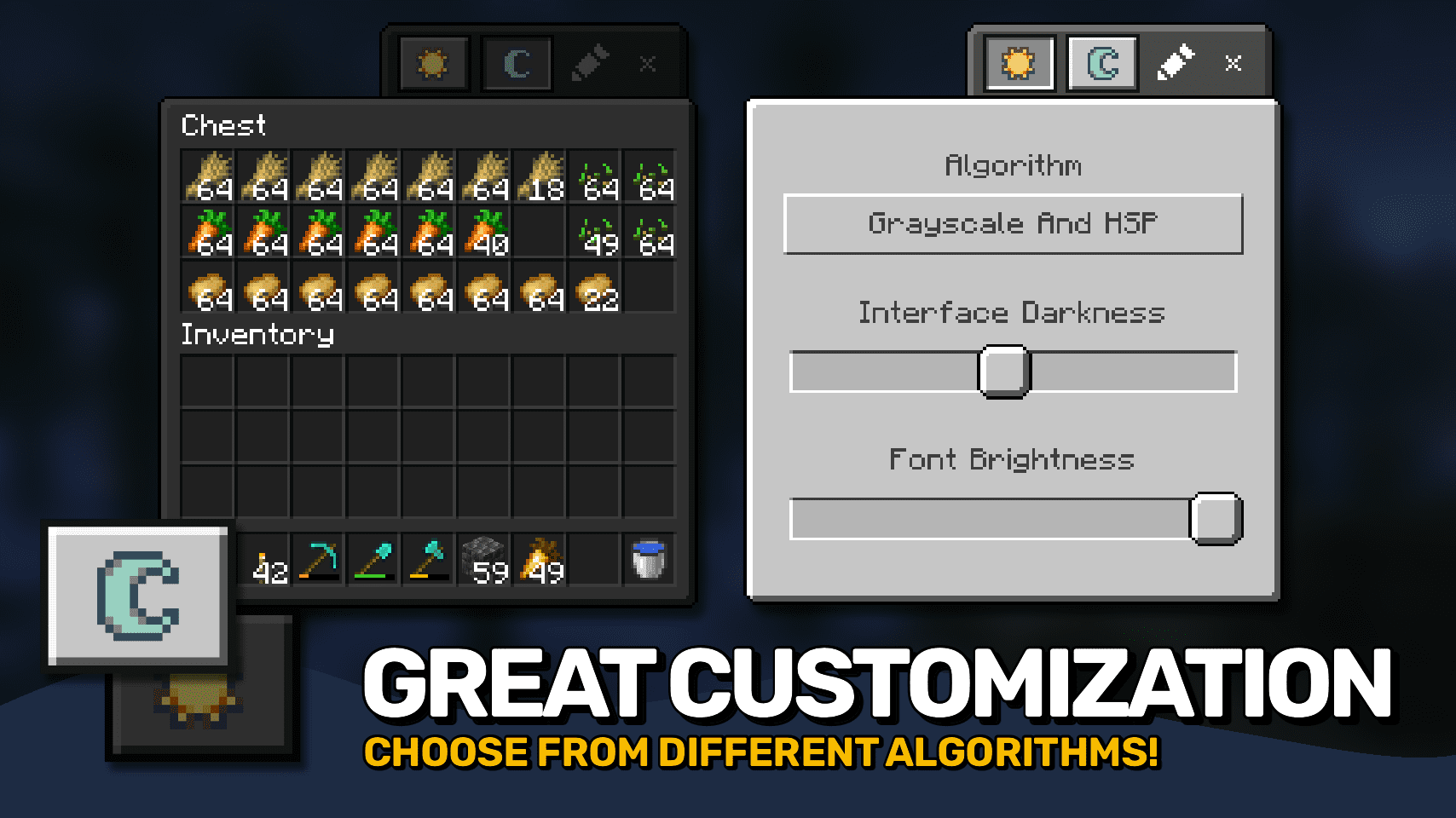
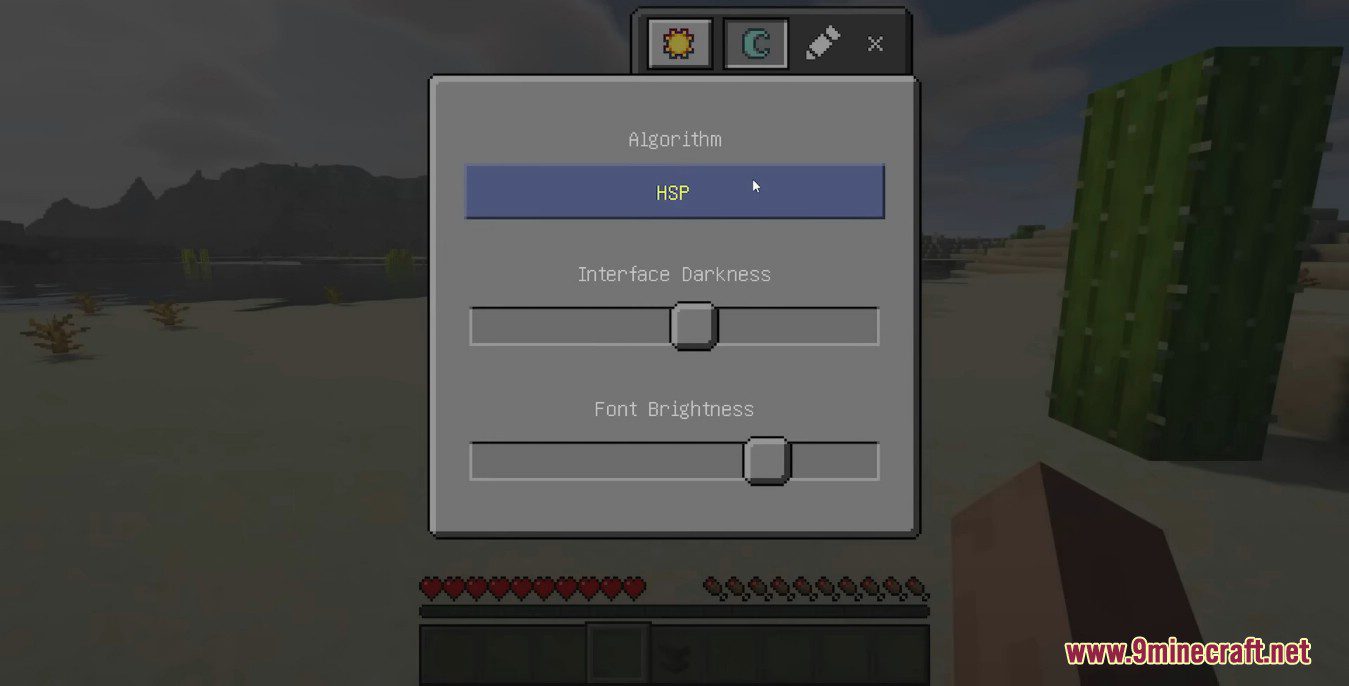
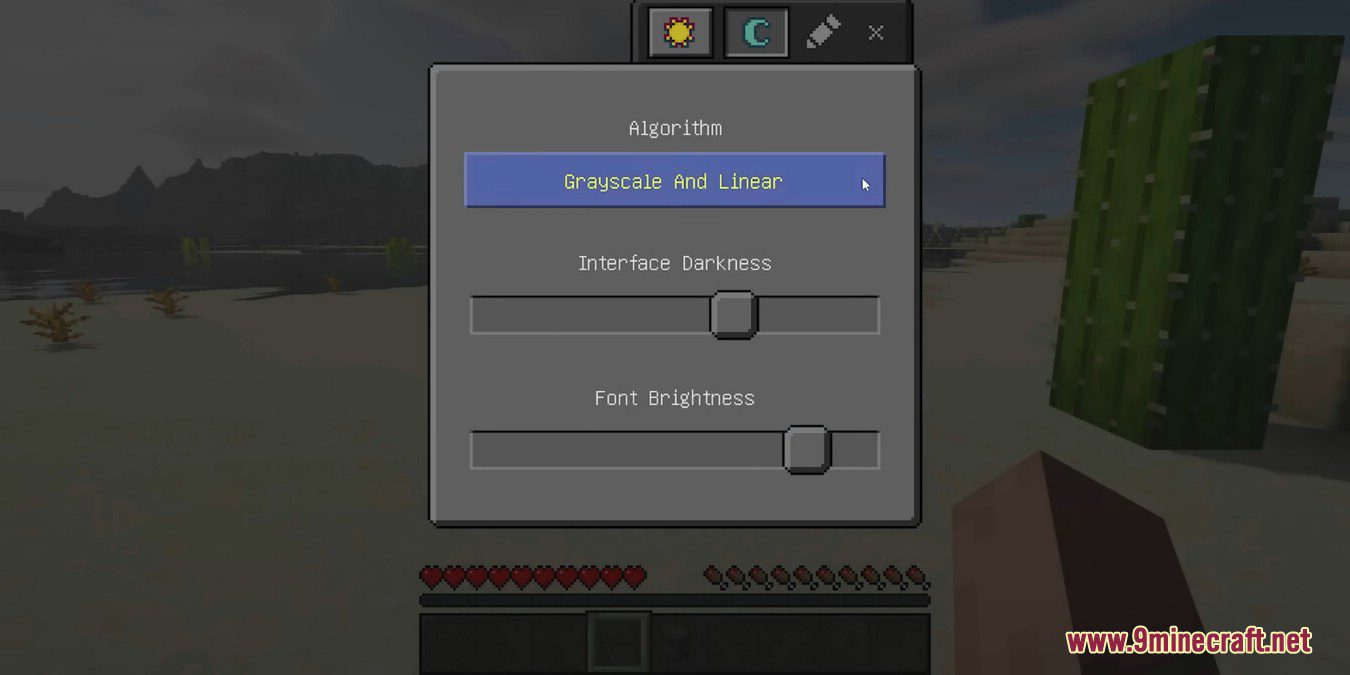
- Offers multiple darkening algorithms so you can pick the style you like best.
- Allows you to adjust the darkness intensity and fine-tune the look with ease.
- Includes a texture control system that lets you choose which GUI textures get darkened and which ones stay unchanged.
- Darkens GUI textures from both Minecraft and other mods by targeting the shared GUI texture folder by default.
- Supports changing settings inside the game through the mod menu (requires Mod Menu on Fabric) or through external config files.
Configuration:
.minecraft/config: Folder where manual configuration files are stored for editing with an external text editor.MOD_ID-client.toml,MOD_ID-common.toml,MOD_ID-server.toml: Naming format used for config files, depending on which config types exist.*: Wildcard character used to match multiple GUI textures across all namespaces or inside a single namespace.!: Prefix placed at the start of an entry to exclude a resource from dark mode. Excluded entries must come after any entry that includes them.textures/gui/*.png: Default include rule that darkens all PNG textures inside thetextures/guifolder from all namespaces, covering both vanilla and modded menus.!minecraft:textures/gui/icons.png: Default exclusion rule that keepsicons.pngin theminecraftnamespace from being darkened.
Screenshots:
How to Install:
New to Minecraft? Follow our step-by-step guide to install Mods on your PC.View Guide
Requirements:




Mindful Darkness Mod Download Links
For Minecraft 26.3
For Minecraft 26.2
For Minecraft 26.1.2, 26.1.1, 26.1
For Minecraft 1.21.11
For Minecraft 1.21.10, 1.21.9
For Minecraft 1.21.8, 1.21.7, 1.21.6
For Minecraft 1.21.1, 1.21
For Minecraft 1.20.1, 1.20
For Minecraft 1.19.4
For Minecraft 1.19.3
For Minecraft 1.19.2
For Minecraft 1.18.2
Click to rate this post!
[Total: 1 Average: 5]
You May Also Like
Picked for this page
 Vanilla Plus Tools Mod (26.2, 1.20.1) – Super 3×3 Tools
 Building Gadgets Mod (26.1.2, 1.20.1) – Make Building Easier
 This Rocks Mod (26.1.2, 1.20.1) – Stones and Sticks
 Modular Routers Mod (26.2, 1.20.1) – Item Routers with Pluggable Modules
 Simple Discord RPC Mod (26.3, 1.20.1) – RPC Plugin for Minecraft
 Vanilla Notebook Mod (26.2, 1.20.1) – Write Your Minecraft Story
 Cursor Centered Fix Mod (26.2, 1.20.1) – Automatically Centers The Cursor
 Annotated DI Mod (1.21.11, 1.20.1) – Convenient Use With Minecraft Mods
 Crafting Plus Mod (1.21.11, 1.20.1) – Quick Crafting Recipes
 FullscreeNO Mod (26.2, 1.20.1) – Stops Minecraft From Opening in Fullscreen
 Shearable Vines Mod (26.3, 1.20.1) – Keep Your Builds Tidy
 Glow Sticks Mod (26.3, 1.20.1) – Sticks That Emit Light Even Underwater
Most viewed in Mods over the last 7 days
 Ala Industrial Mod (26.3) – Run Electric Power Grids and Automated Factories
 PleasureCraft Mod (26.3, 1.21.1) – Jenny Mod Remake for Fabric
 Jennycraft Mod (26.3, 1.20.1) – Virtual Girlfriend in Minecraft
 Fapcraft Mod (26.3, 1.12.2) – Comprehensive and Detailed Content
 Jenny Mod (Fapcraft) Official Complete Guide – How to use, Tutorial
 BangCraft Mod (1.20.1) – Jenny, Ellie and Elliot
 Fabric Loader (26.3, 1.20.1) – Fabric Installer for All Minecraft Versions
 Meteor Client Mod (26.3, 1.20.1) – Xray, HUD, Fly
 The Shooting Star Demo Mod (26.3, 1.20.1) – Vaporize Terrain From Orbit
 OptiFine HD (26.3, 1.20.1) – Run Faster, FPS Boost, Shaders Support
 Aristois Client Mod (1.21.4, 1.20.1) – World Class Minecraft Utility
 Prestige Client Mod (1.21.11, 1.21.4) – Powerful Ghost Features for Crystal & Sword PvP
More from Mods
 No XP Anvils Mod (26.3, 1.20.1) – Repair And Enchant Without XP
 Naruto Shippuden Mod (26.3, 1.16.5) – Immerse Yourself in The World of Ninja
 Araxer’s Bestiary Mod (26.3, 1.20.1) – Build an In-Game Encyclopedia of Every Mob
 Villagers Plus Mod (26.3, 1.20.1) – Expanded Villager Types and Villages
 Ore Excavation 9minecraft Mod (26.3) – Mine Ores and Chop Trees in a Single Swing
 Dirigo Mod (26.1.2, 1.21.1) – Walk Across Nether Lava Seas and Automate Animal
 HandLib Mod (26.3, 1.21.1) – Keep Your Multiplayer World Stable
 Happy Ghasts Boost Mod (26.1.2, 1.20.1) – Fly Across Vast Distances at Top Speed
 LiquidBounce Client Mod (26.3, 1.20.1) – LiquidLauncher, A Free Client
 Create Hand Made Mod (1.21.1) – Craft Create Recipes By Hand in Your Workshop
 Seed Map for Xaero Mod (26.1) – See Rare Biomes and Dungeons Before You Travel
 MCPersist Mod (26.3) – Keep Your World Online for Friends Even After Logging Off

This post has no comments yet. Be the first — your comment will appear here.