
Taterzens Mod (1.21.8, 1.20.1) – Fill Empty Worlds with Living Townsfolk

 0


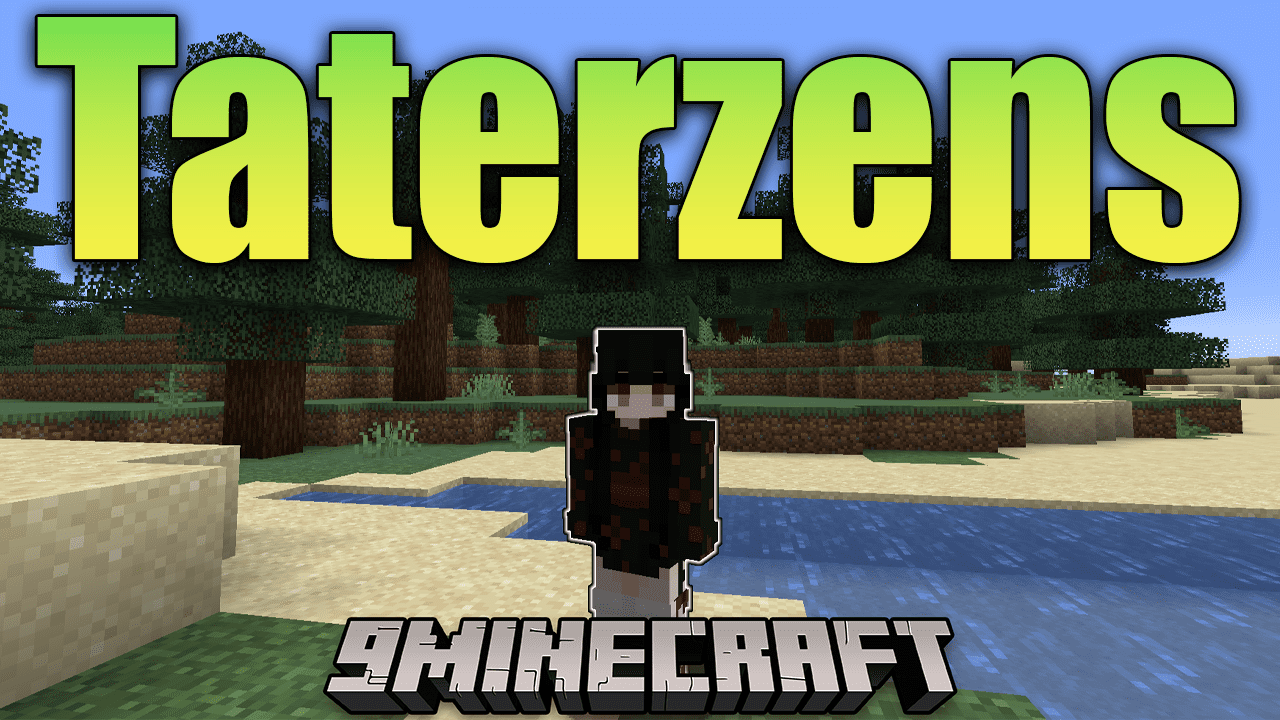
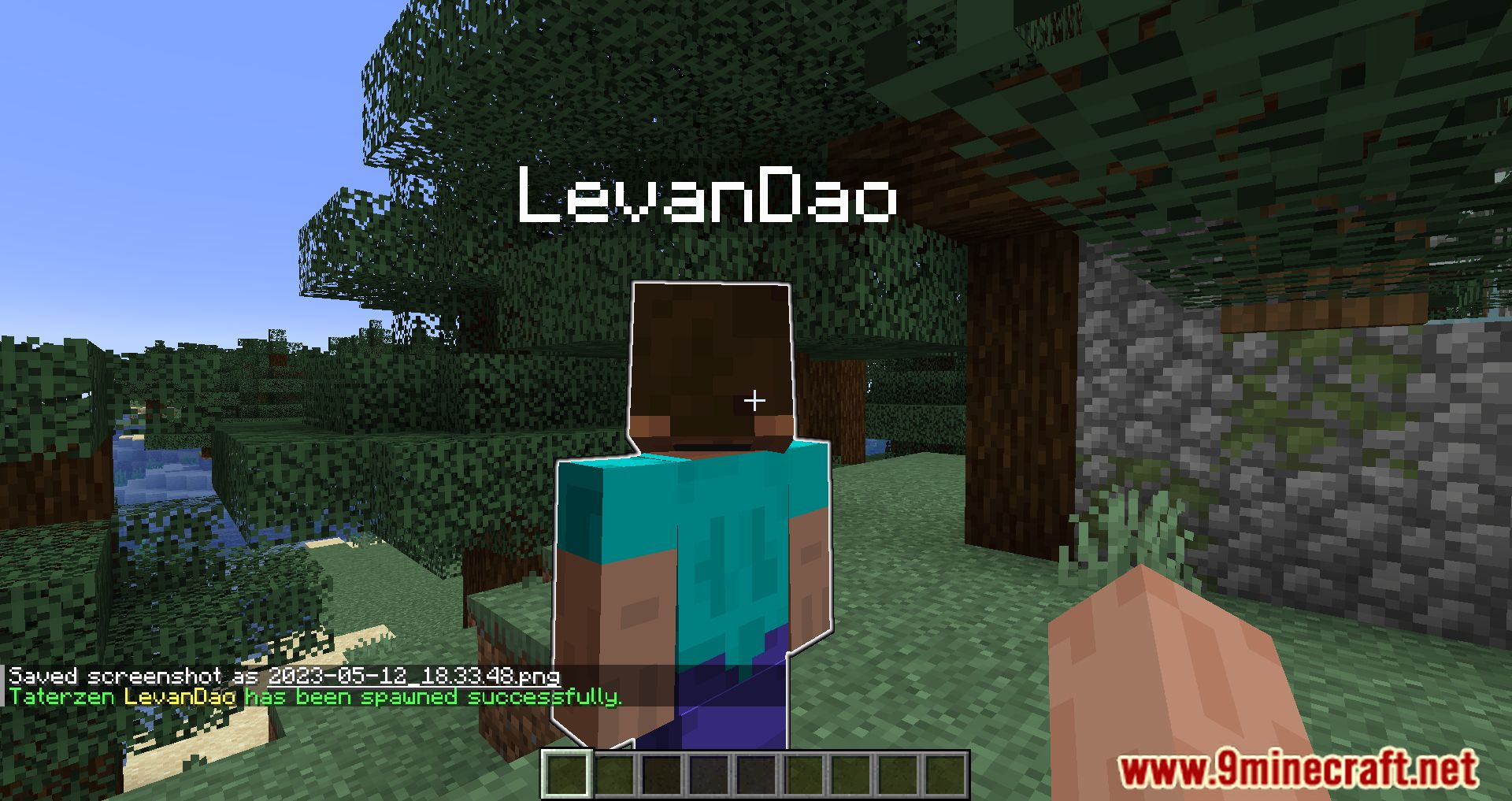
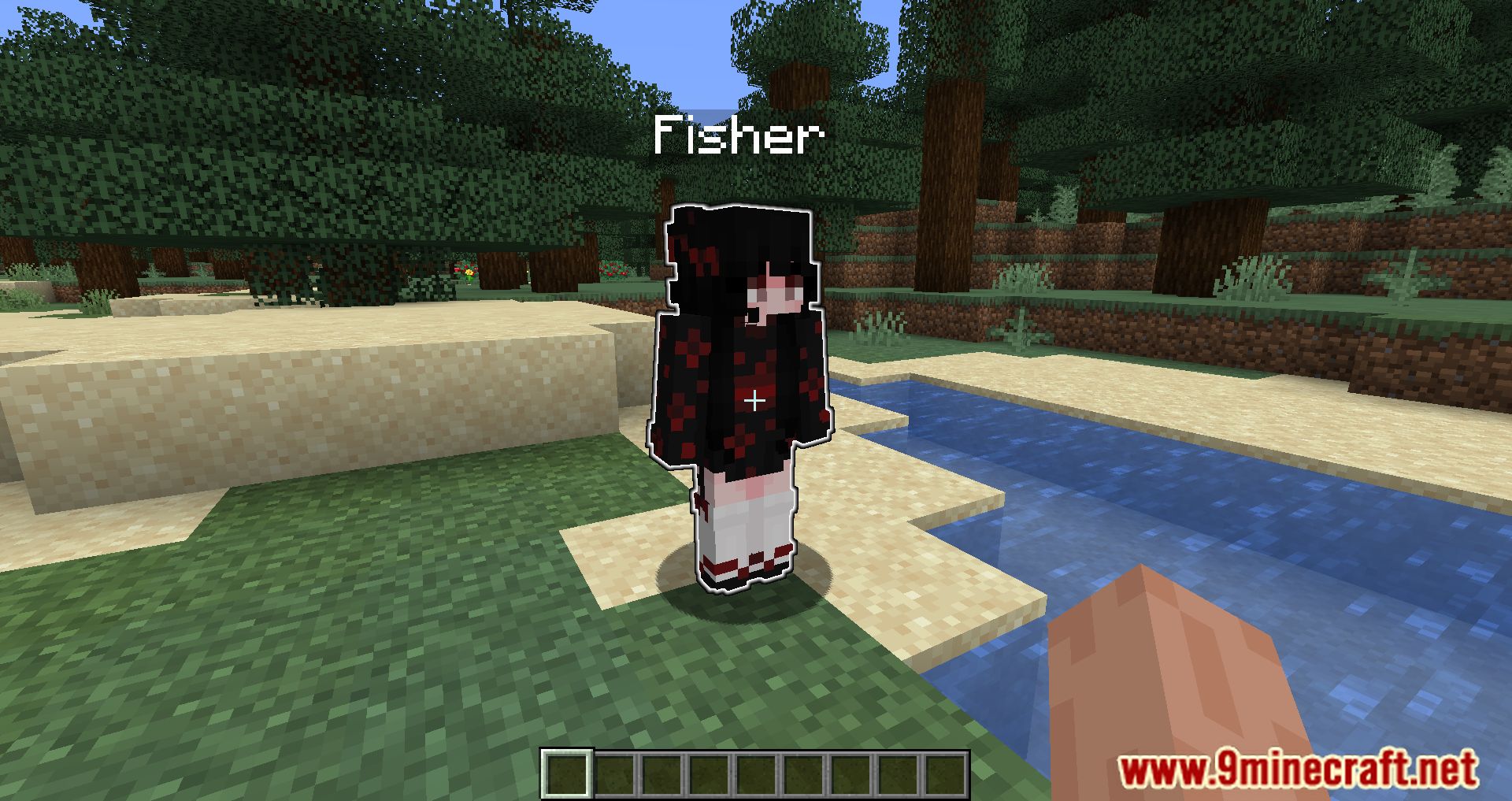
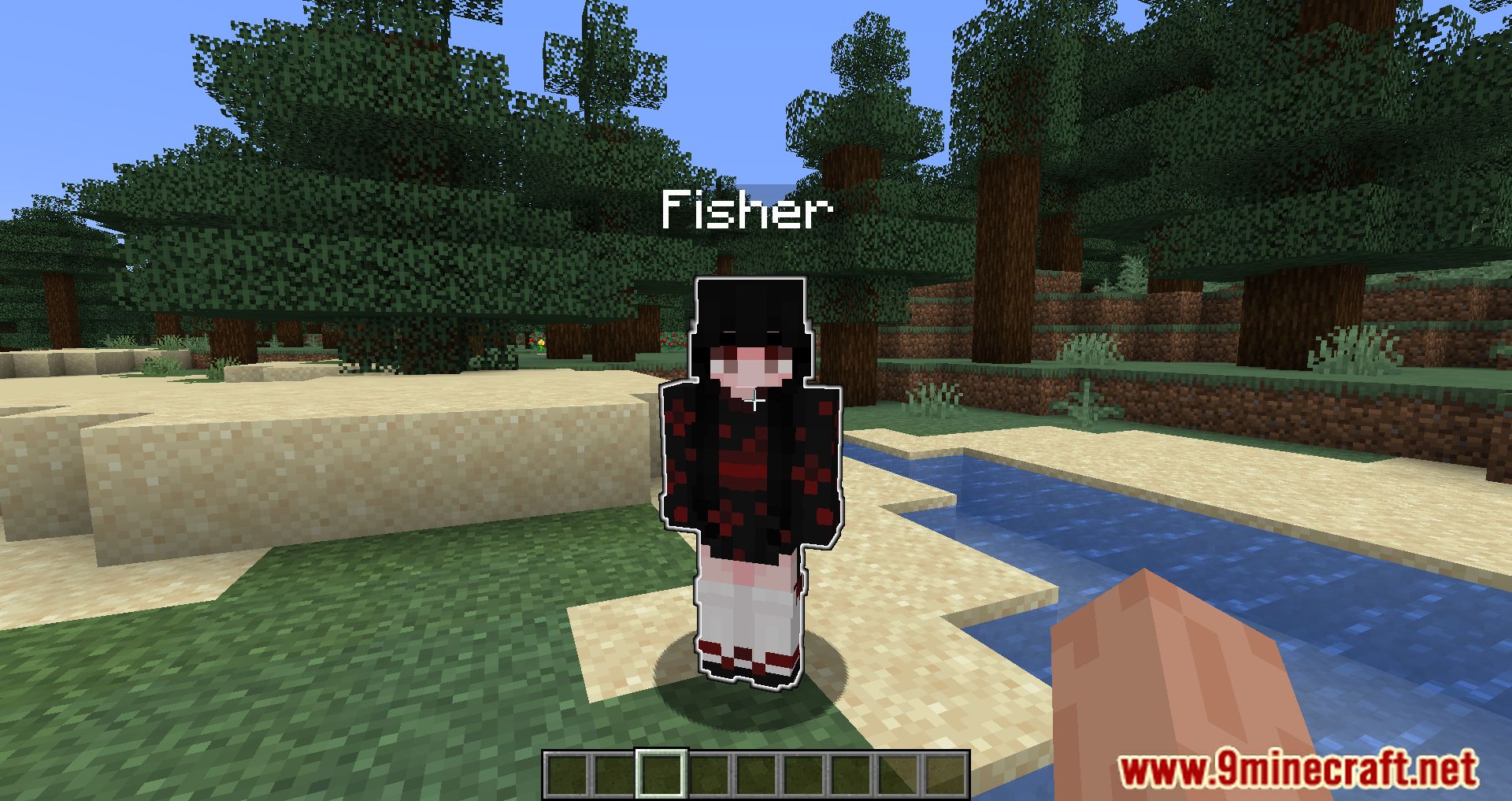
Taterzens Mod brings custom server-side NPCs to your Minecraft world. It lets you create unique characters that walk around, talk to players, and run custom commands. You can change their pose, look, and behavior through chat commands or an easy in-game menu. This mod runs on the server side and works great for storytelling, role-playing, and multiplayer servers.
Features:
- Creates custom server-side NPCs that can walk around, talk, and run custom commands.
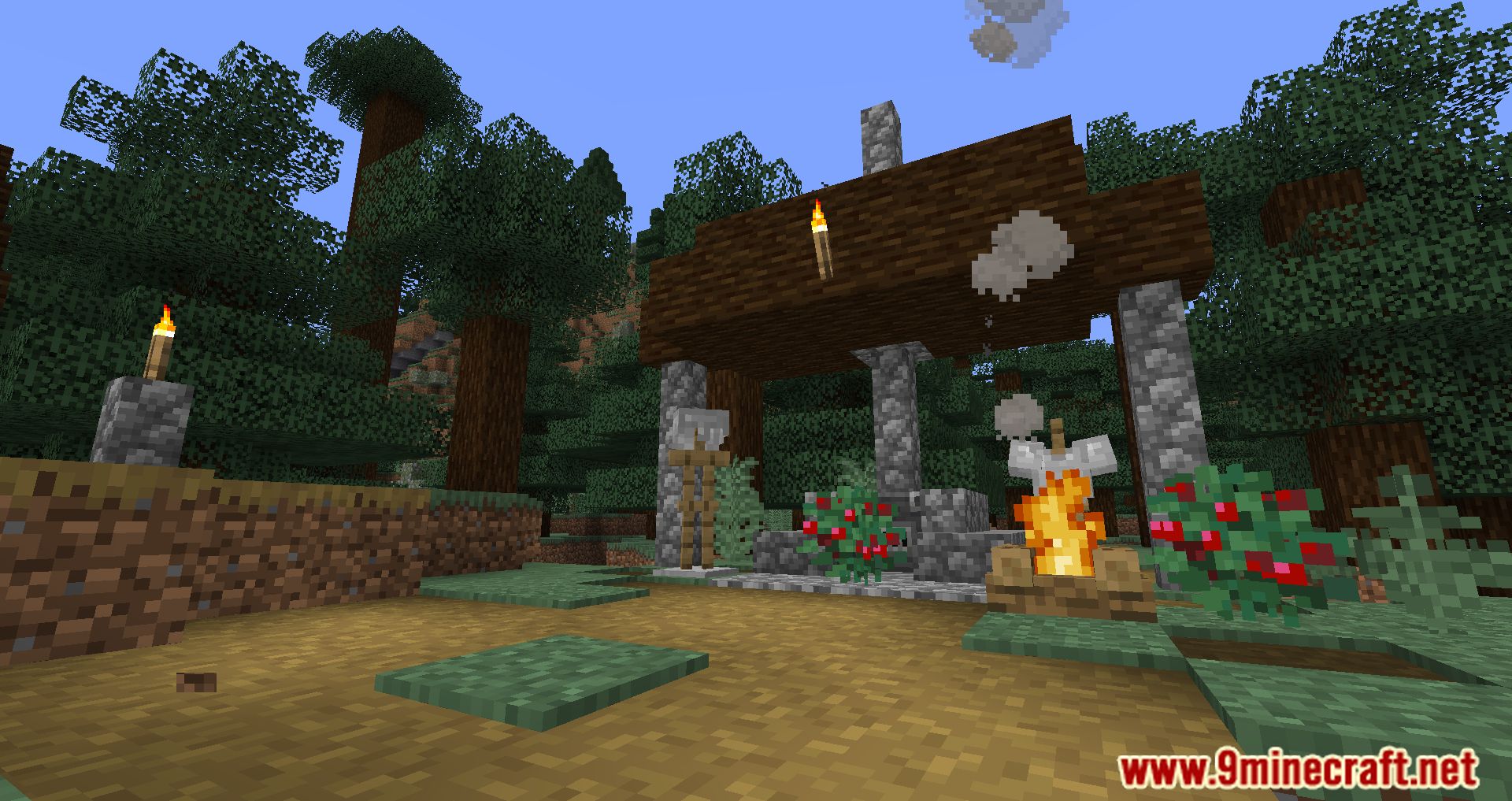
- Improves role-playing, storytelling, and multiplayer servers by letting you place interactive characters anywhere in the world.
- Lets you customize each NPC’s behavior, appearance, pose, look options, and name tag to fit your world style.
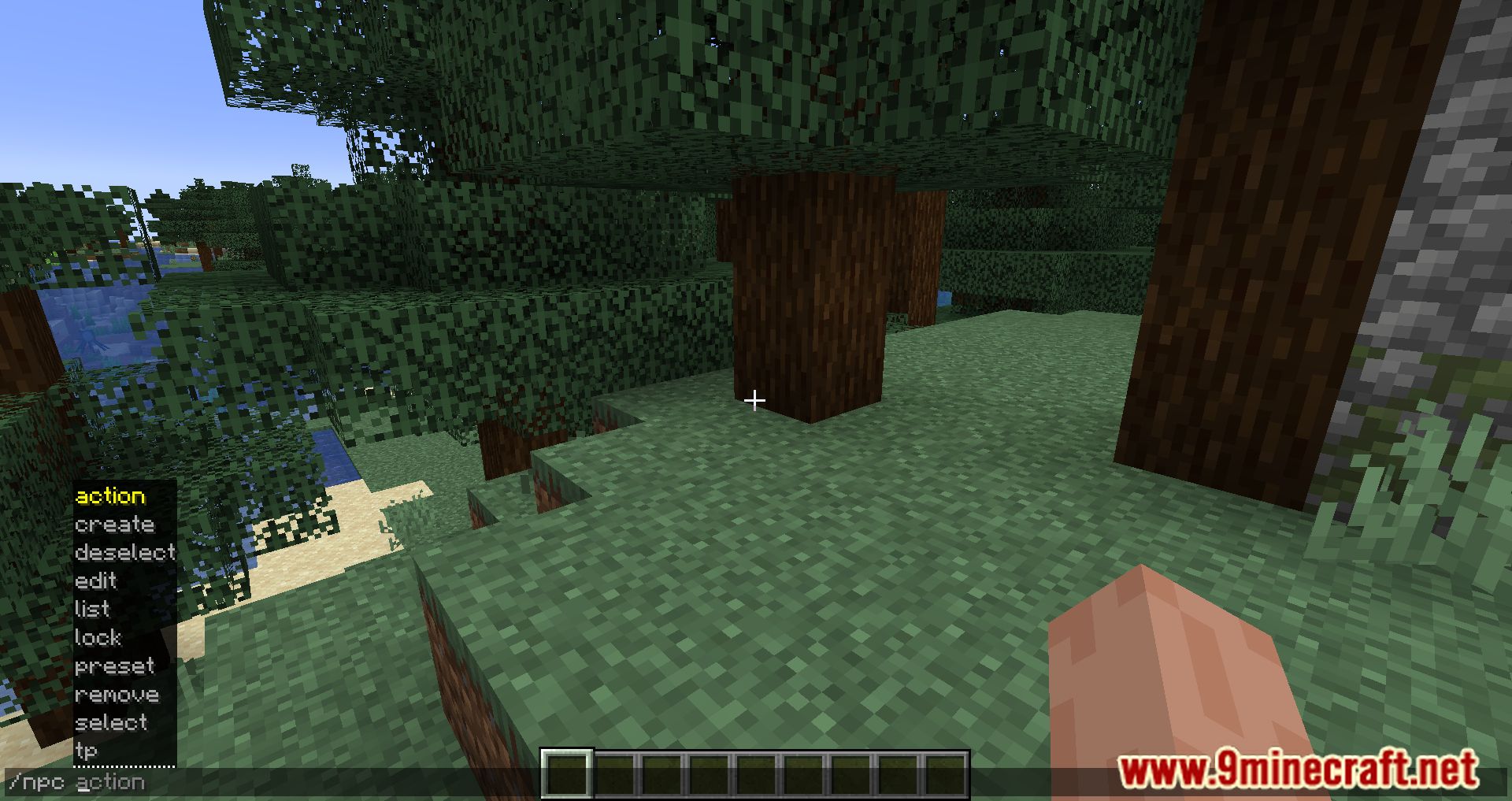
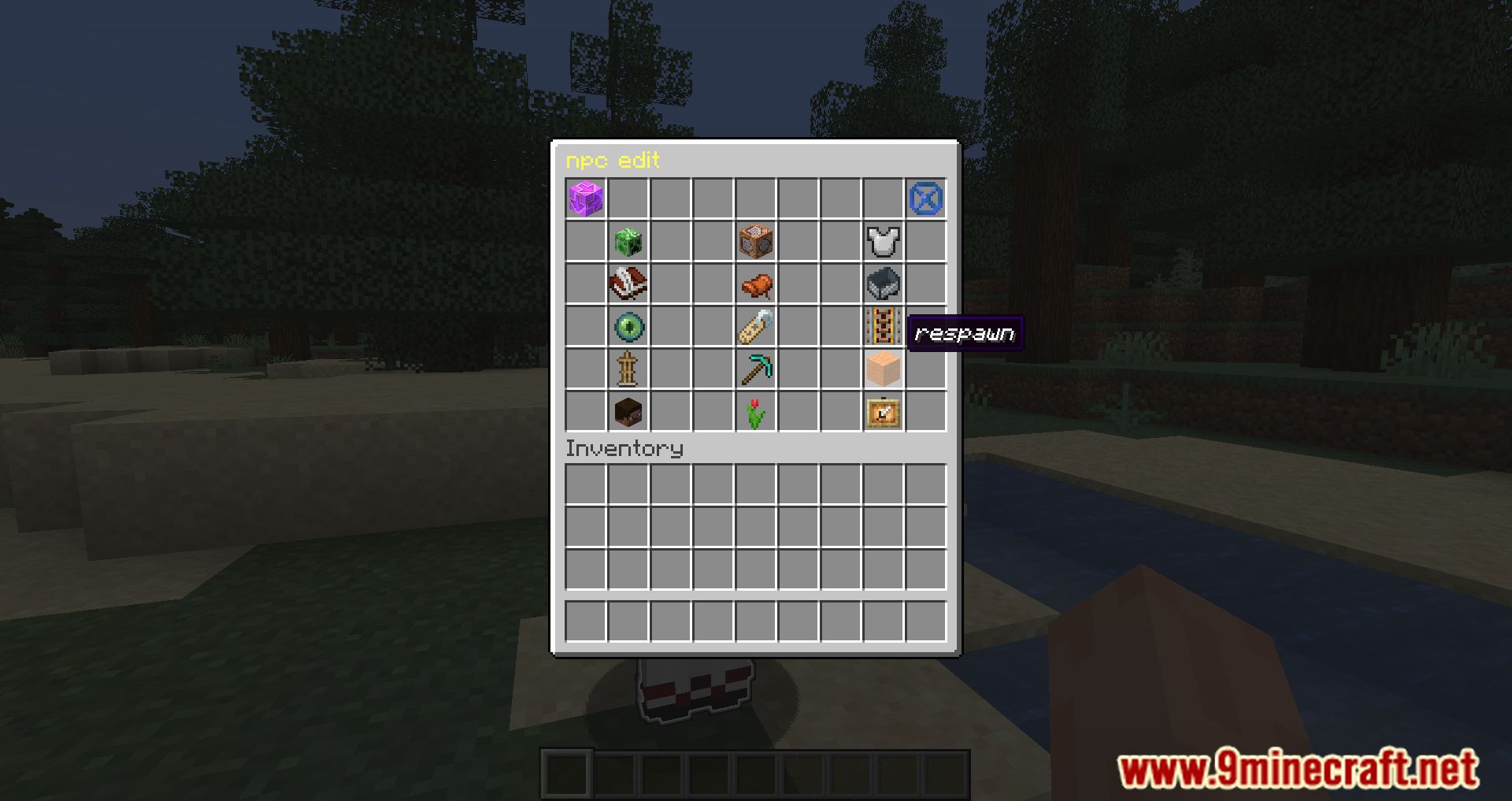
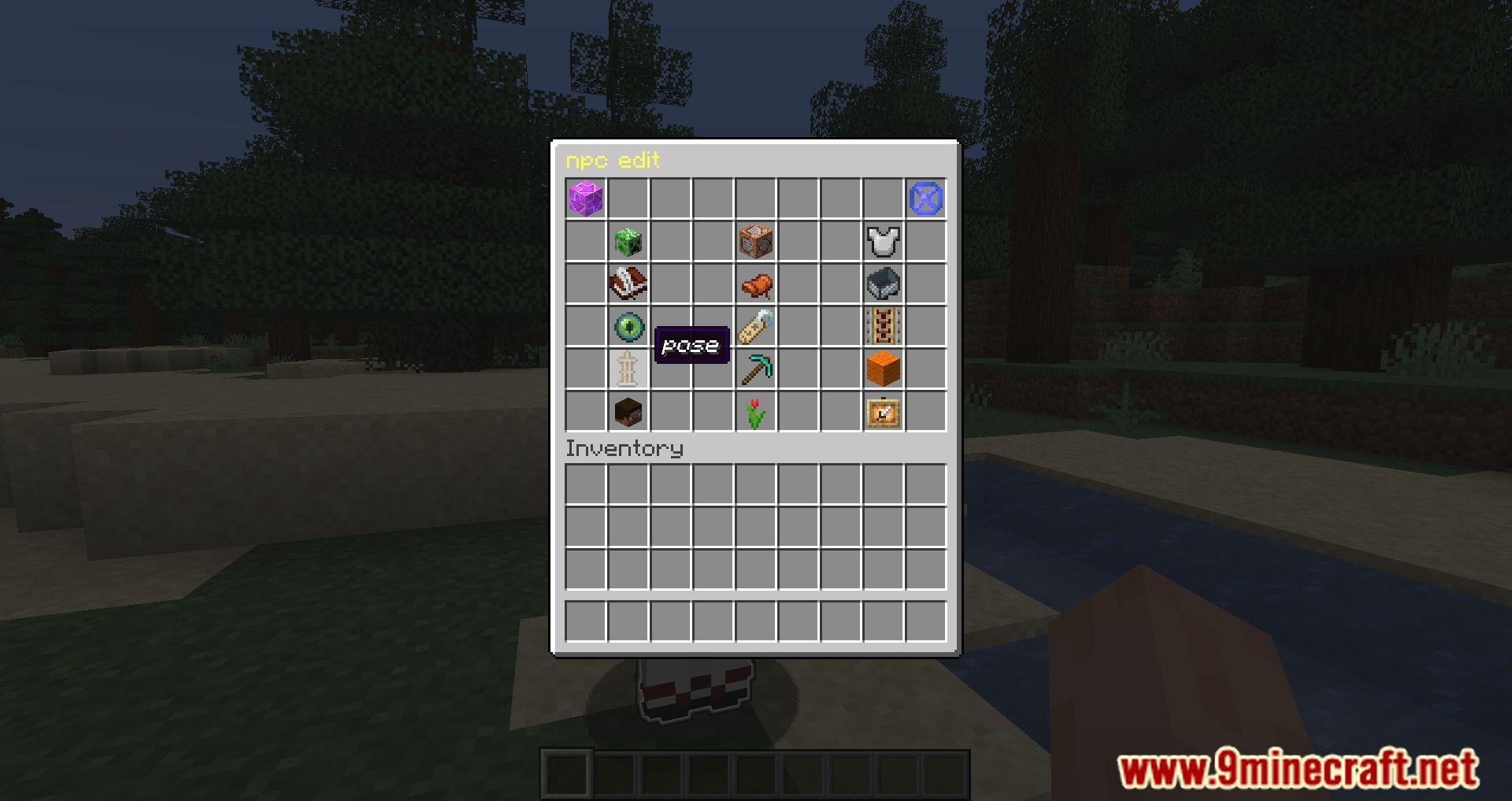
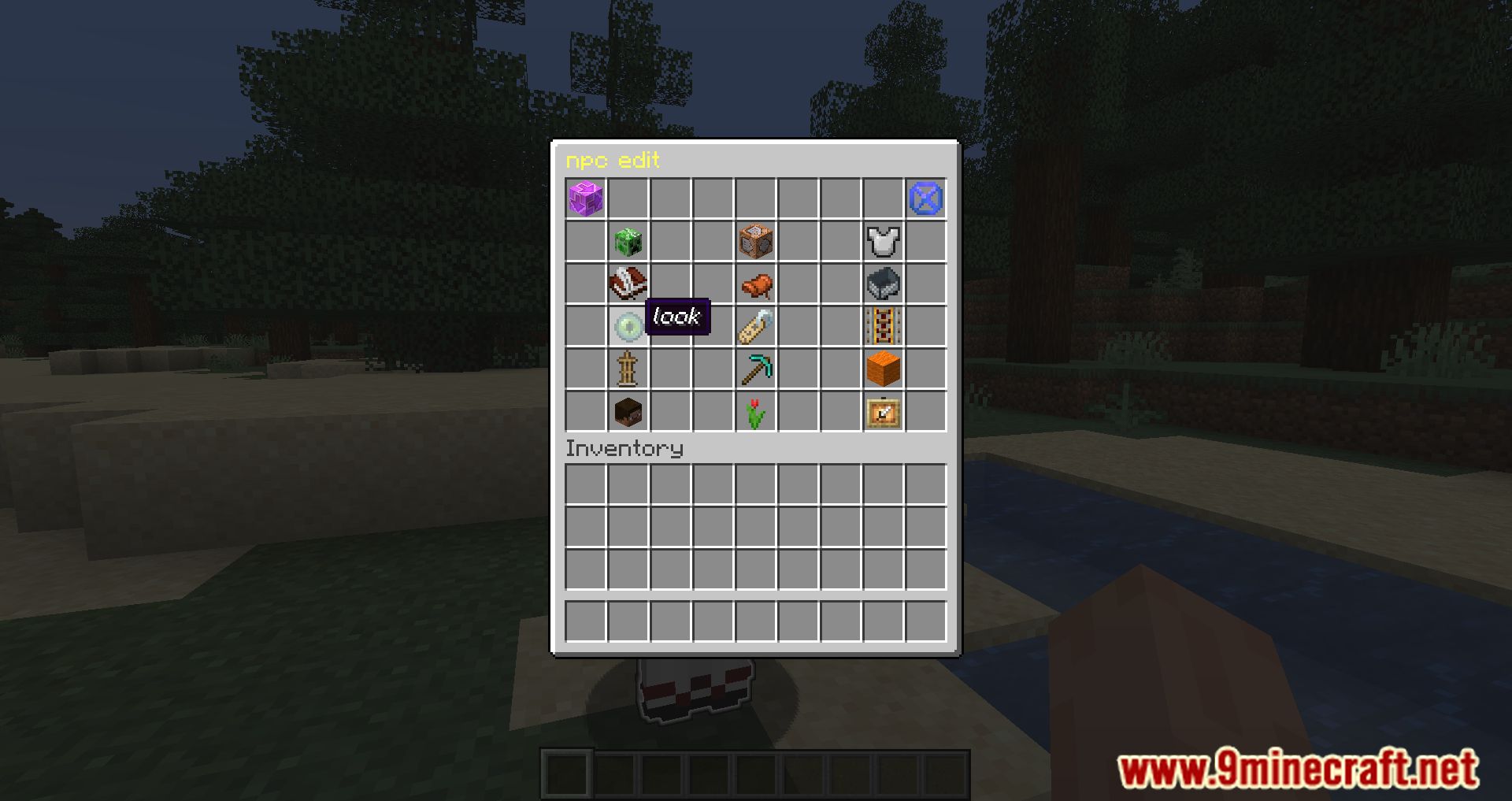
- Builds an in-game menu directly from the
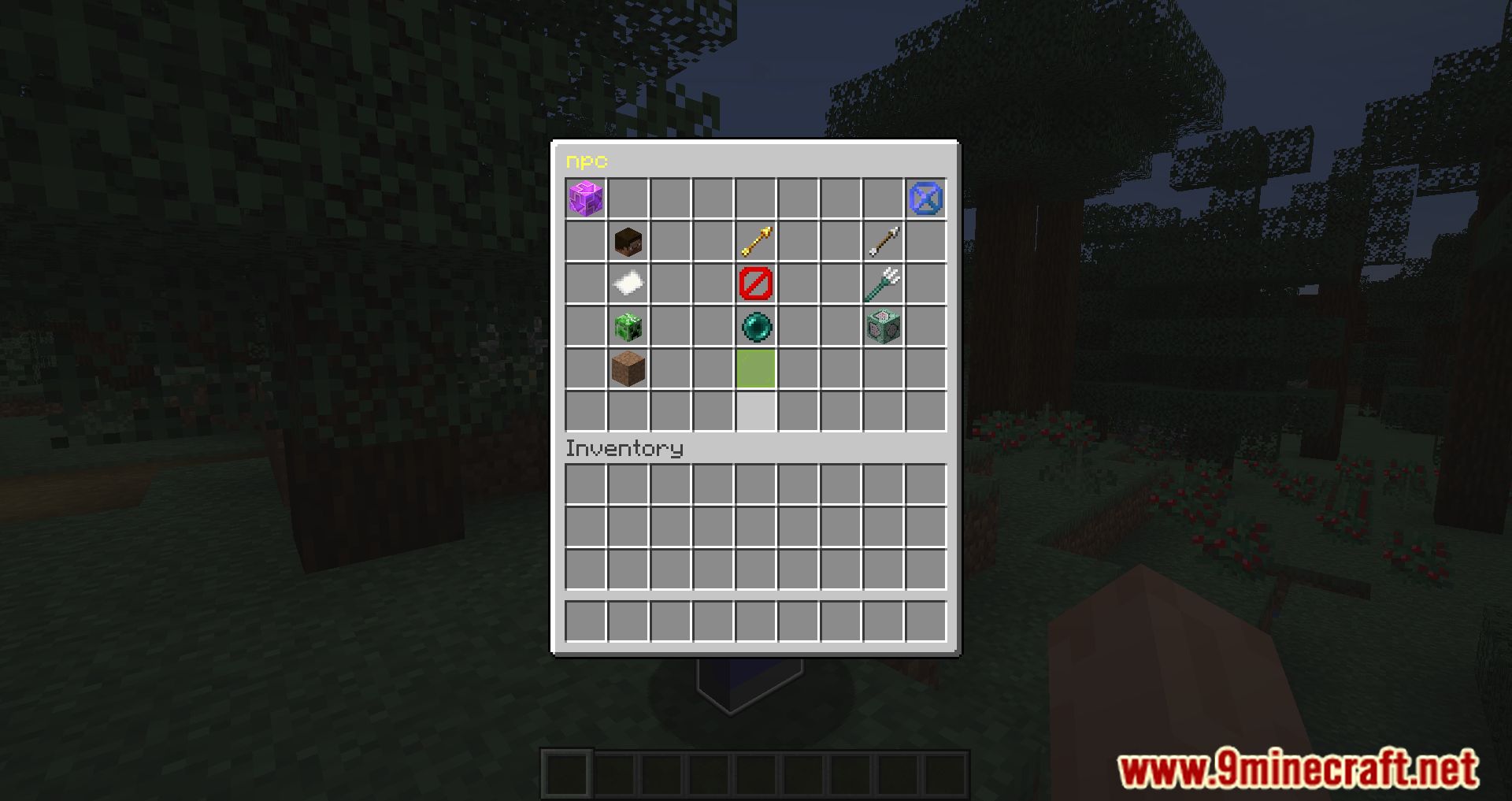
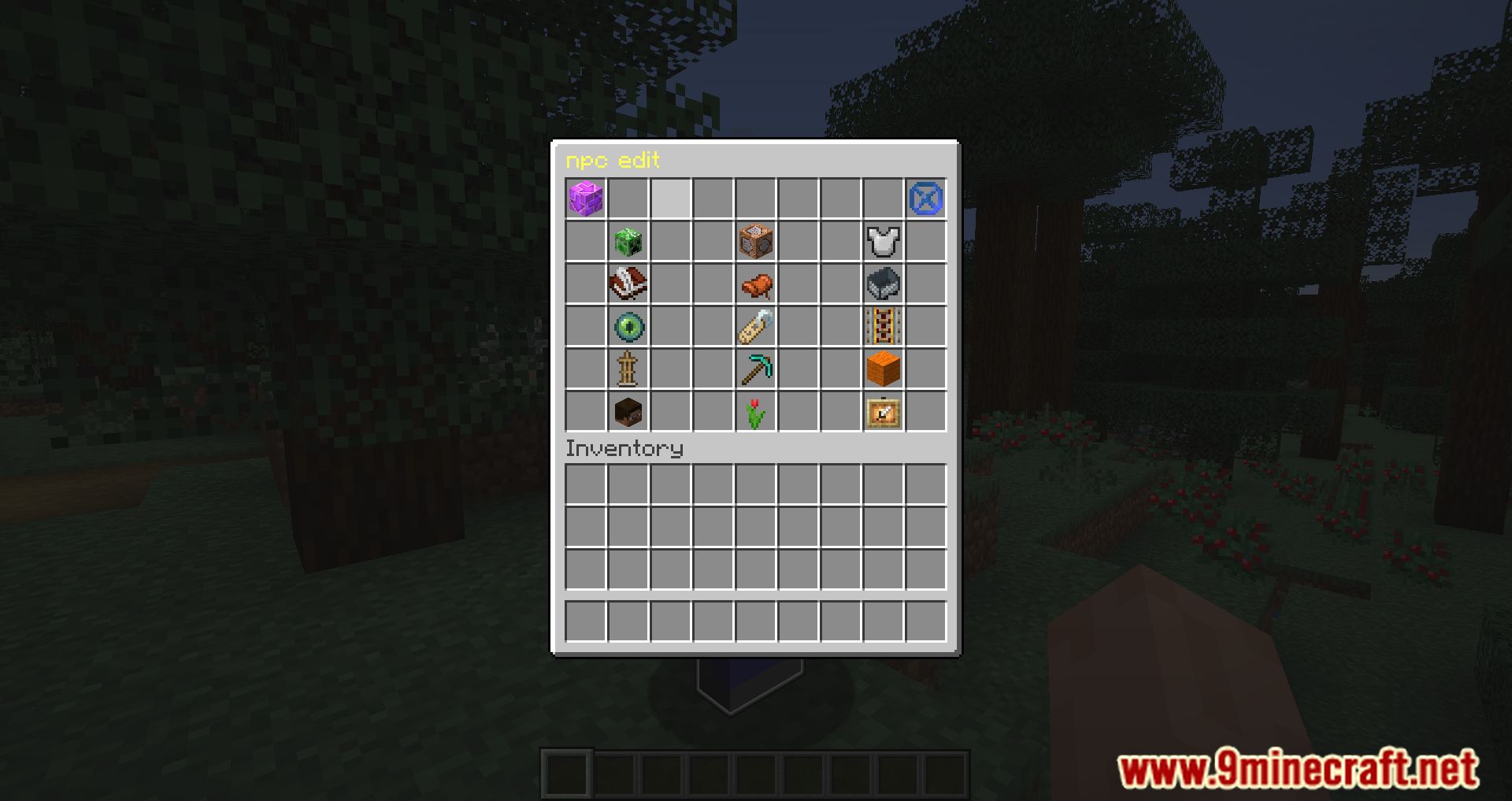
/npccommand so the layout matches the command system. - Uses an Anvil GUI to handle text input when you edit options inside the menu.
- Supports extra addons, such as the Traders addon, to give your NPCs more uses.
Commands:
/npc create <name>: spawns a new NPC with the name you choose./npc: opens the main in-game menu for creating and managing NPCs.
How to Use:
- Type
/npc create <name>in chat to spawn a new NPC right away with your chosen name. - Type
/npcin chat to open the main menu, then open the Create node if you prefer to make an NPC using the menu. - Left-click an item in the menu to open its child menu; if there is no child menu, Left-click runs the command instead.
- Right-click an item in the menu to run its command directly.
- Enter text into the Anvil GUI whenever a menu option asks for input.
Screenshots:
How to Install:
New to Minecraft? Follow our step-by-step guide to install Mods on your PC.View Guide
Taterzens Mod Download Links
For Minecraft 1.16.5
Forge version: Download from Server 1 – Download from Server 2
Fabric version: Download from Server 1 – Download from Server 2
For Minecraft 1.17.1
Forge version: Download from Server 1 – Download from Server 2
Fabric version: Download from Server 1 – Download from Server 2
For Minecraft 1.18.1
Forge version: Download from Server 1 – Download from Server 2
Fabric version: Download from Server 1 – Download from Server 2
For Minecraft 1.18.2
Forge version: Download from Server 1 – Download from Server 2
Fabric version: Download from Server 1 – Download from Server 2
For Minecraft 1.19
Fabric version: Download from Server 1 – Download from Server 2
For Minecraft 1.19.2, 1.19.1
Fabric version: Download from Server 1 – Download from Server 2
For Minecraft 1.19.3
Fabric version: Download from Server 1 – Download from Server 2
For Minecraft 1.20.1, 1.20
Fabric/Quilt version: Download from Server 1 – Download from Server 2
For Minecraft 1.21.8, 1.21.7, 1.21.6
Fabric/Quilt version: Download from Server 1 – Download from Server 2
Do you use mods that completely overhaul Minecraft's combat system (like Better Combat or Epic Fight)?
34 responses · See the full results →
You May Also Like
Picked for this page
 Mob Battle Mod (26.3, 1.20.1) – Create Easy Mob Fights
 Corail Tombstone Mod (26.2, 1.20.1) – Never Lose Your Items Again
 Essential Commands Mod (26.3, 1.20.1) – Utility Commands for Servers
 Smart Brain Lib Mod (26.3, 1.20.1) – Mobs That Think and React
 XPlus Autofish Mod (26.3, 1.20.1) – Streamline Your Fishing Experience
 Configurable Extra Mob Drops Mod (26.3, 1.20.1) – Better Drop Rate
 EpheroLib Mod (26.3, 1.20.1) – Library for Thethonk’s Mods
 Camera Obscura Mod (26.3, 1.20.1) – Take Photos of Your World
 Camo Creepers Mod (26.2, 1.20.1) – Masters Of Disguise In Minecraft
 Easy NPC Core Mod (26.3, 1.20.1) – Core Functionallity for Easy NPC Mod
 Sophisticated JEI Index Mod (1.21.1, 1.20.1) – Craft Straight From Your Backpack
 SCP 027 Mod (1.20.1, 1.19.2) – The Vermin God
Most viewed in Mods over the last 7 days
 Ala Industrial Mod (26.3) – Run Electric Power Grids and Automated Factories
 PleasureCraft Mod (26.3, 1.21.1) – Jenny Mod Remake for Fabric
 Jennycraft Mod (26.3, 1.20.1) – Virtual Girlfriend in Minecraft
 Fapcraft Mod (26.3, 1.12.2) – Comprehensive and Detailed Content
 Jenny Mod (Fapcraft) Official Complete Guide – How to use, Tutorial
 BangCraft Mod (1.20.1) – Jenny, Ellie and Elliot
 Fabric Loader (26.3, 1.20.1) – Fabric Installer for All Minecraft Versions
 The Shooting Star Demo Mod (26.3, 1.20.1) – Vaporize Terrain From Orbit
 Meteor Client Mod (26.3, 1.20.1) – Xray, HUD, Fly
 OptiFine HD (26.3, 1.20.1) – Run Faster, FPS Boost, Shaders Support
 Aristois Client Mod (1.21.4, 1.20.1) – World Class Minecraft Utility
 Prestige Client Mod (1.21.11, 1.21.4) – Powerful Ghost Features for Crystal & Sword PvP
More from Mods
 GroovyDuvet Mod (1.21.11, 1.20.1) – Run Groovy Scripted Addons Without Game
 Swing Through Grass 9minecraft Mod (26.3, 26.2) – Fight Mobs Without Breaking Tall Grass
 Improved Boss Bars 9minecraft Mod (26.3) – Unique Health Bars for Every Boss Fight
 Cozy’s Improved Wolves Mod (26.3, 1.20.1) – Bond with Loyal Dogs That Never Die
 Cuisine Craft Mod (1.21.11, 1.20.1) – Cook Restaurant Dishes with Fresh Farm
 Nekoro Coins Mod (1.21.1, 1.20.1) – Trade Physical Currency Across Player
 Create Beyond Limits Mod (1.21.1, 1.20.1) – Build Smarter Factories
 Freelook Perspective Mod (26.3, 1.21.1) – Watch Your Back While Sprinting
 FAUNA Engine Mod (1.21.1, 1.20.1) – Powering Legendary Dragons
 Avali Nexus Mod (26.3) – Settle Frozen Frontiers with High-Tech Bird Tribes
 Orient’s Hotpot Chronicles Mod (1.20.1) – Boil Fresh Hotpot Meals Over Open Flames
 Far Lands Traveler Mod (26.1.2) – Survive the Long Trek to the Edge of the World

This post has no comments yet. Be the first — your comment will appear here.