
Configurable Extra Mob Drops Mod (26.3, 1.20.1) – Hunt Mobs for Custom Loot

 0


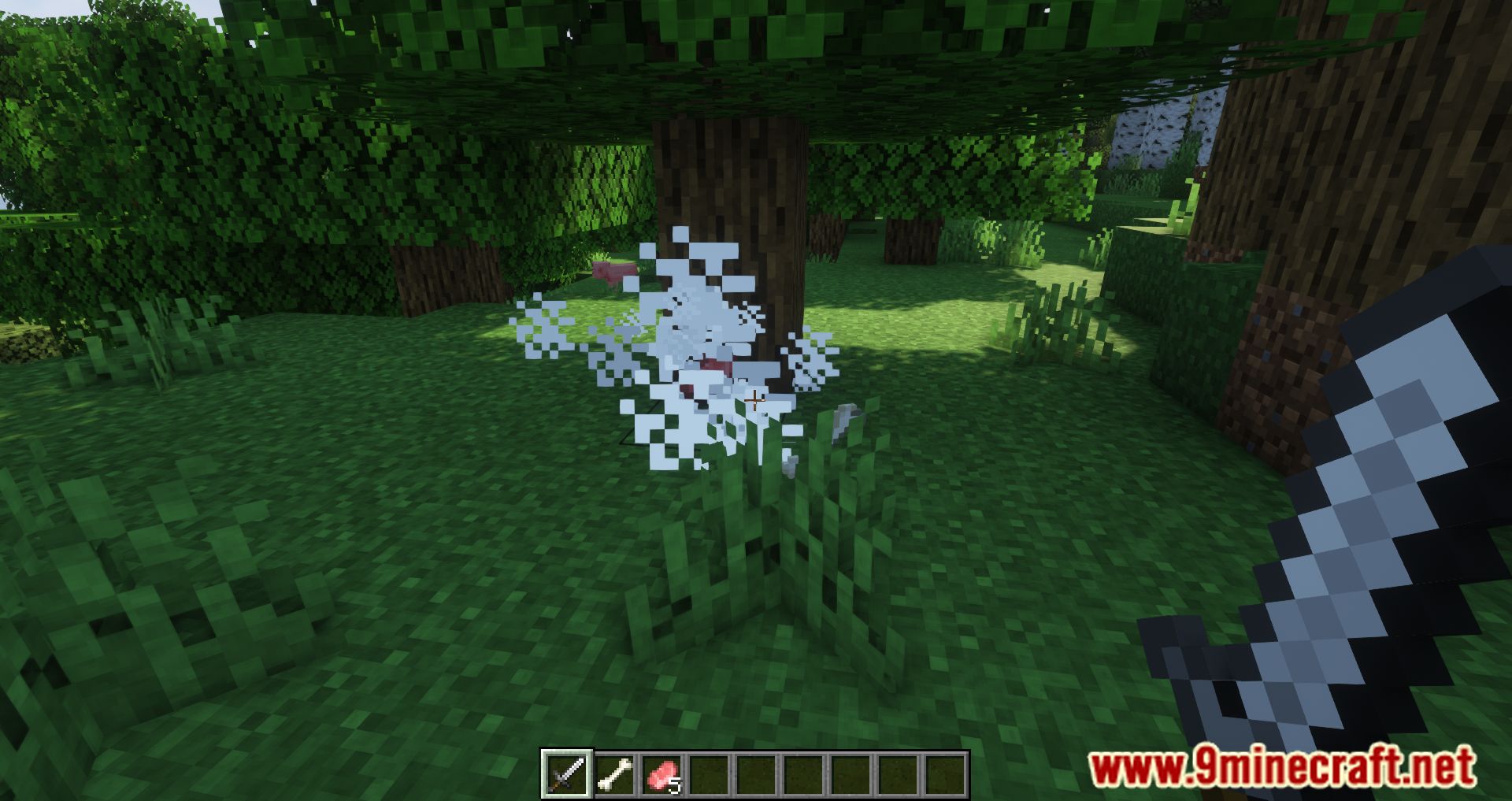
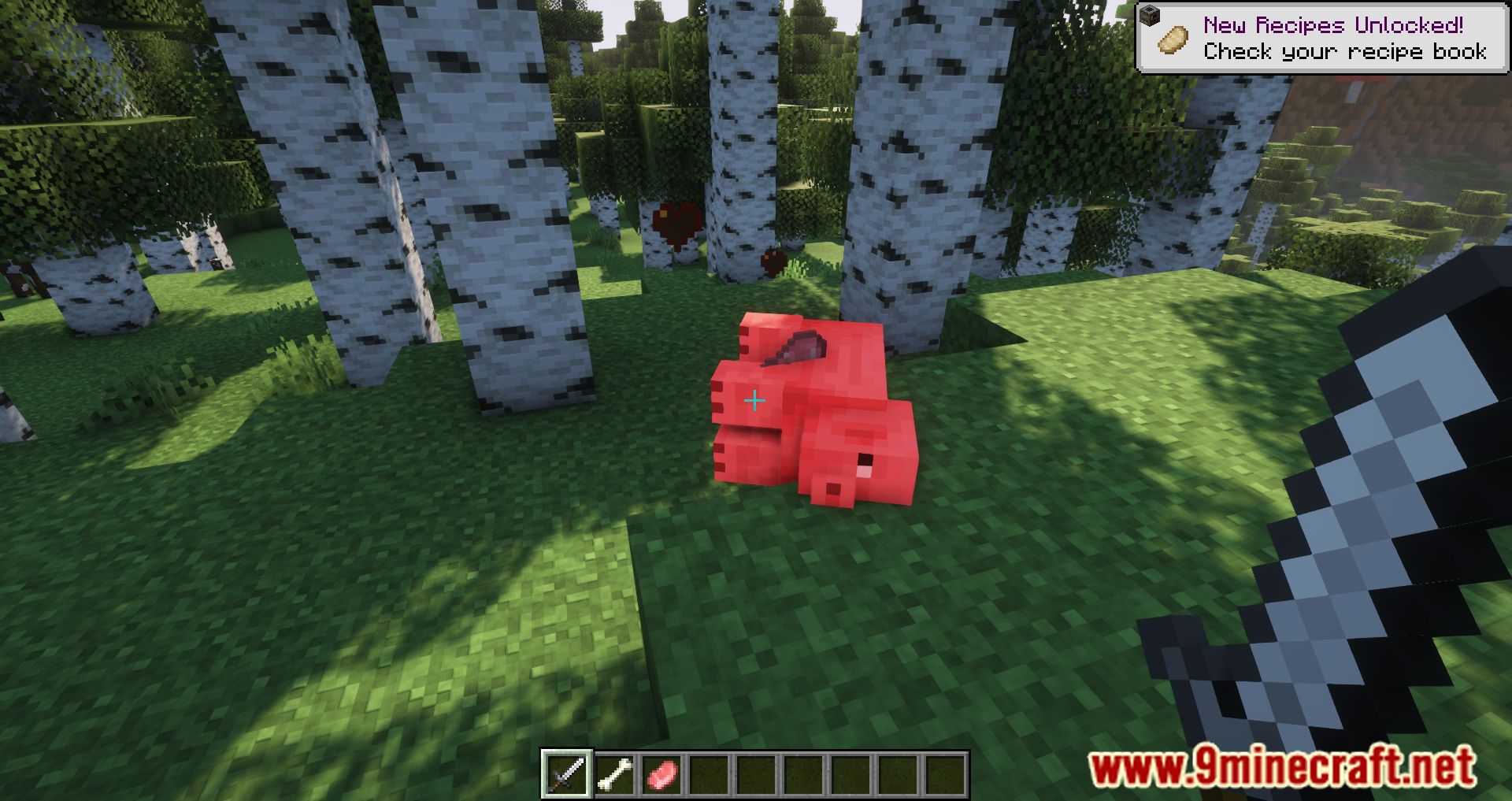
Configurable Extra Mob Drops Mod lets you add custom extra item drops to any mob when it dies. You can set up these extra drops in the game with simple commands or change them directly in a text config file. It works with both vanilla mobs and modded mobs, and it supports items with NBT tags like enchanted gear and written books. You can pick custom drop chances, random item amounts, and random enchantments, or limit each mob to only one random extra drop. This mod runs on the server side and requires Collective to work.

Features:
- Adds custom extra item drops to any mob when it dies.
- Works with both vanilla mobs and modded mobs, and automatically adds newly installed modded mobs to the config list.
- Supports items with NBT tags, including enchanted gear and written books.
- Creates a
mobdropconfig.txtfile inside./config/serilum/configurableextramobdrops/on first load with all available mob types listed. - Lets you manage extra drops with in-game commands, by editing the config file manually, or through the in-game Config menu under the Extra Config Files tab.
- Sets a custom drop chance between 0 and 1.0 for each added item.
- Drops a random number of items between a minimum and maximum amount that you choose, such as 1 to 3.
- Adds random enchantments to dropped items at a chosen level like an enchanting table, turning regular books into enchanted books.
- Drops every extra item that passes its drop chance by default, or picks only one random item from those passing drops when
onlyOneRandomDrop(defaultfalse) is enabled. - Runs on the server side only, so players on multiplayer servers do not need to install this mod on their clients.
Commands:
/cemd usage: Shows how to use all mod commands./cemd list: Lists all mob names you can use withaddhandandcleardrops./cemd reload: Reloads any manual edits made tomobdropconfig.txt./cemd addhand <entity-name>: Adds the item in your main hand as a drop for that mob with a 100% drop chance./cemd addhand <entity-name> <drop-chance>: Adds the held item as a drop for that mob with a custom drop chance between 0 and 1.0./cemd addhand <entity-name> <drop-chance> <min-amount> <max-amount>: Adds the held item to drop in a random amount between<min-amount>and<max-amount>./cemd addhand <entity-name> <drop-chance> <min-amount> <max-amount> <enchant-level>: Adds the held item to drop with random enchantments at<enchant-level>like an enchanting table, turning regular books into enchanted books./cemd cleardrops <entity-name>: Removes all extra drops set for that mob.
All commands require cheat access to run.
Configuration:
onlyOneRandomDrop(defaultfalse): Sets whether a mob drops only one random item from the extra drops that pass their drop chance.
How to Use:
Using In-Game Commands:
- Make sure cheat access is enabled, because every command requires it to work.
- Type
/cemd listin chat to view all mob names you can use, or run/cemd usageto check command help. - Hold the item you want to add in your main hand, such as a milk bucket or a Spawn Pig egg.
- Run
/cemd addhand <entity-name>to add the held item with a 100% drop chance, or include optional values for drop chance (0 to 1.0), minimum and maximum amount, and enchant level. - Defeat that mob in your world so it drops the new extra item along with its normal drops.
- Run
/cemd cleardrops <entity-name>anytime you want to clear all extra drops from that mob.
Editing the Config File:
- Load your game once so this mod generates
mobdropconfig.txtinside./config/serilum/configurableextramobdrops/with all available mob types. - Open
mobdropconfig.txtmanually, or go to Mods -> Configurable Extra Mob Drops -> Config and open the Extra Config Files tab in-game to edit drops and drop chances. - Change
onlyOneRandomDropfromfalsetotrueif you want each mob to drop only one random item from its passing extra drops. - Type
/cemd reloadin chat to apply your manual changes frommobdropconfig.txtin-game.
Screenshots:


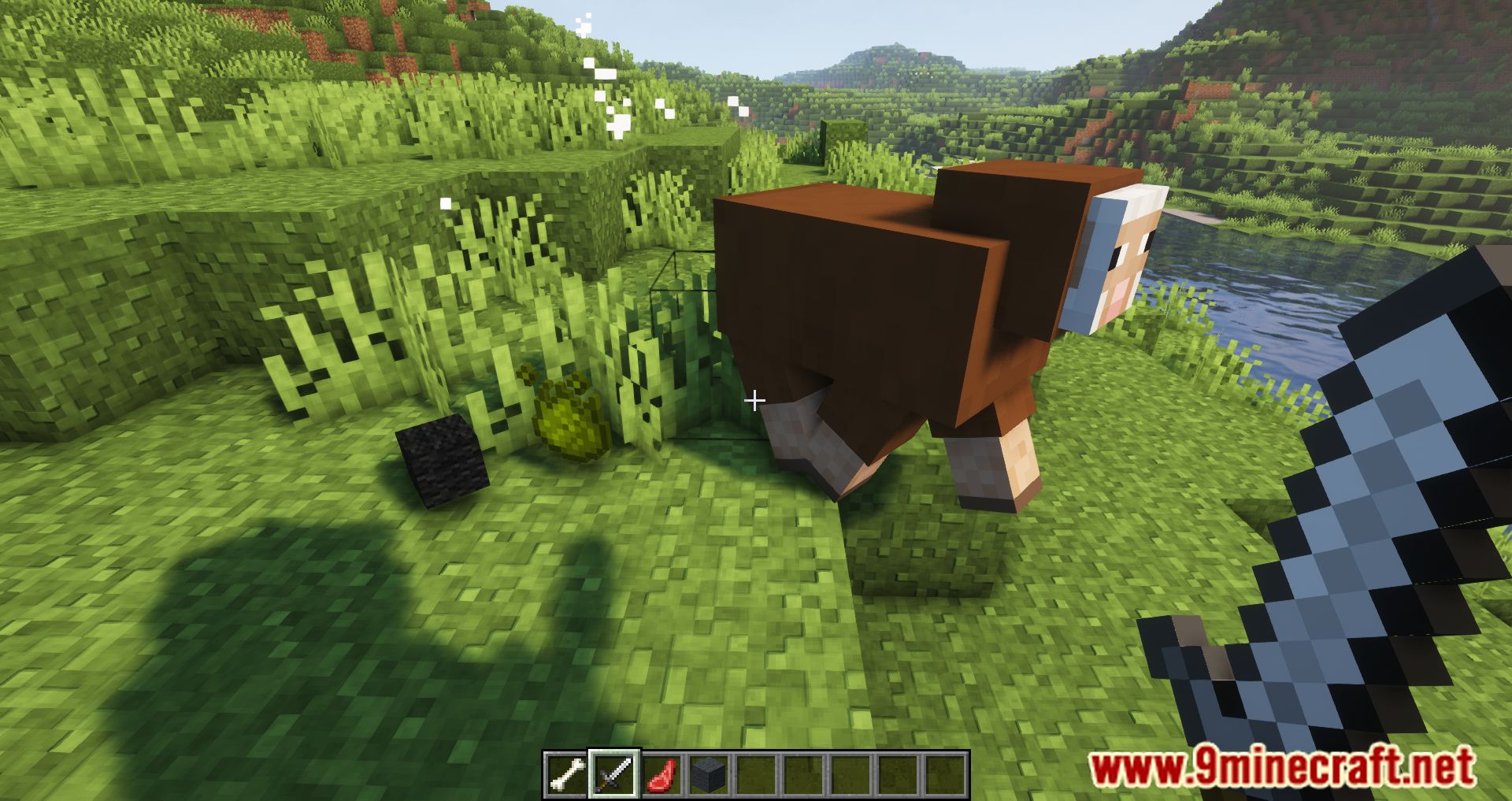
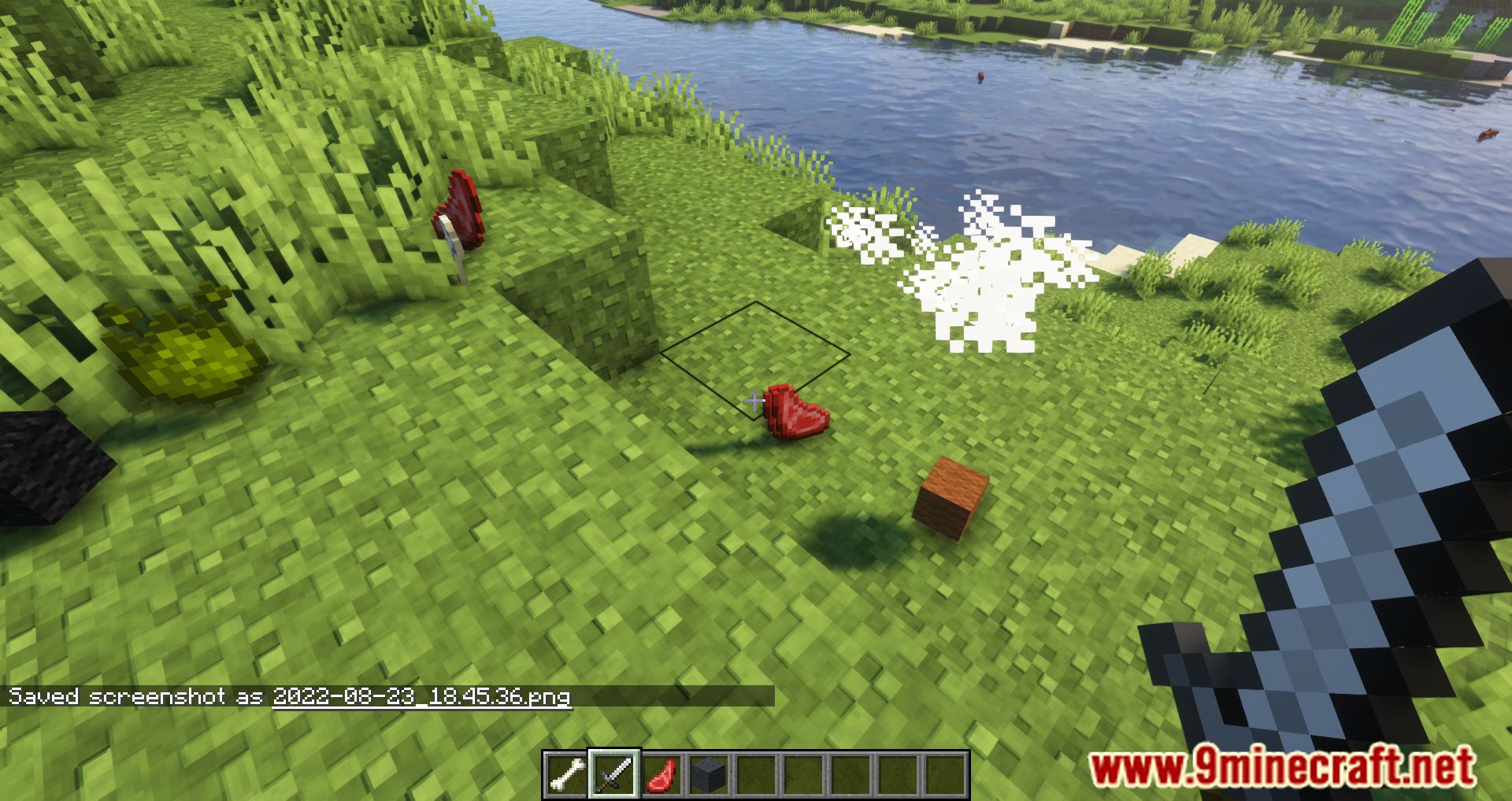
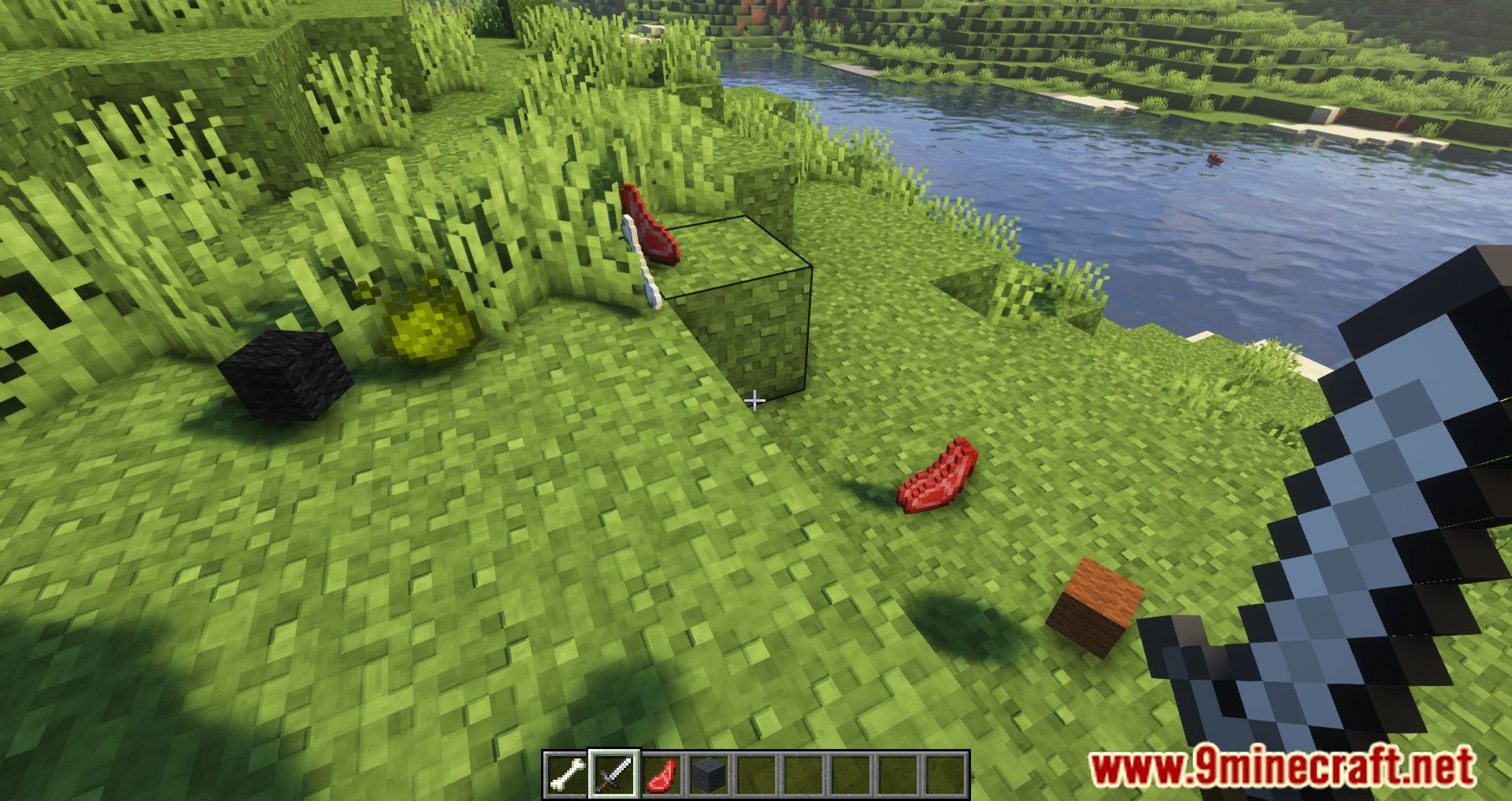

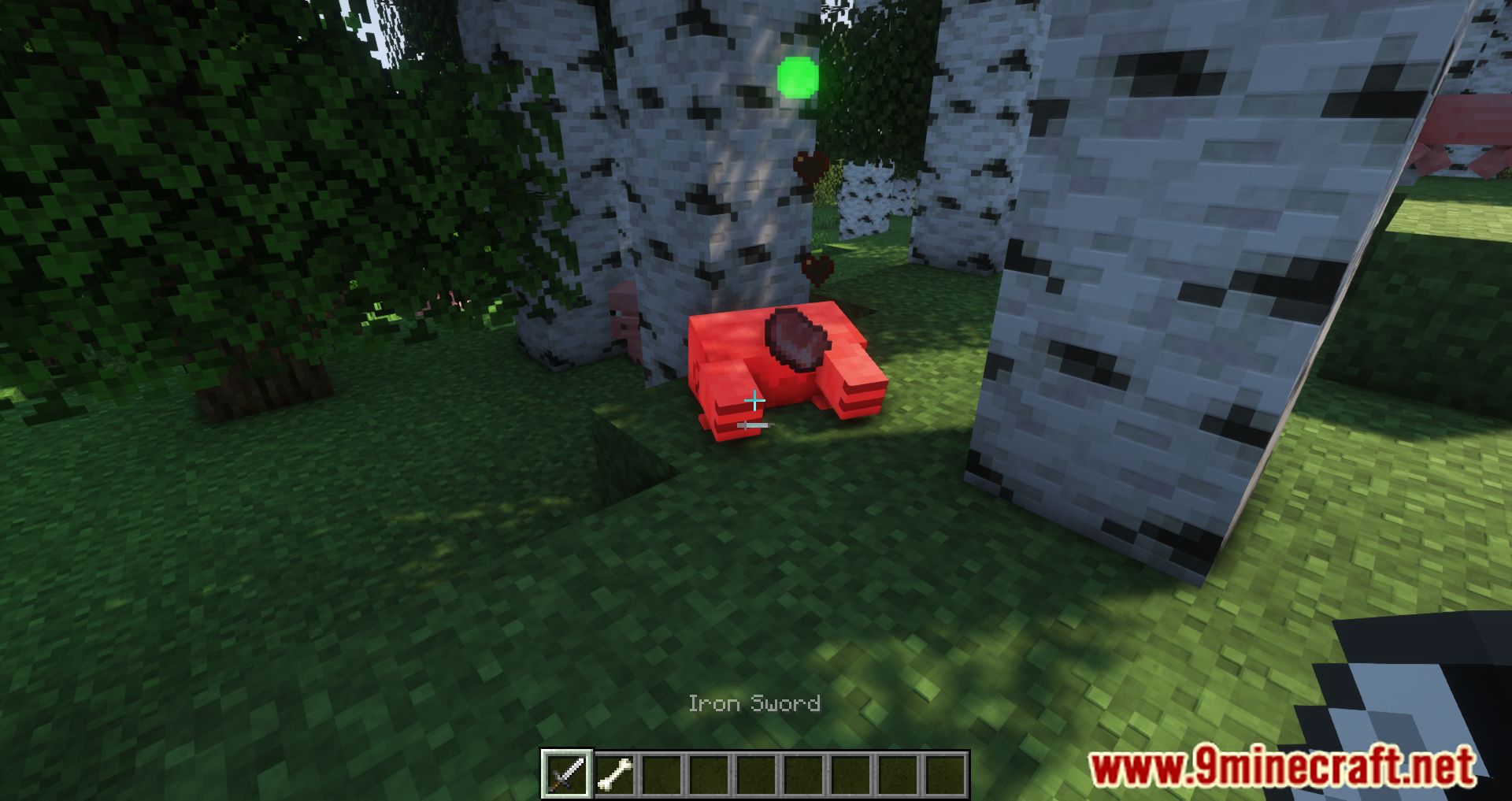
How to Install:
New to Minecraft? Follow our step-by-step guide to install Mods on your PC.View Guide
Requirements:





Configurable Extra Mob Drops Mod Download Links
For Minecraft 26.3
For Minecraft 26.2
For Minecraft 26.1.2, 26.1.1, 26.1
For Minecraft
1.21.11,
1.21.10,
1.21.9
All Versions Covered
1.21.11
1.21.10
1.21.9
1.21.8
1.21.7
1.21.6
1.21.5
1.21.4
1.21.1
1.21
All Versions Covered
1.21.11
1.21.10
1.21.9
1.21.8
1.21.7
1.21.6
1.21.5
1.21.4
1.21.1
1.21
For Minecraft 1.21.10, 1.21.9
For Minecraft 1.21.8, 1.21.7, 1.21.6
For Minecraft 1.21.5
For Minecraft 1.21.4
For Minecraft 1.21.3, 1.21.2
For Minecraft 1.21.1, 1.21
For Minecraft 1.20.6
For Minecraft 1.20.5
For Minecraft 1.20.4
For Minecraft 1.20.2
For Minecraft 1.20.1, 1.20
For Minecraft 1.19.4
For Minecraft 1.19.3
For Minecraft 1.19.2
For Minecraft 1.19.1
For Minecraft 1.19
For Minecraft 1.18.2
For Minecraft 1.18.1
For Minecraft 1.17.1
For Minecraft 1.16.5
For Minecraft 1.15.2
For Minecraft 1.14.4
Click to rate this post!
[Total: 0 Average: 0]
You May Also Like
Picked for this page
 Dynamic Trees Mod (26.1.2, 1.20.1) – Change the Natural Growth of Trees
 Eyes in the Darkness Mod (26.2, 1.20.1) – A Spooky Mod
 Sit Mod (26.3, 1.20.1) – Make Your Base Feel Lived-In
 Advanced Shulkerboxes Mod (26.2, 1.20.1) – Improved Function of Shulker Box
 Item Transform Helper Mod (26.3, 1.20.1) – Set Size & Location Of Items
 Snow Under Trees Mod (26.3, 1.20.1) – Realistic Snow Interaction
 Burn In The Sun Mod (26.3, 1.20.1) – Custom Sun Burn Entities
 Toggle Nametags Mod (26.3, 1.20.1) – Toggle All Entity Nametags
 Thorough Keybindings Mod (26.3, 1.20.1) – Full Control Customization
 Server MainMenu Lib Mod (1.21.11, 1.20.1) – Custom Main Menu For Servers
 Leather Recycling Mod (1.21.11, 1.20.1) – Recycle Leather & Rabbit Hide
 Sodium Chinese Localization Mod (26.3, 1.20.1) – Sodium Translation
Most viewed in Mods over the last 7 days
 Ala Industrial Mod (26.3) – Run Electric Power Grids and Automated Factories
 PleasureCraft Mod (26.3, 1.21.1) – Jenny Mod Remake for Fabric
 Jennycraft Mod (26.3, 1.20.1) – Virtual Girlfriend in Minecraft
 Fapcraft Mod (26.3, 1.12.2) – Comprehensive and Detailed Content
 Jenny Mod (Fapcraft) Official Complete Guide – How to use, Tutorial
 BangCraft Mod (1.20.1) – Jenny, Ellie and Elliot
 Fabric Loader (26.3, 1.20.1) – Fabric Installer for All Minecraft Versions
 The Shooting Star Demo Mod (26.3, 1.20.1) – Vaporize Terrain From Orbit
 Meteor Client Mod (26.3, 1.20.1) – Xray, HUD, Fly
 OptiFine HD (26.3, 1.20.1) – Run Faster, FPS Boost, Shaders Support
 Aristois Client Mod (1.21.4, 1.20.1) – World Class Minecraft Utility
 Prestige Client Mod (1.21.11, 1.21.4) – Powerful Ghost Features for Crystal & Sword PvP
More from Mods
 Gabou’s Libs Mod (26.3, 1.20.1) – Keep Custom Weather and Survival Mods Stable
 /Sit Mod (26.3, 1.21.1) – Make The Player Sit Down
 Arcane Redstone Dial Mod (26.3, 1.20.1) – Trigger Commands and Shortcuts
 The Graveyard Mod (26.3, 1.20.1) – Cemeteries in Minecraft
 Enhanced Overlay Mod (26.3, 1.21.11) – Remove Screen Clutter
 Flint Mod (1.21.11) – Run DiamondFire Community Addons Without Crashing
 Not Just Sandwich Mod (26.3, 1.20.1) – Edibles, Sandwiches
 Waddles Mod (26.3, 1.20.1) – Make Icy Biomes Feel Alive
 Artemis’ Thin Logs Mod (26.3, 1.20.1) – Build Custom Trees and Detailed Wood
 Asterion Mod (26.3, 1.20.1) – Survive Ancient Mazes and Slay the Legendary Minotaur
 Passthrough Signs Mod (26.3, 1.20.1) – Right-Click Through Wall Signs
 Packing Tape Mod (26.3, 1.20.1) – Move Chests, Machines

This post has no comments yet. Be the first — your comment will appear here.