


NametagEdit Plugin (1.20.1, 1.19.4) – Spigot

 0
0 

NametagEdit Plugin is a powerful and versatile tool for Minecraft server administrators. This plugin allows you to customize the display names and prefixes of players, adding a unique touch to your Minecraft server. Whether you want to highlight the ranks of players, add a fun nickname, or simply make your server more personalized and engaging, NametagEdit is the tool for you.
Features:
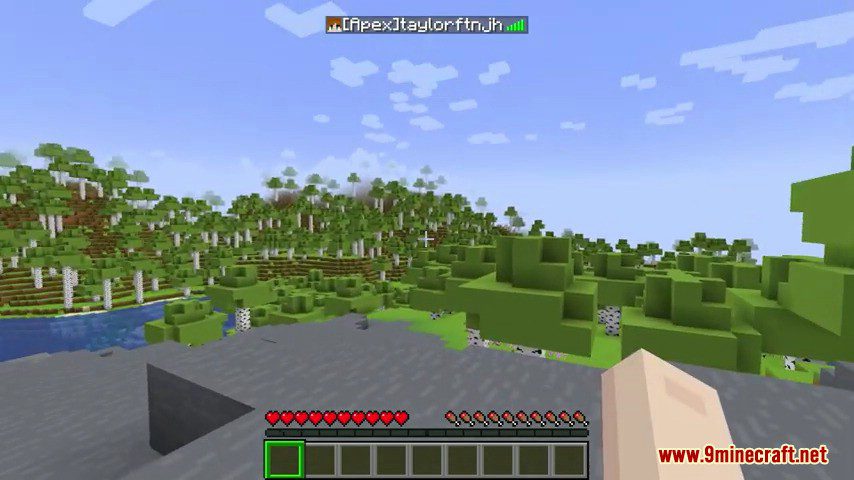
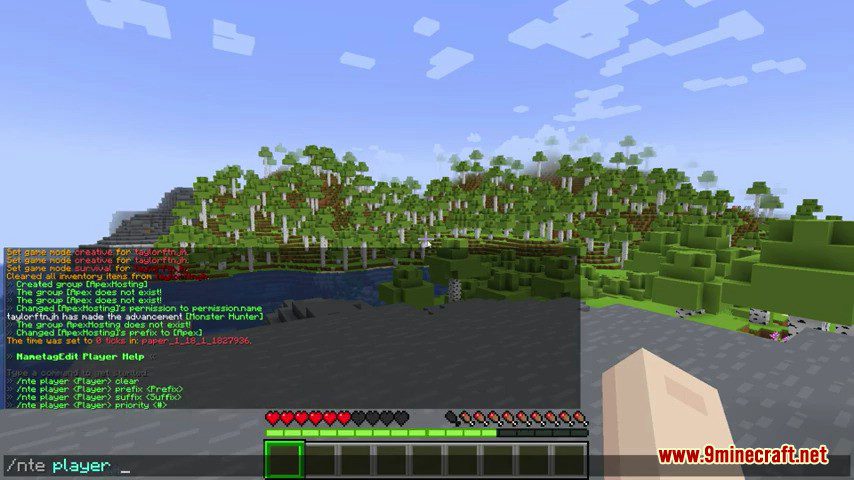
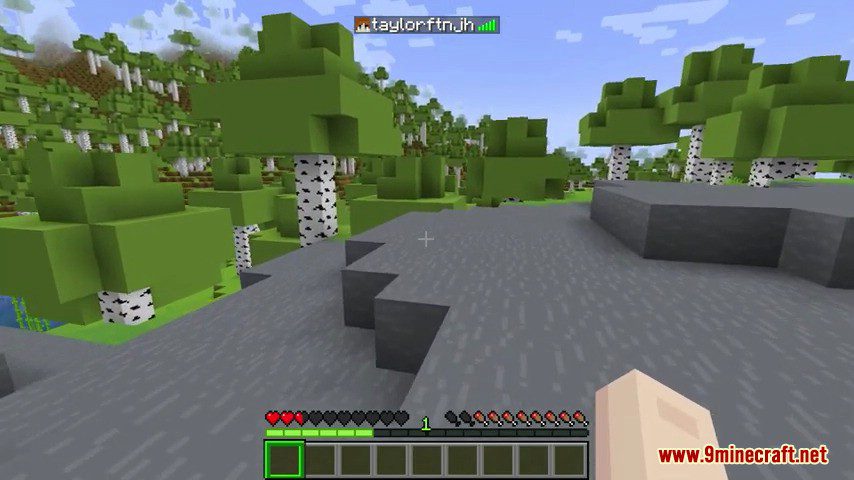
- NametagEdit allows you to add custom prefixes and suffixes to player names. This feature is great for distinguishing between different ranks or roles on your server.
- With NametagEdit, you can also customize the names displayed in the tab list, providing a consistent experience across all aspects of your server.
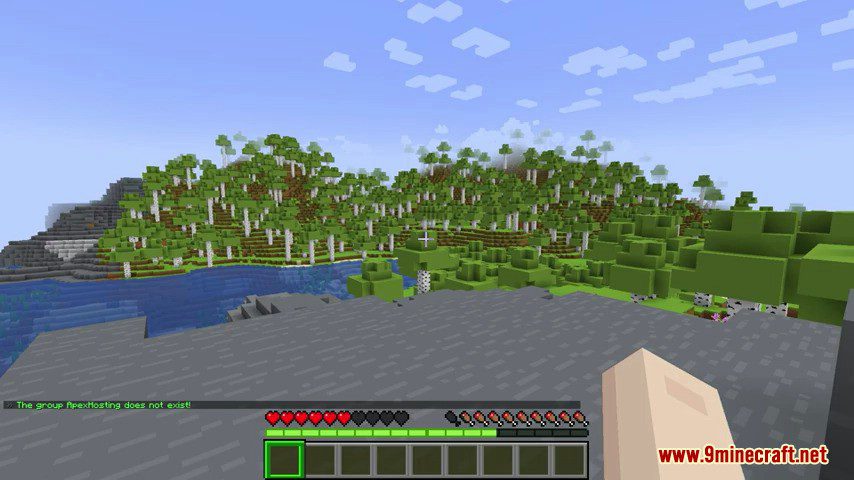
- NametagEdit allows for both group and player-specific tags. This means you can set a general tag for a group of players, like “Admin” or “Mod”, and also set individual tags for specific players.
- The plugin supports priority levels, meaning that if a player is part of multiple groups, the tag from the highest priority group will be displayed.
- NametagEdit provides an API for developers, allowing them to integrate and interact with the plugin in their own plugins.
Commands:
- /ne or /nametagedit: Displays the help menu.
- /ne reload: Reloads the configuration from disk.
- /ne groups: Lists all groups.
- /ne players: Lists all players with custom tags.
- /ne group <group> <prefix/suffix> <new value>: Sets a new prefix or suffix for a group.
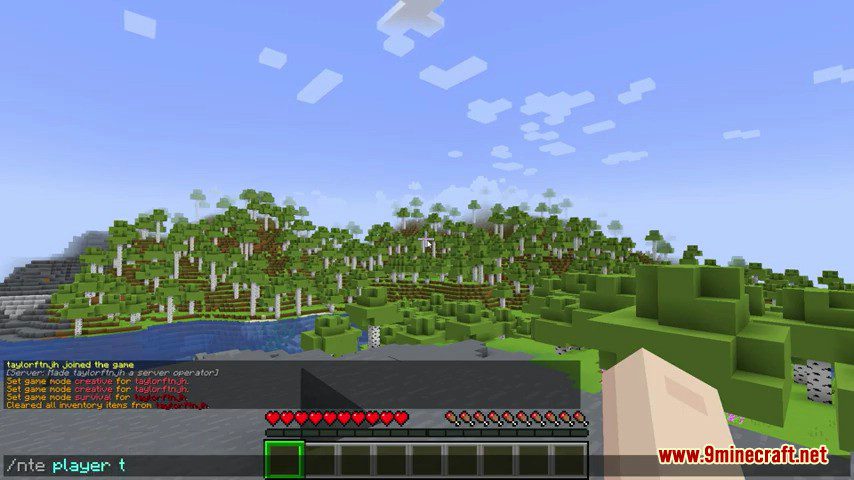
- /ne player <player> <prefix/suffix> <new value>: Sets a new prefix or suffix for a player.
Permissions:
- nametagedit.use: Allows use of the /ne command.
- nametagedit.reload: Allows use of the /ne reload command.
- nametagedit.edit.self: Allows a player to edit their own tag.
- nametagedit.edit.others: Allows a player to edit other players’ tags.
- nametagedit.edit.groups: Allows a player to edit group tags.
- nametagedit.override: Allows a player to edit tags regardless of priority levels.
Screenshots:
How to Install:
New to Minecraft? Follow our step-by-step guide to install Plugins on your PC.View Guide
NametagEdit Plugin Download Links
For All Versions from Minecraft Spigot 1.7 to Minecraft Spigot 1.20.1
Click to rate this post!
[Total: 1 Average: 5]
You May Also Like
















This post has no comments yet. Be the first — your comment will appear here.