


HeadBlocks Plugin (1,20.1, 1.19.4) – Spigot

 0
0 

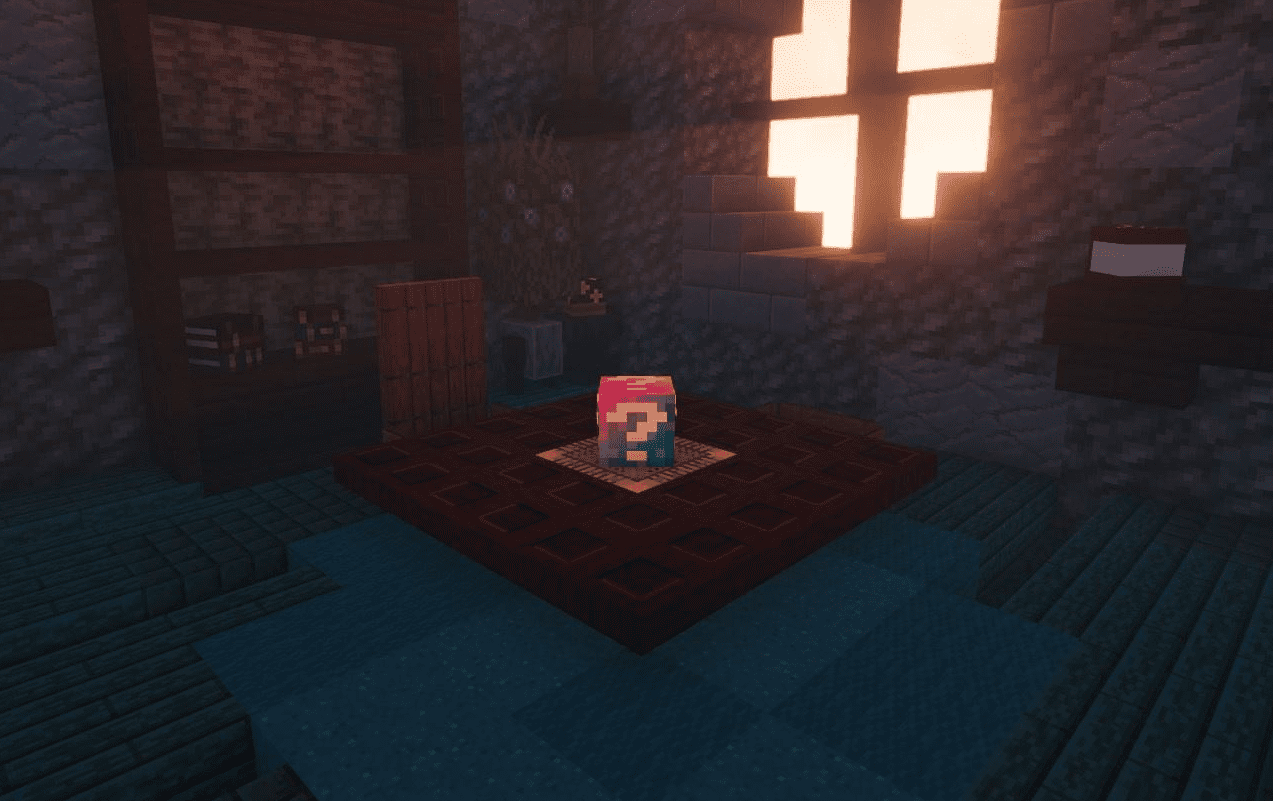
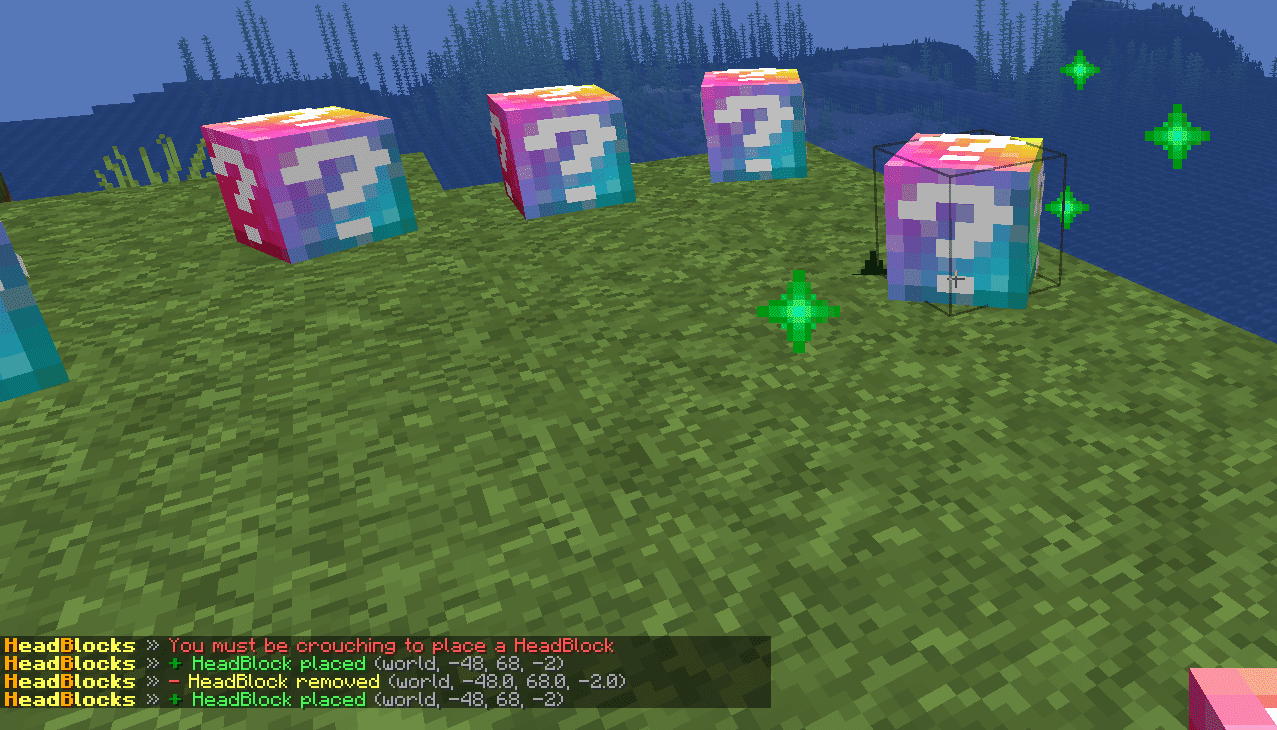
HeadBlocks Plugin (1,20.1, 1.19.4) is an engaging plugin designed to keep your players entertained and active. The concept is straightforward: you conceal a certain number of heads within your world, and your players must locate them to earn a variety of rewards. This plugin is frequently used for festive events like Easter or Christmas head hunts!
Features:
- Very easy to use
- No head limit
- Execute commands when clicking or according to levels
- Multiple head and multiple texture (support HeadDatabase)
- Customize sounds on click
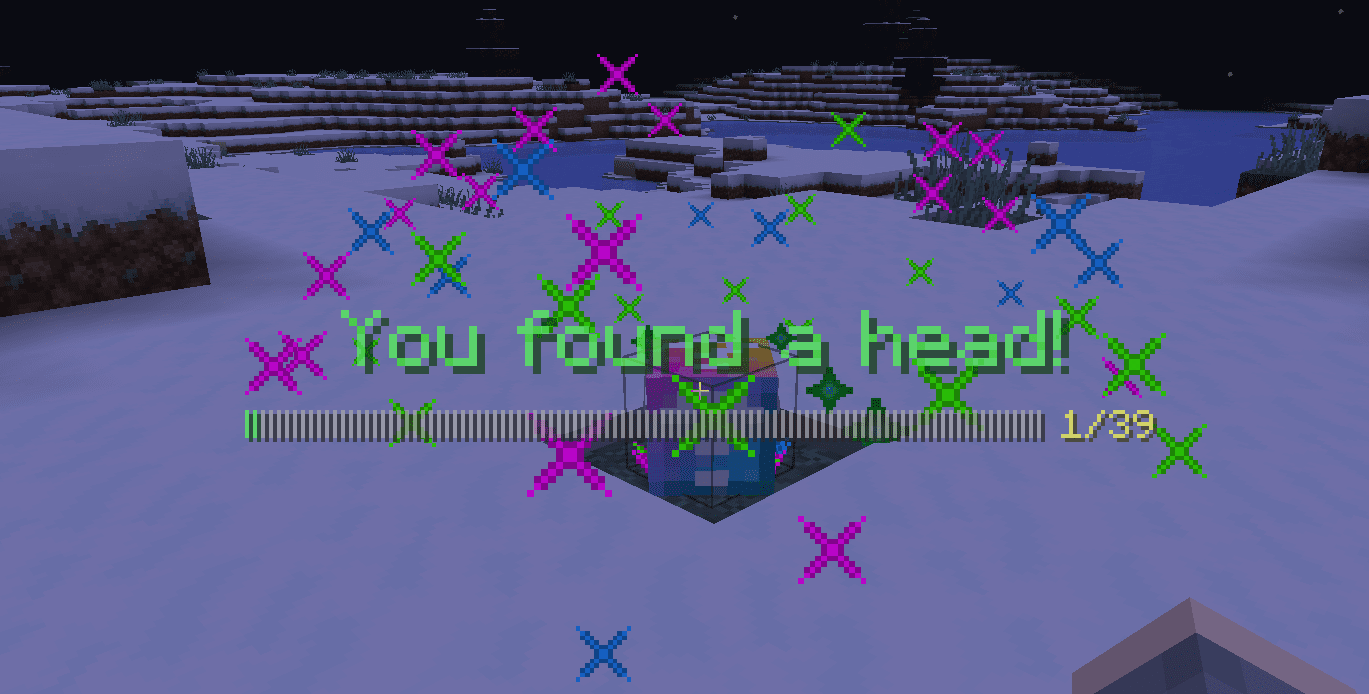
- Send multi-line and centered messages on click
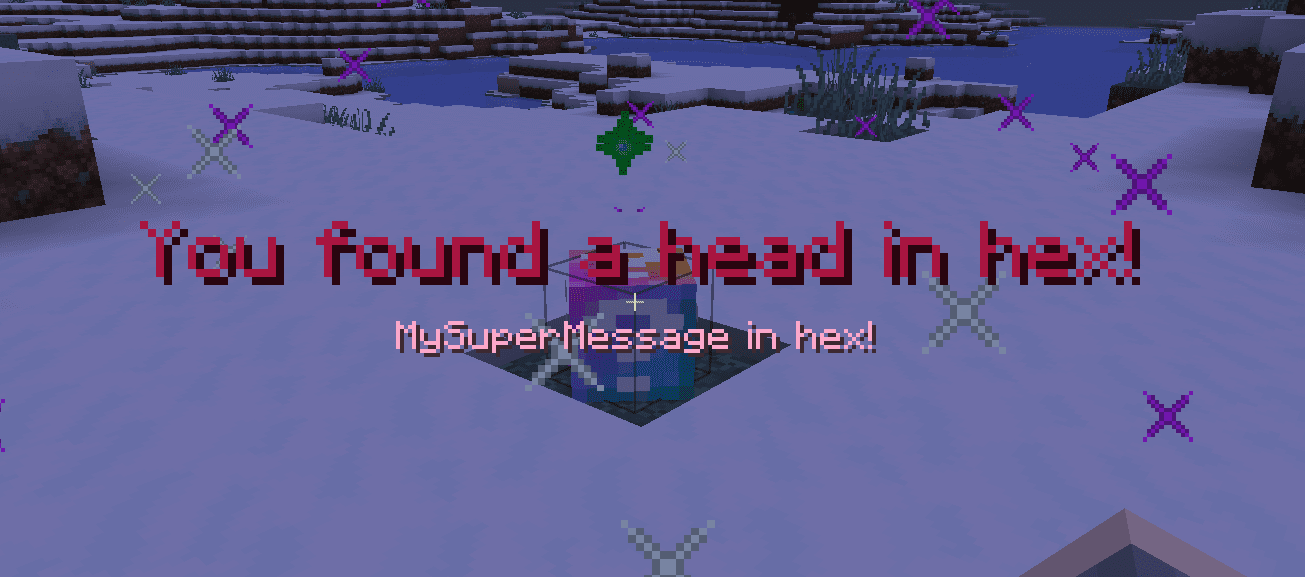
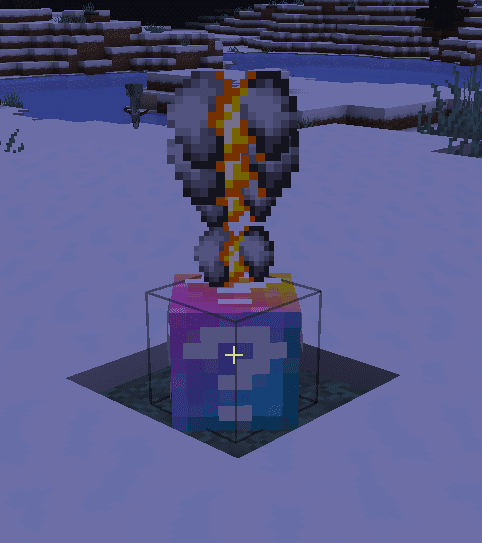
- Customize a firework or an explosion at the head with any colors
- Send a title fully customizable to the player
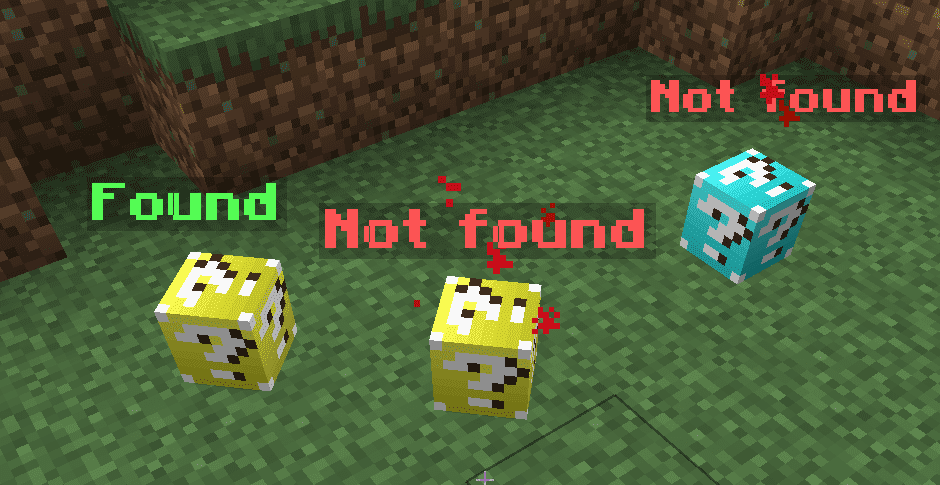
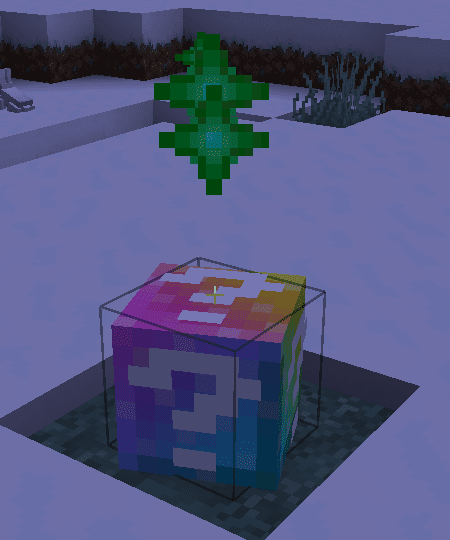
- Add particles on head already found and not found (1.13+)
- Can be used on a lobby, on a single server or even on several servers simultaneously (with Redis)
- Storage of player data in SQLite or MySQL
- Everything is translatable
- API for developers
- Contains several placeholders (see below)
- Automatic configuration updates
- Supports Minecraft 1.16+ colors
- Show holograms on heads (DecentHolograms, HolographicDisplays or ProtocolLib)
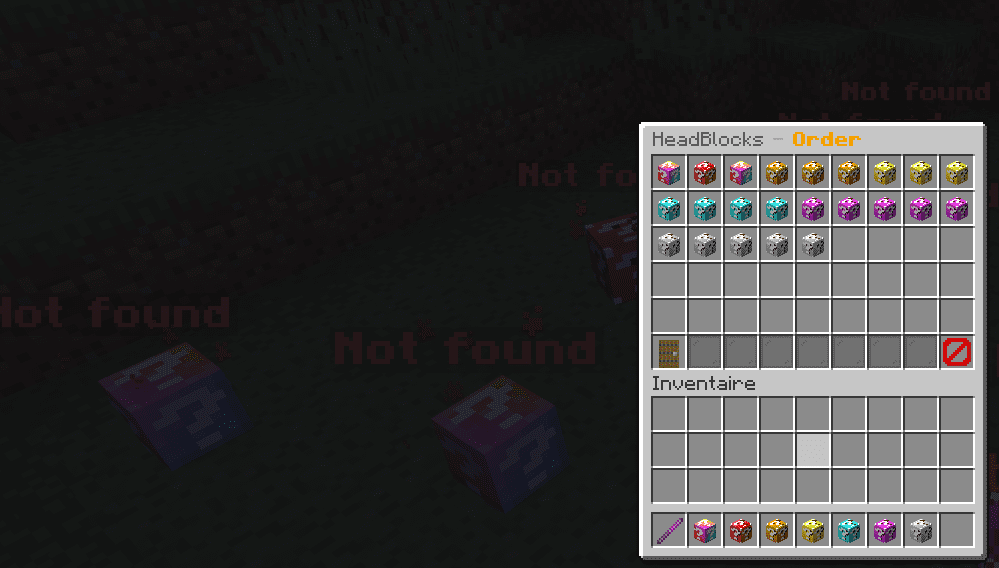
- Order or define max click on the heads
Commands:
- me <player> : Displays the player’s progress (can contain a progress bar customizable in config.yml)
- give <player> : Give a special head. When placed, it becomes a clickable head (one-time per player)
- remove <headUuid> : Remove spawned head by it’s uuid
- removeall : Remove all spawned heads
- reset <player> : Resets all data of a player
- resetall : Resets data for all player
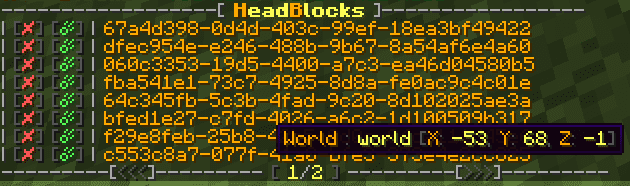
- list : Display in the chat the list of all heads with their locations
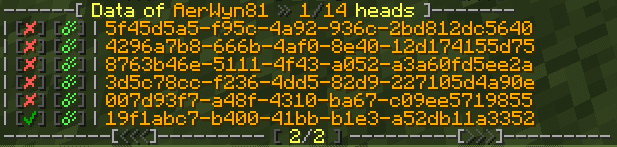
- stats <player> : Displays in the chat the list of recovered and not recovered heads of a player
- top <limit> : Displays in the chat a leaderboard of players
- move : Move an existing head without loosing player data
- export : Export HeadBlocks database in another database one
- options : Open a GUI with ordering or max click settings
- reload : Reload the plugin configuration
- version : Display the version of the plugin
- help : Display help message
Permissions:
- headblocks.use : Allows to interact with the heads, use commands /hb me and /hb top (default player)
- headblocks.admin : All admin commands (default op)
Screenshots:

How to Install:
New to Minecraft? Follow our step-by-step guide to install Plugins on your PC.View Guide
HeadBlocks Plugin Download Links
For All Versions from Minecraft Spigot 1.16 to Minecraft Spigot 1.20.1
Click to rate this post!
[Total: 0 Average: 0]
You May Also Like
















This post has no comments yet. Be the first — your comment will appear here.