
Player Roles Mod (26.3, 1.20.1) – Manage Server Permissions and Custom Chat

 0


Player Roles Mod brings a flexible permission and role management system to multiplayer servers. It allows you to assign Discord-style roles to players using a simple configuration file. Every player starts with a default role, while additional roles act as overrides to manage permissions, commands, and chat features.

Features:
- Allows you to manage server permissions easily using Discord-like roles defined in a config file.
- Sets up an
everyonedefault role that applies to all players and cannot be removed. - Lets you configure specific command rules using regular expression patterns and allow or deny strategies.
- Modifies player names with custom colors, prefixes, suffixes, and chat or tab list contexts.
- Replaces chat message decorations for specific roles using the vanilla chat type registry.
- Prevents assigned players from typing in chat with a simple mute setting.
- Sets vanilla permission levels for players to interact smoothly with other mods and vanilla features.
- Grants specific roles the ability to receive global command feedback and use entity selectors.
Commands:
/role assign <player> <role>: assigns a role to a player./role remove <player> <role>: removes a role from a player./role list <player>: lists all roles applied to a player./role reload: reloads the roles.json configuration file.
How to Use:
- Locate the configuration file in the server config directory at
root/config/roles.json. - Edit the JSON file to define custom roles, permissions, and command overrides.
- Join the server and type
/role reloadin the chat to apply your configuration changes instantly without restarting.
Screenshots:
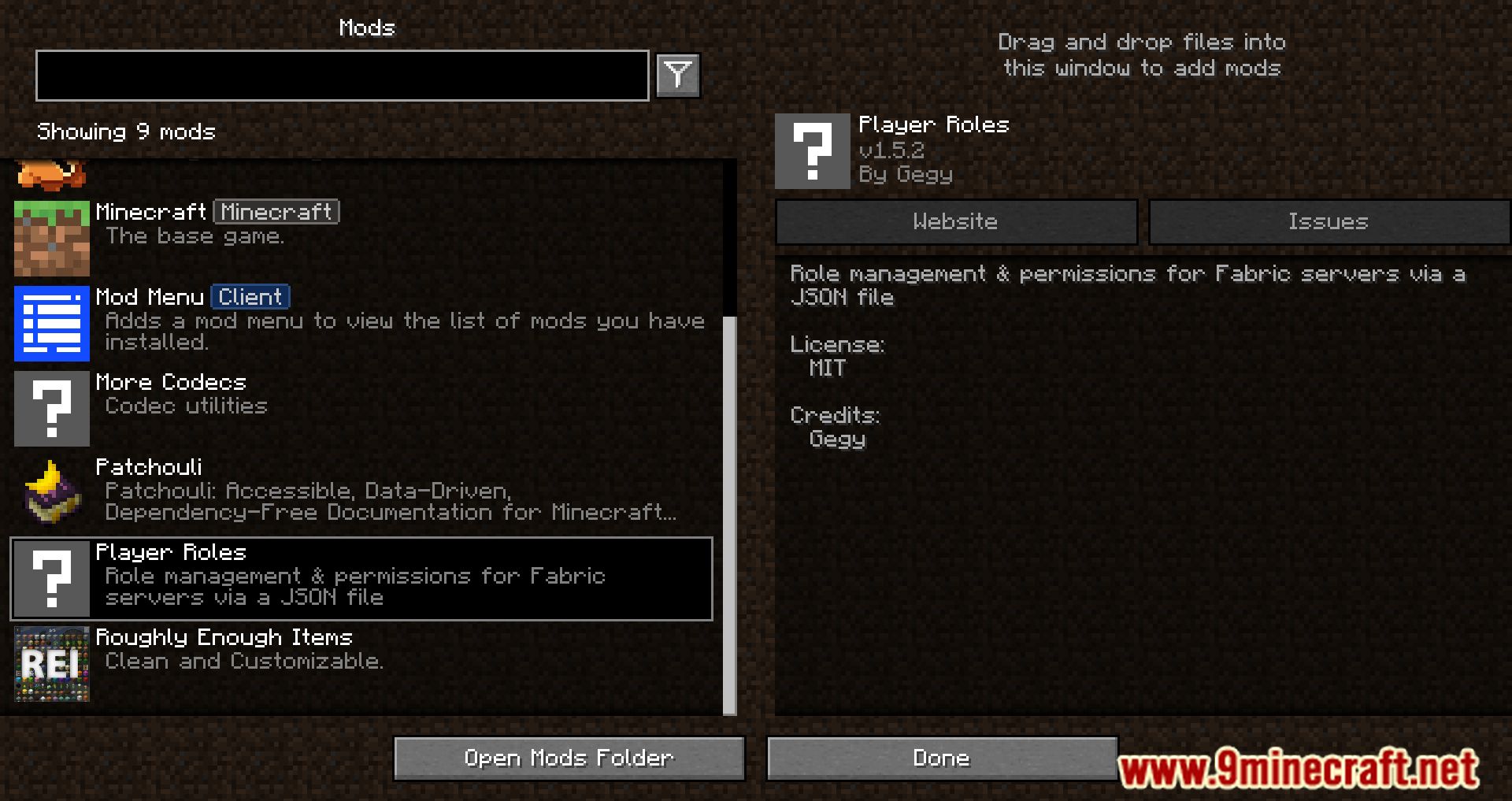






How to Install:
New to Minecraft? Follow our step-by-step guide to install Mods on your PC.View Guide
Requirements:

Player Roles Mod Download Links
For Minecraft 26.3
For Minecraft 26.2
For Minecraft
26.1.2,
26.1.1,
26.1
All Versions Covered
26.1.2
26.1.1
26.1
1.21.11
All Versions Covered
26.1.2
26.1.1
26.1
1.21.11
For Minecraft
1.21.11,
1.21.10,
1.21.9
All Versions Covered
1.21.11
1.21.10
1.21.9
1.21.8
1.21.7
1.21.6
All Versions Covered
1.21.11
1.21.10
1.21.9
1.21.8
1.21.7
1.21.6
For Minecraft 1.21.10, 1.21.9
For Minecraft 1.21.8, 1.21.7, 1.21.6
For Minecraft 1.21.5
For Minecraft
1.21.4,
1.21.3,
1.21.2
All Versions Covered
1.21.4
1.21.3
1.21.2
1.21.1
1.21
All Versions Covered
1.21.4
1.21.3
1.21.2
1.21.1
1.21
For Minecraft
1.21.3,
1.21.2,
1.21.1
All Versions Covered
1.21.3
1.21.2
1.21.1
1.21
All Versions Covered
1.21.3
1.21.2
1.21.1
1.21
For Minecraft 1.20.6
For Minecraft 1.20.4
For Minecraft 1.20.2
For Minecraft 1.20.1, 1.20
For Minecraft 1.19.4, 1.19.3
For Minecraft 1.19.1
For Minecraft 1.19
For Minecraft 1.18.2, 1.18.1, 1.18
For Minecraft 1.17.1
For Minecraft 1.16.5
Click to rate this post!
[Total: 1 Average: 5]
You May Also Like
Picked for this page
 Vein Miner Mod (26.3, 1.20.1) – Make Mining Easier
 Right-Click Harvest Mod (26.3, 1.20.1) – Harvest Crops Quickly and Easily
 Break Free Mod (26.3, 1.20.1) – Keep Breaking Blocks When Switch Items
 Syncmatica Mod (26.3, 1.20.1) – Server-Wide Shared Litematics
 Healing Soup Mod (26.3, 1.20.1) – Soup Heals Health
 No LAN Cheating Mod (26.3, 1.20.1) – Disallow Players From Using Cheats
 More Beautiful Stairs Mod (26.3, 1.20.1) – 100+ New Stairs!
 Mooshroom Tweaks Mod (26.3, 1.20.1) – Natural Brown Mooshroom Spawns
 MAtmos Ambient Sound Mod (26.3, 1.20.1) – Adjusts Sounds Based On The Environment
 Better Conduit Placement Mod (26.3, 1.20.1) – Placing Conduit Prismarine Blocks Easier
 Item Transform Helper Mod (26.3, 1.20.1) – Set Size & Location Of Items
 Spell Checker Mod (26.2, 1.20.1) – Communicate Clearly
Most viewed in Mods over the last 7 days
 Ala Industrial Mod (26.3) – Run Electric Power Grids and Automated Factories
 PleasureCraft Mod (26.3, 1.21.1) – Jenny Mod Remake for Fabric
 Jennycraft Mod (26.3, 1.20.1) – Virtual Girlfriend in Minecraft
 Fapcraft Mod (26.3, 1.12.2) – Comprehensive and Detailed Content
 Jenny Mod (Fapcraft) Official Complete Guide – How to use, Tutorial
 BangCraft Mod (1.20.1) – Jenny, Ellie and Elliot
 Fabric Loader (26.3, 1.20.1) – Fabric Installer for All Minecraft Versions
 Meteor Client Mod (26.3, 1.20.1) – Xray, HUD, Fly
 The Shooting Star Demo Mod (26.3, 1.20.1) – Vaporize Terrain From Orbit
 OptiFine HD (26.3, 1.20.1) – Run Faster, FPS Boost, Shaders Support
 Aristois Client Mod (1.21.4, 1.20.1) – World Class Minecraft Utility
 Prestige Client Mod (1.21.11, 1.21.4) – Powerful Ghost Features for Crystal & Sword PvP
More from Mods
 Universe3090 Mod (1.20.1) – Survive Corrupted Dimensions Filled
 Wireless Automate Mod (1.21.1) – Automate Base Logistics Without Messy Pipes
 Vaskars Opus Faction War Quests & Bosses Mod (1.21.11, 1.20.1)
 Multitools and More Mod (26.3, 1.20.1) – Clear Your Hotbar and Travel
 Luxium Let There Be Light Mod (1.20.1) – Stunning Lighting on Low-End Computers
 Soulscraft Tarnished Legacy Mod (1.21.1) – Hunt Relics to Forge Dark Fantasy
 Fetzi’s Displays Mod (26.1.2, 1.20.1) – Turn Rare Gear and Weapons
 Primal Plushies Paleo Pals Mod (1.21.1, 1.20.1) – Decorate Your Base
 Ipla Mod (26.3, 1.20.1) – Showcase Your Favorite Items
 MesdagPortLib Mod (1.20.1) – Run Modern Minecraft Mechanics on Older Versions
 Hellion’s API Mod (1.21.11, 1.21.1) – Play Hellion Series Addons Without Crashes
 Terrestria Mod (26.3, 1.20.1) – Highly Detailed Biomes

This post has no comments yet. Be the first — your comment will appear here.