


Emoji Type Mod (26.2, 1.20.1) – Using Emojis and Special Characters
 2,933
2,933
 0
0


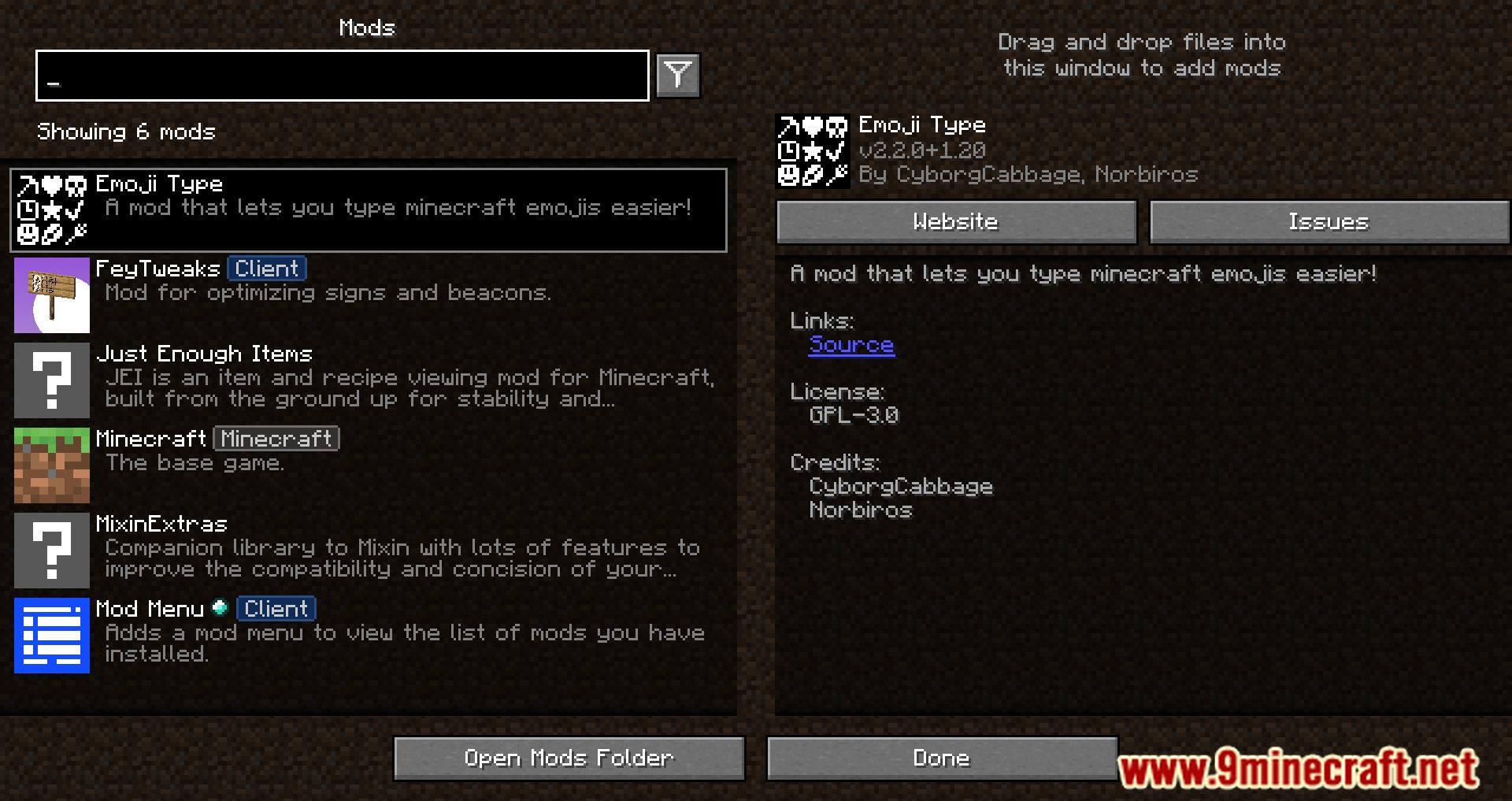
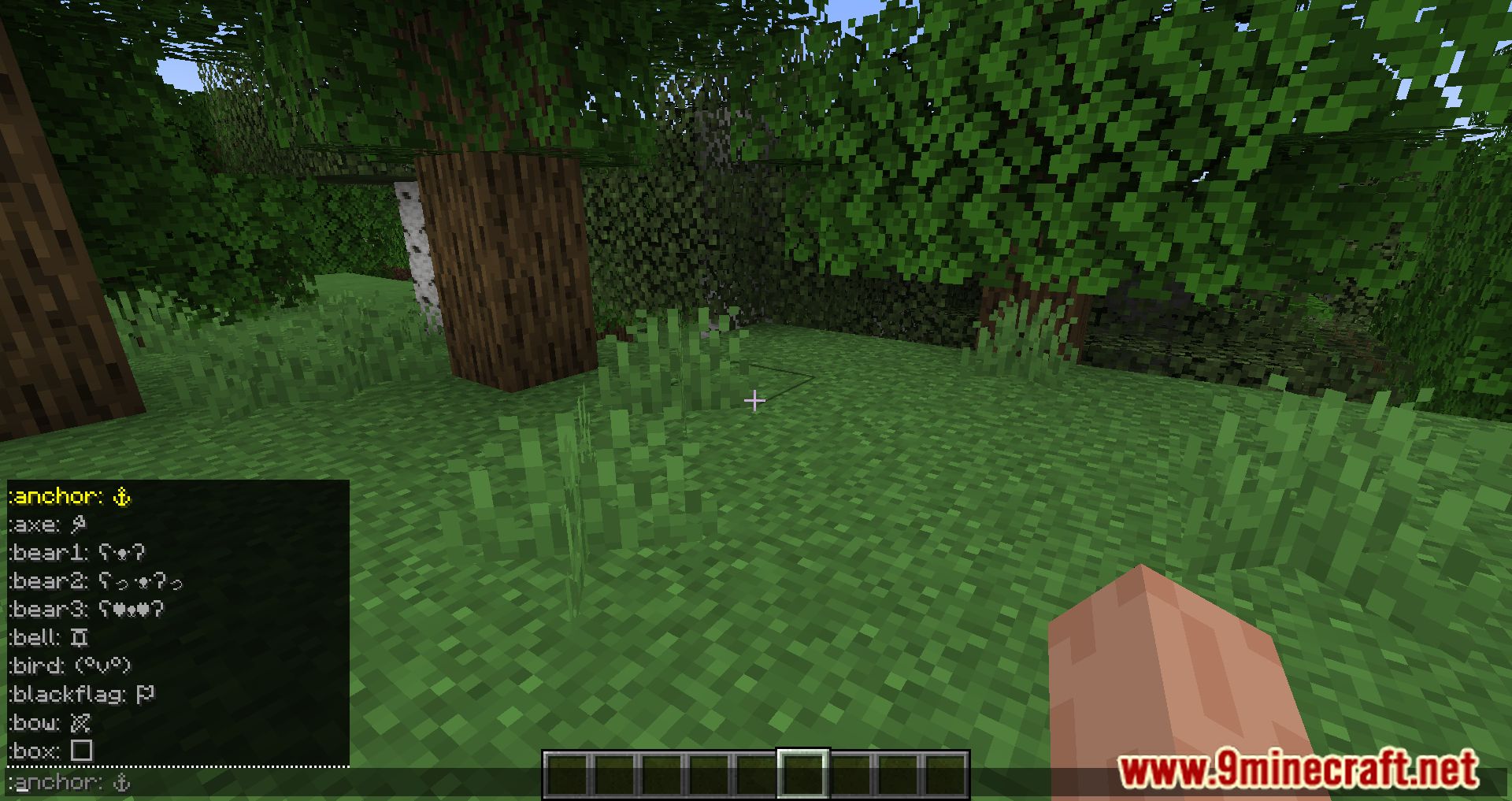
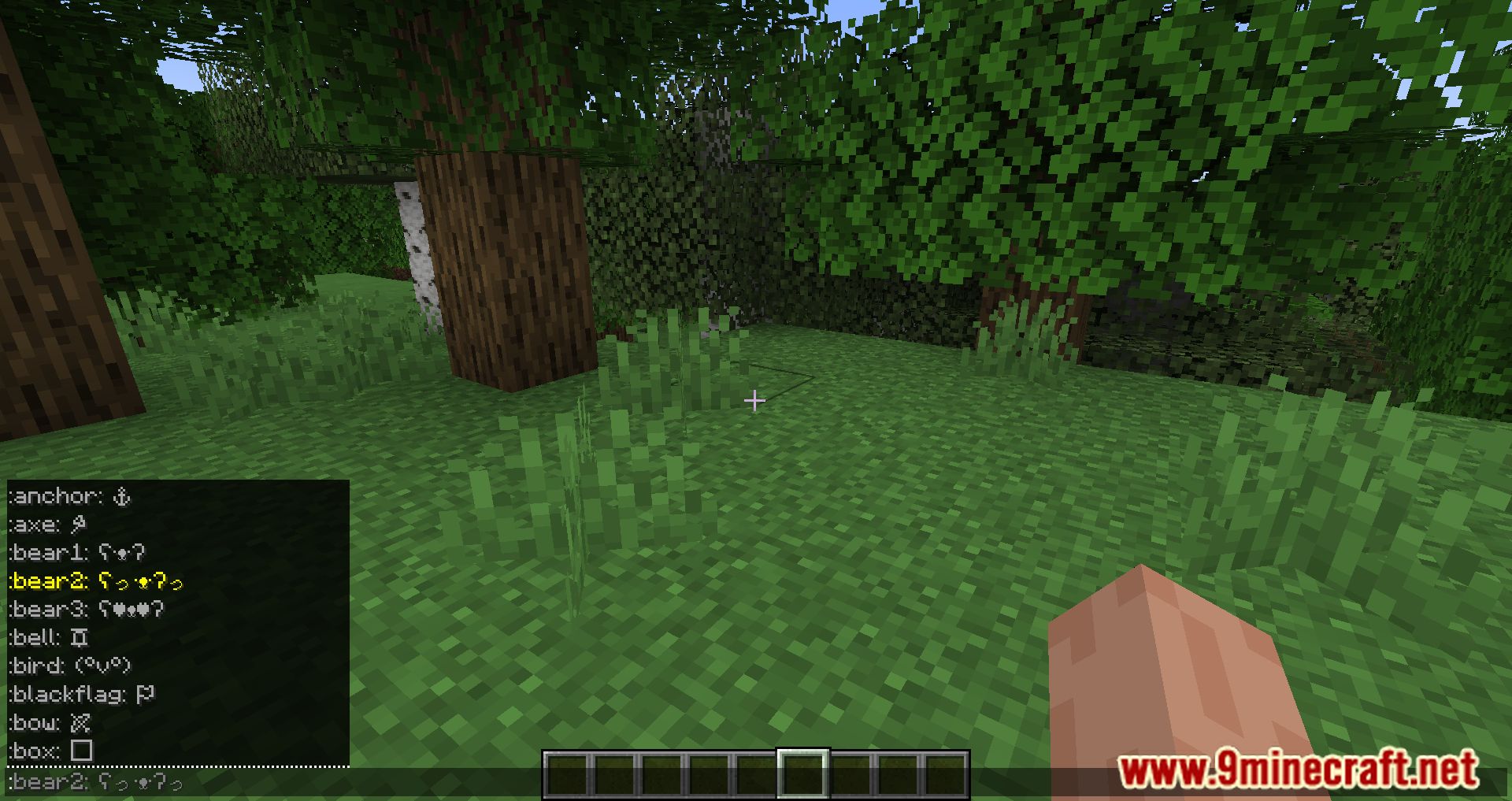
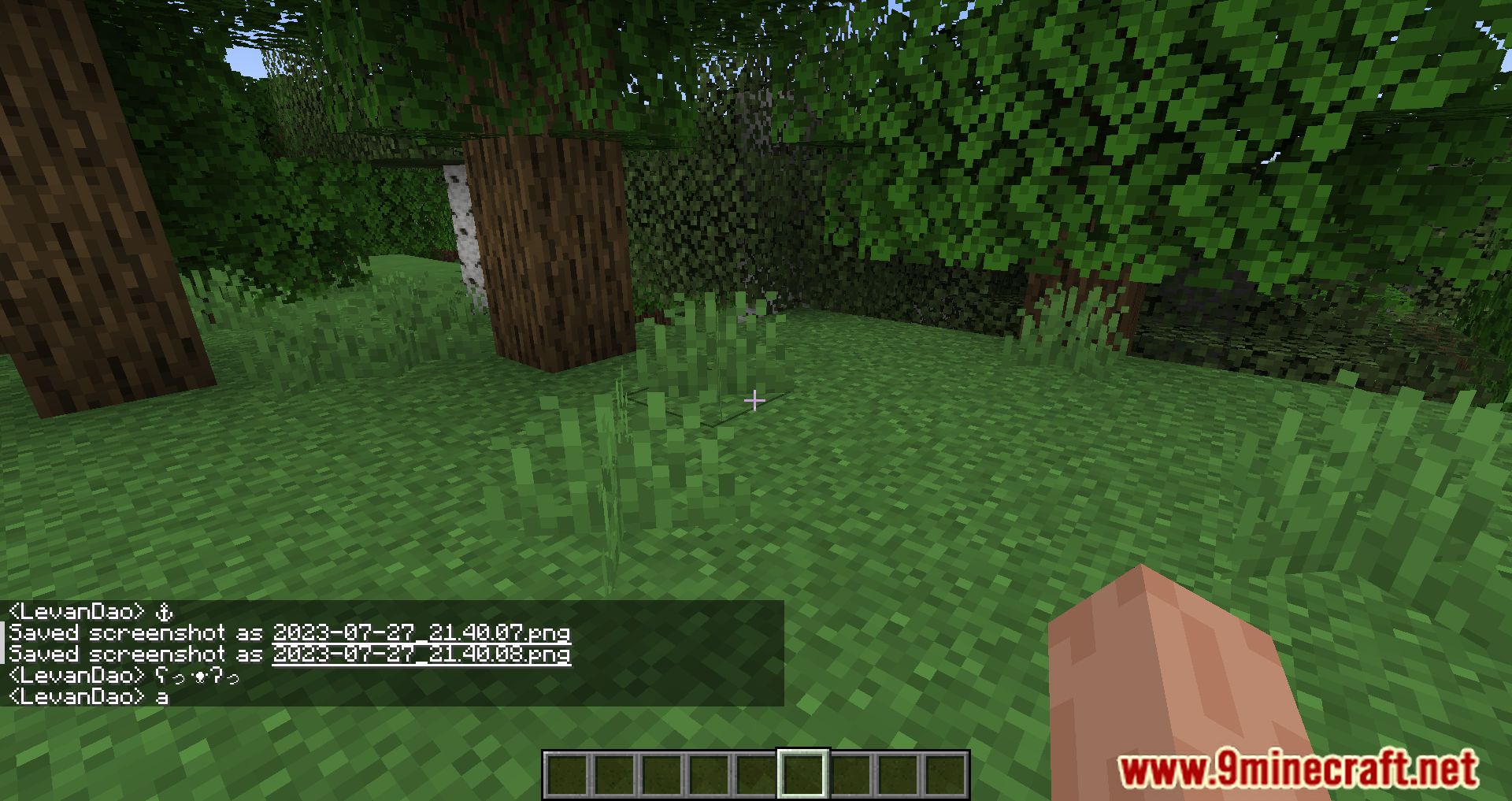
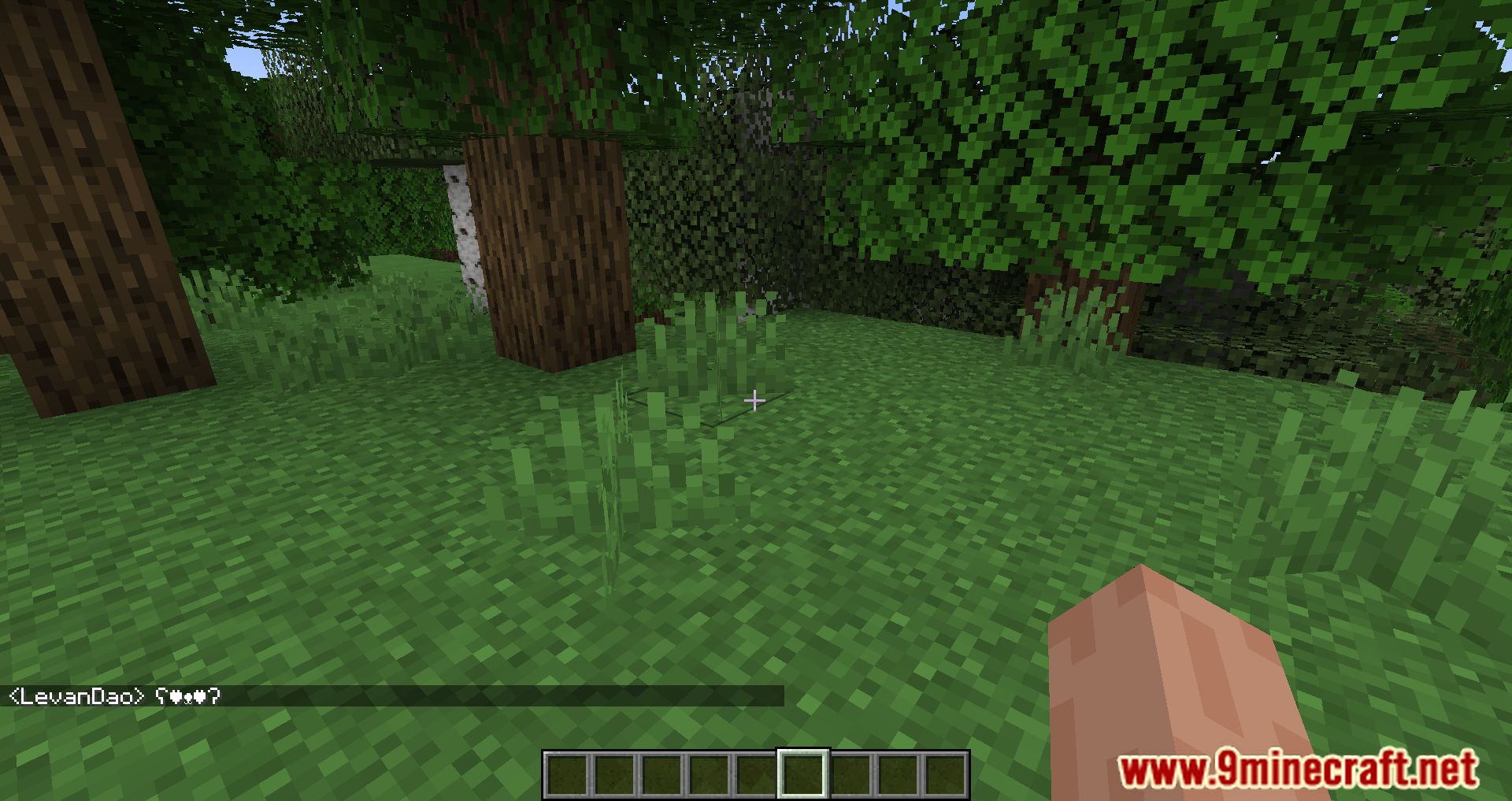
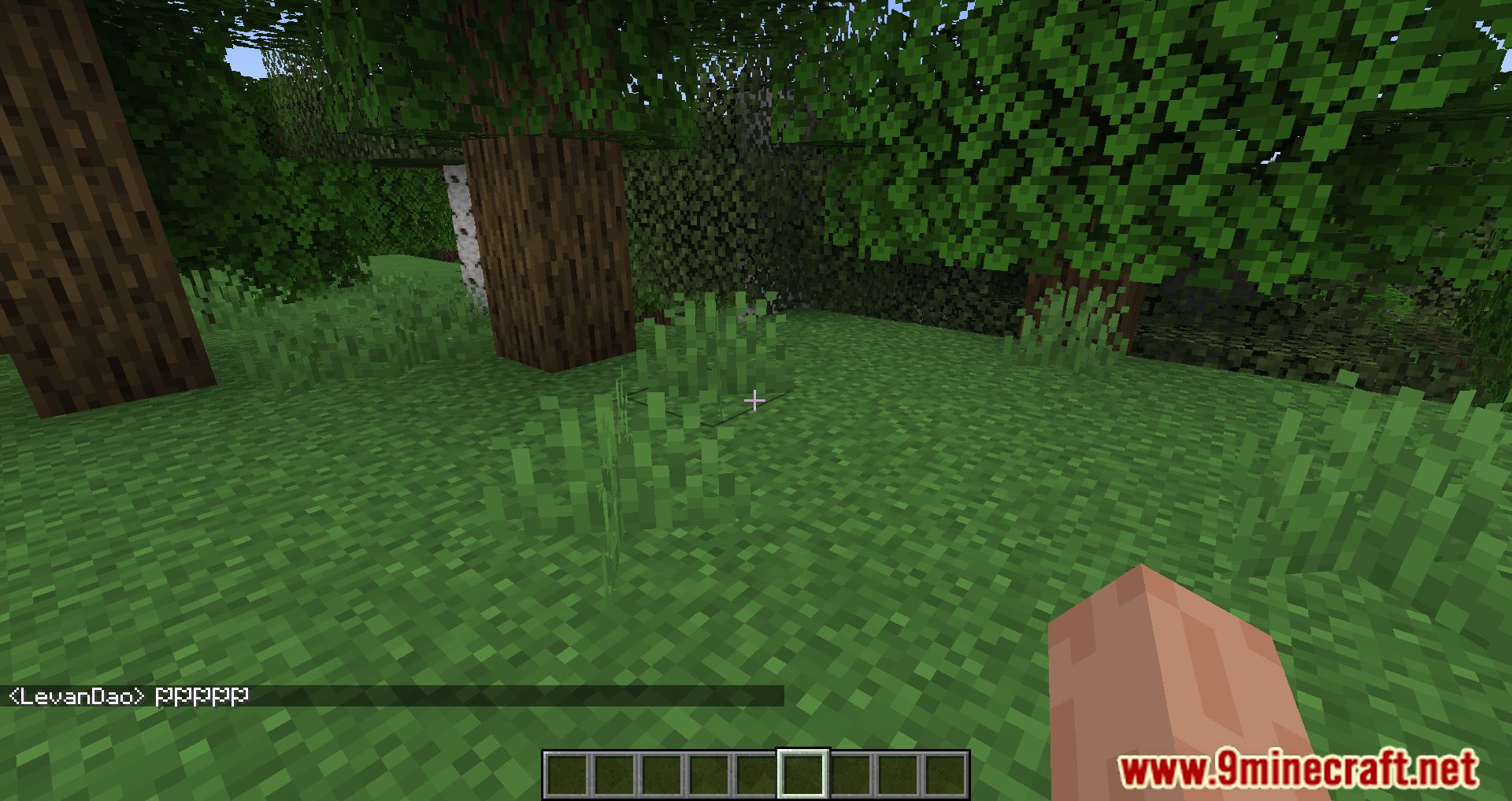
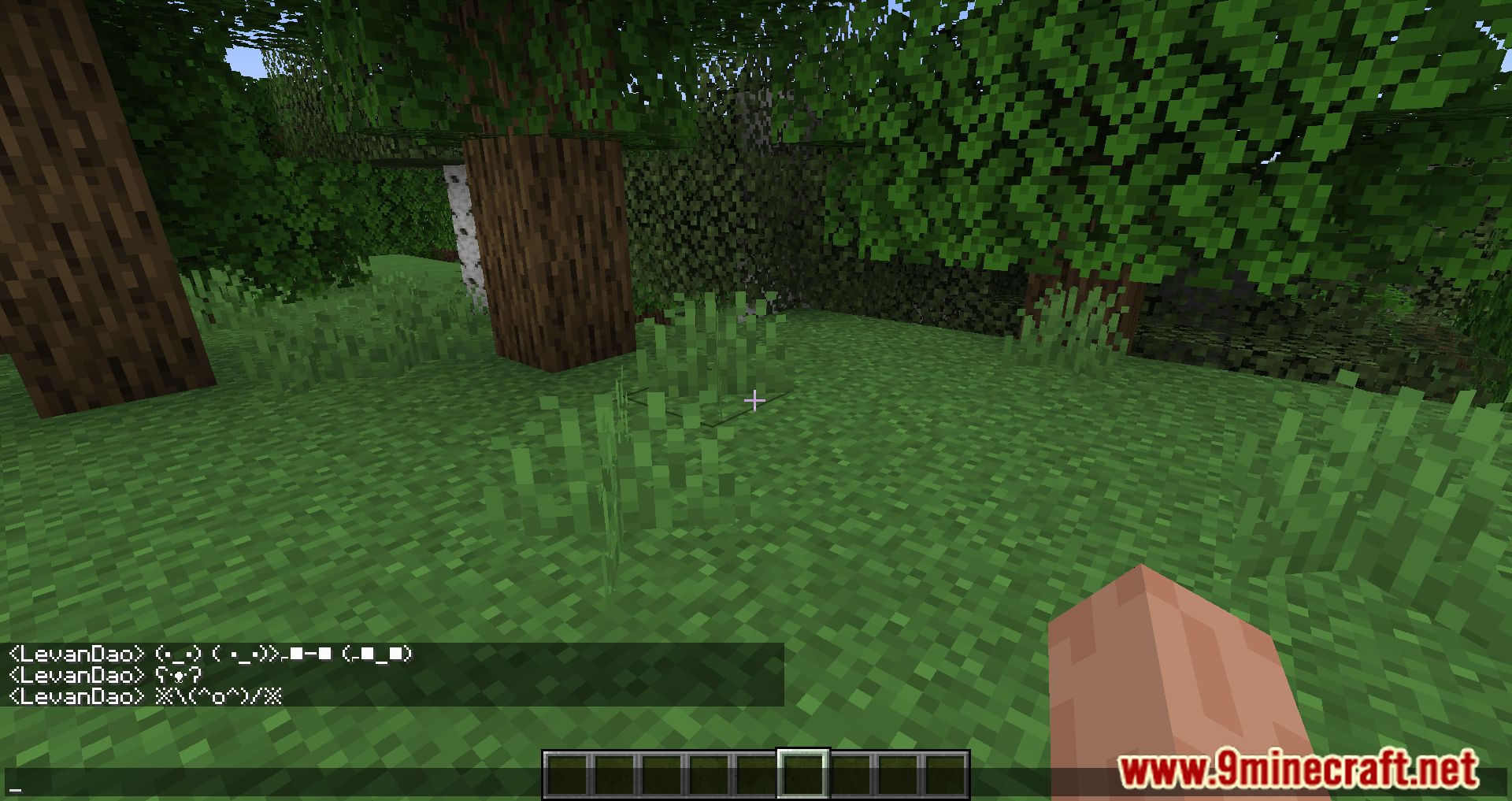
Emoji Type Mod makes it easier to use emojis and special characters in Minecraft. The mod doesn’t add new emojis-it simply streamlines the input of emojis that already exist in the game. This means any emojis typed will be visible to everyone and will remain even if the mod is later removed. To use an emoji, just type a colon : in chat and select the desired symbol from the suggestions that appear.
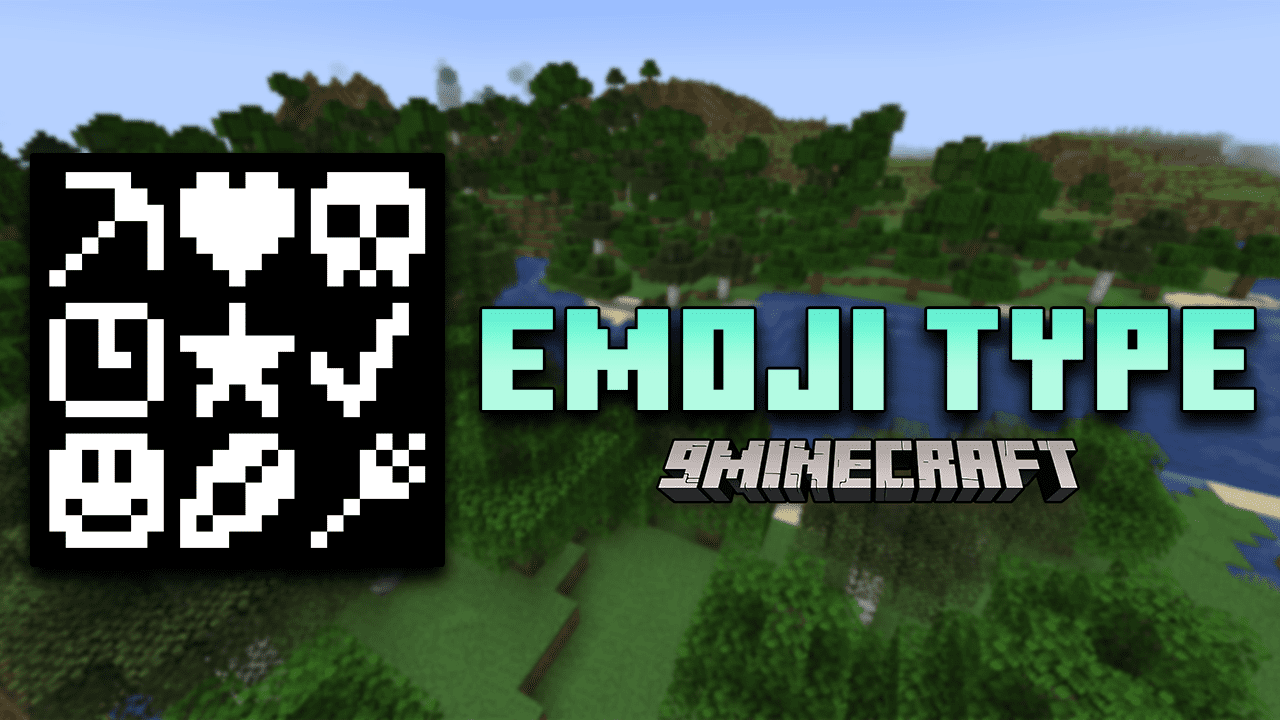
Features:
- Just type a colon : in chat, and a list of emoji keywords will appear-select one to insert the corresponding emoji or symbol.
- Emojis can also be typed into anvils, signs, books, and other text fields. While the suggestion list won’t appear outside of chat, the keywords still work.
- 100+ supported symbols: Includes a wide range of Unicode emojis and symbols already supported by Minecraft-no new emojis are added, just easier access to existing ones.
- Emojis remain visible to all players and persist even if the mod is later removed.
Screenshots:
How to Install:
New to Minecraft? Follow our step-by-step guide to install Mods on your PC.View Guide
Requirements:






Emoji Type Mod Download Links
For Minecraft
26.2,
26.1.2,
26.1.1
All Versions Covered
26.2
26.1.2
26.1.1
26.1
All Versions Covered
26.2
26.1.2
26.1.1
26.1
For Minecraft 1.21.11, 1.21.10, 1.21.9
For Minecraft 1.21.8, 1.21.7, 1.21.6
For Minecraft 1.21.5, 1.21.4
For Minecraft 1.21.3, 1.21.2
For Minecraft 1.21.1, 1.21
For Minecraft 1.20.6
For Minecraft
1.20.4,
1.20.3,
1.20.2
All Versions Covered
1.20.4
1.20.3
1.20.2
1.20.1
1.20
All Versions Covered
1.20.4
1.20.3
1.20.2
1.20.1
1.20
For Minecraft
1.20.3,
1.20.2,
1.20.1
All Versions Covered
1.20.3
1.20.2
1.20.1
1.20
All Versions Covered
1.20.3
1.20.2
1.20.1
1.20
For Minecraft 1.20.1, 1.20
For Minecraft 1.19.2, 1.19.1, 1.19
For Minecraft 1.18.2
For Minecraft 1.18.1
For Minecraft 1.17.1
For Minecraft 1.16.5
Click to rate this post!
[Total: 1 Average: 4]
You May Also Like












This post has no comments yet. Be the first — your comment will appear here.