
Potion Particle Pack Mod (1.20.1, 1.19.4) – Spot Active Status Effects Instantly

 0


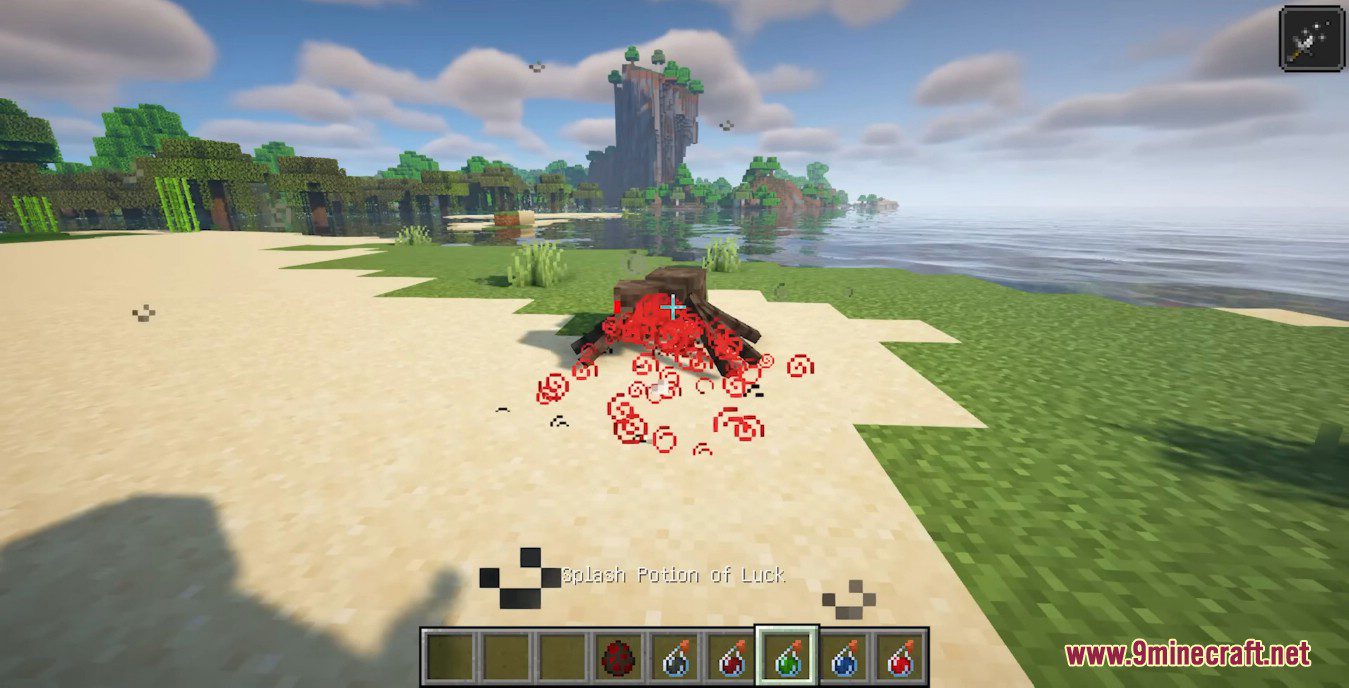
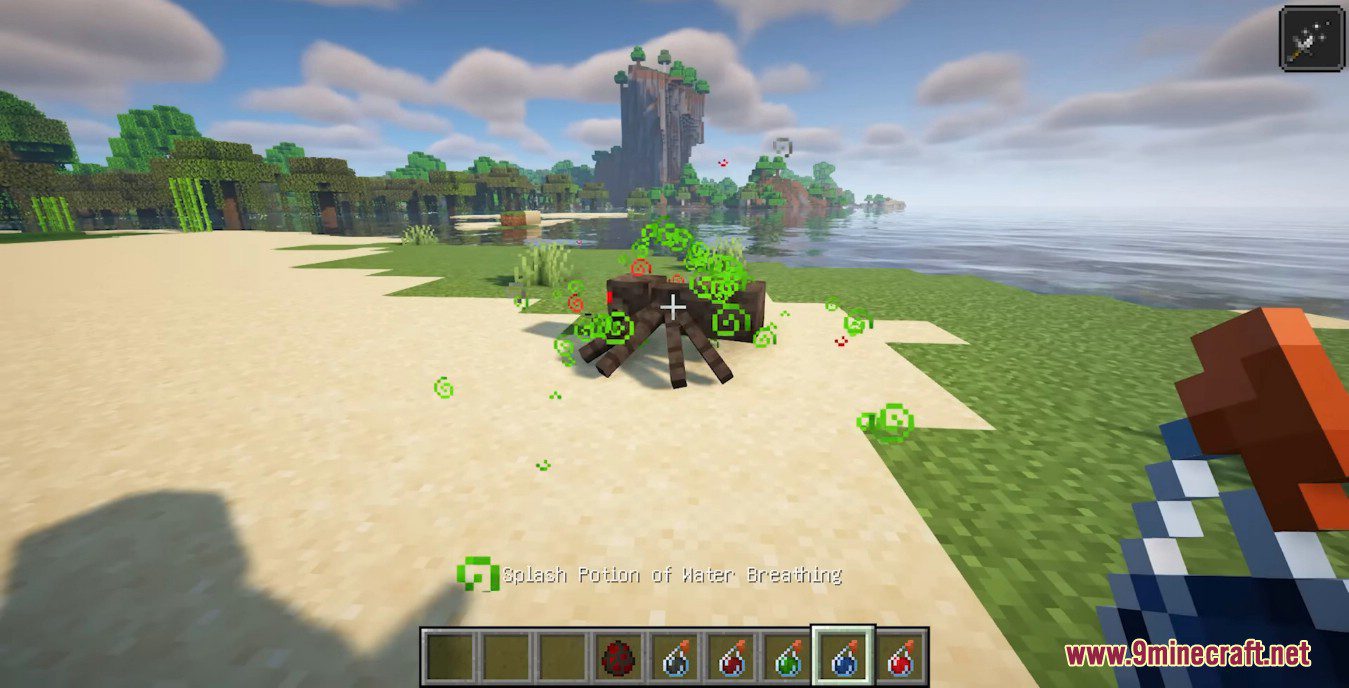
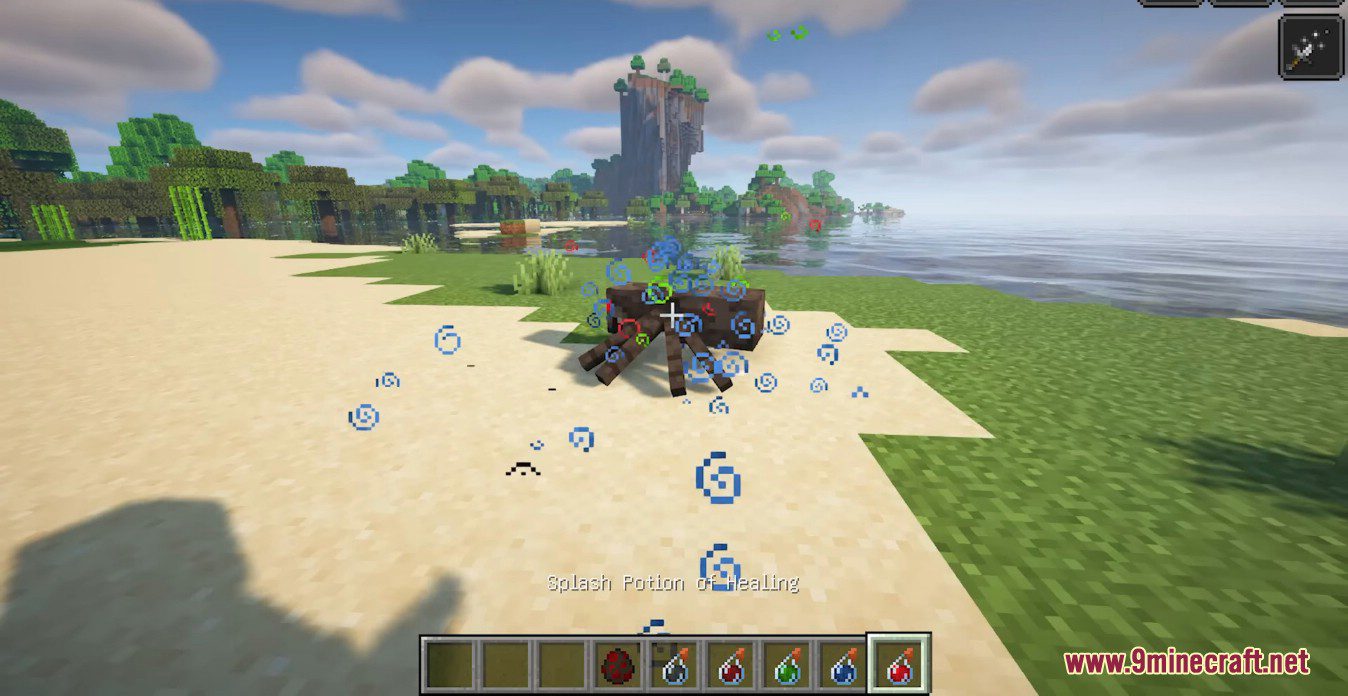
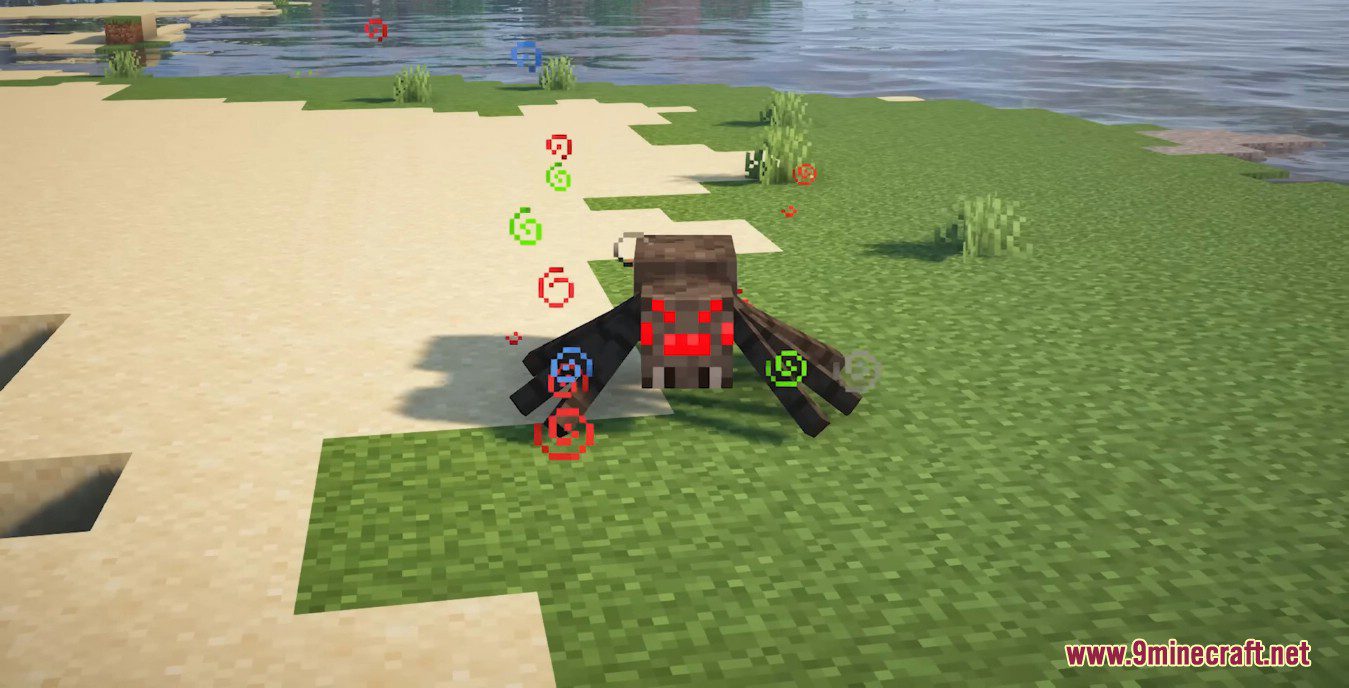
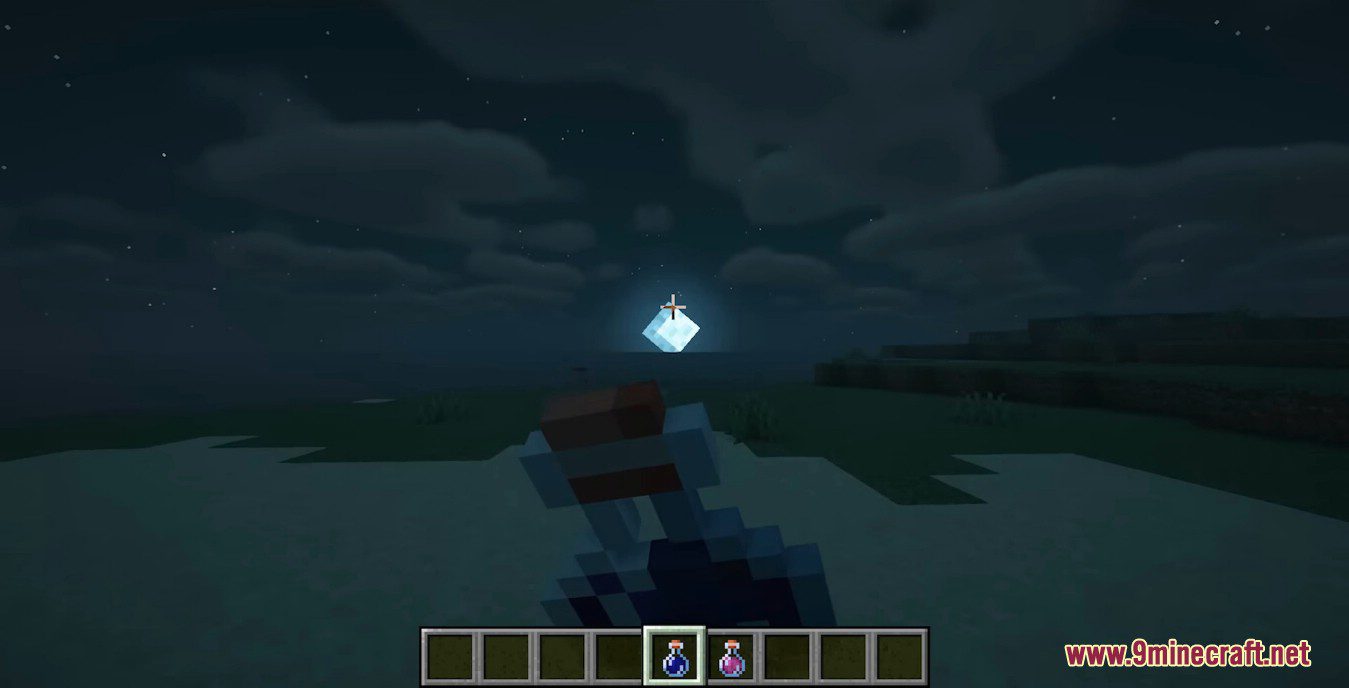
Potion Particle Pack Mod improves how status effects look on players and mobs in Minecraft. This mod lets resource packs change potion colors, separates particle colors when several effects are active, hides particles in first-person view, and shows effect icons on potions and arrows. These changes keep your view clear around permanent effects like beacons and help you tell potions apart faster. Showing separate colors for multiple effects requires the mod on both the server and the client.
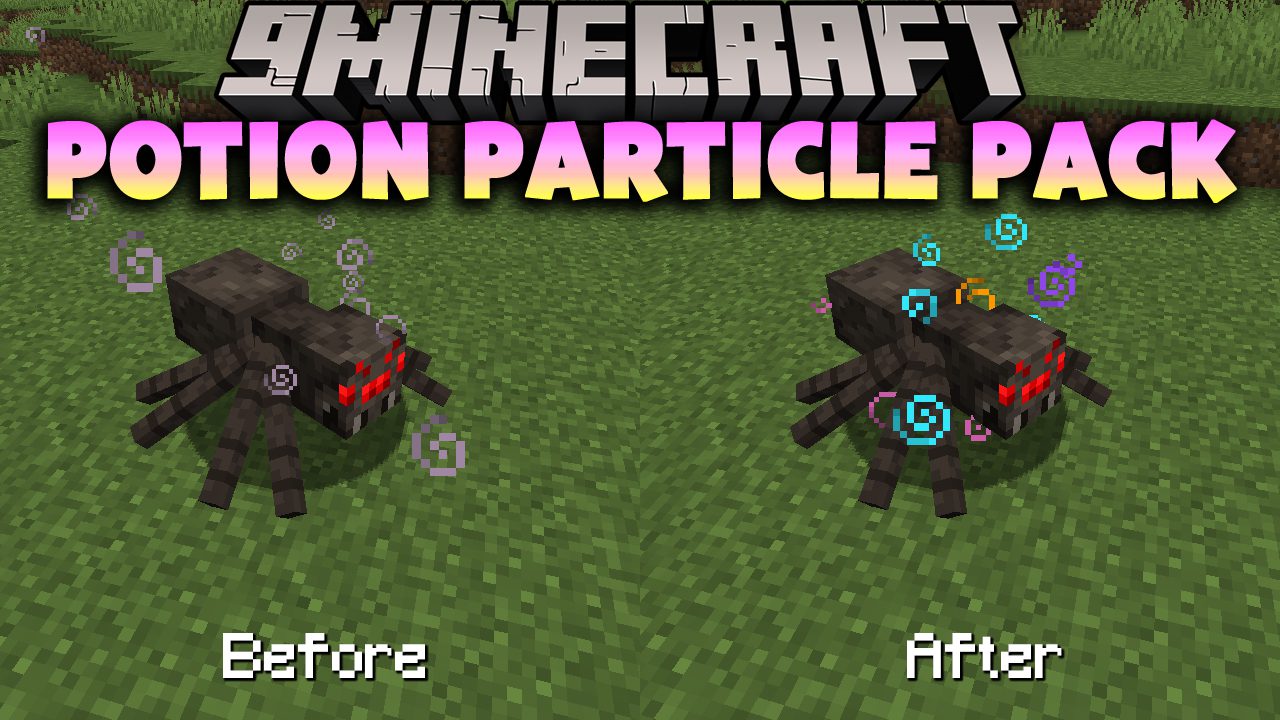
Features:
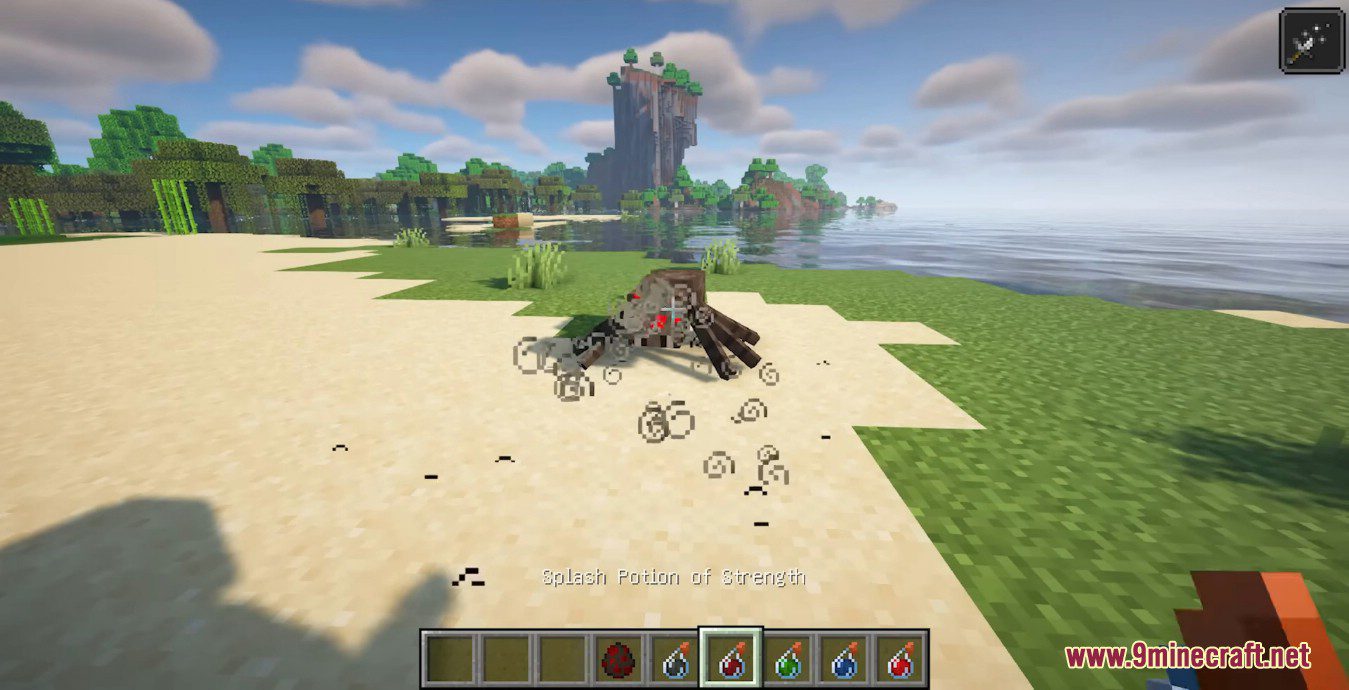
- Multiple Particle Colors: Shows separate colors for each active status effect instead of blending them into one ugly color. Higher effect levels also spawn extra particles, and this feature needs the mod on both the server and the client.
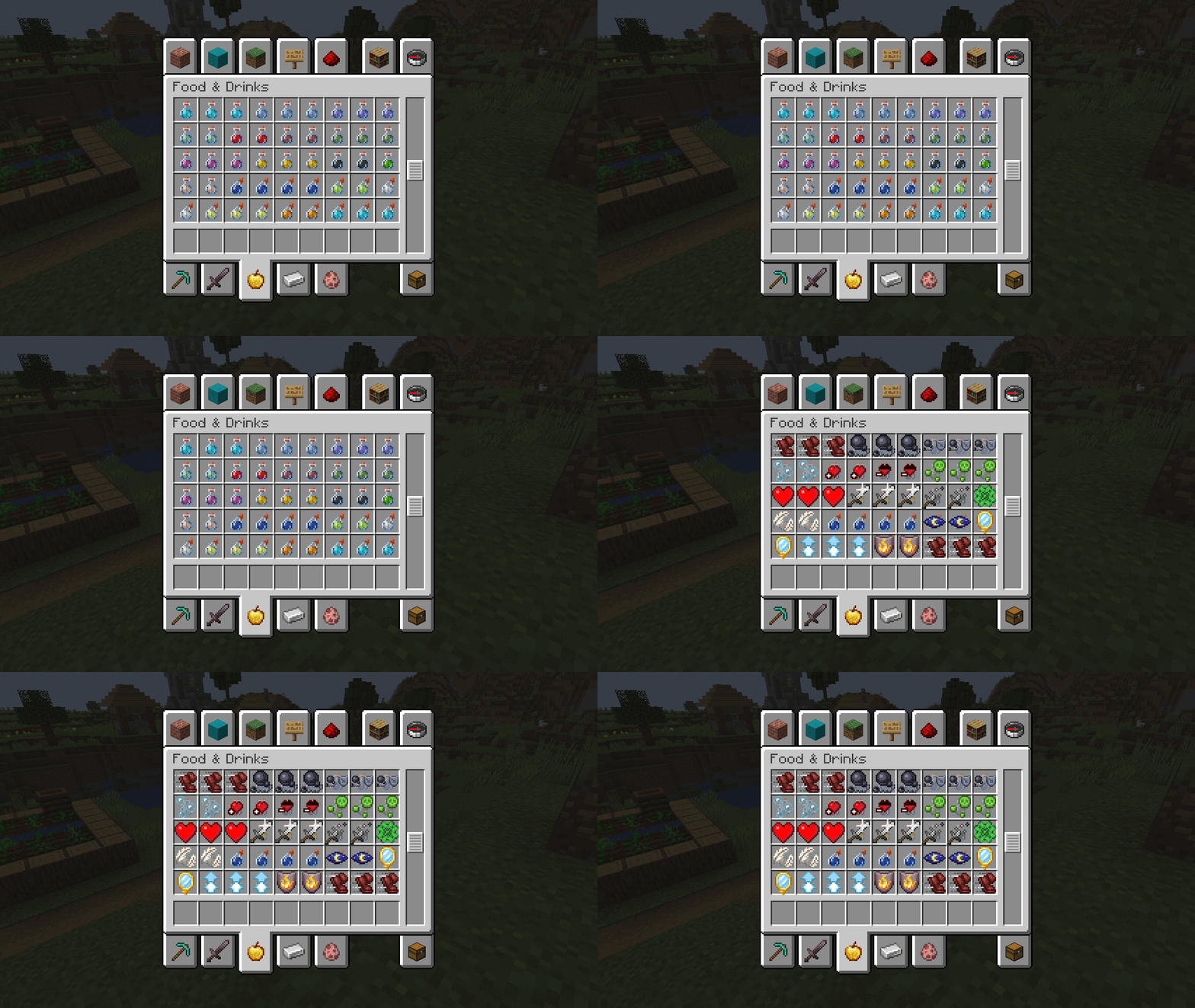
- Effect Icons: Displays the status effect icon on all potions and arrows when you hold Shift, so you do not mix them up or check each item one by one.
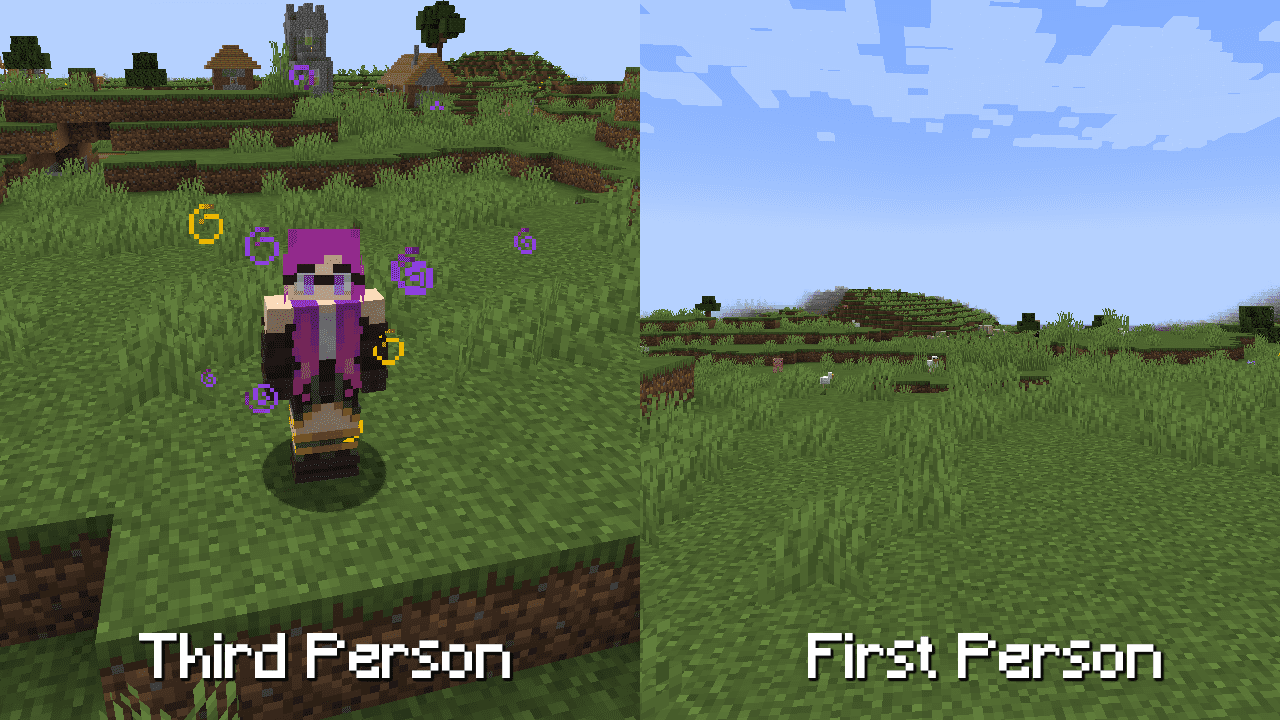
- Hides status effect particles in first-person view so they stay out of your face and keep your vision clear, especially with permanent effects like beacons.
- Lets resource packs change all potion colors, and includes a default pack to switch between the old and new colors.
Screenshots:
How to Install:
New to Minecraft? Follow our step-by-step guide to install Mods on your PC.View Guide
Potion Particle Pack Mod Download Links
For Minecraft 1.20.1
Fabric/Quilt version: Download from Server 1 – Download from Server 2
For Minecraft 1.19.4
Fabric/Quilt version: Download from Server 1 – Download from Server 2
For Minecraft 1.19.2
Fabric/Quilt version: Download from Server 1 – Download from Server 2
You May Also Like
Picked for this page
 Fapcraft Mod (26.3, 1.12.2) – Comprehensive and Detailed Content
 Presence Footsteps Mod (26.3, 1.20.1) – New Walking Sounds
 EdivadLib Mod (26.3, 1.20.1) – Library for Edivad99’s Mods
 Spooky Doors Mod (1.21.10, 1.20.1) – Interactive Horror Door Mechanics
 NoWheel Mod (26.3, 1.20.1) – Hotbar Scroll Disable
 Nether Invader Mod (1.21.11, 1.20.1) – Piglins Raid Your World
 Custom Time Cycle Mod (26.3, 1.20.1) – Configure Day & Night Duration
 NBT Copy Mod (26.3, 1.20.1) – Adds A Button To Copy NBT Data
 Create Automotives Mod (26.1.2, 1.20.1) – Drive Steam Powered Vehicles
 Panoramica Mod (1.20.1) – Capture the World From Every Angle
 Turtle Charging Station Mod (1.21.11, 1.20.1) – Charge CC turtles using Forge Energy
 Cobblemarks Plus Mod (1.21.1, 1.21) – Unlock More Marks In Cobblemon
Most viewed in Mods over the last 7 days
 Ala Industrial Mod (26.3) – Run Electric Power Grids and Automated Factories
 PleasureCraft Mod (26.3, 1.21.1) – Jenny Mod Remake for Fabric
 Jennycraft Mod (26.3, 1.20.1) – Virtual Girlfriend in Minecraft
- Fapcraft Mod (26.3, 1.12.2) – Comprehensive and Detailed Content
 Jenny Mod (Fapcraft) Official Complete Guide – How to use, Tutorial
 BangCraft Mod (1.20.1) – Jenny, Ellie and Elliot
 Fabric Loader (26.3, 1.20.1) – Fabric Installer for All Minecraft Versions
 The Shooting Star Demo Mod (26.3, 1.20.1) – Vaporize Terrain From Orbit
 Meteor Client Mod (26.3, 1.20.1) – Xray, HUD, Fly
 OptiFine HD (26.3, 1.20.1) – Run Faster, FPS Boost, Shaders Support
 Aristois Client Mod (1.21.4, 1.20.1) – World Class Minecraft Utility
 Prestige Client Mod (1.21.11, 1.21.4) – Powerful Ghost Features for Crystal & Sword PvP
More from Mods
 Seed Map for Xaero Mod (26.1) – See Rare Biomes and Dungeons Before You Travel
 MCPersist Mod (26.3) – Keep Your World Online for Friends Even After Logging Off
 Minecraft Java MCP Server Mod (1.21.11) – Command Your World Through External AI Tools
 Arcanism Mod (26.2) – Build Magic Factories and Program Custom Spells
 Archangel Client Mod (1.21.11) – Master Every PvP Duel with Clean Screen Stats
 Block Front Survival Patch Mod (1.21.1) – Wage Tactical Warfare in Survival
 Better Enchantment Bookshelf Placement Mod (26.2, 1.20.1)
 SimpleRPGCore Mod (1.21.4, 1.21.1) – Fight with Classic RPG Stats
 Bard RPG Series Plus by Fichte Mod (1.21.1, 1.20.1) – Buff Allies in Combat
 Fabric Gui ImGui Mod (26.3, 1.21.11) – Clean Custom Menus and In-Game Control
 Multi Item Lib Mod (1.20.1) – Wield Custom Gear with Flawless Hand Animations
 Universe3090 Mod (1.20.1) – Survive Corrupted Dimensions Filled

This post has no comments yet. Be the first — your comment will appear here.