
Inventory Bogo Sorter Mod (1.12.2) – Stop Wasting Time on Messy Chests

 0


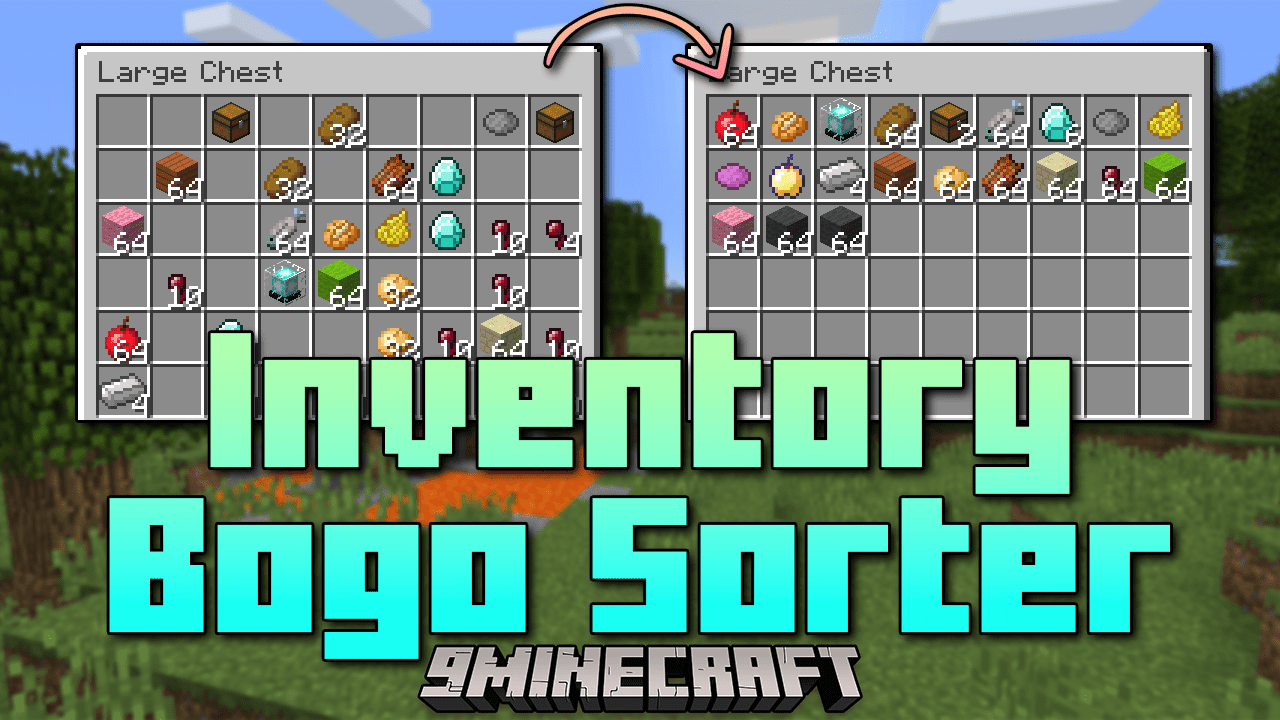
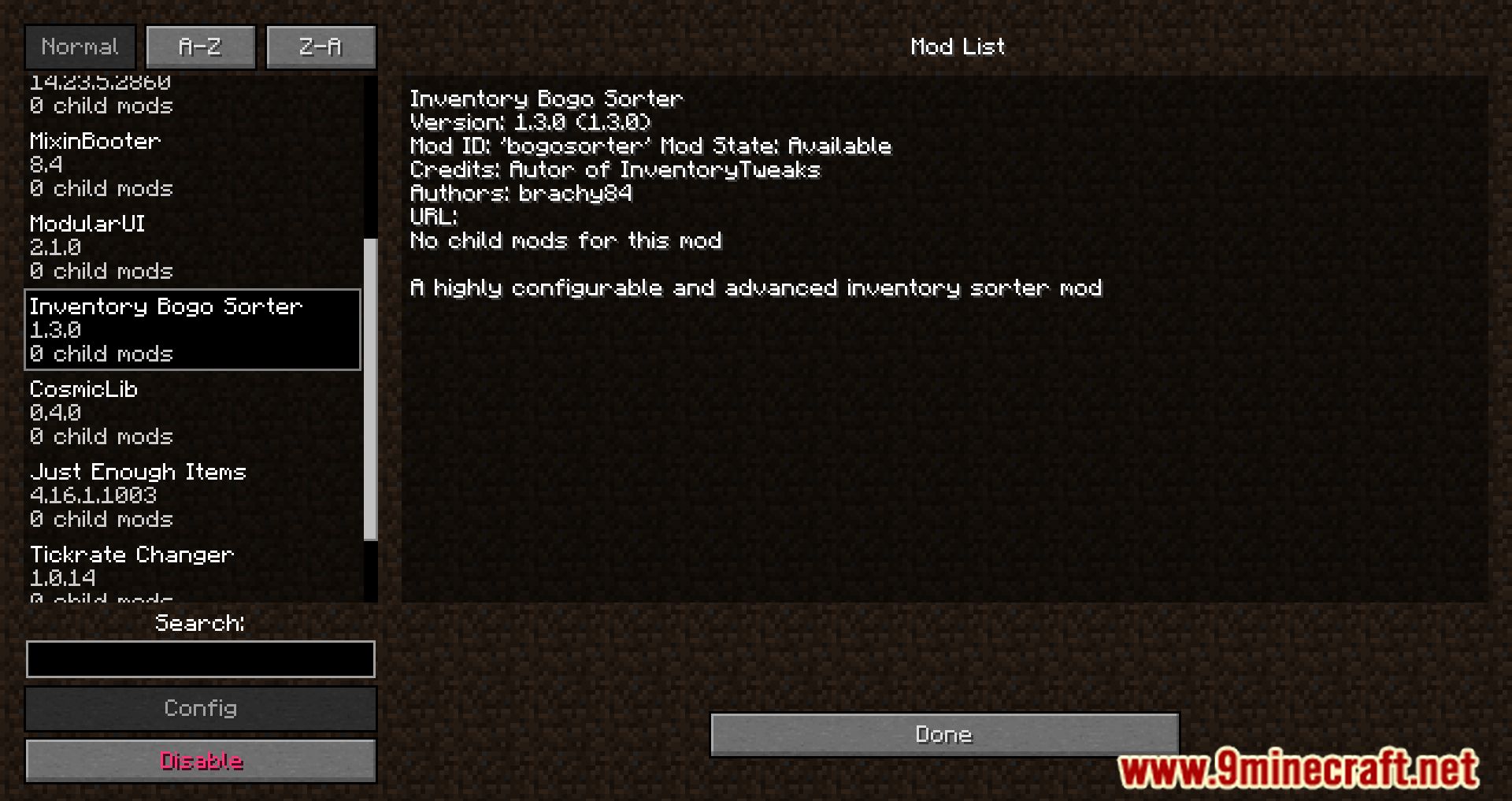
Inventory Bogo Sorter Mod lets you organize your inventory and chests with a single click of the scroll wheel. It works with almost all player inventories and gives you an in-game menu to set up custom item and NBT sorting rules. This mod also keeps your hotbar ready by refilling used items and swapping out tools right before they break. You even get handy keyboard shortcuts to move items, drop items, or scroll through your inventory columns.
Features:
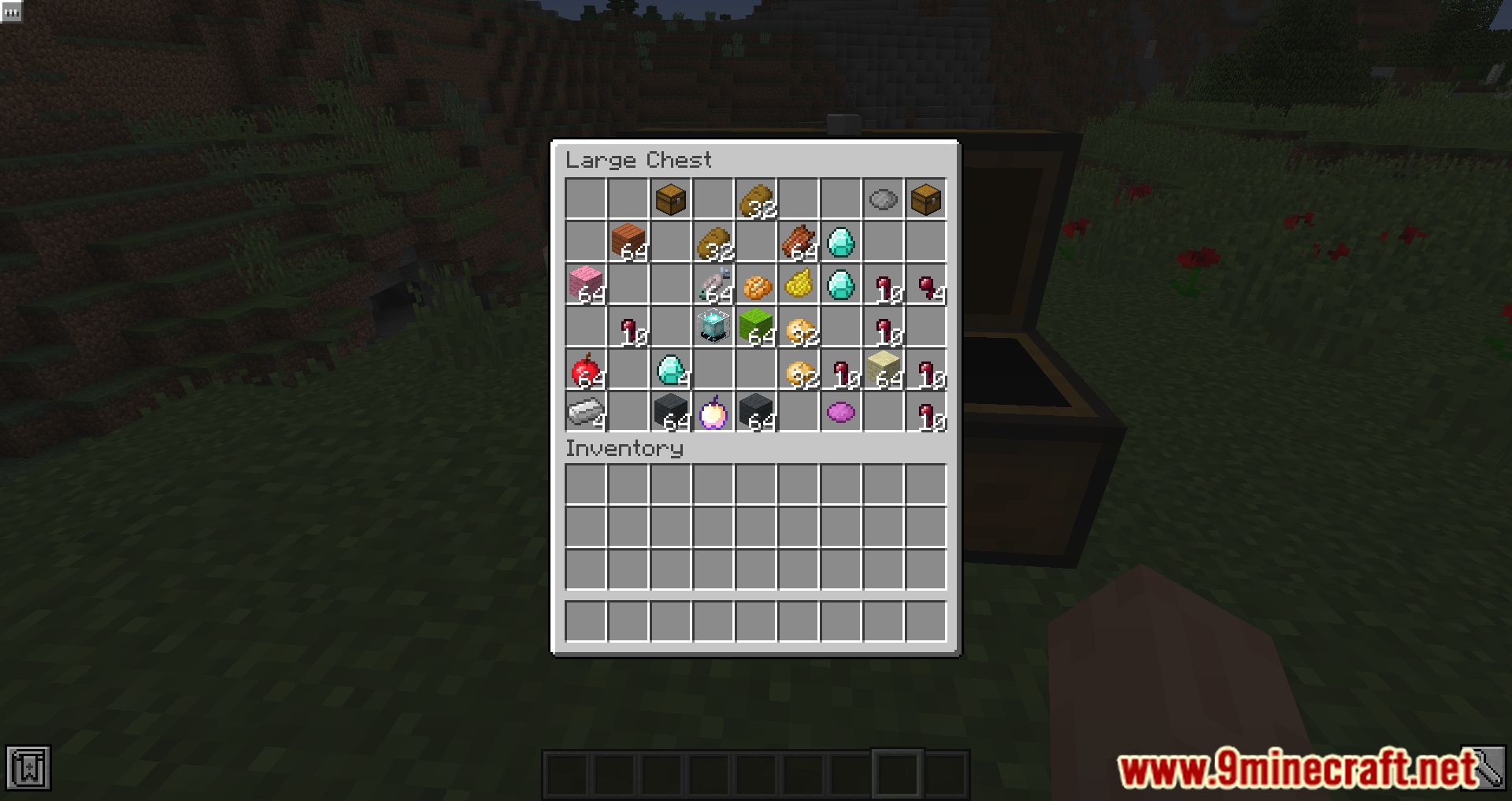
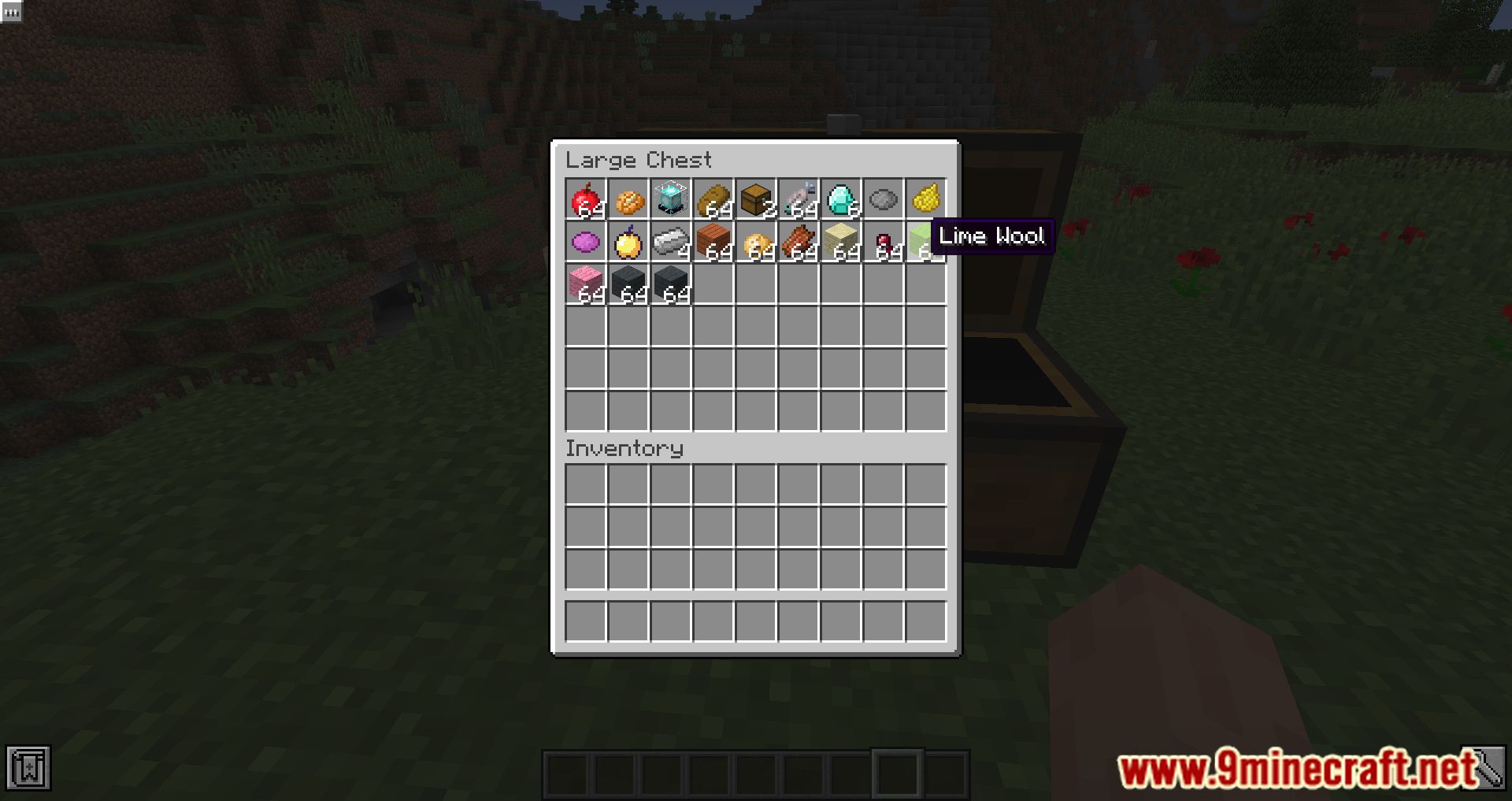
- One-Click Inventory Sorting: Lets you sort almost any player inventory or chest by clicking the scroll wheel over a slot.
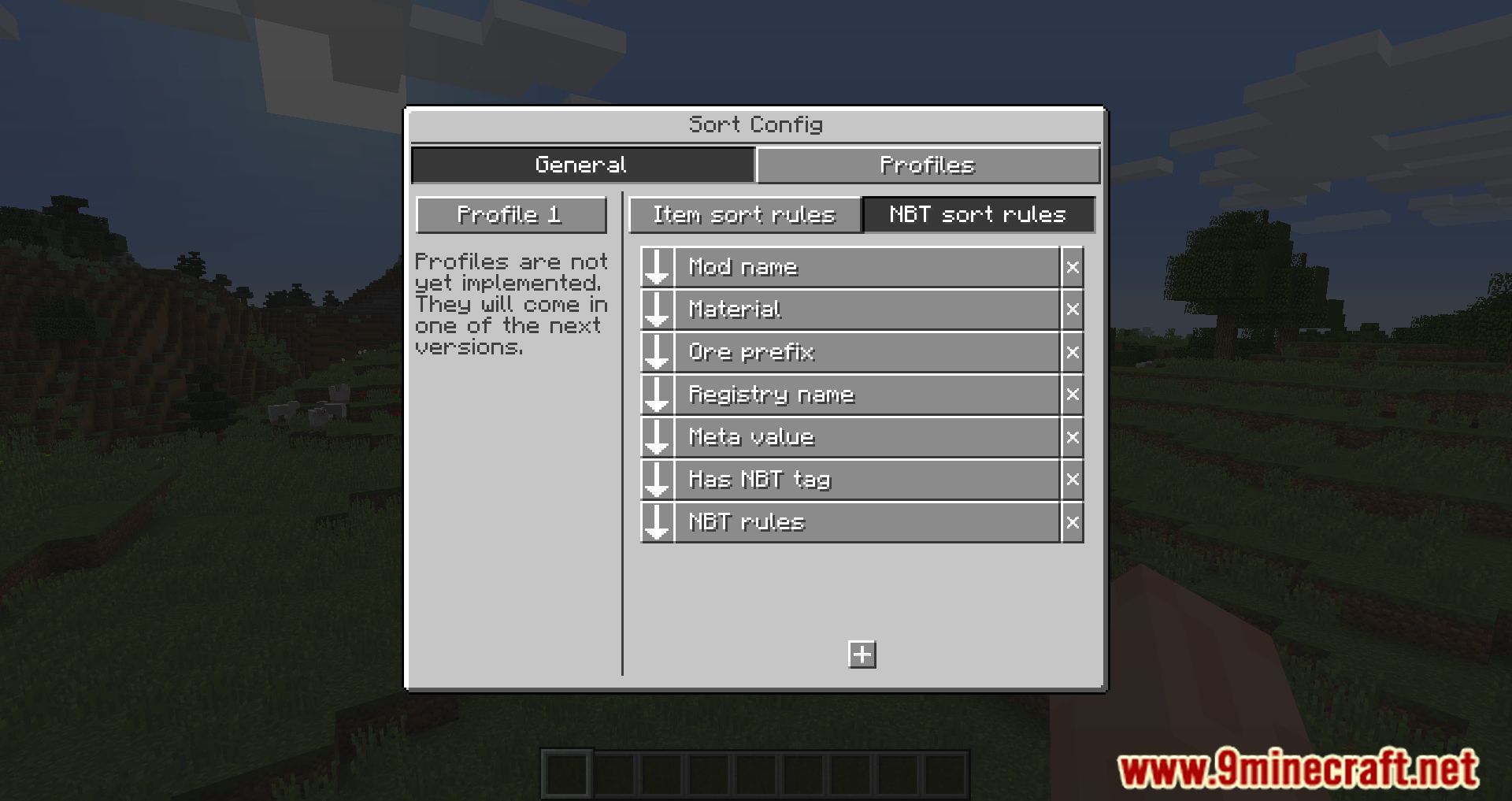
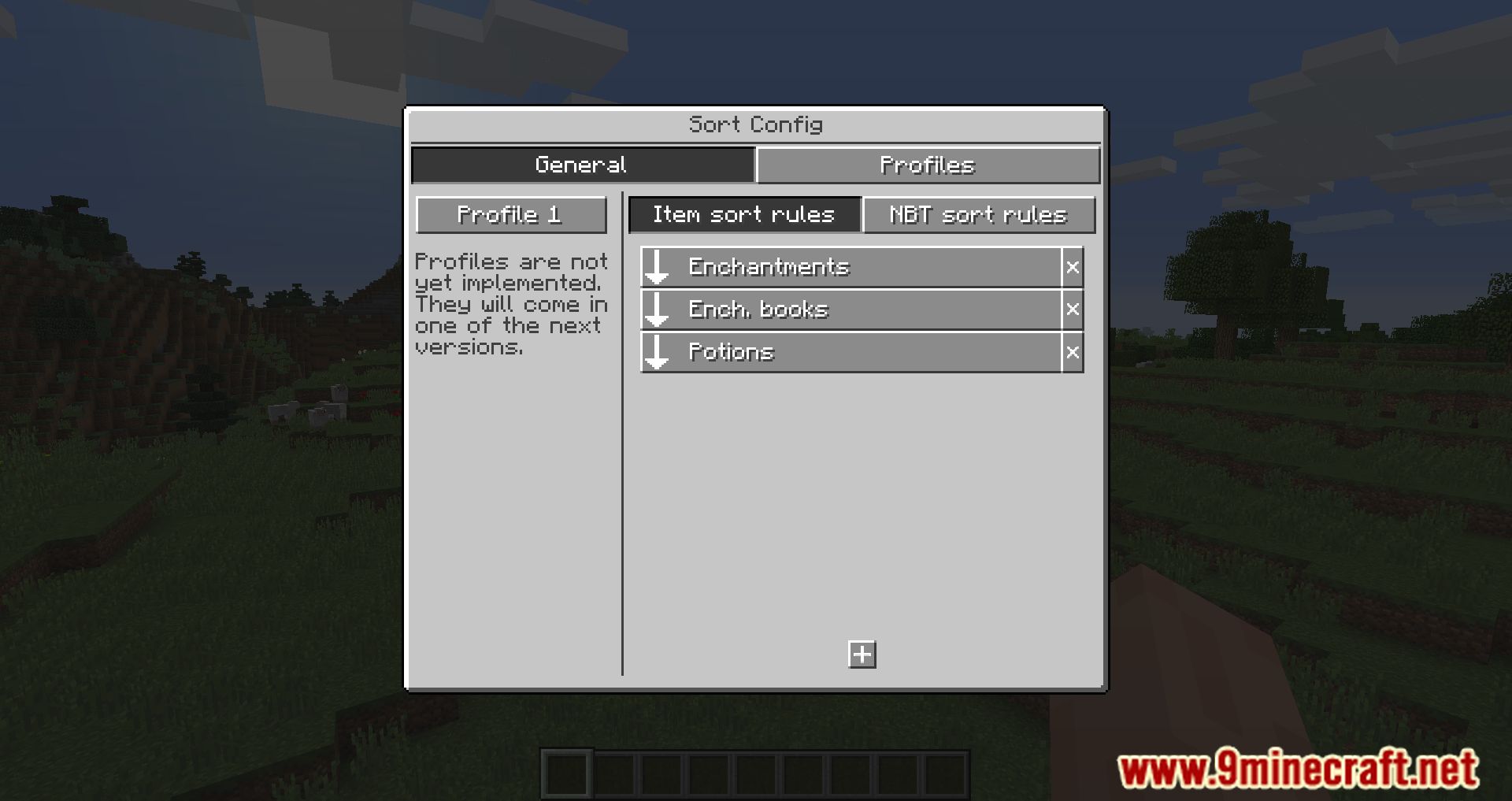
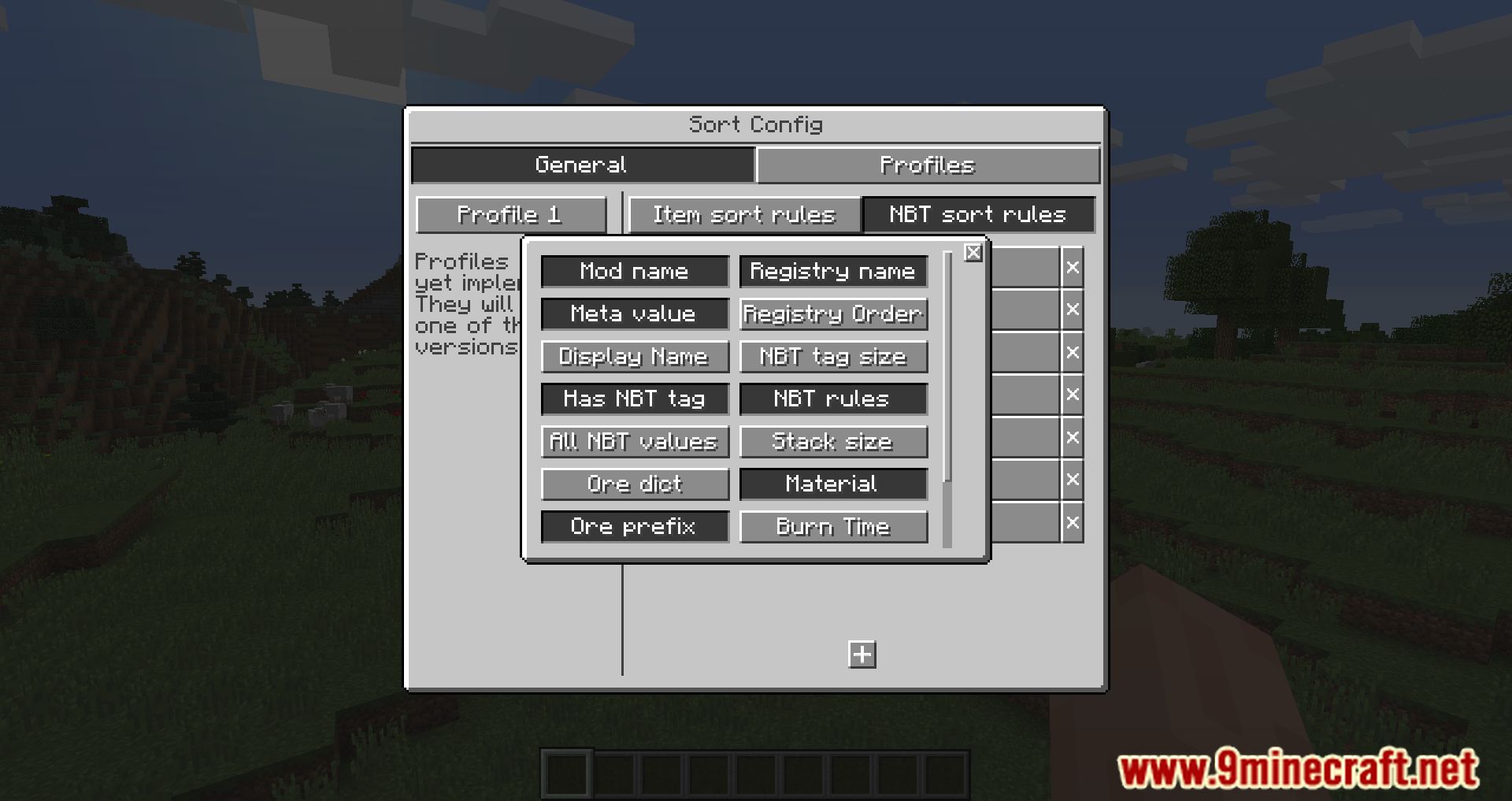
- Custom Sorting Rules: Gives you an in-game Sort Config menu to set up item rules and NBT rules for things like enchantments and potions.
- Auto Hotbar Refill: Automatically refills your hotbar when you run out of blocks, food, or tools.
- Automatic Tool Swapping: Swaps your current tool for a fresh one right before it breaks.
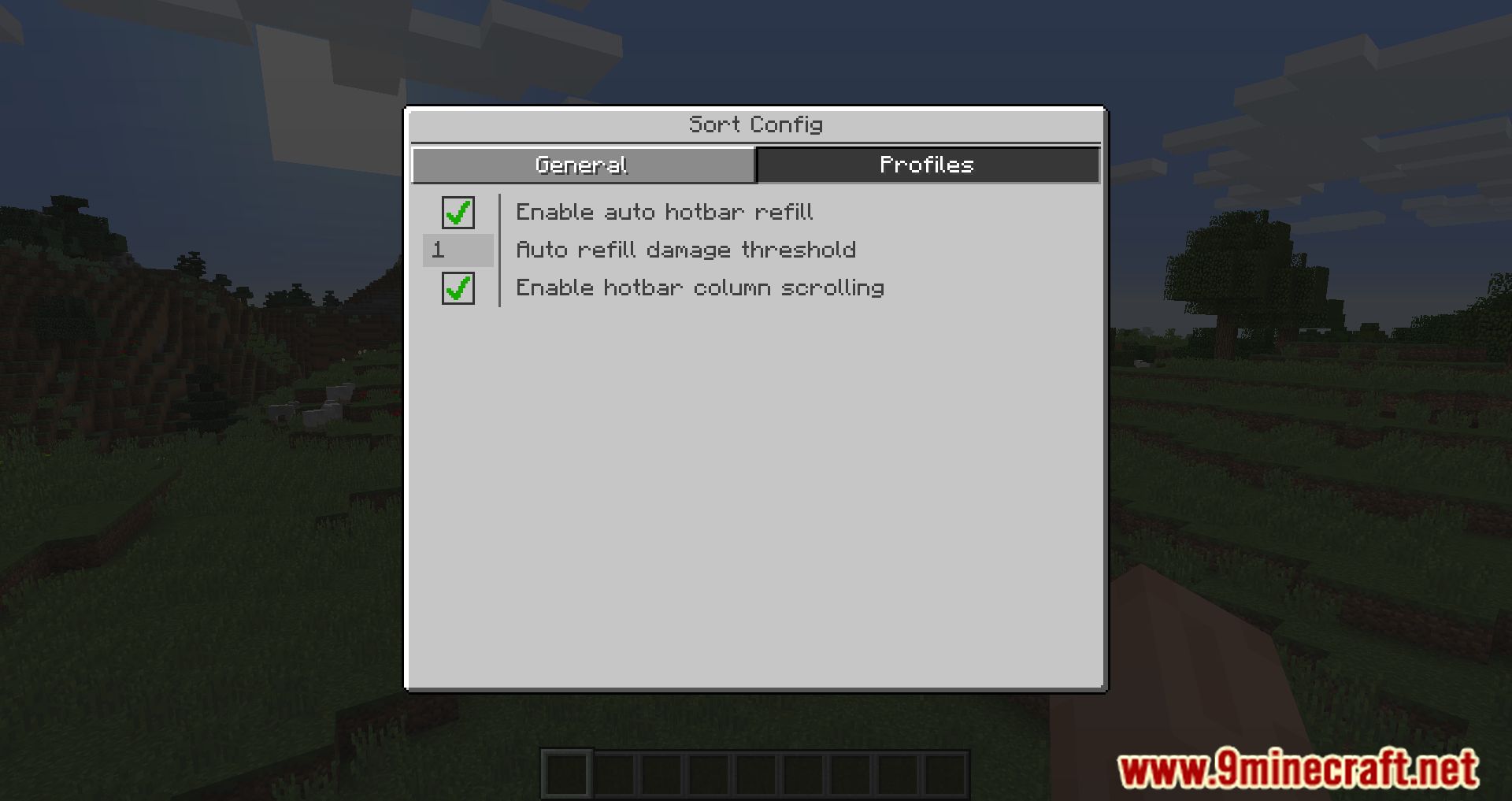
- Lets you turn auto hotbar refill and column scrolling on or off with checkboxes in the config menu.
- Allows you to scroll through your current inventory column while holding Alt so the items in that column show up on your screen.
- Adds fast keyboard and mouse shortcuts to move single items, move matching items, transfer a whole inventory, or drop items into the world.
- Supports custom keybinds so you can change the menu key and sorting key whenever you want.
- Includes a built-in API to support inventories from other mods.
How to Use:
- Press K to open the Sort Config menu, where you can change sorting rules or toggle auto refill and column scrolling (this key is configurable).
- Hover your mouse over any slot and click the Scroll Wheel to sort that inventory (this key is also configurable).
- Hold Alt and roll the Scroll Wheel to cycle through items in your current inventory column; the items appear visually on your screen.
- Press CTRL + LMB over an item to transfer a single item, working like shift-click for just one item at a time.
- Press CTRL + RMB over an item to transfer a single item into an empty slot.
- Press Space + LMB to transfer your whole inventory at once.
- Press Alt + LMB over an item to transfer all items of that same type.
- Press Space + Q to throw your whole inventory into the world.
- Press Alt + Q over an item to throw all items of that same type into the world.
Screenshots:
How to Install:
New to Minecraft? Follow our step-by-step guide to install Mods on your PC.View Guide
Inventory Bogo Sorter Mod Download Links
For Minecraft 1.12.2
Forge Version: Download from Server 1 – Download from Server 2
Which performance or optimization mod do you rely on the most?
30 responses · See the full results →
You May Also Like
Picked for this page
 Cosmetic Armor Reworked Mod (1.21.11, 1.20.1) – Your Style with Max Armor
 Custom Portals Mod (26.2, 1.20.1) – Fast Travel Between Locations
 Compact Storage Mod (26.2, 1.20.1) – Carry Everything You Find
 Nutritional Balance Mod (26.3, 1.20.1) – Difficulty, Eating
 Pickup Notifications Mod (26.3, 1.20.1) – Pickup Alerts For Items
 Cliff Tree Mod (26.2, 1.20.1) – Transform Your Minecraft Landscape
 Expansion Of Border Mod (26.3, 1.21.1) – Limited World Access
 Snowball and Egg Knockback Mod (26.3, 1.20.1) – Knockback Effect For More Projectiles
 CTOV Irons Spells N Spellbooks Compat Mod (1.20.1, 1.19.2) – Find Magic in Towns
 Berk Furniture Mod (1.20.1, 1.18.2) – Decorate Your Viking House
 Mount Opacity Mod (26.3, 1.20.1) – Adjust The Opacity Of Rideable Mobs
 Meda Craft KD Mod (1.12.2) – Assemble and Battle Custom Mechanical Pets
Most viewed in Mods over the last 7 days
 Ala Industrial Mod (26.3) – Run Electric Power Grids and Automated Factories
 PleasureCraft Mod (26.3, 1.21.1) – Jenny Mod Remake for Fabric
 Jennycraft Mod (26.3, 1.20.1) – Virtual Girlfriend in Minecraft
 Fapcraft Mod (26.3, 1.12.2) – Comprehensive and Detailed Content
 Jenny Mod (Fapcraft) Official Complete Guide – How to use, Tutorial
 BangCraft Mod (1.20.1) – Jenny, Ellie and Elliot
 Fabric Loader (26.3, 1.20.1) – Fabric Installer for All Minecraft Versions
 Meteor Client Mod (26.3, 1.20.1) – Xray, HUD, Fly
 The Shooting Star Demo Mod (26.3, 1.20.1) – Vaporize Terrain From Orbit
 OptiFine HD (26.3, 1.20.1) – Run Faster, FPS Boost, Shaders Support
 Aristois Client Mod (1.21.4, 1.20.1) – World Class Minecraft Utility
 SchnurriTV Mod (1.12.2) – Characters and Features
More from Mods
 Flint Mod (1.21.11) – Run DiamondFire Community Addons Without Crashing
 Not Just Sandwich Mod (26.3, 1.20.1) – Edibles, Sandwiches
 Waddles Mod (26.3, 1.20.1) – Make Icy Biomes Feel Alive
 Artemis’ Thin Logs Mod (26.3, 1.20.1) – Build Custom Trees and Detailed Wood
 Asterion Mod (26.3, 1.20.1) – Survive Ancient Mazes and Slay the Legendary Minotaur
 Passthrough Signs Mod (26.3, 1.20.1) – Right-Click Through Wall Signs
 Packing Tape Mod (26.3, 1.20.1) – Move Chests, Machines
 No XP Anvils Mod (26.3, 1.20.1) – Repair And Enchant Without XP
 Naruto Shippuden Mod (26.3, 1.16.5) – Immerse Yourself in The World of Ninja
 Araxer’s Bestiary Mod (26.3, 1.20.1) – Build an In-Game Encyclopedia of Every Mob
 Villagers Plus Mod (26.3, 1.20.1) – Expanded Villager Types and Villages
 Ore Excavation 9minecraft Mod (26.3) – Mine Ores and Chop Trees in a Single Swing

This post has no comments yet. Be the first — your comment will appear here.