
EMIffect Mod (1.21.1, 1.20.1) – Never Guess What Status Buffs Do Again

 0


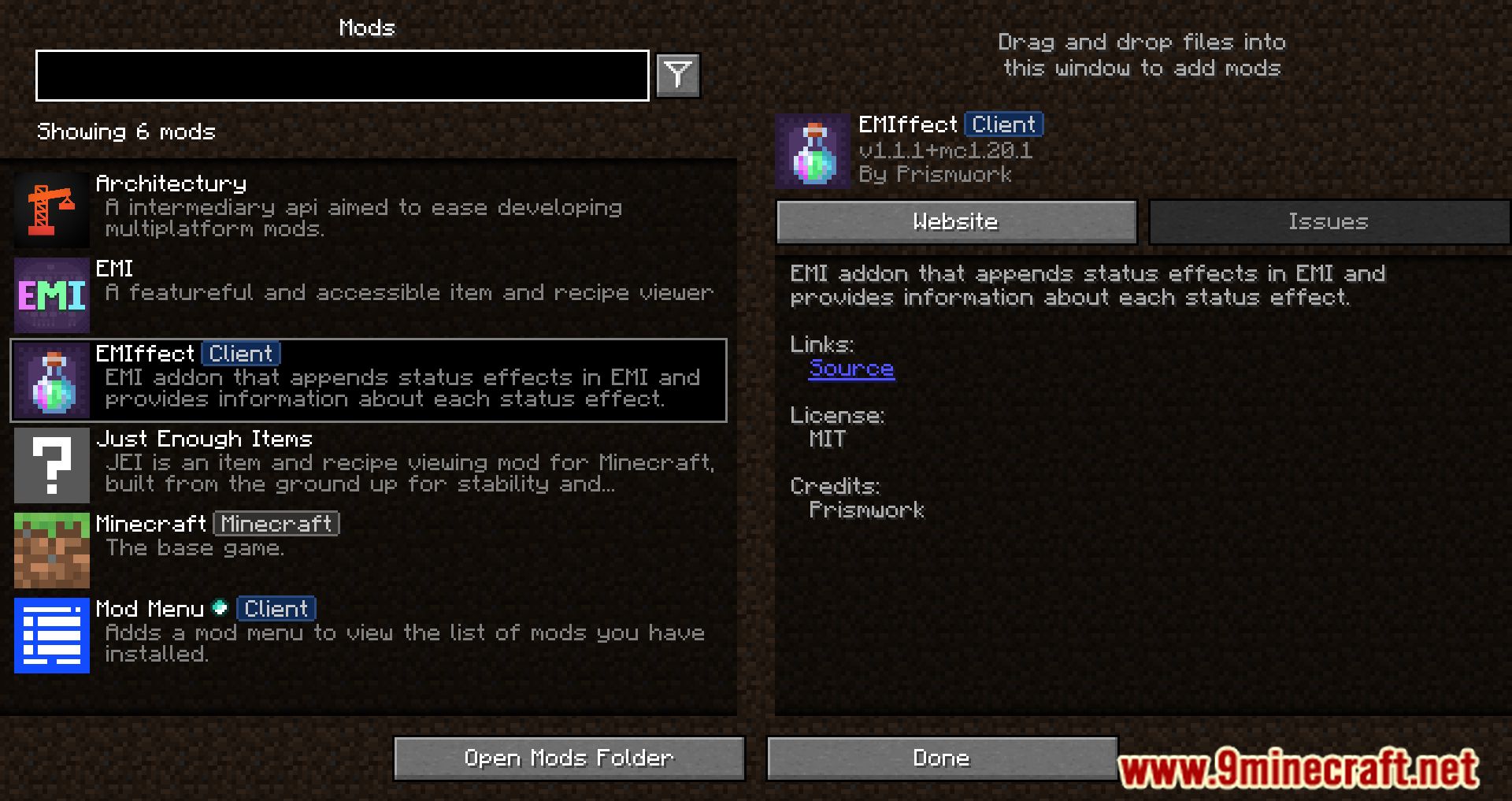
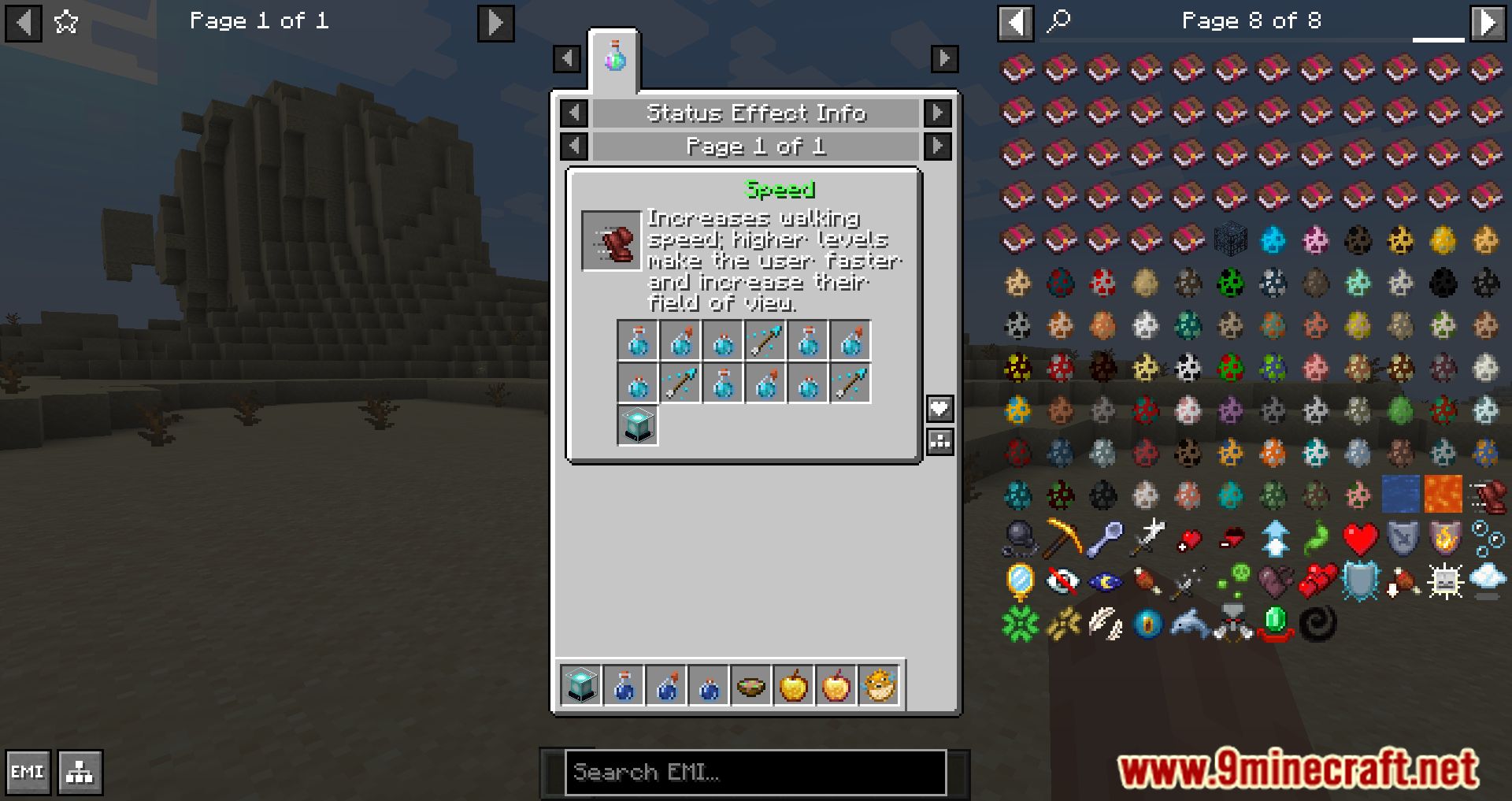
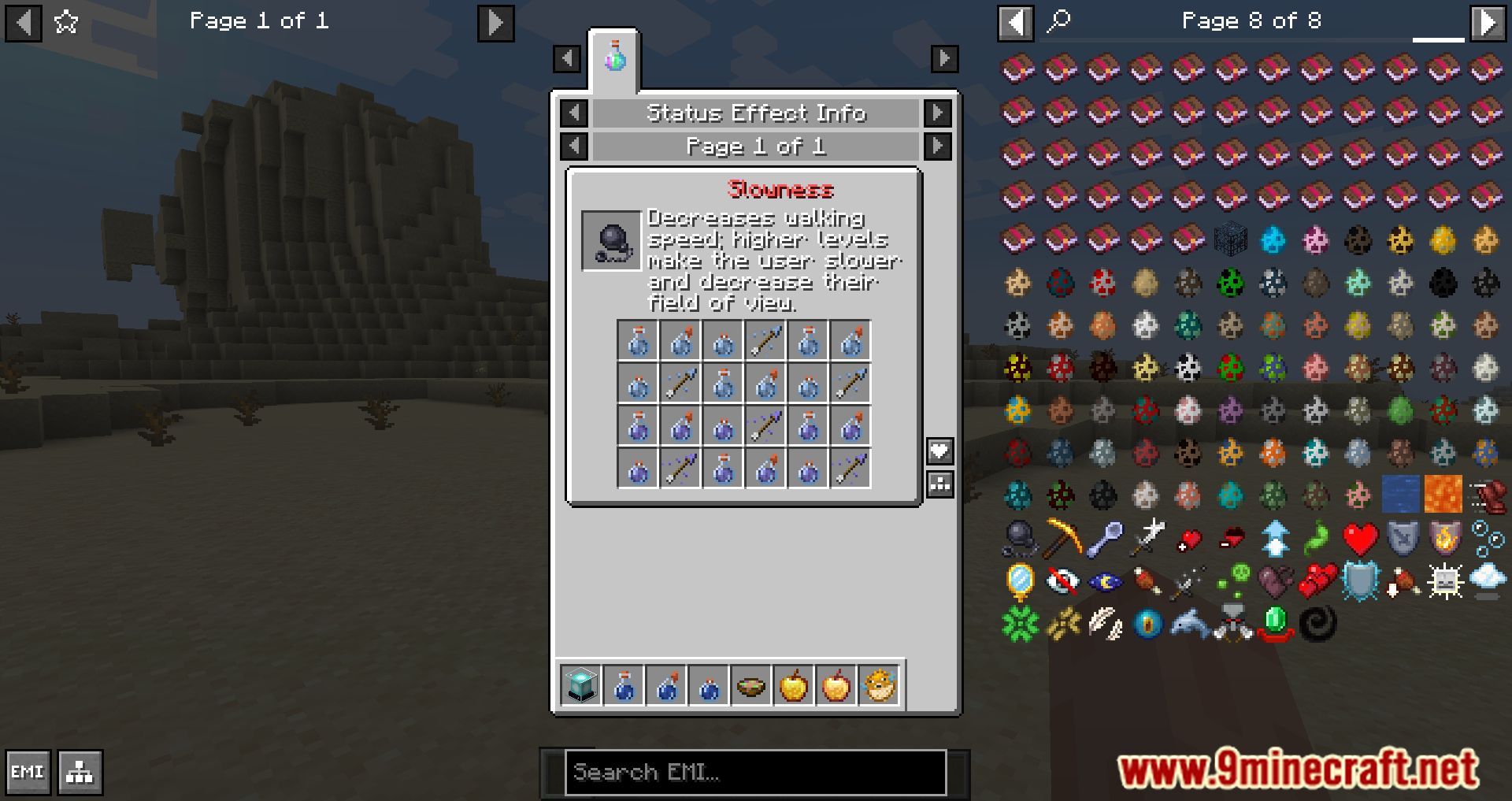
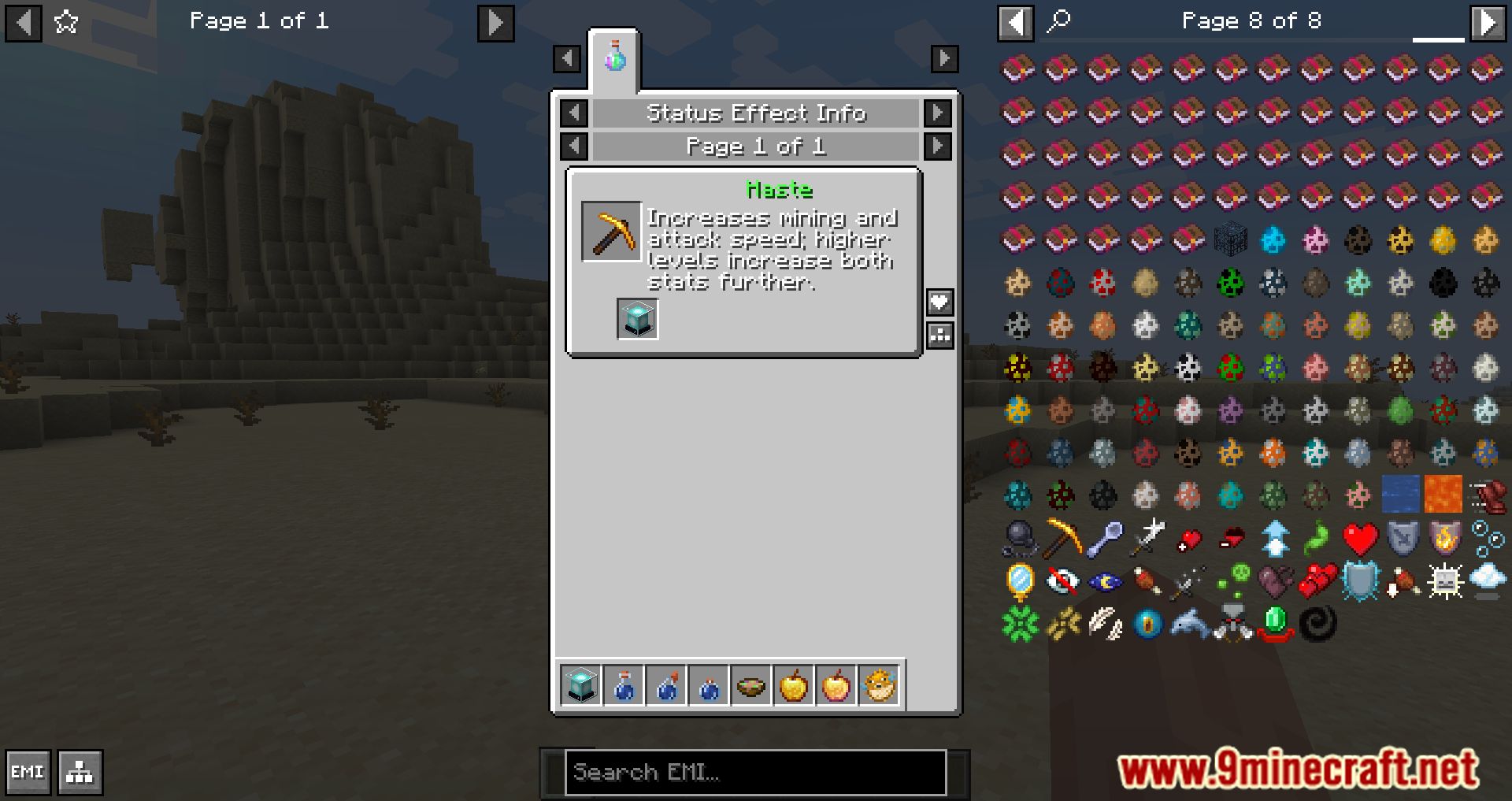
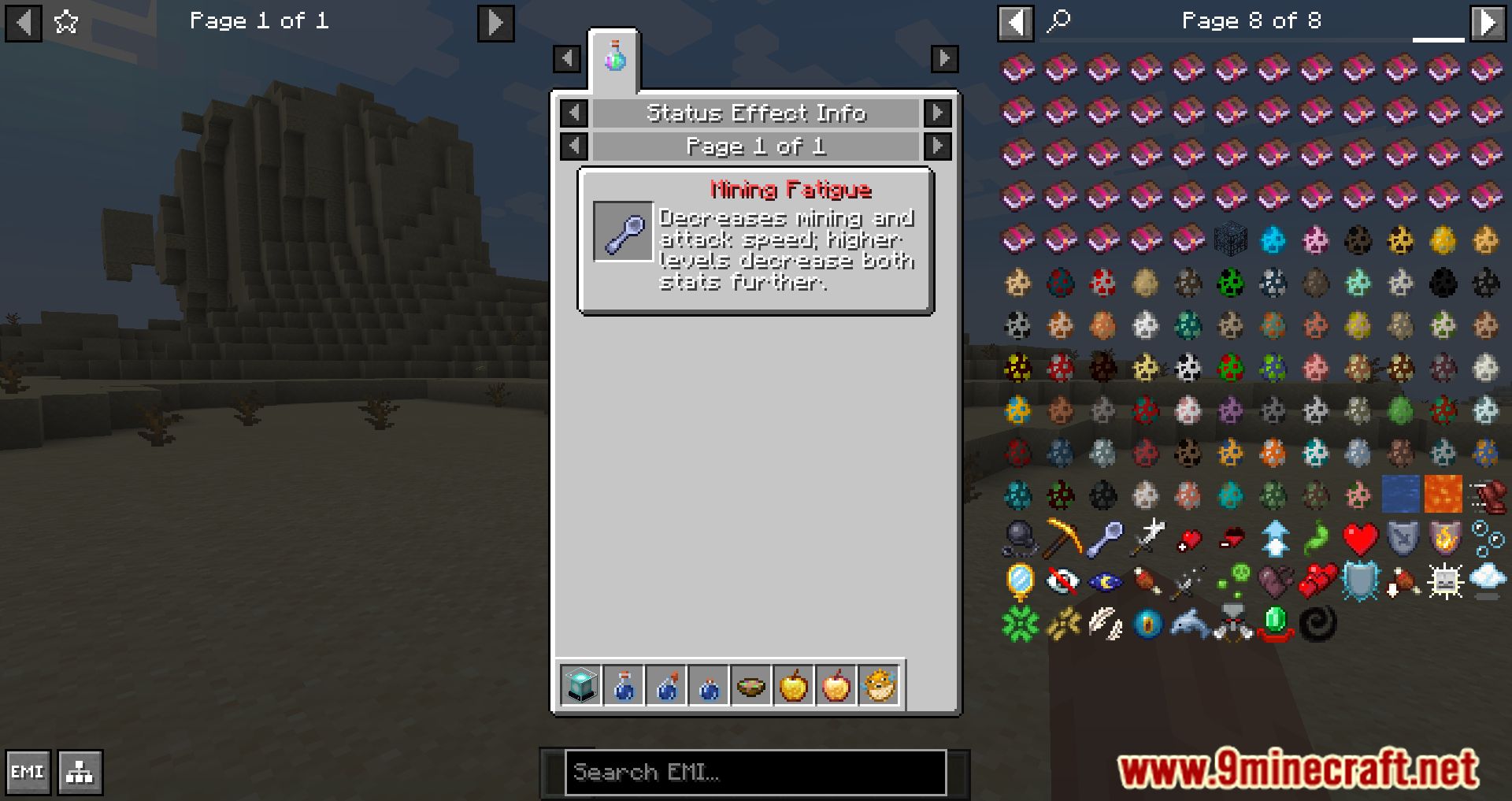
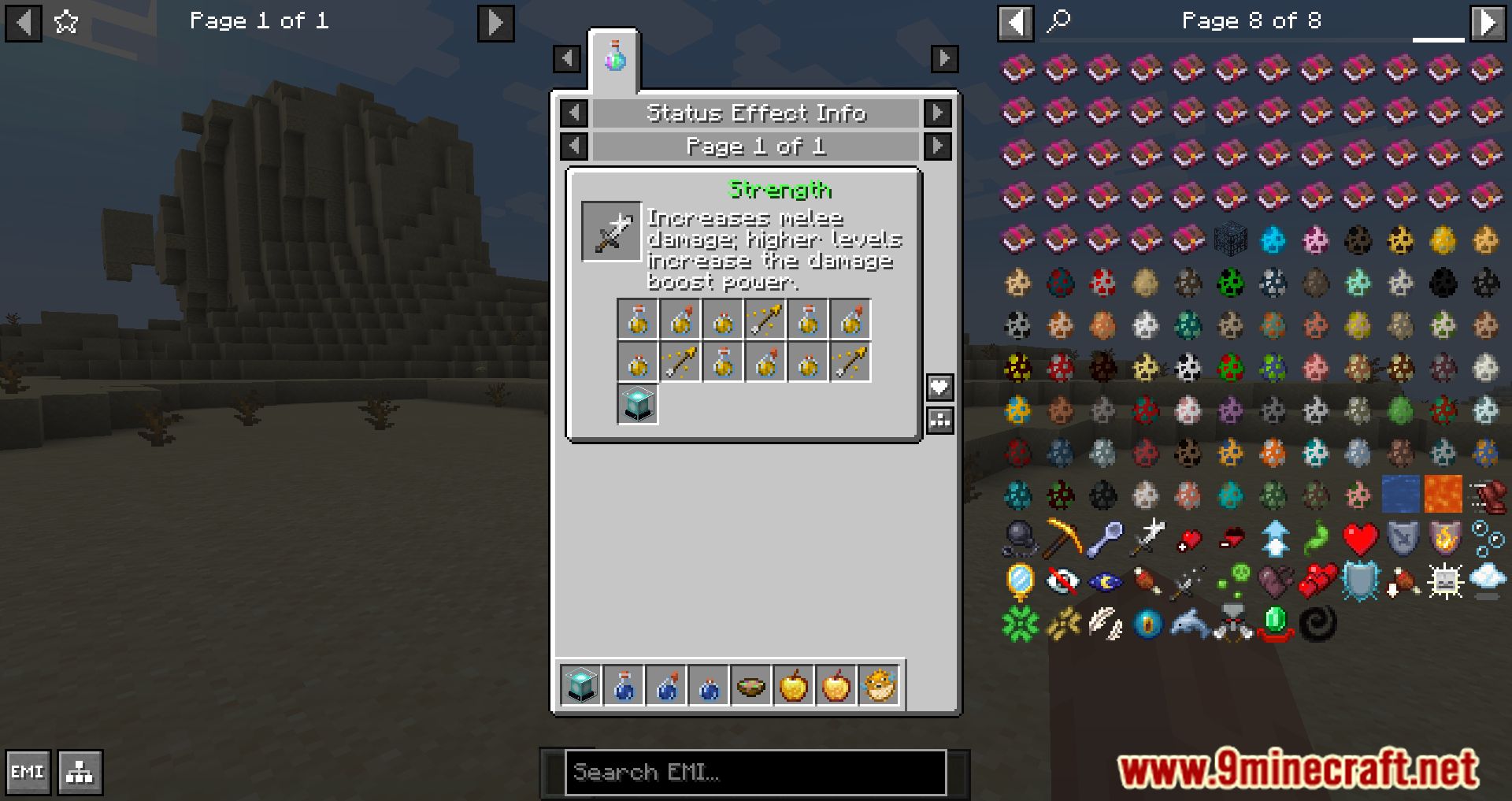
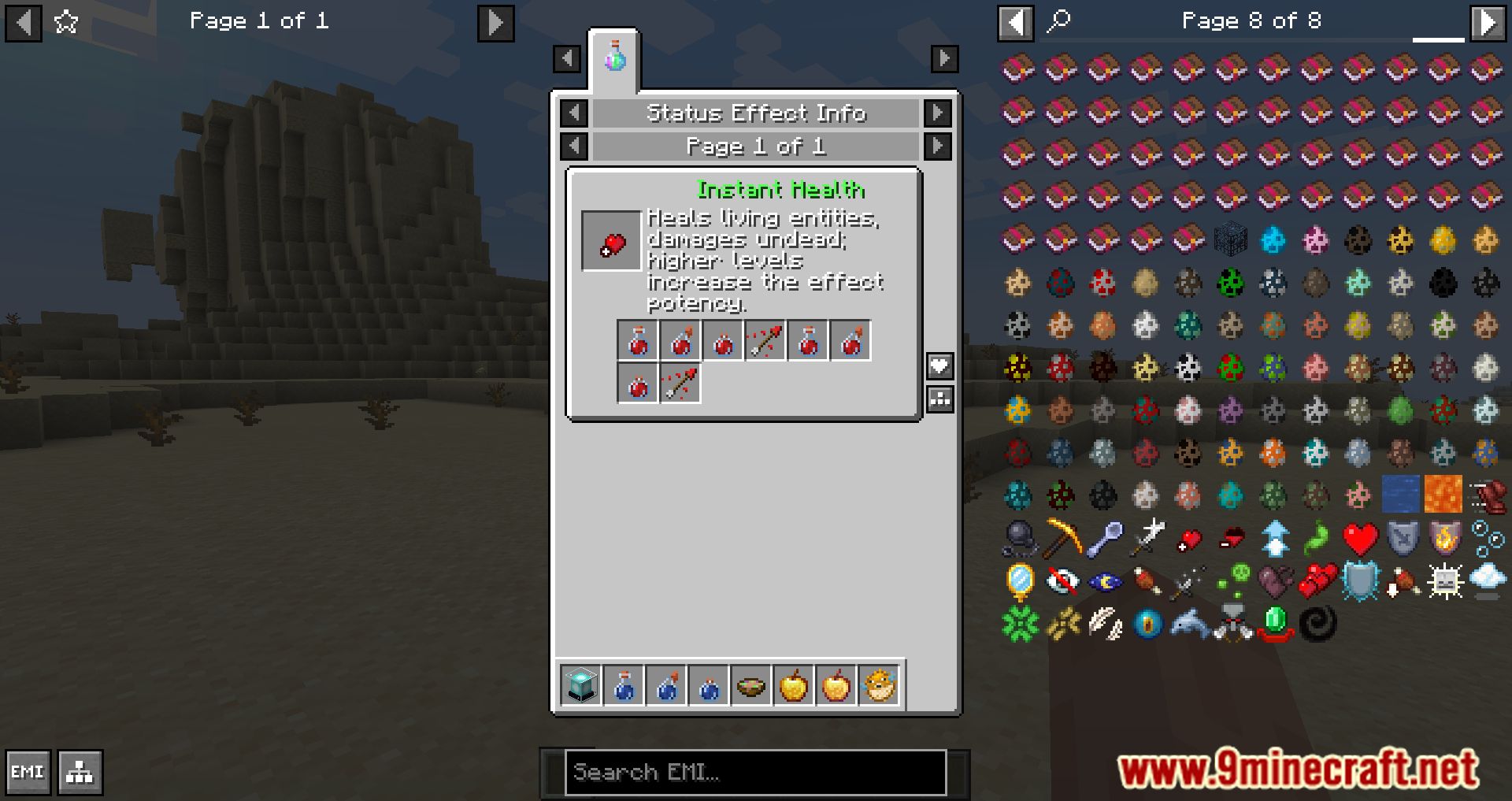
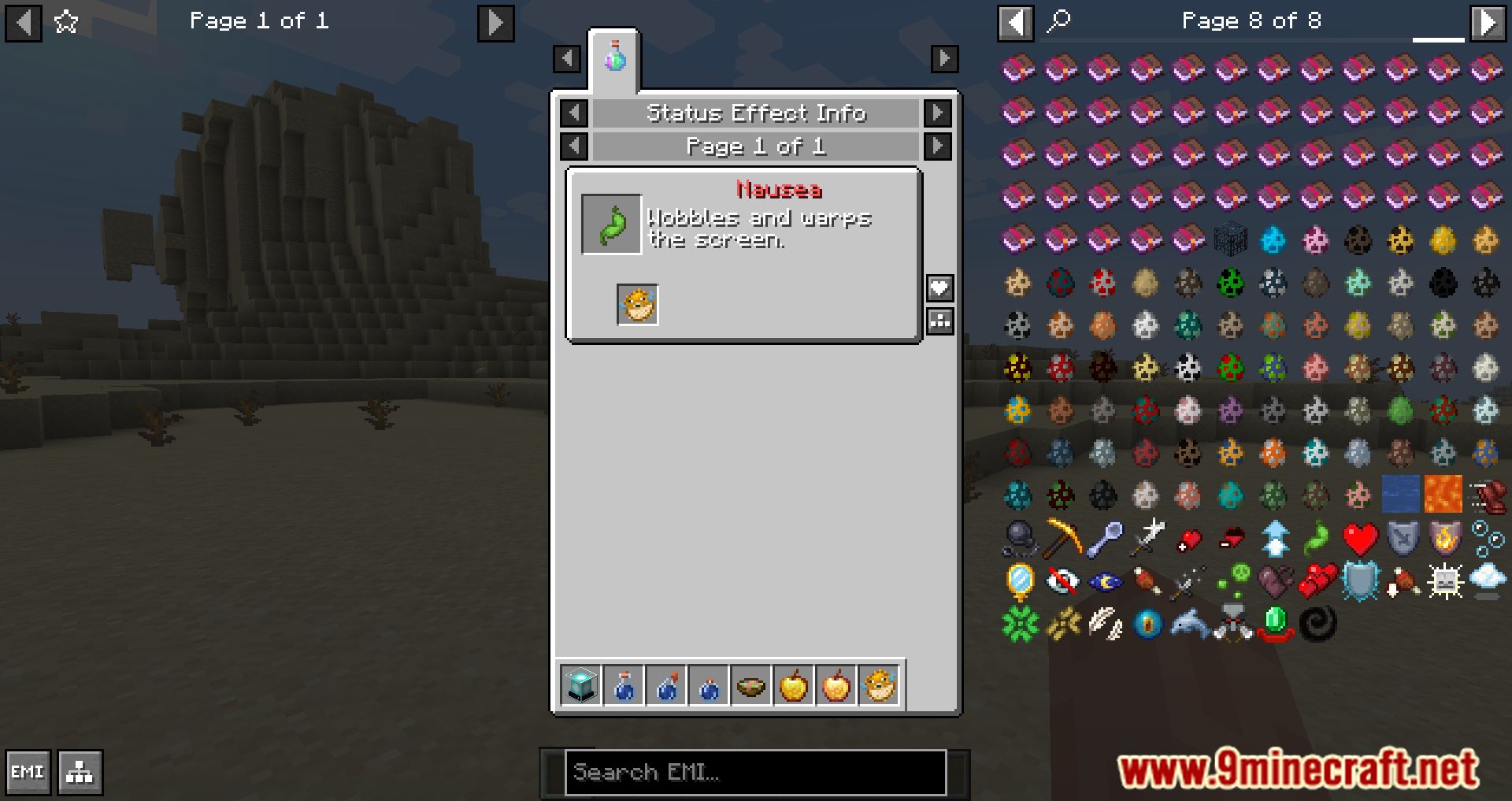
EMIffect Mod adds status effects and their descriptions right into EMI. This addon takes inspiration from Just Enough Effect Descriptions and brings existing JEED descriptions into the interface so you can check what each status effect does. It also supports custom text through language files and custom stacks for specific effects.

Features:
- Adds status effects into EMI so you can search for them in the sidebar like items.
- Shows clear information for each status effect using existing descriptions from Just Enough Effect Descriptions (JEED).
- Supports custom descriptions for other status effects through language files.
- Follows the JEED language format using
effect.[mod_id].[effect_name].descriptionoreffect.[mod_id].[effect_name].descfor custom text. - Lets you add custom stacks to specific status effects.
How to Use:
- Open the EMI interface in-game.
- Search or browse the EMI sidebar to find any status effect.
- Click on a status effect to open its info screen and read its full description.
Screenshots:
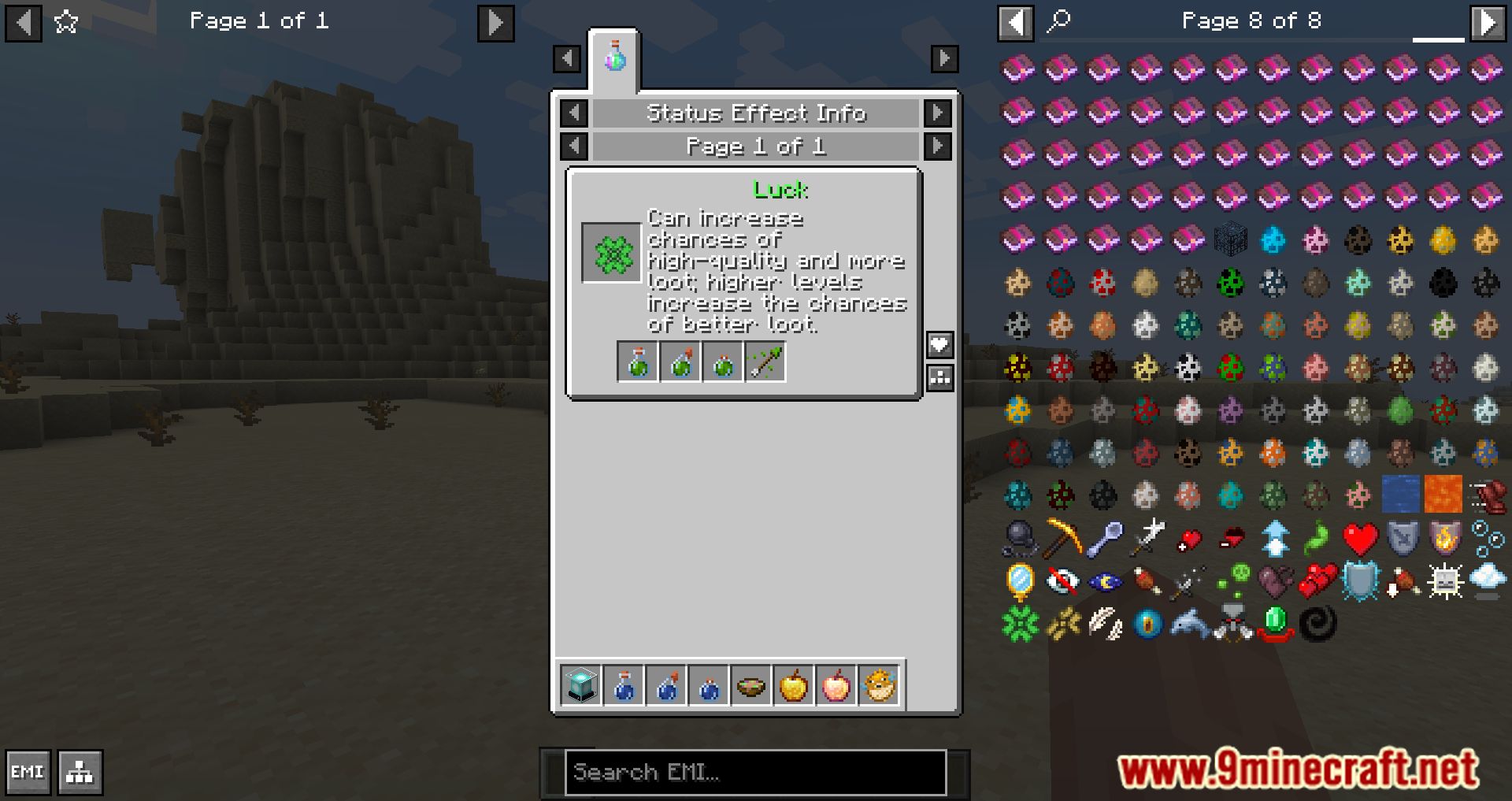
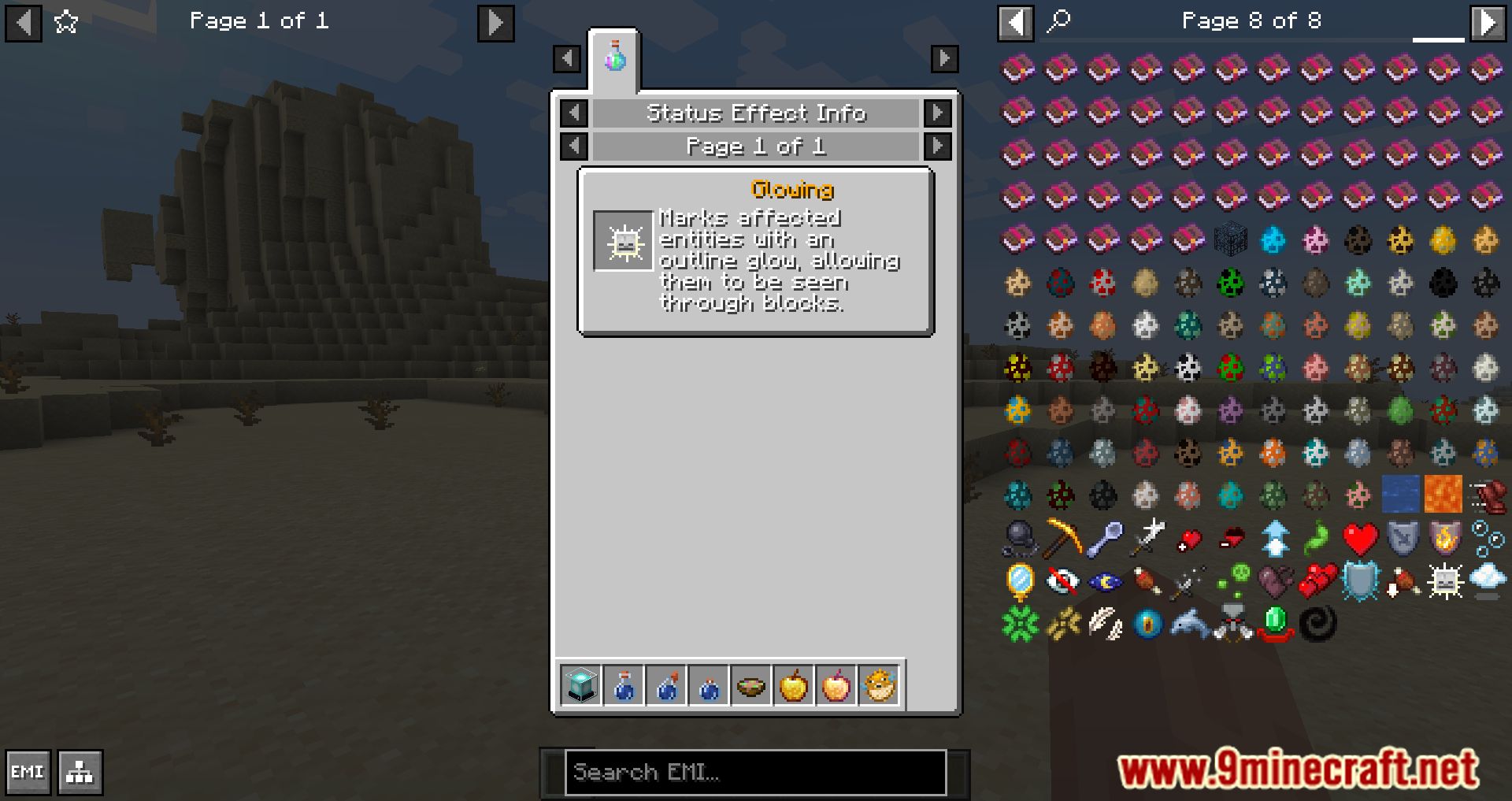
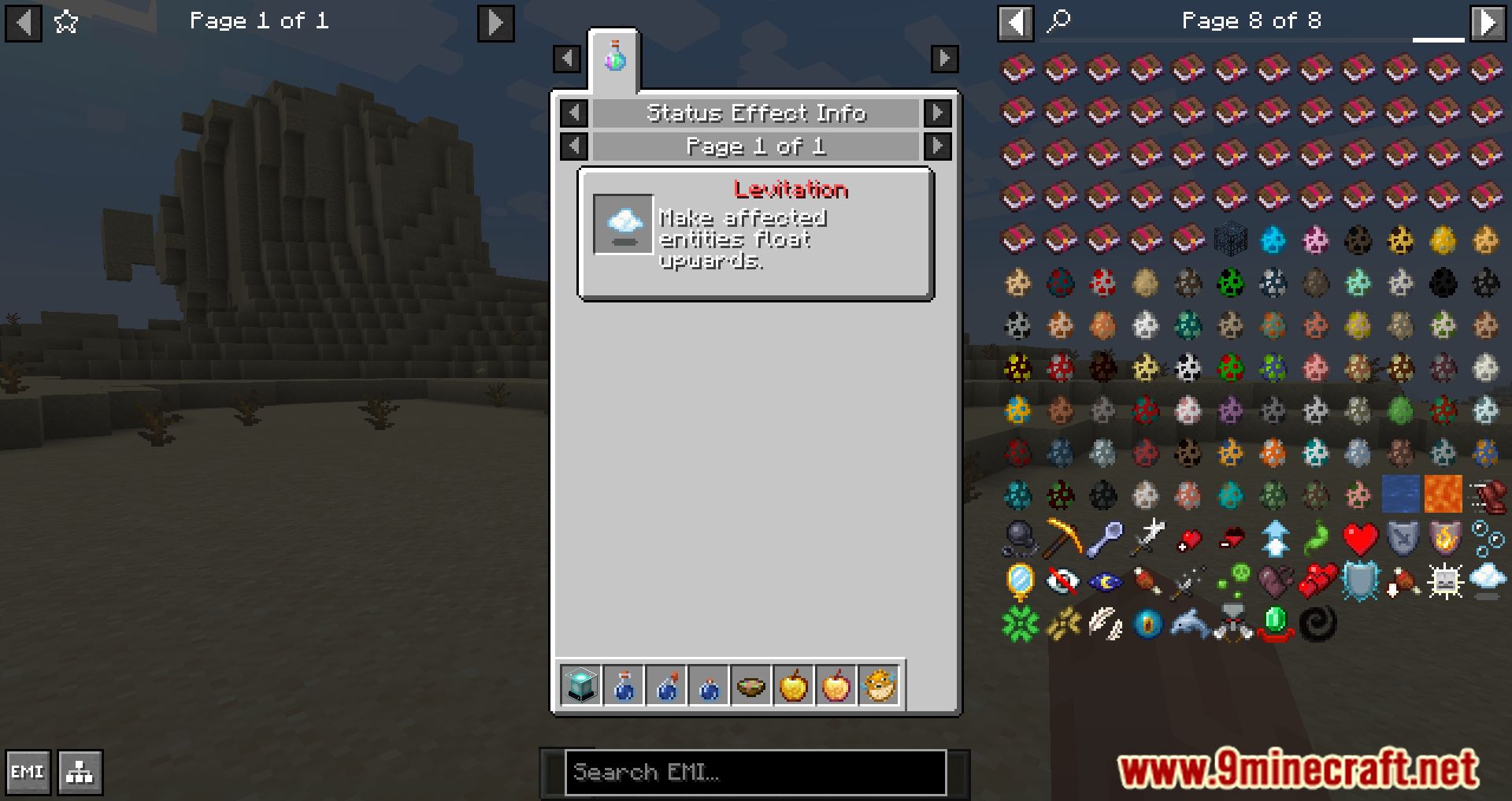
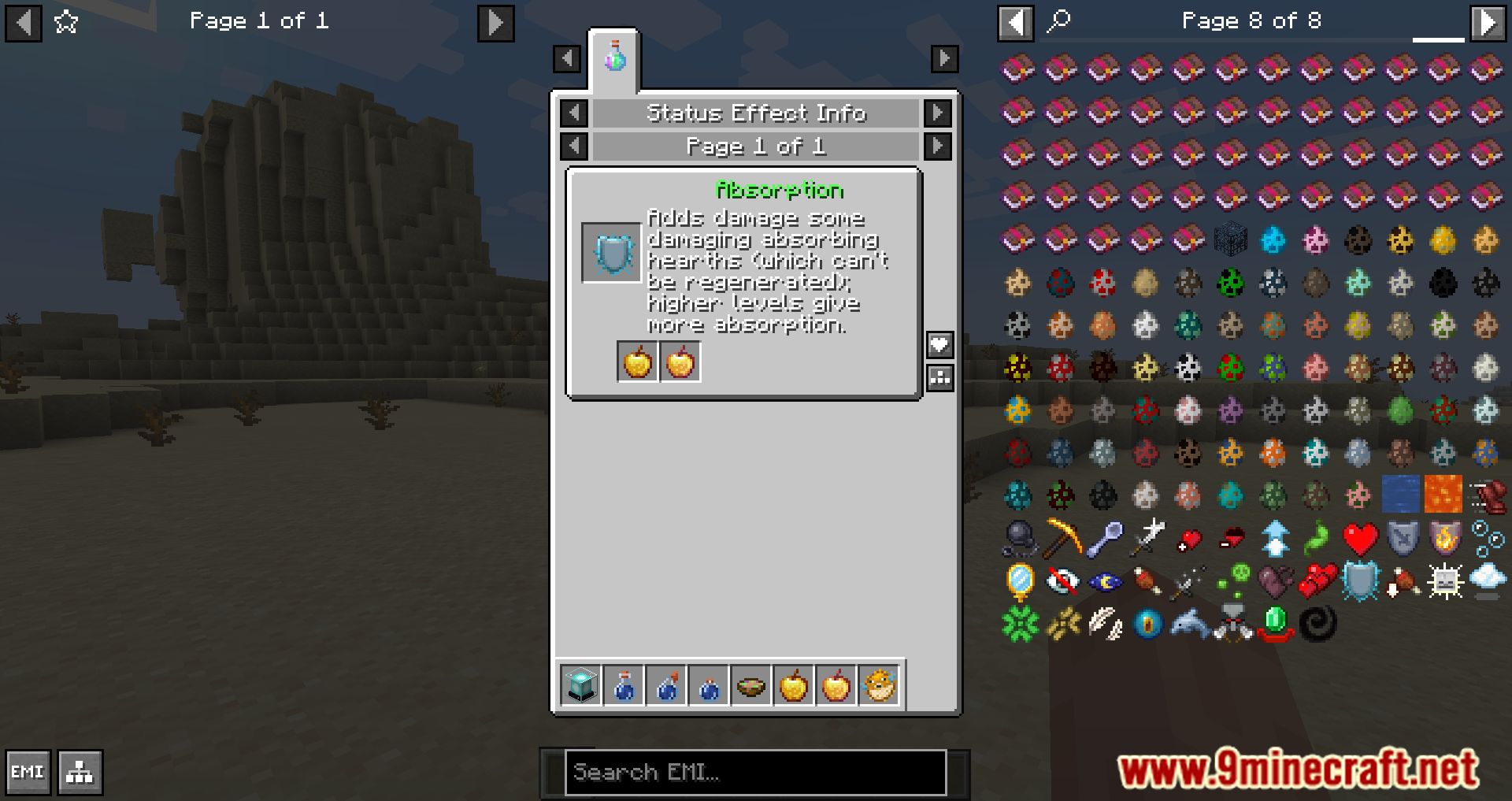
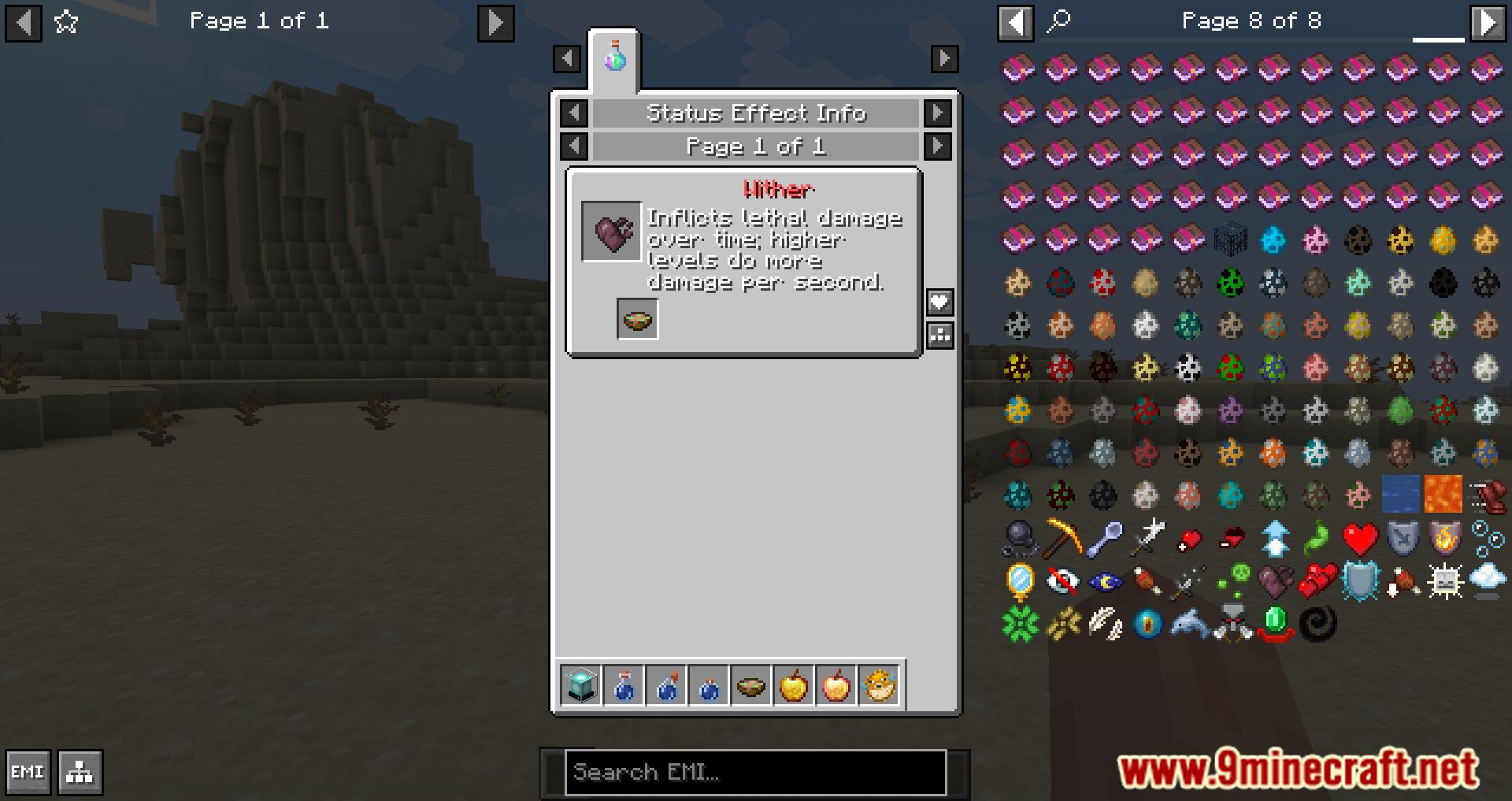
How to Install:
New to Minecraft? Follow our step-by-step guide to install Mods on your PC.View Guide
Requirements:





EMIffect Mod Download Links
For the Latest Minecraft Versions
We’ve updated EMIffect for Minecraft 26.3 as EMI Effect Descriptions 9minecraft Mod, giving every status effect its own page in EMI with a description and all of its sources, and we keep it maintained for the latest Minecraft versions. Download it here: https://www.9minecraft.net/emi-effect-descriptions-9minecraft-mod/
For Minecraft 1.21.1, 1.21
For Minecraft 1.20.1, 1.20
For Minecraft 1.19.3
For Minecraft 1.19.2
You May Also Like
Picked for this page
 Architectury API Mod (26.3, 1.20.1) – Hooks, Game Features
 YUNG’s Extras Mod (1.21.11, 1.20.1) – Extra Structures and Vanilla+
 Flat Colored Blocks Mod (1.21.1) – Thousands of Beautiful Blocks
 Cull Less Leaves Mod (1.21.11, 1.20.1) – Optimized Leaf Rendering
 Economical Villager Trading Mod (26.3, 1.20.1) – Villagers Restock Buy Trades
 Caverns and Chasms Mod (1.21.1, 1.20.1) – Diversifies The Underground Experience
 Mixin Conflict Helper Mod (26.2, 1.20.1) – User-friendly Errors for Mixin Conflicts
 Sodium Shadowy Path Blocks Mod (26.3, 1.20.1) – Give Your Paths More Depth
 TCT Core Mod (26.3, 1.20.1) – Centralized Menu for Managing and Configuring Mods
 Oth3r’s DirectionHUD Mod (26.3, 1.20.1) – Save, Set, and Edit Coordinates
 Drop Spread 2 Mod (26.3, 1.20.1) – Adjust The Drop Spread
 Load Support Mod (1.21.8, 1.21.1) – Launch Your Modpack Without Crashing
Most viewed in Mods over the last 7 days
 Ala Industrial Mod (26.3) – Run Electric Power Grids and Automated Factories
 PleasureCraft Mod (26.3, 1.21.1) – Jenny Mod Remake for Fabric
 Jennycraft Mod (26.3, 1.20.1) – Virtual Girlfriend in Minecraft
 Fapcraft Mod (26.3, 1.12.2) – Comprehensive and Detailed Content
 Jenny Mod (Fapcraft) Official Complete Guide – How to use, Tutorial
 BangCraft Mod (1.20.1) – Jenny, Ellie and Elliot
 Fabric Loader (26.3, 1.20.1) – Fabric Installer for All Minecraft Versions
 Meteor Client Mod (26.3, 1.20.1) – Xray, HUD, Fly
 OptiFine HD (26.3, 1.20.1) – Run Faster, FPS Boost, Shaders Support
 The Shooting Star Demo Mod (26.3, 1.20.1) – Vaporize Terrain From Orbit
 Aristois Client Mod (1.21.4, 1.20.1) – World Class Minecraft Utility
 SchnurriTV Mod (1.12.2) – Characters and Features
More from Mods
 Create Hand Made Mod (1.21.1) – Craft Create Recipes By Hand in Your Workshop
 Seed Map for Xaero Mod (26.1) – See Rare Biomes and Dungeons Before You Travel
 MCPersist Mod (26.3) – Keep Your World Online for Friends Even After Logging Off
 Minecraft Java MCP Server Mod (1.21.11) – Command Your World Through External AI Tools
 Arcanism Mod (26.2) – Build Magic Factories and Program Custom Spells
 Archangel Client Mod (1.21.11) – Master Every PvP Duel with Clean Screen Stats
 Block Front Survival Patch Mod (1.21.1) – Wage Tactical Warfare in Survival
 SimpleRPGCore Mod (1.21.4, 1.21.1) – Fight with Classic RPG Stats
 Bard RPG Series Plus by Fichte Mod (1.21.1, 1.20.1) – Buff Allies in Combat
 Fabric Gui ImGui Mod (26.3, 1.21.11) – Clean Custom Menus and In-Game Control
 Multi Item Lib Mod (1.20.1) – Wield Custom Gear with Flawless Hand Animations
 Universe3090 Mod (1.20.1) – Survive Corrupted Dimensions Filled

This post has no comments yet. Be the first — your comment will appear here.