
Dregora Remastered Mod (1.16.5, 1.12.2) – Survive Handcrafted Lands
 4,502
 0


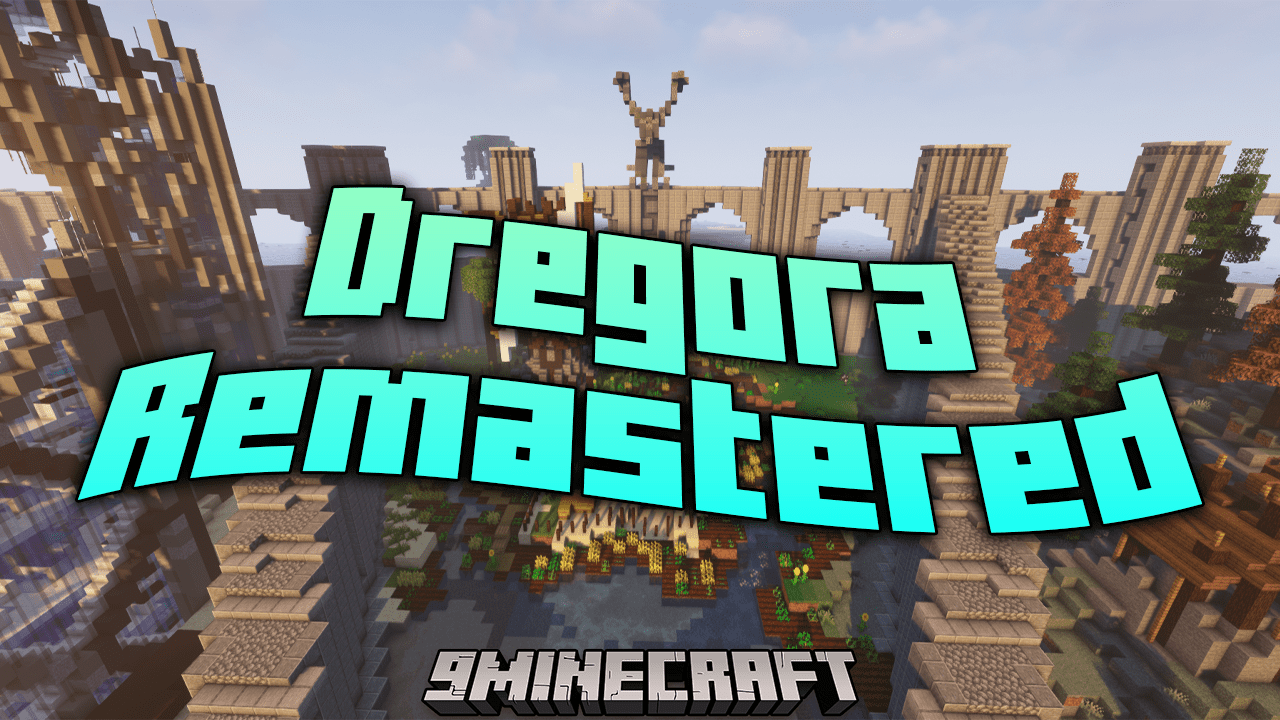
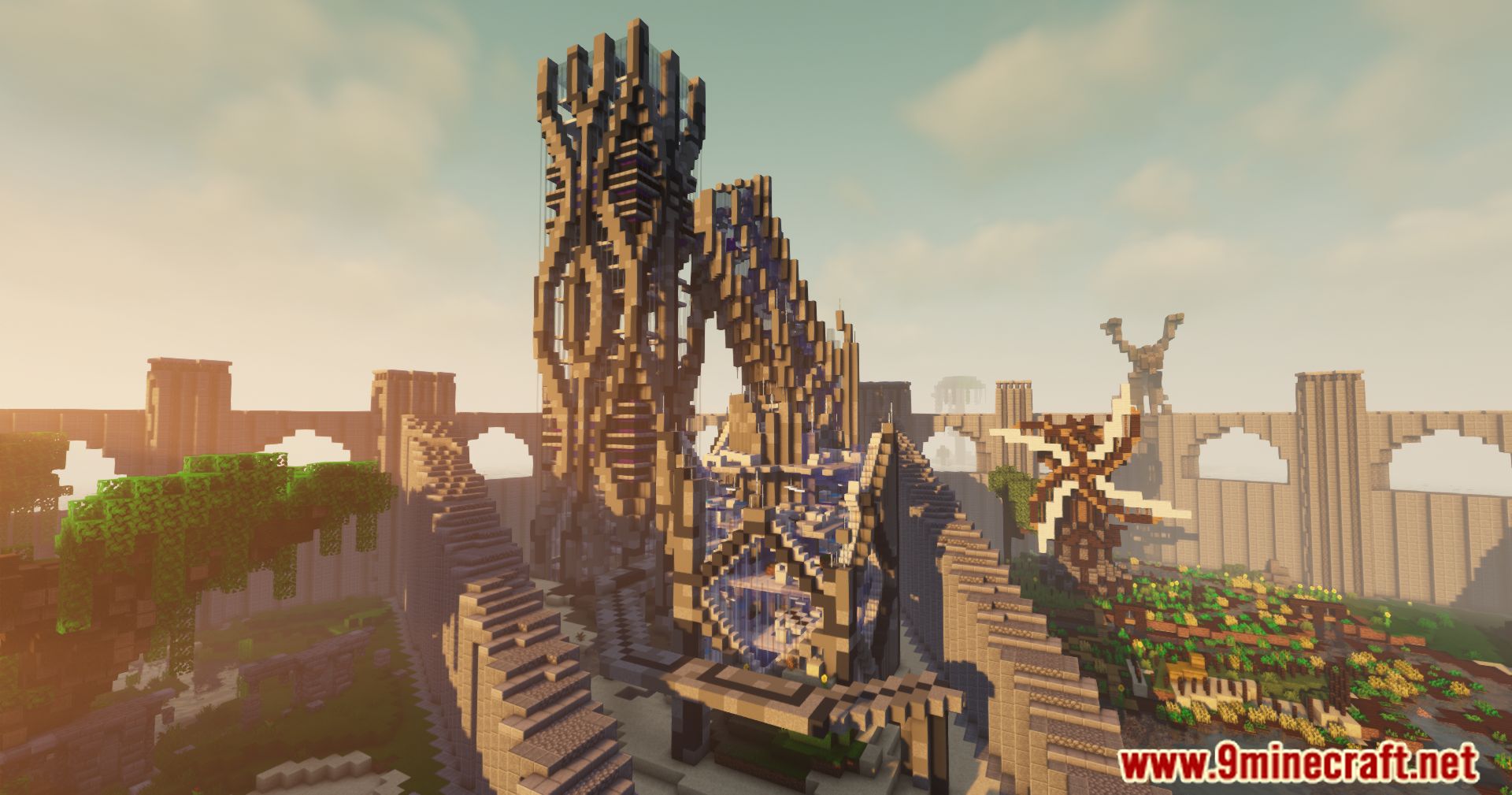
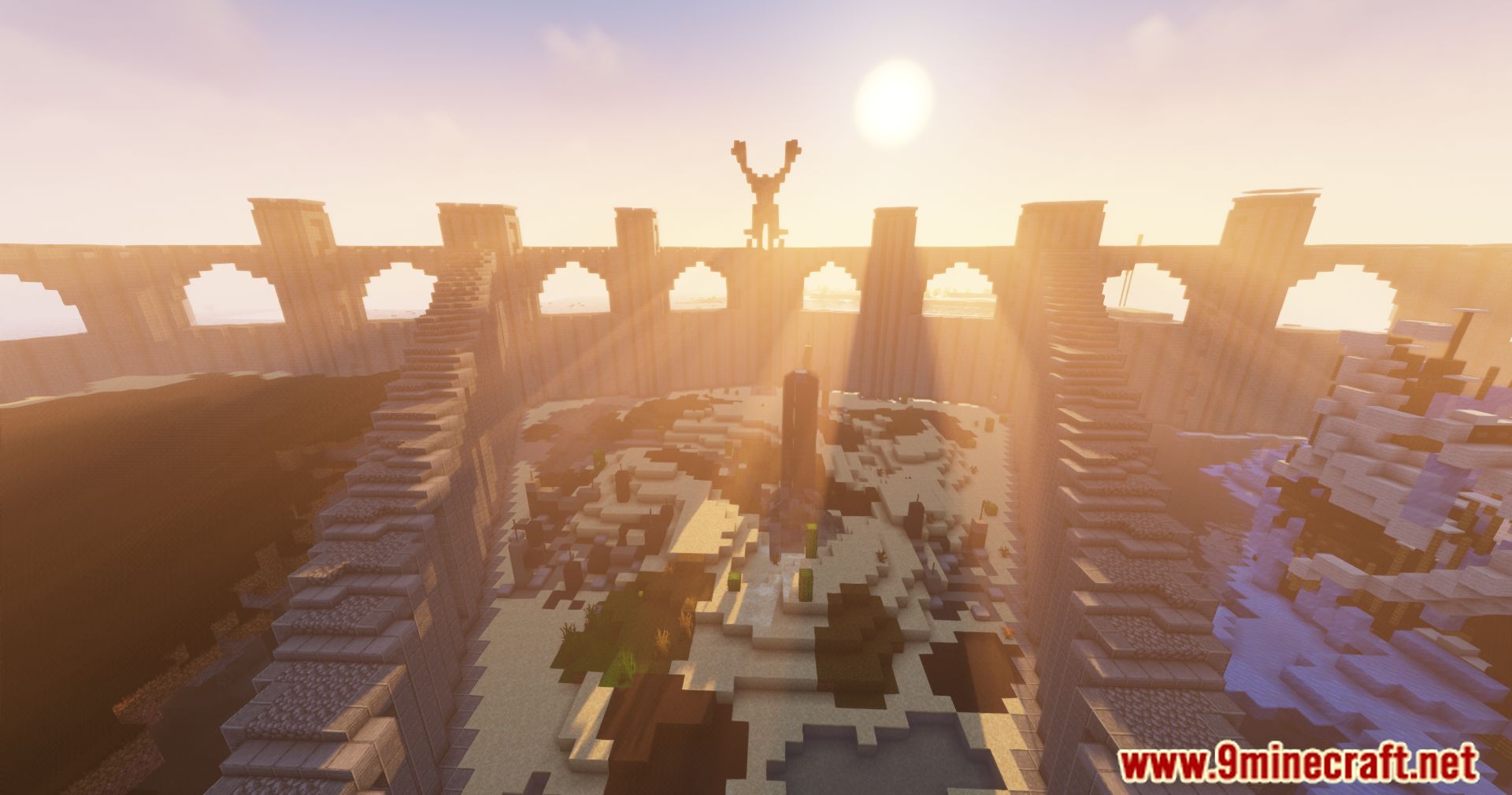
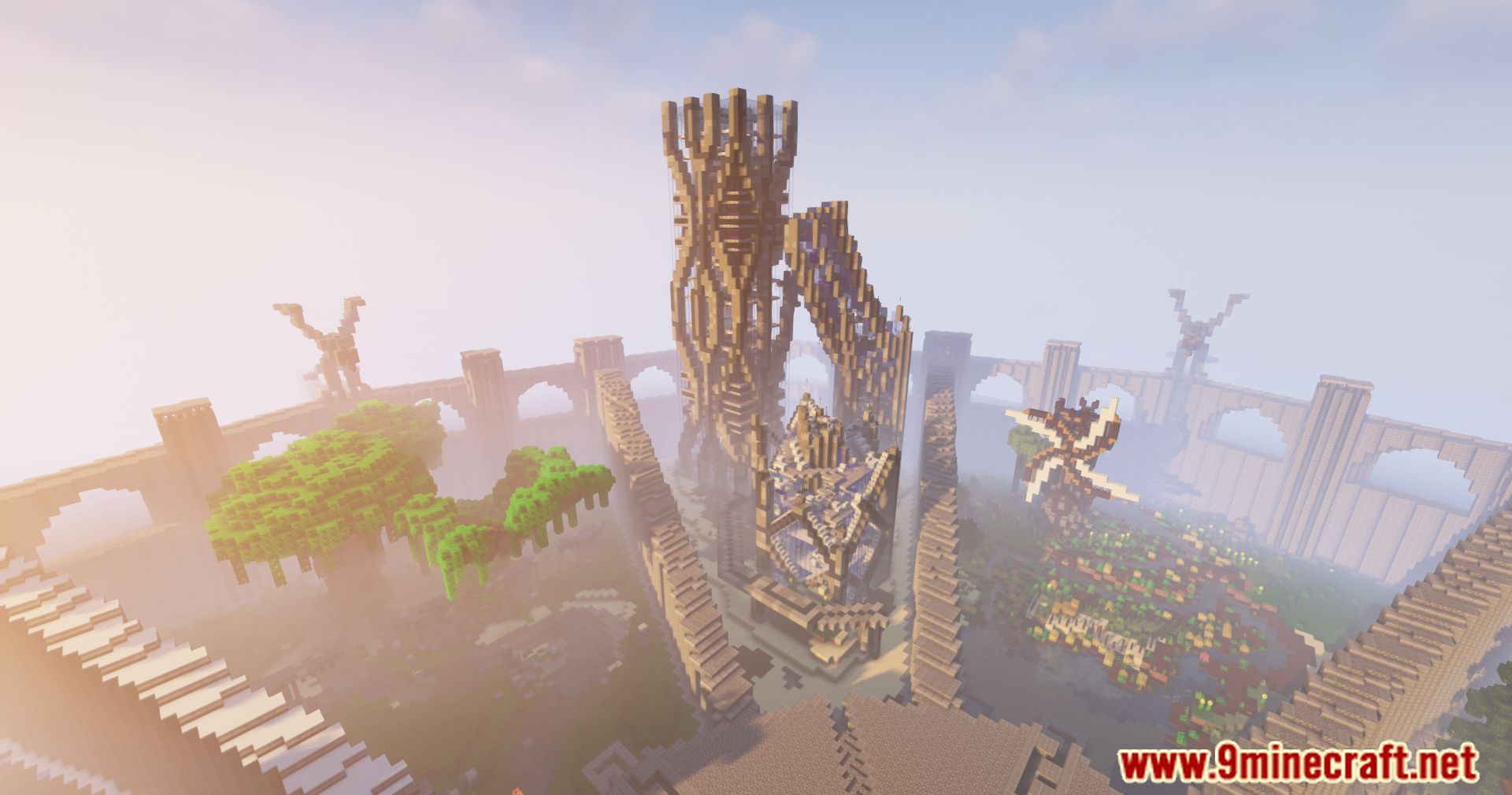
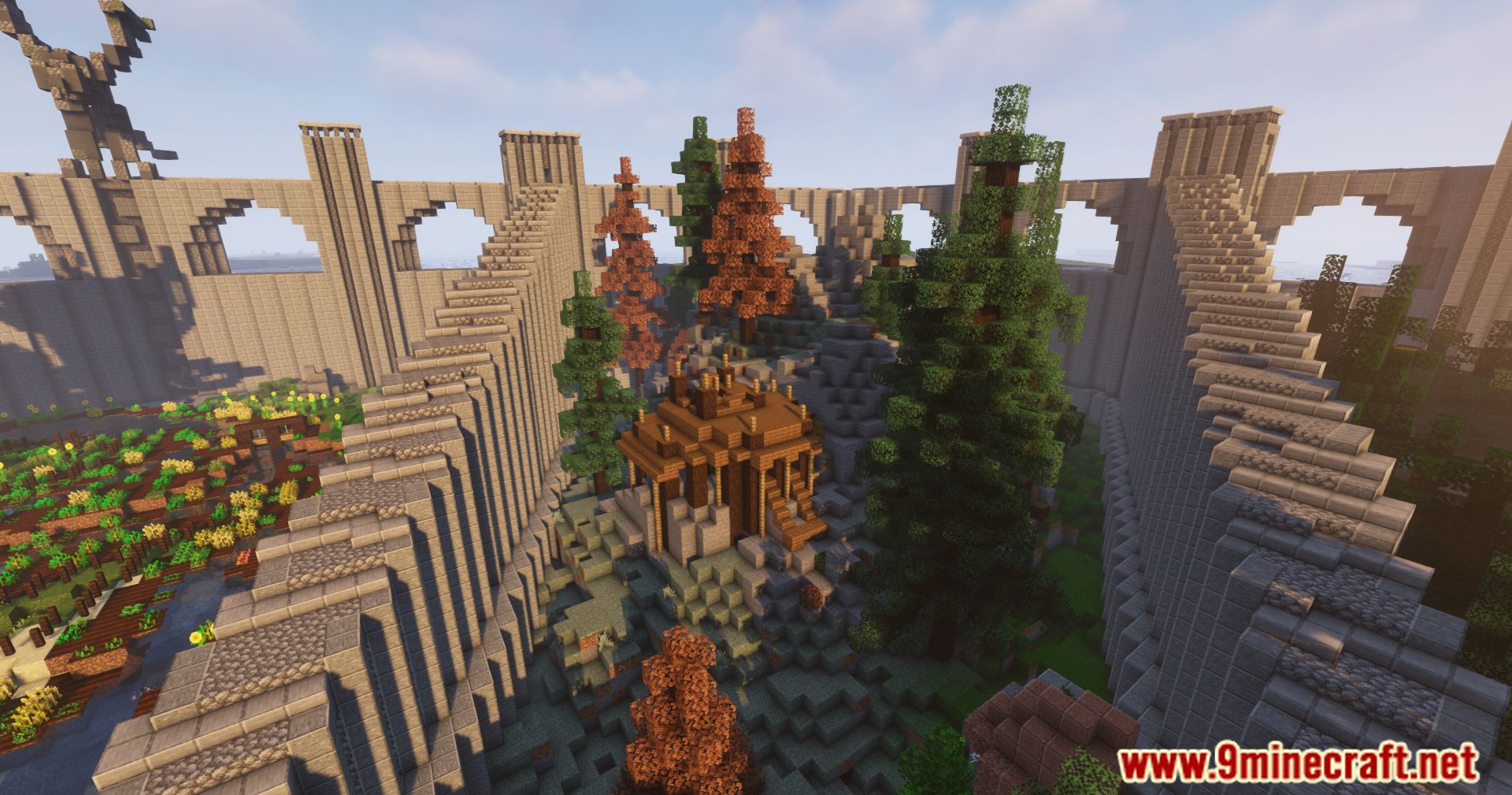
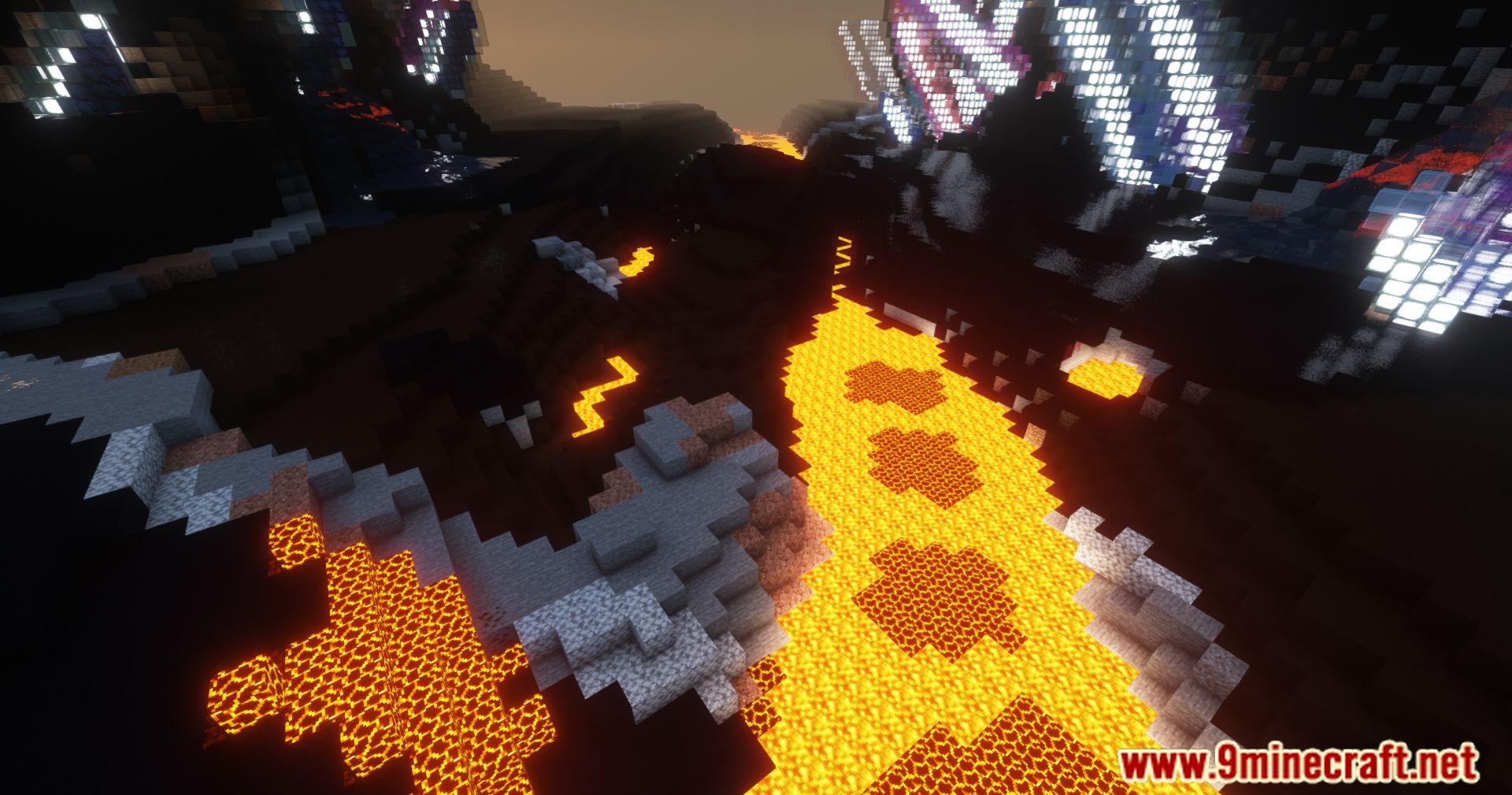
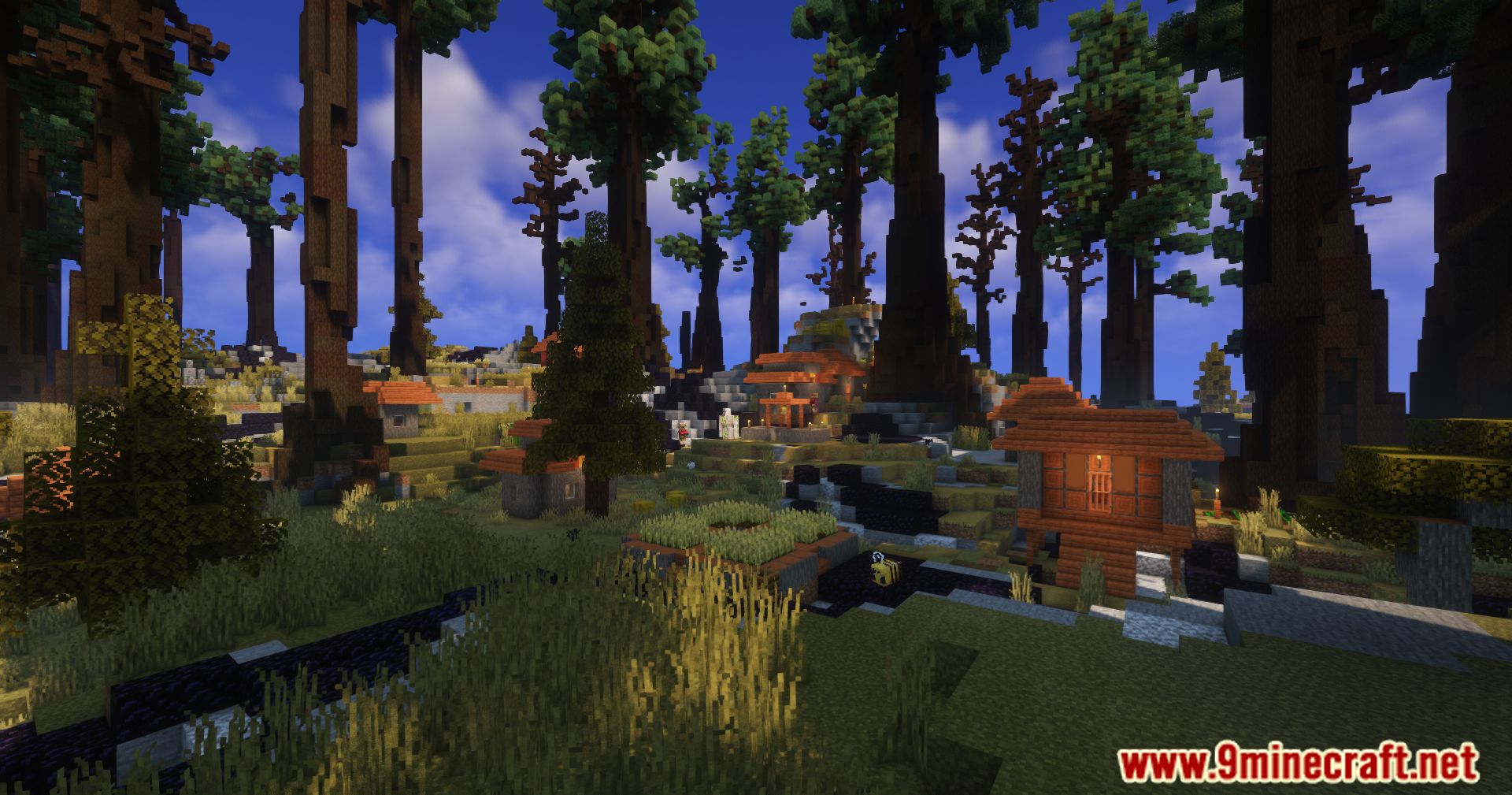
Dregora Remastered Mod extends OpenTerrainGenerator with infinite custom terrain for Minecraft. This mod adds over 600 custom biomes and 20,000 custom objects, from small pebbles and unique trees to caves, huge dungeons, bunkers, villages, medieval cities, and ships. It mixes huge hand-crafted map areas right into randomly generated land while keeping continents and trenches in fixed spots on every seed. Players also encounter bigger, faster, stronger, and scarier custom mobs while hunting for custom loot, treasure troves, and lore about what happened to the world. All default vanilla resources and structures still spawn normally, and the mod works well with most mods that add extra structures or dimensions. It requires OpenTerrainGenerator to run and supports both singleplayer worlds and multiplayer servers.
Features:
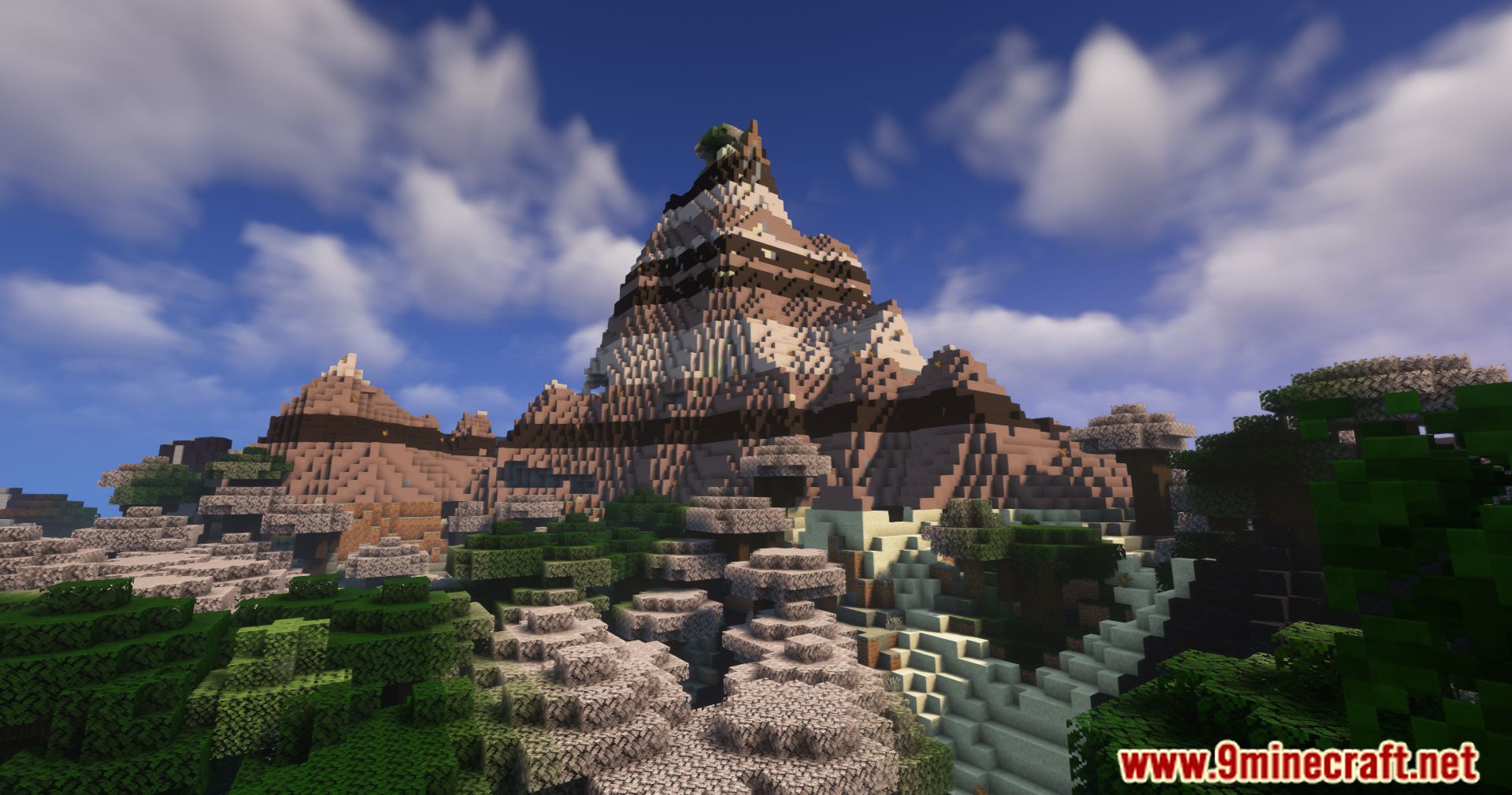
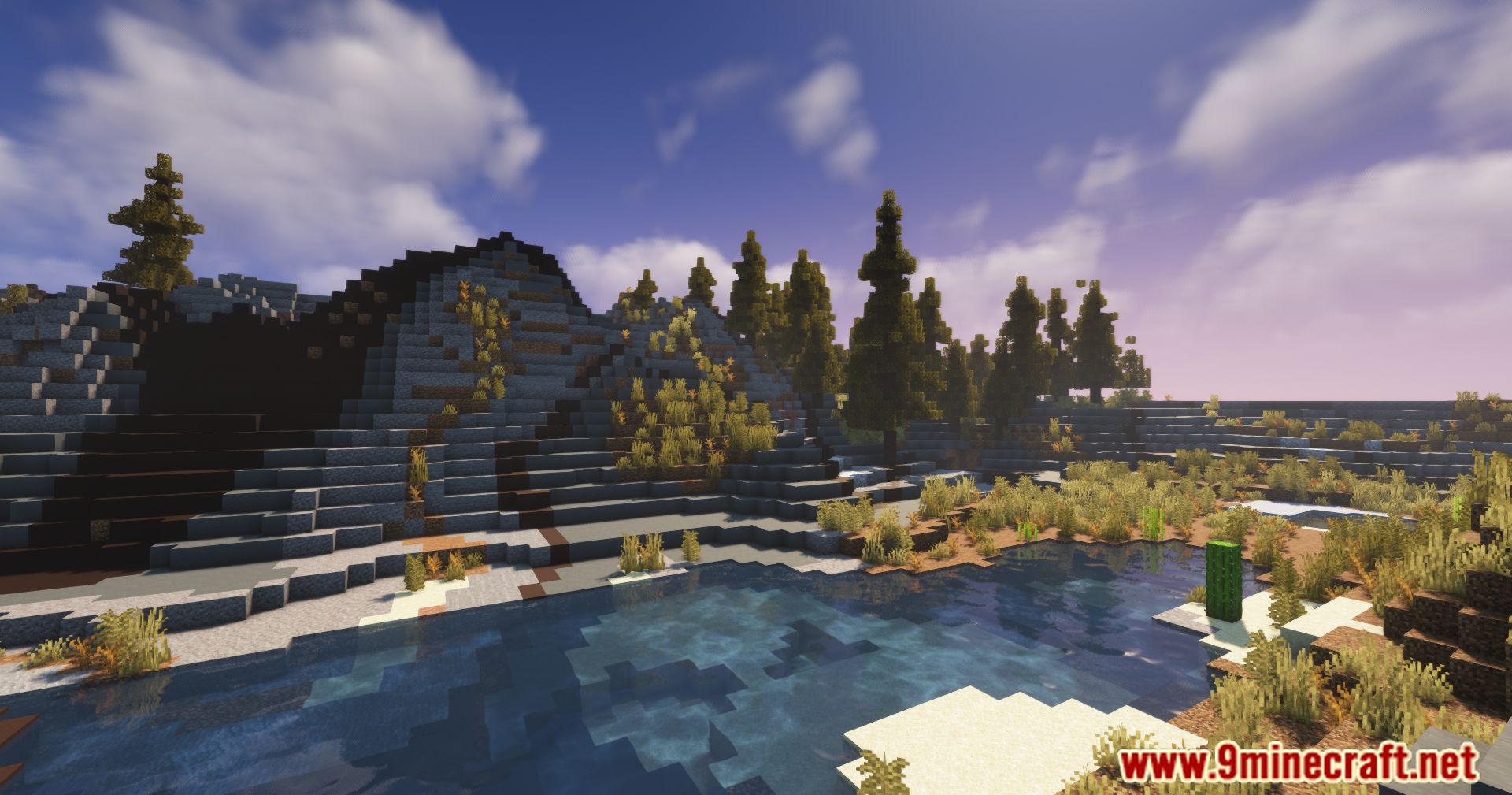
- Infinite Custom Terrain: Generates endless random land with over 600 custom biomes and 20,000 custom objects ranging from small pebbles to giant structures.
- Hand-Crafted Map Areas: Blends huge hand-crafted sections of the map smoothly into the randomly generated terrain.
- Fixed Continents and Trenches: Creates 100% random terrain on every new world seed while keeping continents and trenches in the same fixed locations.
- Tougher Custom Mobs: Spawns vanilla-compatible custom mobs that are bigger, faster, stronger, and scarier than standard enemies.
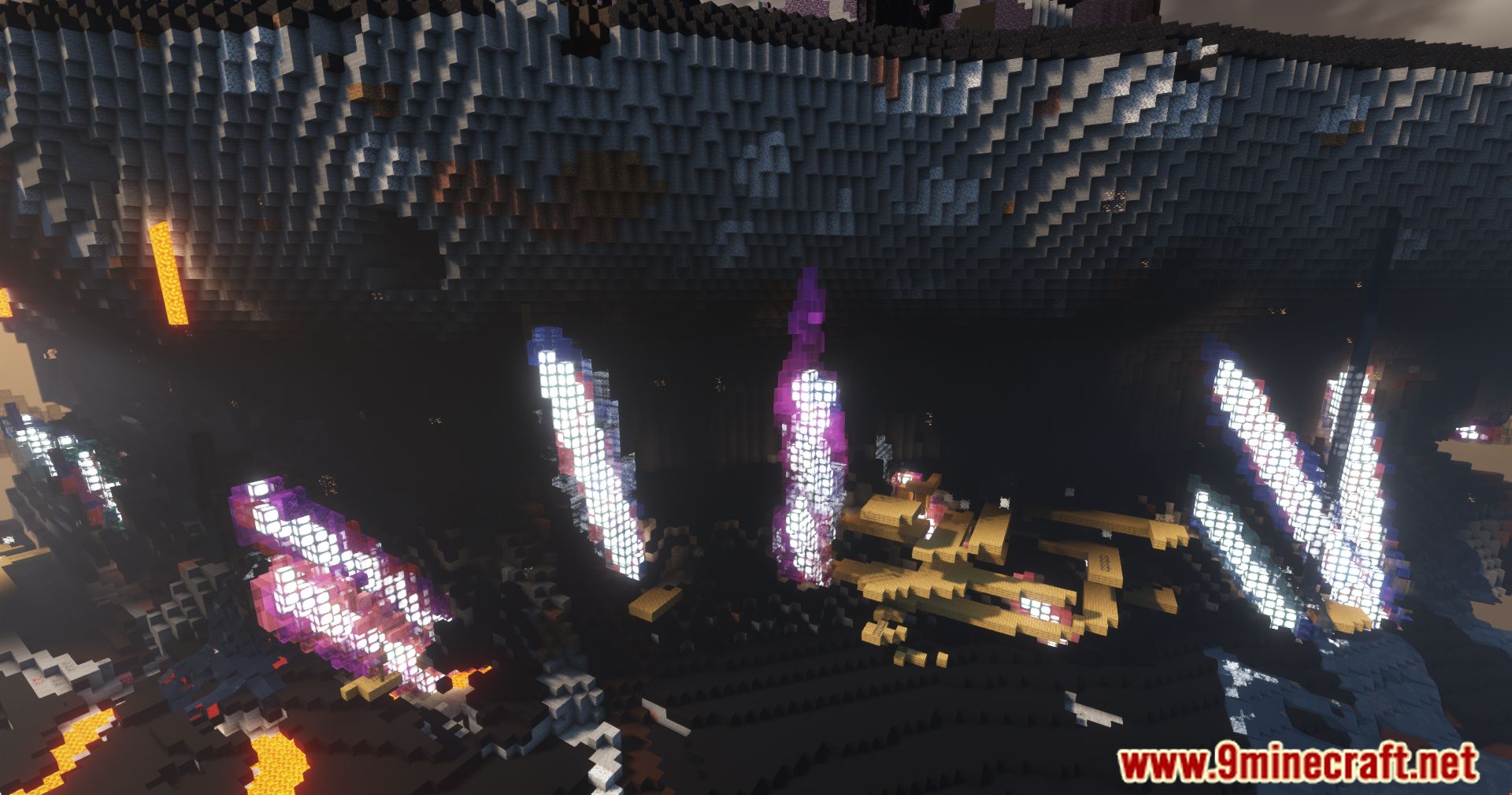
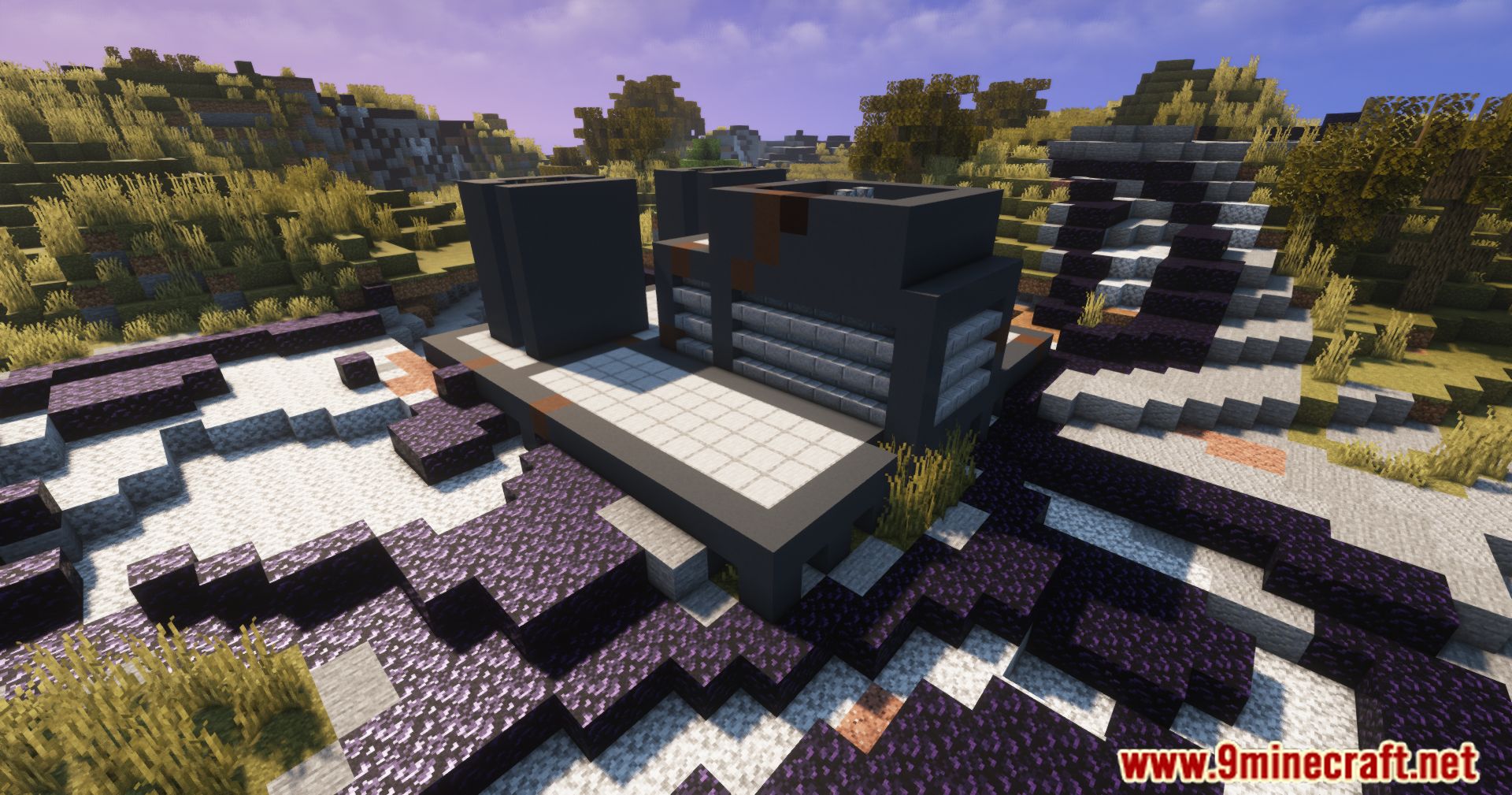
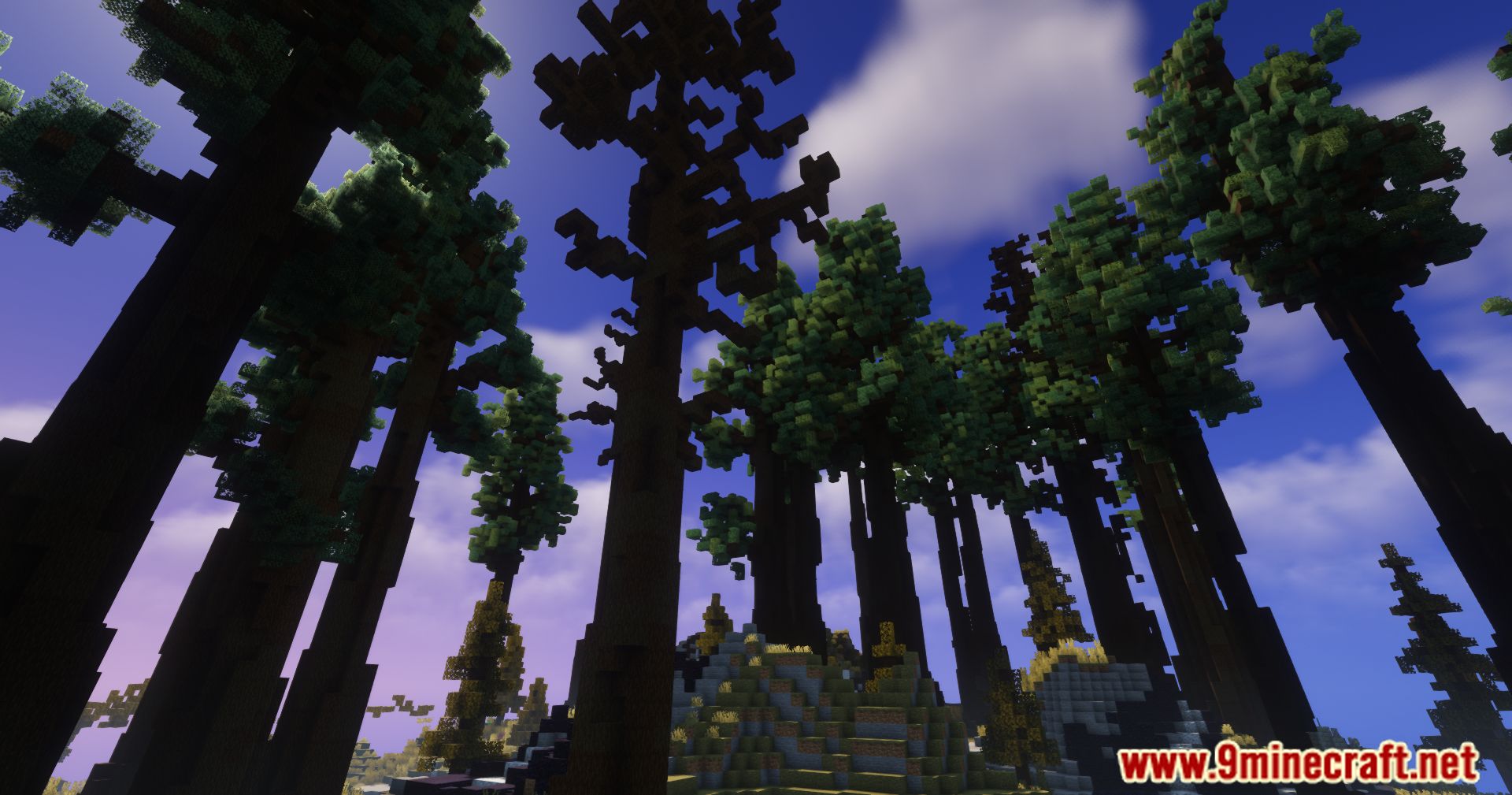
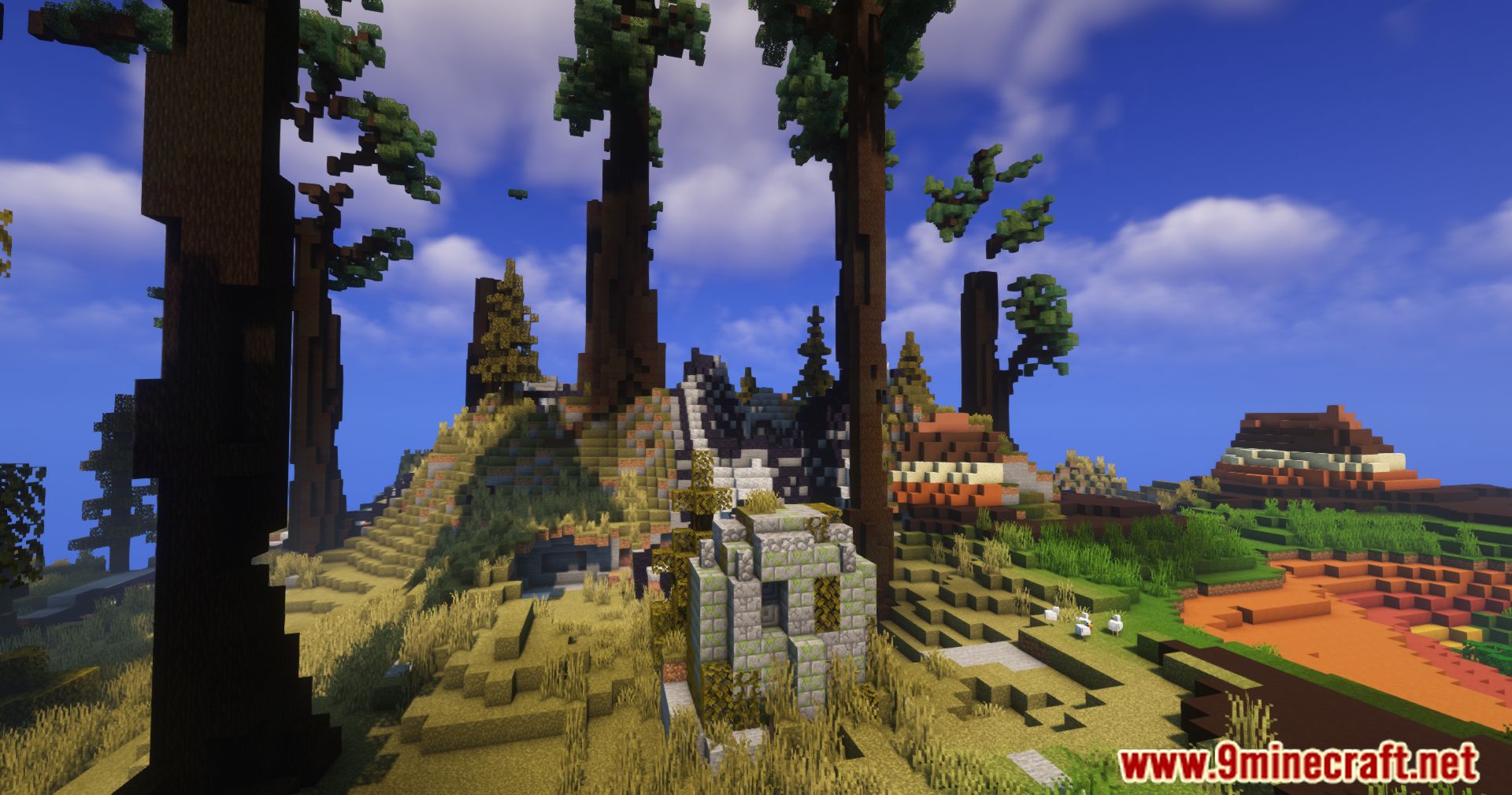
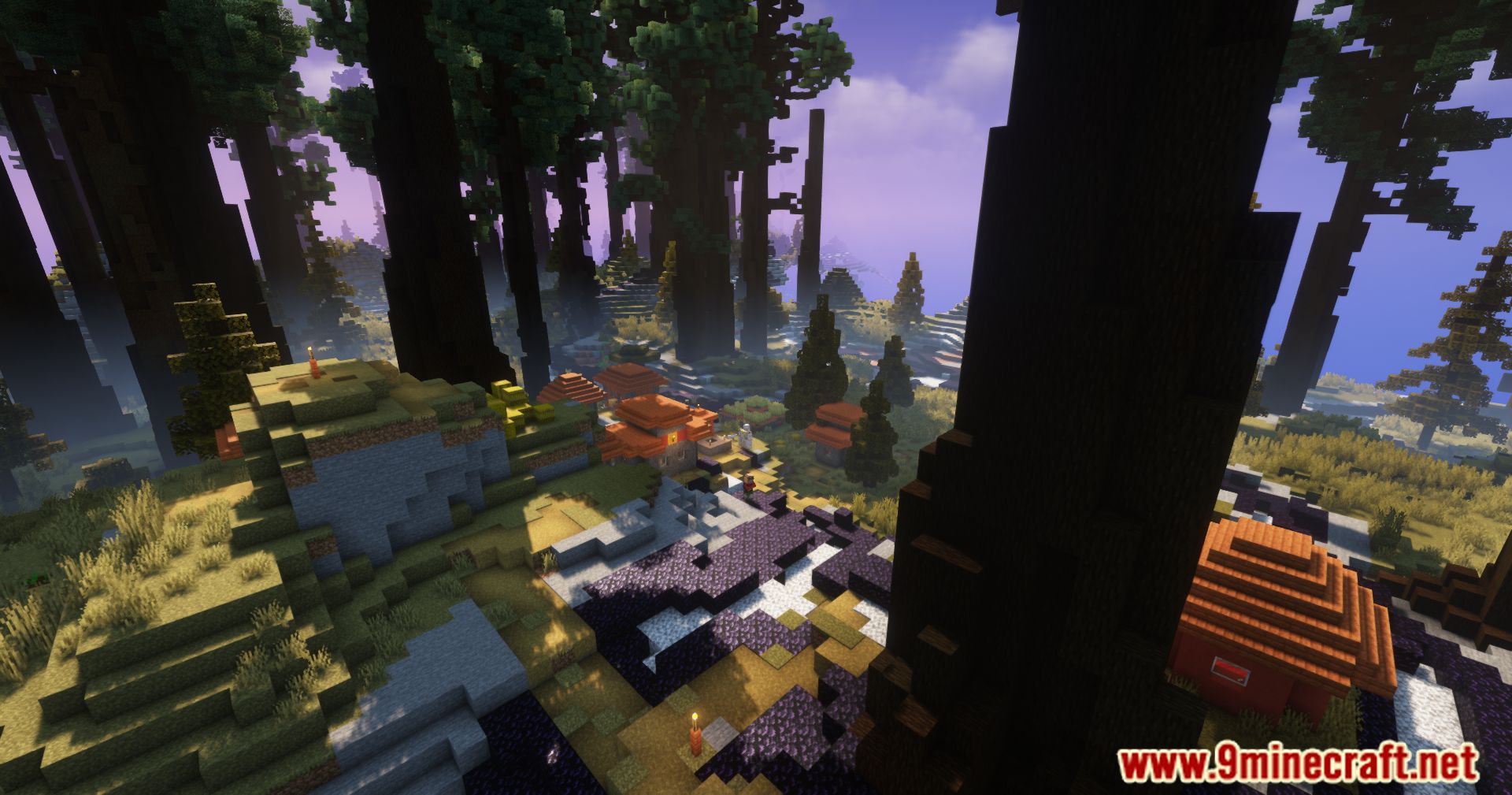
- Fills the world with custom trees, rocks, caves, huge dungeons, villages, medieval cities, and bunkers.
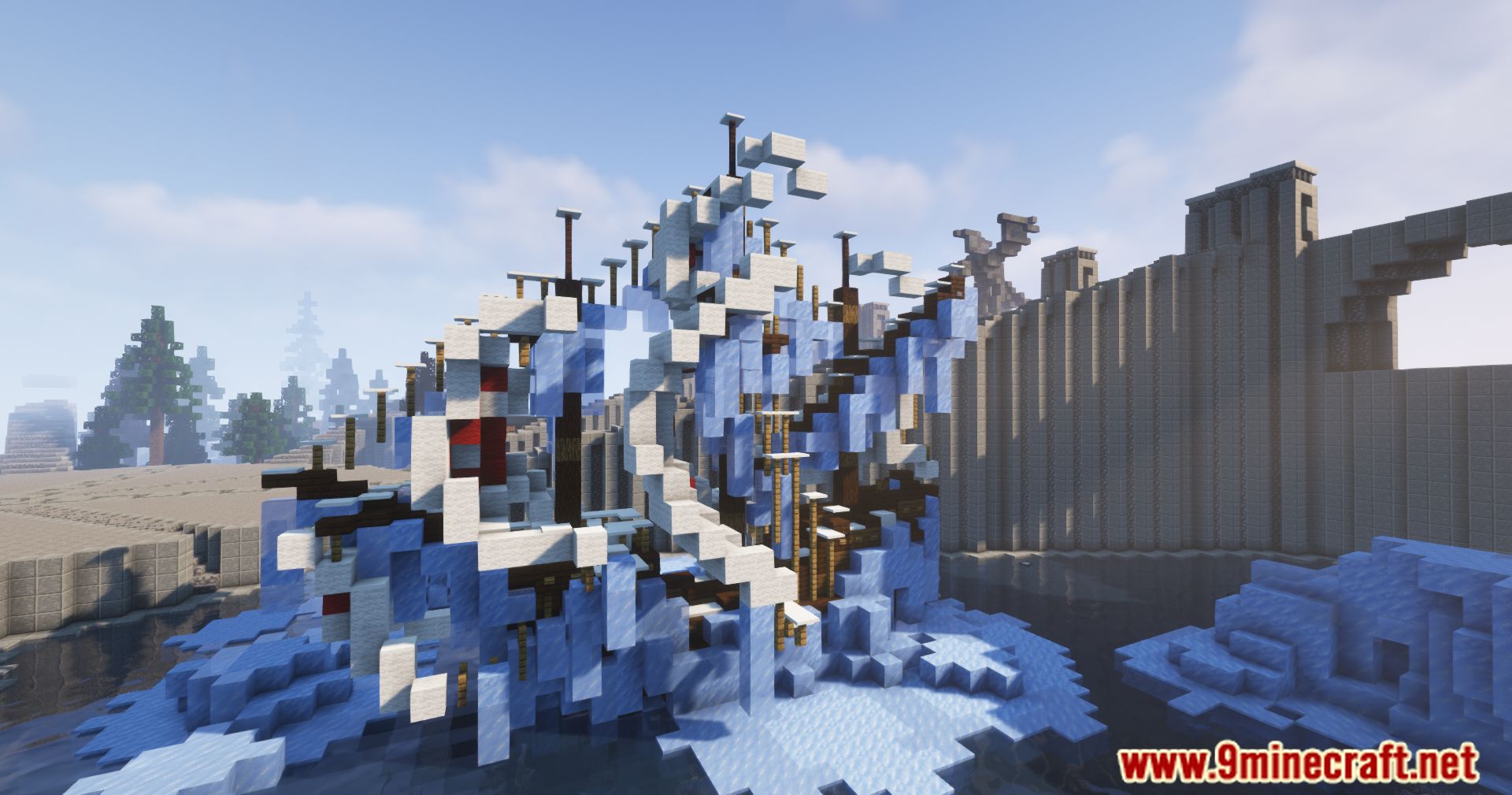
- Places sunken, intact, and stranded ships across the terrain for players to explore.
- Adds custom loot tables, treasure troves, and custom lore explaining what happened in the world.
- Keeps all default vanilla resources and structures spawning normally alongside the new world content.
- Includes an online map tool to find the fixed continents and trenches, where black or blank sections show the randomly generated areas.
- Works smoothly with most other mods that add extra structures or dimensions, and pairs well with Better Biome Blend to improve biome color transitions.
Configuration:
level-type:otg: Set this key in yourserver.propertiesfile to turn on OpenTerrainGenerator world generation for a multiplayer server.generator-settings:Dregora: Add this key inserver.propertieson Minecraft 1.16.5 servers to load the Dregora world preset.level-name:Dregora: Add this key inserver.propertieson Minecraft 1.12.2 servers to load the Dregora world preset.
How to Use:
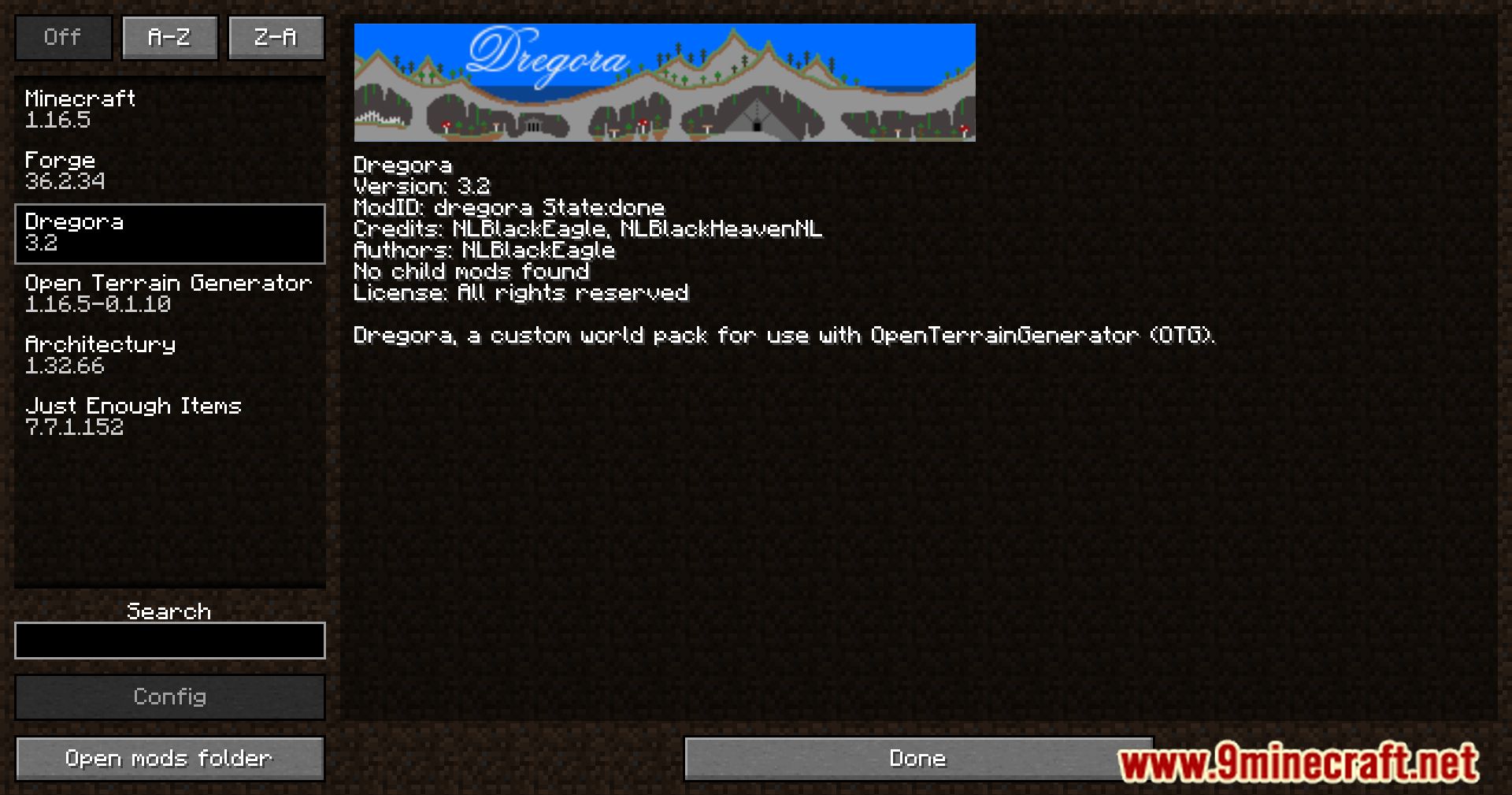
- Make sure OpenTerrainGenerator (OTG) is installed before launching Minecraft, and allocate 6GB of RAM on Minecraft 1.16.5 so the world runs smoothly.
- Click the Singleplayer button on the main menu to open your world list.
- Click the Create New World button to open the new world screen.
- Click the More World Options… Button to show the world generation settings.
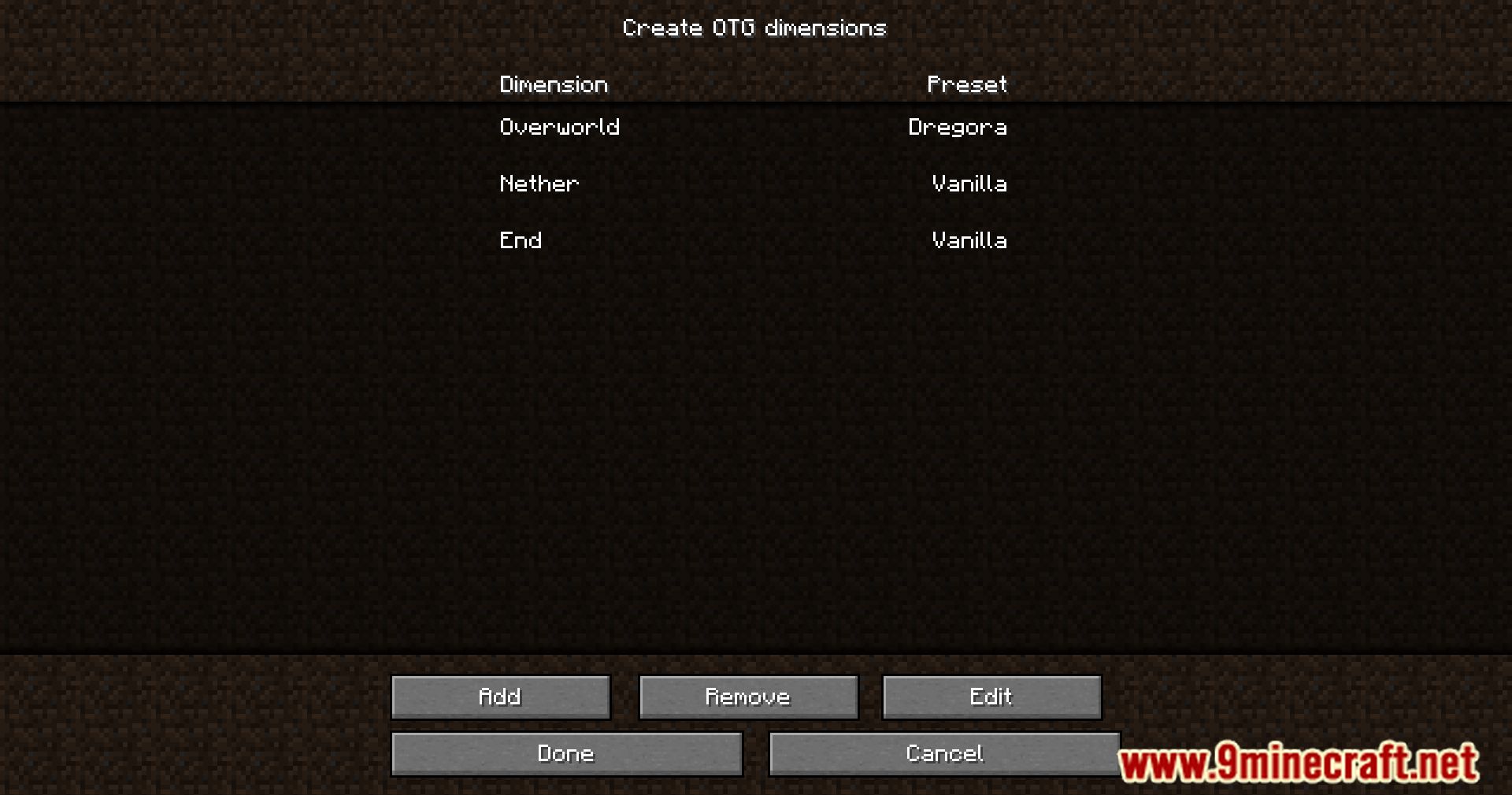
- Change World Type from Default to OTG, then click the Customize button once it appears below.
- Click the Overworld Dimension setting to change it to Dregora, then click Done to save your choice.
- Click Create New World to generate the terrain and enter your new world.
Screenshots:
How to Install:
New to Minecraft? Follow our step-by-step guide to install Mods on your PC.View Guide
Dregora Remastered Mod Download Links
For Minecraft 1.16.5
Forge Version: Download from Server 1
For Minecraft 1.12.2
Forge Version: Download from Server 1
How do you usually learn how a complex mod works?
23 responses · See the full results →
You May Also Like
Picked for this page
 Runelic Mod (26.3, 1.20.1) – Runic Font, Writing in Runes
 Danny’s Attack On Titan Mod (1.21.1) – Titan Has AI
 Improved Pillager Outpost Mod (26.3, 1.20.1) – Overhauled Structure
 Just Enough Guns New Mod (26.3, 1.21.1) – Firearms Expansion
 Ice And Fire Dragon Finder Mod (1.20.1, 1.18.2) – Stop Searching, Start Hunting
 Nether Bedrock Cracker Mod (26.2, 1.20.1) – Cracking Nether World Seed from Bedrock Patterns
 TwinSession Mod (26.1.2, 1.20.1) – Connect to Servers Multiple Times
 Burn In The Sun Mod (26.3, 1.20.1) – Custom Sun Burn Entities
 CRE Client Mod (1.21.11) – Crystal PvP Auto Combat
 DivineRPG Compatability Mod (1.21.11, 1.20.1) – Compatability with Other Mods
 EMIffect Mod (1.21.1, 1.20.1) – Status Effect Integration
Most viewed in Mods over the last 7 days
 Ala Industrial Mod (26.3) – Run Electric Power Grids and Automated Factories
 PleasureCraft Mod (26.3, 1.21.1) – Jenny Mod Remake for Fabric
 Jennycraft Mod (26.3, 1.20.1) – Virtual Girlfriend in Minecraft
 Fapcraft Mod (26.3, 1.12.2) – Comprehensive and Detailed Content
 Jenny Mod (Fapcraft) Official Complete Guide – How to use, Tutorial
 BangCraft Mod (1.20.1) – Jenny, Ellie and Elliot
 Fabric Loader (26.3, 1.20.1) – Fabric Installer for All Minecraft Versions
 The Shooting Star Demo Mod (26.3, 1.20.1) – Vaporize Terrain From Orbit
 Meteor Client Mod (26.3, 1.20.1) – Xray, HUD, Fly
 OptiFine HD (26.3, 1.20.1) – Run Faster, FPS Boost, Shaders Support
 Aristois Client Mod (1.21.4, 1.20.1) – World Class Minecraft Utility
 Prestige Client Mod (1.21.11, 1.21.4) – Powerful Ghost Features for Crystal & Sword PvP
More from Mods
 Arcanism Mod (26.2) – Build Magic Factories and Program Custom Spells
 Archangel Client Mod (1.21.11) – Master Every PvP Duel with Clean Screen Stats
 Block Front Survival Patch Mod (1.21.1) – Wage Tactical Warfare in Survival
 Better Enchantment Bookshelf Placement Mod (26.2, 1.20.1)
 SimpleRPGCore Mod (1.21.4, 1.21.1) – Fight with Classic RPG Stats
 Bard RPG Series Plus by Fichte Mod (1.21.1, 1.20.1) – Buff Allies in Combat
 Fabric Gui ImGui Mod (26.3, 1.21.11) – Clean Custom Menus and In-Game Control
 Multi Item Lib Mod (1.20.1) – Wield Custom Gear with Flawless Hand Animations
 Universe3090 Mod (1.20.1) – Survive Corrupted Dimensions Filled
 Wireless Automate Mod (1.21.1) – Automate Base Logistics Without Messy Pipes
 Vaskars Opus Faction War Quests & Bosses Mod (1.21.11, 1.20.1)
 Multitools and More Mod (26.3, 1.20.1) – Clear Your Hotbar and Travel

This post has no comments yet. Be the first — your comment will appear here.