
TwinSession Mod (26.1.2, 1.20.1) – Log Into Servers Twice with One Account
 1,804
 0


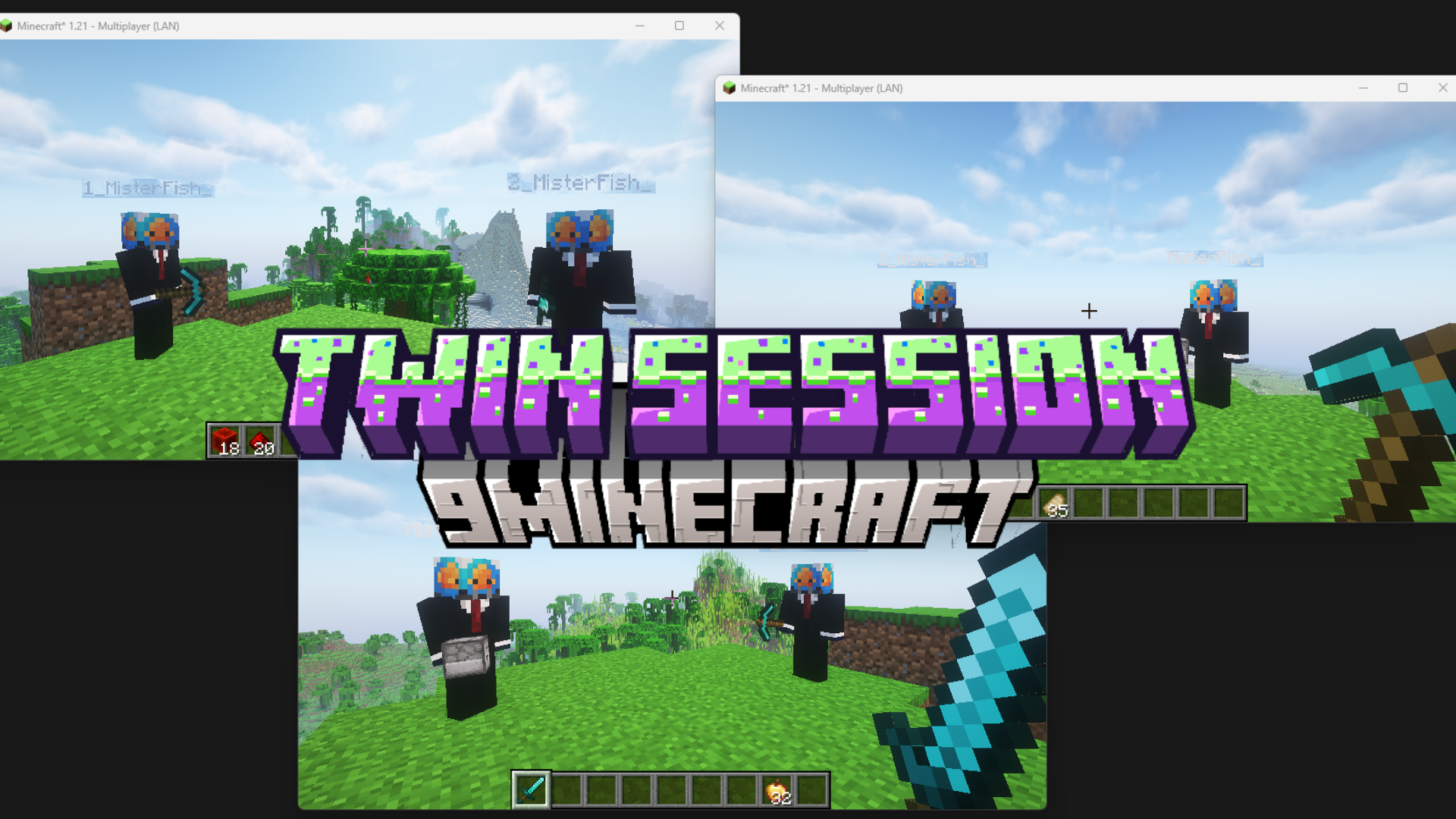
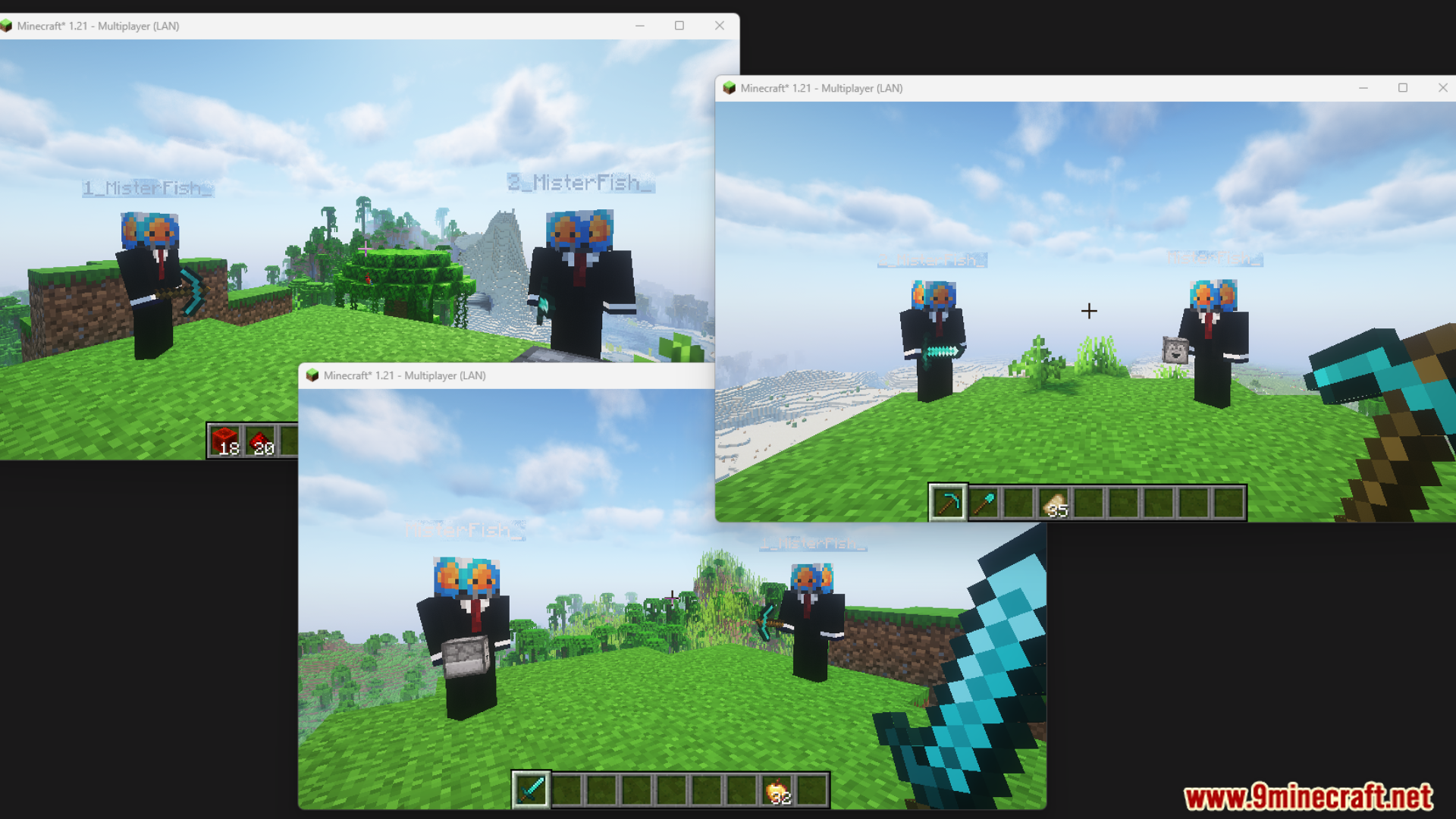
TwinSession Mod lets you join a Minecraft server or LAN world multiple times using the same account. It automatically assigns a unique username with a numbered prefix to each extra connection. This setup helps you manage multiple tasks like farming and automation without needing extra accounts.
Features:
- Connect to any Minecraft server or singleplayer LAN world multiple times using just one account.
- Modify usernames automatically by adding a numbered prefix and underscore for each session.
- Manage multiple in-game tasks and automation setups at the same time.
- Install as a server mod without requiring clients to install it, or run it in a client environment.
- Configure settings like maximum player re-joins, auto-whitelist, auto-op, and spawn radius in the properties file.
How to Use:
- Join the server normally using your Minecraft account for your first session.
- Open another Minecraft client and join the same server with the same account to start your second session with an automatically modified username.
- Start your singleplayer world and select Open to LAN from the pause menu if you play on LAN.
- Repeat the process with more clients to open additional sessions with sequentially numbered usernames.
Screenshots:
How to Install:
New to Minecraft? Follow our step-by-step guide to install Mods on your PC.View Guide
Requirements:

TwinSession Mod Download Links
For Minecraft 26.1.2, 26.1.1, 26.1
For Minecraft 1.21.11
For Minecraft 1.21.10, 1.21.9
For Minecraft
1.21.8,
1.21.7,
1.21.6
All Versions Covered
1.21.8
1.21.7
1.21.6
1.21.5
All Versions Covered
1.21.8
1.21.7
1.21.6
1.21.5
For Minecraft 1.21.5
For Minecraft 1.21.4
For Minecraft 1.21.3, 1.21.2
For Minecraft 1.21.1, 1.21
For Minecraft 1.20.1, 1.20
Click to rate this post!
[Total: 1 Average: 5]
QUICK MINECRAFT SURVEY · ONE TAP
Mods & Modpacks
Who do you usually play modded Minecraft with?
55 responses · See the full results →
You May Also Like
Picked for this page
 Macaw’s Roofs Mod (26.3, 1.20.1) – Make a Sloped Roof Without Using Stairs
 Patched Mod (26.2, 1.20.1) – Tools for Modifying Parts of JSON Files
 ViaForge Mod (1.21.11, 1.20.1) – Connecting Different Versions of the Game
 Distant Friends Mod (26.3, 1.20.1) – Creepy Player-Like Mobs
 Unlock All Recipes Mod (26.3, 1.21.1) – Automatically Grants You Every Recipe
 Metal Bundles Mod (26.3, 1.20.1) – Use Bundles Like Never Before
 Elytra Trinket Mod (1.21.11, 1.20.1) – Elytra in The Trinket Slot
 Cut Through Mod (26.3, 1.20.1) – Enhancing Combat Flow
 Axes Are Weapons Mod (26.3, 1.20.1) – Reduced Durability Loss
 Superflat World No Slimes Mod (26.3, 1.20.1) – Removes Slime from Superflat Worlds
 Daily Dad Mod (26.2, 1.20.1) – One Joke At A Time
 Craftable Notch Apple Mod (26.3, 1.20.1) – Makes Enchanted Golden Apple Craftable
Most viewed in Mods over the last 7 days
 Ala Industrial Mod (26.3) – Run Electric Power Grids and Automated Factories
 PleasureCraft Mod (26.3, 1.21.1) – Jenny Mod Remake for Fabric
 Jennycraft Mod (26.3, 1.20.1) – Virtual Girlfriend in Minecraft
 Fapcraft Mod (26.3, 1.12.2) – Comprehensive and Detailed Content
 Jenny Mod (Fapcraft) Official Complete Guide – How to use, Tutorial
 BangCraft Mod (1.20.1) – Jenny, Ellie and Elliot
 Fabric Loader (26.3, 1.20.1) – Fabric Installer for All Minecraft Versions
 The Shooting Star Demo Mod (26.3, 1.20.1) – Vaporize Terrain From Orbit
 Meteor Client Mod (26.3, 1.20.1) – Xray, HUD, Fly
 OptiFine HD (26.3, 1.20.1) – Run Faster, FPS Boost, Shaders Support
 Aristois Client Mod (1.21.4, 1.20.1) – World Class Minecraft Utility
 Prestige Client Mod (1.21.11, 1.21.4) – Powerful Ghost Features for Crystal & Sword PvP
More from Mods
 Offgrid Mod (26.3, 1.20.1) – Furnish Compact Interiors Without Strict Grid
 Tempest Almanac Iron’s Spells ‘n Spellbooks Mod (1.21.1, 1.20.1)
 Chat Guides Mod (26.3, 1.21.11) – Never Memorize Complex Server Commands Again
 TRMT Reimagined the Roads More Travelled Mod (26.3, 1.20.1)
 Morrowless Mod (1.21.1) – Defend Your Shelter From Nightmare Creatures
 THE SLOPSTROSITY Mod (1.21.1) – Battle a Ridiculous Slime Boss
 Decoween Mod (1.21.1, 1.20.1) – Transform Ordinary Survival Bases
 Simply Light 9minecraft Mod (26.3) – Decorate Builds Without Torches
 Alex’s Caves Continued Mod (26.3, 1.20.1) – Conquer Six Massive Underground
 Anvil Uses Mod (26.3, 1.20.1) – Track Item Anvil Usage
 Animal Info Mod (26.3, 1.21.11) – Quick Stats For Your Animals
 Timber Tales Dynamic Tree System Mod (26.3, 1.20.1) – Watch Entire Trees Topple

This post has no comments yet. Be the first — your comment will appear here.