
Leaves Us In Peace Mod (26.3, 1.20.1) – Chop Down Trees Without Floating Leaves
 4,101
 0


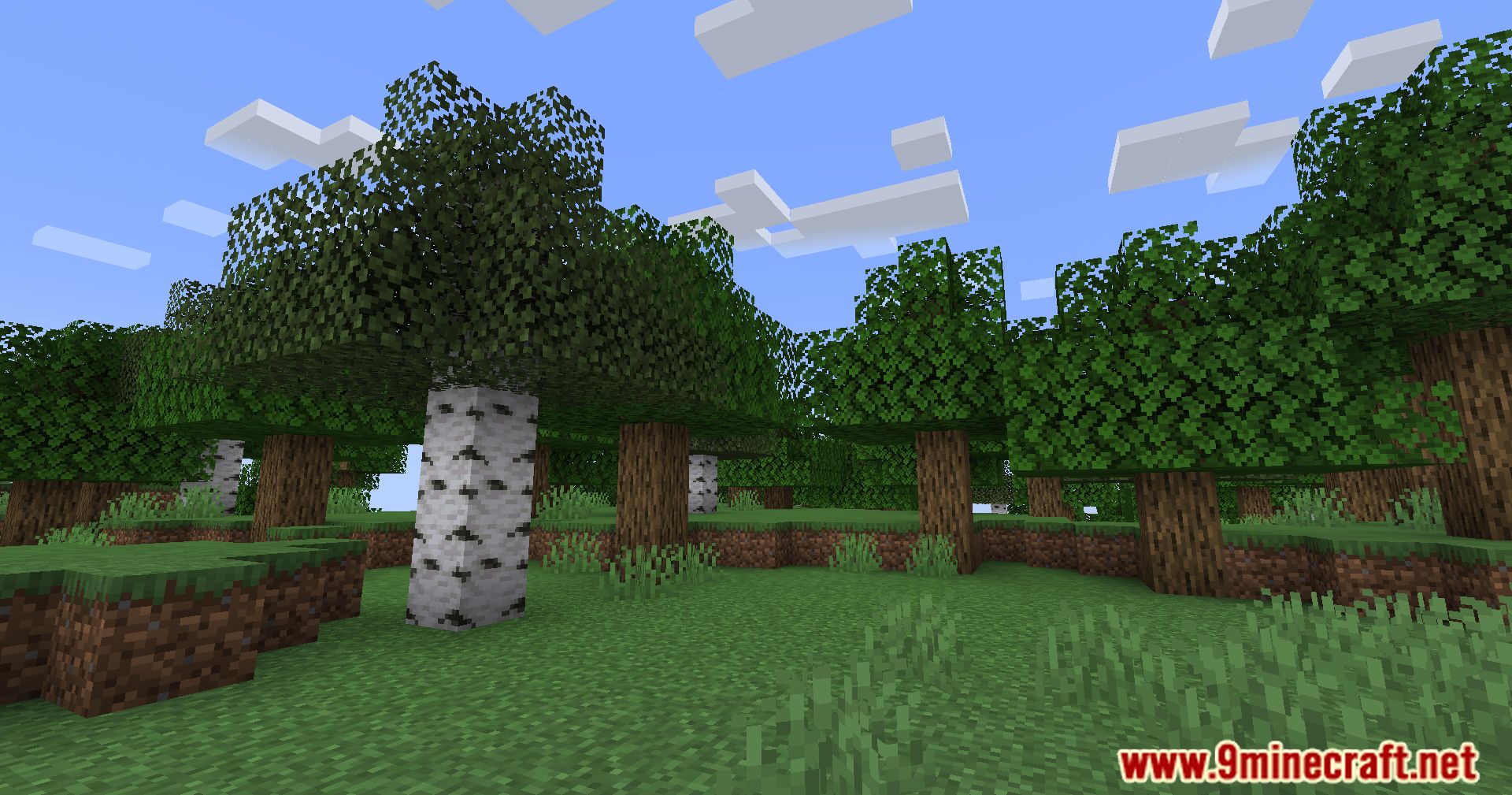
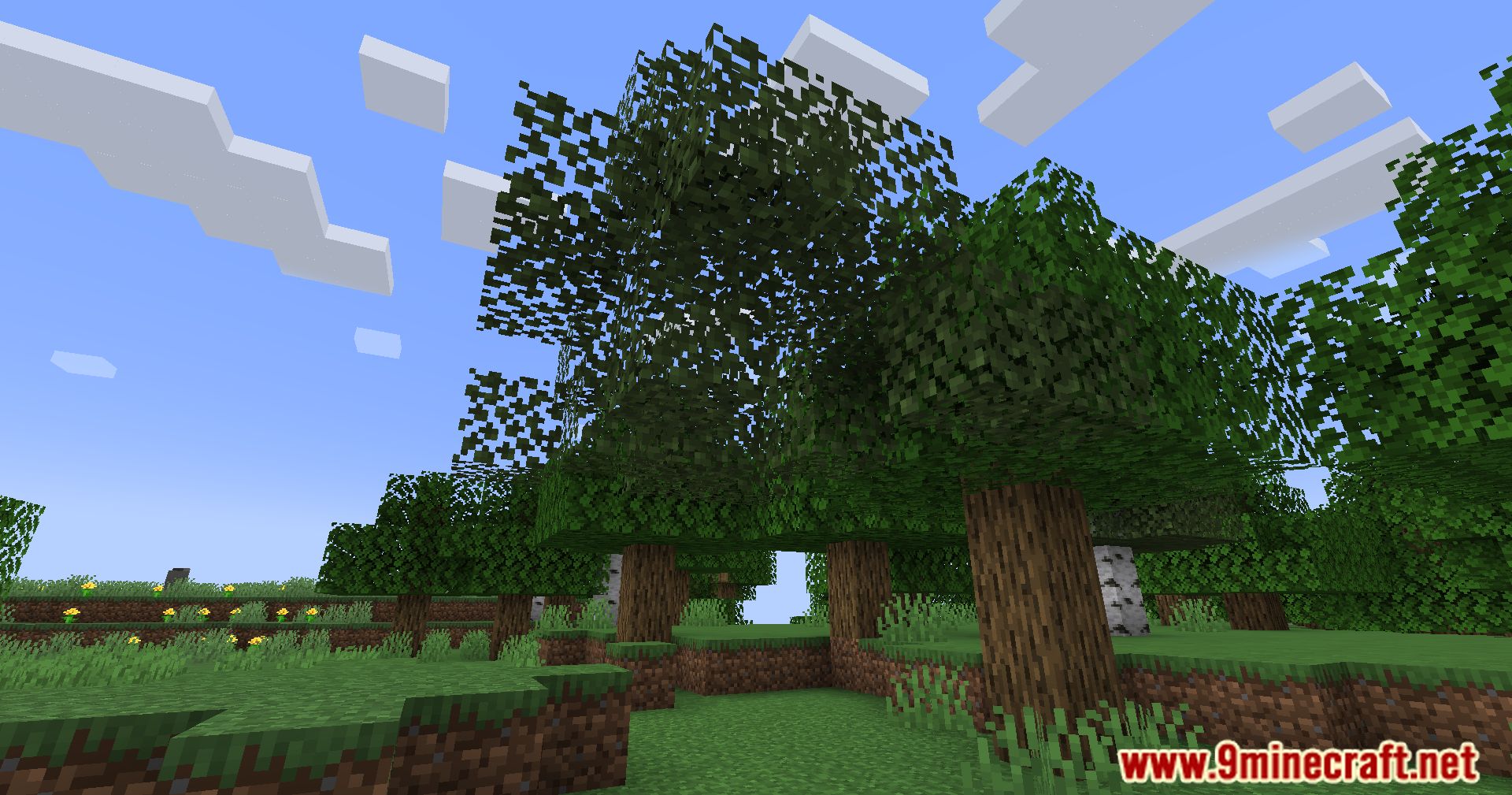
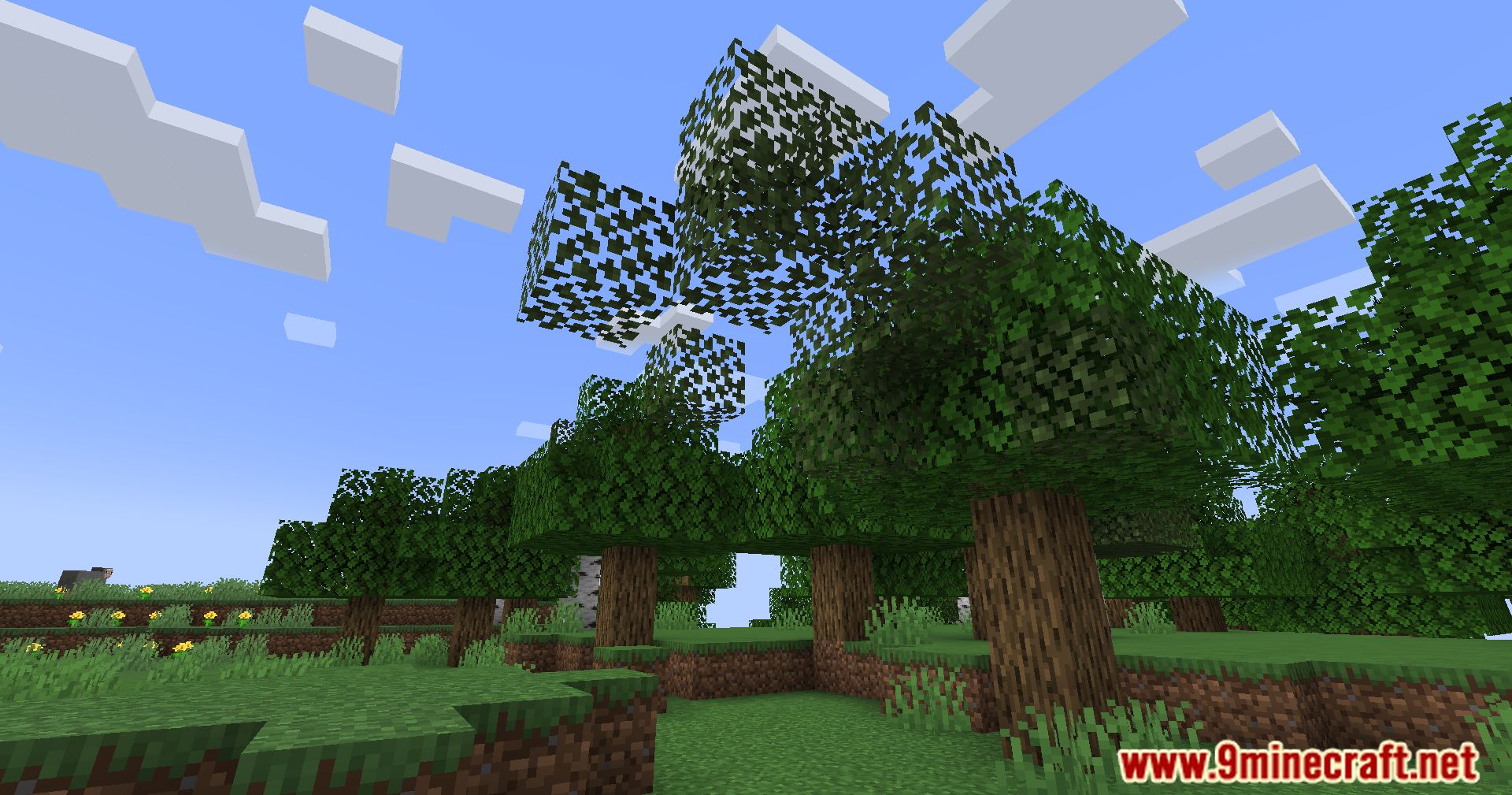
Leaves Us In Peace Mod speeds up leaf decay in Minecraft and stops leaves from sticking to logs or leaves from other tree types. When you chop down a tree, its leaves disappear fast while nearby trees of different types stay untouched. This mod uses tags to match each tree’s logs and leaves, ignores player-placed leaves, and offers optional sounds and particles when leaves break. It works on both servers and singleplayer worlds, supports custom data packs, and includes built-in tree tags for 8 popular biome and world mods. You can also adjust the decay speed and rules to fit your world.

Features:
- Fast Leaf Decay: Makes tree leaves disappear much faster after you cut down the trunk, so you spend less time waiting.
- Leaf Type Matching: Makes leaves ignore leaves of other types during decay checks. By default, leaves only match the exact same block, or all leaves grouped together in a tag (like both types of azalea leaves).
- Log Type Matching: Makes leaves ignore logs from other tree types by checking a tag named after the log. If no tag exists for a log, any log counts as a match just like in normal Minecraft.
- Optional Decay Effects: Adds optional block-breaking sounds and particles whenever leaves decay.
- Ignores persistent leaves placed by players during decay checks so player builds stay intact.
- Handles unknown modded trees by letting untagged leaves match only identical leaves and letting untagged logs stop any touching untagged leaves from decaying.
- Includes a built-in data pack named
wood_prevents_decay(off by default) that makes vanilla wood blocks with bark on all 6 sides count as logs for their trees. - Supports custom tags and data packs so more modded trees with different leaf types can work cleanly with this mod.
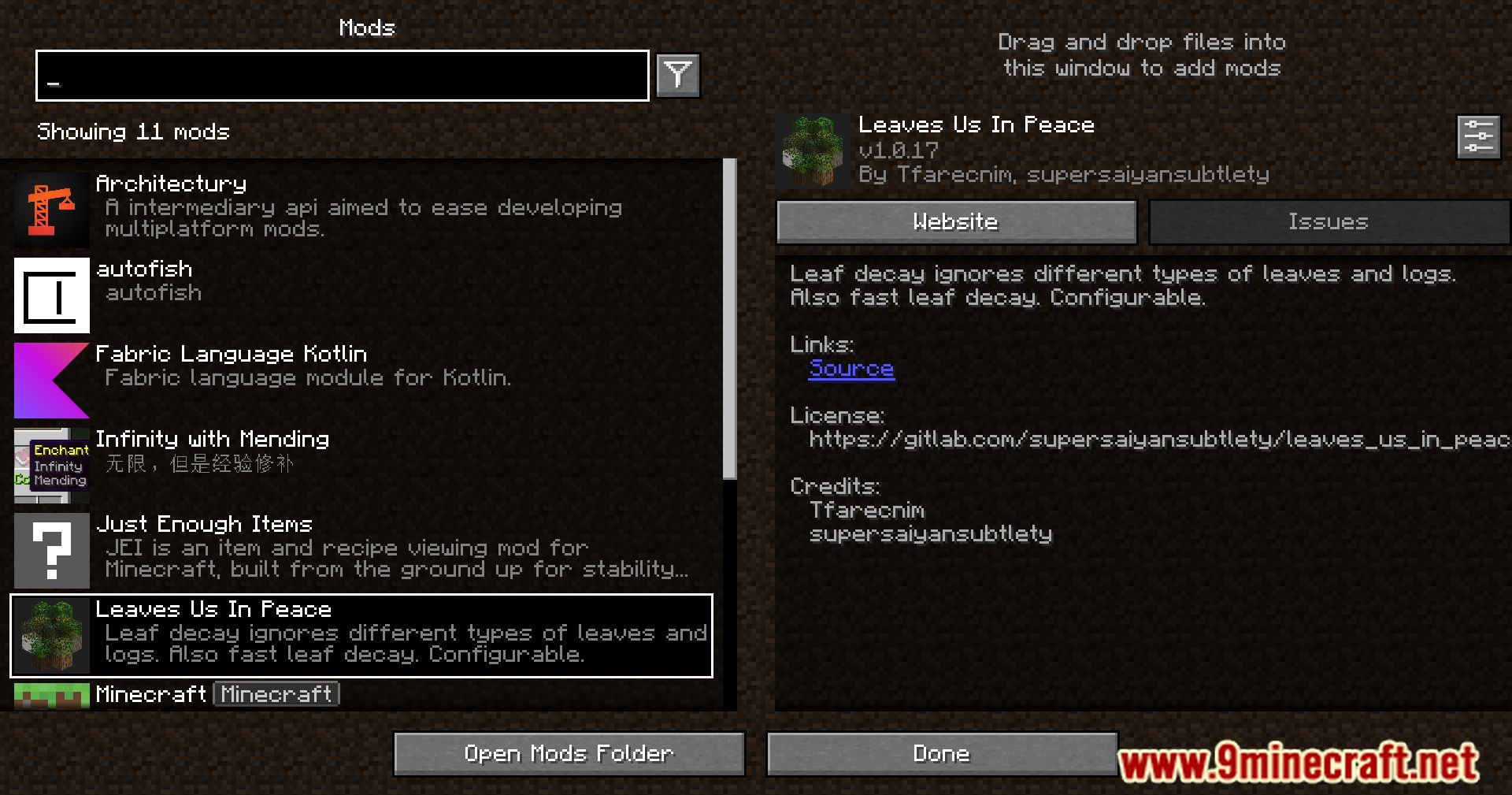
- Works in both singleplayer and server worlds, and supports MidnightLib and Mod Menu when you want to change settings.
Built-In Tree Tags for Other Mods:
- Biomes O’ Plenty
- Oh The Biomes We’ve Gone
- Oh The Biomes You’ll Go
- Promenade
- Traverse
- Twilight Forest
- William Wythers’ Overhauled Overworld
- Yung’s Better Mineshafts
How to Use:
- Chop down a tree trunk as usual; the leaves for that tree type decay quickly while leaves on nearby trees of other types stay in place.
- Open Mod Menu (when MidnightLib is present) or edit
config/leaves_us_in_peace.jsonin your.minecraft/folder to change decay speed, sounds, particles, and matching rules. - Set the
Decay delayMinimum and Maximum values to the same number if you want leaves to decay on a fixed timer with no randomness. - Turn
Unknown leaves only match selftoNoif a modded tree with multiple leaf types starts decaying right after it grows. - Turn on the built-in
wood_prevents_decaydata pack if other mods generate trees with vanilla wood blocks (bark on all 6 sides) so those blocks stop leaves from decaying.
Configuration:
This mod uses default settings on its own, or you can change every option through Mod Menu (with MidnightLib) or by editing config/leaves_us_in_peace.json in your Minecraft folder (.minecraft/ by default).
Match leaves types(default:true): Leaves ignore leaves of different types when checking whether to decay.Unknown leaves only match self(default:true): When enabled, leaves without tags only match the exact same leaf type. When disabled, untagged leaves match all leaves.Match logs to leaves(default:true): Leaves ignore logs from different tree types when checking whether to decay.Ignore persistent leaves(default:true): Leaves ignore player-placed leaves when checking whether to decay.Accelerate leaves decay(default:true): Makes leaves decay much faster.Decay delay - Minimum(default:10): Sets the shortest random delay between leaves decaying and updating nearby leaves. Has no effect ifAccelerate leaves decayis off.Decay delay - Maximum(default:60): Sets the longest random delay between leaves decaying and updating nearby leaves. Has no effect ifAccelerate leaves decayis off.Do decaying leaves effects(default:false): Plays block-breaking sounds and creates particles when leaves decay.
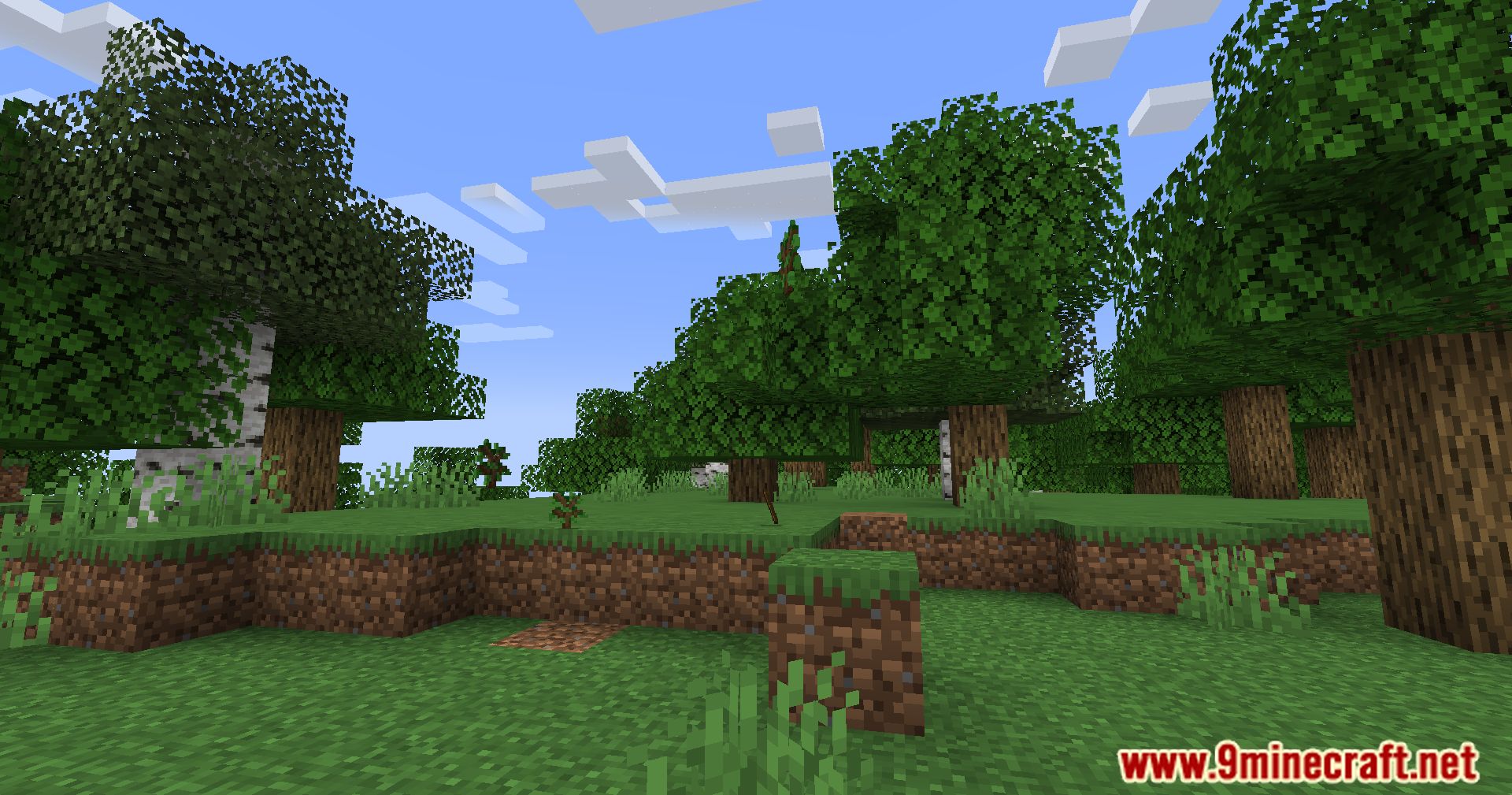
Screenshots:
How to Install:
New to Minecraft? Follow our step-by-step guide to install Mods on your PC.View Guide
Requirements:




Leaves Us In Peace Mod Download Links
For Minecraft 26.3
For Minecraft 26.2
For Minecraft 26.1.2, 26.1.1, 26.1
For Minecraft 1.21.11
For Minecraft 1.21.10, 1.21.9
For Minecraft 1.21.8, 1.21.7, 1.21.6
For Minecraft 1.21.5
For Minecraft 1.21.4
For Minecraft 1.21.3, 1.21.2
For Minecraft 1.21.1, 1.21
For Minecraft 1.20.6
For Minecraft 1.20.4
For Minecraft 1.20.2
For Minecraft 1.20.1, 1.20
For Minecraft 1.19.4, 1.19.3
For Minecraft 1.19.2, 1.19.1, 1.19
For Minecraft 1.18.2
You May Also Like
Picked for this page
 Minecraft Transit Railway Mod (1.21.4, 1.20.1) – Fully Functional Railway System
 Darker Depths Mod (1.21.1, 1.20.1) – Can’t Wait for New Cave Update?
 Torcherino Mod (26.3, 1.20.1) – Torch That Speeds Up Tile Entities
 Immersive UI Mod (26.3, 1.20.1) – Smoother Animated Minecraft Menus
 Ceramic Bucket Mod (26.3, 1.20.1) – Early-Game Bucket Crafting
 RPG: Better Elder Guardian Mod (1.21.1, 1.20.1) – Powerful Elder Guardian & More!
 Zombified Player Mod (26.3, 1.20.1) – Die Then Fight Yourself
 Skin Grabber Mod (26.2, 1.20.1) – Grab Skins From The Nearest Player
 Dyed Bundles Mod (1.21.11, 1.20.6) – Colorful Bundles
 Configurable Everything Mod (26.1.2, 1.20.1) – Biome Modifications and Placements
 Wakes Reforged Mod (26.3, 1.20.1) – Water Trails
 JLine For Dedicated Server Mod (26.3, 1.20.1) – Enable Command History, Auto-Completion & Syntax Highlighting
Most viewed in Mods over the last 7 days
 Ala Industrial Mod (26.3) – Run Electric Power Grids and Automated Factories
 PleasureCraft Mod (26.3, 1.21.1) – Jenny Mod Remake for Fabric
 Jennycraft Mod (26.3, 1.20.1) – Virtual Girlfriend in Minecraft
 Fapcraft Mod (26.3, 1.12.2) – Comprehensive and Detailed Content
 Jenny Mod (Fapcraft) Official Complete Guide – How to use, Tutorial
 BangCraft Mod (1.20.1) – Jenny, Ellie and Elliot
 Fabric Loader (26.3, 1.20.1) – Fabric Installer for All Minecraft Versions
 Meteor Client Mod (26.3, 1.20.1) – Xray, HUD, Fly
 The Shooting Star Demo Mod (26.3, 1.20.1) – Vaporize Terrain From Orbit
 OptiFine HD (26.3, 1.20.1) – Run Faster, FPS Boost, Shaders Support
 Aristois Client Mod (1.21.4, 1.20.1) – World Class Minecraft Utility
 SchnurriTV Mod (1.12.2) – Characters and Features
More from Mods
 Soulscraft Tarnished Legacy Mod (1.21.1) – Hunt Relics to Forge Dark Fantasy
 Fetzi’s Displays Mod (26.1.2, 1.20.1) – Turn Rare Gear and Weapons
 Primal Plushies Paleo Pals Mod (1.21.1, 1.20.1) – Decorate Your Base
 Ipla Mod (26.3, 1.20.1) – Showcase Your Favorite Items
 MesdagPortLib Mod (1.20.1) – Run Modern Minecraft Mechanics on Older Versions
 Hellion’s API Mod (1.21.11, 1.21.1) – Play Hellion Series Addons Without Crashes
 Terrestria Mod (26.3, 1.20.1) – Highly Detailed Biomes
 Tre’s Tack Library Mod (1.20.1) – Outfit Your Horses with Fully Detailed Tack
 YDM’s coreX Library Mod (1.20.1) – Loot RPG Gear with Random Names
 DayTimeControl Mod (1.20.1) – Enjoy Longer Days for Big Builds or Endless Nights
 Builders Companion Core Mod (1.20.1) – Power Custom Waters for Better Creative
 Giacomo’s Fishing Net Mod (1.20.1) – Catch Fish and Treasure While Away

This post has no comments yet. Be the first — your comment will appear here.