
Tell Me Mod (1.20.4, 1.20.1) – Inspect Block Data and World Statistics Easily

 0


Tell Me Mod provides helpful technical tools and commands for players who need detailed information about the game world, settings, and registries. It serves as a practical utility for checking game data, counting blocks, and inspecting items or entities directly in the game.

Features:
- Includes commands for dumping various game registries to configuration files for debugging and reference.
- Lists loaded entities, tile entities, chunks, and dimensions across the game world.
- Counts specific blocks or biomes within any given area.
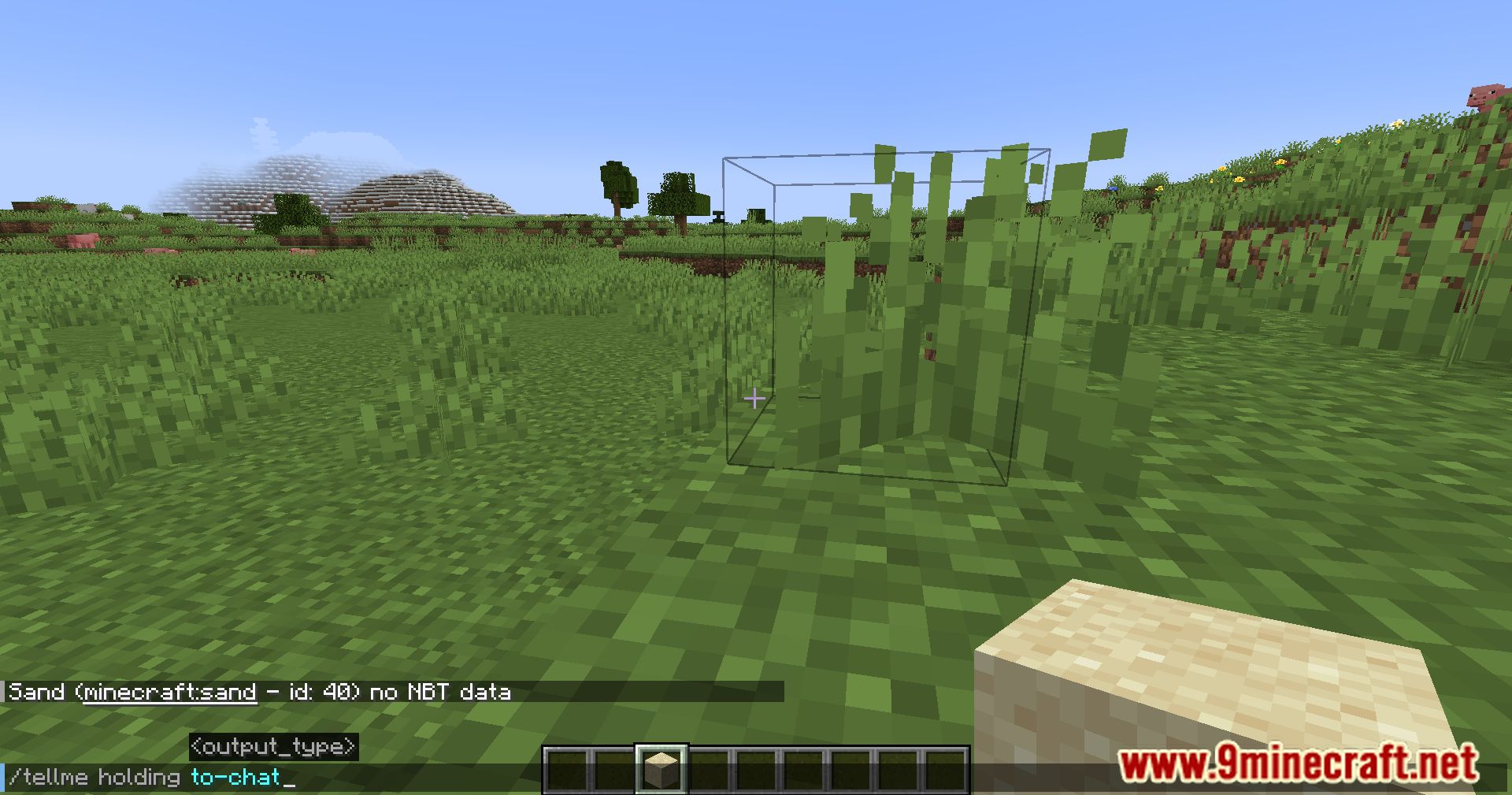
- Outputs detailed information and NBT data for the item currently held in the player’s hand.
- Inspects and prints data for the specific block, tile entity, or mob that the player is looking at.
- Saves all generated dump files into the designated config directory with timestamps in their filenames.
- Supports batch command execution using text files placed inside the mod configuration folder.
- Provides in-game command suggestions and auto-completions when installed on both the client and server sides.
Commands:
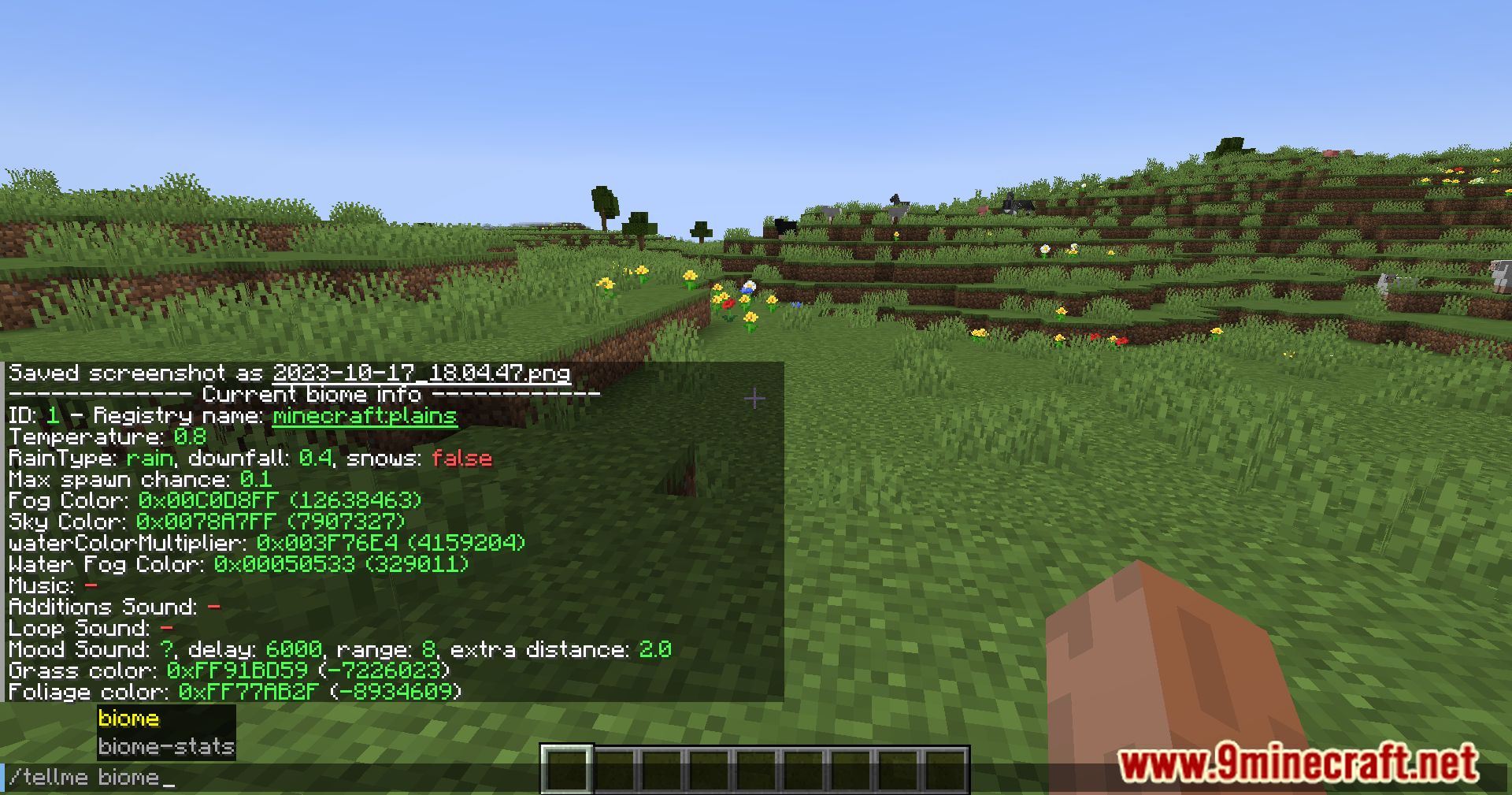
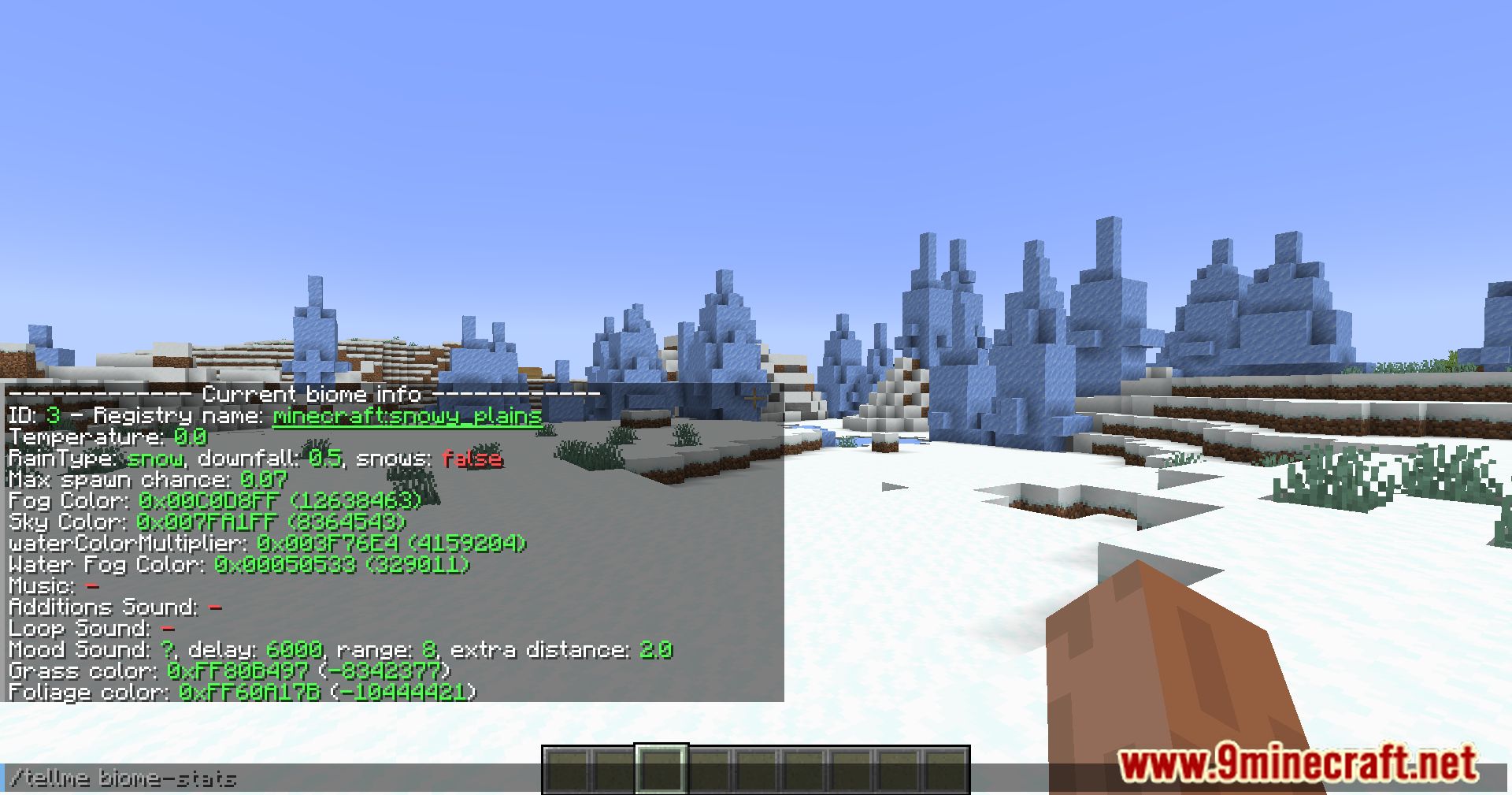
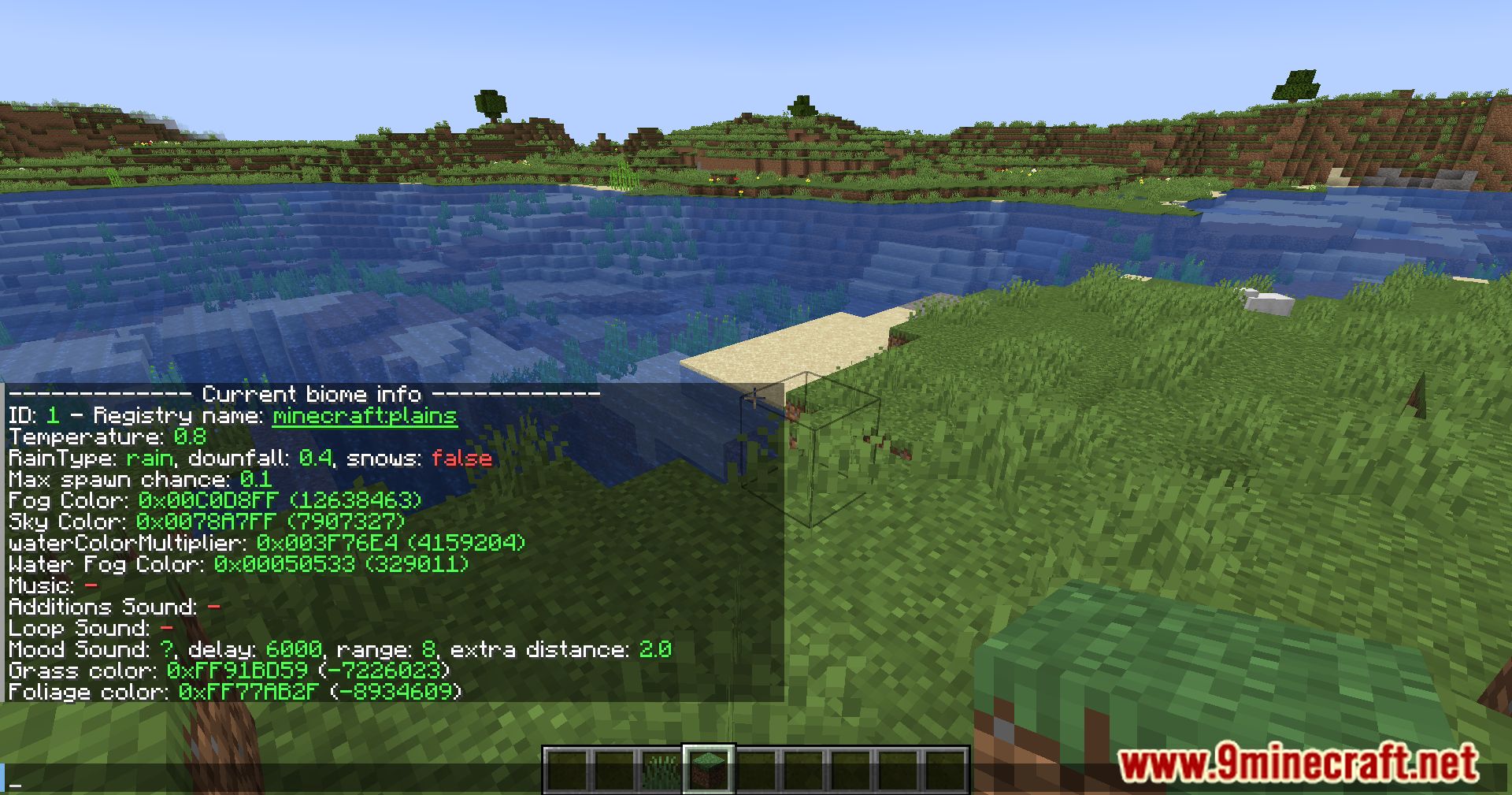
/batch-run: Runs commands from text files stored inside the config directory./biome: Prints detailed information about the current biome to the chat window./biome-locate: Samples biomes on a grid and outputs the closest location of each unique biome./biome-stats: Counts the number of specific biomes within a selected area./block-stats: Counts the number of specific blocks within a selected area./dump: Dumps all game registries and extra technical information into log files./dump-json: Exports block and item data directly into JSON format./holding: Prints information and NBT data regarding the item currently held in your hand./loaded: Lists loaded chunks, dimensions, entities, or tile entities in a specific area or across all loaded chunks./locate: Searches for specific blocks, entities, or tile entities by name within an area./locate-biome: Searches for biomes within a given radius using grid sampling./looking-at: Prints basic information and NBT data for the block, tile entity, or entity you are currently looking at.
How to Use:
- Install the mod on the server side, and optionally on the client side to enable command auto-completions.
- Open your in-game chat window and type any available informational command.
- Use command suggestions to view available arguments and complete your inputs quickly.
- Locate generated dump text files inside your game directory under the config and mod folders.
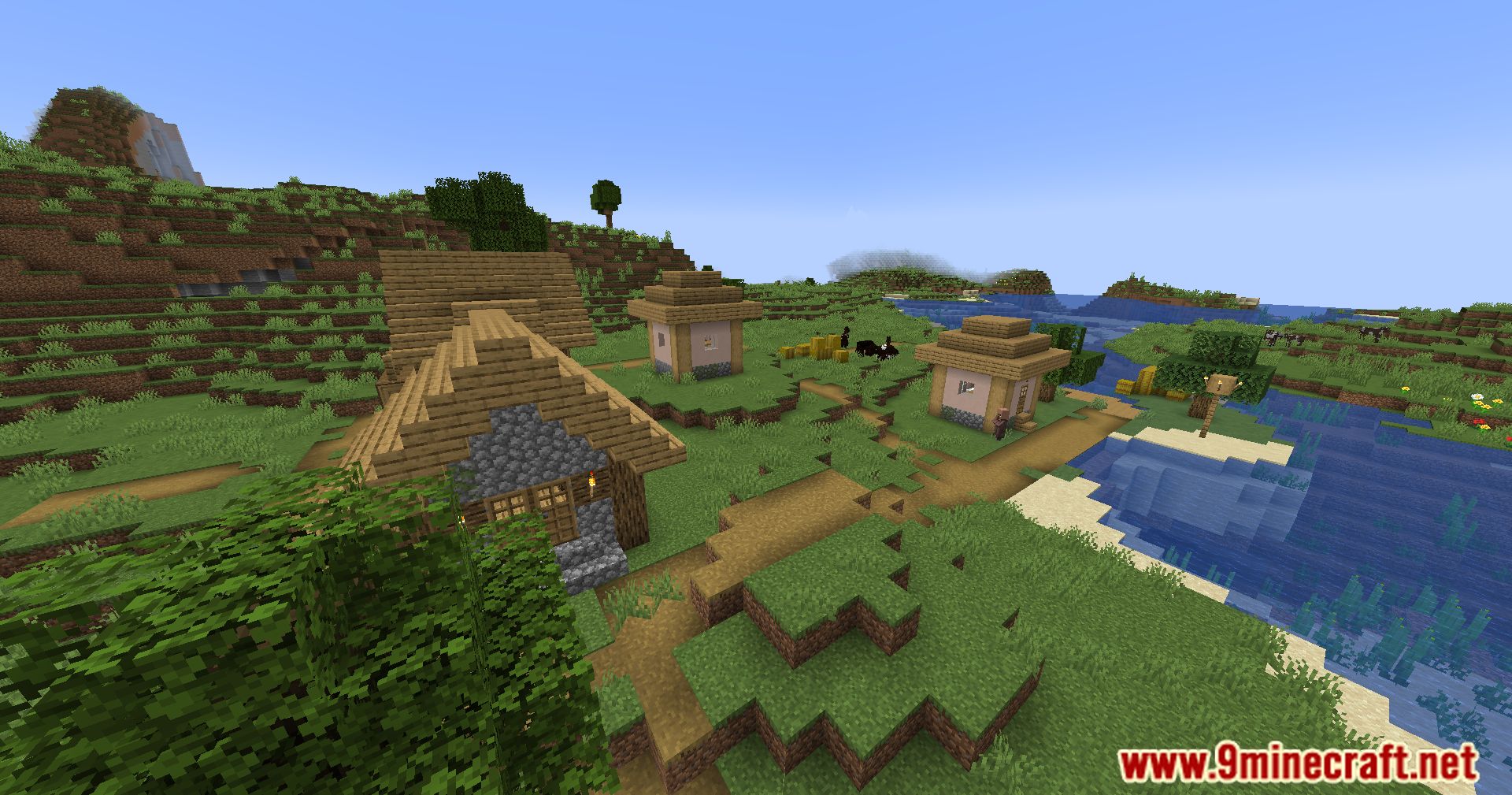
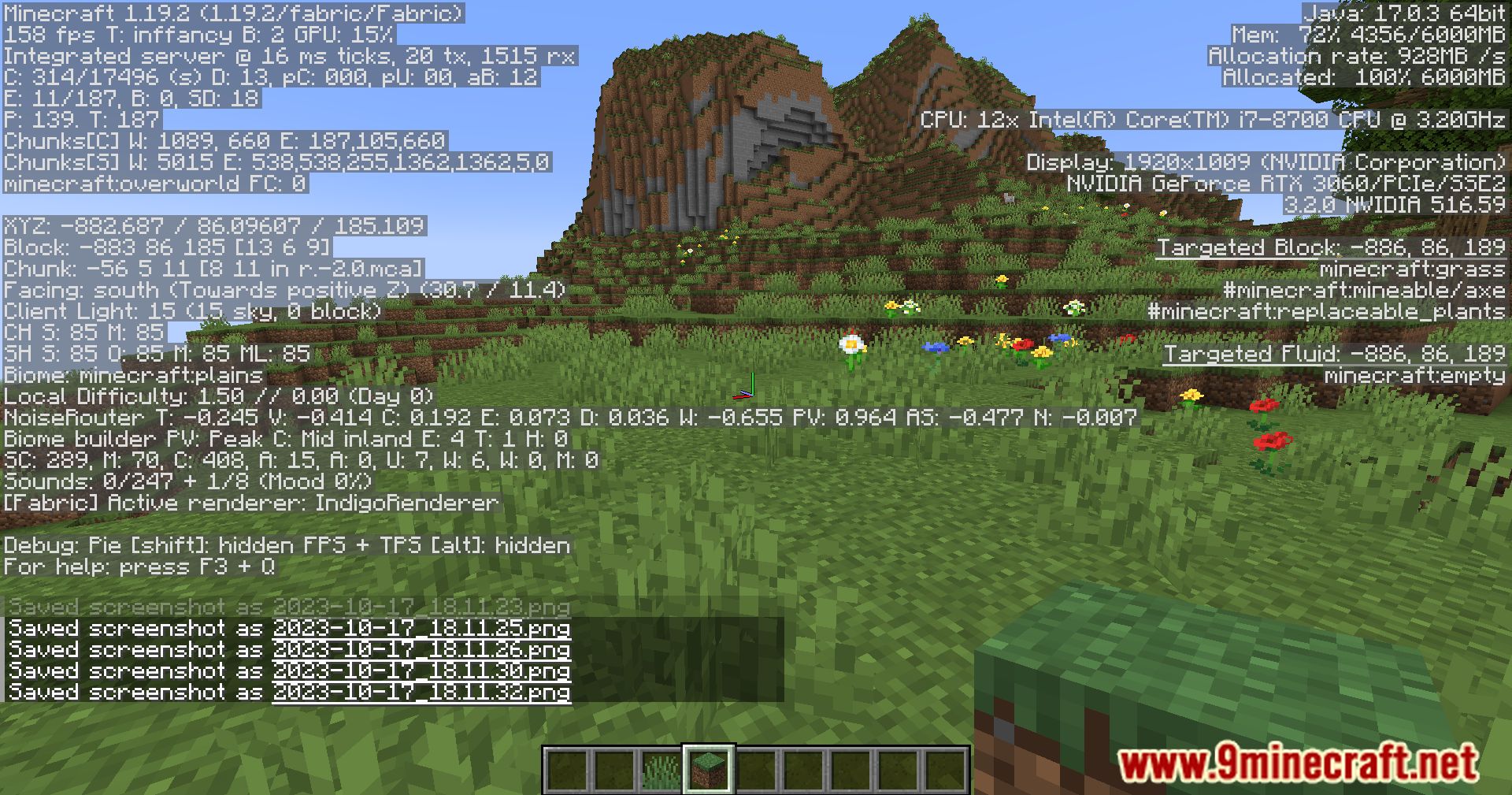
Screenshots:
How to Install:
New to Minecraft? Follow our step-by-step guide to install Mods on your PC.View Guide
Tell Me Mod Download Links
For Minecraft 1.12.2
Forge version: Download from Server 1 – Download from Server 2
For Minecraft 1.14.4
Forge version: Download from Server 1 – Download from Server 2
Fabric version: Download from Server 1 – Download from Server 2
For Minecraft 1.15.2
Forge version: Download from Server 1 – Download from Server 2
Fabric version: Download from Server 1 – Download from Server 2
For Minecraft 1.16.5
Forge version: Download from Server 1 – Download from Server 2
Fabric version: Download from Server 1 – Download from Server 2
For Minecraft 1.17.1
Forge version: Download from Server 1 – Download from Server 2
Fabric version: Download from Server 1 – Download from Server 2
For Minecraft 1.18.1
Forge version: Download from Server 1 – Download from Server 2
Fabric version: Download from Server 1 – Download from Server 2
For Minecraft 1.18.2
Forge version: Download from Server 1 – Download from Server 2
Fabric version: Download from Server 1 – Download from Server 2
For Minecraft 1.19.1, 1.19
Fabric version: Download from Server 1 – Download from Server 2
For Minecraft 1.19.2
Forge version: Download from Server 1 – Download from Server 2
Fabric version: Download from Server 1 – Download from Server 2
For Minecraft 1.19.4
Fabric version: Download from Server 1 – Download from Server 2
For Minecraft 1.20.1, 1.20
Fabric version: Download from Server 1 – Download from Server 2
For Minecraft 1.20.2
Fabric version: Download from Server 1 – Download from Server 2
For Minecraft 1.20.4
Fabric version: Download from Server 1 – Download from Server 2
How do you feel about 'expert' modpacks that change recipes to be much harder and interconnected?
18 responses · See the full results →
You May Also Like
Picked for this page
 Meteor Client Addons (26.2, 1.20.1) – Modify Almost Anything in Meteor
 Overloaded Armor Bar Mod (26.1.2, 1.20.1) – Allow Armor Values Over 20
 Carpet Mod (1.21.11, 1.20.1) – Game Performance Monitoring
 RPGStats Mod (1.21.11, 1.20.1) – Power up your Characters
 Mekanism Generators Mod (1.21.1, 1.20.1) – Advanced Energy Generation
 Extreme Sound Muffler Mod (26.3, 1.20.1) – Sound Control, Sound Testing
 Fish On The Line Mod (26.3, 1.20.1) – Fish Without Having to Watch
 Move Boats Mod (26.3, 1.20.1) – Easily Pick Up, Carry Boats Anywhere
 Smooth Menu Refabricated Mod (26.2, 1.20.1) – Uncapped FPS In Minecraft Main Menu
 RFTools Control Mod (1.21.1, 1.20.1) – Code Your Own Automation
 Recycling Mod (26.3, 1.20.1) – Recycled Your Armor Your Tools
 Underwater Swim Fix Mod (1.21.11, 1.20.1) – MC220390 Fix
Most viewed in Mods over the last 7 days
 Ala Industrial Mod (26.3) – Run Electric Power Grids and Automated Factories
 PleasureCraft Mod (26.3, 1.21.1) – Jenny Mod Remake for Fabric
 Jennycraft Mod (26.3, 1.20.1) – Virtual Girlfriend in Minecraft
 Fapcraft Mod (26.3, 1.12.2) – Comprehensive and Detailed Content
 Jenny Mod (Fapcraft) Official Complete Guide – How to use, Tutorial
 BangCraft Mod (1.20.1) – Jenny, Ellie and Elliot
 Fabric Loader (26.3, 1.20.1) – Fabric Installer for All Minecraft Versions
 The Shooting Star Demo Mod (26.3, 1.20.1) – Vaporize Terrain From Orbit
 Meteor Client Mod (26.3, 1.20.1) – Xray, HUD, Fly
 OptiFine HD (26.3, 1.20.1) – Run Faster, FPS Boost, Shaders Support
 Aristois Client Mod (1.21.4, 1.20.1) – World Class Minecraft Utility
 Prestige Client Mod (1.21.11, 1.21.4) – Powerful Ghost Features for Crystal & Sword PvP
More from Mods
 GTNH’s Forgelin Mod (1.7.10) – Play Kotlin-Powered Mods on Minecraft 1.7.10
 Nodeflow Mod (26.1.2, 1.21.1) – Wire Custom Redstone Logic on Visual Graph
 Winter Client Mod (1.21.11) – Survive Ruthless PvP on Anarchy Servers
 LARP Client Mod (1.21.11) – Dominate Crystal PvP on Anarchy Servers
 Berlin Client Mod (1.21.11) – Hunt Stashes and Win Crystal Fights
 Kaleidoscope Cookery Refabricated Mod (26.3, 1.20.1) – Cook Hearty Meals
 Minecraft MusicBox Mod (1.21.12) – Play Your Favorite Songs While Mining and Building
 MTR Navigation Mod (1.21.1) – Plan Railway Trips and Never Miss a Train Stop
 TheHouse Mod (1.21.11) – Host Casino Tables and Track Every Bet in Real Time
 CinematicInteractions Mod (1.21.1) – Watch Your Hands Work at Every Crafting Table
 Earth Platform Mod (1.21.1) – Travel Across Real Continents in a True Scale World
 Taunahi Mod (26.1.2) – Automate Daily Farming and Slayers in Hypixel Skyblock

This post has no comments yet. Be the first — your comment will appear here.