
Berlin Client Mod (1.21.11) – Hunt Stashes and Win Crystal Fights
 0
0
 0
0

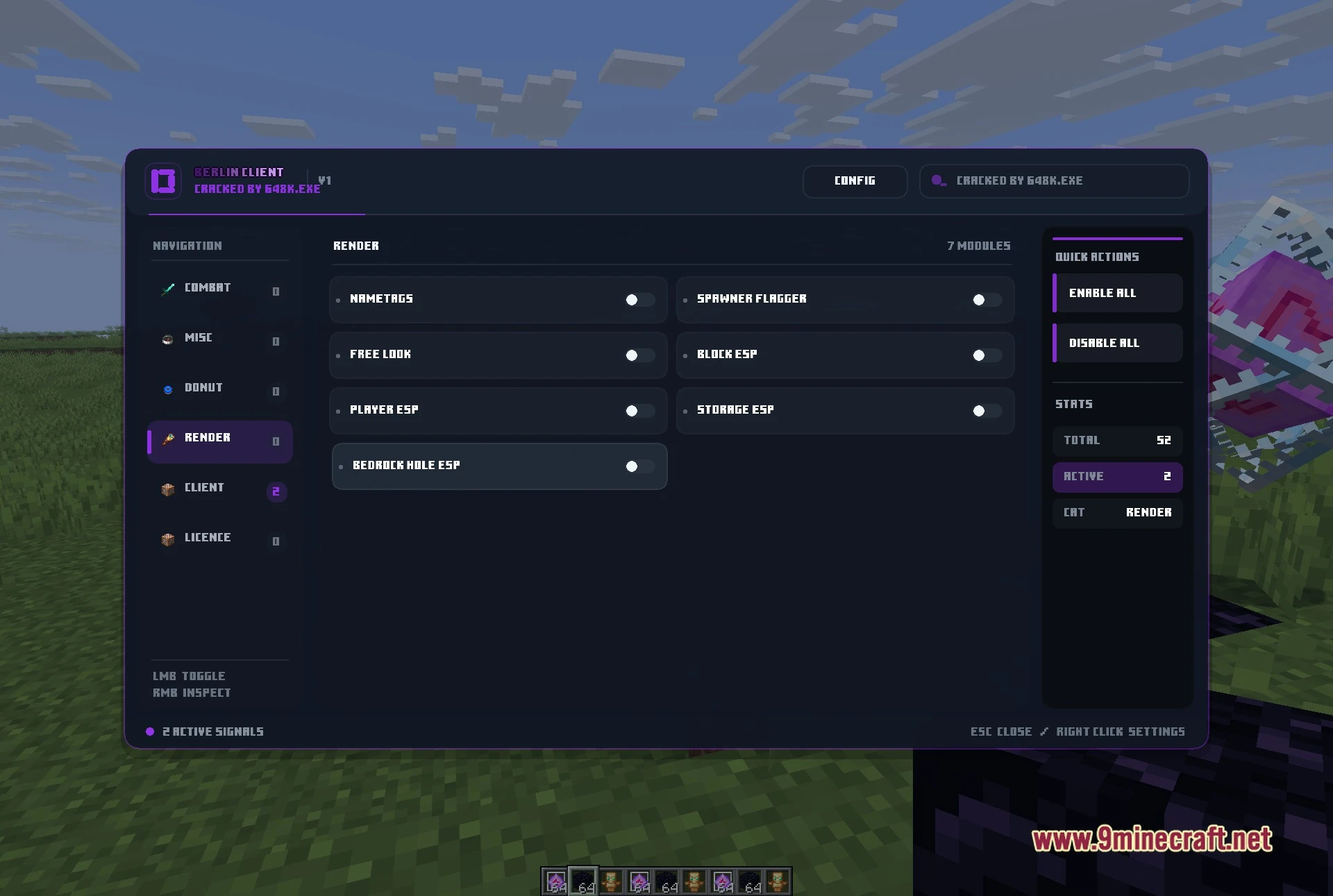
Berlin Client Mod is a Fabric utility client for Minecraft 1.21.11, built as a standalone build around crystal fighting, base hunting and the economy servers it is tuned for. Its menu reports 52 modules split across six groups, and it opens in game with Right Shift.
Features:
- Six-group module menu: a single panel with Combat, Misc, Donut, Render, Client and Licence down the left side, a live counter of how many modules are on, and Enable All / Disable All buttons. Left click toggles a module, right click opens its own settings.
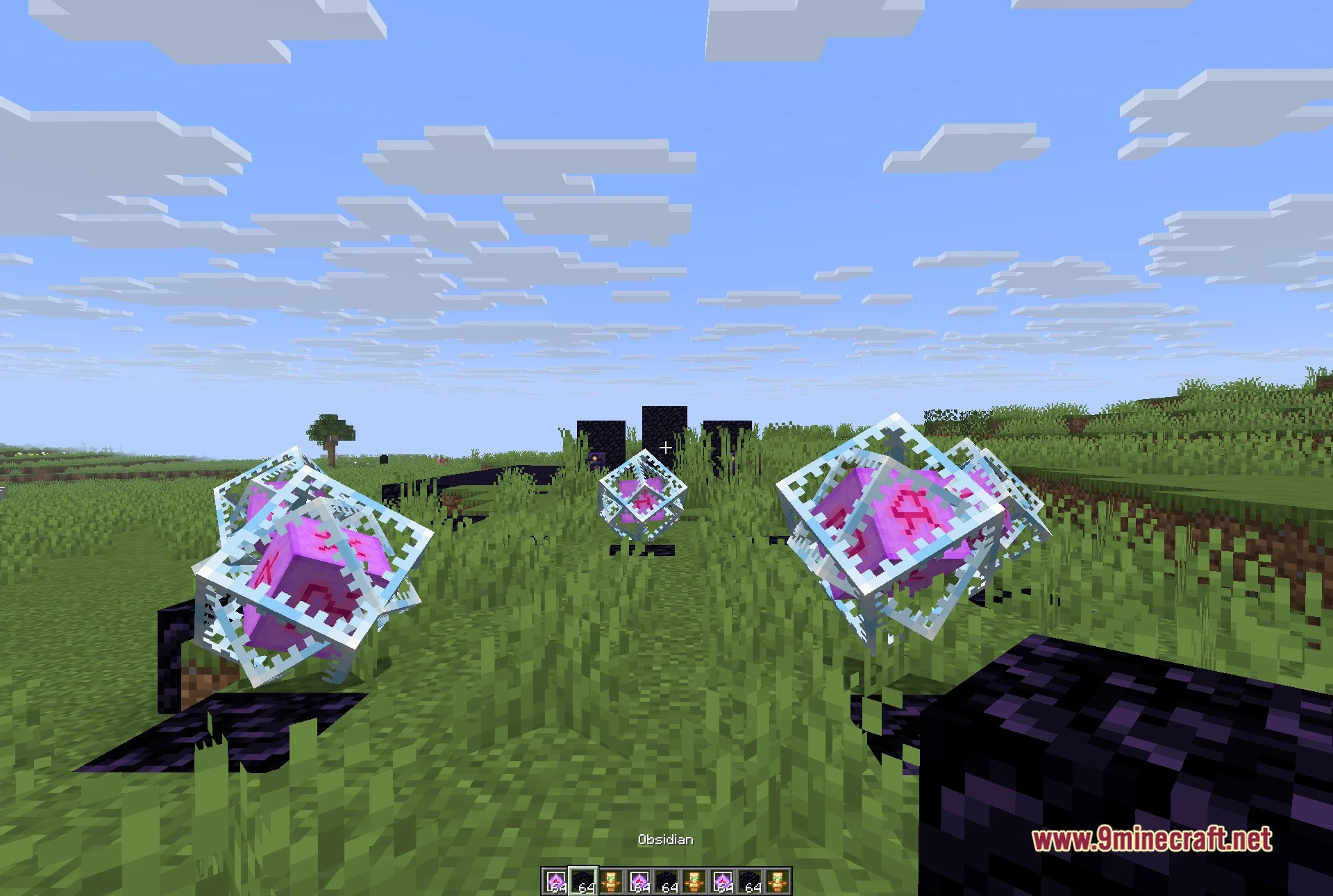
- Crystal and totem combat: Auto Crystal with a crystal optimizer, Anchor Macro and Safe Anchor, Auto Totem, Inventory Totem and Hover Totem, Shield Breaker, Triggerbot and Auto Trident.
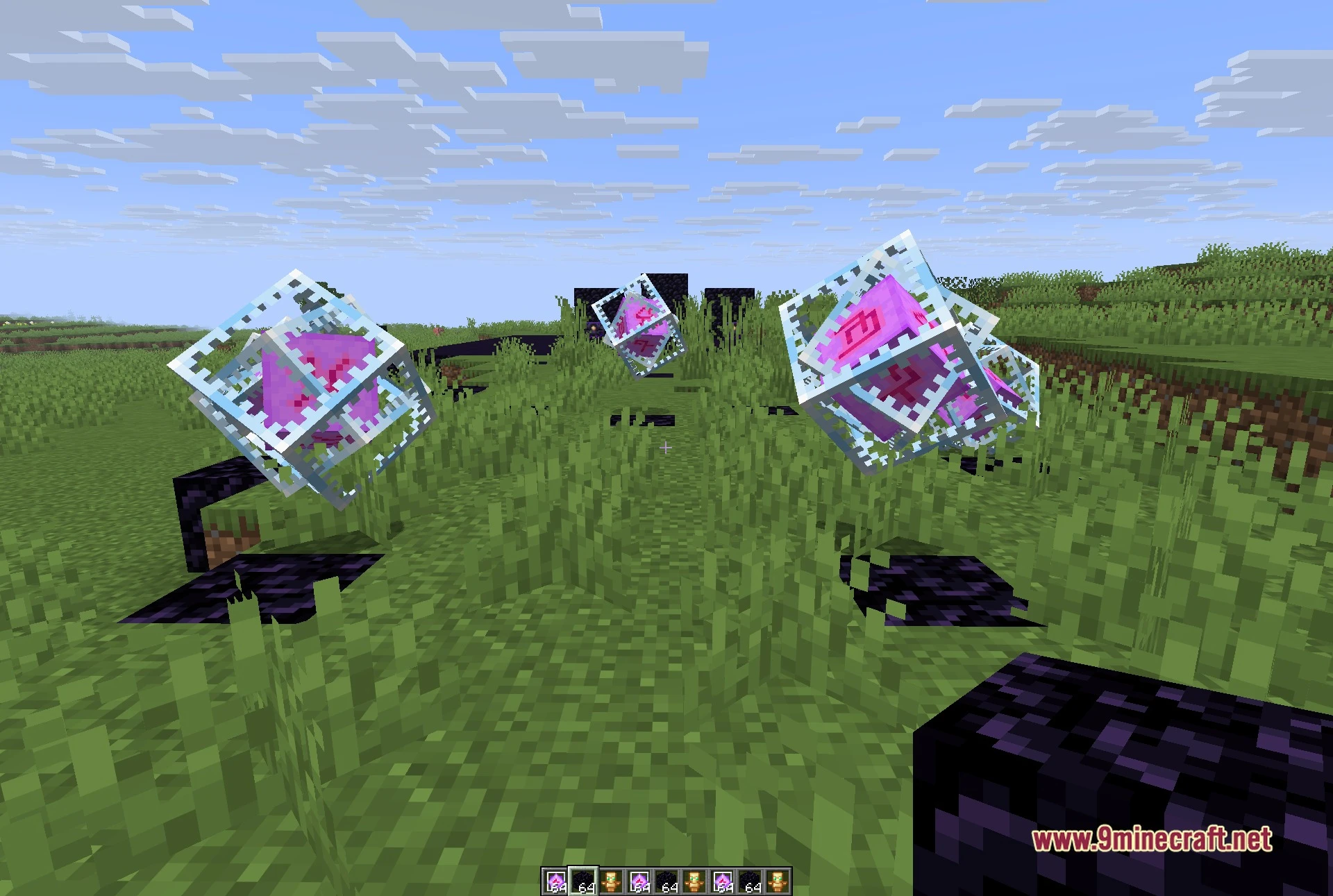
- See-through render group: Player ESP, Block ESP, Storage ESP, Bedrock Hole ESP, Nametags, Free Look, Freecam and Fullbright, plus a region map and an amethyst scanner.
- Stash and base finding: several chunk finders including a suspicious-chunk scanner and a prime chunk finder, a spawner flagger and a block notifier that tells you when the blocks you care about come into range.
- Server-focused Donut group: Fake Roles and Fake Stats for what other players see, Name Protect, a Staff Tracker, a spawner protector and a weather notifier.
- Quality-of-life tools: Auto Tool, Auto Sneak, Fast Place, Swing Speed, Tool Size, a coordinate snapper, home and random-teleport keys, and relog helpers.
- A configurable HUD and a Spotify HUD that shows the track playing on your computer, with per-module keybinds and a theme switcher.
Best Used For:
- Crystal fights on busy anarchy and economy servers.
- Hunting stashes and hidden bases with the chunk finders and ESP.
- Keeping an eye on staff and on what other players can read about you.
- Automating the fiddly parts of combat so you can focus on positioning.
- Shaping your own HUD, visuals and keybinds the way you like them.
How to use:
- Install Fabric Loader for Minecraft 1.21.11 and drop Fabric API into your mods folder.
- Put the client jar in the same mods folder and start the game.
- Press Right Shift in game to open the menu, pick a group on the left, then left click a module to turn it on or right click it for its settings.
- Press Esc to close the menu.
Requirements:


For Minecraft 1.21.11
Click to rate this post!
[Total: 0 Average: 0]
You May Also Like
Picked for this page
 Dqrkis Client Mod (1.21.11, 1.21.4) – Undetectable Ghost Client
 Luminex Client Mod (1.21.4) – MineBlaze Client
 SmushyTaco’s Solar Apocalypse Mod (1.21.11, 1.20.1) – Surviving The Solar Apocalypse
 Leminx Client Mod (1.21.4) – PvP Ghost Client for MineBlaze
 Tame Every Mob Mod (26.3, 1.20.1) – Turn Any Creature Into a Loyal Fighting
 Spice of Life Maids’ Dream Mod (1.21.1, 1.20.1) – Cook New Meals
 Rasty Client Mod (1.21.11) – Dominate Crystal PvP on Anarchy Servers
 Vivid Panel Canvas Mod (26.3, 1.20.1) – Track Nearby Mobs with a Sleek Radial
 Call of Companions Mod (26.3, 1.21.1) – Never Lose Your Tamed Companions Again
 Exit Addon Client Mod (1.21.11) – Hunt Hidden Bases on Anarchy Servers
 JustAnotherLibrary Mod (26.2, 1.20.1) – Unlock Paxels Spears and Unique Gear
 Grid Easy Mod (26.3, 1.20.1) – Build Symmetrical Bases Without Counting Blocks
Most viewed in Clients over the last 7 days
 Aristois Client Mod (1.21.4, 1.20.1) – World Class Minecraft Utility
 Lunar Patcher (v10) – Using Lunar Client for Free
 Baritone 9minecraft Client Mod (26.3, 26.1.2) – Mine and Build Bases Hands-Free
 Prestige Client Mod (1.21.11, 1.21.4) – Powerful Ghost Features for Crystal & Sword PvP
 Meteor Client Mod (26.3, 1.20.1) – Xray, HUD, Fly
 CatLean Client Mod (26.2, 1.21.11) – ThunderHack Recode Alternatives
 OptiFine HD 9minecraft (26.3) – Run Smooth Shaders Without the Lag
- Baritone Client Mod (26.3, 1.20.1) – Autominer, Build with AI, Xray
 LiquidBounce Client Mod (26.3, 1.20.1) – LiquidLauncher, A Free Client
 9minecraft Xray Client (26.3, 1.20.1) – The #1 Ore Finder of 2026
 DoomsDay Client (26.1.2, 1.20.1) – Best Free Injectable Client
 4E Client Mod (1.21.11, 1.21.1) – ChunkFinder, Base Finding for DonutSMP
More from Clients
 Bagel Client Mod (1.21.11) – Spot Hidden Stashes on Anarchy Servers
 Nox Client Mod (1.21.11) – Dominate Anarchy Servers and Crystal PvP
 Clutch Client Mod (1.21.11) – Hunt Bases and Dominate Anarchy Servers
 Goobaa Client Mod (1.21.11) – Dominate Crystal PvP on Anarchy Servers
 Code Engine Client Mod (1.21.11) – Hunt Enemy Bases on Anarchy Servers
 Swyzzy Client Mod (1.21.11, 1.21.4) – Dominate Anarchy Battles with Zero Lag
 Amethyst Client Mod (1.21.11) – Dominate Crystal PvP on Anarchy Servers
 Fake Client Mod (1.21.11, 1.21.4) – Pull Hilarious Visual Pranks on Friends
 LARP Client Mod (1.21.11) – Dominate Crystal PvP on Anarchy Servers
 Lumi Client Mod (1.21.11) – Smooth Vector Menus and Live Spotify HUD
 67 Client Mod (1.21.11) – Survive Anarchy Servers with Custom PvP Tools
 Zyron Client Mod (1.21.11) – Scout Hidden Caves and Rare Geodes

This post has no comments yet. Be the first — your comment will appear here.