
You Shall Not Spawn! Mod (26.1, 1.20.1) – Never Fear Creepers Again

 0


You Shall Not Spawn! Mod lets you block unwanted mobs from showing up in your Minecraft world using simple JSON config files. You can stop a mob completely so it never spawns naturally, from spawn eggs, or through commands. The mod also lets you adjust spawn chances per dimension or across the whole game, and block whole groups of mobs at once with text patterns. Mobs that already exist in your world stay until you clear them out, so editing the config before creating a new world works best. Everything runs on the server side, which makes this mod a handy tool for modpacks, multiplayer servers, and single-player worlds alike.

Features:
- Disable Mob Spawning: Add a mob’s ID to
config/ysns/disabled_entities.json5to stop it from spawning anywhere. Once a mob is on this blacklist, it cannot spawn naturally, from spawn eggs, or through commands. - Control Spawn Rates: Edit
config/ysns/per_dimension_entities.json5to change how often a mob spawns in specific dimensions, or globally with!.*. Spawn rates work by chance, where0.0stops spawns completely and0.5gives a 50% spawn chance. - Regex Support: Start any config entry with
!followed by a regular expression to match patterns. This lets you block multiple mobs in a single line or disable every mob from a specific mod at once. - Config files include helpful comments and examples that show you what to add.
- Keeps mobs that already spawned before being blacklisted in the world until you kill them.
- Ignores misspelled mob IDs and IDs from mods you do not have installed without causing errors, and applies those entries automatically if the matching mod is added later.
- Runs on the server side for multiplayer servers, while keeping the mod and its config on the client lets the same rules work in single-player worlds.
- Helps keep modpacks balanced by removing unwanted mobs that cause issues.
How to Use:
- Edit the config files before creating a new world so unwanted mobs never spawn in the first place.
- Open
config/ysns/disabled_entities.json5and add a mob’s ID using the built-in comments and examples as a guide; that mob will no longer spawn naturally, from spawn eggs, or through commands. - Open
config/ysns/per_dimension_entities.json5to adjust a mob’s spawn chance for specific dimensions (such as0.0for no spawns or0.5for a 50% chance), or use!.*to set the chance globally. - Start an entry with
!followed by a regular expression when you want to block a group of mobs or all mobs from a single mod in one line. - Keep the mod and its config files in your server pack for multiplayer worlds, and leave them on the client too if you want the same rules in single-player worlds.
- Clear out any already spawned mobs manually if you add them to the blacklist in an existing world.
Configuration:
config/ysns/disabled_entities.json5: Add mob IDs here to completely block them from spawning naturally, from spawn eggs, or through commands.config/ysns/per_dimension_entities.json5: Set spawn chances for specific mobs per dimension, where0.0stops all spawns and0.5gives a 50% spawn chance.!.*: Use this pattern inper_dimension_entities.json5to apply a mob’s spawn chance globally across all dimensions.!: Put this symbol at the start of an entry followed by a regular expression to block multiple mobs at once or disable every mob from a specific mod.
Screenshots:
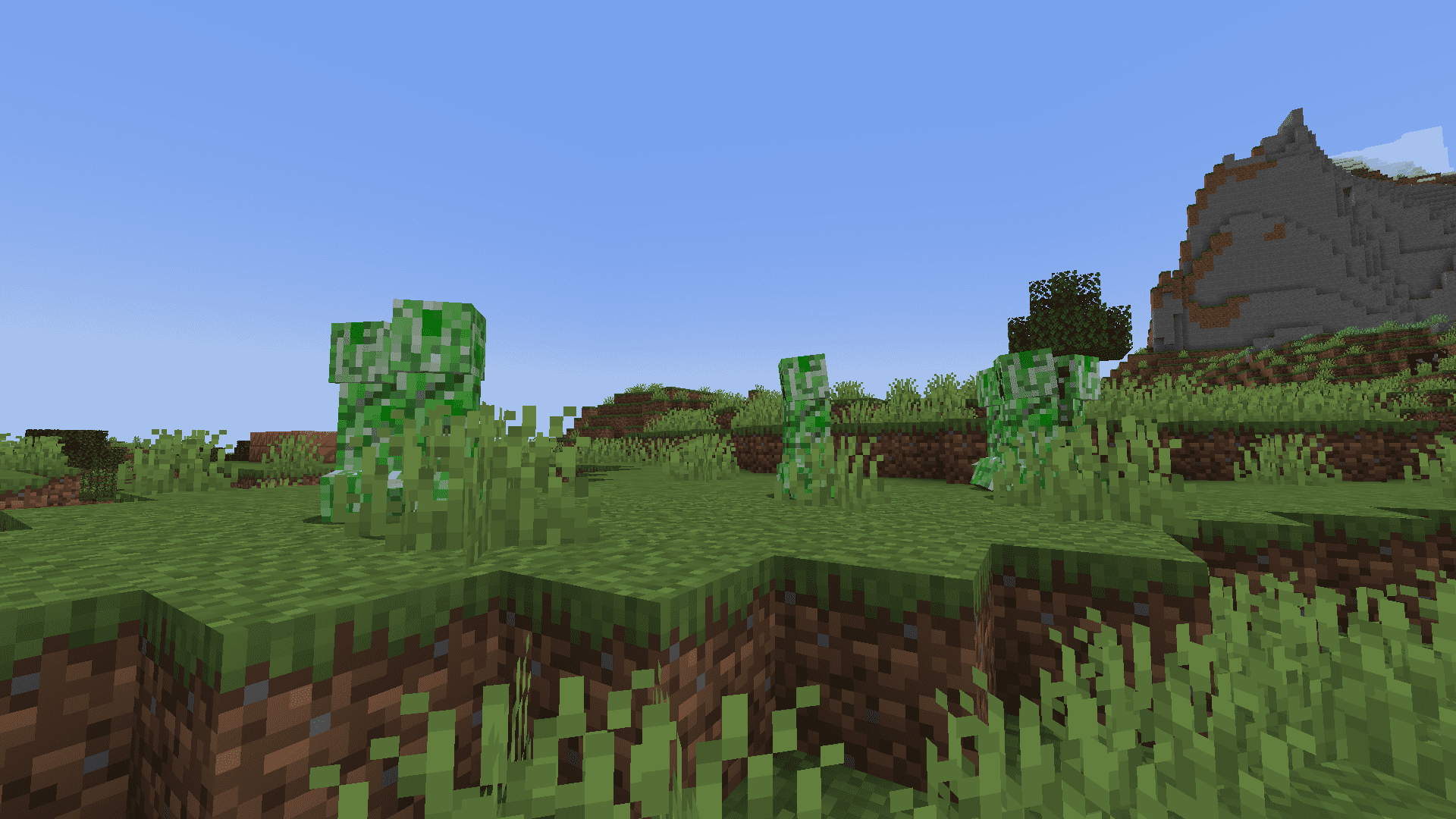
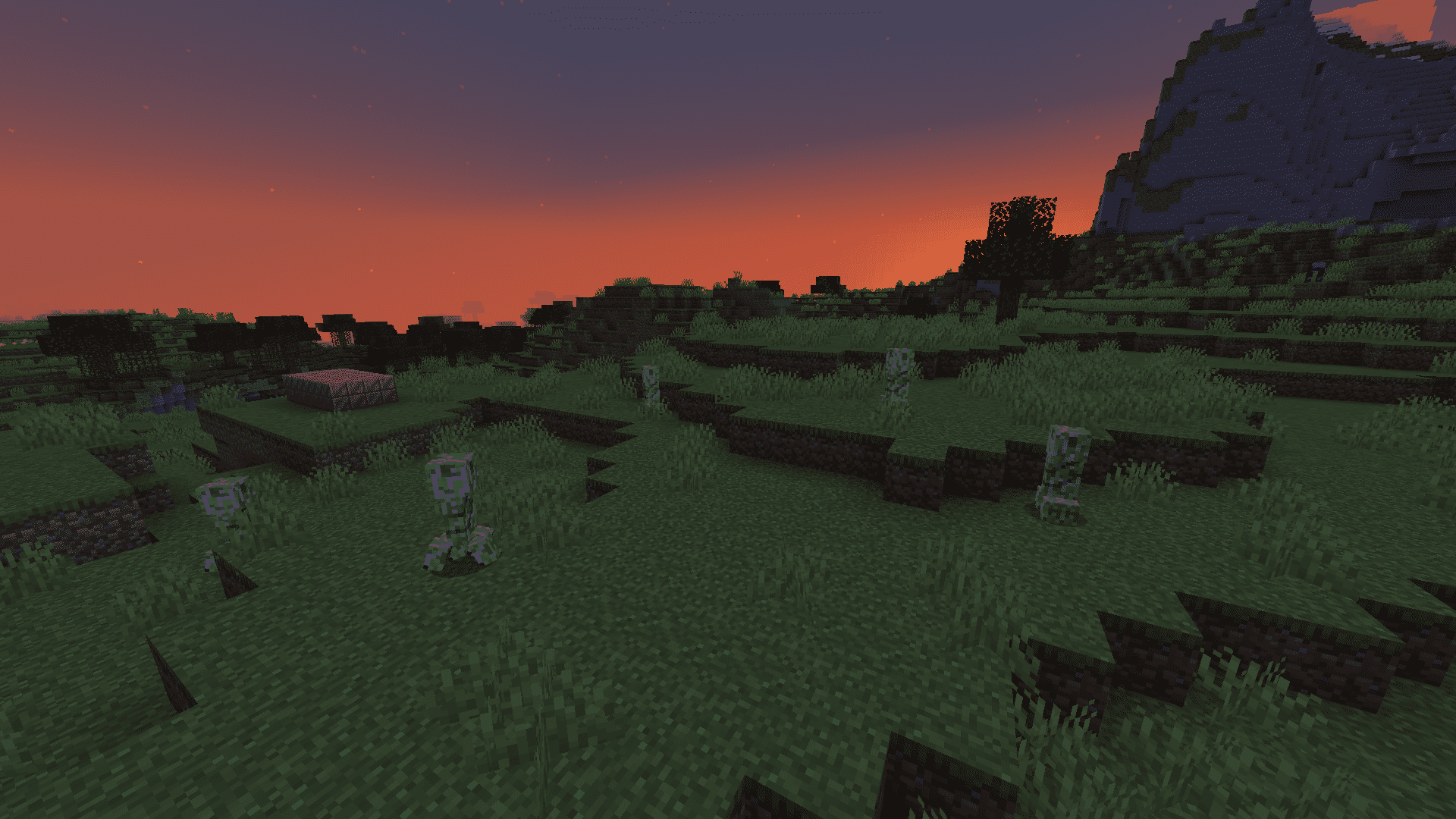
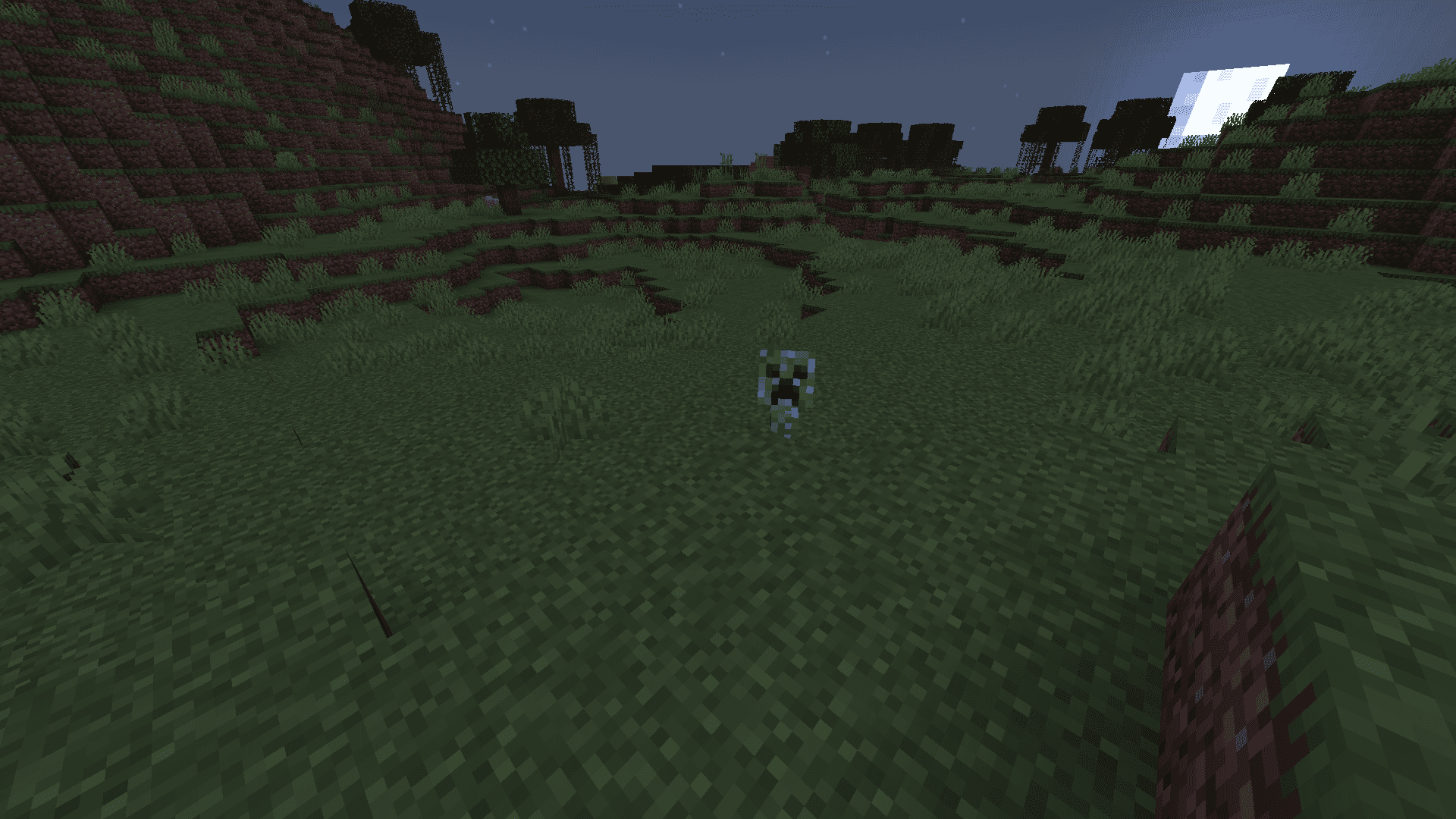
How to Install:
New to Minecraft? Follow our step-by-step guide to install Mods on your PC.View Guide
Requirements:

You Shall Not Spawn! Mod Download Links
For Minecraft 26.1.2, 26.1.1, 26.1
Fabric/Quilt version: Download from Server 1 – Download from Server 2
For Minecraft 1.21.11
Fabric/Quilt version: Download from Server 1 – Download from Server 2
For Minecraft 1.21.10, 1.21.9
Fabric/Quilt version: Download from Server 1 – Download from Server 2
For Minecraft 1.21.8, 1.21.7, 1.21.6
Fabric/Quilt version: Download from Server 1 – Download from Server 2
For Minecraft 1.21.5, 1.21.4
Fabric/Quilt version: Download from Server 1 – Download from Server 2
For Minecraft 1.21.3, 1.21.2
Fabric/Quilt version: Download from Server 1 – Download from Server 2
For Minecraft 1.21.1, 1.21
Fabric/Quilt version: Download from Server 1 – Download from Server 2
For Minecraft 1.20.6
Fabric/Quilt version: Download from Server 1 – Download from Server 2
For Minecraft 1.20.2
Fabric/Quilt version: Download from Server 1 – Download from Server 2
For Minecraft 1.20.1, 1.20
Forge version: Download from Server 1 – Download from Server 2
Fabric/Quilt version: Download from Server 1 – Download from Server 2
For Minecraft 1.19.4
Forge version: Download from Server 1 – Download from Server 2
For All Versions from Minecraft 1.17.1 to Minecraft 1.19.2
Forge version: Download from Server 1 – Download from Server 2
Fabric/Quilt version: Download from Server 1 – Download from Server 2
How do you feel about 'expert' modpacks that change recipes to be much harder and interconnected?
0 responses · See the full results →
You May Also Like
Picked for this page
 Better Animations Collection 2 Mod (26.3, 1.20.1) – Change In-Game Models
 Aquaculture 2 Mod (26.1.2, 1.20.1) – Various Underwater Species
 Leap Mod (26.1.2, 1.20.1) – Double Jump
 Solar Cooker Mod (26.3, 1.20.1) – Cooking Without Fuel
 Player Tracking Compass Mod (26.3, 1.20.1) – Player Targeting
 Automining Mod (1.21.11, 1.20.1) – The Power Of Background Mining
 Passive Mobs Mod (26.3, 1.20.1) – Peaceful Mode with Aggressive Monsters
 Weather Changer Mod (26.3, 1.20.1) – Client Side Weather Changer
 Convenient Curios Container Mod (26.1.2, 1.20.1) – Managing Curios Items
 Jumpy Boats Mod (26.1.2, 1.20.1) – Never Get Your Boat Stuck Again
 Stack Deobfuscator Mod (26.1, 1.20.1) – Making Errors Readable
 Mod Menu Badges Lib Mod (26.3, 1.21.11) – Create and Add Custom Badges
Most viewed in Mods over the last 7 days
 Ala Industrial Mod (26.3) – Run Electric Power Grids and Automated Factories
 PleasureCraft Mod (26.3, 1.21.1) – Jenny Mod Remake for Fabric
 Jennycraft Mod (26.3, 1.20.1) – Virtual Girlfriend in Minecraft
 Fapcraft Mod (26.3, 1.12.2) – Comprehensive and Detailed Content
 Jenny Mod (Fapcraft) Official Complete Guide – How to use, Tutorial
 BangCraft Mod (1.20.1) – Jenny, Ellie and Elliot
 Fabric Loader (26.3, 1.20.1) – Fabric Installer for All Minecraft Versions
 Meteor Client Mod (26.3, 1.20.1) – Xray, HUD, Fly
 The Shooting Star Demo Mod (26.3, 1.20.1) – Vaporize Terrain From Orbit
 OptiFine HD (26.3, 1.20.1) – Run Faster, FPS Boost, Shaders Support
 Aristois Client Mod (1.21.4, 1.20.1) – World Class Minecraft Utility
 Prestige Client Mod (1.21.11, 1.21.4) – Powerful Ghost Features for Crystal & Sword PvP
More from Mods
 Log Cleaner Mod (26.3, 1.20.1) – Cleans Old and Unused Log Files
 Brick Variety Mod (26.3, 1.20.1) – More Brick Variants
 Fast Xp Mod (26.3, 1.21.1) – Faster XP Bottle Usage
 Cherry Villages Mot’s Structures Mod (26.3, 1.21.11) – Find Fresh Settlements
 XinexLib Mod (1.21.1) – Keep Your Ultreon Studios Mods Running
 Libvulpes – Fixed Mod (1.12.2) – Launch Rockets with Fewer Bugs
 Freelook Perspective Mod (26.3, 1.21.1) – Watch Your Back While Sprinting
 FAUNA Engine Mod (1.21.1, 1.20.1) – Powering Legendary Dragons
 Avali Nexus Mod (26.3) – Settle Frozen Frontiers with High-Tech Bird Tribes
 Orient’s Hotpot Chronicles Mod (1.20.1) – Boil Fresh Hotpot Meals Over Open Flames
 Far Lands Traveler Mod (26.1.2) – Survive the Long Trek to the Edge of the World
 Beli’s SkyLyrics Mod (1.21.11) – Sing Along to Desktop Tracks Projected in the Night Sky

This post has no comments yet. Be the first — your comment will appear here.