
Auto Restart Mod (26.3, 1.20.1) – Keep Your Server Running Smoothly Without Lag
 1,945
 0


Auto Restart Mod adds server-side automation tools for managing Minecraft servers efficiently. It lets you configure automatic restarts based on specific time schedules, low player activity periods, or performance drops. The mod works exclusively on the server side to help maintain stable performance and conserve resources.
Features:
- Restarts the server automatically at user-defined times in a 24-hour format.
- Triggers a delayed restart when no players are online to save system resources.
- Initiates a restart if the server ticks per second drop below a set level for a defined duration.
- Displays customizable warning messages before an automatic restart happens.
- Supports integration with external restart scripts and server control panels.
Commands:
/restart: Restarts the server.
How to Use:
- Locate the configuration file named “auto_restart-server.toml” inside the “serverconfig” folder within your world folder.
- Open the configuration file to set restart times, empty server delays, and low TPS thresholds.
- Set up an external shell or batch restart script if you want the server to relaunch automatically after stopping.
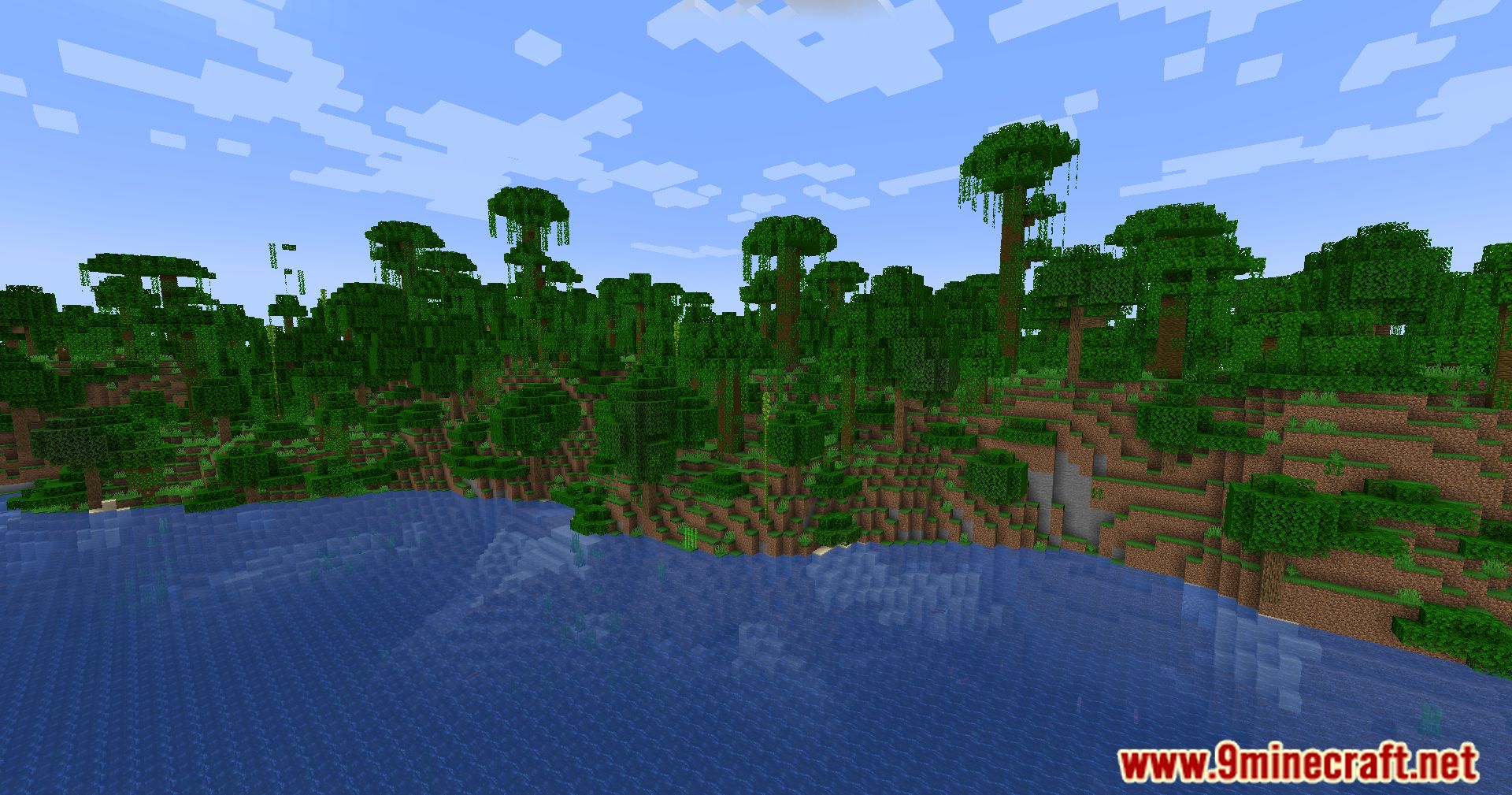
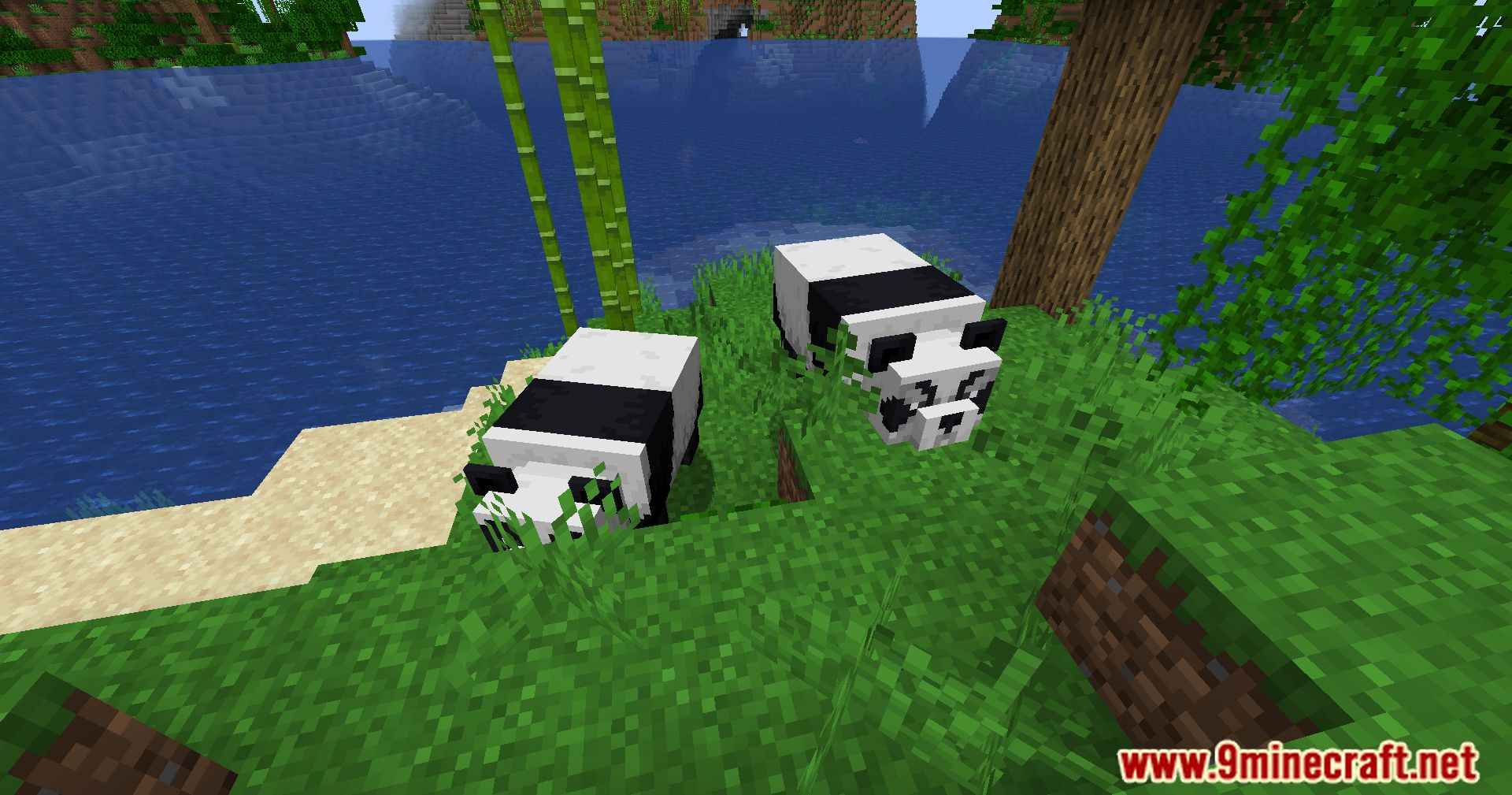
Screenshots:
How to Install:
New to Minecraft? Follow our step-by-step guide to install Mods on your PC.View Guide
Requirements:


Auto Restart Mod Download Links
For Minecraft
26.3,
26.2,
26.1.2
All Versions Covered
26.3
26.2
26.1.2
26.1.1
26.1
All Versions Covered
26.3
26.2
26.1.2
26.1.1
26.1
For Minecraft
1.21.11,
1.21.10,
1.21.9
All Versions Covered
1.21.11
1.21.10
1.21.9
1.21.8
1.21.7
1.21.6
1.21.5
1.21.4
1.21.1
1.21
All Versions Covered
1.21.11
1.21.10
1.21.9
1.21.8
1.21.7
1.21.6
1.21.5
1.21.4
1.21.1
1.21
For Minecraft
1.21.10,
1.21.9,
1.21.8
All Versions Covered
1.21.10
1.21.9
1.21.8
1.21.7
1.21.6
1.21.5
1.21.4
1.21.3
1.21.2
1.21.1
1.21
All Versions Covered
1.21.10
1.21.9
1.21.8
1.21.7
1.21.6
1.21.5
1.21.4
1.21.3
1.21.2
1.21.1
1.21
For Minecraft 1.21.1, 1.21
For Minecraft 1.20.6
For Minecraft 1.20.4
For Minecraft 1.20.2
For Minecraft 1.20.1, 1.20
For Minecraft 1.20
For Minecraft 1.19.4
For Minecraft 1.19.3
For Minecraft 1.19.2
For Minecraft 1.19.1
For Minecraft 1.19
For Minecraft 1.18.2
For Minecraft 1.18.1
For Minecraft 1.17.1
For Minecraft 1.16.5
For Minecraft 1.15.2
For Minecraft 1.14.4
Click to rate this post!
[Total: 0 Average: 0]
You May Also Like
Picked for this page
 Capes Mod (26.3, 1.20.1) – Wear any Cape You Wish In-Game
 Better Ping Display Mod (1.21.11, 1.20.1) – Ping in the Player List
 Crystals Overhauled Mod (26.3, 1.20.1) – A Minecraft Mod Revolution
 Inventory Management Mod (26.3, 1.20.1) – Sorting, Transferring, Stacking
 Troll Commands Mod (26.2, 1.20.1) – How To Prank Your Friends In Minecraft
 Endertech Infinity Mod (1.21.1, 1.20.1) – Adventure into a New End
 Tons Of Enchants Mod (1.21.1, 1.20.1) – Adds Tons More Enchantments To The Game
 Pick Block Pro Mod (1.21.3, 1.20.1) – Creative Builder Utility Mod
 MAtmos Ambient Sound Mod (26.3, 1.20.1) – Adjusts Sounds Based On The Environment
 Librarian’s Balance Mod (26.3, 1.20.1) – Rebalances Librarian Trades
 Spell Checker Mod (26.2, 1.20.1) – Communicate Clearly
 Wither Cage Fix Mod (26.3, 1.20.1) – Fixes Wither Memory Bug
Most viewed in Mods over the last 7 days
 Ala Industrial Mod (26.3) – Run Electric Power Grids and Automated Factories
 PleasureCraft Mod (26.3, 1.21.1) – Jenny Mod Remake for Fabric
 Jennycraft Mod (26.3, 1.20.1) – Virtual Girlfriend in Minecraft
 Fapcraft Mod (26.3, 1.12.2) – Comprehensive and Detailed Content
 Jenny Mod (Fapcraft) Official Complete Guide – How to use, Tutorial
 BangCraft Mod (1.20.1) – Jenny, Ellie and Elliot
 Fabric Loader (26.3, 1.20.1) – Fabric Installer for All Minecraft Versions
 Meteor Client Mod (26.3, 1.20.1) – Xray, HUD, Fly
 The Shooting Star Demo Mod (26.3, 1.20.1) – Vaporize Terrain From Orbit
 OptiFine HD (26.3, 1.20.1) – Run Faster, FPS Boost, Shaders Support
 Aristois Client Mod (1.21.4, 1.20.1) – World Class Minecraft Utility
 SchnurriTV Mod (1.12.2) – Characters and Features
More from Mods
 Rockstar Shaders Mod (26.3) – Cast Ray-Traced Light Across Vast Distant Horizons
 ERYDON Mod (1.20.1) – Design Grand Courtyards with Carved Marble Pillars
 Infinity Bound Mod (1.21.1) – Snap Away Enemies with Legendary Superhero Gear
 Legacy Gecko Lib Fabric Mod (1.16.5) – Power Animated Creatures in Modpacks
 The Man from the Shadow Horror Mod (1.20.1) – Fight Hallucinations to Survive
 Shade & Saturation Slider Mod (26.2, 1.21.11) – Make Every Biome Vibrant
 Cataclysm X Yung’s Better Nether Fortresses Compat Mod (1.21.1, 1.20.1)
 Patchouli 9minecraft Mod (26.3) – Read Mod Guides Without Leaving Minecraft
 Paintings ++ 9minecraft Mod (26.3) – Pick the Exact Painting You Want
 owo-lib 9minecraft Mod (26.3) – Run Your Favorite Mods Without Errors
 Moonlight 9minecraft Lib (26.3, 26.2) – Run Complex Mods Without Errors
 Load My Tags 9minecraft Mod (26.3) – Mix Mods Without Breaking Recipes

This post has no comments yet. Be the first — your comment will appear here.