
Sounds Mod (26.3, 1.20.1) – Hear Every Item and Block Come Alive
 24,354
 1


Sounds Mod adds over 170 new sound effects to Minecraft and improves vanilla audio that feels out of place. This mod brings fresh audio to menus, chat messages, block interactions, and everyday actions. It builds on ideas from ExtraSounds, Auditory, and QualitySounds with more options to customize your game audio. You can adjust volume, pitch, and dynamic sounds through an in-game menu, config files, or resource packs. Everything runs on the client side, so you can play on multiplayer servers without adding it to the server.
Features:
- Adds over 170 new sound effects across the game, covering menus, inventory screens, chat messages, block interactions, and everyday in-game actions.
- Improves existing vanilla sound effects that do not fit well on their own.
- Builds on features from ExtraSounds, Auditory, and QualitySounds with deeper customization options.
- Uses high-quality audio sourced from Zapsplat and tuned for clear in-game sound.
- Runs fully on the client side, so it works on multiplayer servers without needing to be on the server.
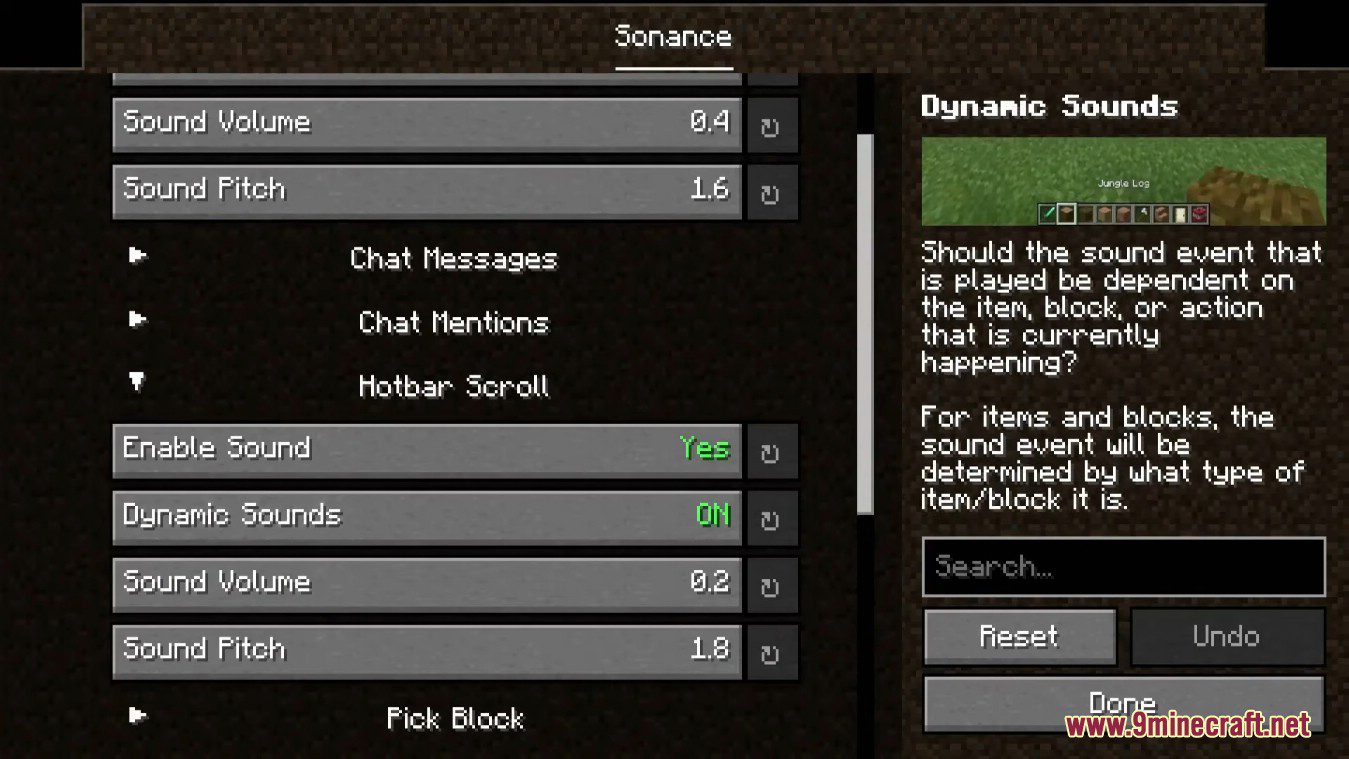
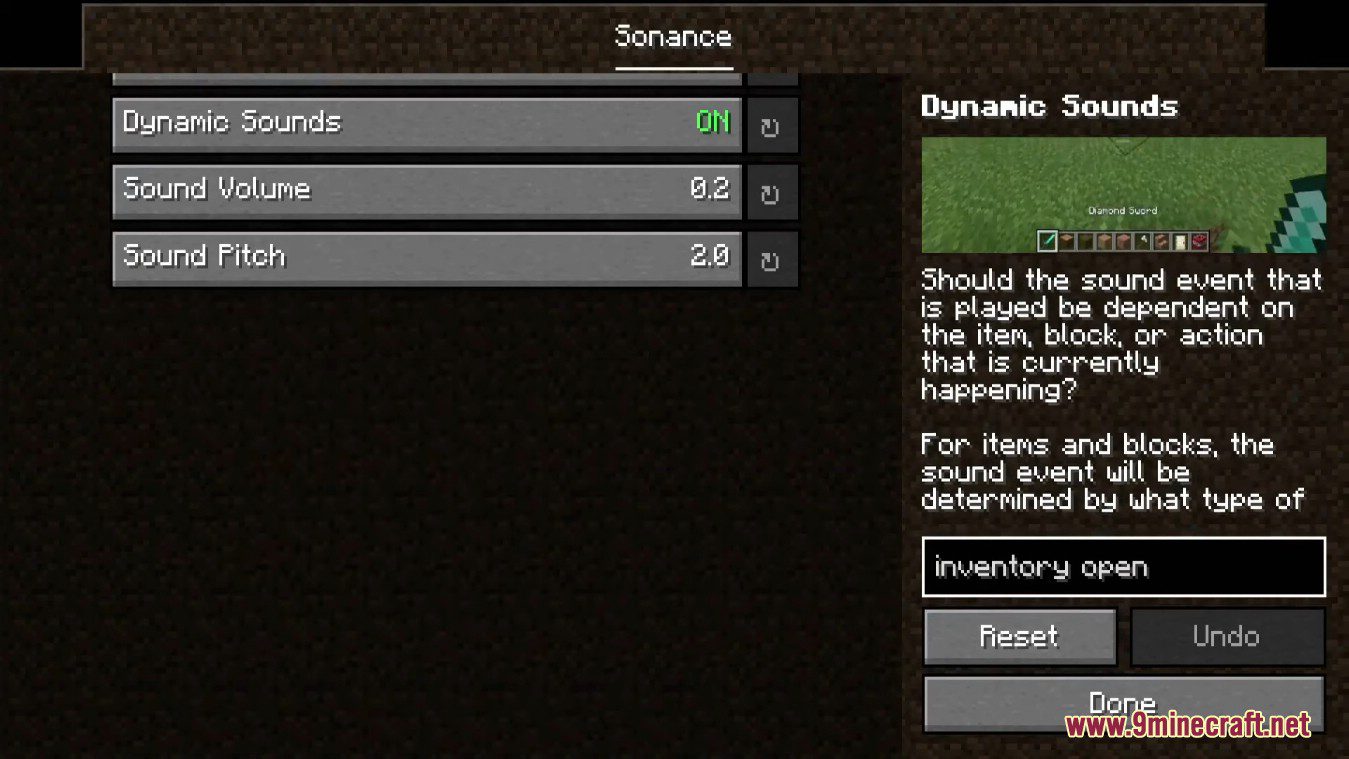
- Supports dynamic sounds that pick matching audio based on properties like the item or block type.
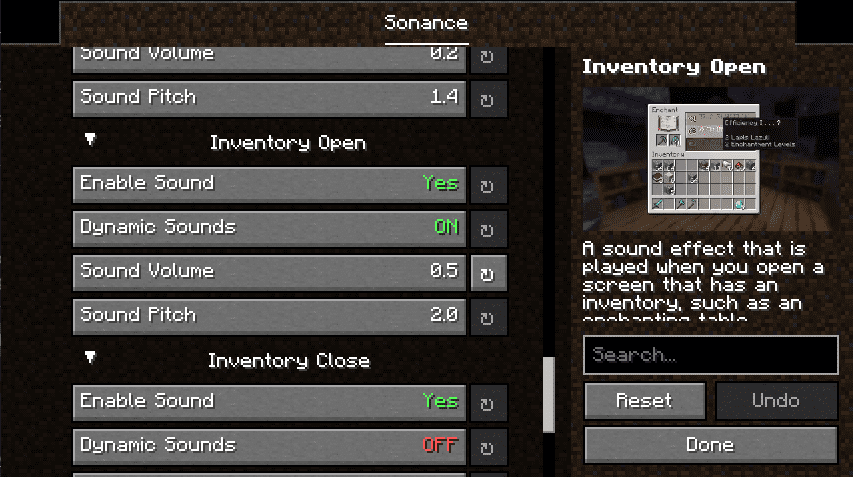
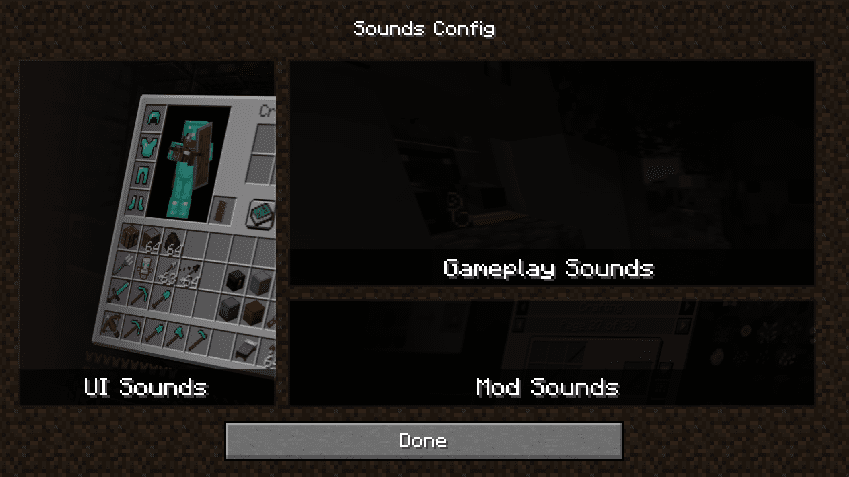
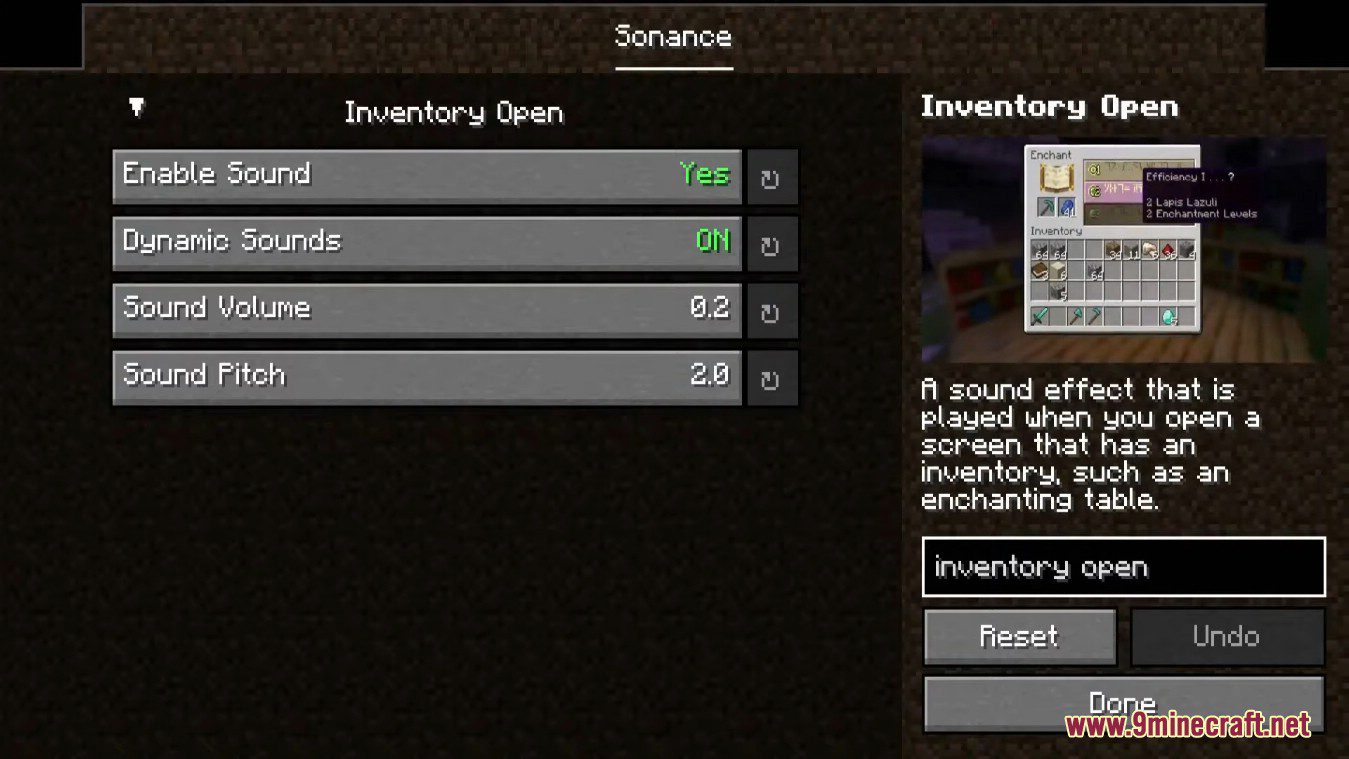
- Includes an easy-to-use in-game settings screen with sections such as World Sounds and Mechanics.
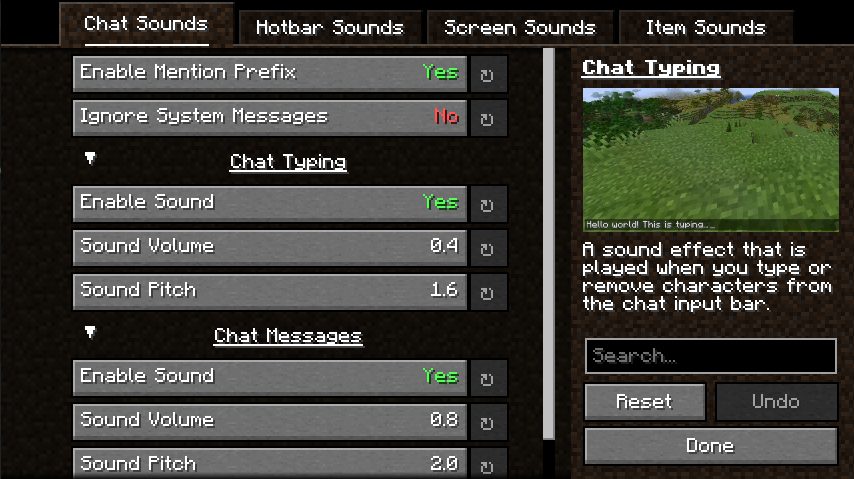
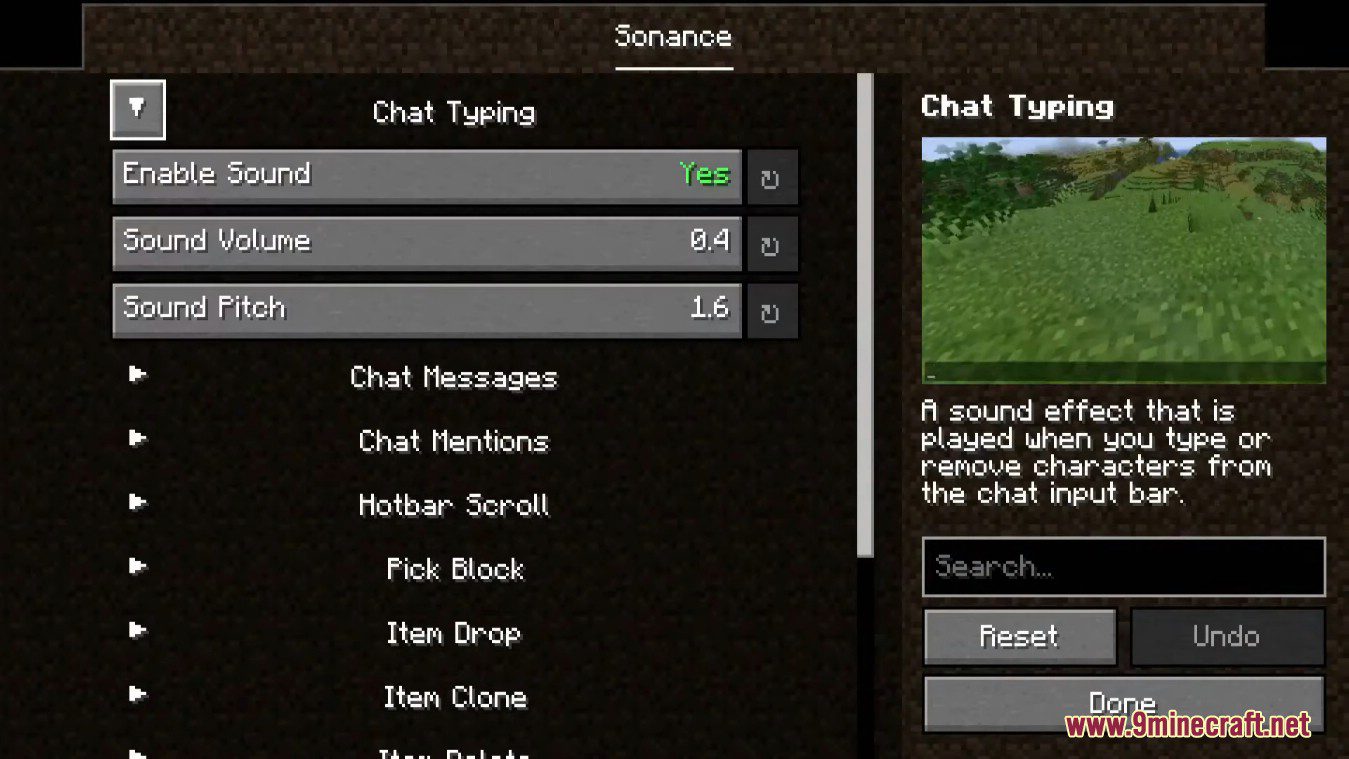
- Lets you turn individual sounds or dynamic audio on and off, and change the default volume and pitch.
- Saves simple sound settings as editable files inside the
config/sounds/folder of your game instance. - Works with resource packs so you can swap sound events and build custom dynamic sound definitions for blocks, items, and screens from other mods.
Configuration:
config/sounds/: Folder inside your game instance that stores editable config files for changing simple sound effects.- In-game configuration screen: Lets you open tabs such as World Sounds and Mechanics, toggle individual sounds or Dynamic Sounds, and adjust default volume and pitch (requires Mod Menu on Fabric).
- Resource pack definitions: Lets you replace sound events and create custom dynamic sound rules for blocks, items, and screens, including modded content.
How to Use:
- Open the in-game configuration screen for Sounds Mod (if you play on Fabric, Mod Menu is required to access this screen).
- Choose a category tab, such as World Sounds or Mechanics, to browse the available sound options.
- Toggle individual sounds on or off, or switch Dynamic Sounds on so the game matches audio to the item or block type.
- Adjust the volume and default pitch controls to change how loud or high each sound plays.
- Open the
config/sounds/folder inside your game instance if you want to edit simple sound effects directly through config files. - Load a resource pack to replace sound events or set up custom dynamic sound definitions for blocks, items, and screens from other mods.
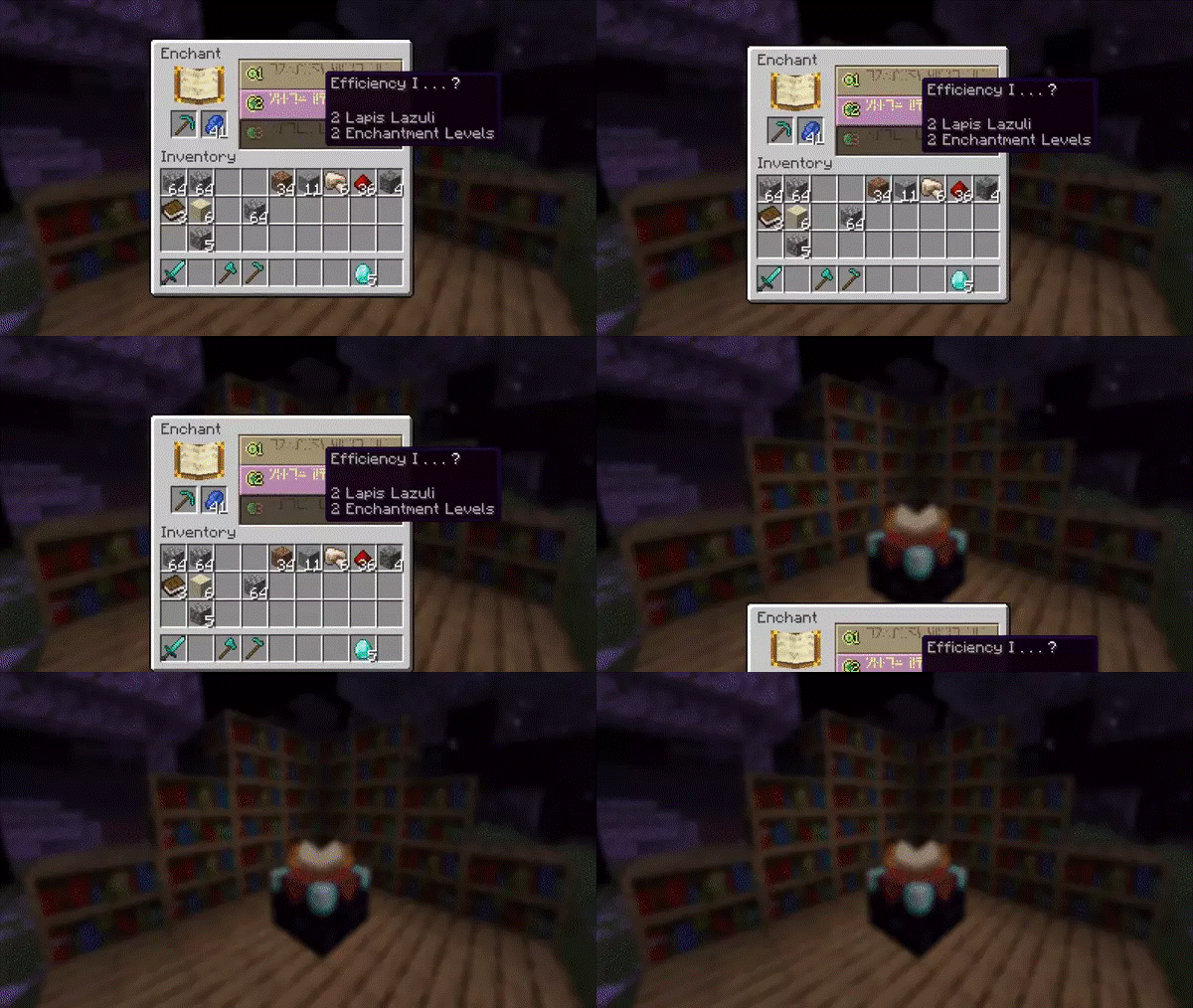
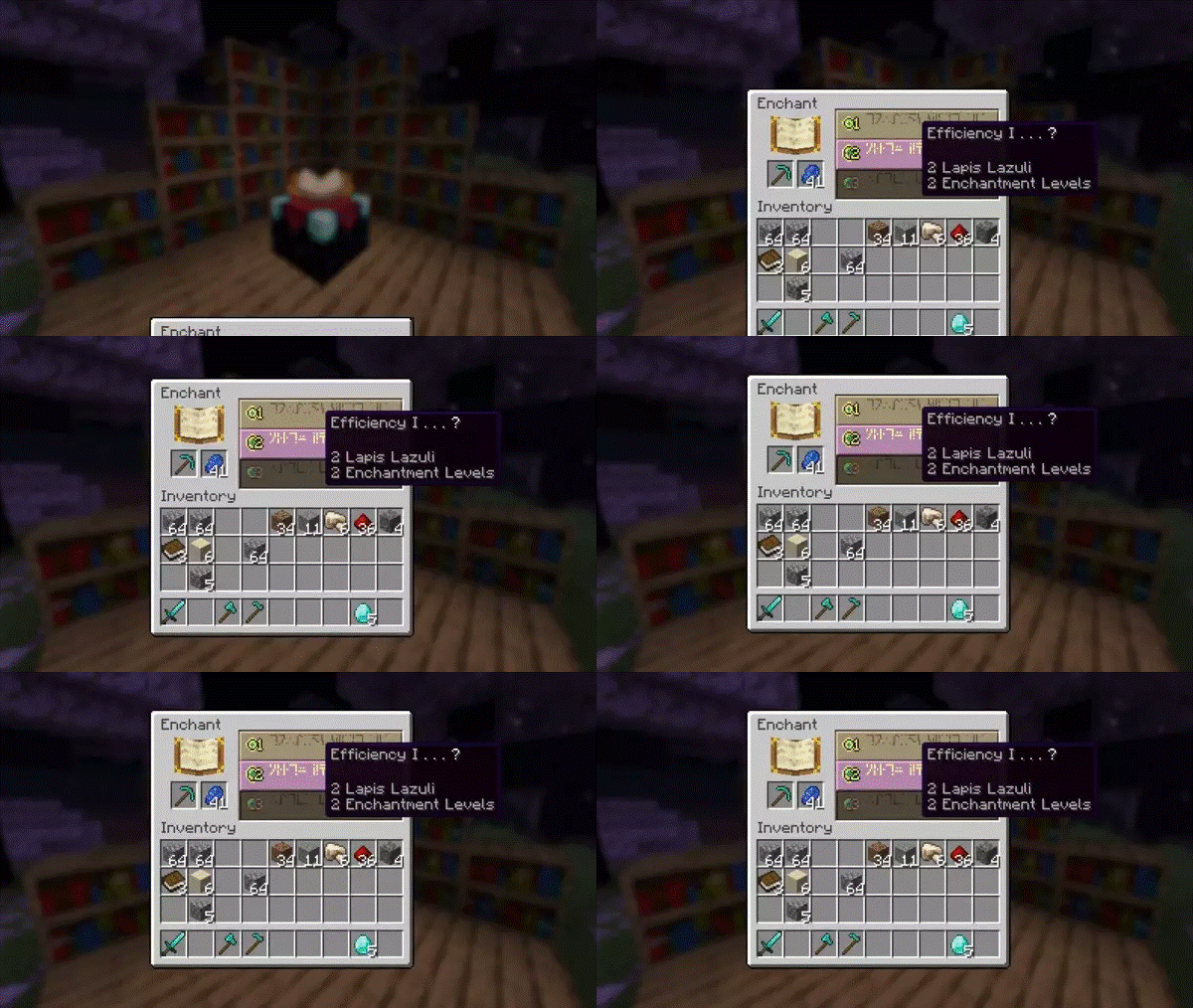
Screenshots:
How to Install:
New to Minecraft? Follow our step-by-step guide to install Mods on your PC.View Guide
Requirements:



Sounds Mod Download Links
For Minecraft 26.3
For Minecraft 26.2
For Minecraft 26.1.2, 26.1.1, 26.1
For Minecraft
1.21.11,
1.21.10,
1.21.9
All Versions Covered
1.21.11
1.21.10
1.21.9
1.21.8
1.21.7
1.21.6
1.21.5
1.21.4
1.21.1
1.21
All Versions Covered
1.21.11
1.21.10
1.21.9
1.21.8
1.21.7
1.21.6
1.21.5
1.21.4
1.21.1
1.21
For Minecraft 1.21.10, 1.21.9
For Minecraft 1.21.8, 1.21.7, 1.21.6
For Minecraft 1.21.5
For Minecraft 1.21.4
For Minecraft 1.21.3, 1.21.2
For Minecraft 1.21.1, 1.21
For Minecraft 1.20.6
For Minecraft 1.20.4, 1.20.3
For Minecraft 1.20.2
For Minecraft 1.20.1, 1.20
Click to rate this post!
[Total: 4 Average: 3.5]

1 Comment
What do you think?
Your opinion means a lot - we'd love to hear from you.
You May Also Like
Picked for this page
 Eyes in the Darkness Mod (26.2, 1.20.1) – A Spooky Mod
 All The Tweaks Mod (26.1.2, 1.20.1) – Useful for All The Mods Modpacks
 OpenBlocks Elevator Mod (26.3, 1.20.1) – Fastest Elevator Ever
 Reap Mod (26.3, 1.20.1) – Auto Tree Mining, Auto Farming
 Forge Endertech (26.3, 1.20.1) – Library for Endertech Mods
 Pl3xMap Plugin (26.3, 1.20.1) – Spigot
 Blur Plus Mod (26.3, 1.20.1) – Enhance Your GUI With Blur Effects
 More XP More Health Mod (26.3, 1.21.1) – Increases Maximum Health With XP Level
 Scoreboard Overhaul Mod (26.3, 1.20.1) – A Fresh Look For Your Sidebar
 Big Pony Mod (26.2, 1.20.1) – Customizable Camera Position, Distance, and Body Size
 Refined Advancements Mod (26.1.1, 1.20.1) – New Goals And Milestones
 Trident Craft Mod (26.3, 1.20.1) – Craft Tridents With Ease
Most viewed in Mods over the last 7 days
 Ala Industrial Mod (26.3) – Run Electric Power Grids and Automated Factories
 PleasureCraft Mod (26.3, 1.21.1) – Jenny Mod Remake for Fabric
 Jennycraft Mod (26.3, 1.20.1) – Virtual Girlfriend in Minecraft
 Fapcraft Mod (26.3, 1.12.2) – Comprehensive and Detailed Content
 Jenny Mod (Fapcraft) Official Complete Guide – How to use, Tutorial
 BangCraft Mod (1.20.1) – Jenny, Ellie and Elliot
 Fabric Loader (26.3, 1.20.1) – Fabric Installer for All Minecraft Versions
 The Shooting Star Demo Mod (26.3, 1.20.1) – Vaporize Terrain From Orbit
 Meteor Client Mod (26.3, 1.20.1) – Xray, HUD, Fly
 OptiFine HD (26.3, 1.20.1) – Run Faster, FPS Boost, Shaders Support
 Aristois Client Mod (1.21.4, 1.20.1) – World Class Minecraft Utility
 Prestige Client Mod (1.21.11, 1.21.4) – Powerful Ghost Features for Crystal & Sword PvP
More from Mods
 Bard RPG Series Plus by Fichte Mod (1.21.1, 1.20.1) – Buff Allies in Combat
 Fabric Gui ImGui Mod (26.3, 1.21.11) – Clean Custom Menus and In-Game Control
 Multi Item Lib Mod (1.20.1) – Wield Custom Gear with Flawless Hand Animations
 Universe3090 Mod (1.20.1) – Survive Corrupted Dimensions Filled
 Wireless Automate Mod (1.21.1) – Automate Base Logistics Without Messy Pipes
 Vaskars Opus Faction War Quests & Bosses Mod (1.21.11, 1.20.1)
 Multitools and More Mod (26.3, 1.20.1) – Clear Your Hotbar and Travel
 Luxium Let There Be Light Mod (1.20.1) – Stunning Lighting on Low-End Computers
 Soulscraft Tarnished Legacy Mod (1.21.1) – Hunt Relics to Forge Dark Fantasy
 Fetzi’s Displays Mod (26.1.2, 1.20.1) – Turn Rare Gear and Weapons
 Primal Plushies Paleo Pals Mod (1.21.1, 1.20.1) – Decorate Your Base
 Ipla Mod (26.3, 1.20.1) – Showcase Your Favorite Items

Can you do that mod for minecraft pe?