
Stack to Nearby Chests Mod (26.3, 1.20.1) – Dump Loot Without Opening Chests

 0


Stack to Nearby Chests Mod brings the quick stacking and restocking features from Terraria into Minecraft. It lets you move matching items into containers and refill your stacks with a button click or shortcut key. You can organize items inside a single open container or across all reachable containers around you, including chests, barrels, shulker boxes, and storage mobs like donkeys and llamas. The mod also lets you mark favorite items so they stay in your inventory during quick stacking. It runs only on the client side and requires Fabric API.
Stack to Nearby Chests Mod – Video Showcase
Features:
- Quick Stack: Moves matching items from your inventory into an open container if that container already holds at least one of the same item.
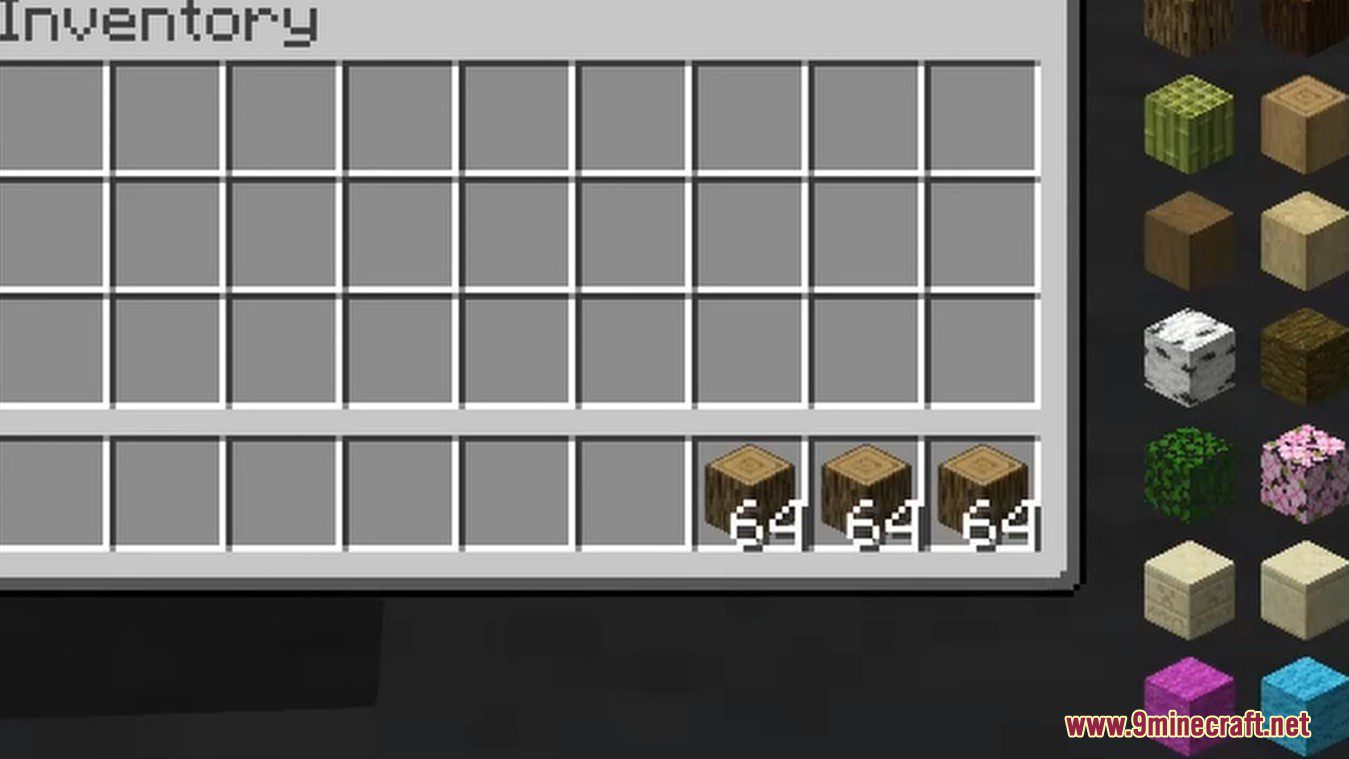
- Restock: Refills stackable items in your inventory to full stacks using matching items from an open container.
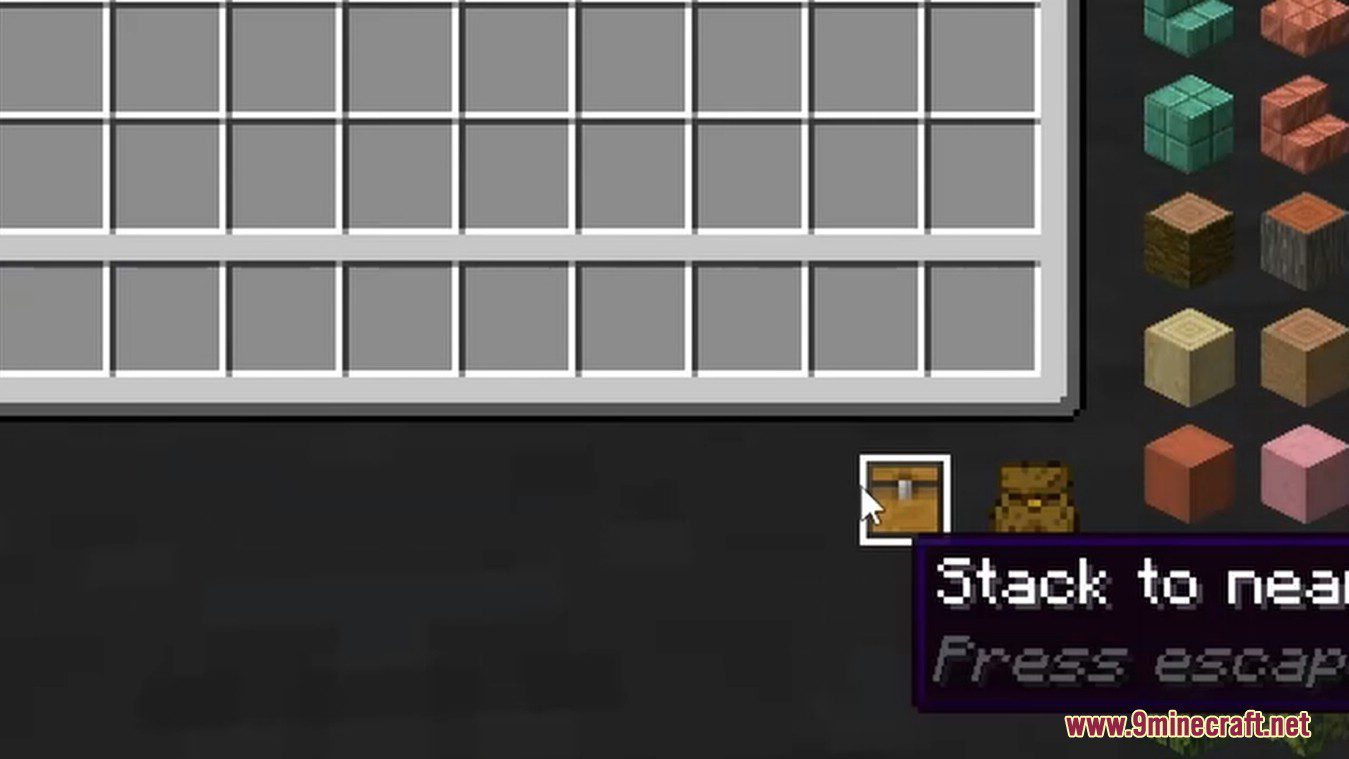
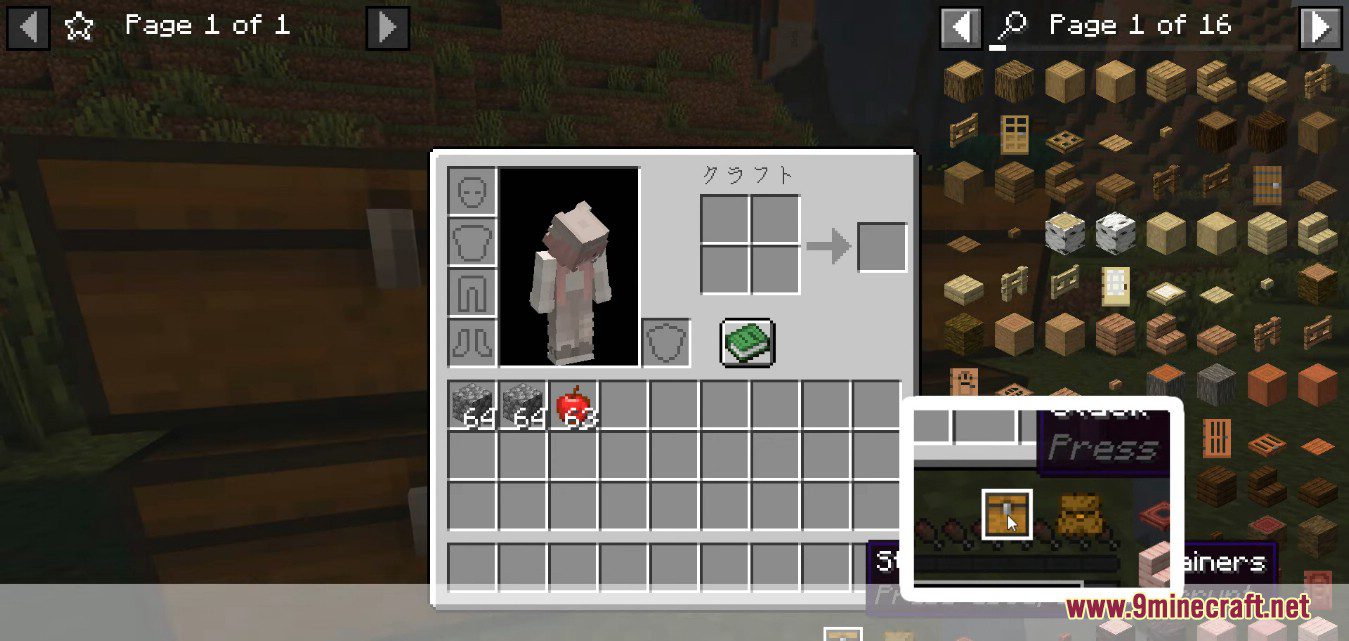
- Quick Stack to Nearby Containers: Runs quick stack across all openable containers within your reach at once.
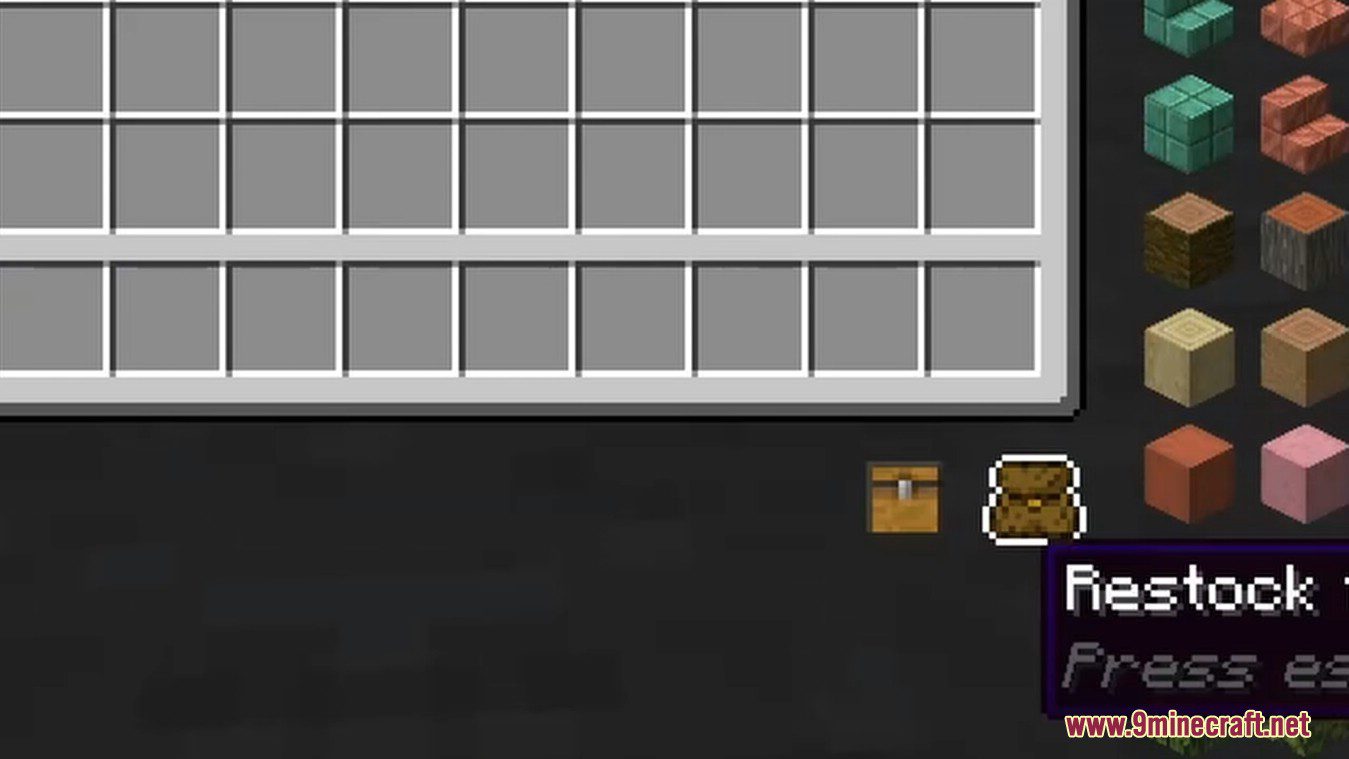
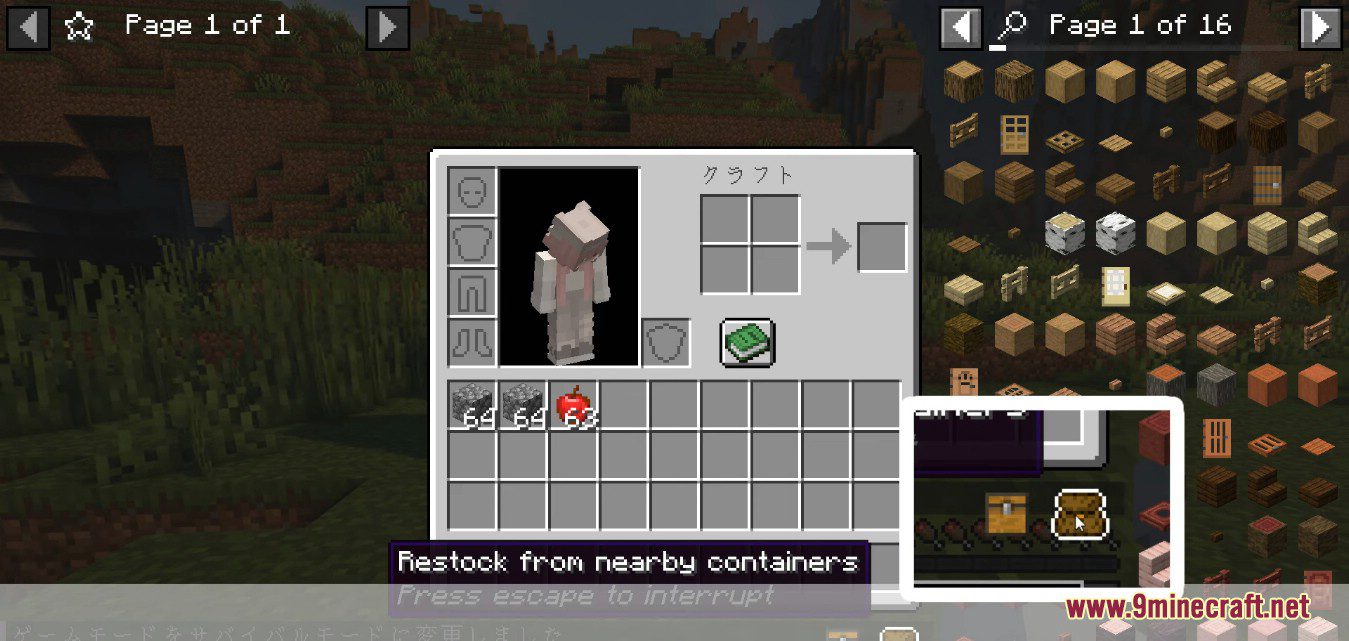
- Restock from Nearby Containers: Refills your stackable items from all openable containers within your reach.
- Selective Quick Stack: Moves only one specific item type from your inventory into nearby containers when you press a shortcut key or drag and drop items onto the “Quick Stack to Nearby Containers” button.
- Favorite Items: Hold Left Alt and right-click an item to mark it as a favorite so quick stacking skips it while it still acts like a normal item.
- Press Left Ctrl + S + C to open the mod options screen and change the appearance, behavior, and key mappings.
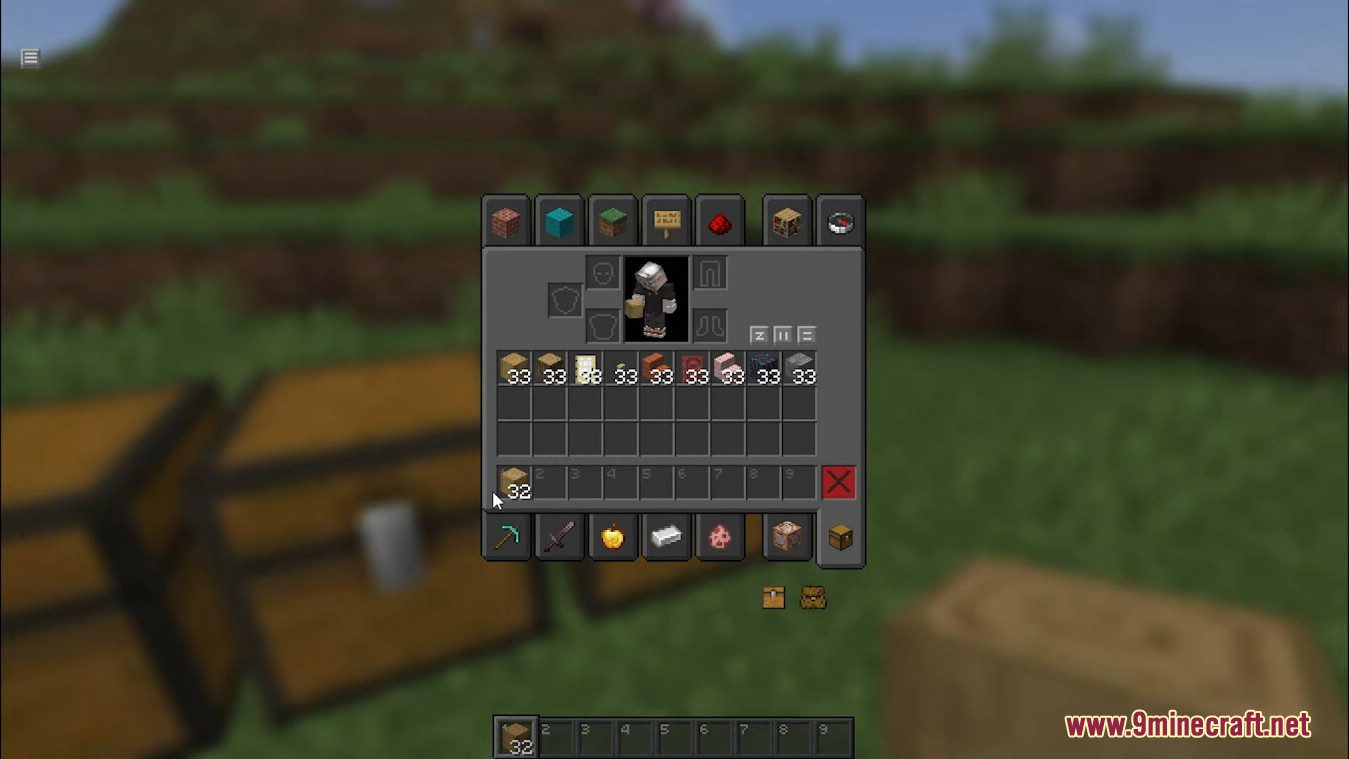
- Use buttons or shortcut keys inside a container screen to quick stack or restock with that container.
- Trigger nearby container stacking or restocking using buttons or shortcut keys in your player inventory screen, or press shortcut keys directly when no screen is open.
- Choose which items to skip during stacking and restocking in the mod options, with shulker box items and bundle items excluded by default.
- Pick which containers count as stacking targets and restocking sources in the mod options. Default containers include chests, trapped chests, barrels, shulker boxes, ender chests, boats with chests, minecarts with chests, donkeys, mules, and llamas.
- Disable throwing with the Q key, picking up, quick-moving, and swapping separately for favorite items in the mod options.
- Removes the favorite status whenever an item leaves your inventory, and clears all favorite marks if you switch to Creative Mode, where favoriting is not available.
How to Use:
- Open any container and click the quick stack or restock buttons, or press their shortcut keys, to store matching items or refill your stacks from that container.
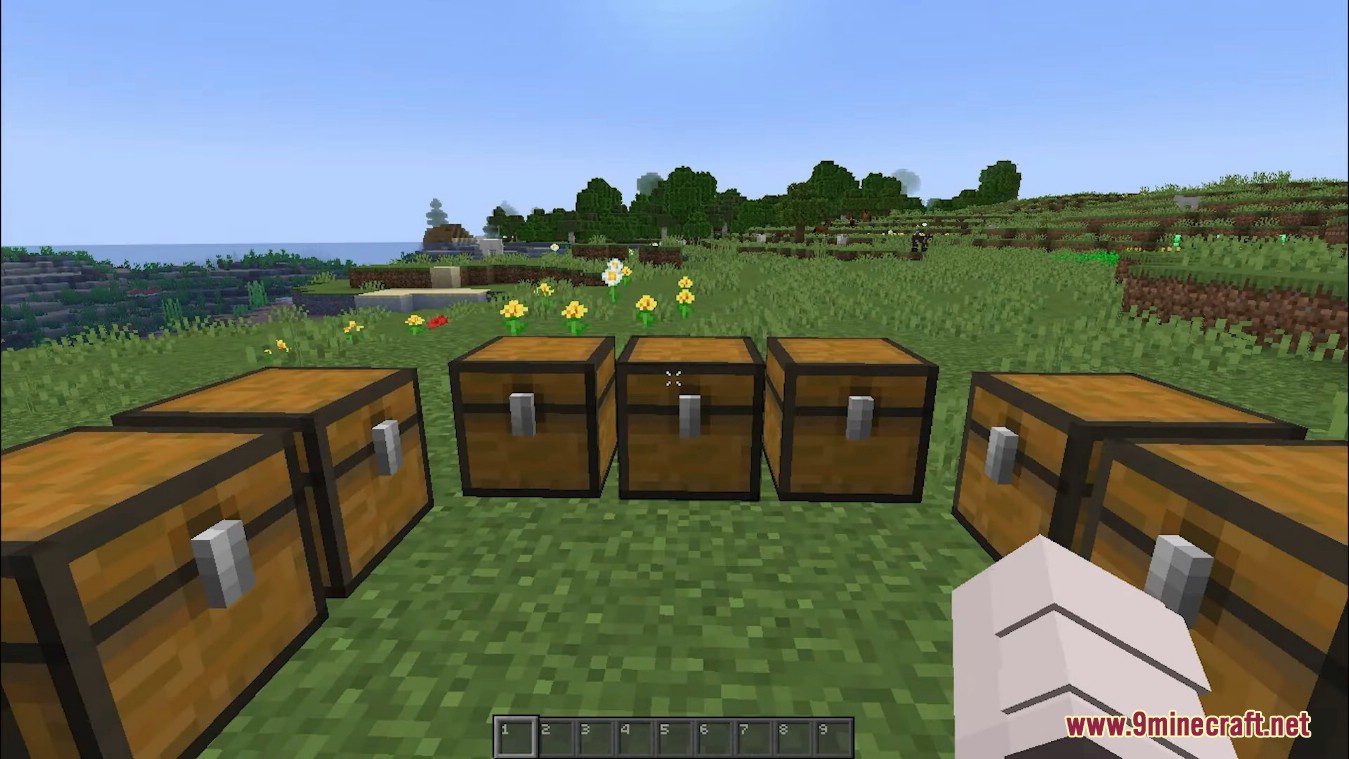
- Stand within reach of your storage blocks or mobs, open your player inventory screen, and click the nearby quick stack or restock buttons to sort items across all reachable containers at once.
- Press the nearby quick stack or restock shortcut keys when no screen is open to organize your inventory with nearby containers right away.
- Drag and drop an item onto the “Quick Stack to Nearby Containers” button, or use the selective quick stack shortcut key, to move only that item type into nearby containers.
- Hold Left Alt and right-click an item while outside of Creative Mode to mark it as a favorite so quick stacking leaves it untouched.
- Press Left Ctrl + S + C to open the mod options screen and adjust the appearance, key mappings, excluded items, target containers, and favorite item action locks such as disabling the Q throw key, picking up, quick-moving, or swapping.
Screenshots:
How to Install:
New to Minecraft? Follow our step-by-step guide to install Mods on your PC.View Guide


Stack to Nearby Chests Mod Download Links
For Minecraft 26.3
For Minecraft 26.2
For Minecraft 26.1.2, 26.1.1, 26.1
For Minecraft 1.21.11
For Minecraft 1.21.10, 1.21.9
For Minecraft 1.21.8, 1.21.7, 1.21.6
For Minecraft 1.21.5
For Minecraft 1.21.4
For Minecraft 1.21.3, 1.21.2
For Minecraft 1.21.1, 1.21
For Minecraft 1.20.6
For Minecraft 1.20.4, 1.20.3, 1.20.2
For Minecraft 1.20.1, 1.20
For Minecraft 1.19.4
For Minecraft 1.19.3
For Minecraft 1.19.2, 1.19.1, 1.19
For Minecraft 1.18.2
Click to rate this post!
[Total: 2 Average: 3]
You May Also Like
Picked for this page
 Durability Plus Mod (26.1, 1.20.1) – Item Durability Tooltips
 Ksyxis Mod (26.3, 1.20.1) – Completely Removes Spawn Chunks
 Enderite CJ Edition Mod (26.2, 1.20.1) – More Powerful Gear
 Audio Player Mod (26.3, 1.20.1) – Put Your Own Audio Files on Music Discs
 Nutritious Milk Mod (26.3, 1.20.1) – Enhanced Effects for Drinking Milk
 End Portal Recipe Mod (26.3, 1.20.1) – Craftable End Portal
 PolyDecorations Mod (26.3, 1.21.1) – Wooden Benches, Shelves, Signposts and Braziers
 Random Bone Meal Flowers Mod (26.3, 1.20.1) – Biome-Free Flower Spawning
 Bat Membrane Mod (26.3, 1.20.1) – No More Phantom Dependency For Membranes
 SpongeSucc Mod (26.3, 1.20.1) – Lava Absorbing Sponges
 Glow Squids Actually Glow Mod (26.3, 1.20.1) – Underwater Brightness
 Set Time Doesn’t Reset Day Count Mod (1.21.11, 1.20.1)
Most viewed in Mods over the last 7 days
 Ala Industrial Mod (26.3) – Run Electric Power Grids and Automated Factories
 PleasureCraft Mod (26.3, 1.21.1) – Jenny Mod Remake for Fabric
 Jennycraft Mod (26.3, 1.20.1) – Virtual Girlfriend in Minecraft
 Fapcraft Mod (26.3, 1.12.2) – Comprehensive and Detailed Content
 Jenny Mod (Fapcraft) Official Complete Guide – How to use, Tutorial
 BangCraft Mod (1.20.1) – Jenny, Ellie and Elliot
 Fabric Loader (26.3, 1.20.1) – Fabric Installer for All Minecraft Versions
 Meteor Client Mod (26.3, 1.20.1) – Xray, HUD, Fly
 The Shooting Star Demo Mod (26.3, 1.20.1) – Vaporize Terrain From Orbit
 OptiFine HD (26.3, 1.20.1) – Run Faster, FPS Boost, Shaders Support
 Aristois Client Mod (1.21.4, 1.20.1) – World Class Minecraft Utility
 Prestige Client Mod (1.21.11, 1.21.4) – Powerful Ghost Features for Crystal & Sword PvP
More from Mods
 Far Lands Traveler Mod (26.1.2) – Survive the Long Trek to the Edge of the World
 Beli’s SkyLyrics Mod (1.21.11) – Sing Along to Desktop Tracks Projected in the Night Sky
 Explainstone and Songmelyn Mod (1.21.1) – Broadcast Custom Music Across Your Base
 Rockstar Shaders Mod (26.3) – Cast Ray-Traced Light Across Vast Distant Horizons
 ERYDON Mod (1.20.1) – Design Grand Courtyards with Carved Marble Pillars
 Infinity Bound Mod (1.21.1) – Snap Away Enemies with Legendary Superhero Gear
 Legacy Gecko Lib Fabric Mod (1.16.5) – Power Animated Creatures in Modpacks
 The Man from the Shadow Horror Mod (1.20.1) – Fight Hallucinations to Survive
 Shade & Saturation Slider Mod (26.2, 1.21.11) – Make Every Biome Vibrant
 Cataclysm X Yung’s Better Nether Fortresses Compat Mod (1.21.1, 1.20.1)
 Patchouli 9minecraft Mod (26.3) – Read Mod Guides Without Leaving Minecraft
 Paintings ++ 9minecraft Mod (26.3) – Pick the Exact Painting You Want

This post has no comments yet. Be the first — your comment will appear here.