
Thermaloot Mod (1.20.1, 1.19.2) – Power Thermal Machines with Ancient Loot

 0


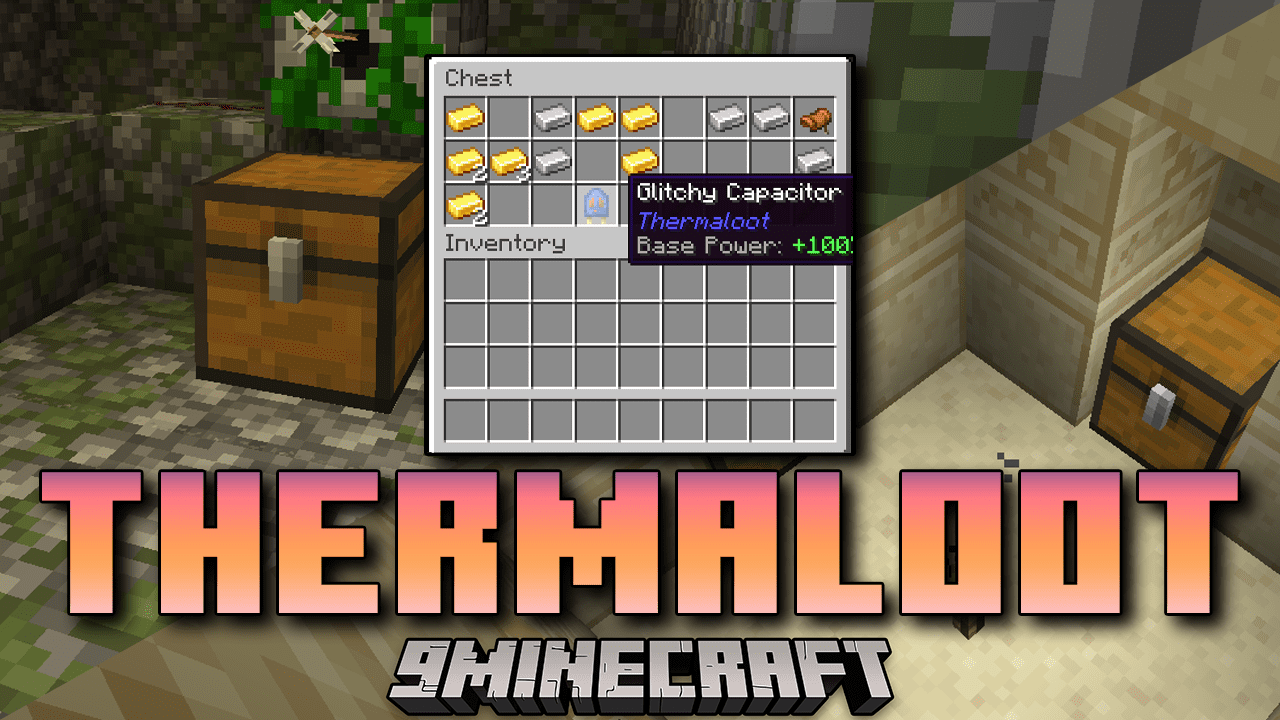
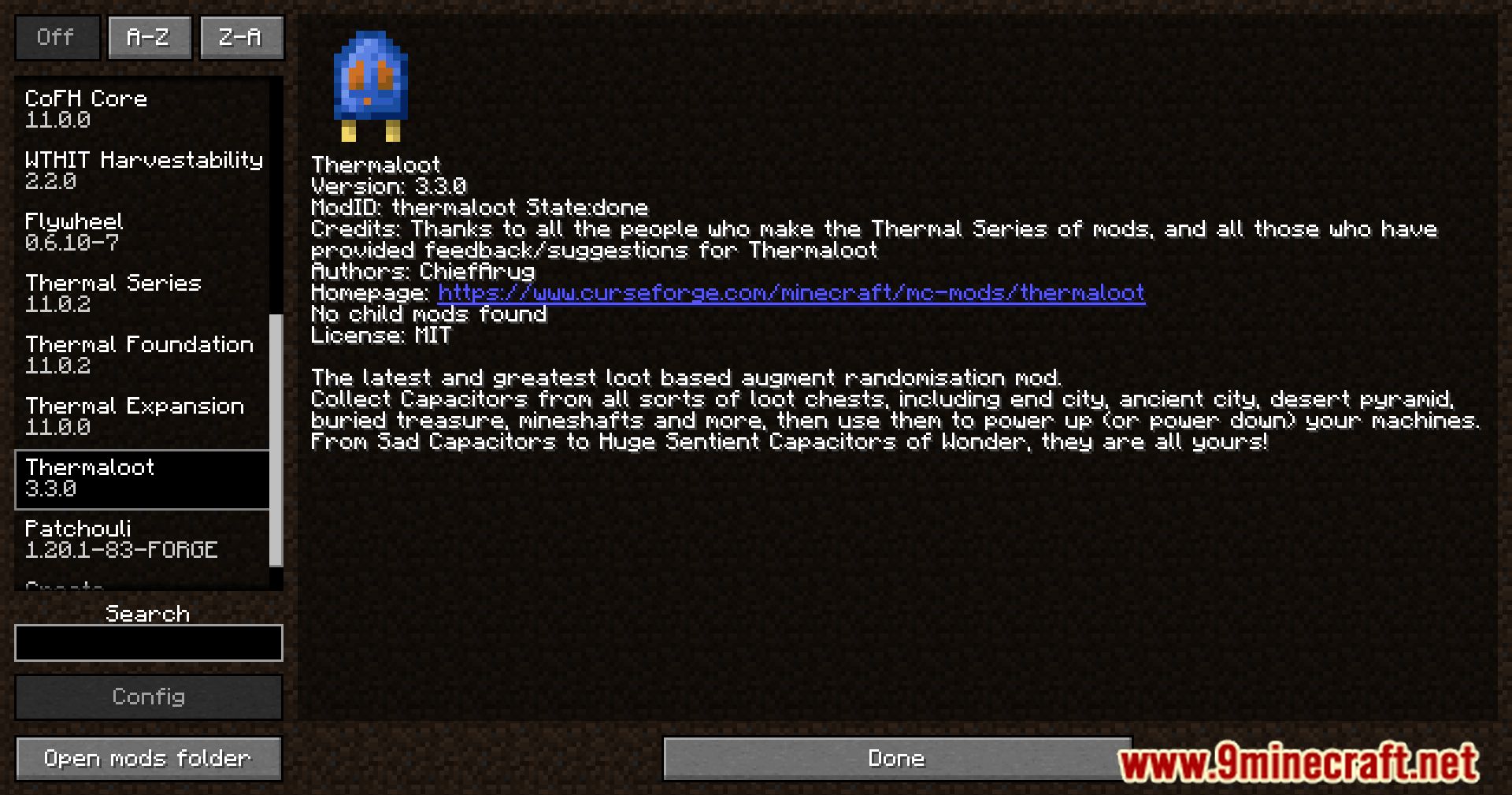
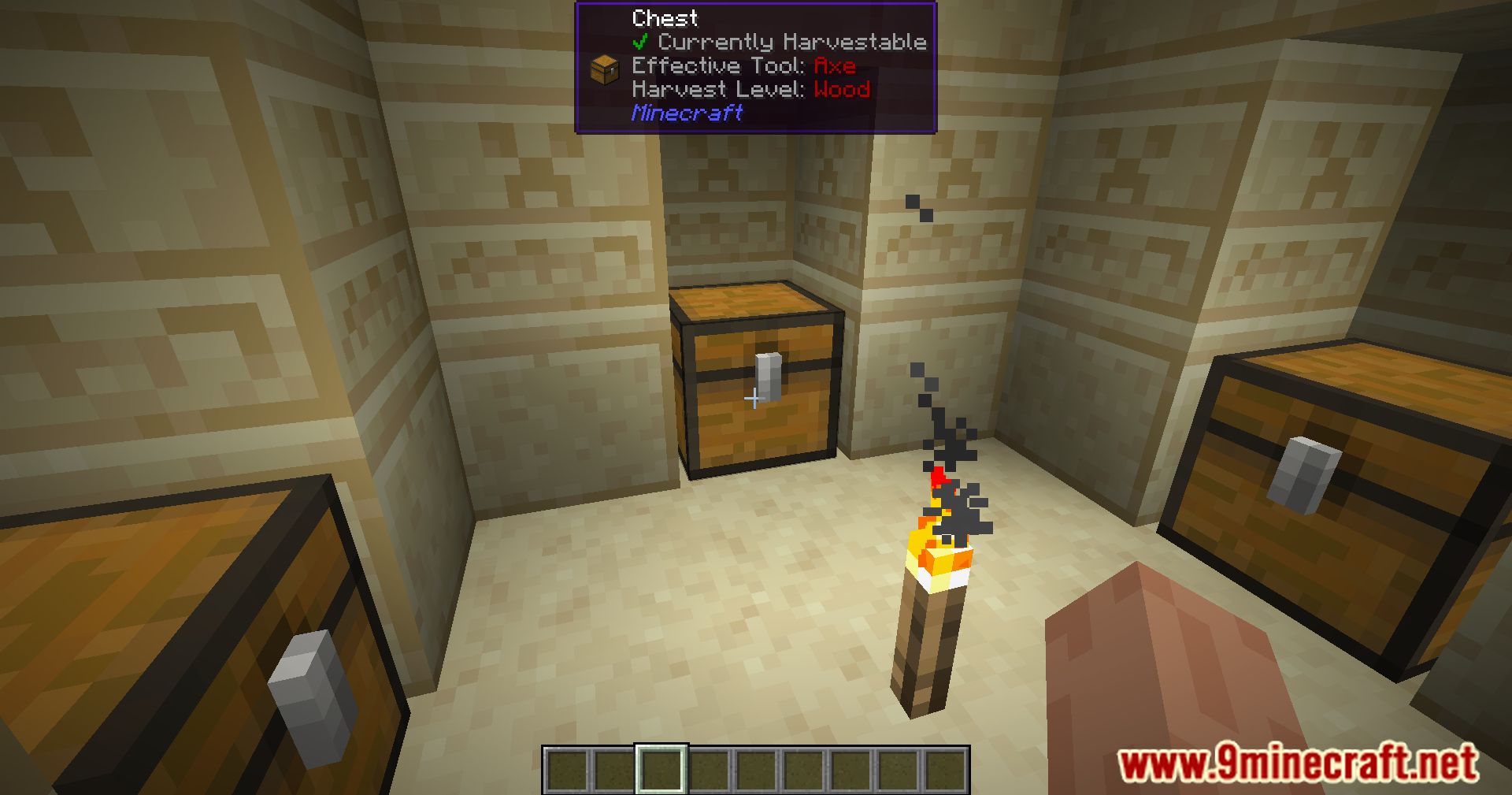
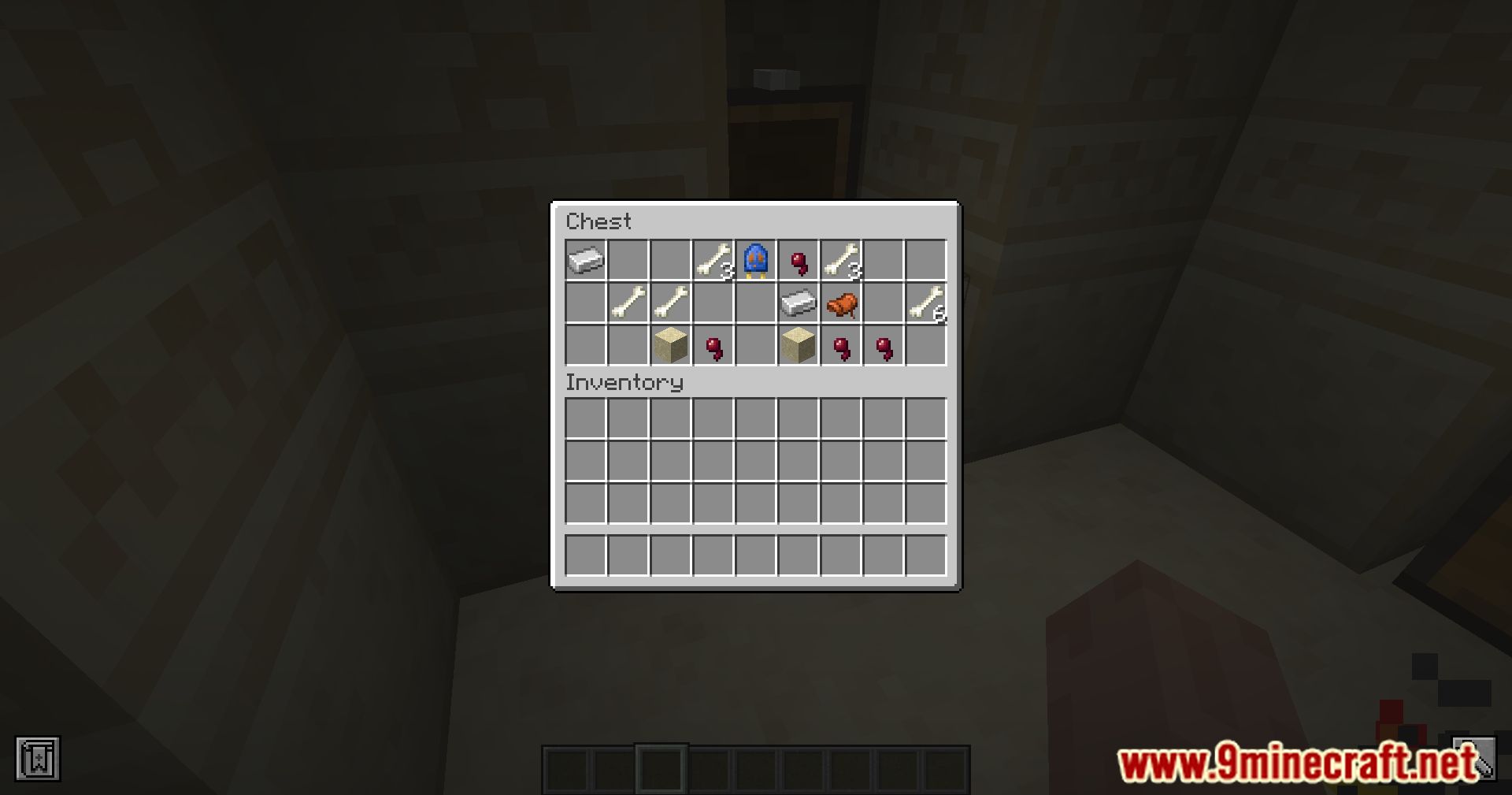
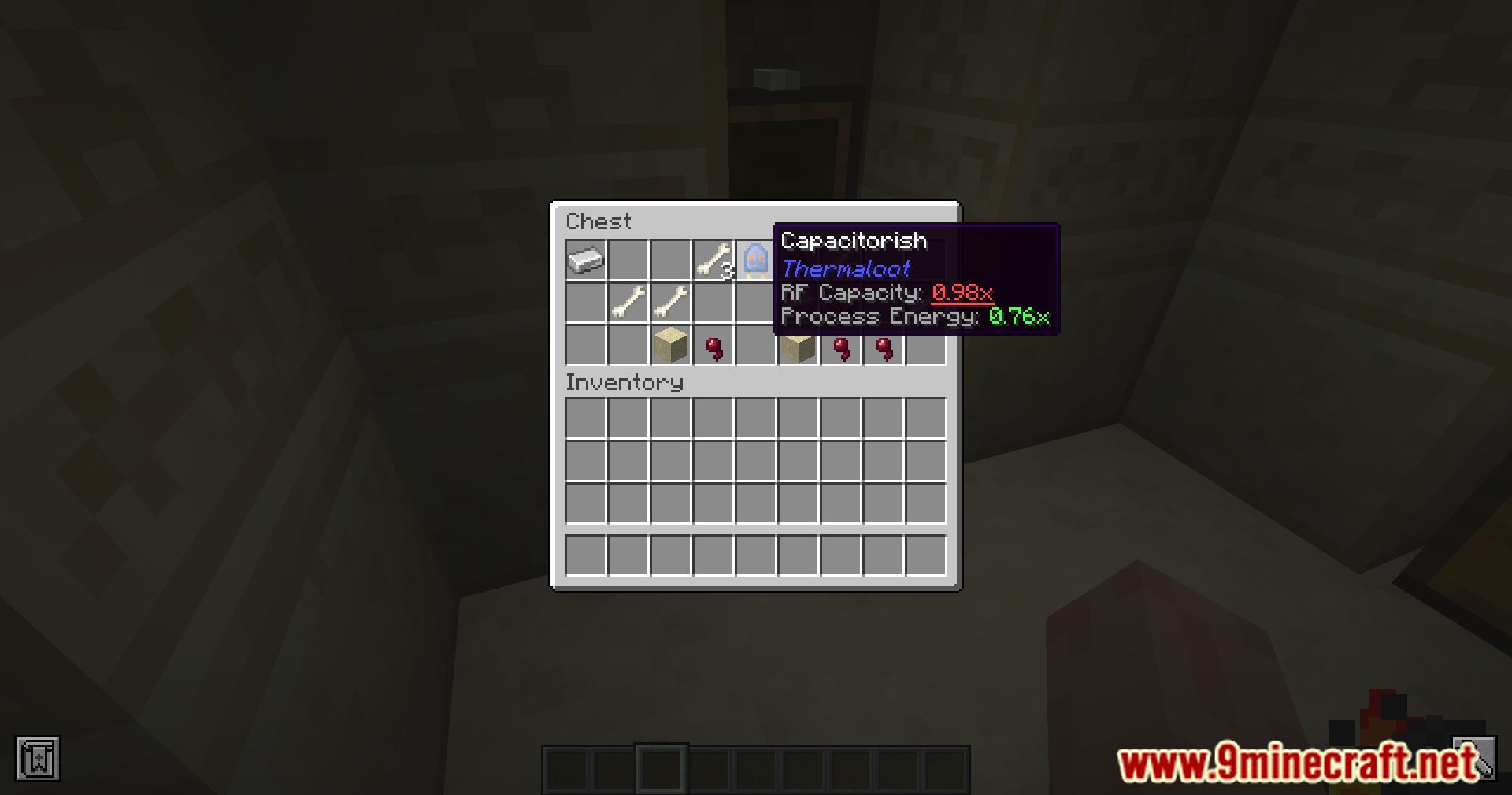
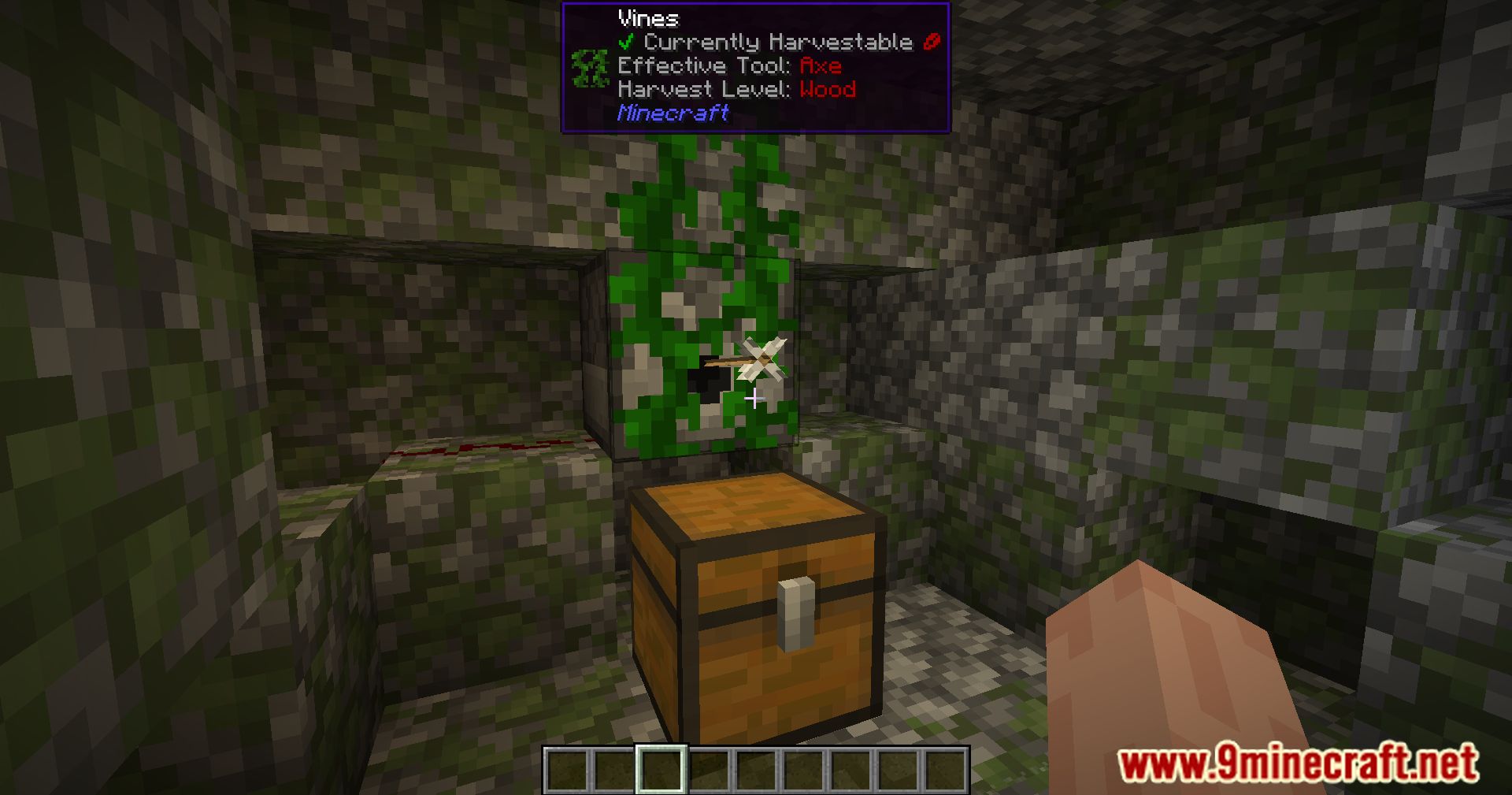
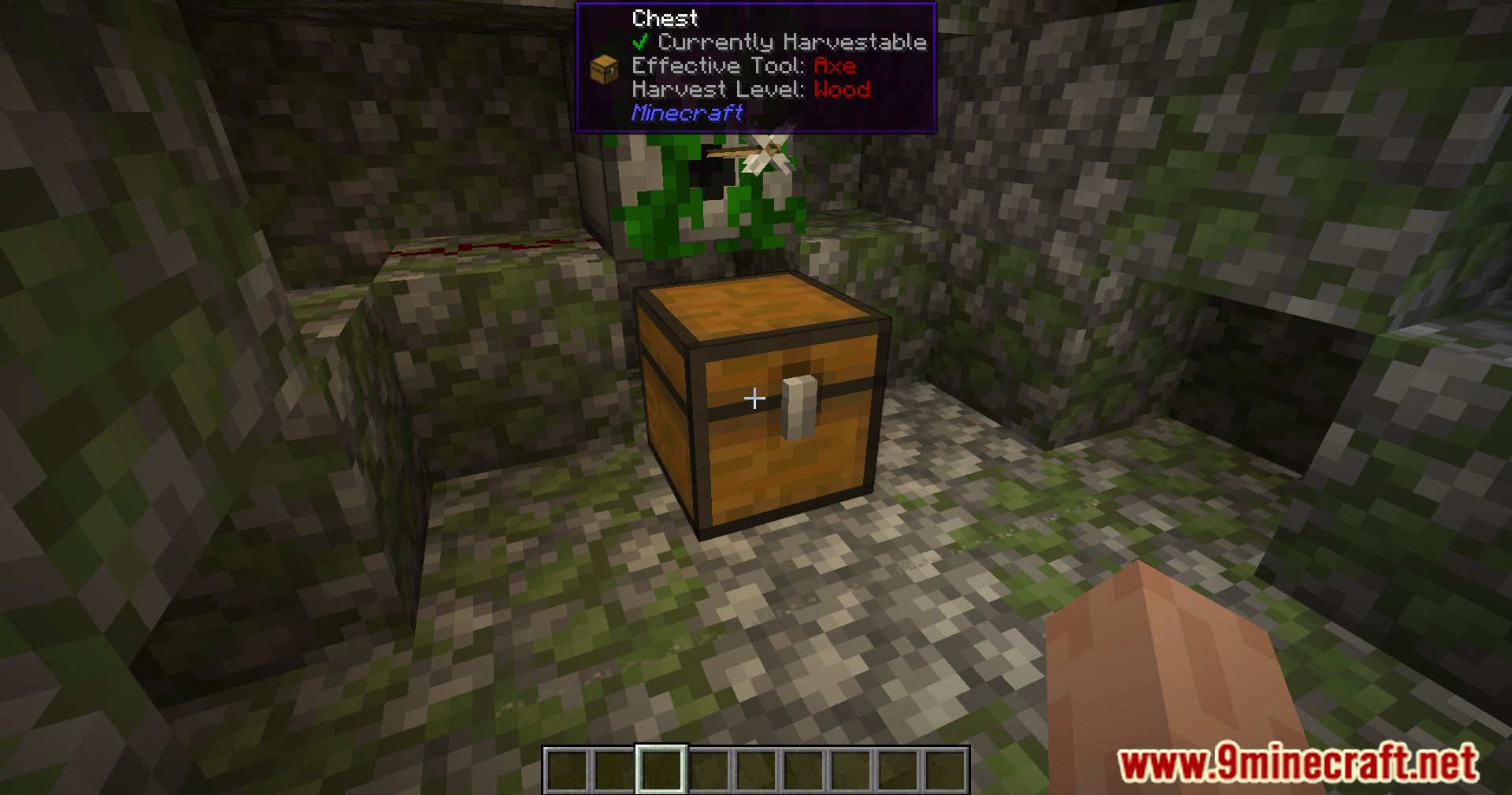
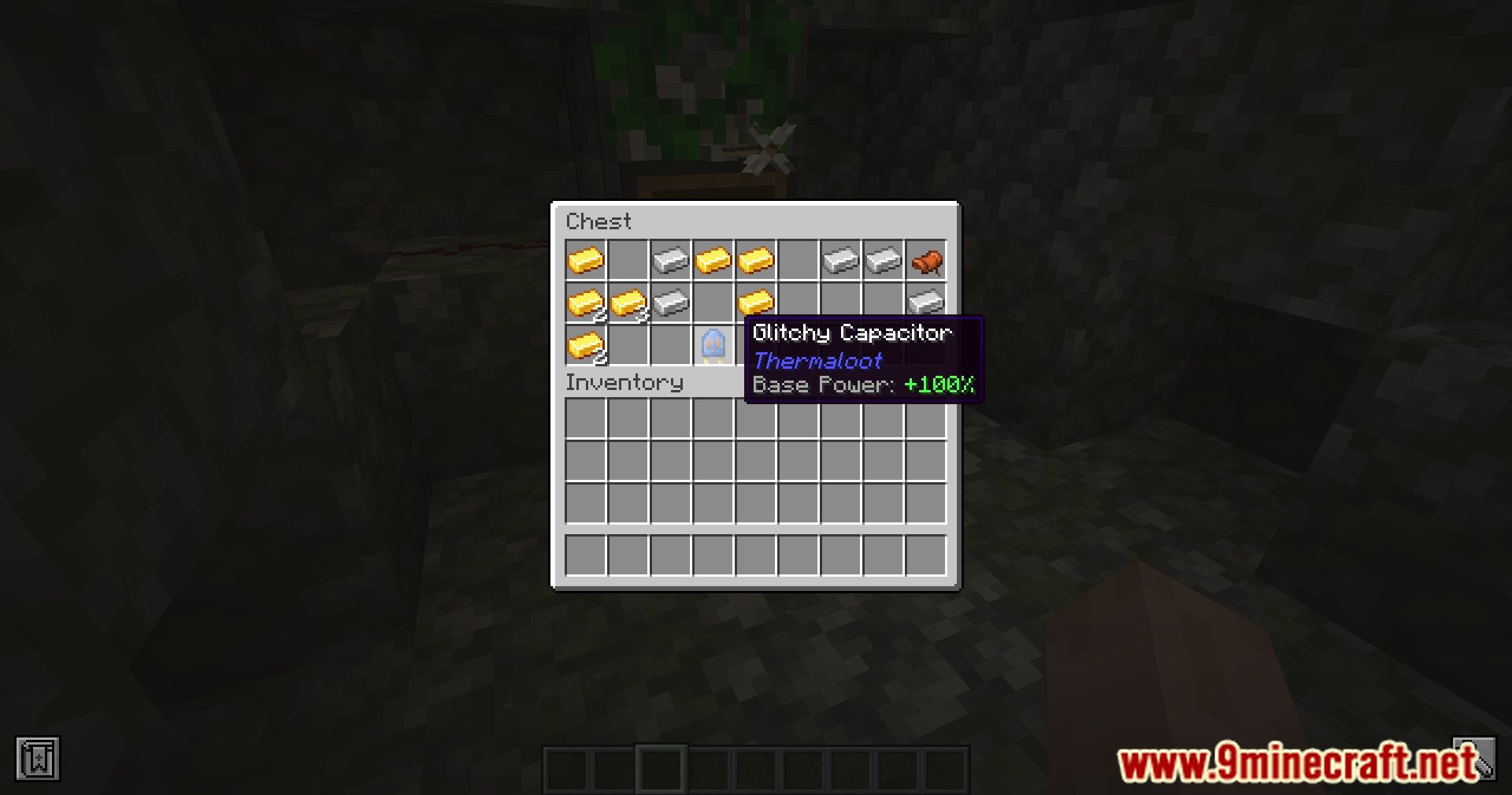
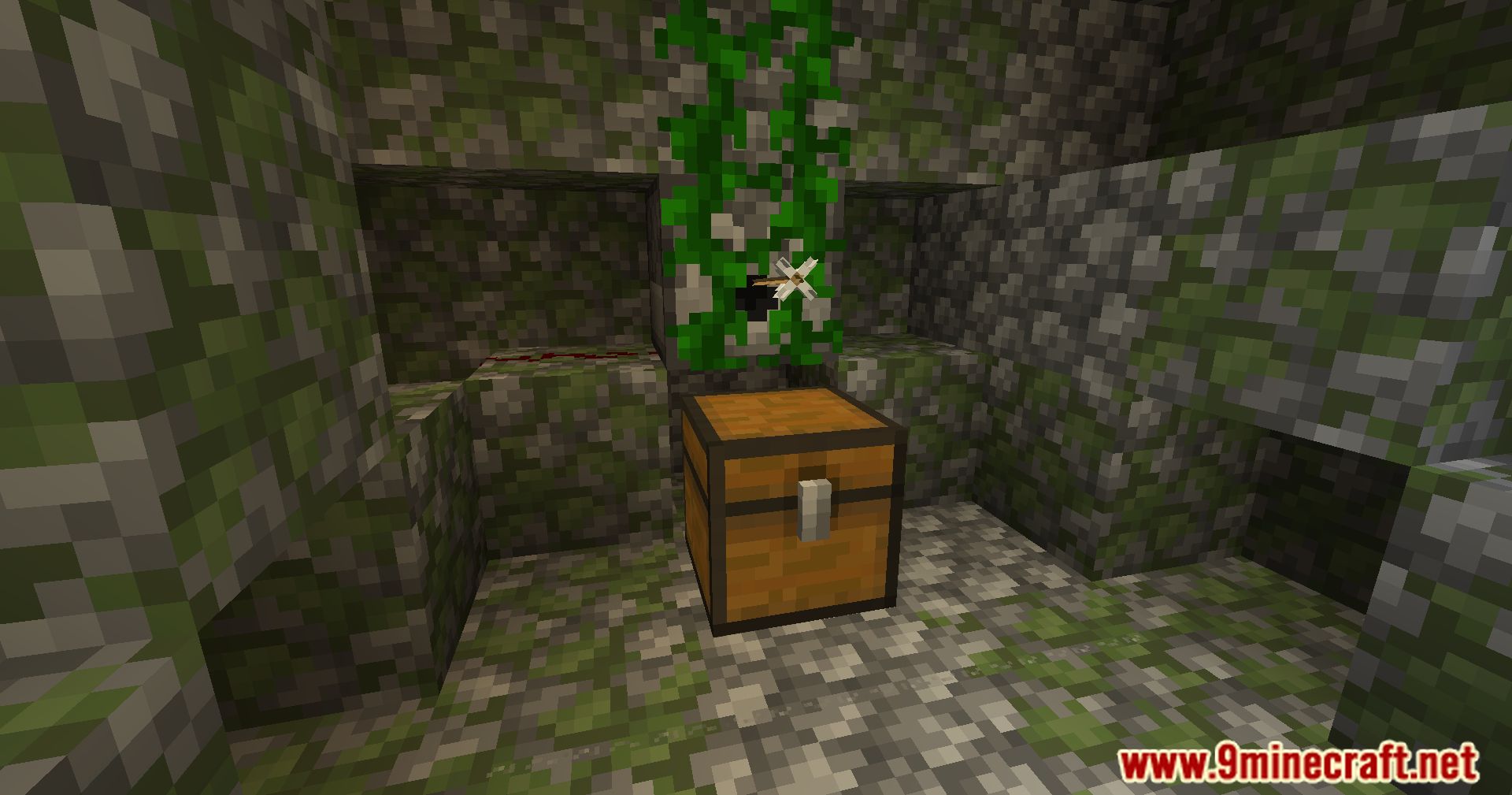
Thermaloot Mod adds random capacitors for Thermal Series machines to loot chests across your world. You can find these augments in 11 structure chest types, including Ancient Cities, Desert Temples, End Cities, and Woodland Mansions, with different spawn chances and amounts. Each capacitor rolls random stats that make your machines run faster, work with better efficiency, reach farther, or boost potion effects from the Decotive Defuser. Every item also gets a name based on its quality, ranging from weak Sad Capacitors to strong Huge Sentient Capacitors of Wonder. You can change stat ranges, chest loot, and item names with data packs, resource packs, and server config files.
Features:
- Random Loot Capacitors: Spawns randomly generated capacitors inside structure loot chests with different chances and amounts.
- Quality-Based Names: Gives every capacitor a generated name that matches its quality, so strong items get better-sounding names and weak items get worse ones.
- Works as augments for Thermal Series machines with a wide range of random stats.
- Makes your machines run faster and work with better efficiency.
- Increases the operating range of Thermal Series machines.
- Makes potion effects sent out by the Decotive Defuser stronger.
- Supports data packs for changing augment stat ranges, chest locations, and drop amounts using loot tables and loot modifiers.
- Supports resource packs and server config edits for adding custom capacitor names or turning off nested adjectives in non-English languages.
Default Chest Locations:
- Ancient City
- Buried Treasure
- Desert Temple
- Dungeon
- End City
- Jungle Temple
- Mineshaft
- Ruined Portal
- Shipwreck Treasure
- Stronghold Corridor
- Woodland Mansion
Configuration:
thermaloot:single_capacitor: Loot table you edit in a data pack to change the value ranges of all augment stats.data/thermaloot/loot_modifiers: Data pack folder for loot modifier files that control which chests spawn capacitors and how many appear.data/forge/loot_modifiers/global_loot_modifiers.json: Data pack file where you register your custom loot modifier files.number_of_name_variants: Server config option in your world’sserverconfigfolder that sets the total number of custom capacitor names added through a resource pack.nest_adjectives: Server config option in your world’sserverconfigfolder that turns off nested adjectives in generated names for better non-English translations.
How to Use:
Adding Custom Capacitor Names:
- Create a resource pack and add language keys for your new names based on
assets/thermaloot/lang/en_us.json, increasing the ending number by 1 for each new entry. - Use an existing number (such as
7) if you want to replace one of the default names, and make sure every attribute level has the same number of names. - Open the server config file in your world’s
serverconfigfolder and setnumber_of_name_variantsto your highest language key number plus 1, since keys start at 0. - Copy the edited config file into your
defaultconfigsfolder so your custom names apply to every new world you create.
Changing Stat Ranges and Chest Loot:
- Edit the
thermaloot:single_capacitorloot table inside a data pack to change the stat value ranges on generated capacitors. - Add or change loot modifier files in
data/thermaloot/loot_modifiersto choose which chests hold capacitors and how many spawn. - Register your loot modifier files in
data/forge/loot_modifiers/global_loot_modifiers.jsonso the game loads your chest changes.
Fixing Names for Non-English Languages:
- Open the config file inside your world’s
serverconfigfolder; if you play on a multiplayer server, the server owner needs to edit it. - Turn off
nest_adjectivesto stop generated names from nesting adjectives that may not read well in translated languages.
Screenshots:
How to Install:
New to Minecraft? Follow our step-by-step guide to install Mods on your PC.View Guide
Thermaloot Mod Download Links
For Minecraft 1.20.1
Forge/NeoForge Version: Download from Server 1 – Download from Server 2
For Minecraft 1.19.2
Forge Version: Download from Server 1 – Download from Server 2
For Minecraft 1.18.2
Forge Version: Download from Server 1 – Download from Server 2
How do you usually play Minecraft?
48 responses · See the full results →
You May Also Like
Picked for this page
 ExtraBotany Mod 1.16.5, 1.12.2 (More Flowers and Miscs) (1.20.1)
 Variants and Ventures Mod (26.3, 1.20.1) – New Dangers in Every Biome
 Moog’s Soaring Structures Mod (26.3, 1.20.1) – The Sky Is No Longer Empty
 Stackable Potions Mod (26.1, 1.20.1) – Allow Vanilla Potions to Stack
 Always Sprint Mod (26.3, 1.20.1) – Sprinting Is Always On
 Better Biome Reblend Mod (1.21.11, 1.20.1) – Enhanced Biome Color Transitions
 Simple Login Mod (1.21.11) – Client-Stored Passwords
 Farmer’s Cutting: Oh The Biomes We’ve Gone Mod (1.21.11, 1.20.1)
 Ember Underground Rooms Mod (1.21.10, 1.20.1) – New Underground Structures
 Arboria Mod (1.20.1, 1.19.2) – Better Terrain Generation
Most viewed in Mods over the last 7 days
 Ala Industrial Mod (26.3) – Run Electric Power Grids and Automated Factories
 PleasureCraft Mod (26.3, 1.21.1) – Jenny Mod Remake for Fabric
 Jennycraft Mod (26.3, 1.20.1) – Virtual Girlfriend in Minecraft
 Fapcraft Mod (26.3, 1.12.2) – Comprehensive and Detailed Content
 Jenny Mod (Fapcraft) Official Complete Guide – How to use, Tutorial
 BangCraft Mod (1.20.1) – Jenny, Ellie and Elliot
 Fabric Loader (26.3, 1.20.1) – Fabric Installer for All Minecraft Versions
 Meteor Client Mod (26.3, 1.20.1) – Xray, HUD, Fly
 The Shooting Star Demo Mod (26.3, 1.20.1) – Vaporize Terrain From Orbit
 OptiFine HD (26.3, 1.20.1) – Run Faster, FPS Boost, Shaders Support
 Aristois Client Mod (1.21.4, 1.20.1) – World Class Minecraft Utility
 SchnurriTV Mod (1.12.2) – Characters and Features
More from Mods
 Ore Excavation 9minecraft Mod (26.3) – Mine Ores and Chop Trees in a Single Swing
 Dirigo Mod (26.1.2, 1.21.1) – Walk Across Nether Lava Seas and Automate Animal
 HandLib Mod (26.3, 1.21.1) – Keep Your Multiplayer World Stable
 Happy Ghasts Boost Mod (26.1.2, 1.20.1) – Fly Across Vast Distances at Top Speed
 LiquidBounce Client Mod (26.3, 1.20.1) – LiquidLauncher, A Free Client
 Create Hand Made Mod (1.21.1) – Craft Create Recipes By Hand in Your Workshop
 Seed Map for Xaero Mod (26.1) – See Rare Biomes and Dungeons Before You Travel
 MCPersist Mod (26.3) – Keep Your World Online for Friends Even After Logging Off
 Minecraft Java MCP Server Mod (1.21.11) – Command Your World Through External AI Tools
 Arcanism Mod (26.2) – Build Magic Factories and Program Custom Spells
 Archangel Client Mod (1.21.11) – Master Every PvP Duel with Clean Screen Stats
 Block Front Survival Patch Mod (1.21.1) – Wage Tactical Warfare in Survival

This post has no comments yet. Be the first — your comment will appear here.