


What Am I Looking At? Addon (1.26+) – Instantly Identify Any Block or Mob
 165,656
 4
4


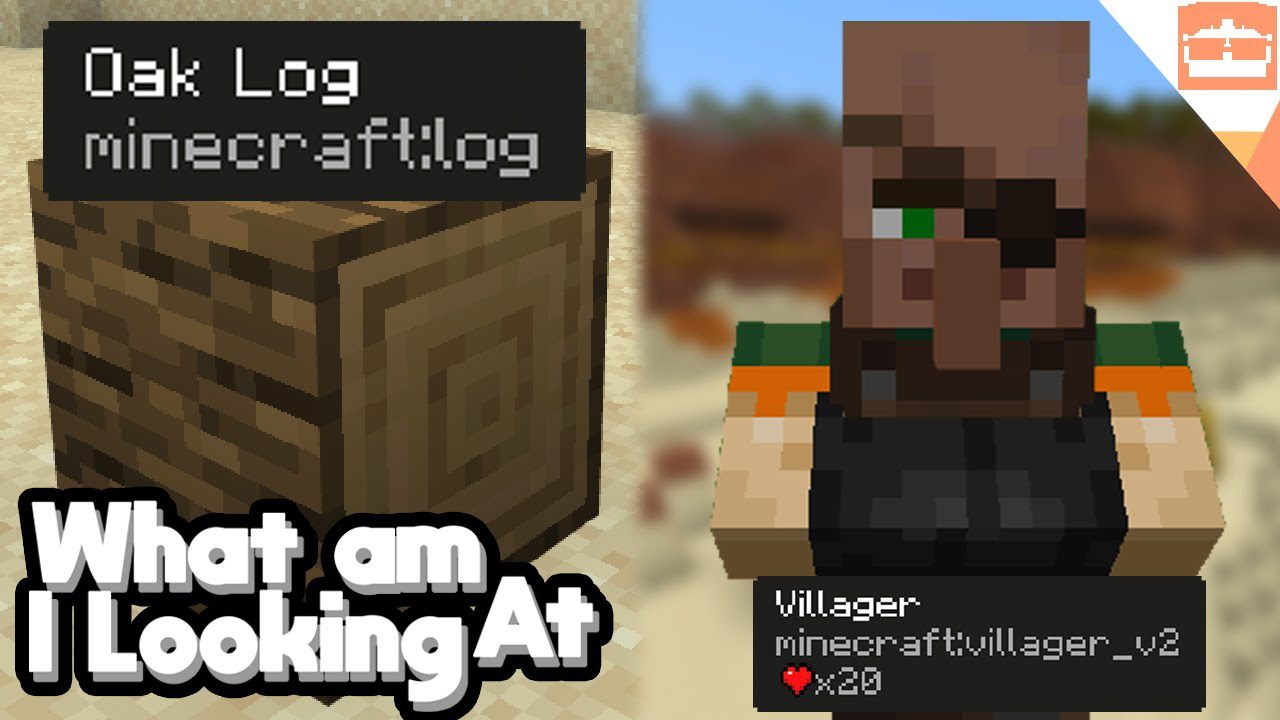
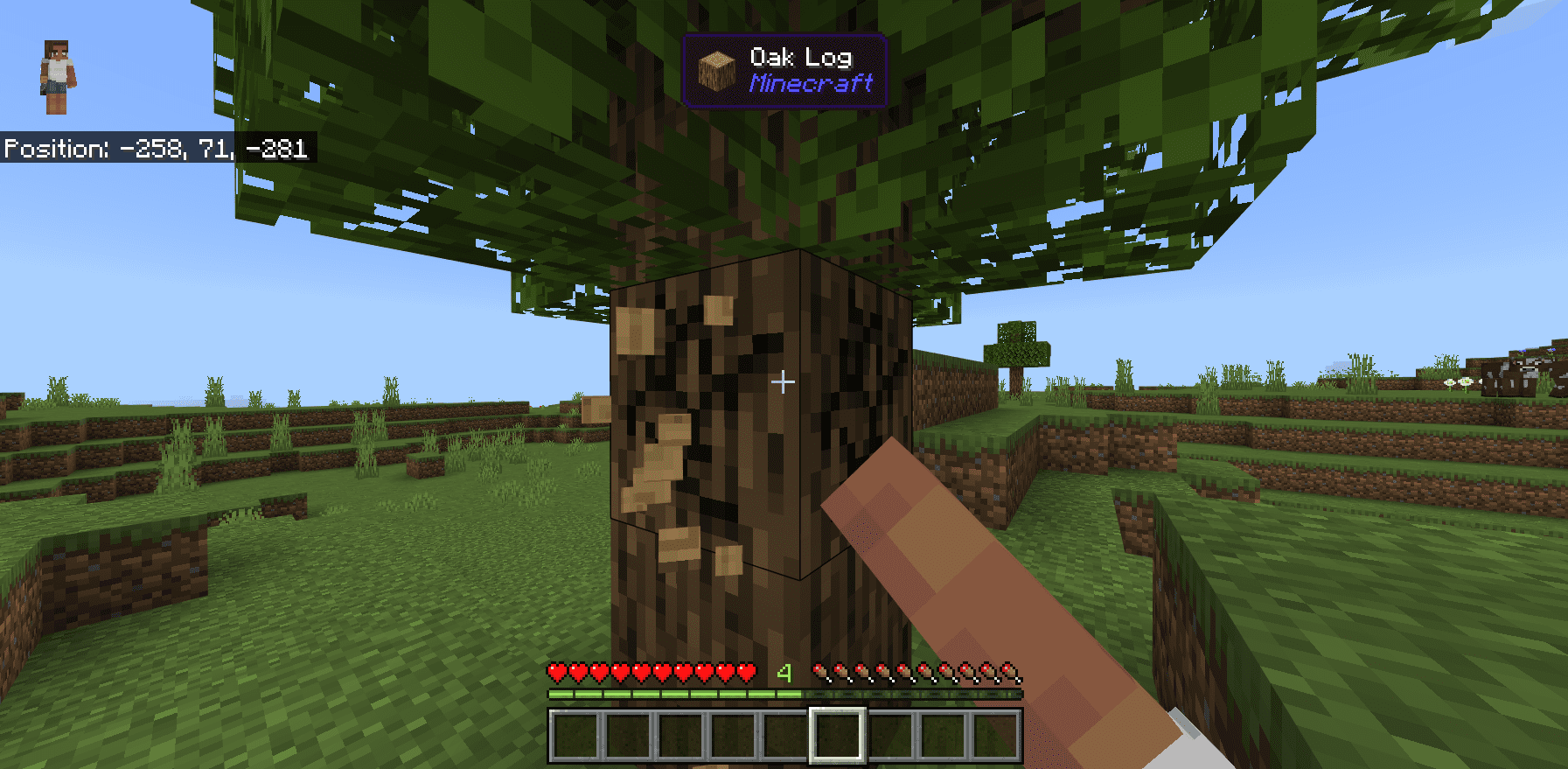
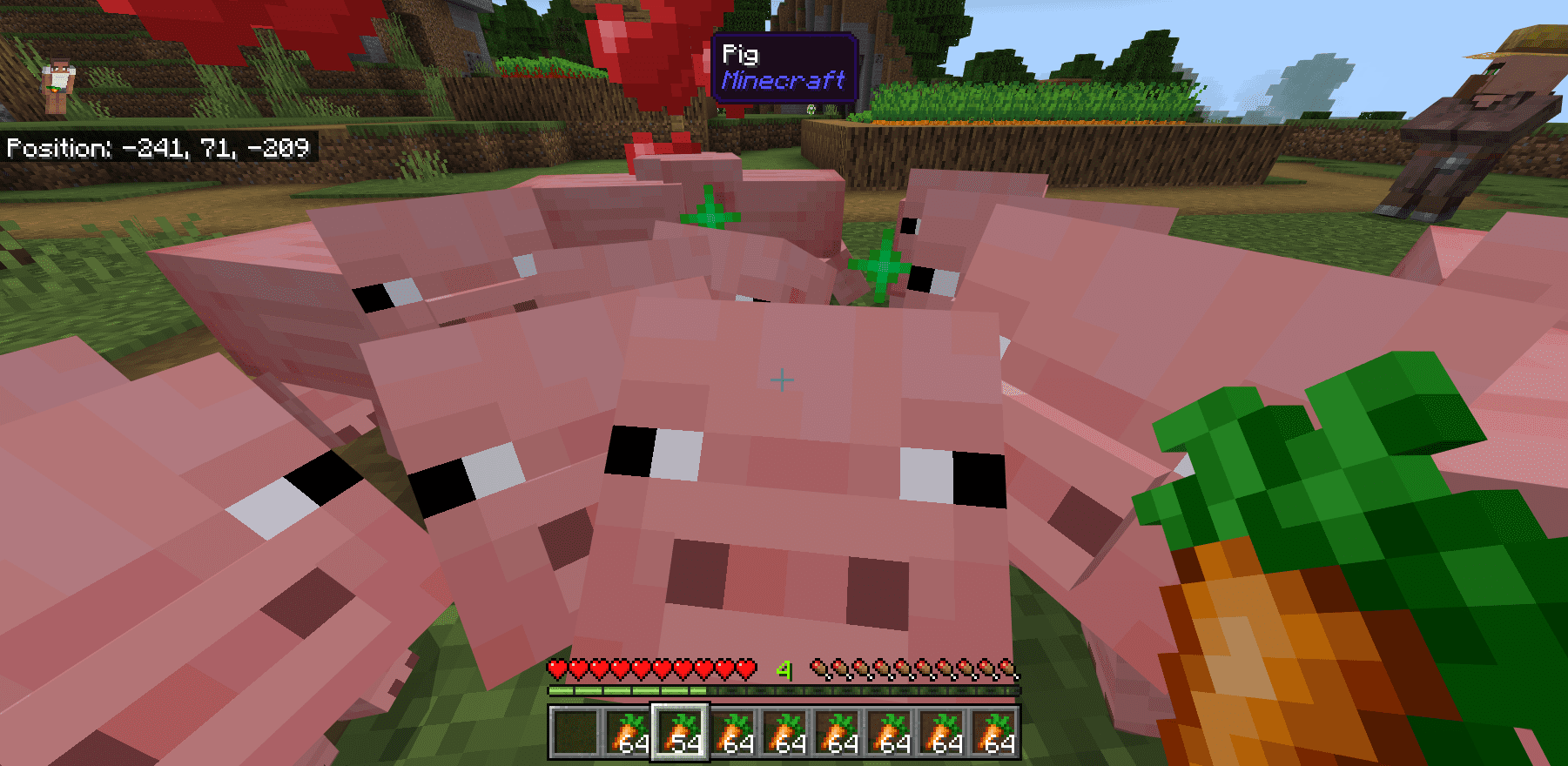
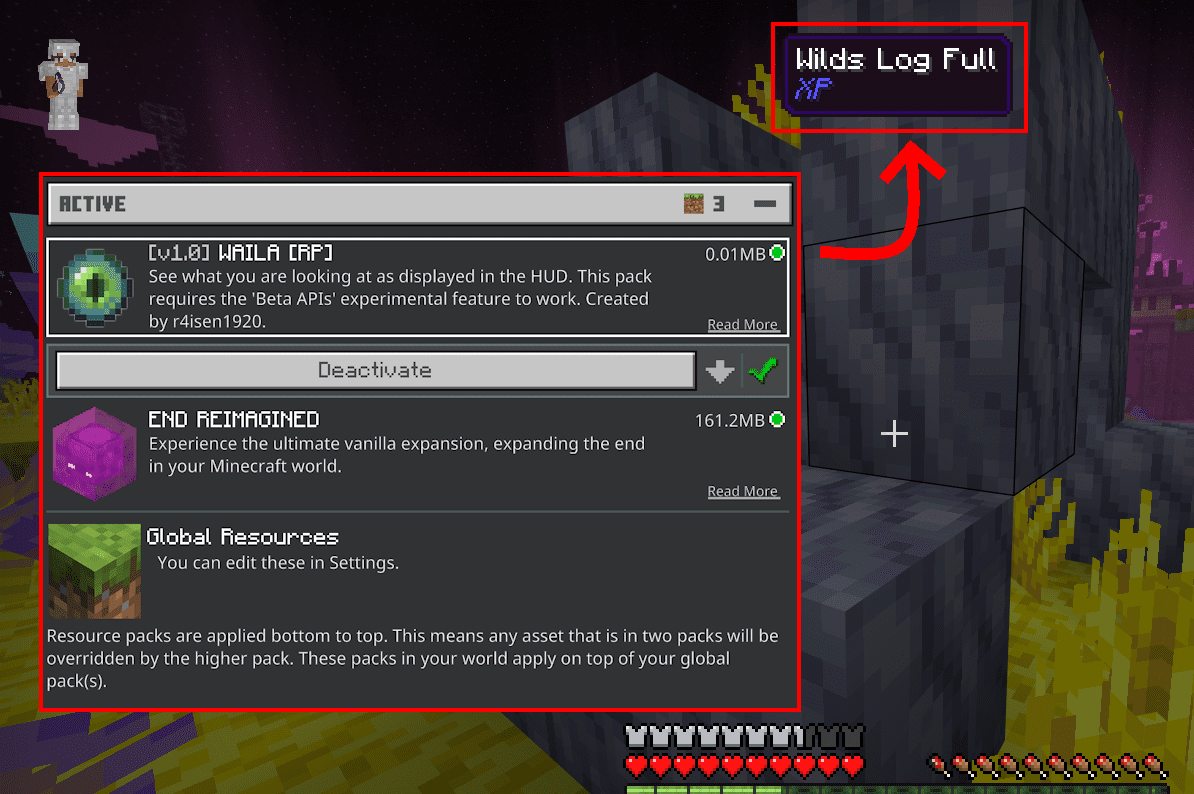
What Am I Looking At? Addon shows you helpful information about any block or mob you are looking at. A display appears at the top of your screen, telling you exactly what is in front of you. This addon is inspired by the Java mod called “WAILA” and brings a similar feature to Bedrock Edition.
Features:
- Shows the name of any block or mob you look at.
- Displays the icon of the targeted block or mob.
- Tells you which addon an item or mob is from.
- Shows the correct tool to use for a block and whether you are holding it.
- Works in both survival and multiplayer modes.
- Compatible with most other addons and packs.
- Supports all languages in Minecraft.
Commands:
- Use the
/wailacommand to open the settings and customize the display. - As an operator, you can use
/waila [player]to adjust the settings for other players.
How to Use:
- Simply point your crosshair at any block or mob in the world.
- A display will automatically pop up at the top of your screen with information.
- To change the display’s position or what it shows, use the
/wailacommand in the chat.
Screenshots:
How to Install:
New to Minecraft PE? Follow our step-by-step guide to install Mods/Addons on your Mobile.View Guide
What Am I Looking At? Addon Download Links
For MCPE/Bedrock 26.x, 1.21.x
For MCPE/Bedrock 1.21.x
For MCPE/Bedrock 1.20.x
Click to rate this post!
[Total: 99 Average: 3.9]

4 Comments
What do you think?
Your opinion means a lot - we'd love to hear from you.
You May Also Like









Kek mana download nya
egaarfa31
Bugus
bagus bg