
Walkie Talkie Mod (1.20.4, 1.20.1) – Stay Connected on Faraway Expeditions

 0


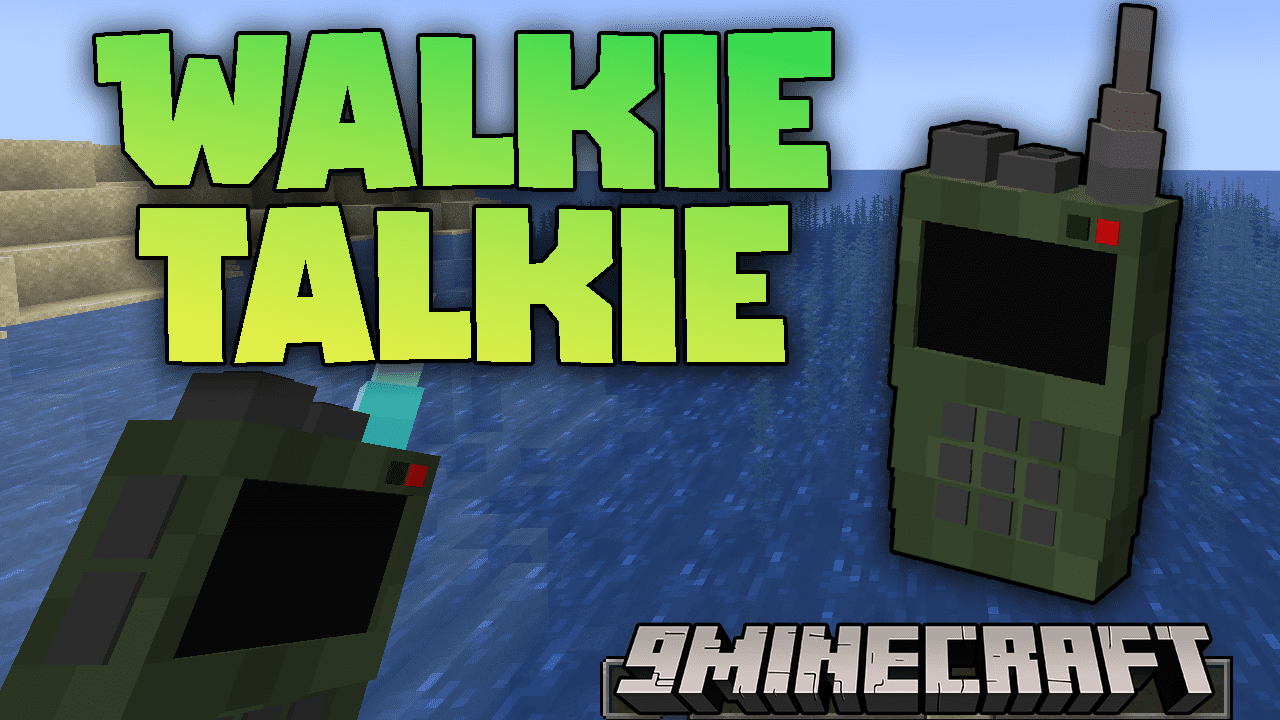
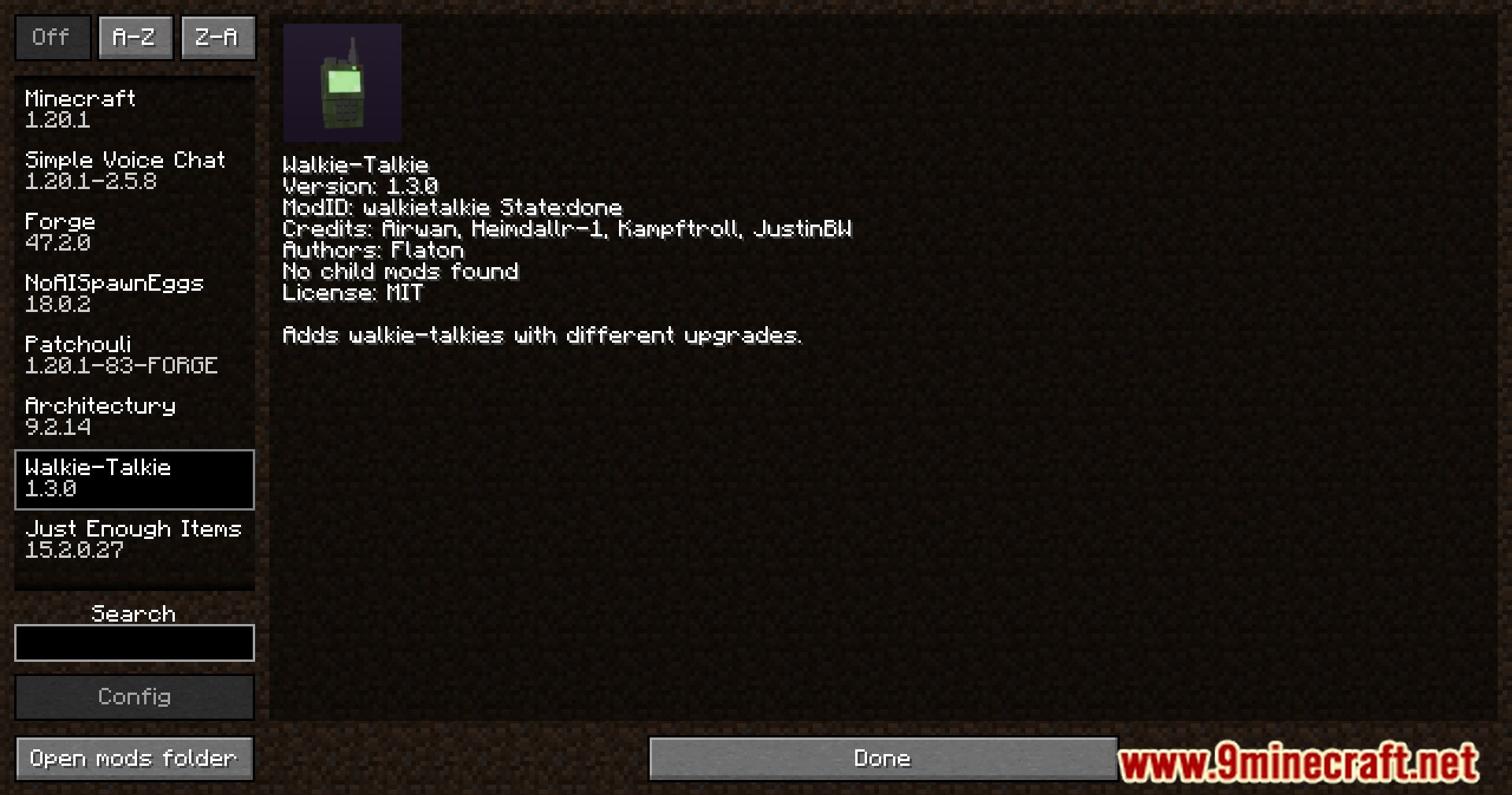
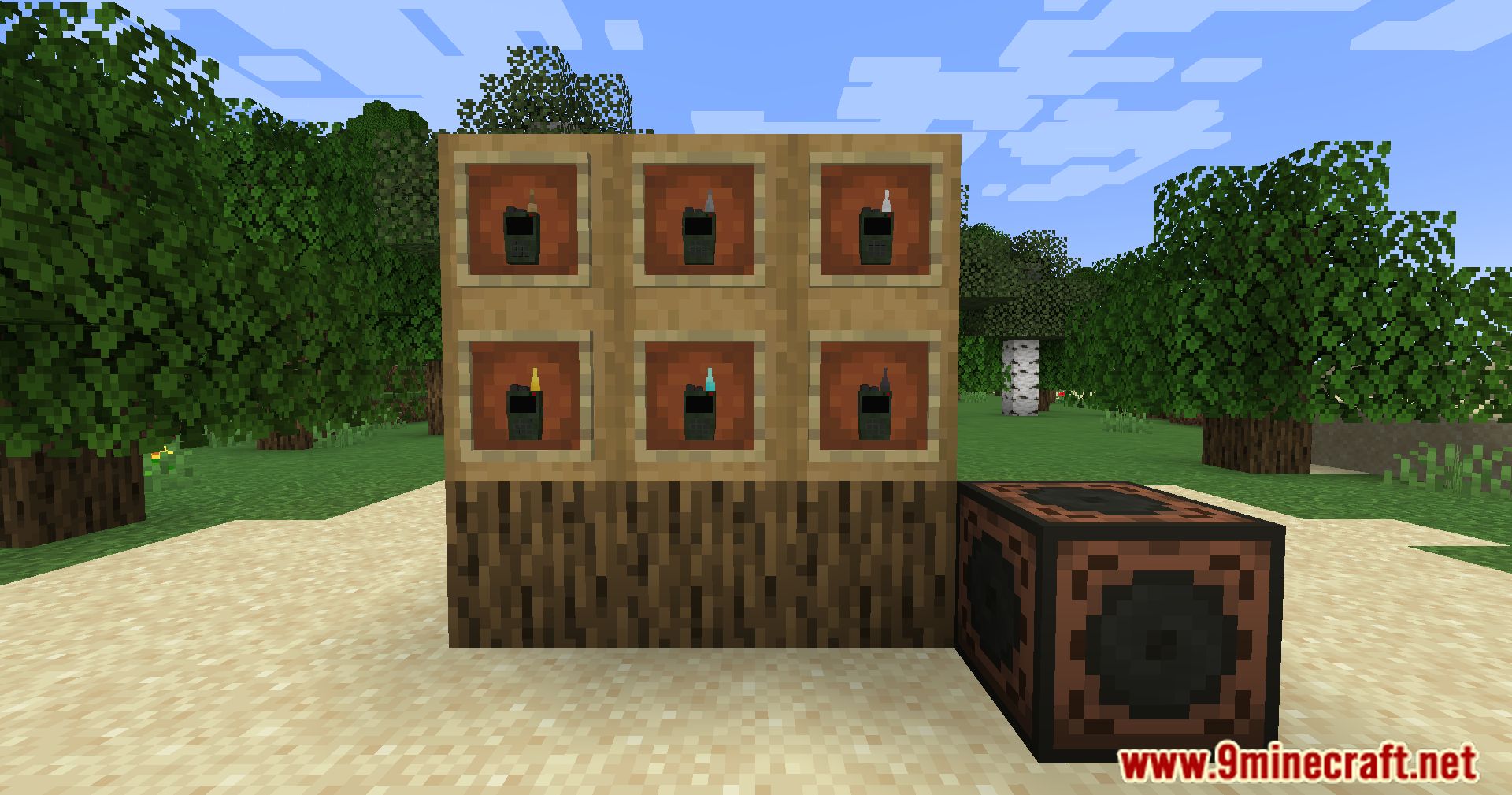
Walkie Talkie Mod adds two-way radios and speaker blocks for Simple Voice Chat. This mod includes 6 radio upgrade tiers, from Wood at a 128-block range up to Netherite at a 4096-block range. You can pick a radio channel, turn off the microphone, and use a keybind to switch the device on or off. You can also place speaker blocks with their own volume category and custom config options. It requires Simple Voice Chat and Architectury API to work, along with Fabric API if you use Fabric.
Requires:
Minecraft Forge or Fabric API
Features:
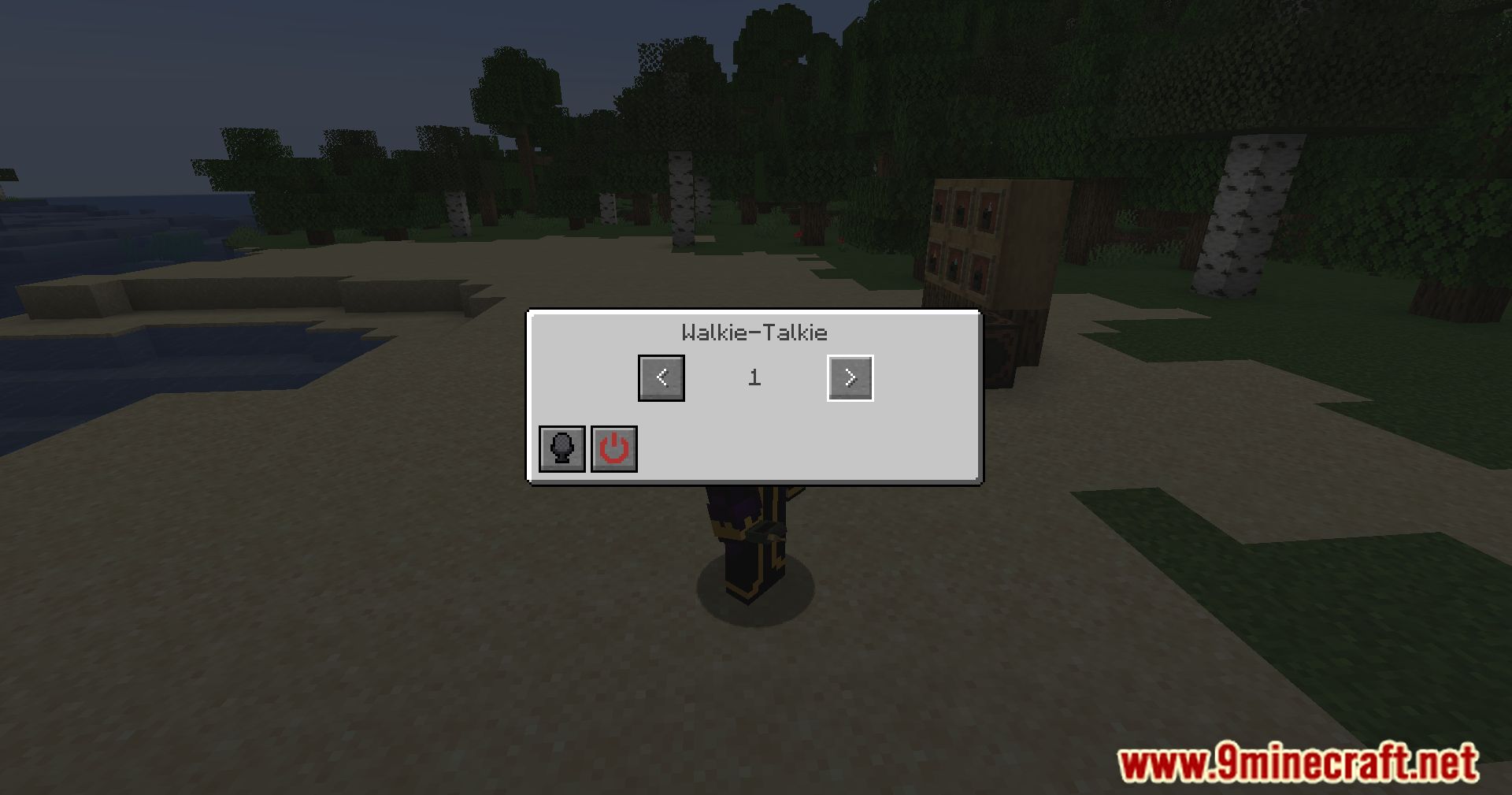
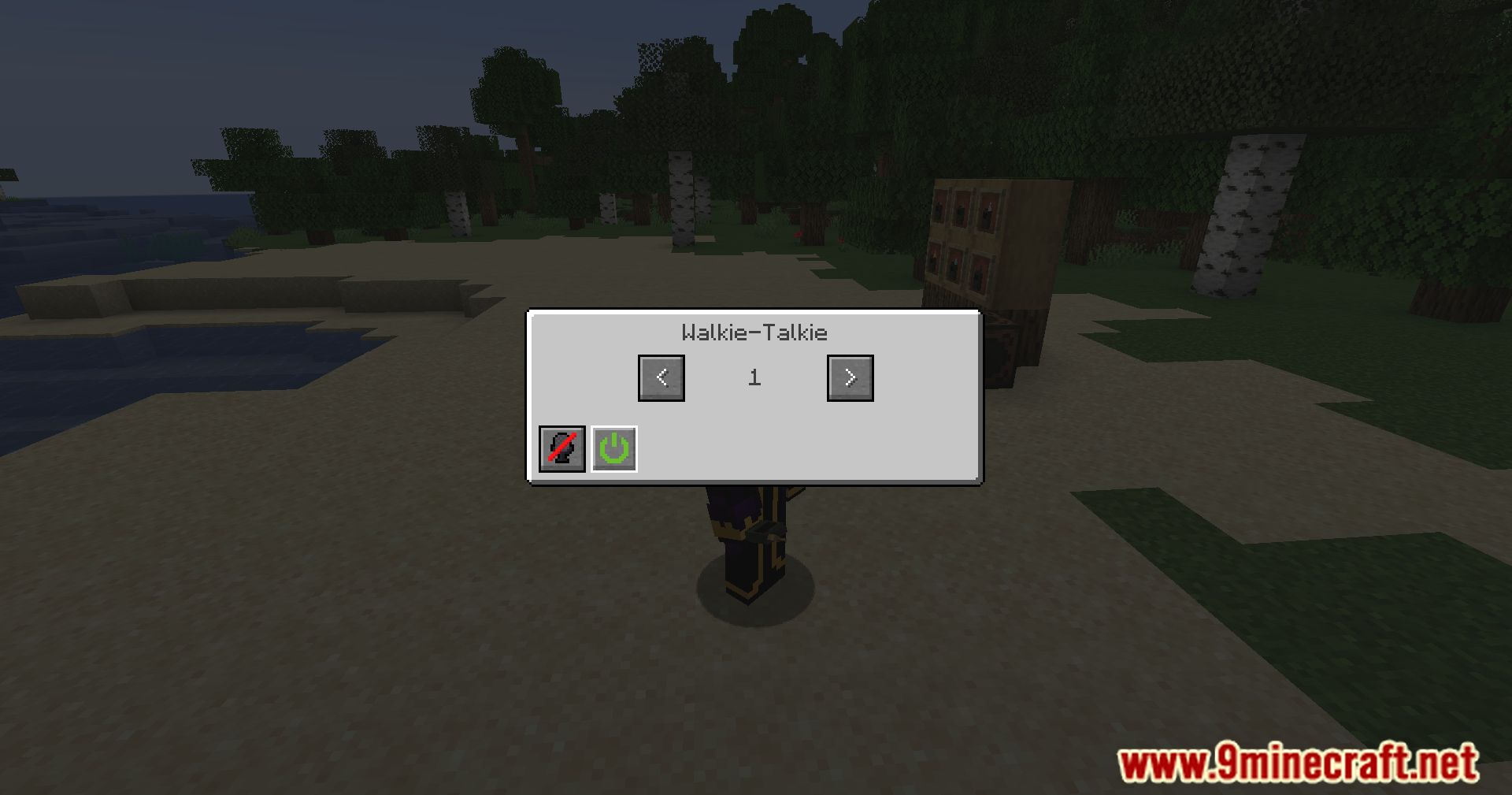
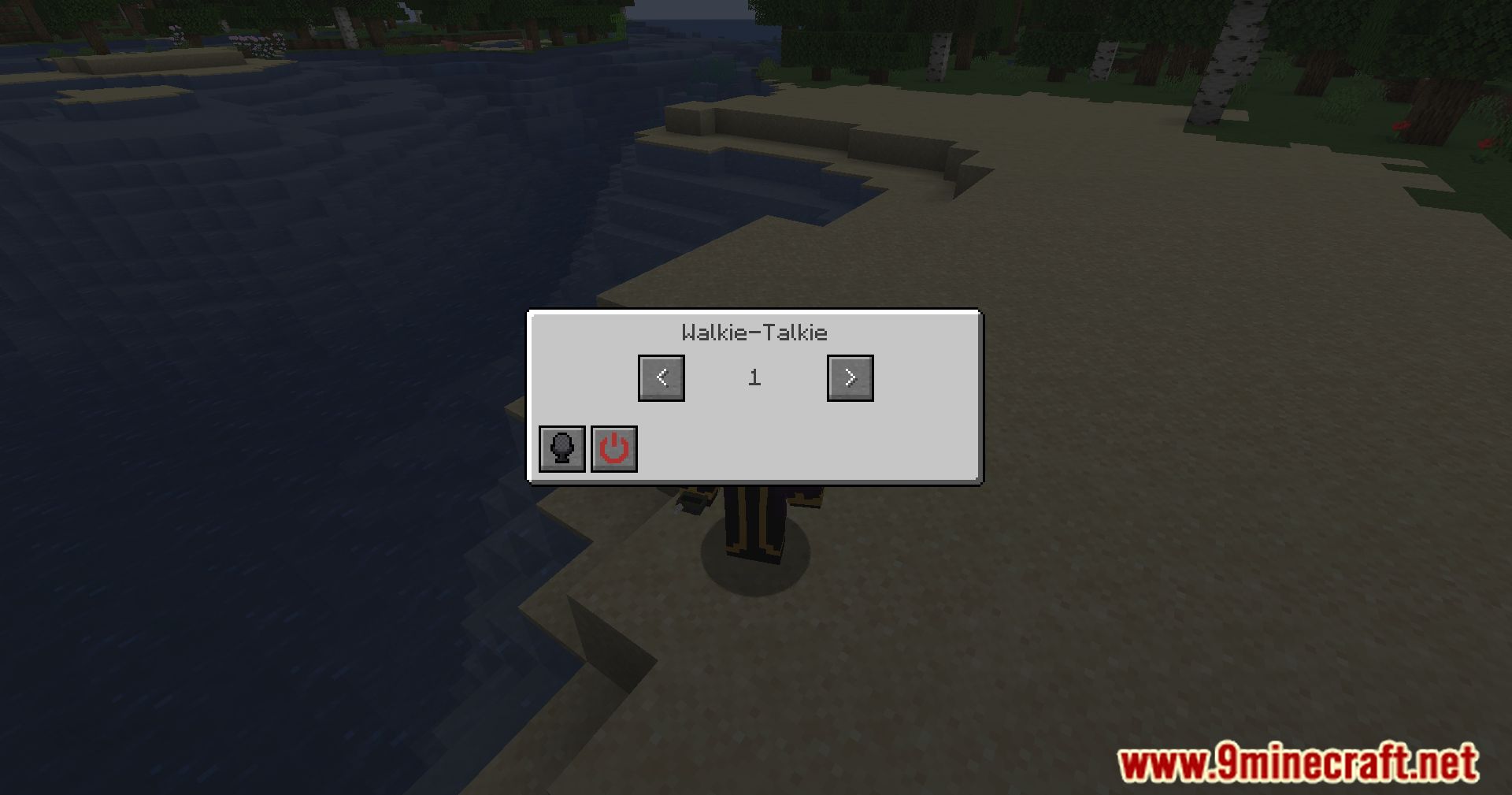
- Adds a menu to set up your radio and pick a radio channel.
- Lets you turn off the microphone on the walkie-talkie.
- Includes a keybind to turn the walkie-talkie on or off.
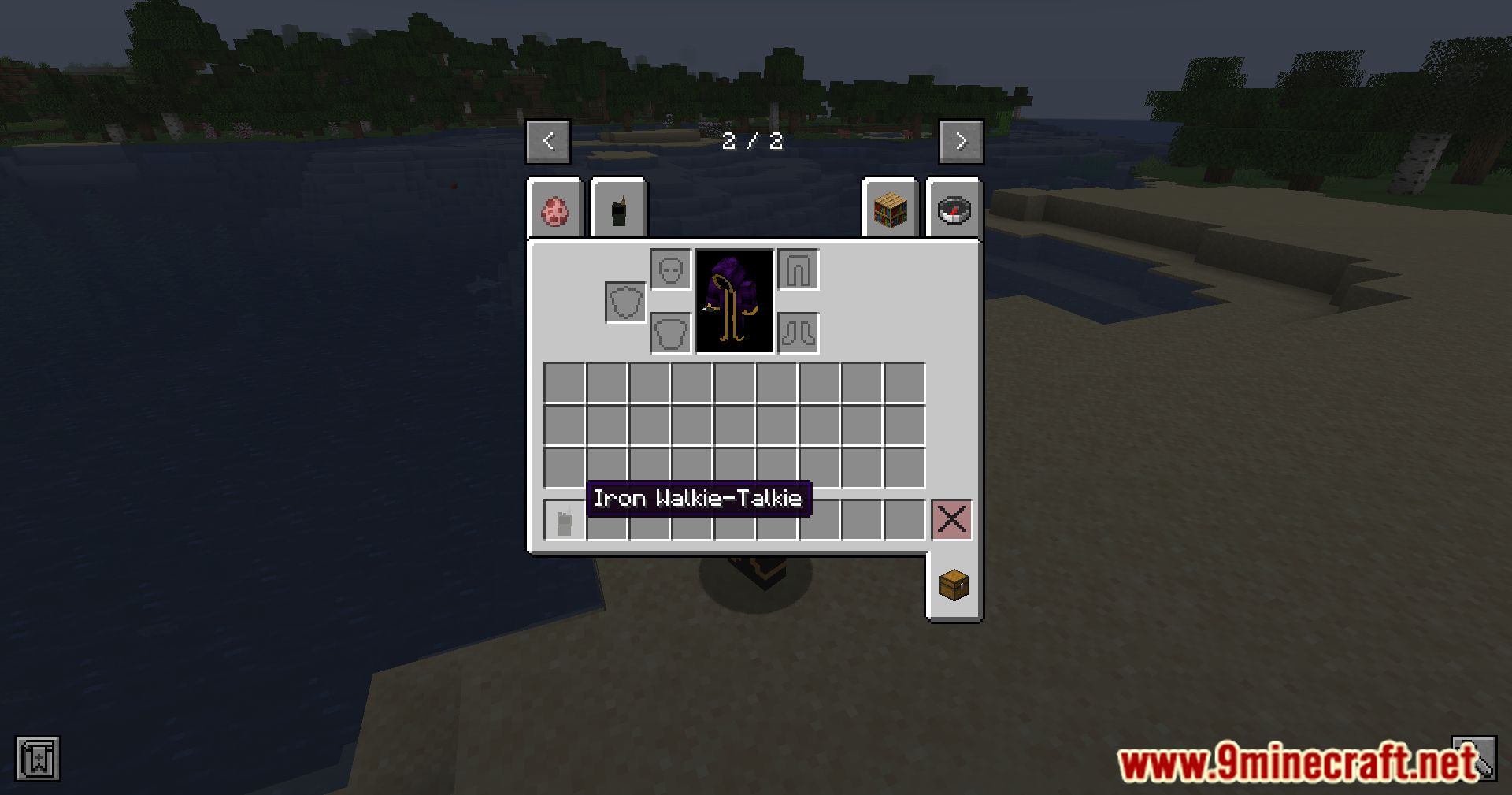
- Sets a distance limit on each radio that you can extend with material upgrades.
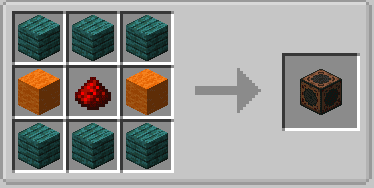
- Adds a speaker block with its own volume category.
Upgrades:
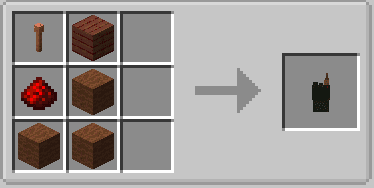
- Wood: 128-block distance limit.
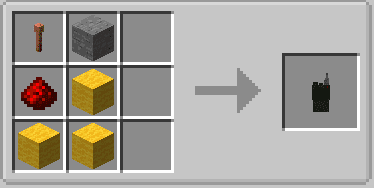
- Stone: 256-block distance limit.
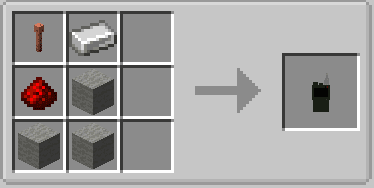
- Iron: 512-block distance limit.
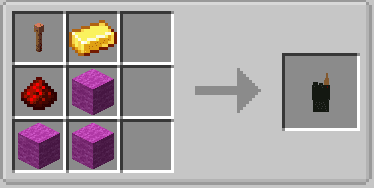
- Gold: 1024-block distance limit.
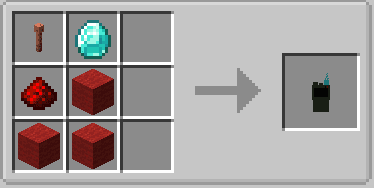
- Diamond: 2048-block distance limit.
- Netherite: 4096-block distance limit.
Configuration:
Max Channel: Sets the highest radio channel you can pick.Speaker Distance: Changes how far sound travels from speaker blocks.Speaker Voice Duplication: Controls voice duplication for speaker blocks.Walkie-Talkie Range: Changes the distance limit for walkie-talkies.Cross dimensional behavior: Controls how radios work across different dimensions.
How to Use:
Walkie-Talkie:
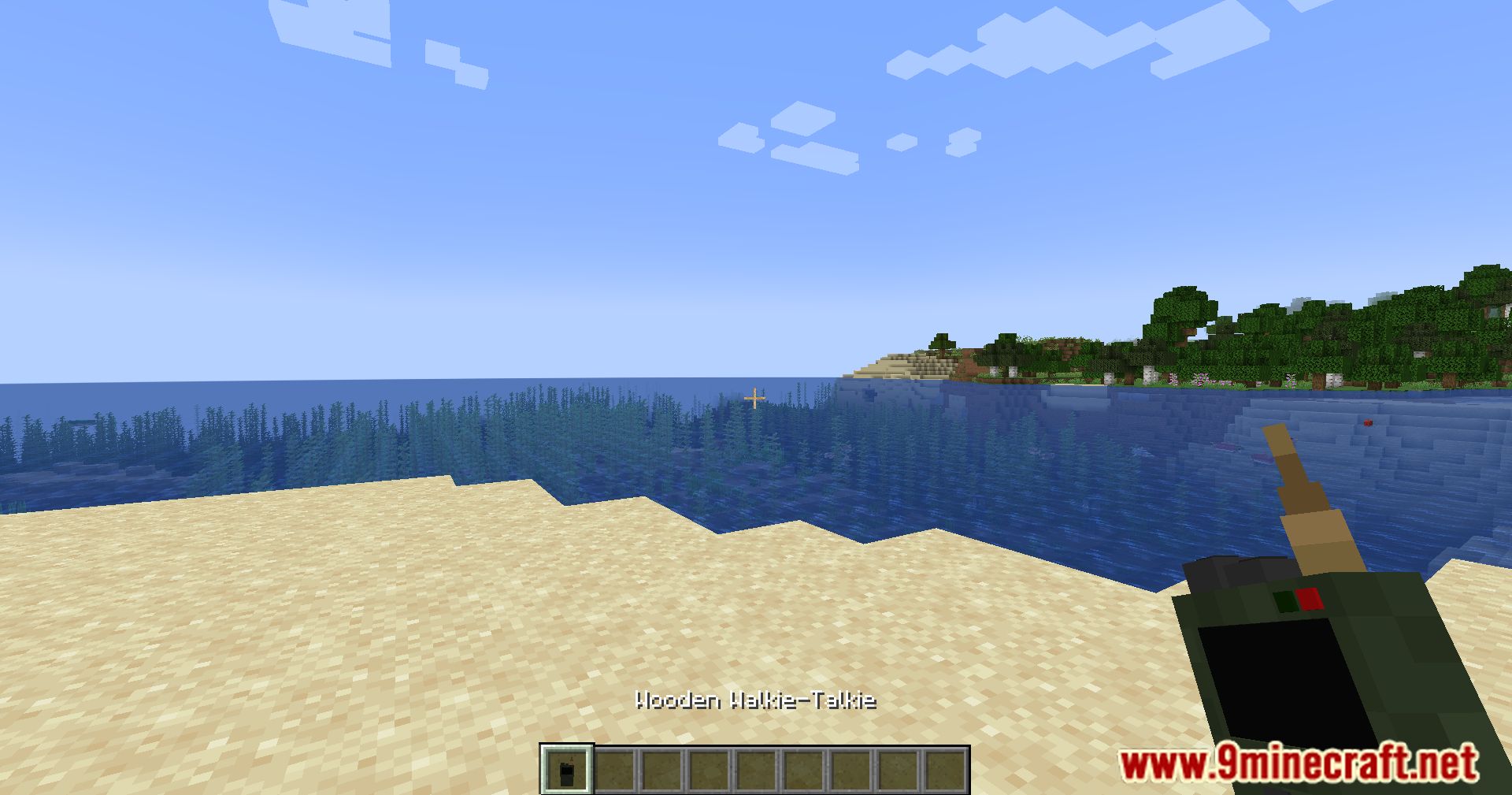
- Hold the walkie-talkie and Right-click to open the Walkie-Talkie menu.
- Turn on the walkie-talkie in the menu and pick a radio channel.
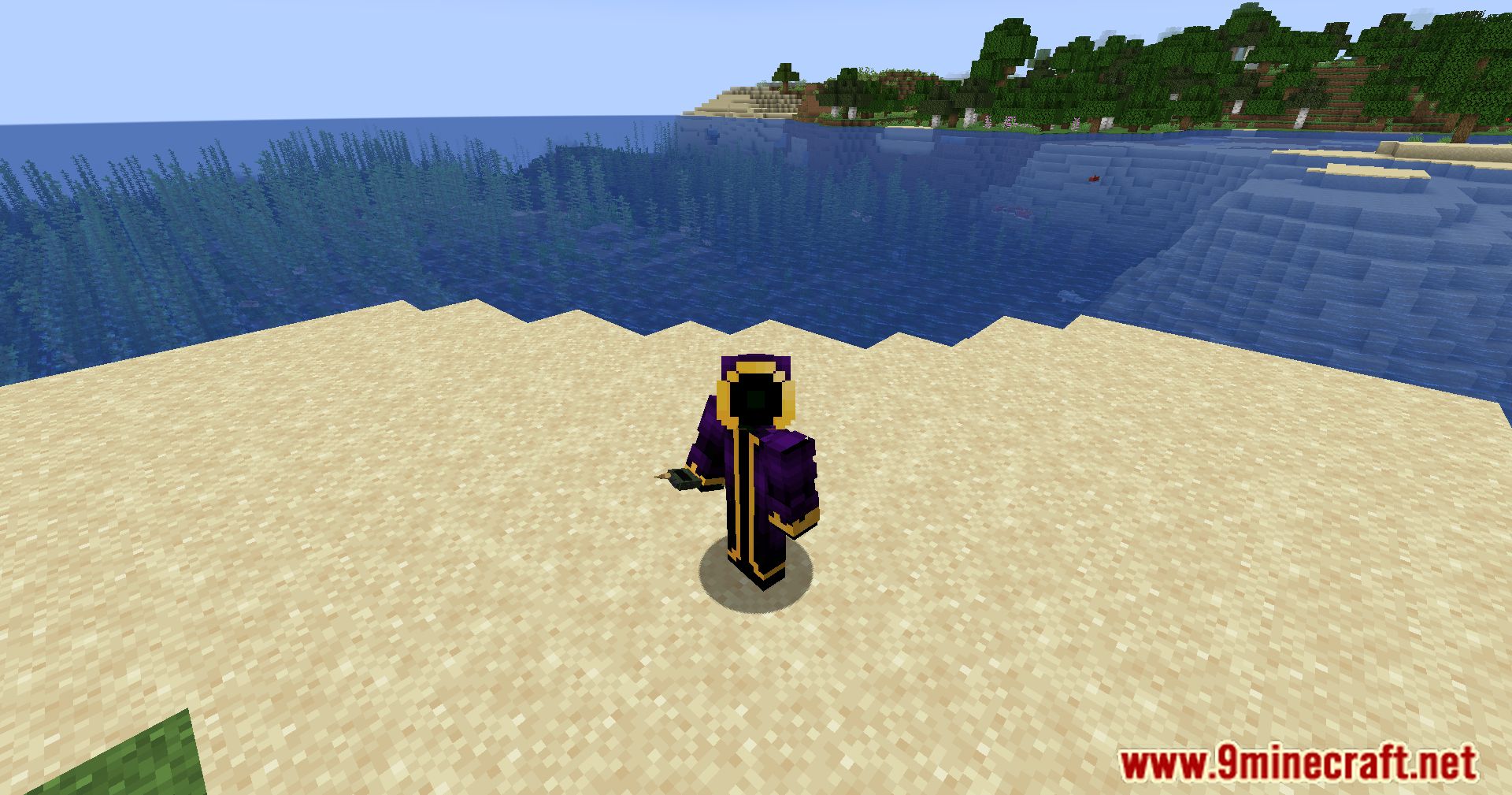
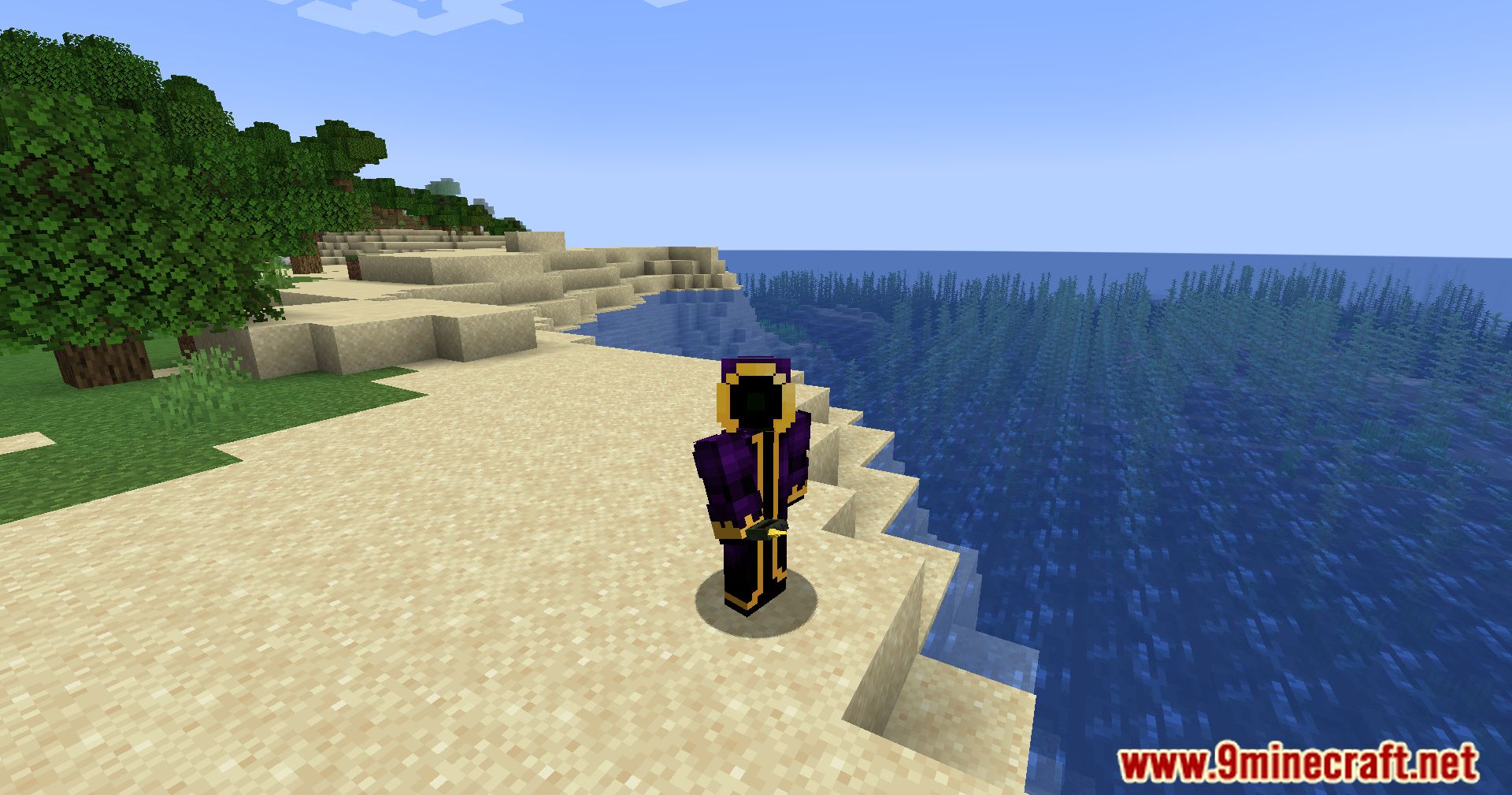
- Hold the walkie-talkie in your hand whenever you want to speak.
- Keep the walkie-talkie in your hotbar so you can listen to other players.
Speaker:
- Place a speaker block and Right-click it to open the speaker menu.
- Turn on the speaker in the menu to use it.
Crafting Recipes:
Screenshots:
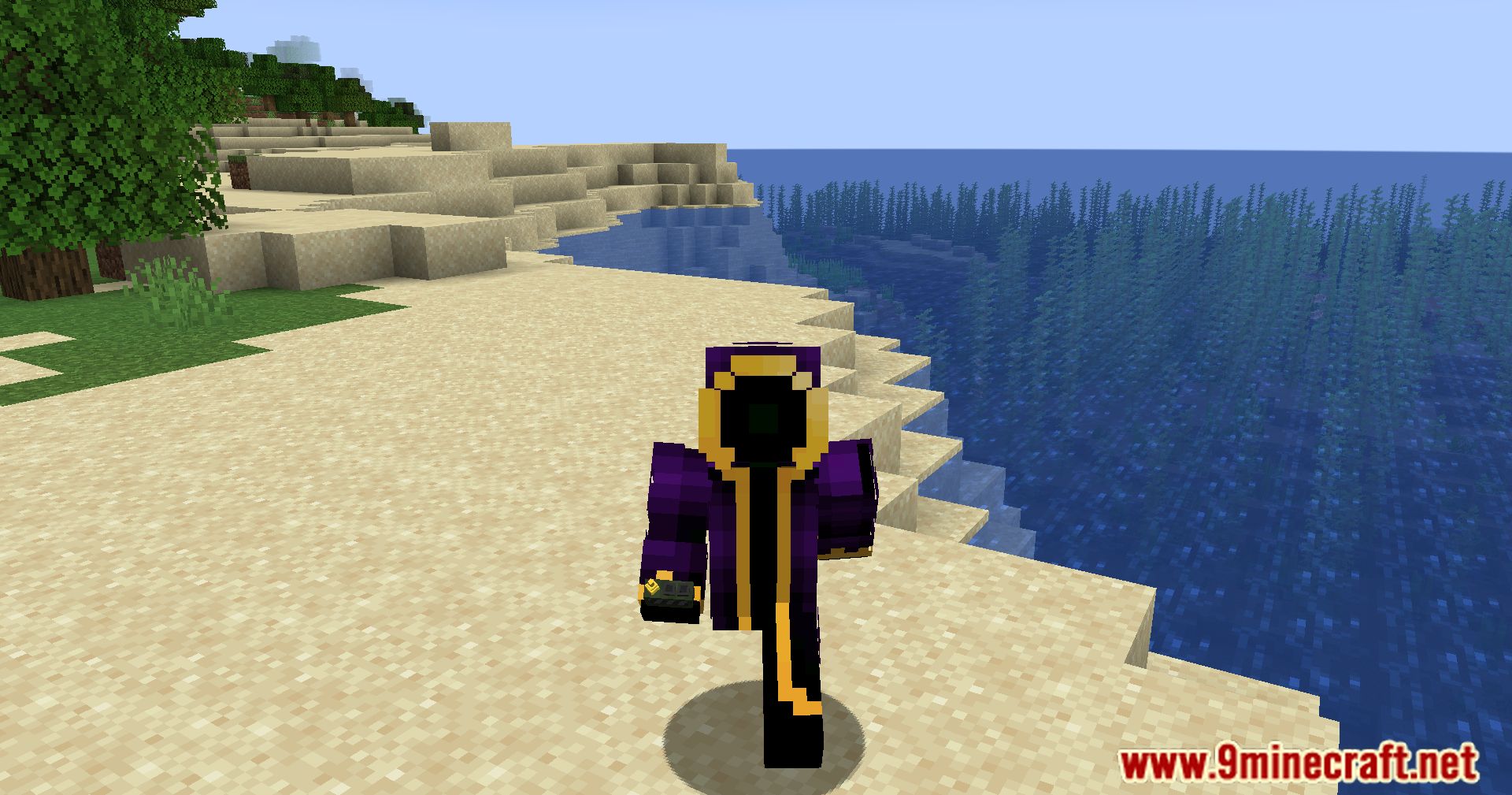
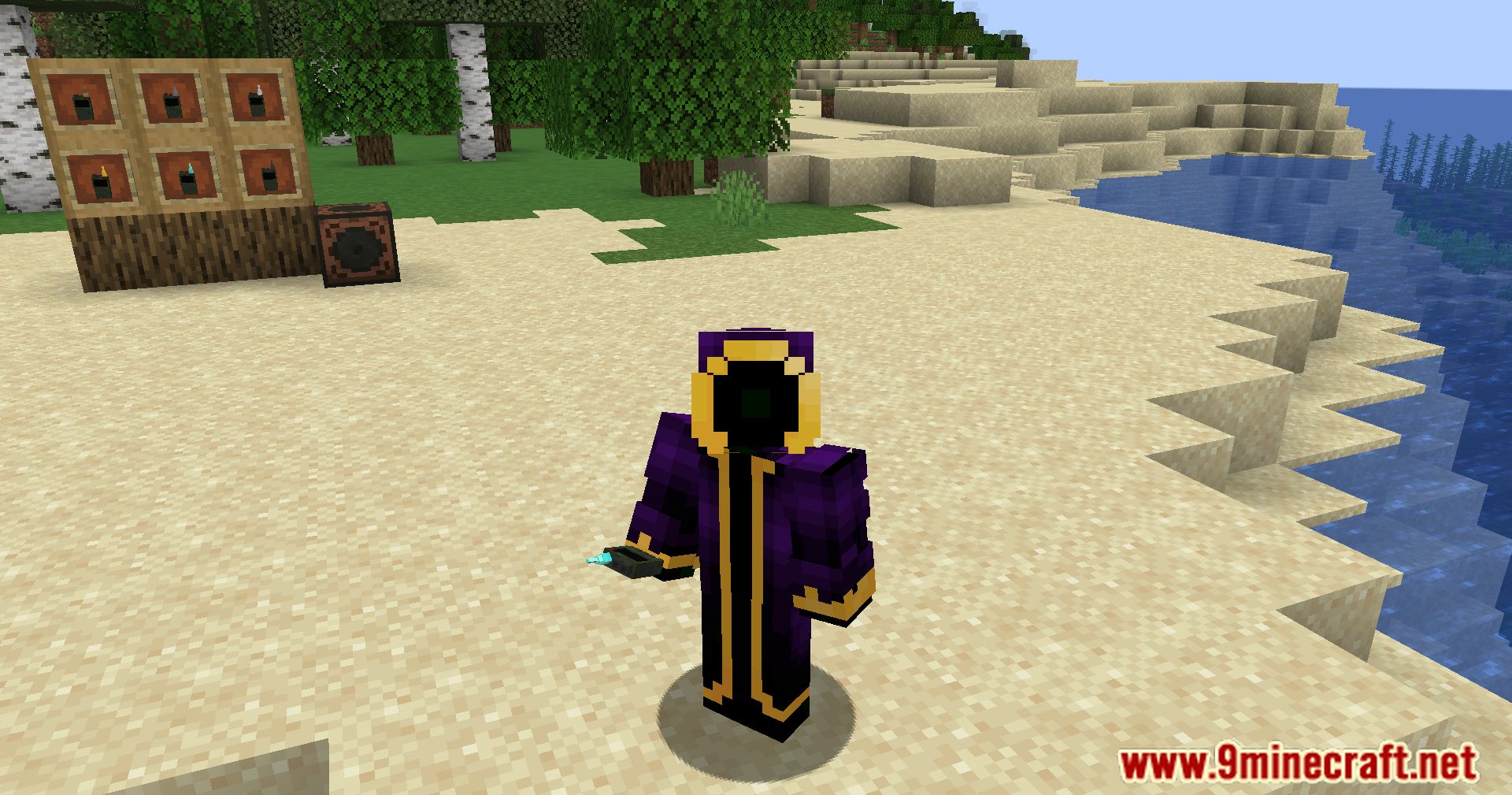
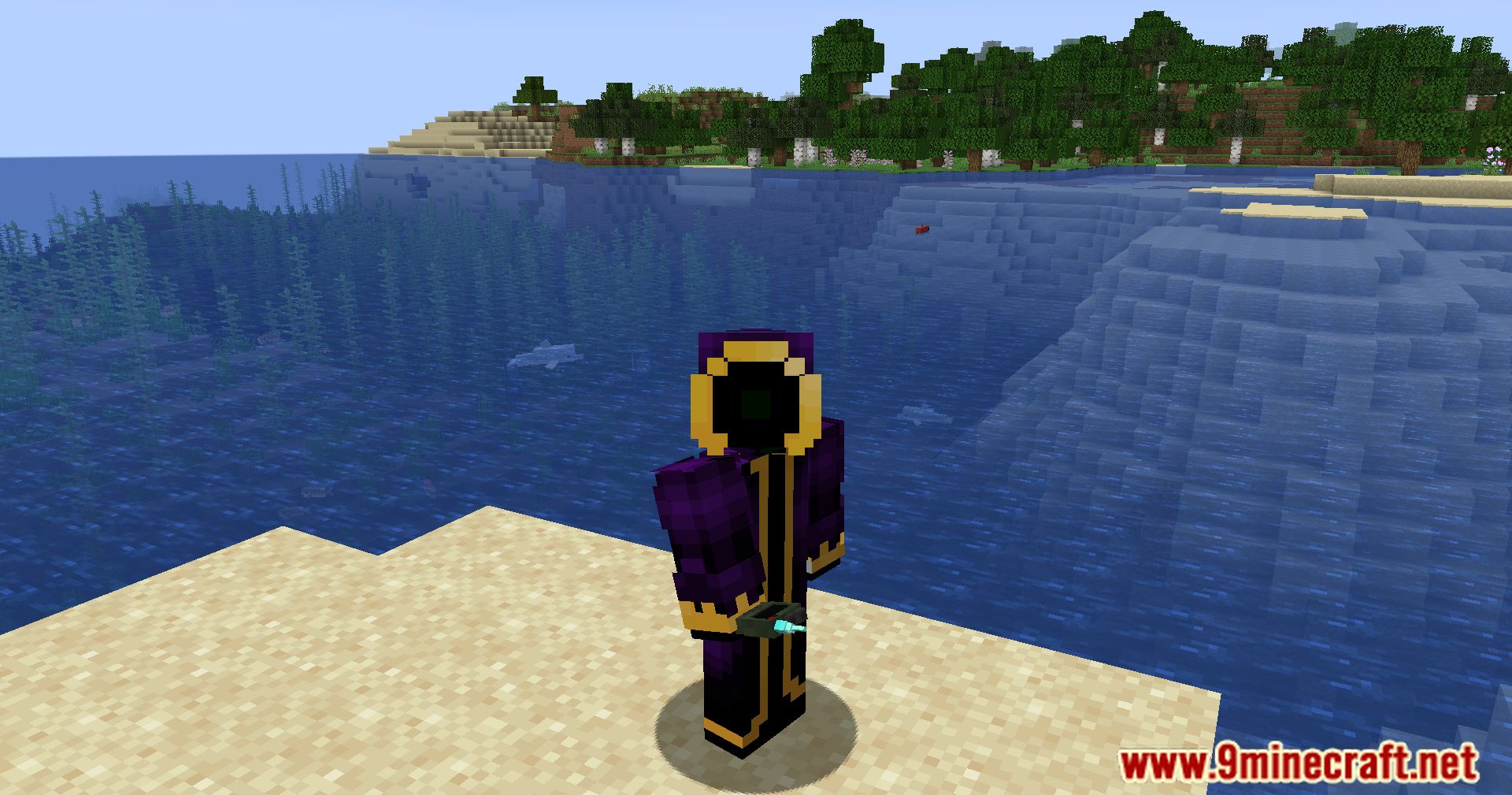
How to Install:
New to Minecraft? Follow our step-by-step guide to install Mods on your PC.View Guide
Requirements:
Walkie Talkie Mod Download Links
For Minecraft 1.16.5
Forge Version: Download from Server 1 – Download from Server 2
Fabric Version: Download from Server 1 – Download from Server 2
For Minecraft 1.18.2
Forge Version: Download from Server 1 – Download from Server 2
Fabric Version: Download from Server 1 – Download from Server 2
For Minecraft 1.19.2
Forge Version: Download from Server 1 – Download from Server 2
Fabric Version: Download from Server 1 – Download from Server 2
For Minecraft 1.19.3
Forge Version: Download from Server 1 – Download from Server 2
Fabric Version: Download from Server 1 – Download from Server 2
For Minecraft 1.19.4
Forge Version: Download from Server 1 – Download from Server 2
Fabric Version: Download from Server 1 – Download from Server 2
For Minecraft 1.20.1, 1.20
Forge Version: Download from Server 1 – Download from Server 2
Fabric Version: Download from Server 1 – Download from Server 2
For Minecraft 1.20.2
Forge Version: Download from Server 1 – Download from Server 2
Fabric Version: Download from Server 1 – Download from Server 2
For Minecraft 1.20.4
Fabric Version: Download from Server 1 – Download from Server 2
How do you usually discover new mods to try out?
9 responses · See the full results →
You May Also Like
Picked for this page
 Tweakeroo Mod (26.3, 1.20.1) – Hand Restock, Hotbar Swap
 Deeper Dark Mod (1.21.10, 1.20.1) – New Dimension with Sculk-Covered Caverns
 Ube’s Delight Mod (26.3, 1.20.1) – A Taste Of The Philippines
 Chat Signing Hider Mod (26.3, 1.20.1) – Hiding Chat Signing Elements
 BizCub Death Note Mod (26.3, 1.21.1) – Write Names To Kill Players
 More Dyed Wool And Carpet Mod (26.3, 1.20.1) – Cheaper Wool & Carpet Dyeing
 Enchanting Plus Modern Edition Mod (26.1.2, 1.20.1) – Pick Your Own Enchantments
 Jujutsucore Mod (1.20.1) – Adds Anime Sounds And Motions
 Create Fuel And Water Information Mod (1.21.1, 1.20.1) – Energy HUD
 Hoe Effective Froglights Mod (26.3, 1.20.1) – Mine Froglights Faster Using Hoes
 GregTech New Horizons 5 Mod (1.7.10) – Extended GT5 Endgame
 Scarcity Mod (1.20.1) – Changes Hunger and Water Rules
Most viewed in Mods over the last 7 days
 Ala Industrial Mod (26.3) – Run Electric Power Grids and Automated Factories
 PleasureCraft Mod (26.3, 1.21.1) – Jenny Mod Remake for Fabric
 Jennycraft Mod (26.3, 1.20.1) – Virtual Girlfriend in Minecraft
 Fapcraft Mod (26.3, 1.12.2) – Comprehensive and Detailed Content
 Jenny Mod (Fapcraft) Official Complete Guide – How to use, Tutorial
 BangCraft Mod (1.20.1) – Jenny, Ellie and Elliot
 Fabric Loader (26.3, 1.20.1) – Fabric Installer for All Minecraft Versions
 Meteor Client Mod (26.3, 1.20.1) – Xray, HUD, Fly
 The Shooting Star Demo Mod (26.3, 1.20.1) – Vaporize Terrain From Orbit
 OptiFine HD (26.3, 1.20.1) – Run Faster, FPS Boost, Shaders Support
 Aristois Client Mod (1.21.4, 1.20.1) – World Class Minecraft Utility
 SchnurriTV Mod (1.12.2) – Characters and Features
More from Mods
 Rctapi Fix Mod (1.21.1) – Fight Cobblemon Trainers Without Any Server Crashes
 Better Title Screen Mod (26.3, 1.20.1) – Adding Custom Text Messages
 Log Cleaner Mod (26.3, 1.20.1) – Cleans Old and Unused Log Files
 Brick Variety Mod (26.3, 1.20.1) – More Brick Variants
 Fast Xp Mod (26.3, 1.21.1) – Faster XP Bottle Usage
 Cherry Villages Mot’s Structures Mod (26.3, 1.21.11) – Find Fresh Settlements
 XinexLib Mod (1.21.1) – Keep Your Ultreon Studios Mods Running
 Libvulpes – Fixed Mod (1.12.2) – Launch Rockets with Fewer Bugs
 Freelook Perspective Mod (26.3, 1.21.1) – Watch Your Back While Sprinting
 FAUNA Engine Mod (1.21.1, 1.20.1) – Powering Legendary Dragons
 Avali Nexus Mod (26.3) – Settle Frozen Frontiers with High-Tech Bird Tribes
 Orient’s Hotpot Chronicles Mod (1.20.1) – Boil Fresh Hotpot Meals Over Open Flames

This post has no comments yet. Be the first — your comment will appear here.