
Ctrl Q Mod (26.1, 1.20.1) – Dump Full Stacks Safely on MacOS
 10,880
 0


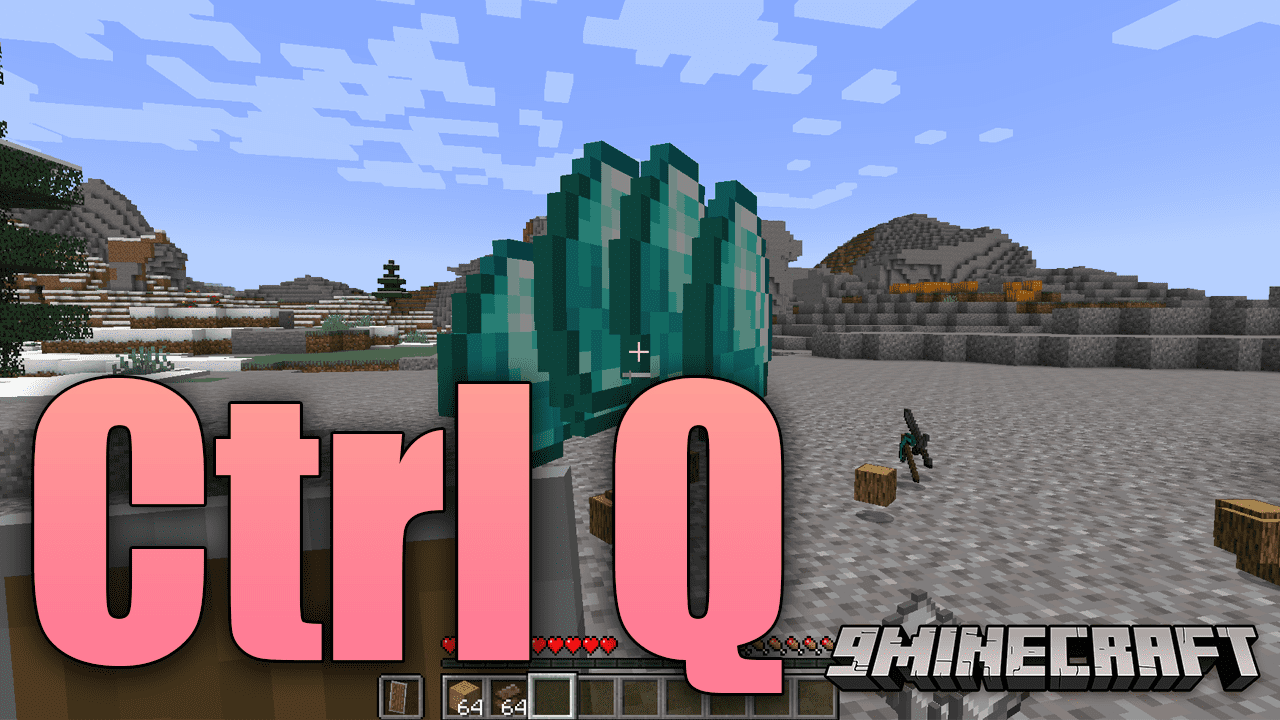
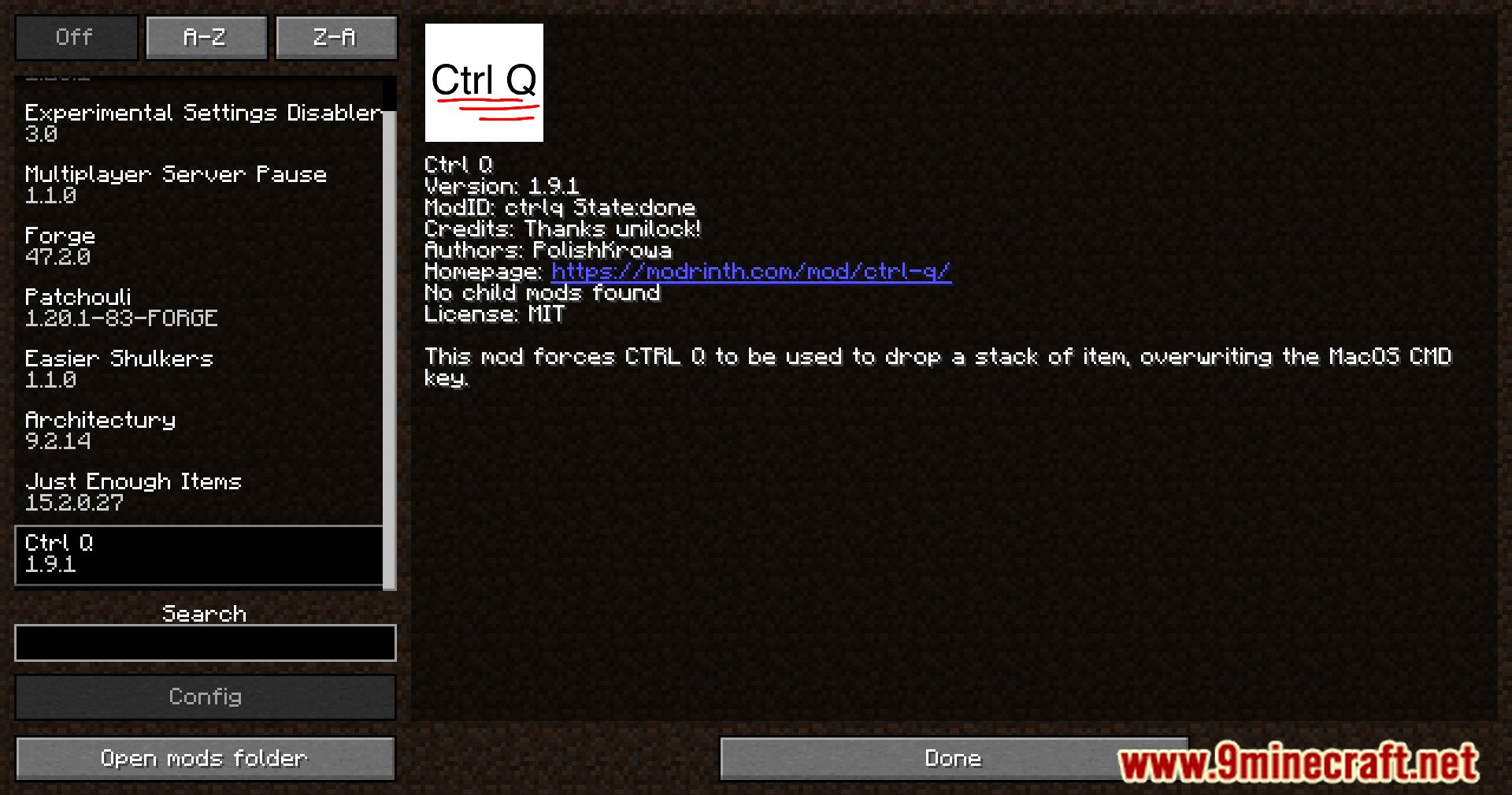
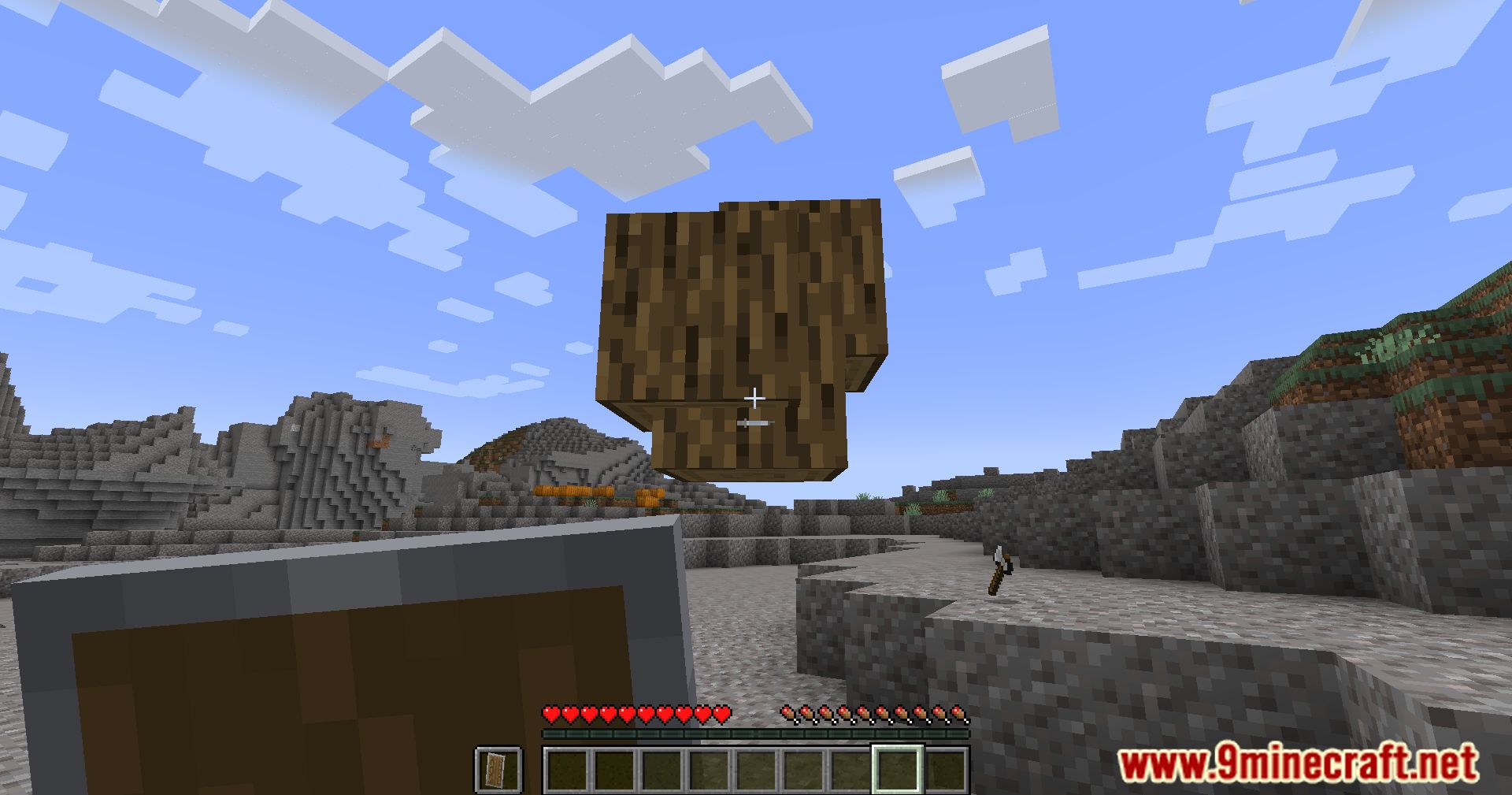
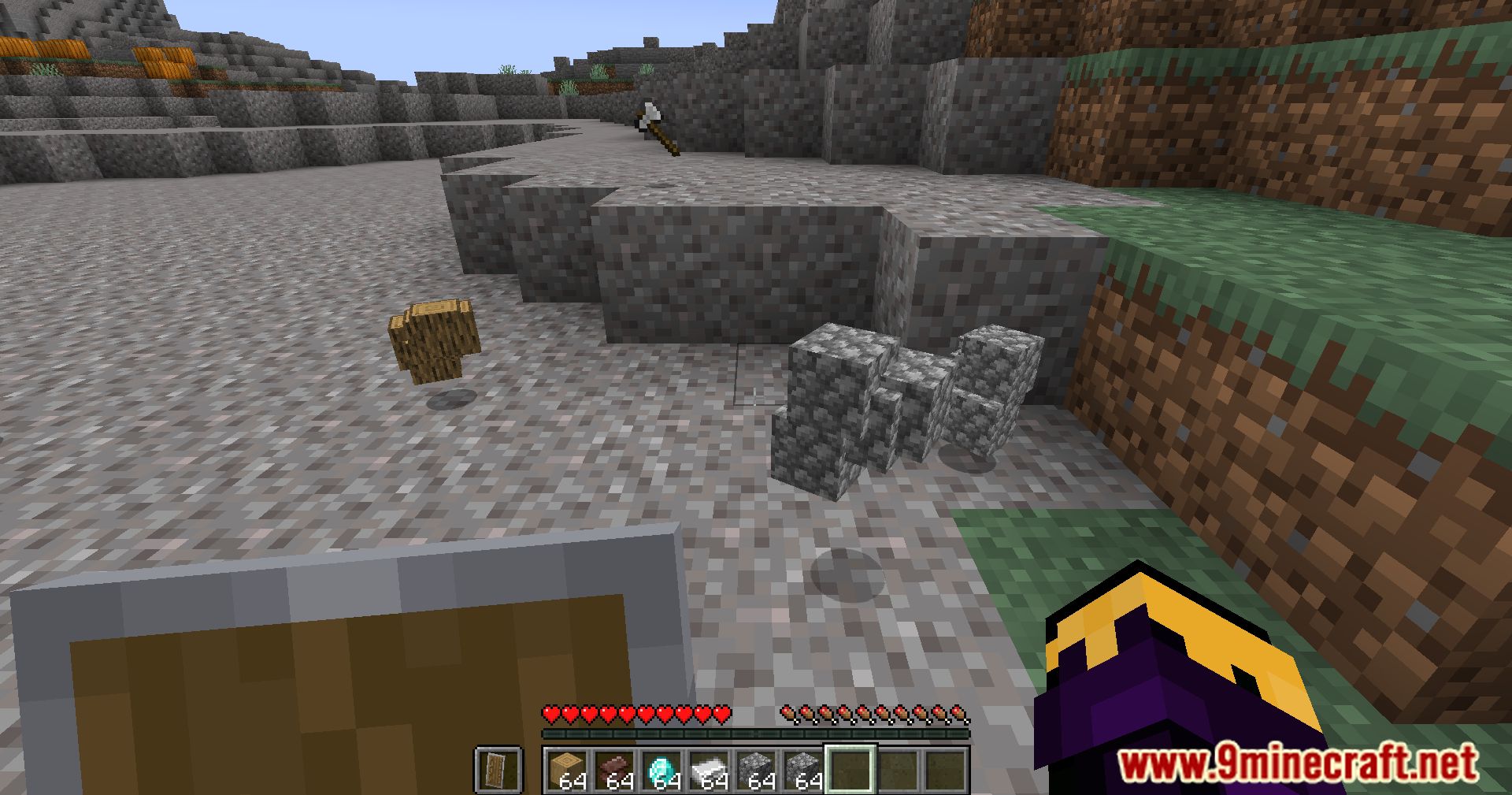
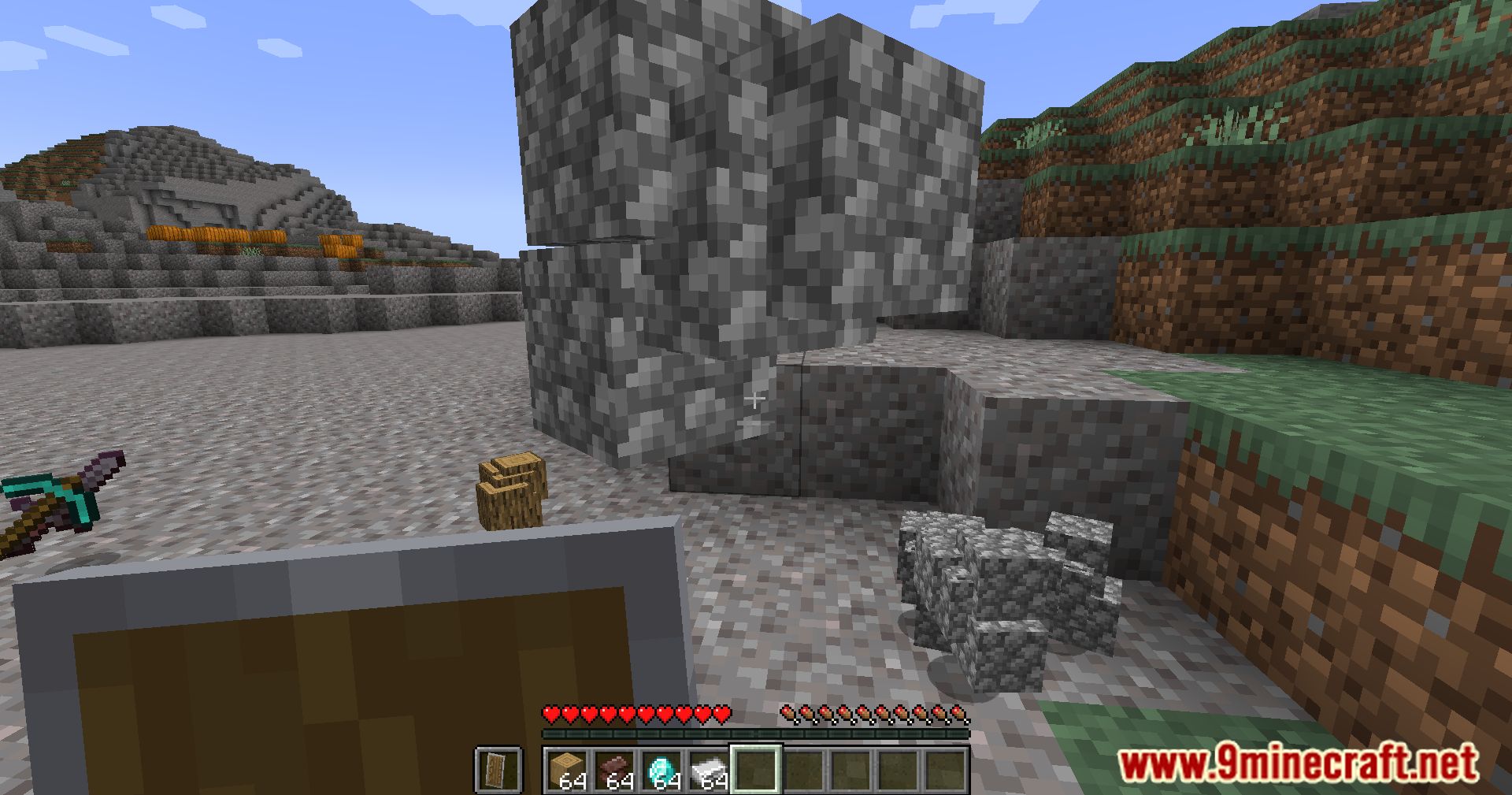
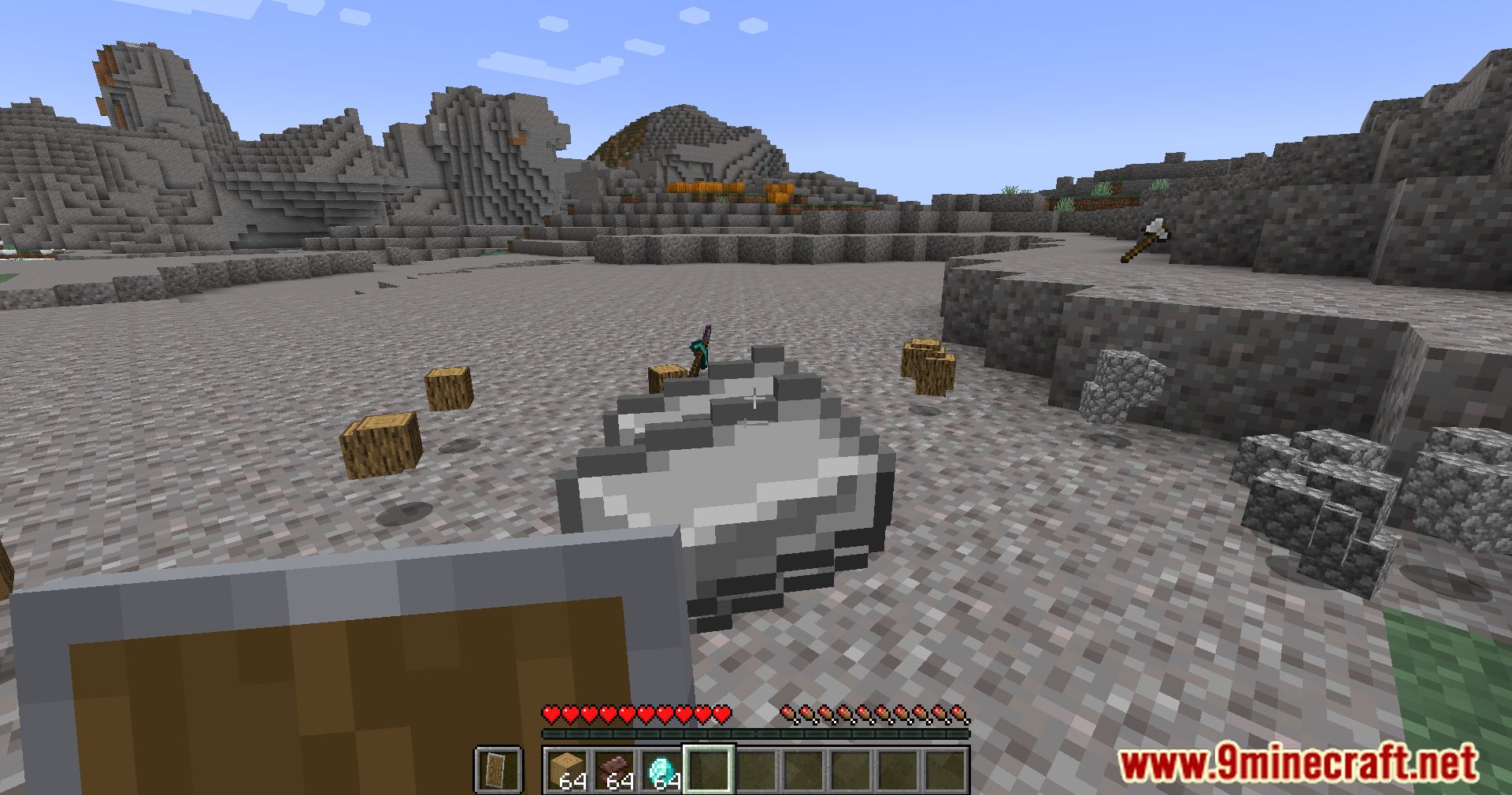
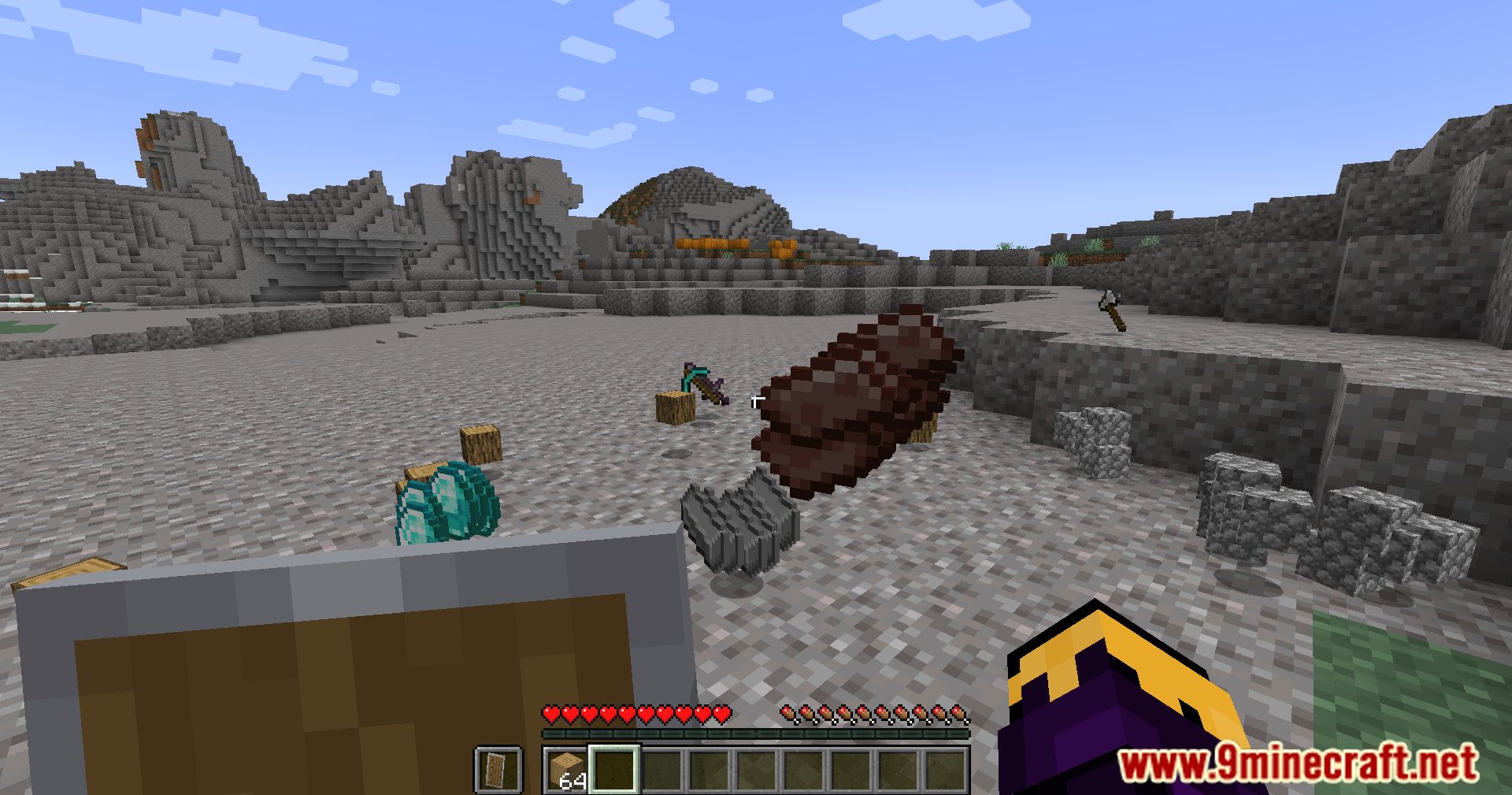
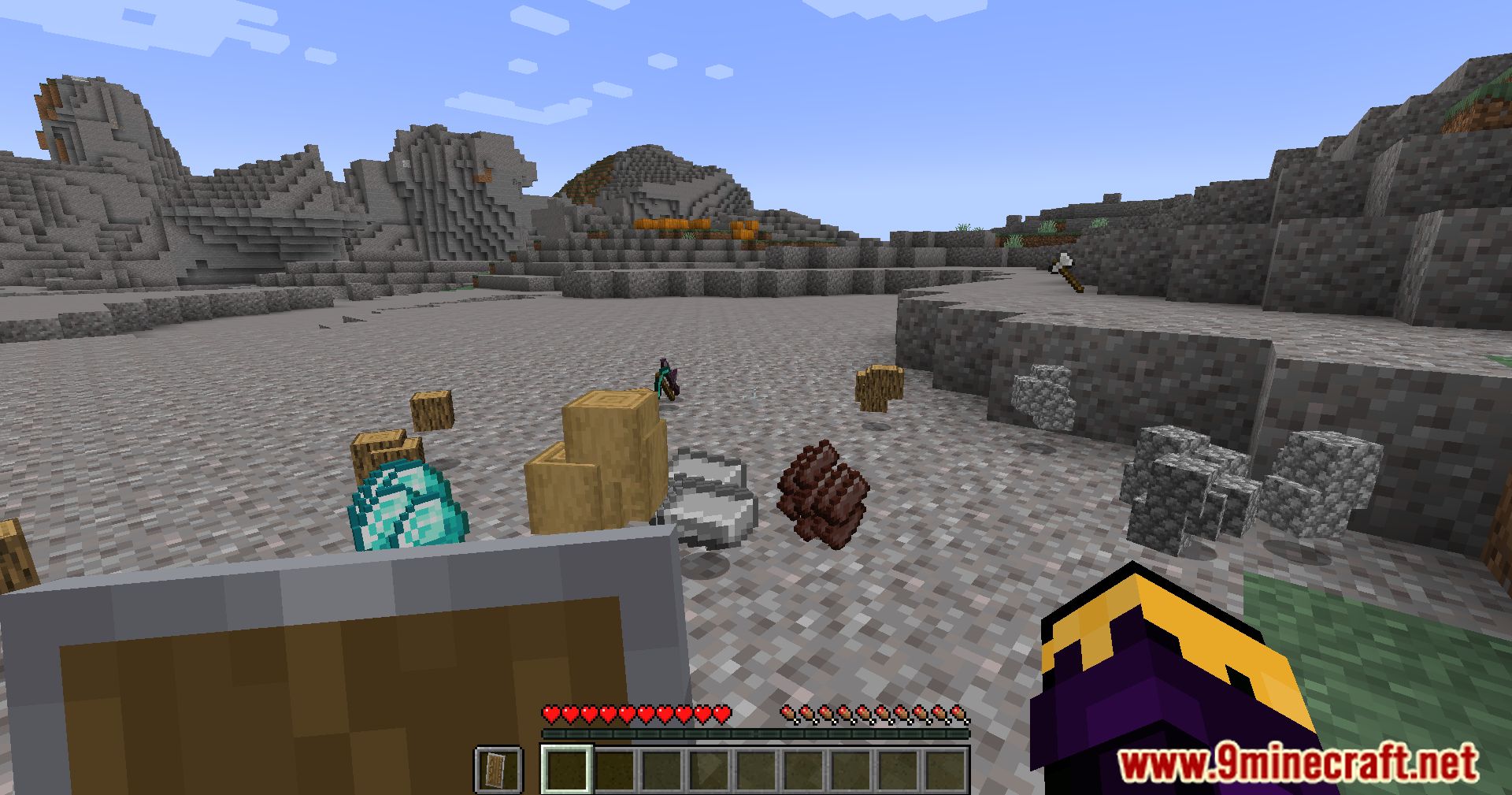
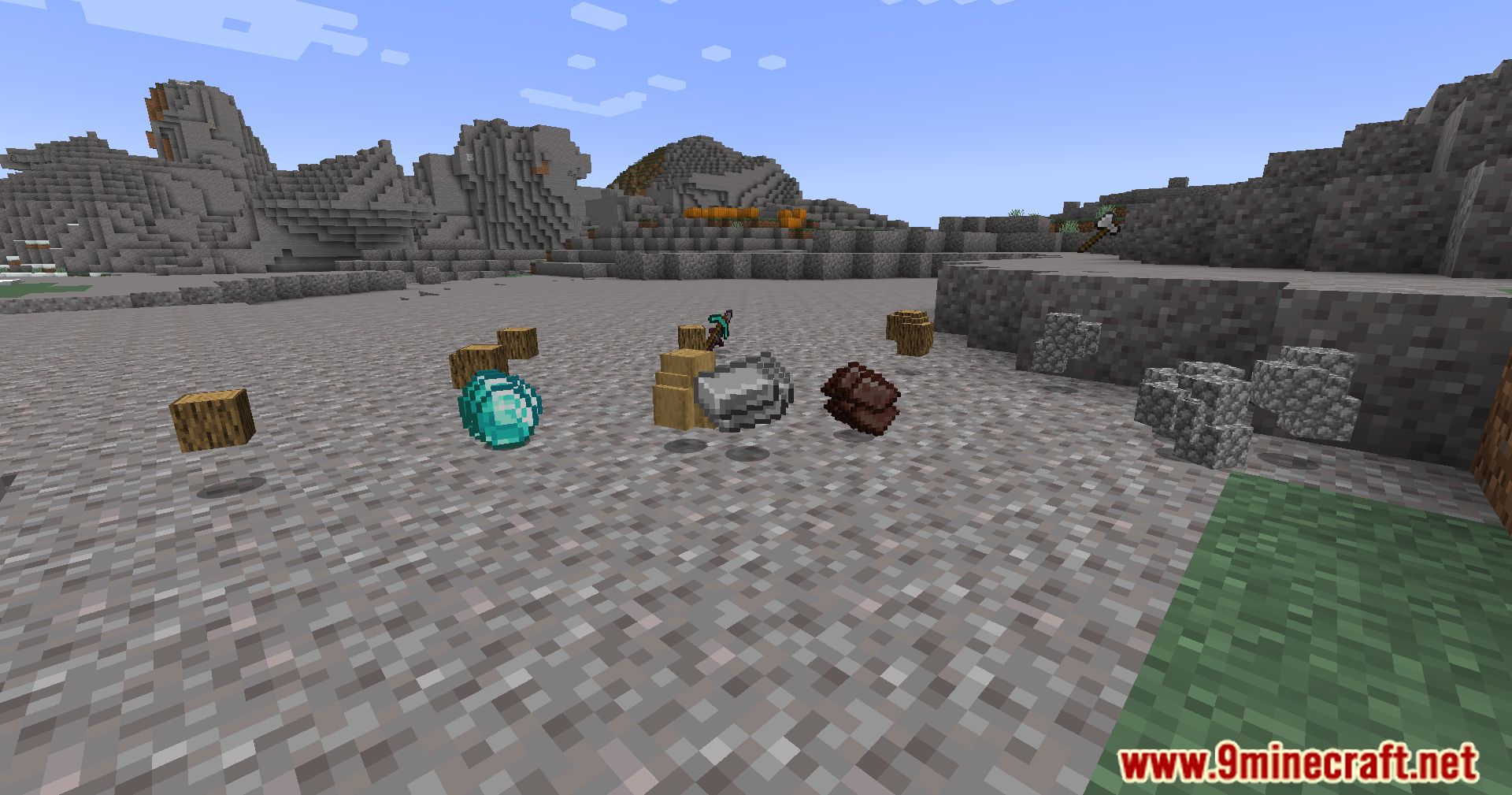
Ctrl Q Mod forces Minecraft to use CTRL + Q to drop a full stack of items. This mod overrides the macOS CMD key for stack drops and skips the CMD + Q shortcut that closes the game. It works for macOS players and has no use on other operating systems.
Features:
- Forces Minecraft to use CTRL + Q to drop a full stack of items at once.
- Overrides the macOS CMD key for stack drops, so the shortcut skips the system CMD + Q quit command.
- Works specifically for macOS players and is not needed on other operating systems.
Screenshots:
How to Install:
New to Minecraft? Follow our step-by-step guide to install Mods on your PC.View Guide
Ctrl Q Mod Download Links
For Minecraft 1.12.2
Forge Version: Download from Server 1 – Download from Server 2
For Minecraft 1.14.4
Fabric Version: Download from Server 1 – Download from Server 2
For Minecraft 1.15.2
Fabric Version: Download from Server 1 – Download from Server 2
For Minecraft 1.16.5
Forge Version: Download from Server 1 – Download from Server 2
Fabric Version: Download from Server 1 – Download from Server 2
For Minecraft 1.17.1
Fabric Version: Download from Server 1 – Download from Server 2
For All Versions from Minecraft 1.18.1 to Minecraft 1.19.2
Fabric Version: Download from Server 1 – Download from Server 2
For All Versions from Minecraft 1.19.3 to Minecraft 1.20.4
Forge Version: Download from Server 1 – Download from Server 2
Fabric Version: Download from Server 1 – Download from Server 2
For Minecraft 1.20.5
Fabric Version: Download from Server 1 – Download from Server 2
For Minecraft 1.20.6
Fabric Version: Download from Server 1 – Download from Server 2
For Minecraft 1.21.1, 1.21
Fabric Version: Download from Server 1 – Download from Server 2
For Minecraft 1.21.3, 1.21.2
Fabric Version: Download from Server 1 – Download from Server 2
For Minecraft 1.21.5, 1.21.4
Fabric Version: Download from Server 1 – Download from Server 2
For Minecraft 1.21.8, 1.21.7, 1.21.6
Fabric Version: Download from Server 1 – Download from Server 2
For Minecraft 1.21.10, 1.21.9
Fabric Version: Download from Server 1 – Download from Server 2
For Minecraft 1.21.11
Fabric Version: Download from Server 1 – Download from Server 2
For Minecraft 26.1.2, 26.1.1, 26.1
Fabric Version: Download from Server 1 – Download from Server 2
You May Also Like
Picked for this page
 Apotheosis Mod (26.1.2, 1.20.1) – All Things That Should Have Been
 Iron Jetpacks Mod (26.1.2, 1.20.1) – Fully Customizable FE Powered Jetpacks
 World Handler – Command GUI Mod (1.21.11, 1.20.1)
 Fishing Real Mod (26.1.2, 1.20.1) – Fish Up Real Entities
 Cosmetic Armor Reworked Mod (1.21.11, 1.20.1) – Your Style with Max Armor
 Custom Portals Mod (26.2, 1.20.1) – Fast Travel Between Locations
 Overpowered Mending Mod (26.3, 1.20.1) – Improving The Mending Enchantment
 Compact Storage Mod (26.2, 1.20.1) – Carry Everything You Find
 No LAN Cheating Mod (26.3, 1.20.1) – Disallow Players From Using Cheats
 Alternative World Save Location Mod (26.3, 1.20.1) – Organizing Multiple Modpacks
 Discord-MC-Chat Mod (26.3, 1.20.1) – Discord Minecraft Integration
 The Open Sauce Toast Killer Mod (26.2, 1.18.2) – Removes All Toasts
Most viewed in Mods over the last 7 days
 Ala Industrial Mod (26.3) – Run Electric Power Grids and Automated Factories
 PleasureCraft Mod (26.3, 1.21.1) – Jenny Mod Remake for Fabric
 Jennycraft Mod (26.3, 1.20.1) – Virtual Girlfriend in Minecraft
 Fapcraft Mod (26.3, 1.12.2) – Comprehensive and Detailed Content
 Jenny Mod (Fapcraft) Official Complete Guide – How to use, Tutorial
 BangCraft Mod (1.20.1) – Jenny, Ellie and Elliot
 Fabric Loader (26.3, 1.20.1) – Fabric Installer for All Minecraft Versions
 Meteor Client Mod (26.3, 1.20.1) – Xray, HUD, Fly
 The Shooting Star Demo Mod (26.3, 1.20.1) – Vaporize Terrain From Orbit
 OptiFine HD (26.3, 1.20.1) – Run Faster, FPS Boost, Shaders Support
 Aristois Client Mod (1.21.4, 1.20.1) – World Class Minecraft Utility
 Prestige Client Mod (1.21.11, 1.21.4) – Powerful Ghost Features for Crystal & Sword PvP
More from Mods
 Freelook Perspective Mod (26.3, 1.21.1) – Watch Your Back While Sprinting
 FAUNA Engine Mod (1.21.1, 1.20.1) – Powering Legendary Dragons
 Avali Nexus Mod (26.3) – Settle Frozen Frontiers with High-Tech Bird Tribes
 Orient’s Hotpot Chronicles Mod (1.20.1) – Boil Fresh Hotpot Meals Over Open Flames
 Far Lands Traveler Mod (26.1.2) – Survive the Long Trek to the Edge of the World
 Beli’s SkyLyrics Mod (1.21.11) – Sing Along to Desktop Tracks Projected in the Night Sky
 Explainstone and Songmelyn Mod (1.21.1) – Broadcast Custom Music Across Your Base
 Rockstar Shaders Mod (26.3) – Cast Ray-Traced Light Across Vast Distant Horizons
 ERYDON Mod (1.20.1) – Design Grand Courtyards with Carved Marble Pillars
 Infinity Bound Mod (1.21.1) – Snap Away Enemies with Legendary Superhero Gear
 Legacy Gecko Lib Fabric Mod (1.16.5) – Power Animated Creatures in Modpacks
 The Man from the Shadow Horror Mod (1.20.1) – Fight Hallucinations to Survive

This post has no comments yet. Be the first — your comment will appear here.