
UPNP For Dedicated Servers Mod (1.21.8, 1.20.1) – Host Multiplayer Worlds

 0


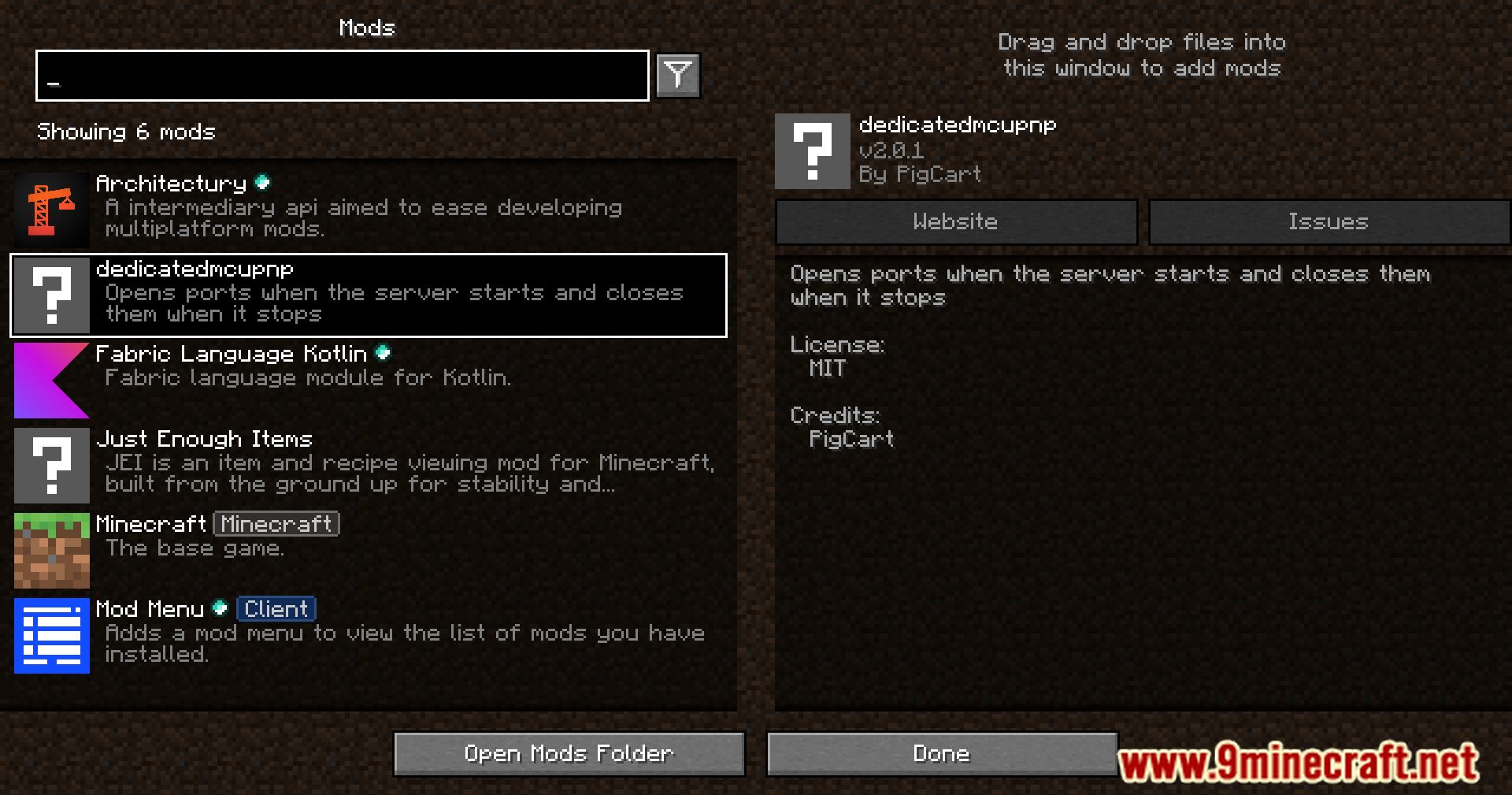
UPNP For Dedicated Servers Mod automates port forwarding for dedicated Minecraft servers using UPnP technology. It handles opening ports when the server starts and closing them when it stops, removing the need for manual setup or third-party hosting services.
Features:
- Automatically forwards ports for dedicated servers using UPnP.
- Opens required network ports when the server starts up.
- Closes network ports automatically when the server shuts down.
- Supports both UDP and TCP port openings.
- Opens the default Minecraft TCP port 25565 automatically.
- Requires Architectury API to function properly.
Commands:
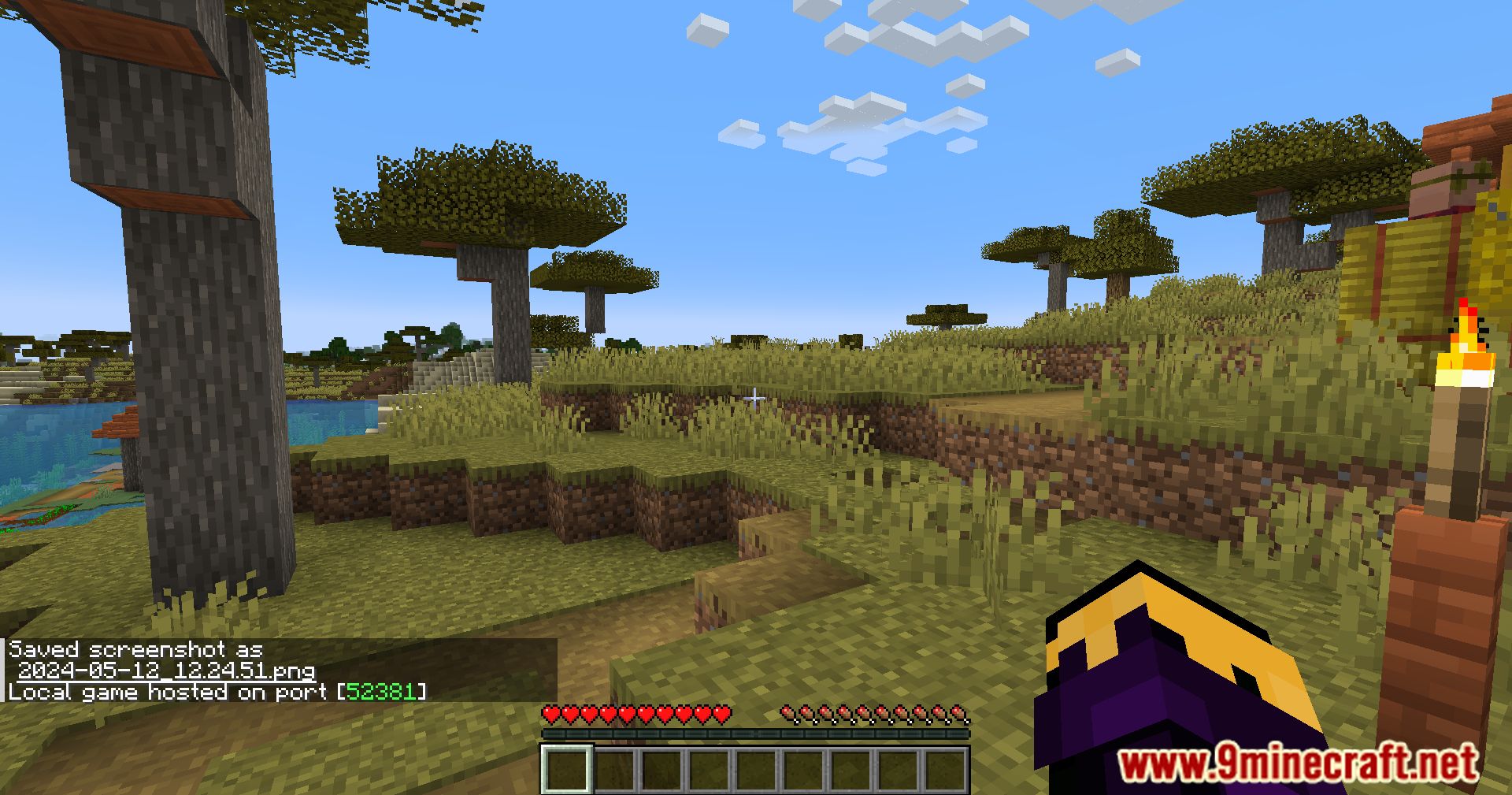
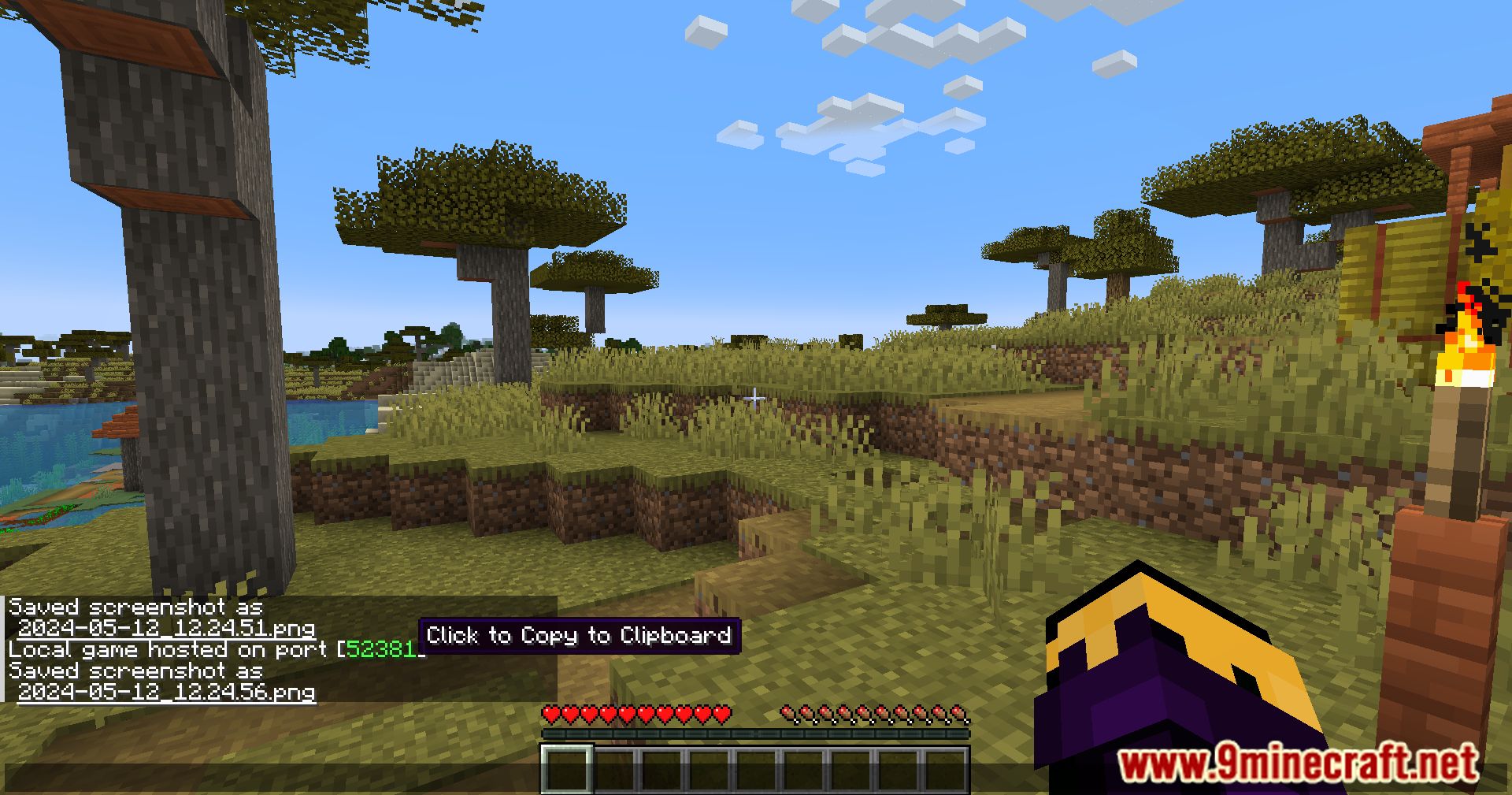
/upnp: displays mapped ports and the IP address players need for connection in chat.
How to Use:
- Configure forwarded port settings inside the config file located at
config/upnp.txt. - Add extra relevant ports to the configuration file when using add-ons like Simple Voice Chat or Geyser.
- Type the
/upnpcommand in chat while in-game to check active port mappings and connection IPs.
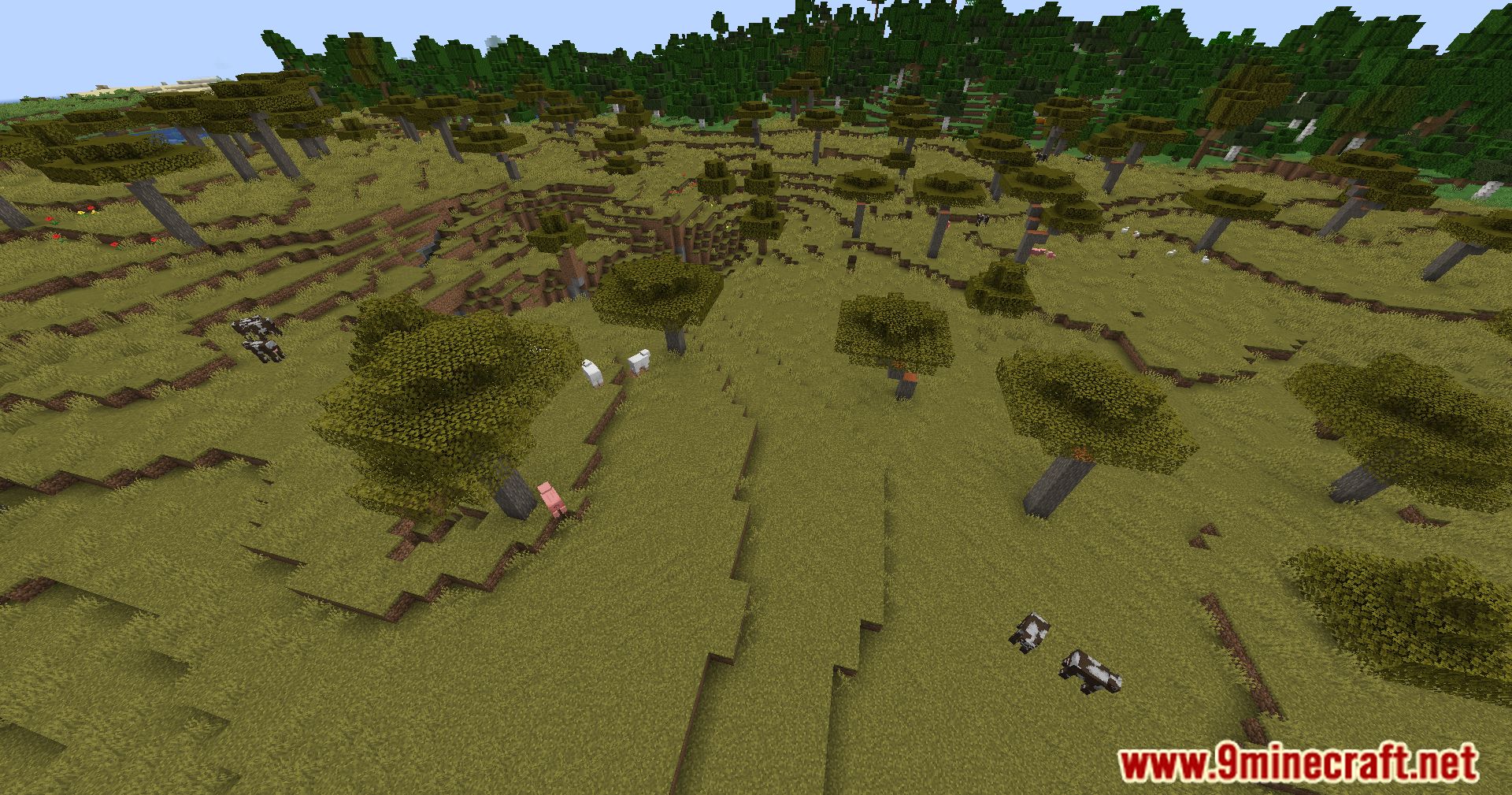
Screenshots:
How to Install:
New to Minecraft? Follow our step-by-step guide to install Mods on your PC.View Guide
UPNP For Dedicated Servers Mod Download Links
For Minecraft 1.21.x
NeoForge Version: Download from Server 1 – Download from Server 2
Fabric Version: Download from Server 1 – Download from Server 2
For Minecraft 1.20.6, 1.20.5, 1.20.4, 1.20.3, 1.20.2, 1.20.1, 1.20
Fabric Version: Download from Server 1 – Download from Server 2
For Minecraft 1.20.4
NeoForge Version: Download from Server 1 – Download from Server 2
For Minecraft 1.20.4, 1.20.3, 1.20.2, 1.20.1, 1.20
Forge Version: Download from Server 1 – Download from Server 2
For Minecraft 1.19.2, 1.19.1, 1.19
Fabric Version: Download from Server 1 – Download from Server 2
For All Versions from Minecraft 1.16.5 to Minecraft 1.18.2
Fabric Version: Download from Server 1 – Download from Server 2
For Minecraft 1.18.2
Forge Version: Download from Server 1 – Download from Server 2
You May Also Like
Picked for this page
 Just Enough Items Mod (26.3, 1.20.1) – JEI, Crafting Recipes Viewing
 Dynamic Trees Mod (26.1.2, 1.20.1) – Change the Natural Growth of Trees
 Right-Click Harvest Mod (26.3, 1.20.1) – Harvest Crops Quickly and Easily
 Crystals Overhauled Mod (26.3, 1.20.1) – A Minecraft Mod Revolution
 Break Free Mod (26.3, 1.20.1) – Keep Breaking Blocks When Switch Items
 Grindstone Sharper Tools Mod (26.3, 1.20.1) – Increase The Damage of Tools
 Syncmatica Mod (26.3, 1.20.1) – Server-Wide Shared Litematics
 More Beautiful Stairs Mod (26.3, 1.20.1) – 100+ New Stairs!
 Mooshroom Tweaks Mod (26.3, 1.20.1) – Natural Brown Mooshroom Spawns
 Wood Plus Mod (26.3, 1.20.1) – Wood Variations For Wooden Items
 No Double Sneak Mod (26.3, 1.20.1) – Fix Sneaking On Laggy Servers
 Fabwork Mod (26.3, 1.20.1) – Networking API For Fabric
Most viewed in Mods over the last 7 days
 Ala Industrial Mod (26.3) – Run Electric Power Grids and Automated Factories
 PleasureCraft Mod (26.3, 1.21.1) – Jenny Mod Remake for Fabric
 Jennycraft Mod (26.3, 1.20.1) – Virtual Girlfriend in Minecraft
 Fapcraft Mod (26.3, 1.12.2) – Comprehensive and Detailed Content
 Jenny Mod (Fapcraft) Official Complete Guide – How to use, Tutorial
 BangCraft Mod (1.20.1) – Jenny, Ellie and Elliot
 Fabric Loader (26.3, 1.20.1) – Fabric Installer for All Minecraft Versions
 The Shooting Star Demo Mod (26.3, 1.20.1) – Vaporize Terrain From Orbit
 Meteor Client Mod (26.3, 1.20.1) – Xray, HUD, Fly
 OptiFine HD (26.3, 1.20.1) – Run Faster, FPS Boost, Shaders Support
 Aristois Client Mod (1.21.4, 1.20.1) – World Class Minecraft Utility
 Prestige Client Mod (1.21.11, 1.21.4) – Powerful Ghost Features for Crystal & Sword PvP
More from Mods
 Shield System Mod (1.21.1) – Tank Heavy Monster Hits Without Losing Hearts
 Shin’s Tensura Race Models Mod (1.19.2) – Play As Unique 3D Anime Race
 Offgrid Mod (26.3, 1.20.1) – Furnish Compact Interiors Without Strict Grid
 Tempest Almanac Iron’s Spells ‘n Spellbooks Mod (1.21.1, 1.20.1)
 Chat Guides Mod (26.3, 1.21.11) – Never Memorize Complex Server Commands Again
 TRMT Reimagined the Roads More Travelled Mod (26.3, 1.20.1)
 Morrowless Mod (1.21.1) – Defend Your Shelter From Nightmare Creatures
 THE SLOPSTROSITY Mod (1.21.1) – Battle a Ridiculous Slime Boss
 Decoween Mod (1.21.1, 1.20.1) – Transform Ordinary Survival Bases
 Simply Light 9minecraft Mod (26.3) – Decorate Builds Without Torches
 Alex’s Caves Continued Mod (26.3, 1.20.1) – Conquer Six Massive Underground
 Anvil Uses Mod (26.3, 1.20.1) – Track Item Anvil Usage

This post has no comments yet. Be the first — your comment will appear here.