
FurnitureLib Plugin (1.21.11, 1.20.1) – Build Custom Decorations Without Lag
 10,606
 0


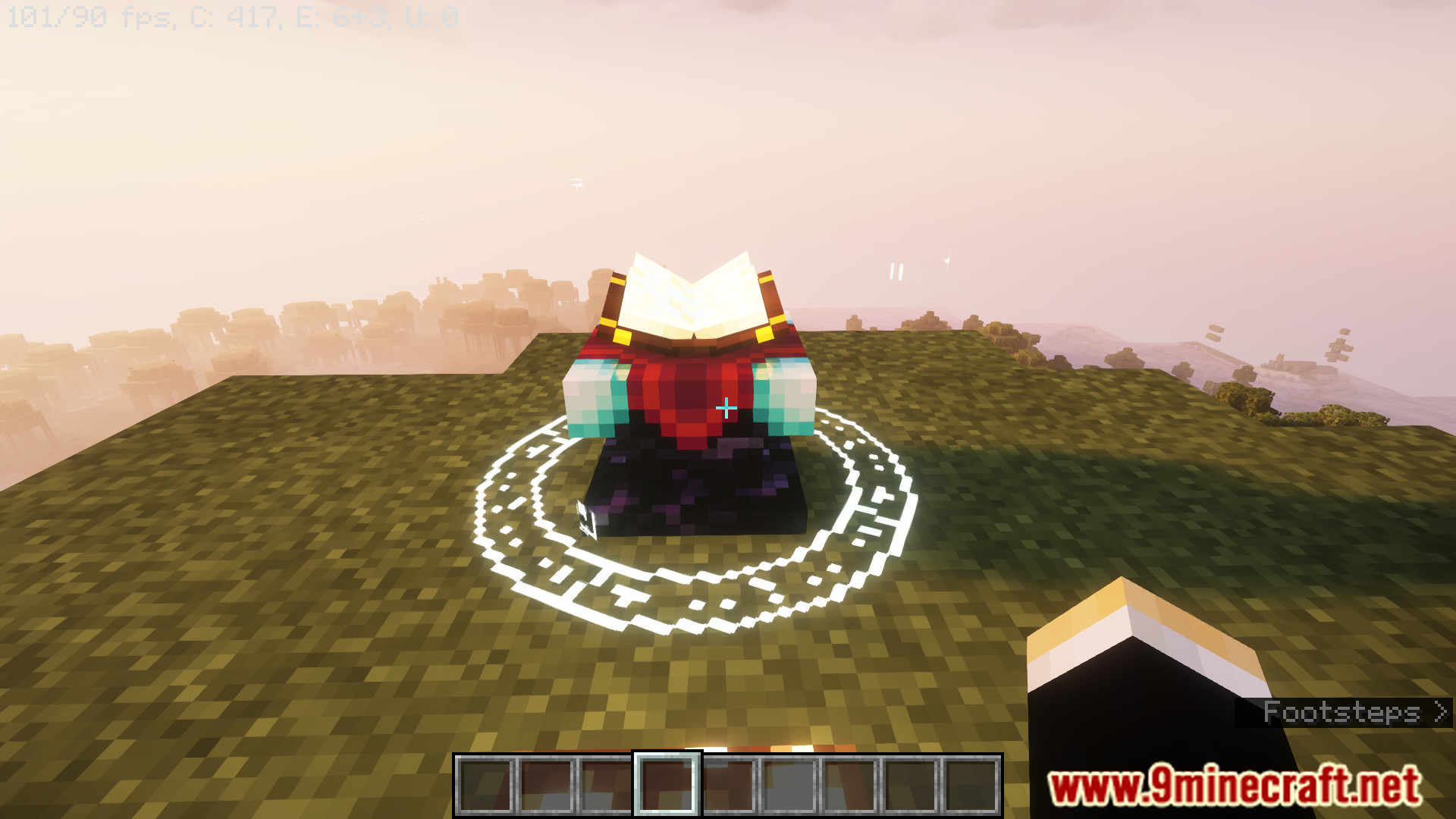
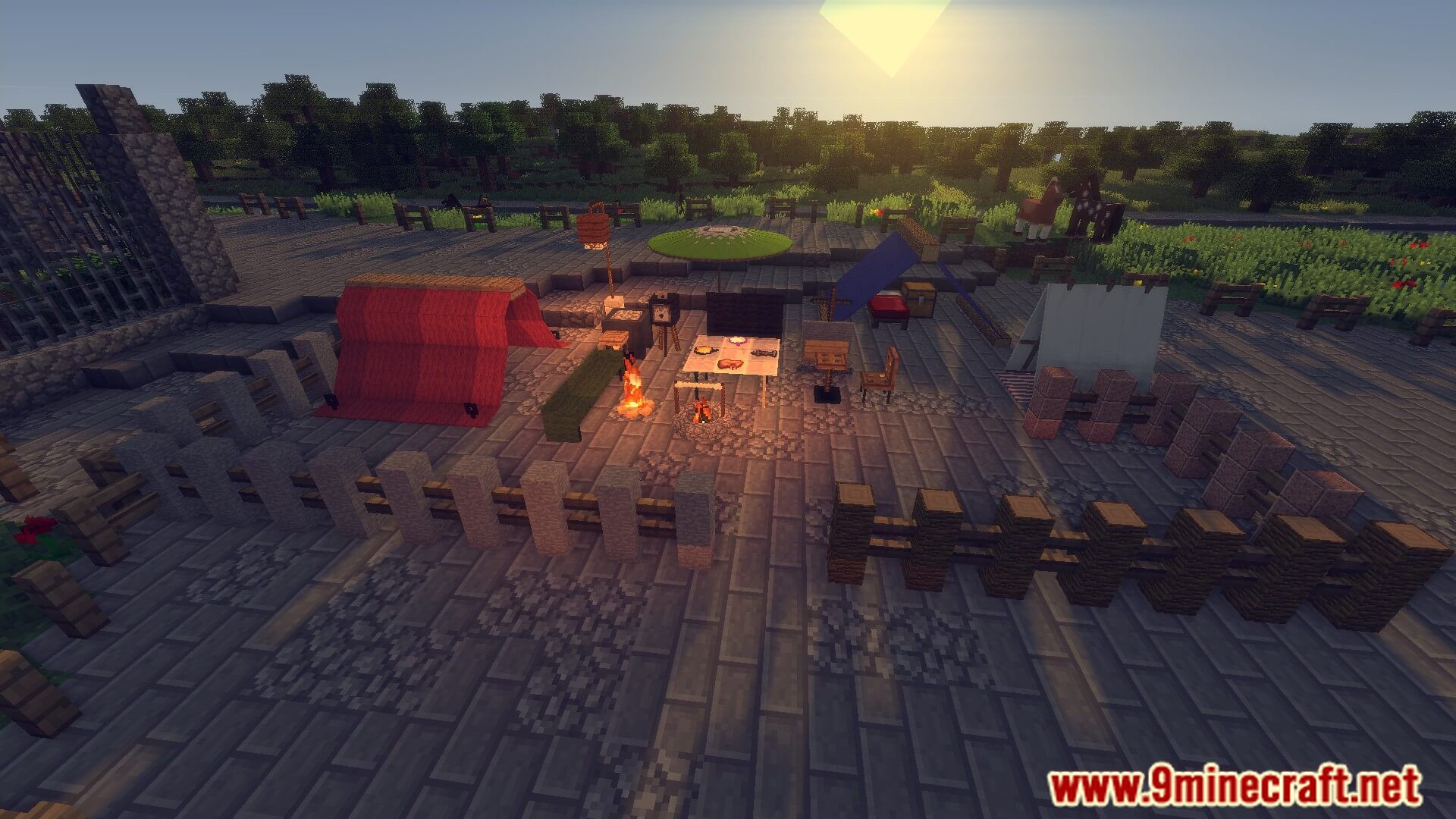
FurnitureLib Plugin handles custom armor stand creations and 3D modeling using packets to reduce server lag. It gives server owners a stable library to build and manage custom decorations smoothly.
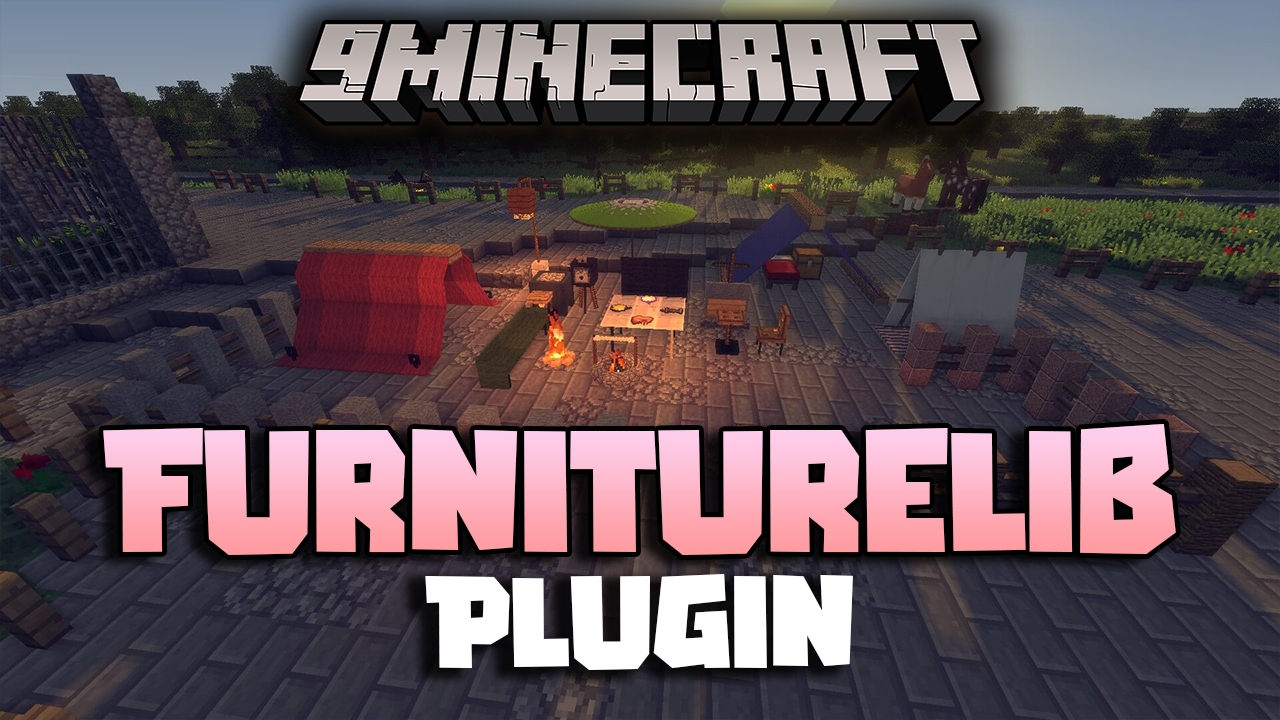
Screenshost:
Required:
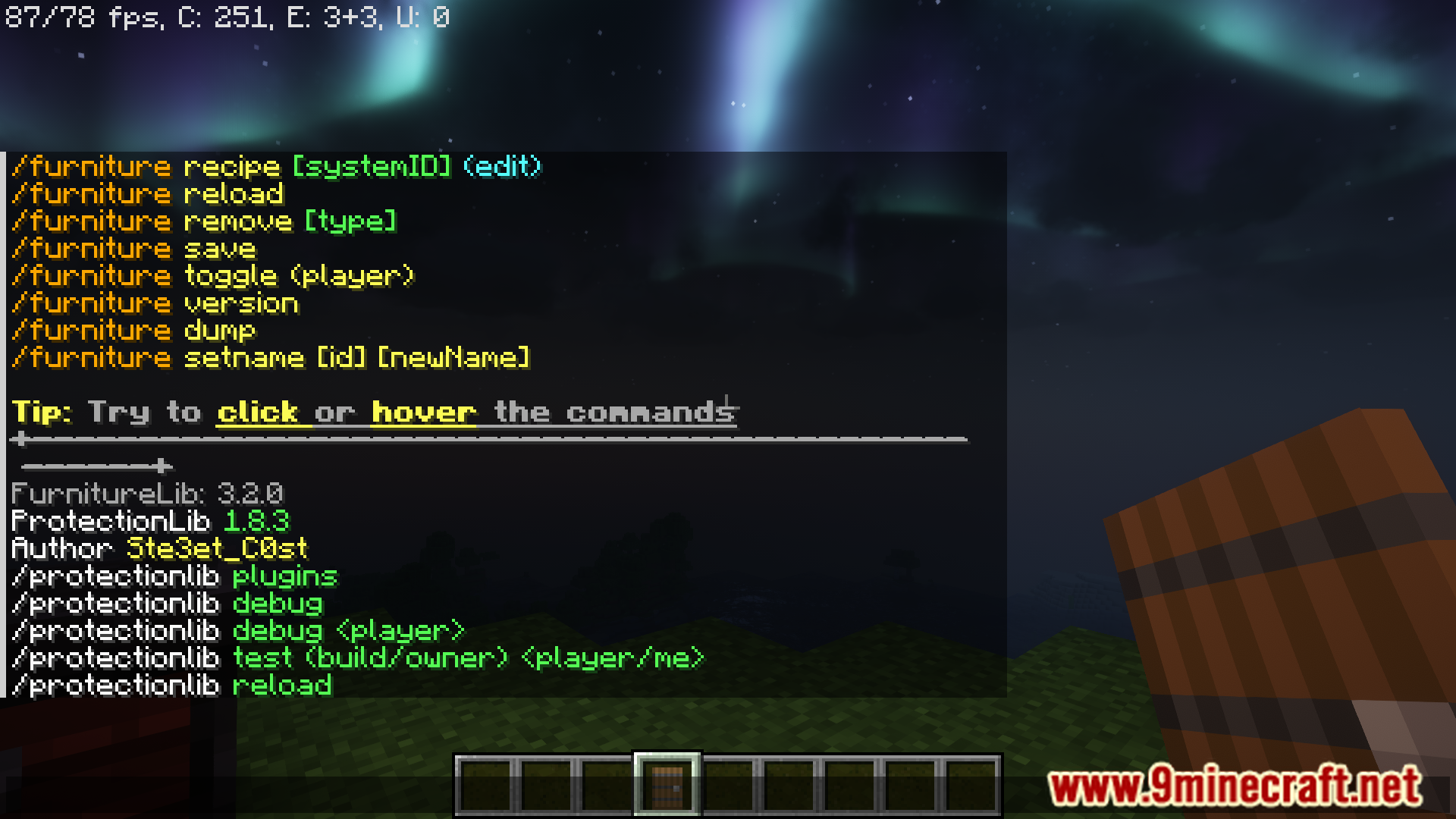
- This plugin require ProtectionLib (already inside of the FurnitureLib.zip) and ProtocolLib installed.
- Check out newest version of ProtocolLib.
Features:
- Packet-based armor stand creations prevent server lag and keep gameplay smooth.
- Hooks into protection plugins like WorldGuard and Plotsquared to check plot ownership and automatically grant building rights.
- Requires ProtocolLib to function properly on servers.
- Supports optional integrations with Vault, LightAPI, and ProtectionLib.
Commands:
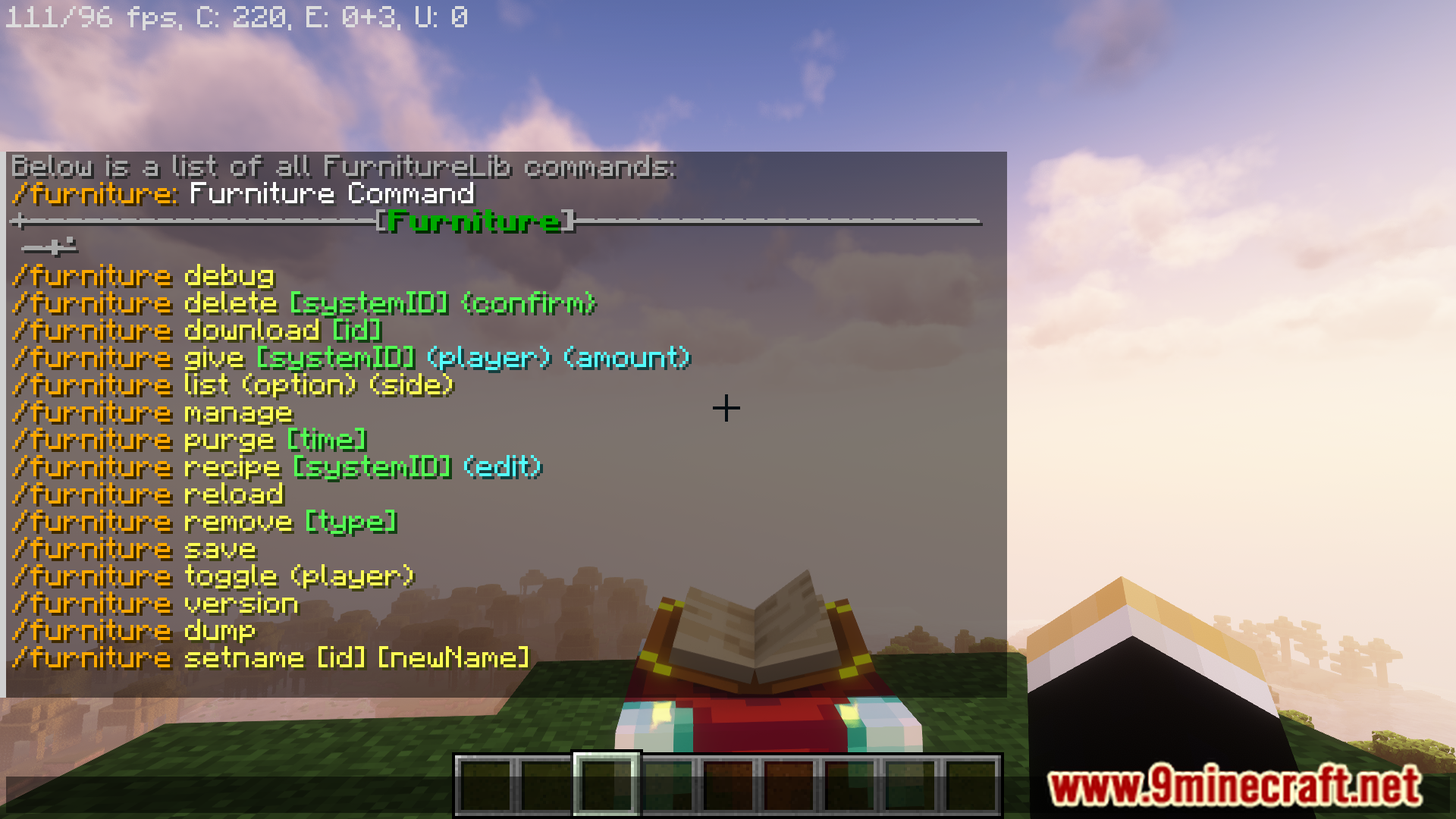
- /furniture give – furniture.player.give – Allows players to give furniture to themselves or others.
- /furniture recipe – furniture.player.recipe – Provides players with the recipe of a specific piece of furniture.
- /furniture list – furniture.player.list – Lists all available furniture for players to view.
- /furniture delete – furniture.player.delete – Allows players to delete their own furniture.
- /furniture toggle – furniture.player.toggle – Toggles furniture visibility on or off for players.
- /furniture manage – furniture.admin.manage – Provides administrative capabilities to manage all furniture.
- /furniture download – furniture.admin.download – Allows admins to download furniture designs from the database.
- /furniture place – furniture.player.place – Permits players to place furniture in the game world.
- /furniture remove – furniture.admin.remove – Grants admins the ability to remove any furniture.
- /furniture debug – furniture.admin.debug – Enables admins to debug furniture issues.
- /furniture reload – furniture.admin.reload – Allows admins to reload the plugin configuration.
- /furniture copy – furniture.player.copy – Enables players to copy existing furniture pieces.
- /furniture permissions – furniture.admin.permissions – Provides admins the ability to modify furniture permissions.
- /furniture info – furniture.player.info – Displays detailed information about a specific piece of furniture.
- /furniture save – furniture.admin.save – Allows admins to save current furniture setups.
- /furniture edit – furniture.player.edit – Permits players to edit their own placed furniture.
- /furniture rotate – furniture.player.rotate – Enables players to rotate their placed furniture.
How to Install:
New to Minecraft? Follow our step-by-step guide to install Plugins on your PC.View Guide
FurnitureLib Plugin Download Links
For Minecraft 1.21.11, 1.21.10, 1.21.9
For All Versions from Minecraft 1.21.2 to Minecraft 1.21.8, 1.21.7
For All Versions from Minecraft 1.13 to Minecraft 1.21.1, 1.21
Click to rate this post!
[Total: 6 Average: 4.3]
You May Also Like
Picked for this page
 BungeeCord Plugin (1.21.11, 1.20.1) – Connect Several Servers Together
 Spawn Plugin (26.1.2, 1.21.1) – Spigot
 Orebfuscator Plugin (26.1.2, 1.20.1) – Bukkit, Spigot, Paper
 TAB Plugin (26.3, 1.20.1) – Make an Awesome Animated Tablist
 ValhallaMMO Plugin (26.1.2, 1.20.1) – Bukkit, Spigot, Paper
 SuperVanish Plugin (26.2, 1.20.1) – Bukkit, Spigot, Paper
 Interaction Visualizer Plugin (26.1.2, 1.20.1) – Spigot
 BuildPaste Plugin (26.3, 1.20.1) – Bukkit, Spigot, Paper
 LogBlock Plugin (26.1.2, 1.20.1) – Spigot
 Aj Leaderboards Plugin (26.1.2, 1.20.1) – Spigot
 Multiverse Netherportals Plugin (26.3, 1.20.1) – Fixes Portal Links Across Worlds
 Multiverse Portals Plugin (26.3, 1.20.1) – Create Custom Teleportation Portals
Most viewed in Plugins over the last 7 days
 Dynmap 9minecraft Plugin (26.3) – A Live Google-Maps-Style View of Your Whole Server
 Vulcan Anti Cheat Plugin (1.21.8, 1.20.1) – A Powerful Shield Against Cheating
 Citizens Plugin (1.21.10, 1.20.1) – The Best NPC Plugin
 Displaymotion Plugin (1.21.4) – Amaze Players with Custom Animations and No Client Mods
 MMOItems Premium Plugin (1.21.8, 1.20.1) – Create Stunning Custom Items
 Citizens2 Plugin (1.21.8, 1.20.1) – Craft Unique NPCs
 MythicCrucible Plugin (1.21.8, 1.20.1) – Addon for MythicMobs
 Fish Rework Fishing Plugin (26.3, 1.21.1) – Turn Simple Fishing
 L Claim Plugin (26.3, 1.20.1) – Build Protected Towns and Trade Peacefully
 MythicMobs Premium Plugin (1.21.9, 1.20.1) – Craft Epic Custom Mobs And Bosses
 Ultimate Donut SMP Plugin (26.3, 1.20.1) – Build Teams Trade Goods
 RaspberryJuice Plugin (1.21) – Turn Your World Into a Shared Coding Playground
More from Plugins
 Beaconfly Plugin (1.21) – Give Survival Builders Flight Around Their Bases
 AzuraBedWars Plugin (1.13) – Fierce Bed Battles That Keep Your Community Playing
 Essence Stress Free Server Utilities Plugin (26.3, 1.20.1)
 Economy Shop Sell Plugin (1.21.11, 1.21.1) – Turn Extra Loot Into Cash
 Dash Dashboard Plugin (26.3, 1.21.1) – Keep Gameplay Smooth and Answer Tickets
 Wormhole X Treme Plugin (26.3, 1.20.1) – Link Server Bases Instantly
 FakePlayer CE Plugin (1.20) – Keep Server Farms Running Even When Friends Log Off
 Jext Reborn Plugin (1.14) – Play Brand New Songs Together at Every Jukebox
 Clan CL Plugin (26.3, 1.21.1) – Build Powerful Teams with Shared Bases and Banks
 Channel Chat Plugin (1.21.11, 1.21.1) – Stop Screen Spam with Clan Rooms
 Karmacore Plugin (26.3, 1.20.1) – Fuel Fierce Server Rivalries
 Aegis Guard Modern Land Protection & Economy Plugin (26.3, 1.20.1)

This post has no comments yet. Be the first — your comment will appear here.