
Container Searcher Mod (1.21.11, 1.20.1) – Locate Hoarded Gear Across Your Base

 0


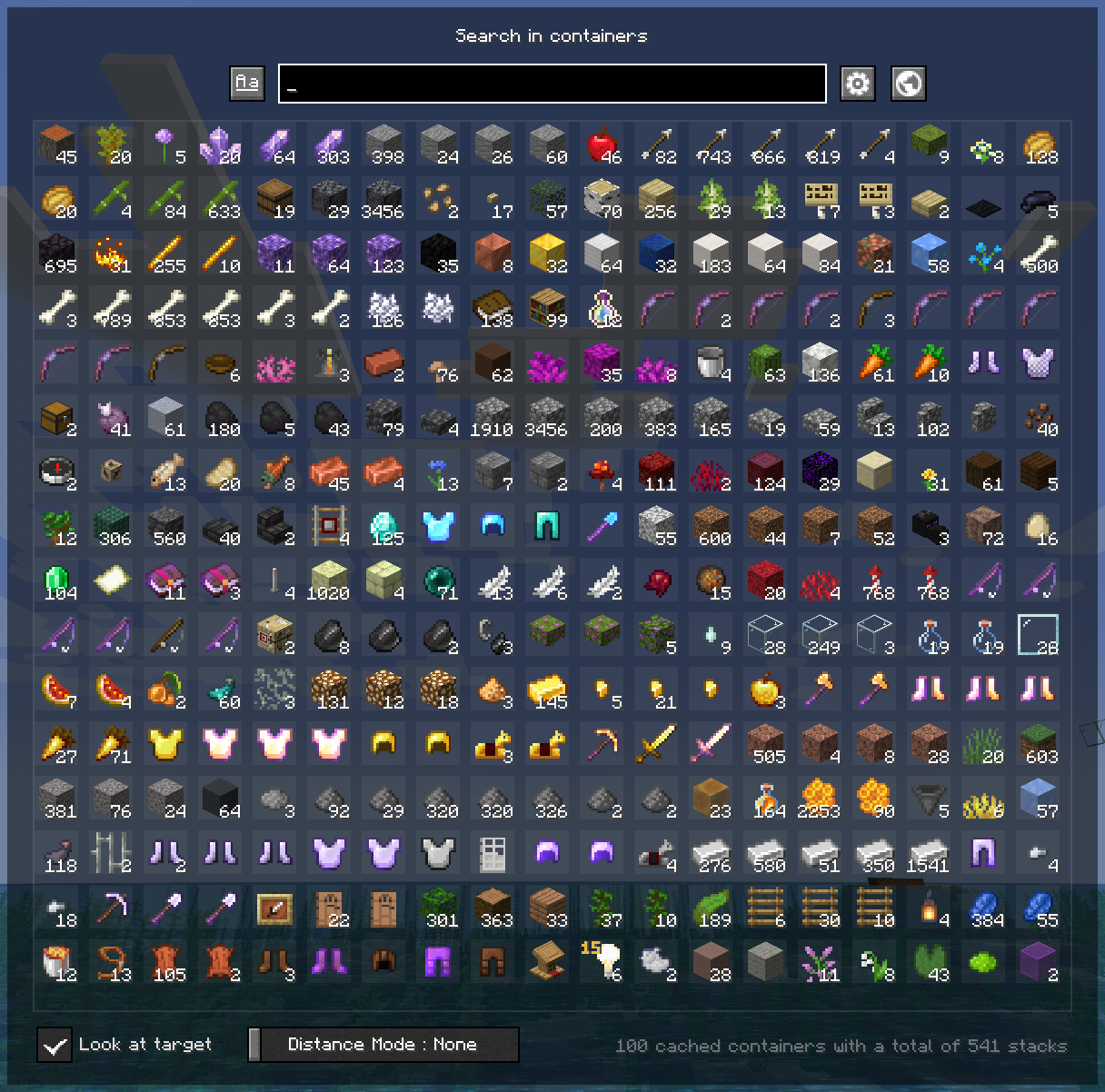
Container Searcher Mod lets you find items inside your chests fast. Every time you open a chest, this mod saves its contents to a file so you can browse everything in one in-game search menu. You can sort stored items, highlight the right chest with a particle trail, or look up an inventory item in nearby containers. This mod requires Fabric API and Cloth Config, and Mod Menu is recommended for easy configuration.
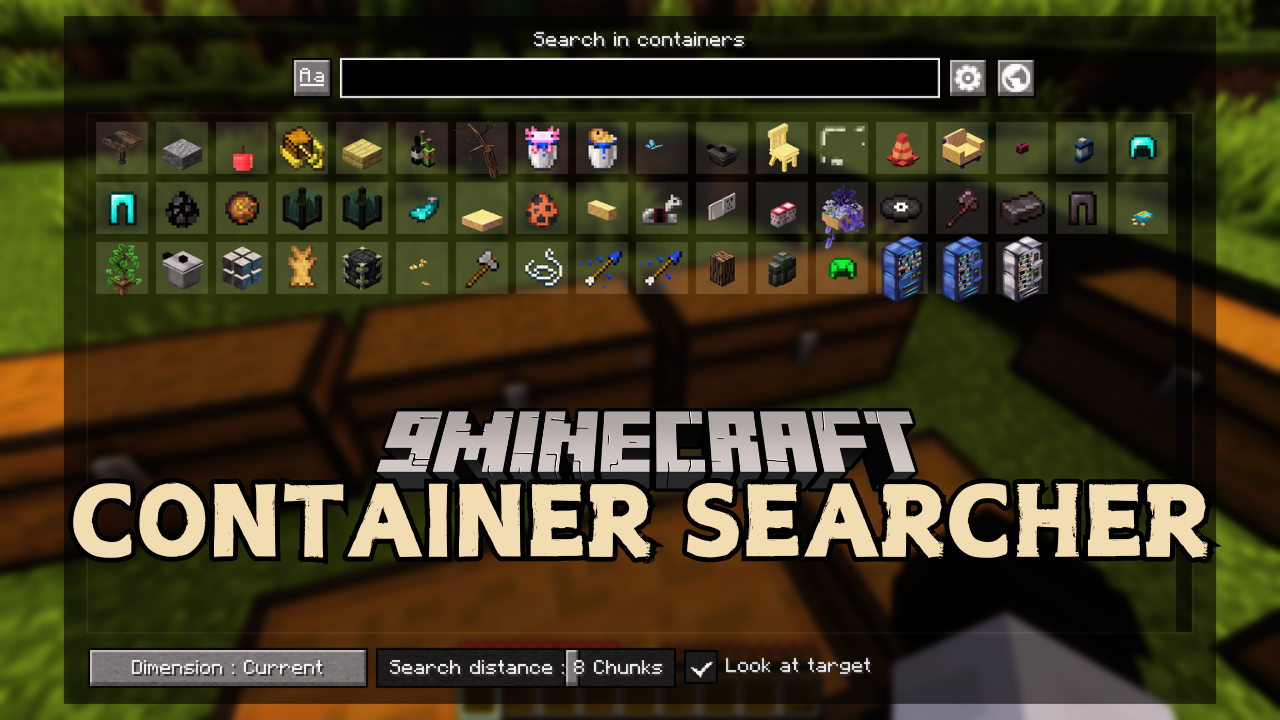
Features:
- Saves the contents of every chest you open to a file while this mod is active.
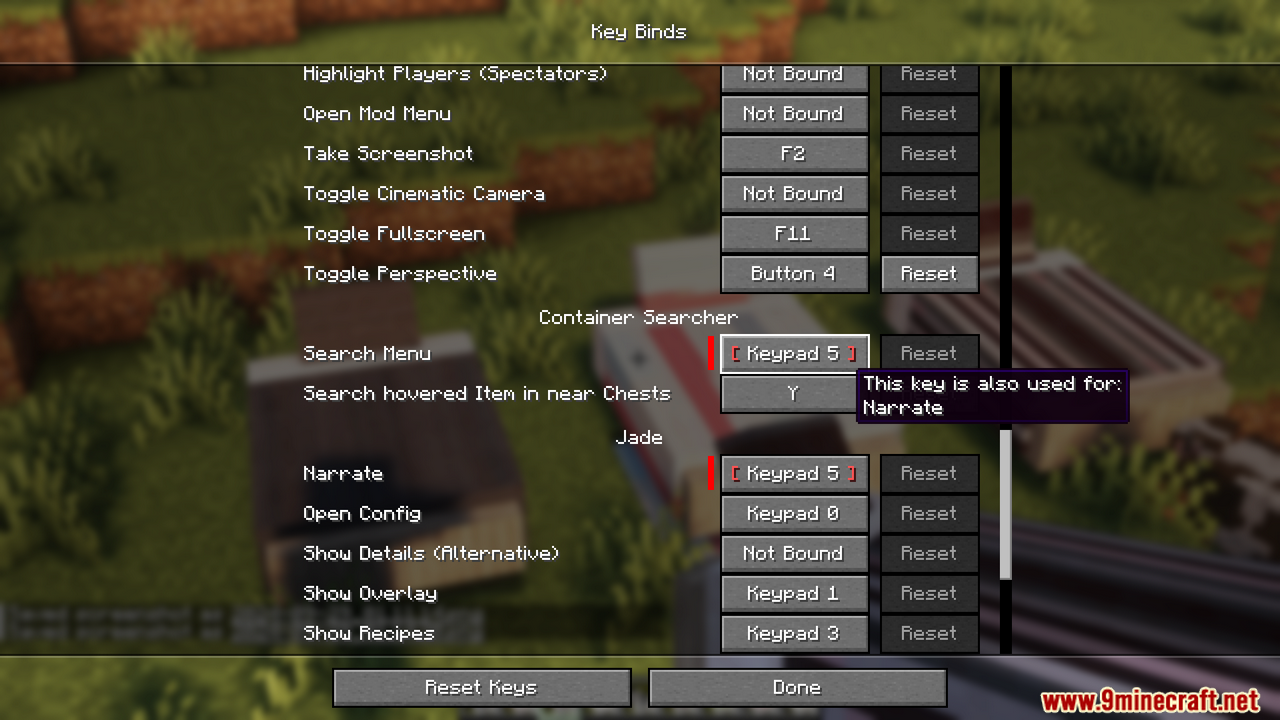
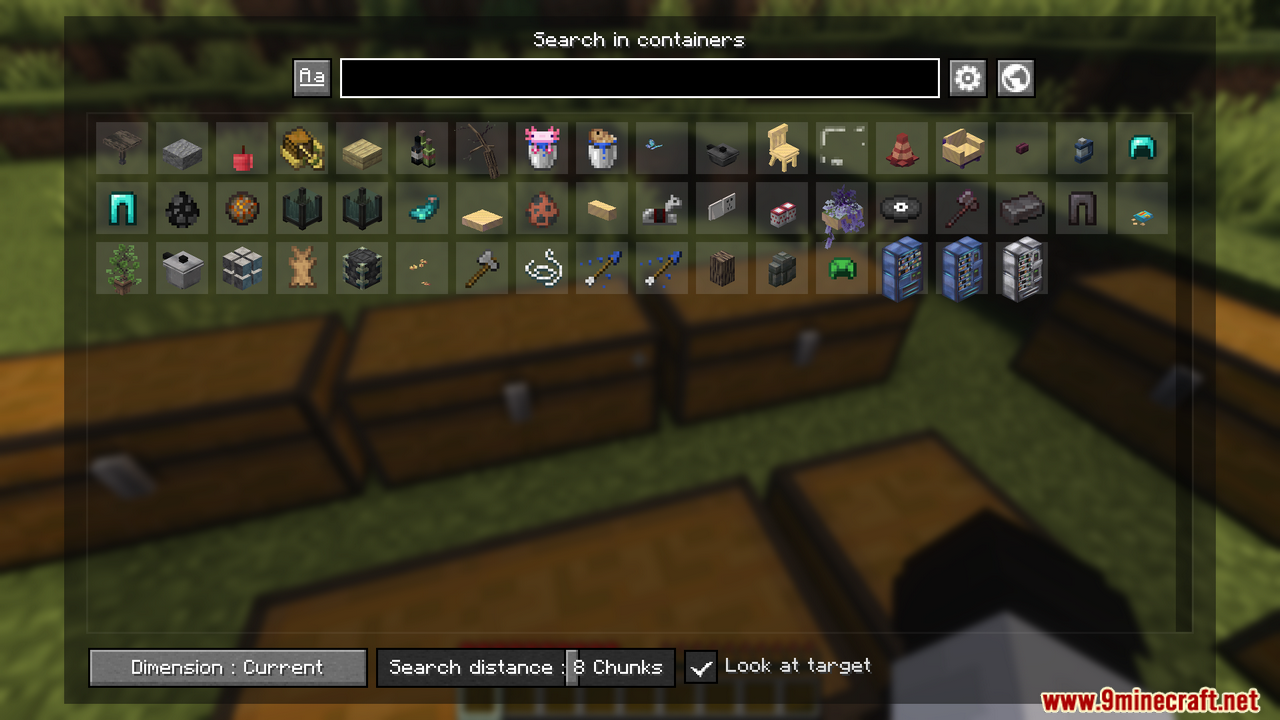
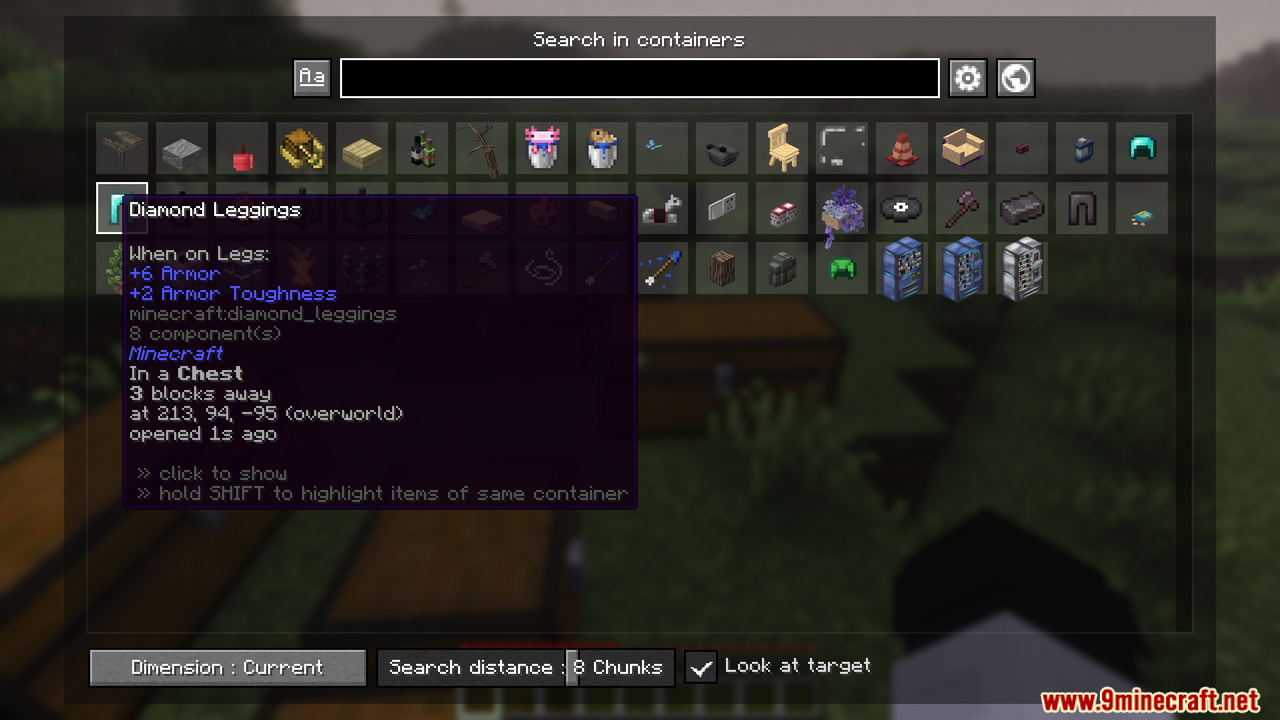
- Lets you open an in-game search menu with a keybind (default: NUMPAD 5) to view items from all opened chests.
- Supports searching through saved items with different sorting modes so you can find things faster.
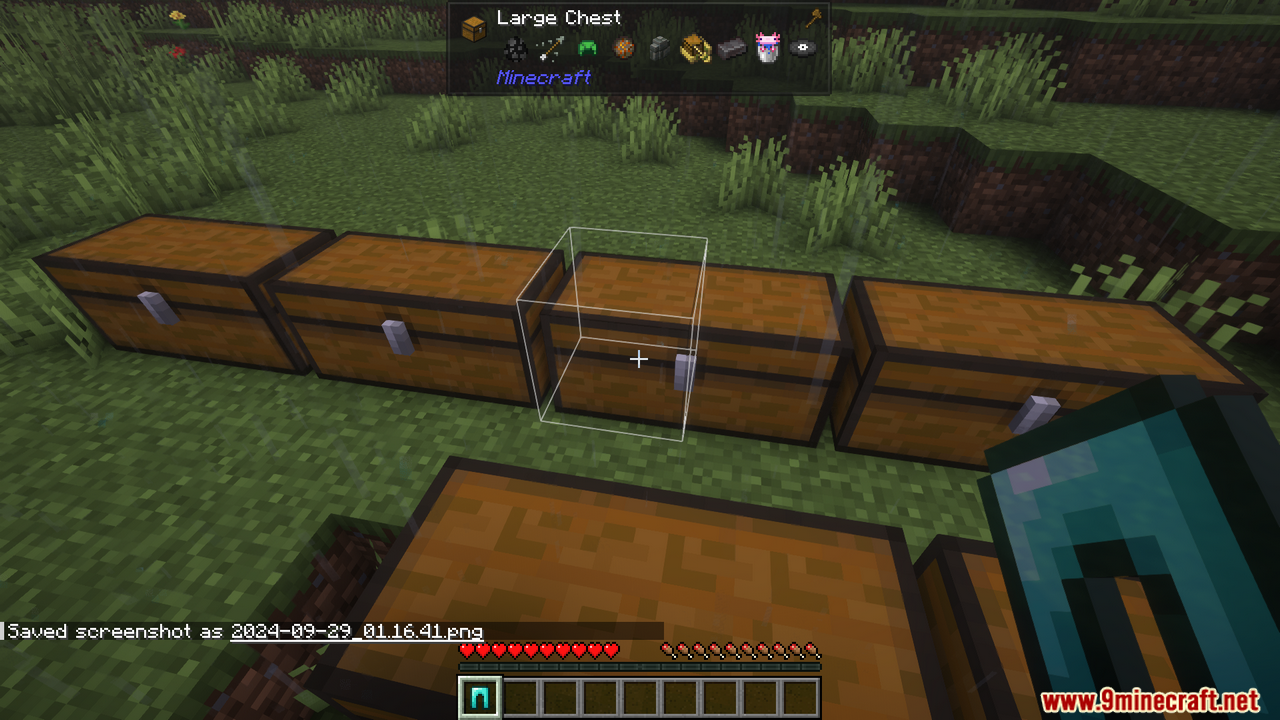
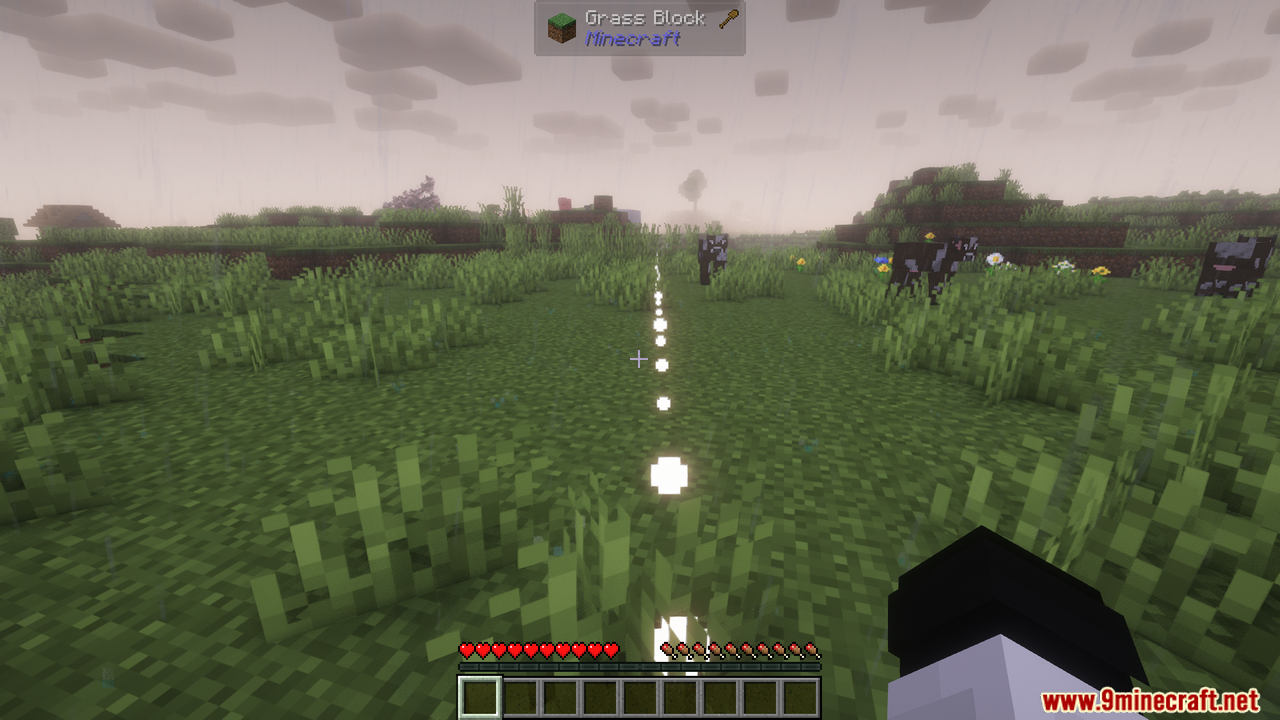
- Highlights the container holding the item you click, draws a particle trail to it, and turns your camera toward it.
- Opens that container right away when you are standing close enough to it.
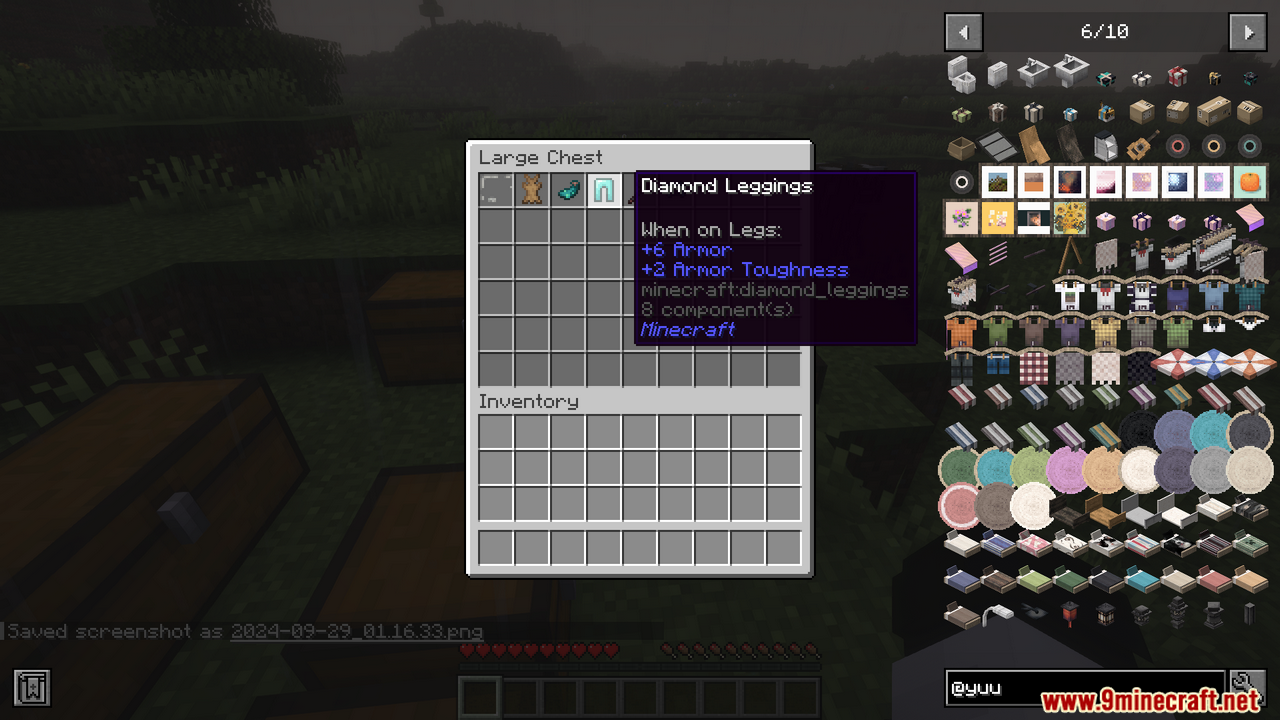
- Highlights the exact item you clicked inside the container once you open it.
- Adds a second configurable keybind to search nearby containers for any item you hover over in your inventory, similar to Extra Utilities.
How to Use:
- Open any chest in the game so this mod saves its contents to a file.
- Press NUMPAD 5 (default key) to open the search menu and view all saved items from your opened chests.
- Search for the item you need, choose a sorting mode if you want, and click the item in the menu.
- Follow the particle trail as the mod highlights the container and turns your camera toward it; if you are close enough, the container opens right away.
- Look inside the opened container to spot the item you clicked, which is highlighted for you.
- To change the two keybinds, open the normal Minecraft keybindings menu and look for the Container Searcher section, usually under Miscellaneous.
- Once you set the second keybind, hover over an item stack in your inventory and press that key to search for it in nearby containers.
Screenshots:
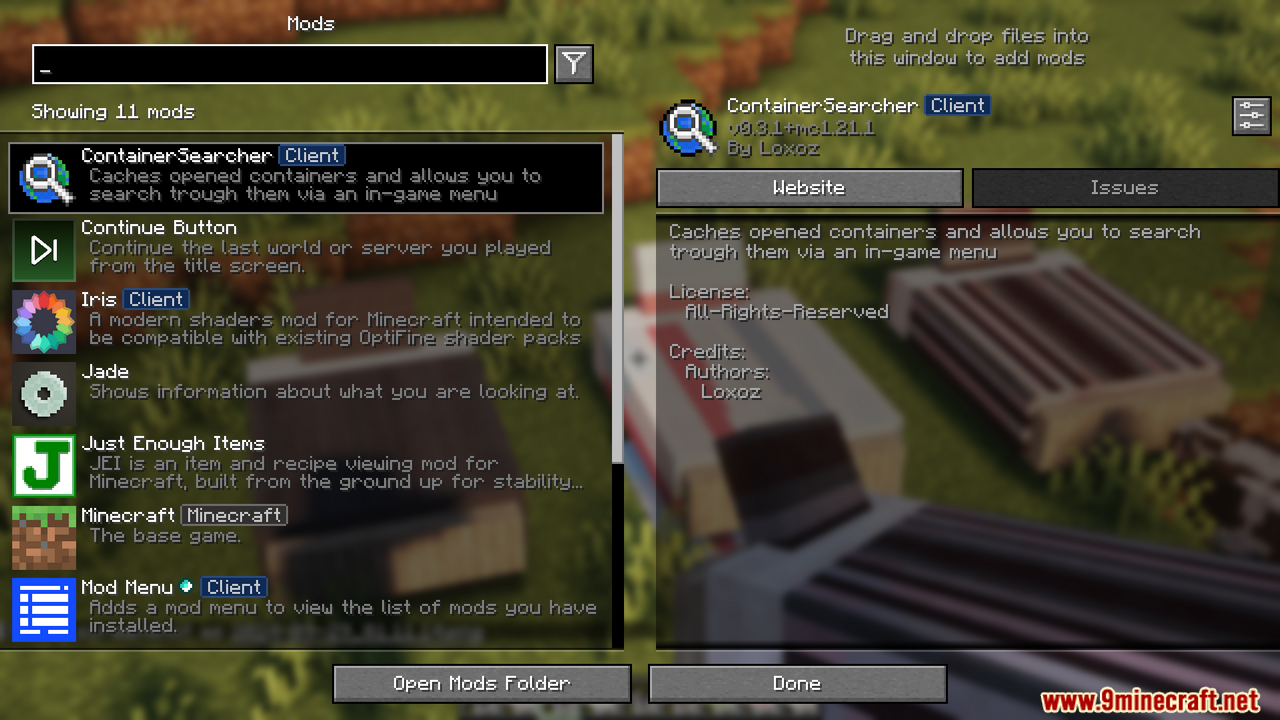
How to Install:
New to Minecraft? Follow our step-by-step guide to install Mods on your PC.View Guide
Requirements:

Container Searcher Mod Download Links
For Minecraft 1.21.11
Fabric Version: Download from Server 1 – Download from Server 2
For Minecraft 1.21.10
Fabric Version: Download from Server 1 – Download from Server 2
For Minecraft 1.21.8, 1.21.7, 1.21.6
Fabric Version: Download from Server 1 – Download from Server 2
For Minecraft 1.21.5
Fabric Version: Download from Server 1 – Download from Server 2
For Minecraft 1.21.4
Fabric Version: Download from Server 1 – Download from Server 2
For Minecraft 1.21.1, 1.21
Fabric Version: Download from Server 1 – Download from Server 2
For Minecraft 1.20.4
Fabric Version: Download from Server 1 – Download from Server 2
For Minecraft 1.20.2, 1.20.1, 1.20
Fabric Version: Download from Server 1 – Download from Server 2
For Minecraft 1.20.2
Fabric Version: Download from Server 1 – Download from Server 2
For Minecraft 1.19.2, 1.19.1, 1.19
Fabric Version: Download from Server 1 – Download from Server 2
You May Also Like
Picked for this page
 Beekeeper Mod (1.21.11, 1.20.1) – New Villager Profession with Unique Items
 ItemPhysic Lite Mod (26.3, 1.20.1) – Enhanced Item Animation
 Immersive Posts Mod (1.21.1, 1.20.1) – Customizable Posts, Decorations
 Durability Plus Mod (26.1, 1.20.1) – Item Durability Tooltips
 Auto Tools Mod (26.3, 1.20.1) – Smart Mining & Combat Helper
 Nirvana Library Mod (26.1.2, 1.20.1) – Library for Clefal15’s Mods
 Productive Trees Mod (26.1.2, 1.20.1) – Forestry Inspired Tree Breeding
 Flower Patch Mod (26.3, 1.20.1) – Bunch Together Flowers into A Single Blockspace
 Animal Info Mod (26.3, 1.21.11) – Quick Stats For Your Animals
 Simple Discord Link Bot Mod (26.3, 1.20.1) – Chat Relay, Whitelisting
 Client Maps Mod (26.3, 1.20.1) – Stores Map Data On Client Side
 Dracolotl Mod (1.21.1, 1.20.1) – Hatch a Battle Pet From the Dragon Egg
Most viewed in Mods over the last 7 days
 Ala Industrial Mod (26.3) – Run Electric Power Grids and Automated Factories
 PleasureCraft Mod (26.3, 1.21.1) – Jenny Mod Remake for Fabric
 Jennycraft Mod (26.3, 1.20.1) – Virtual Girlfriend in Minecraft
 Fapcraft Mod (26.3, 1.12.2) – Comprehensive and Detailed Content
 Jenny Mod (Fapcraft) Official Complete Guide – How to use, Tutorial
 BangCraft Mod (1.20.1) – Jenny, Ellie and Elliot
 Fabric Loader (26.3, 1.20.1) – Fabric Installer for All Minecraft Versions
 Meteor Client Mod (26.3, 1.20.1) – Xray, HUD, Fly
 The Shooting Star Demo Mod (26.3, 1.20.1) – Vaporize Terrain From Orbit
 OptiFine HD (26.3, 1.20.1) – Run Faster, FPS Boost, Shaders Support
 Aristois Client Mod (1.21.4, 1.20.1) – World Class Minecraft Utility
 Prestige Client Mod (1.21.11, 1.21.4) – Powerful Ghost Features for Crystal & Sword PvP
More from Mods
 Hammers 3×3 Mod (1.21.8, 1.20.1) – Carve Caves with One Swing
 Huge Structure Blocks Mod (26.3, 1.20.1) – Pushing Limits With Huge Structure Blocks Mod
 Rctapi Fix Mod (1.21.1) – Fight Cobblemon Trainers Without Any Server Crashes
 Better Title Screen Mod (26.3, 1.20.1) – Adding Custom Text Messages
 Log Cleaner Mod (26.3, 1.20.1) – Cleans Old and Unused Log Files
 Brick Variety Mod (26.3, 1.20.1) – More Brick Variants
 Fast Xp Mod (26.3, 1.21.1) – Faster XP Bottle Usage
 Cherry Villages Mot’s Structures Mod (26.3, 1.21.11) – Find Fresh Settlements
 XinexLib Mod (1.21.1) – Keep Your Ultreon Studios Mods Running
 Libvulpes – Fixed Mod (1.12.2) – Launch Rockets with Fewer Bugs
 Freelook Perspective Mod (26.3, 1.21.1) – Watch Your Back While Sprinting
 FAUNA Engine Mod (1.21.1, 1.20.1) – Powering Legendary Dragons

This post has no comments yet. Be the first — your comment will appear here.