
Constructor’s WorldTools Mod (1.21.4, 1.20.1) – Preserve Multiplayer Builds
 358
 0


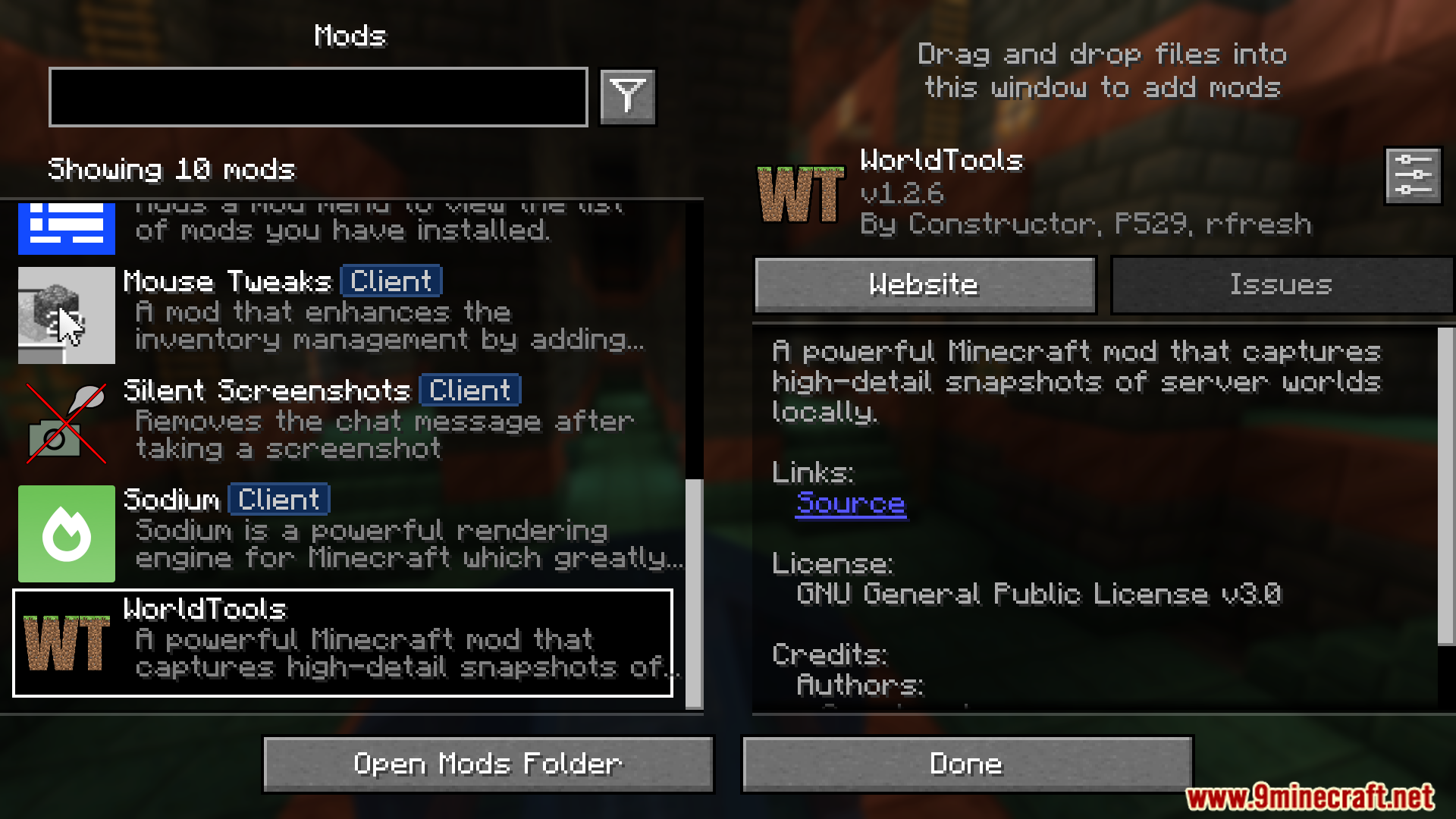
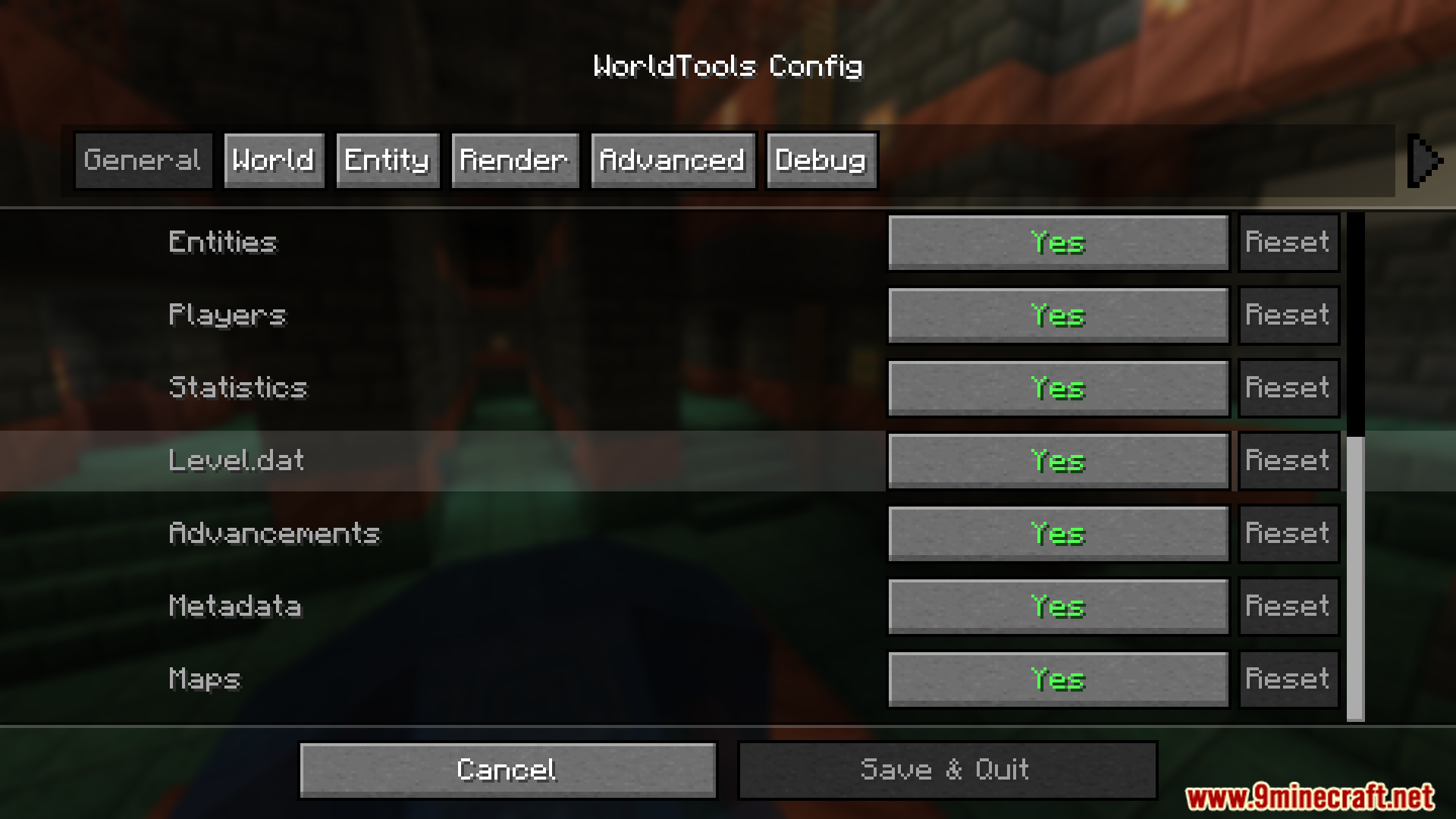
Constructor’s WorldTools Mod lets you capture and save high-detail snapshots of server worlds right on your local machine. It allows you to download comprehensive server data, including terrain, entities, player inventories, and metadata, ensuring an exact copy of the online environment.
Features:
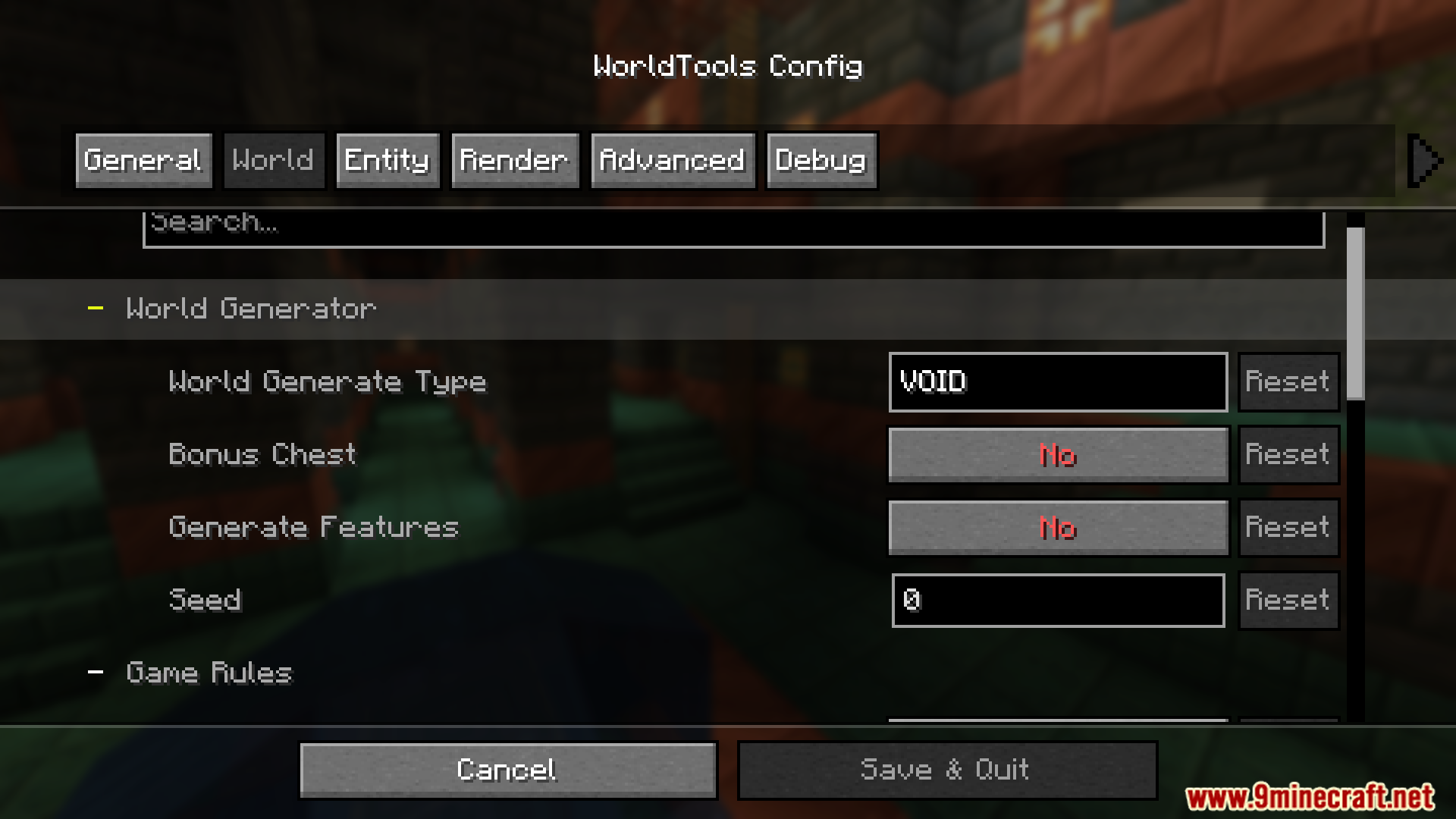
- Saves detailed server world snapshots, including chunks, terrain, biomes, and structures.
- Captures entity positions, attributes, and contents of containers like chests, shulkers, hoppers, furnaces, and dispensers.
- Records player positions, inventories, personal statistics, and advancements.
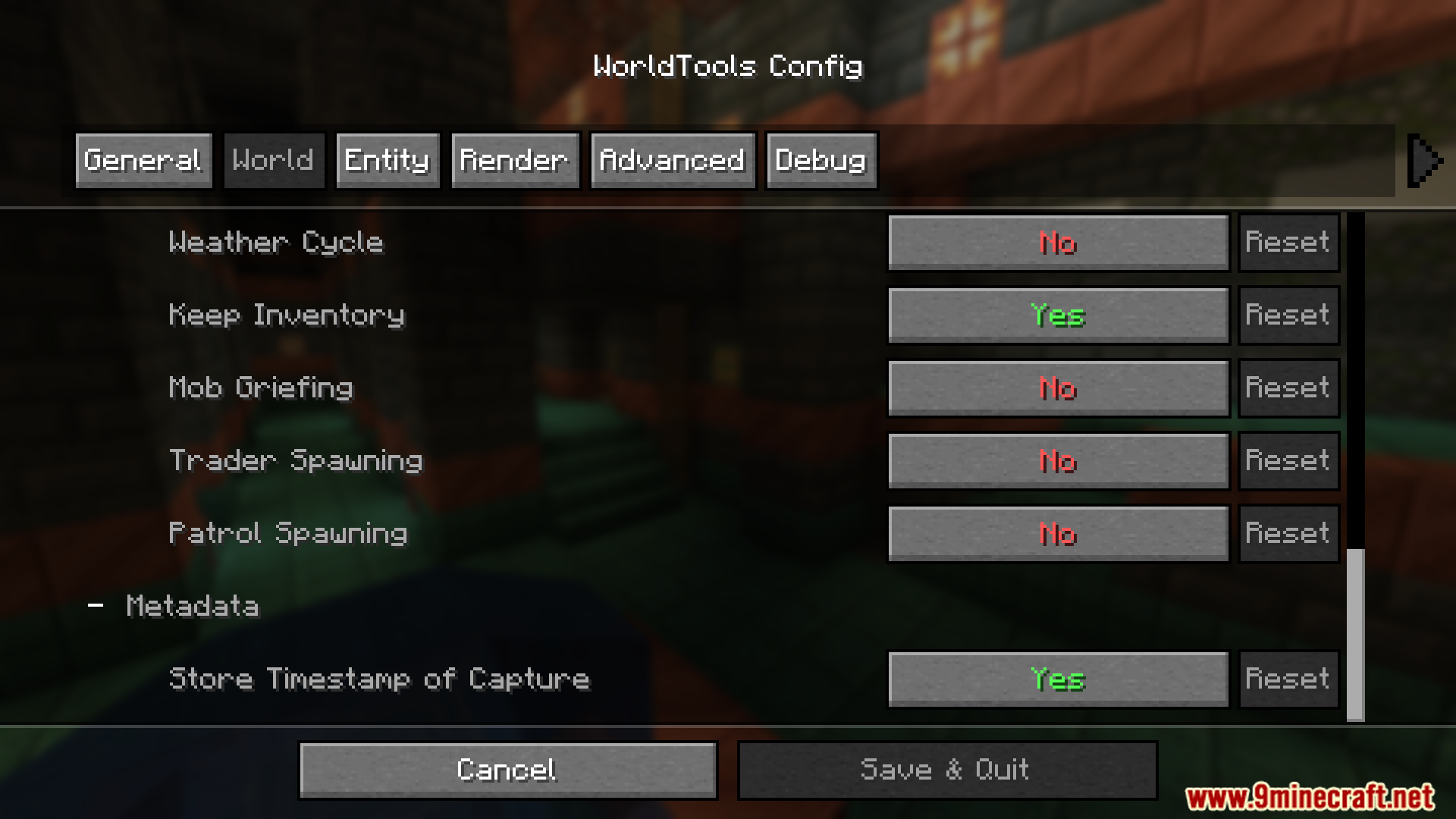
- Includes exhaustive metadata like server version and motd details.
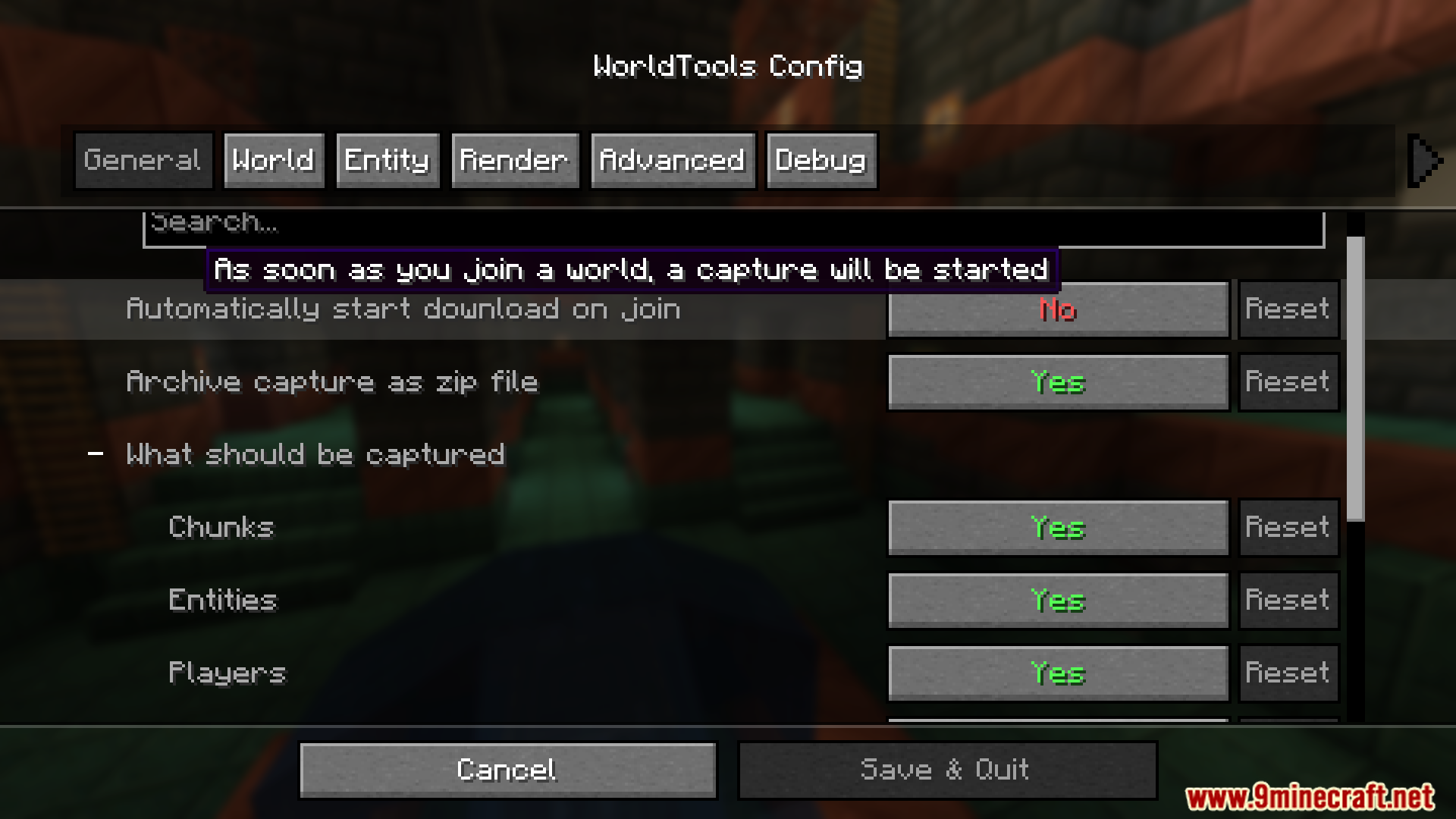
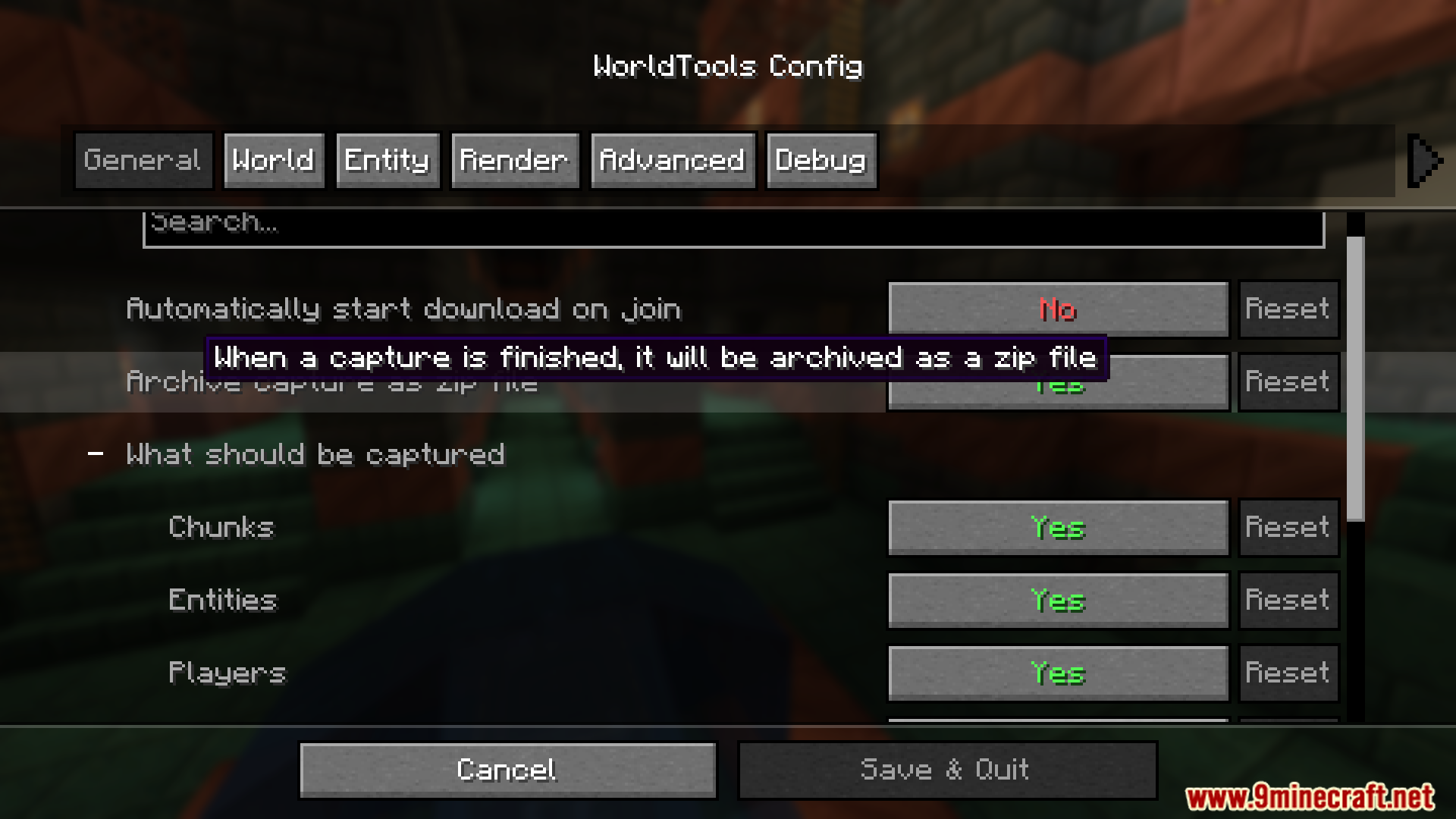
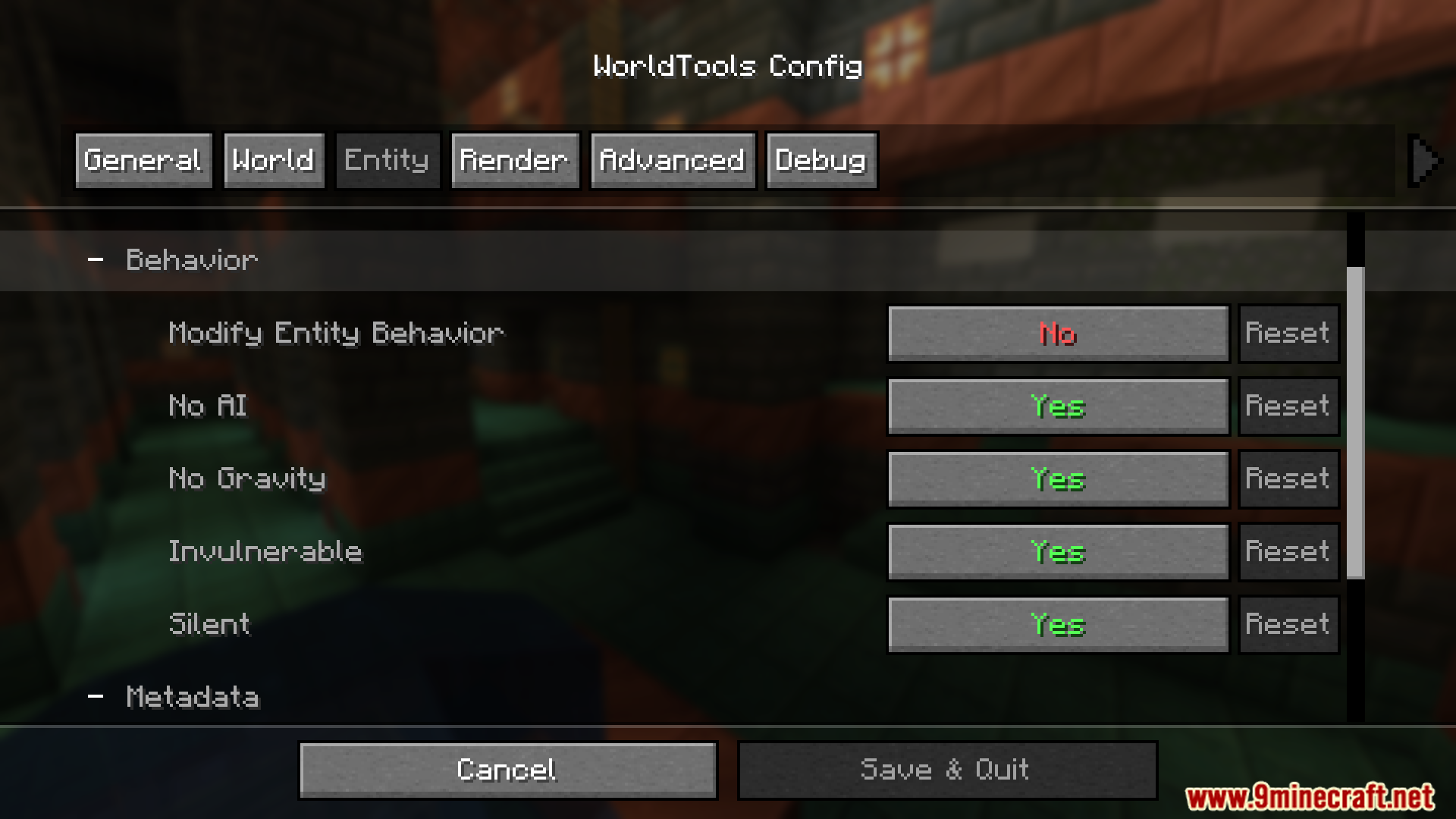
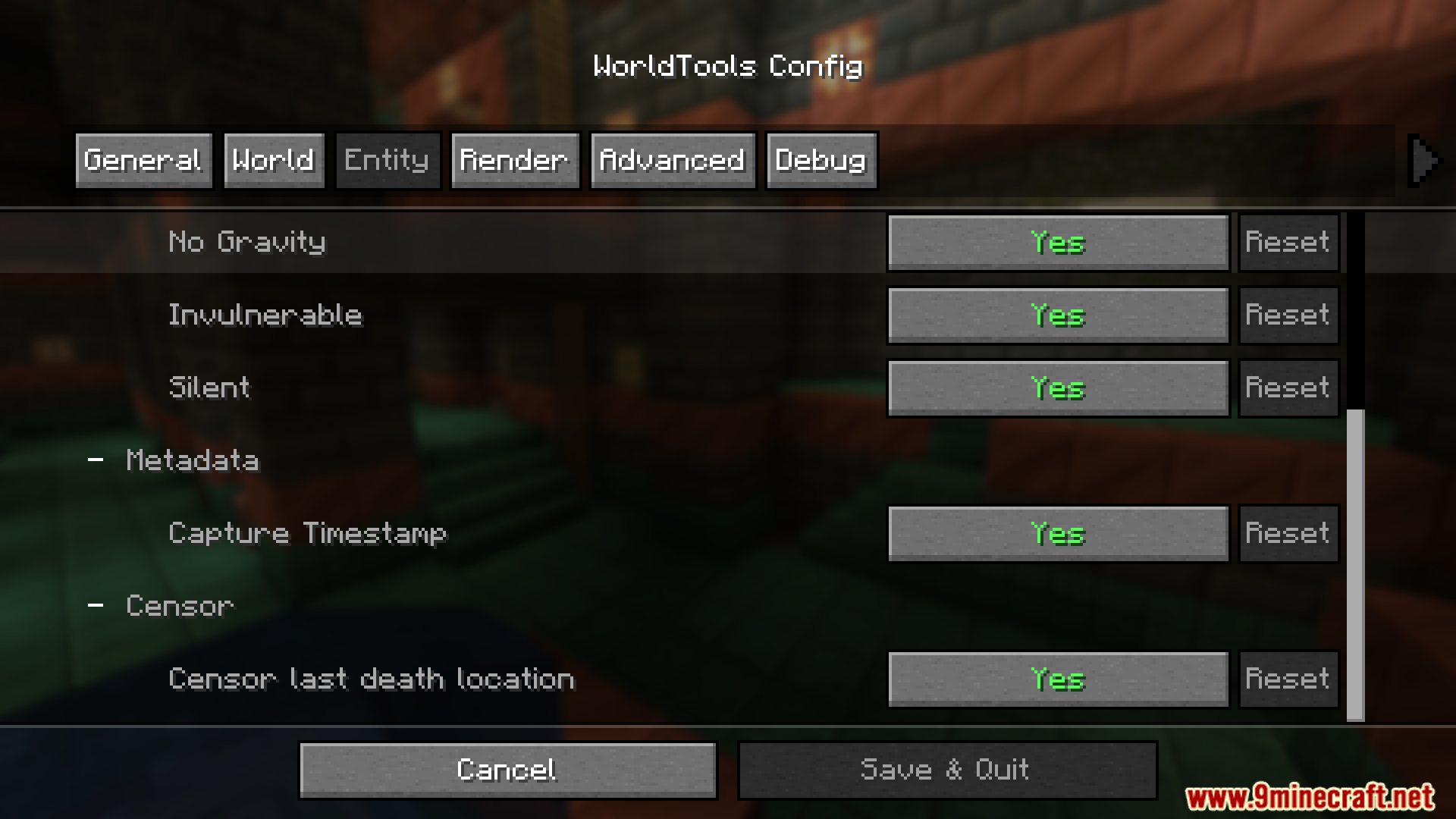
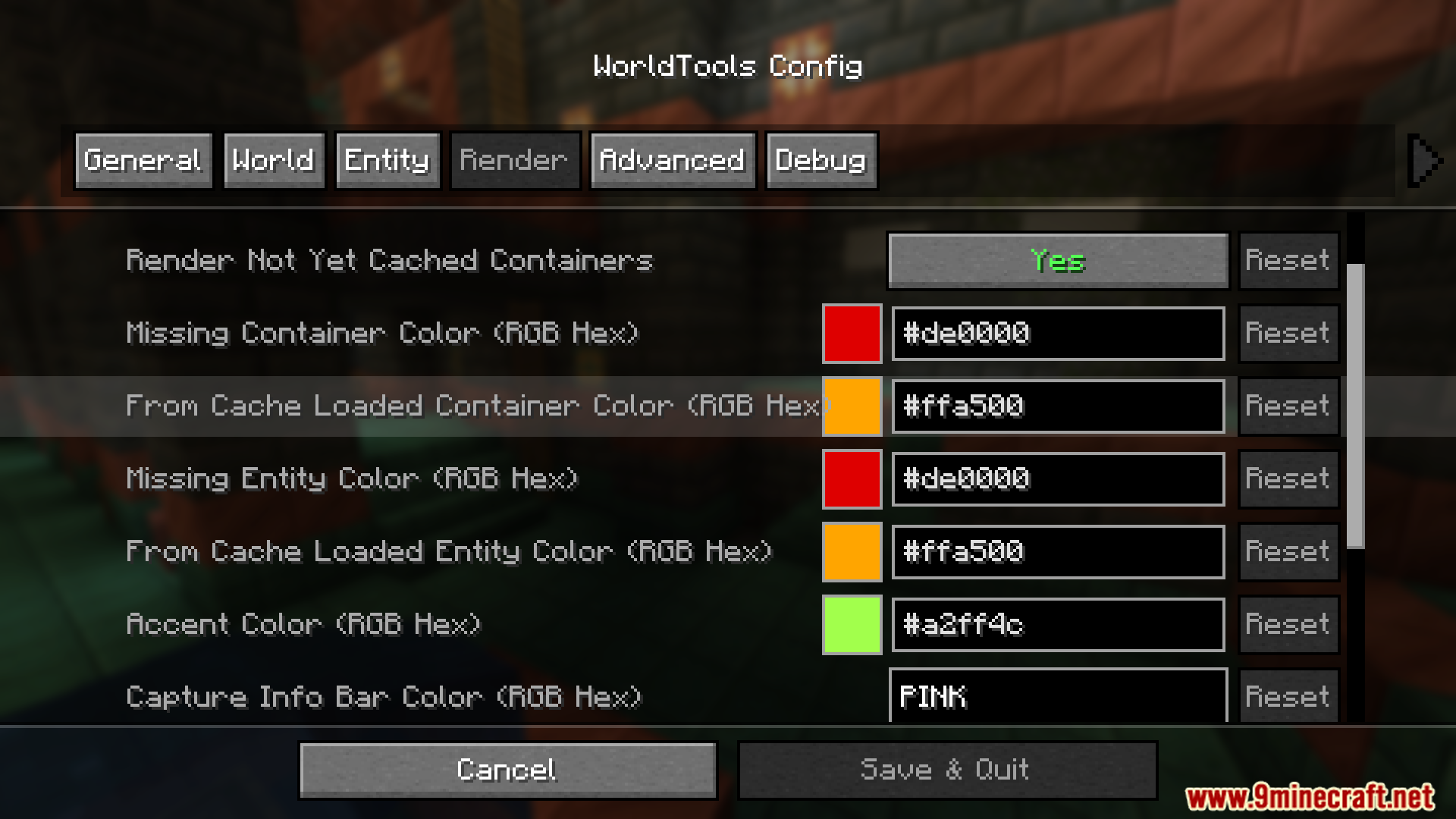
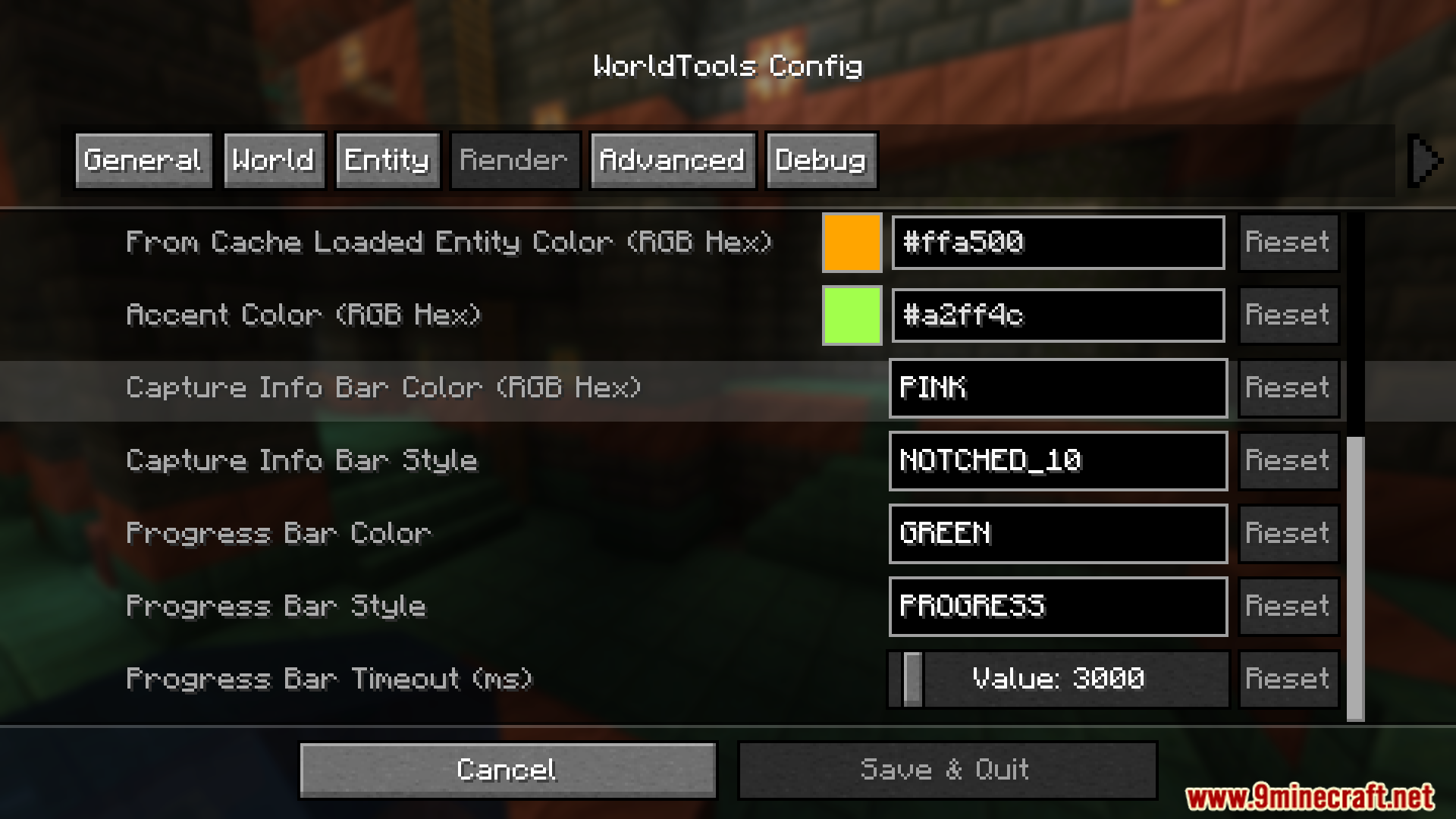
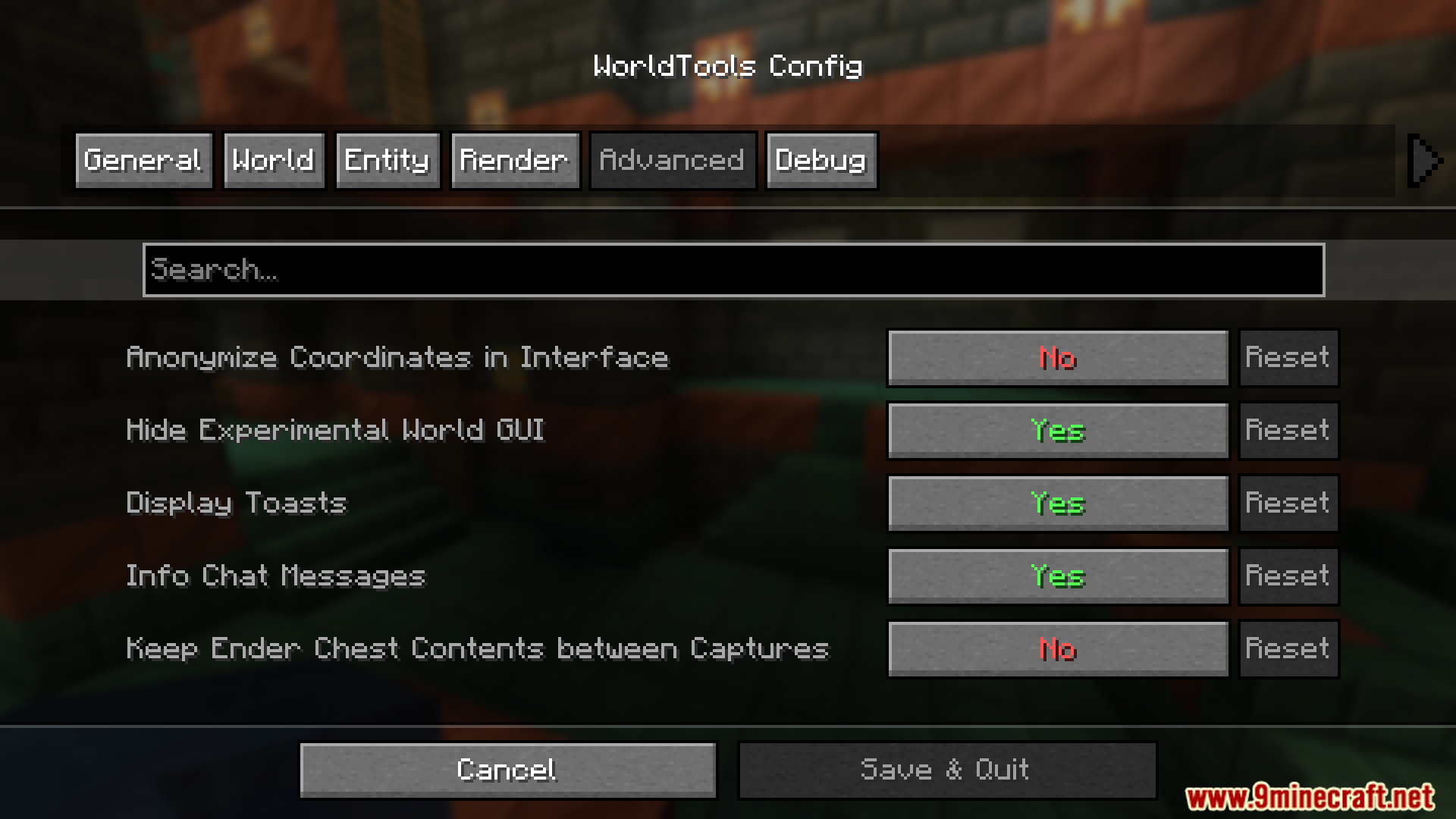
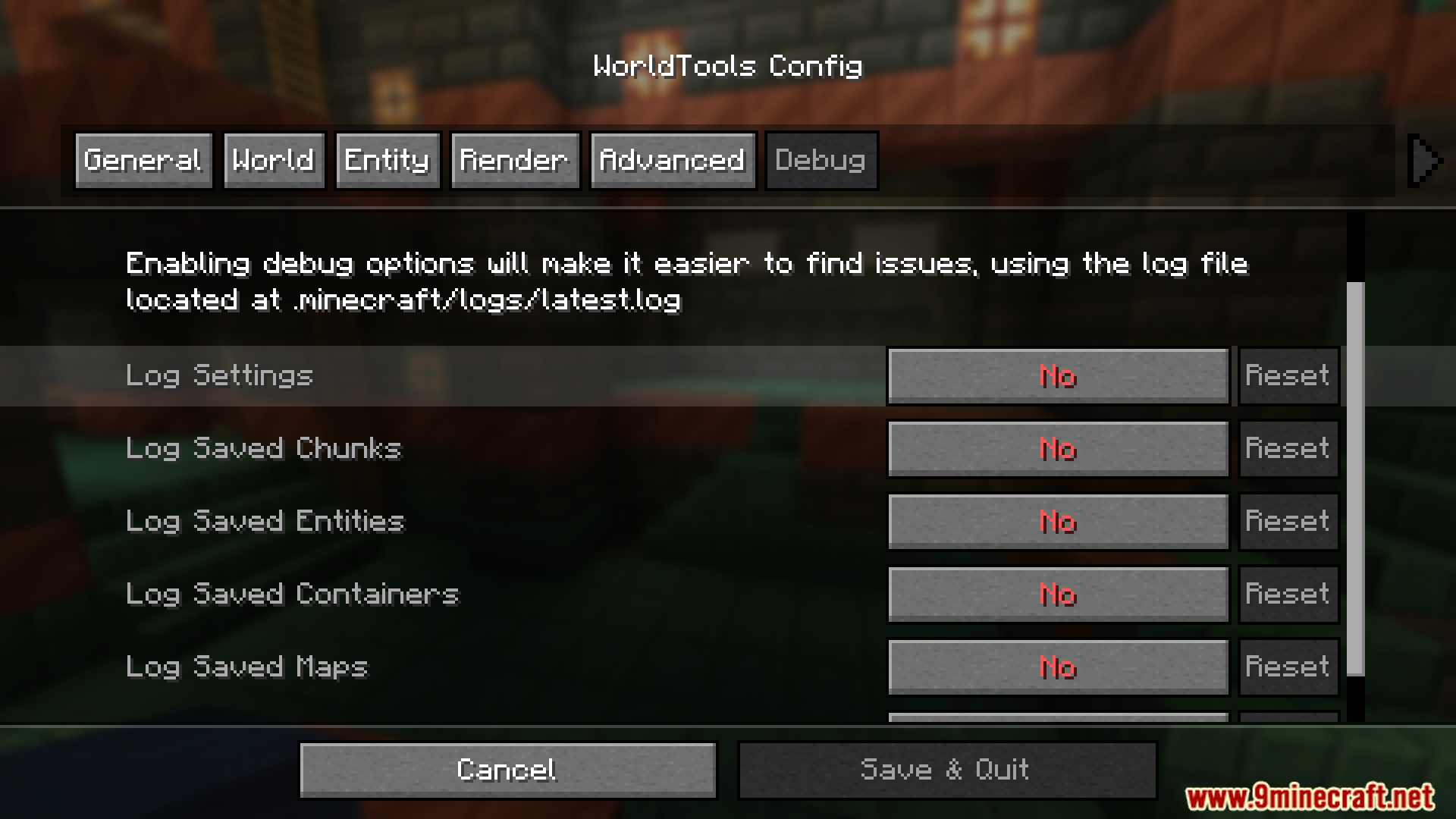
- Provides a graphical user interface and configurable keybinds for easy capture control.
- Places locally captured worlds straight into the single-player worlds list for simple exploration.
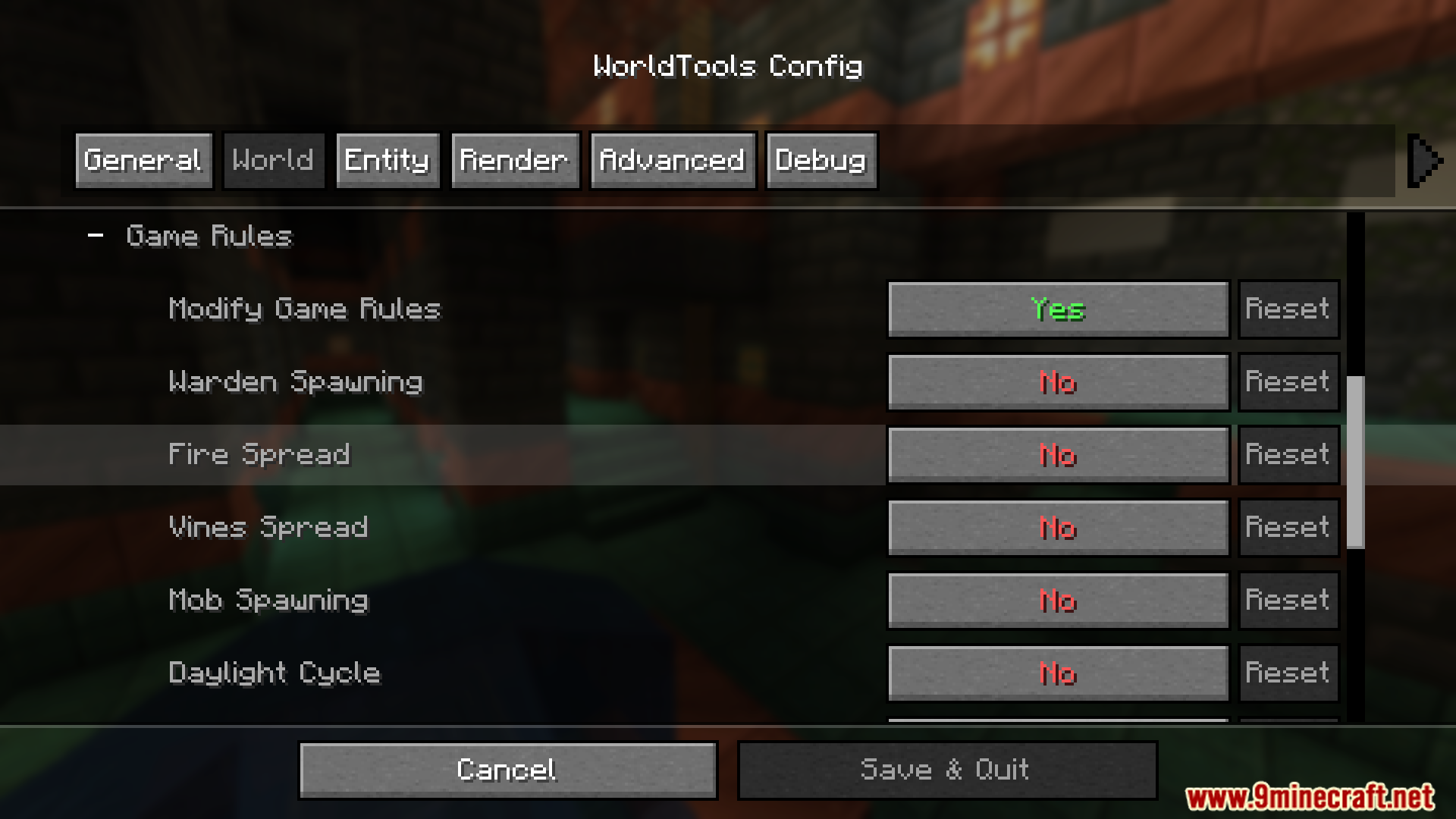
- Offers advanced settings to customize the capture process, alter game rules, and adjust entity NBT data.
Commands:
/worldtools capture: Starts or stops the world capture process.
How to Use:
- Press F12 or use the command to start capturing data.
- Play the game normally and open containers like chests to ensure their contents save properly.
- Press F12 again to stop the capture and save the world data locally.
- Open the single-player worlds list to find and load your downloaded world.
Screenshots:
How to Install:
New to Minecraft? Follow our step-by-step guide to install Mods on your PC.View Guide
Requirements:

Constructor's WorldTools Mod Download Links
For Minecraft 1.21.4
Forge Version: Download from Server 1 – Download from Server 2
Fabric Version: Download from Server 1 – Download from Server 2
For Minecraft 1.21.1, 1.21
Forge Version: Download from Server 1 – Download from Server 2
Fabric Version: Download from Server 1 – Download from Server 2
For Minecraft 1.20.4
Forge Version: Download from Server 1 – Download from Server 2
Fabric Version: Download from Server 1 – Download from Server 2
For Minecraft 1.20.2
Forge Version: Download from Server 1 – Download from Server 2
Fabric Version: Download from Server 1 – Download from Server 2
For Minecraft 1.20.1
Forge Version: Download from Server 1 – Download from Server 2
Fabric Version: Download from Server 1 – Download from Server 2
Where do you primarily download your mods and modpacks from?
79 responses · See the full results →
You May Also Like
Picked for this page
 Just Zoom Mod (26.3, 1.20.1) – Enhance Zoom with Advanced Customization
 ItemPhysic Lite Mod (26.3, 1.20.1) – Enhanced Item Animation
 Productive Trees Mod (26.1.2, 1.20.1) – Forestry Inspired Tree Breeding
 Belgie’s Mo’ Villagers Mod (26.3, 1.20.1) – New Villager Professions
 Simply No Shading Mod (26.2, 1.20.1) – Uniform Brightness Across All Blocks
 Sleep Sooner Mod (26.3, 1.20.1) – Early Sleep Activation
 Animal Info Mod (26.3, 1.21.11) – Quick Stats For Your Animals
 Axolotl Buckets Mod (26.3, 1.20.1) – Show The Color and Age of Axolotls
 Raknetify Mod (1.21.11, 1.20.1) – Improved Network Reliability
 Trident Craft Mod (26.3, 1.20.1) – Craft Tridents With Ease
 Dracolotl Mod (1.21.1, 1.20.1) – Hatch a Battle Pet From the Dragon Egg
 Maid Useful Task Mod (1.21.1, 1.20.1) – Let Maids Automate Your Daily Chores
Most viewed in Mods over the last 7 days
 Ala Industrial Mod (26.3) – Run Electric Power Grids and Automated Factories
 PleasureCraft Mod (26.3, 1.21.1) – Jenny Mod Remake for Fabric
 Jennycraft Mod (26.3, 1.20.1) – Virtual Girlfriend in Minecraft
 Fapcraft Mod (26.3, 1.12.2) – Comprehensive and Detailed Content
 Jenny Mod (Fapcraft) Official Complete Guide – How to use, Tutorial
 BangCraft Mod (1.20.1) – Jenny, Ellie and Elliot
 Fabric Loader (26.3, 1.20.1) – Fabric Installer for All Minecraft Versions
 Meteor Client Mod (26.3, 1.20.1) – Xray, HUD, Fly
 The Shooting Star Demo Mod (26.3, 1.20.1) – Vaporize Terrain From Orbit
 OptiFine HD (26.3, 1.20.1) – Run Faster, FPS Boost, Shaders Support
 Aristois Client Mod (1.21.4, 1.20.1) – World Class Minecraft Utility
 SchnurriTV Mod (1.12.2) – Characters and Features
More from Mods
 MesdagPortLib Mod (1.20.1) – Run Modern Minecraft Mechanics on Older Versions
 Hellion’s API Mod (1.21.11, 1.21.1) – Play Hellion Series Addons Without Crashes
 Terrestria Mod (26.3, 1.20.1) – Highly Detailed Biomes
 Tre’s Tack Library Mod (1.20.1) – Outfit Your Horses with Fully Detailed Tack
 YDM’s coreX Library Mod (1.20.1) – Loot RPG Gear with Random Names
 Gunpowder Recipe Mod (26.3, 1.20.1) – Gunpowder is Craftable
 Villager Timetable Mod (26.3, 1.20.1) – Master Villager Schedules
 Artemis Laboratory Blocks Mod (26.3, 1.20.1) – Lab Blocks And Dynamic Decorations
 Fabric ORM Jimmer Mod (26.3, 1.20.1) – Prevent Sudden Server Crashes
 Cafe Core Mod (26.2, 1.21.1) – Bypass Anvil Limits and Tame Pets in Seconds
 GTNH’s Forgelin Mod (1.7.10) – Play Kotlin-Powered Mods on Minecraft 1.7.10
 Nodeflow Mod (26.1.2, 1.21.1) – Wire Custom Redstone Logic on Visual Graph

This post has no comments yet. Be the first — your comment will appear here.