
Cobblemon UI Tweaks Mod (1.21.1, 1.20.1) – Manage Stored Pokemon in Seconds

 0


Cobblemon UI Tweaks Mod improves the menus and windows in Cobblemon with helpful quality-of-life changes. It makes Pokemon storage boxes in PCs and pastures quicker to browse, and it lets you adjust the battle message window on your screen. This mod runs on the client side to keep your menus simple and smooth to use.
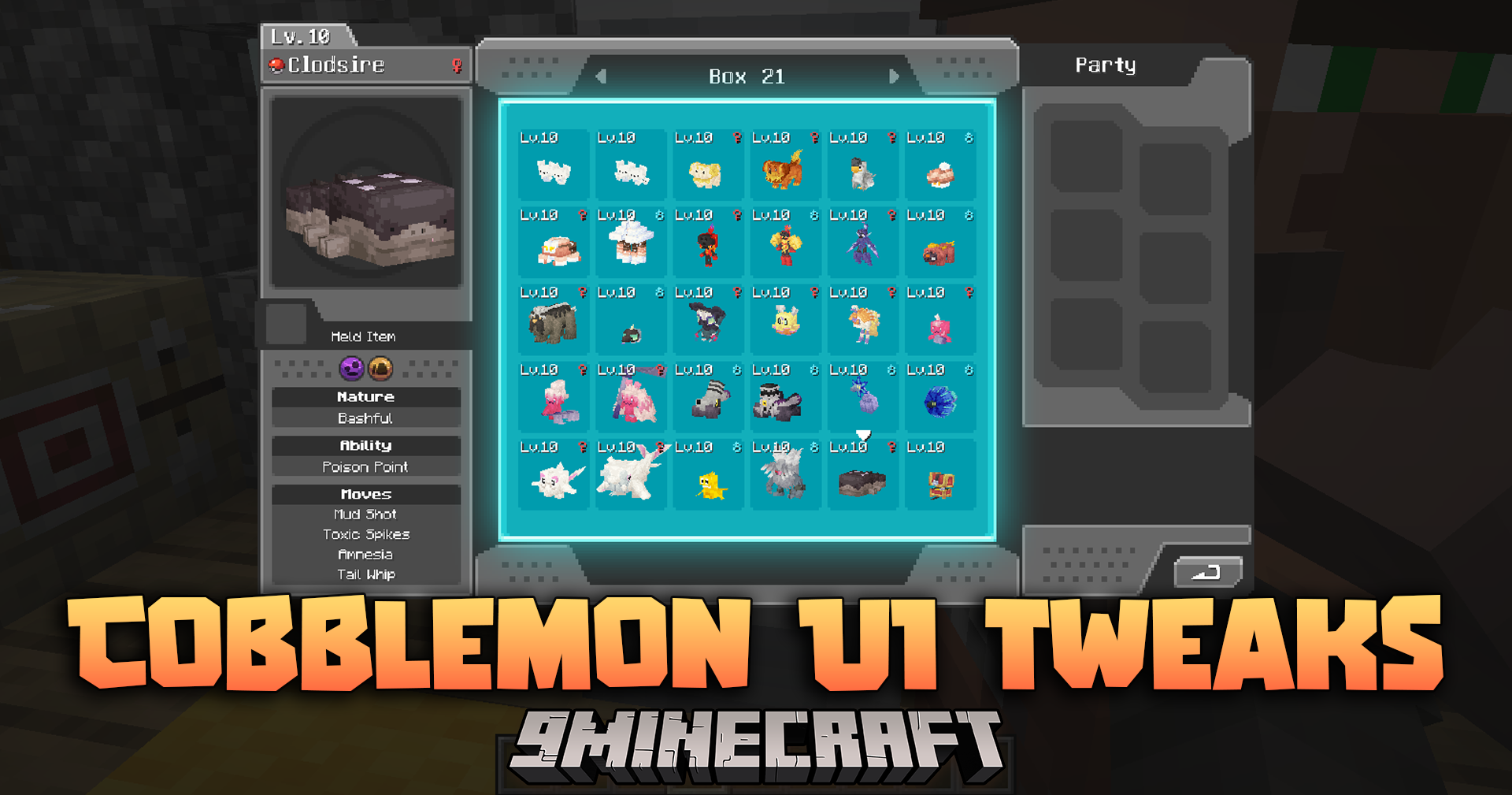
Features:
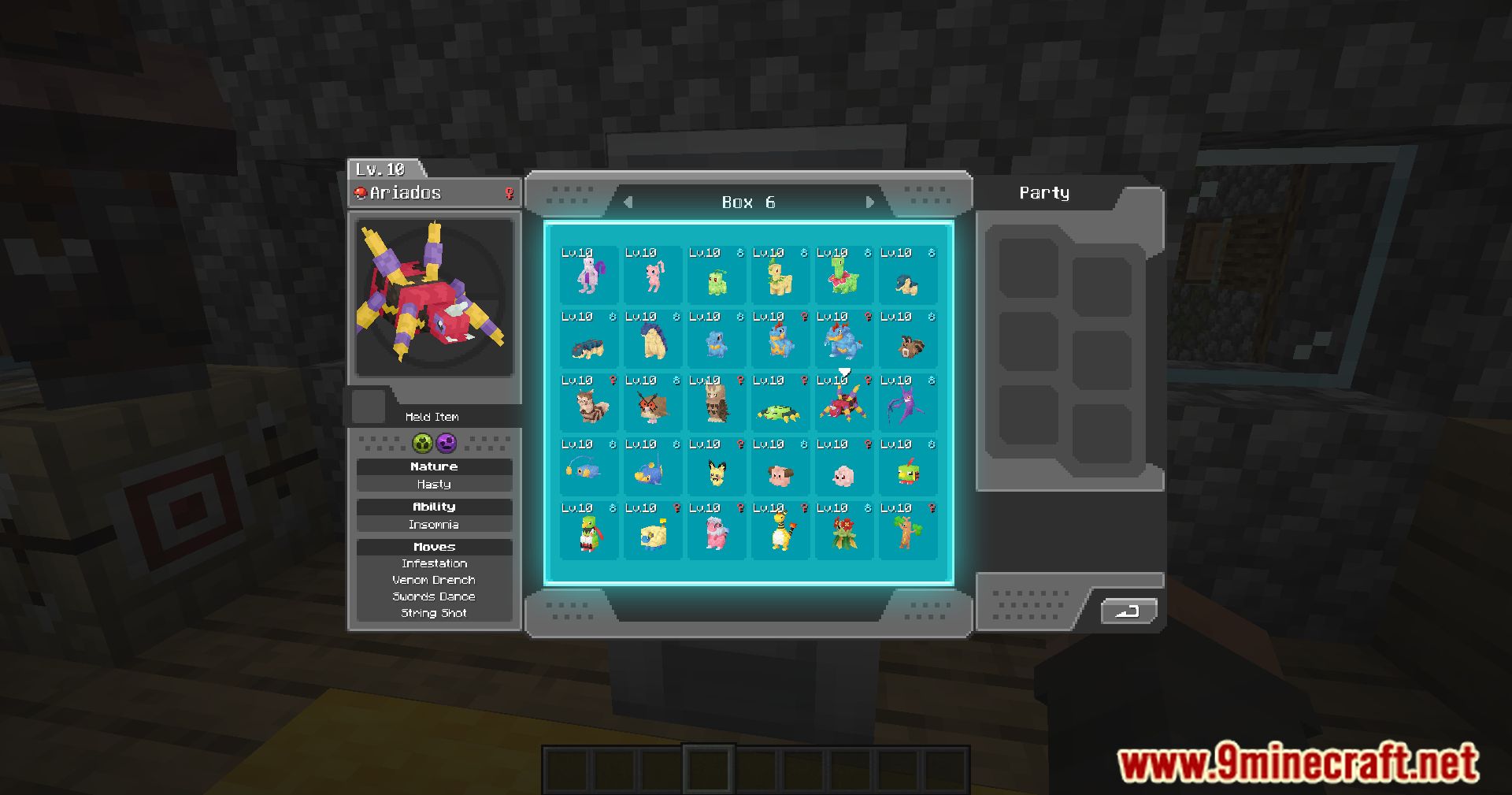
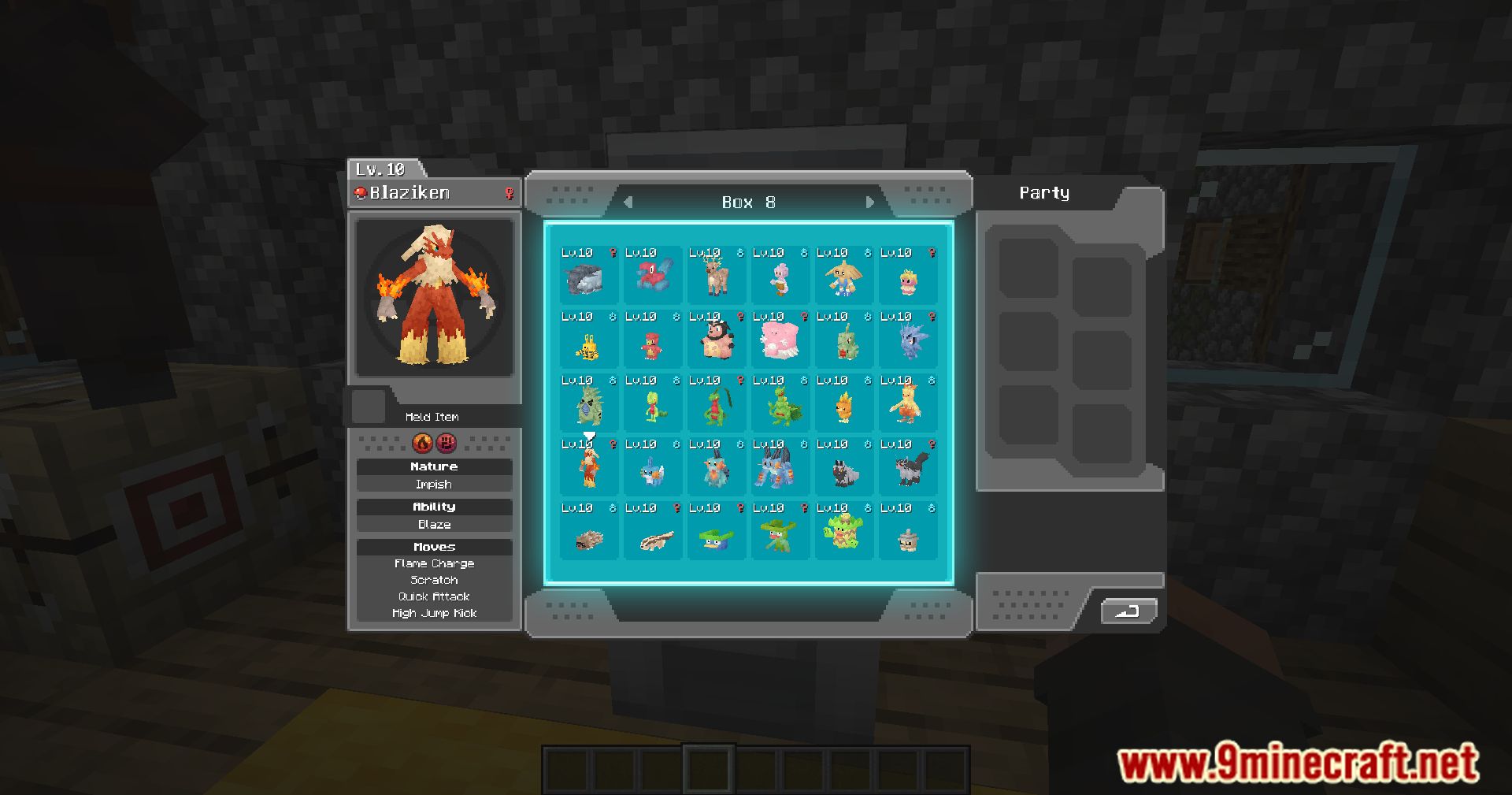
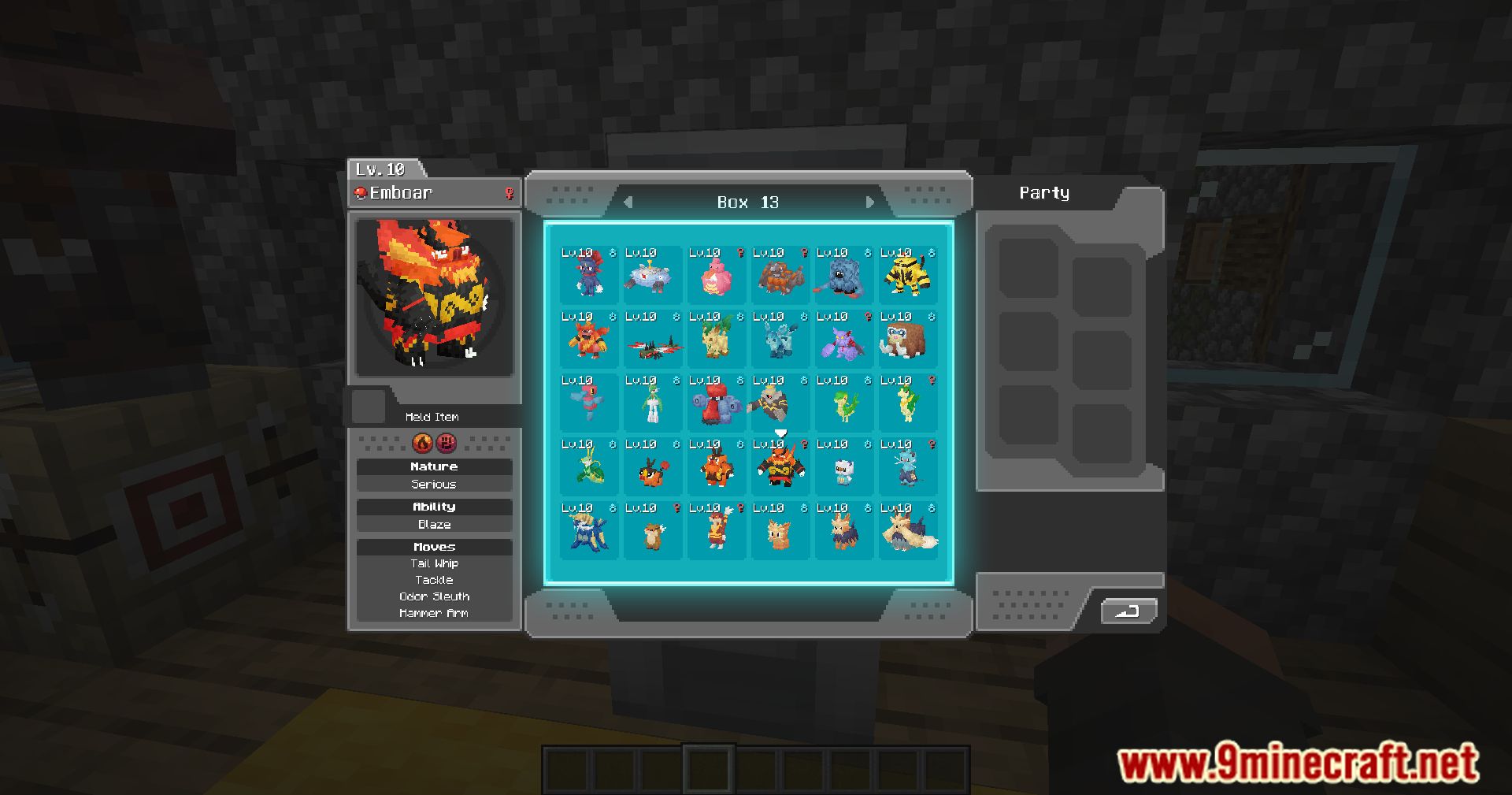
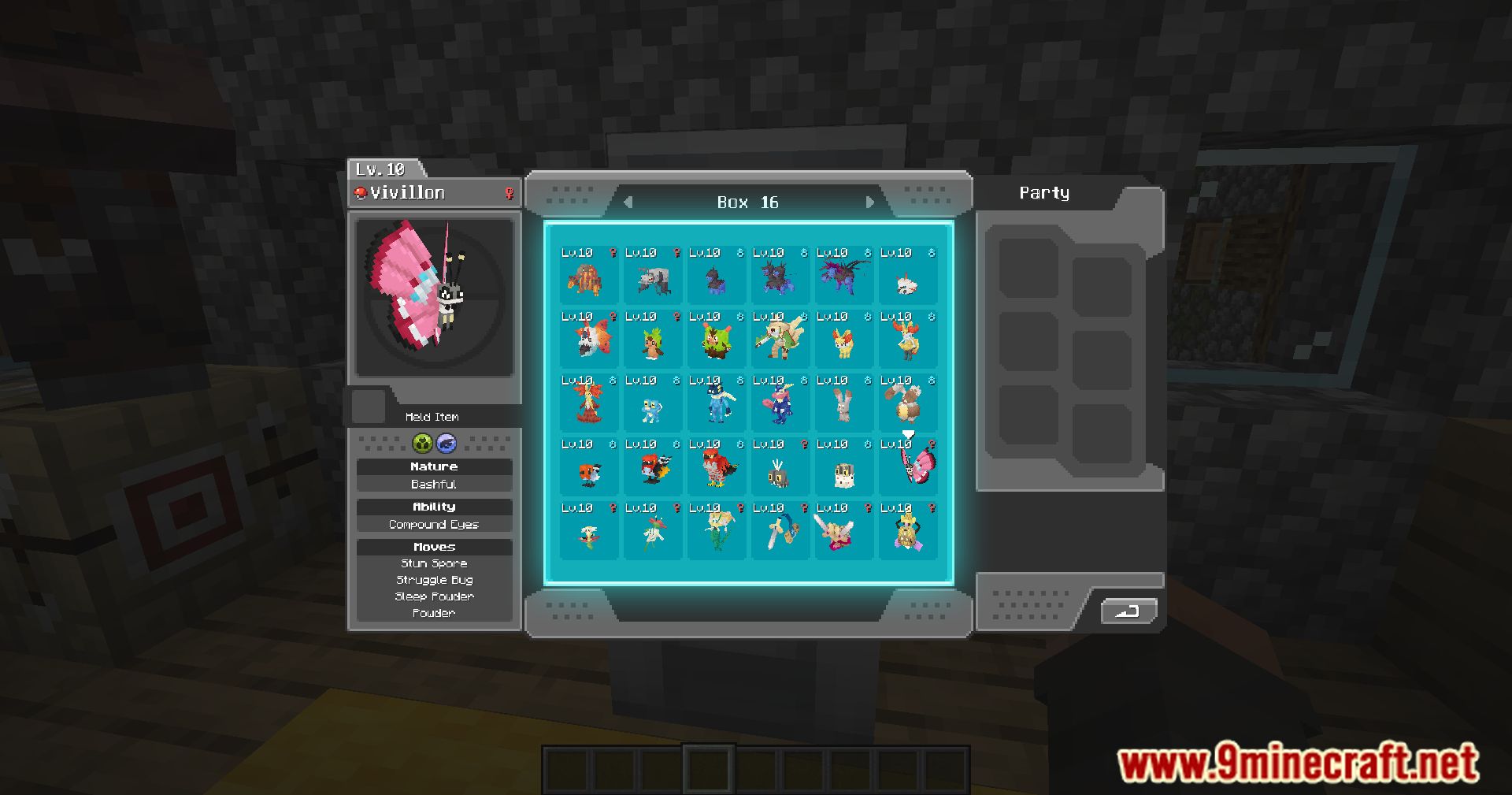
- Opens a Pokemon’s summary screen when you hover over it in a PC or pasture and press the summary keybind.
- Remembers the last box you viewed in a PC or pasture and opens that same box when you re-open it.
- Lets you scroll inside a PC or pasture to move directly to the next box.
- Allows you to move the battle message window by dragging its top part.
- Adjusts the width and height of the battle message window when you drag its bottom right corner.
How to Use:
- Open a PC or pasture in Cobblemon; it automatically opens to the last storage box you viewed.
- Hover your cursor over any Pokemon in a PC or pasture and press the summary keybind to open its summary screen.
- Scroll while inside a PC or pasture to move directly to the next box.
- Click and drag the top of the battle message window to move it to a new spot on your screen.
- Click and drag the bottom right corner of the battle message window to adjust its width and height.
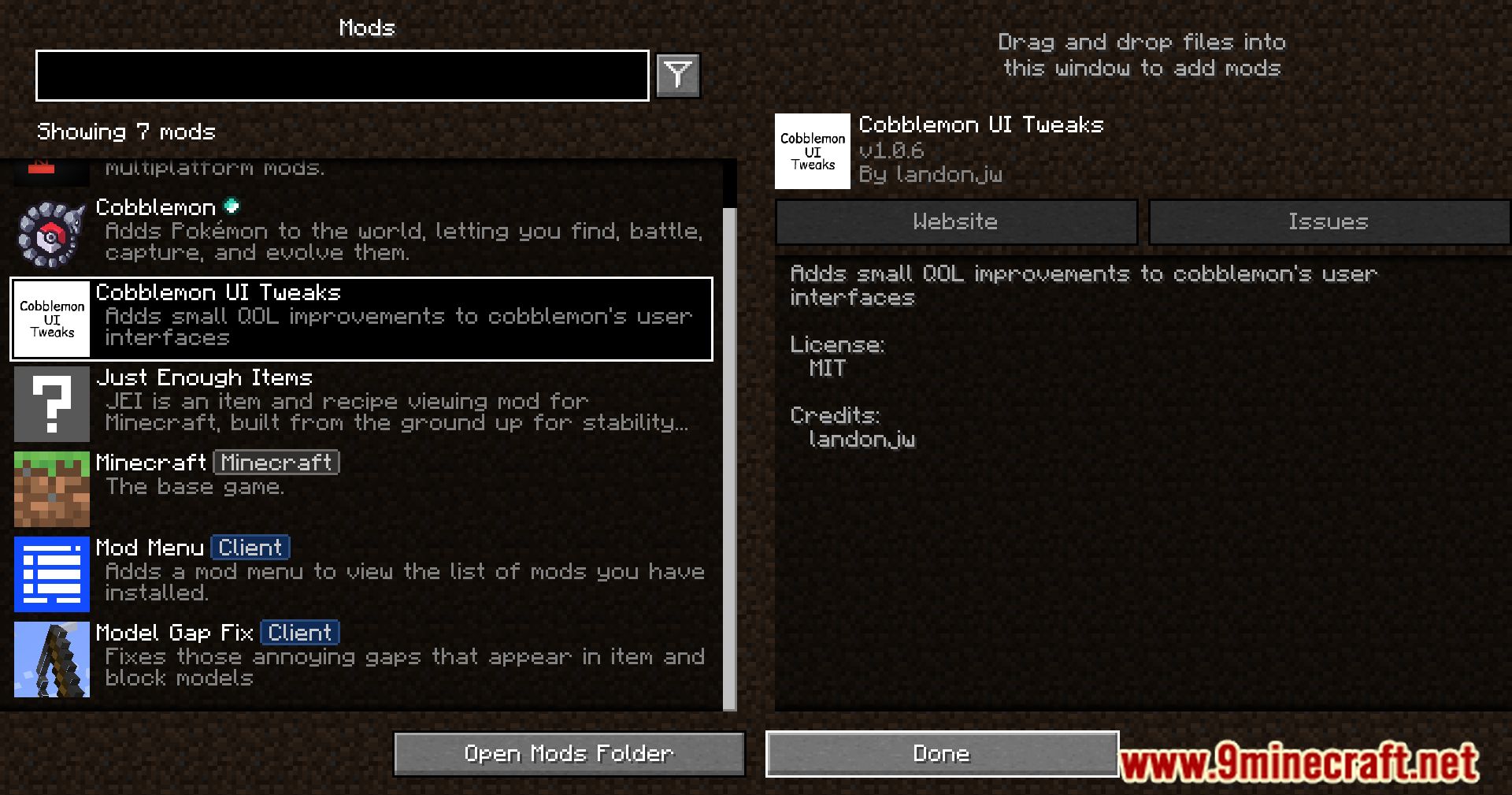
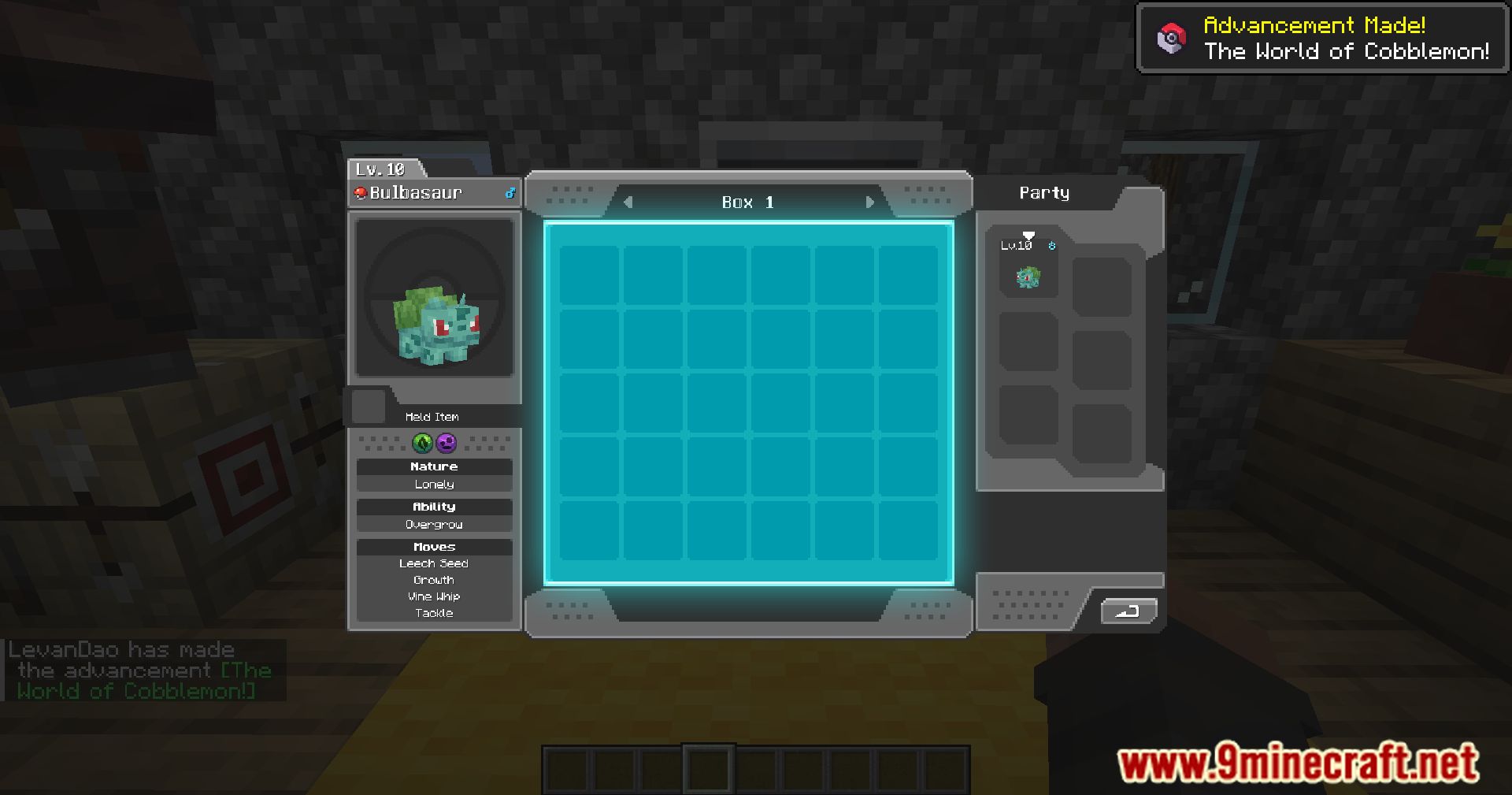
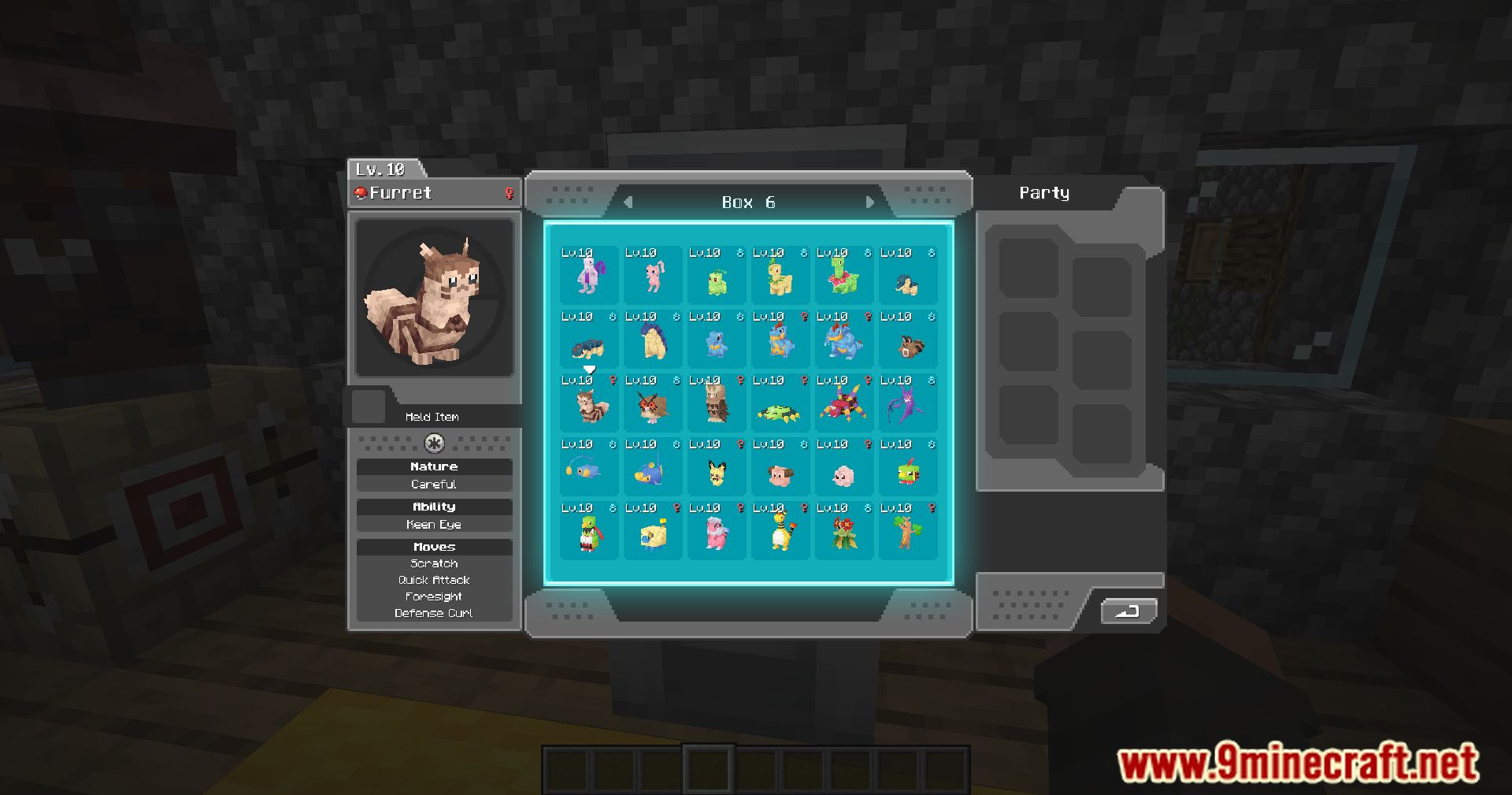
Screenshots:
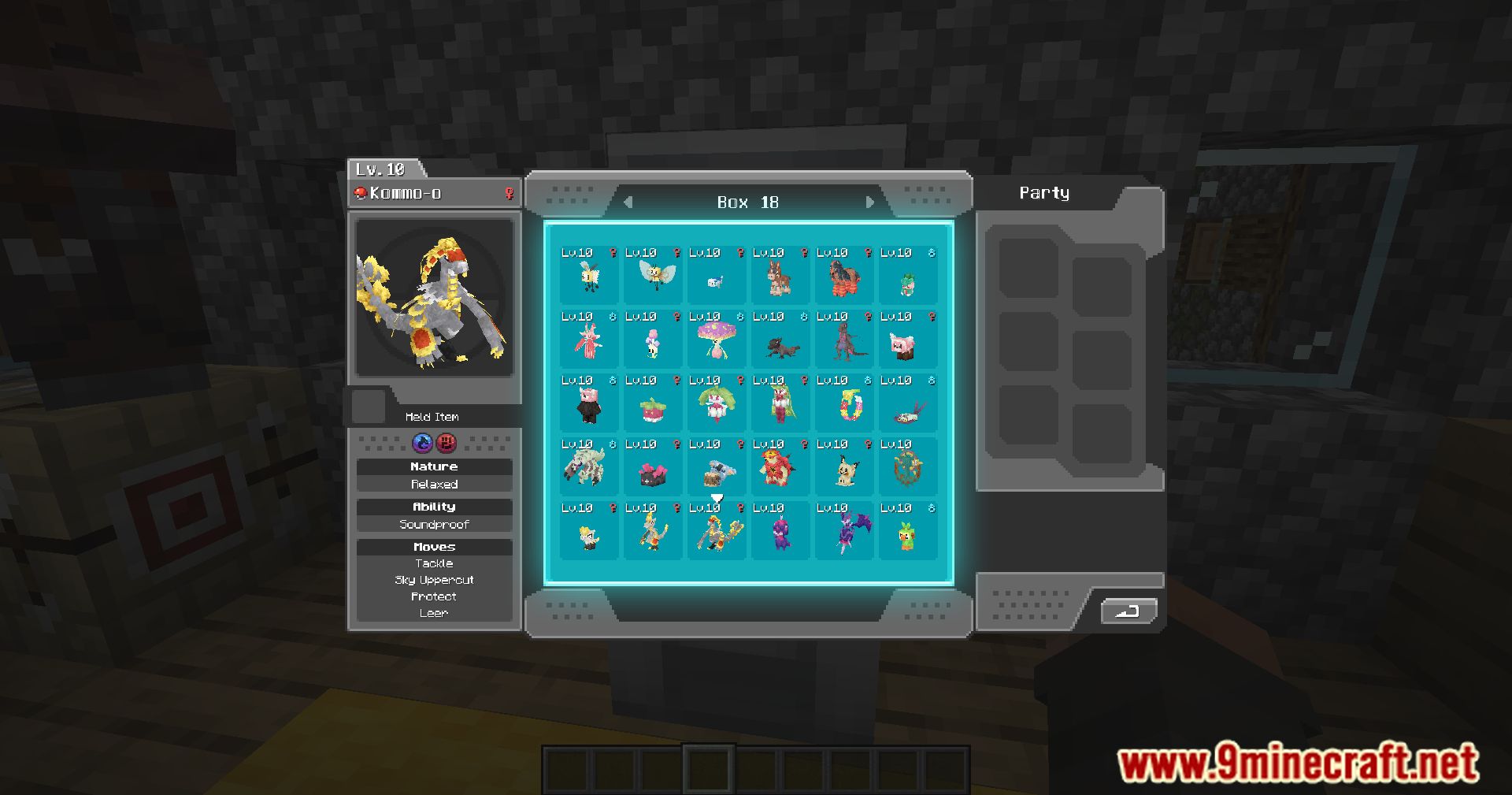
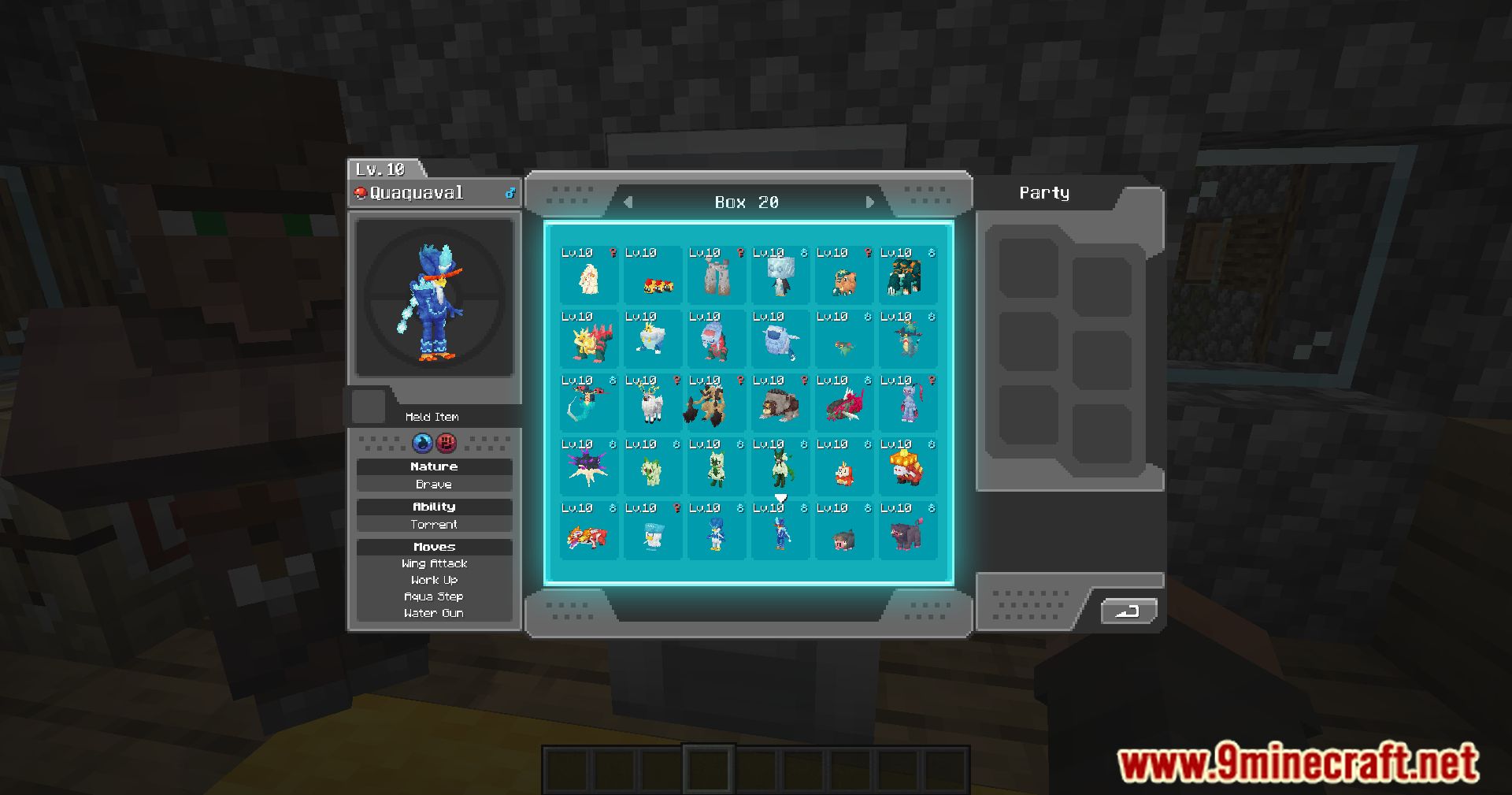
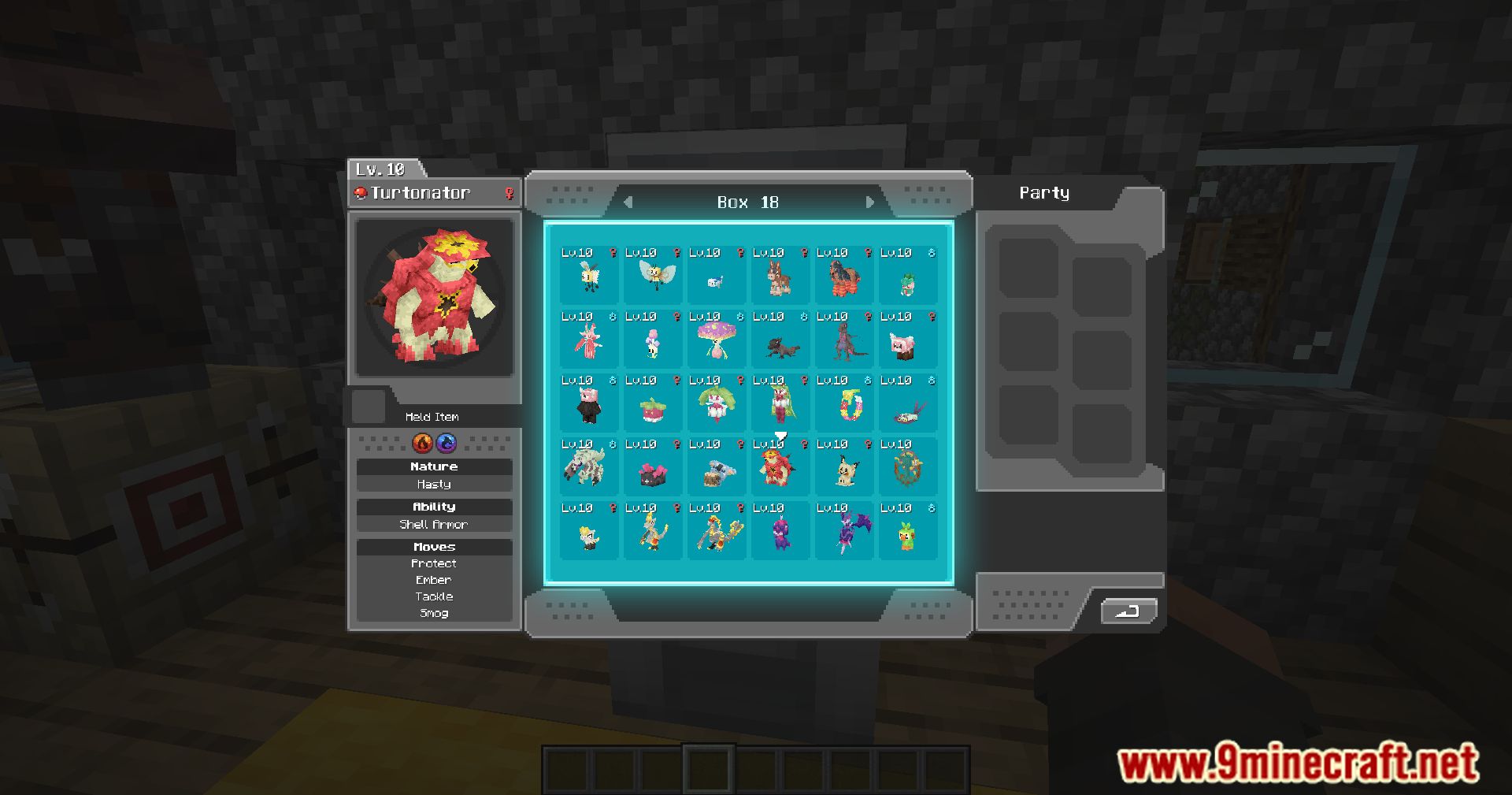
How to Install:
New to Minecraft? Follow our step-by-step guide to install Mods on your PC.View Guide


Cobblemon UI Tweaks Mod Download Links
For Minecraft 1.21.1, 1.21
Fabric version: Download from Server 1 – Download from Server 2
For Minecraft 1.20.6, 1.20.4, 1.20.2
Fabric version: Download from Server 1 – Download from Server 2
For Minecraft 1.20.1, 1.20
Fabric version: Download from Server 1 – Download from Server 2
Click to rate this post!
[Total: 5 Average: 4.4]
You May Also Like
Picked for this page
 XRay Mod (26.2, 1.20.1) – Fullbright, Cave Finder, Fly
 Awesome Dungeon Ocean Mod (26.2, 1.20.1) – Underwater Dungeons & Temples
 Simple HUD Enhanced Mod (26.3, 1.20.1) – Take Control of Your HUD
 Waddles Mod (26.3, 1.20.1) – Make Icy Biomes Feel Alive
 Tons Of Enchants Mod (1.21.1, 1.20.1) – Adds Tons More Enchantments To The Game
 Flower Patch Mod (26.3, 1.20.1) – Bunch Together Flowers into A Single Blockspace
 DarkMenu Mod (26.3, 1.20.1) – Changes The Menu Background
 Item Restrictions Mod (26.2, 1.20.1) – Enforcing Fair Play
 Legacy Bows Mod (26.2, 1.20.1) – Restores the Rapid-fire Capability
 Russian Metro Addon Mod (1.20.4, 1.20.1) – Build Authentic Russian Metro
 Public Ender Chest Mod (1.21.11, 1.21) – Public Inventory
 Isle of Berk Variant Loader Mod (1.18.2) – Create and Customize Dragon Variants
Most viewed in Mods over the last 7 days
 Ala Industrial Mod (26.3) – Run Electric Power Grids and Automated Factories
 PleasureCraft Mod (26.3, 1.21.1) – Jenny Mod Remake for Fabric
 Jennycraft Mod (26.3, 1.20.1) – Virtual Girlfriend in Minecraft
 Fapcraft Mod (26.3, 1.12.2) – Comprehensive and Detailed Content
 Jenny Mod (Fapcraft) Official Complete Guide – How to use, Tutorial
 BangCraft Mod (1.20.1) – Jenny, Ellie and Elliot
 Fabric Loader (26.3, 1.20.1) – Fabric Installer for All Minecraft Versions
 The Shooting Star Demo Mod (26.3, 1.20.1) – Vaporize Terrain From Orbit
 Meteor Client Mod (26.3, 1.20.1) – Xray, HUD, Fly
 OptiFine HD (26.3, 1.20.1) – Run Faster, FPS Boost, Shaders Support
 Aristois Client Mod (1.21.4, 1.20.1) – World Class Minecraft Utility
 Prestige Client Mod (1.21.11, 1.21.4) – Powerful Ghost Features for Crystal & Sword PvP
More from Mods
 Happy Ghasts Boost Mod (26.1.2, 1.20.1) – Fly Across Vast Distances at Top Speed
 LiquidBounce Client Mod (26.3, 1.20.1) – LiquidLauncher, A Free Client
 Create Hand Made Mod (1.21.1) – Craft Create Recipes By Hand in Your Workshop
 Seed Map for Xaero Mod (26.1) – See Rare Biomes and Dungeons Before You Travel
 MCPersist Mod (26.3) – Keep Your World Online for Friends Even After Logging Off
 Minecraft Java MCP Server Mod (1.21.11) – Command Your World Through External AI Tools
 Arcanism Mod (26.2) – Build Magic Factories and Program Custom Spells
 Archangel Client Mod (1.21.11) – Master Every PvP Duel with Clean Screen Stats
 Block Front Survival Patch Mod (1.21.1) – Wage Tactical Warfare in Survival
 Better Enchantment Bookshelf Placement Mod (26.2, 1.20.1)
 SimpleRPGCore Mod (1.21.4, 1.21.1) – Fight with Classic RPG Stats
 Bard RPG Series Plus by Fichte Mod (1.21.1, 1.20.1) – Buff Allies in Combat

This post has no comments yet. Be the first — your comment will appear here.