
000.jar Mod (1.20.1, 1.19.4) – Escape an Entity Haunting Your World

 0


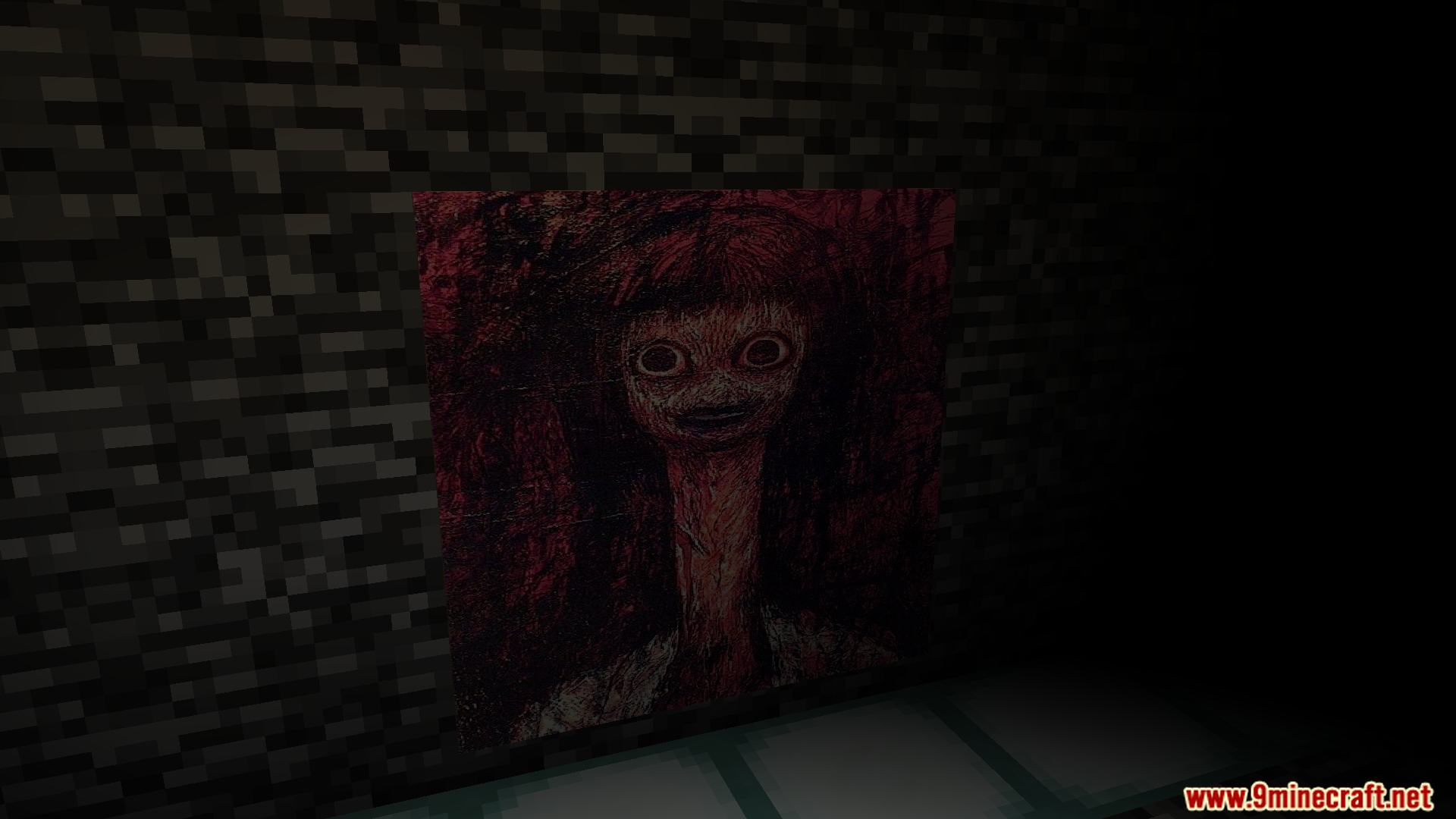
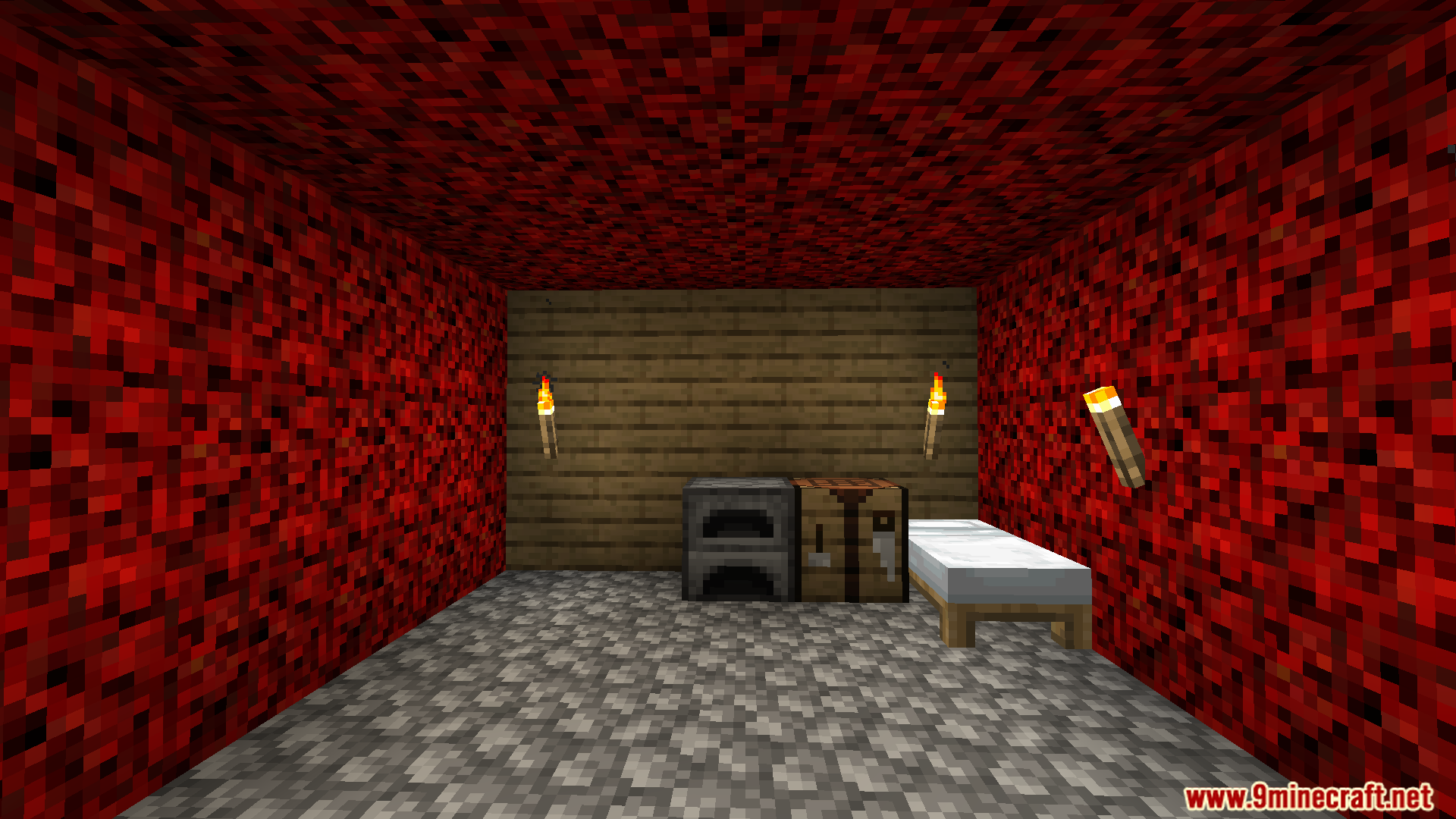
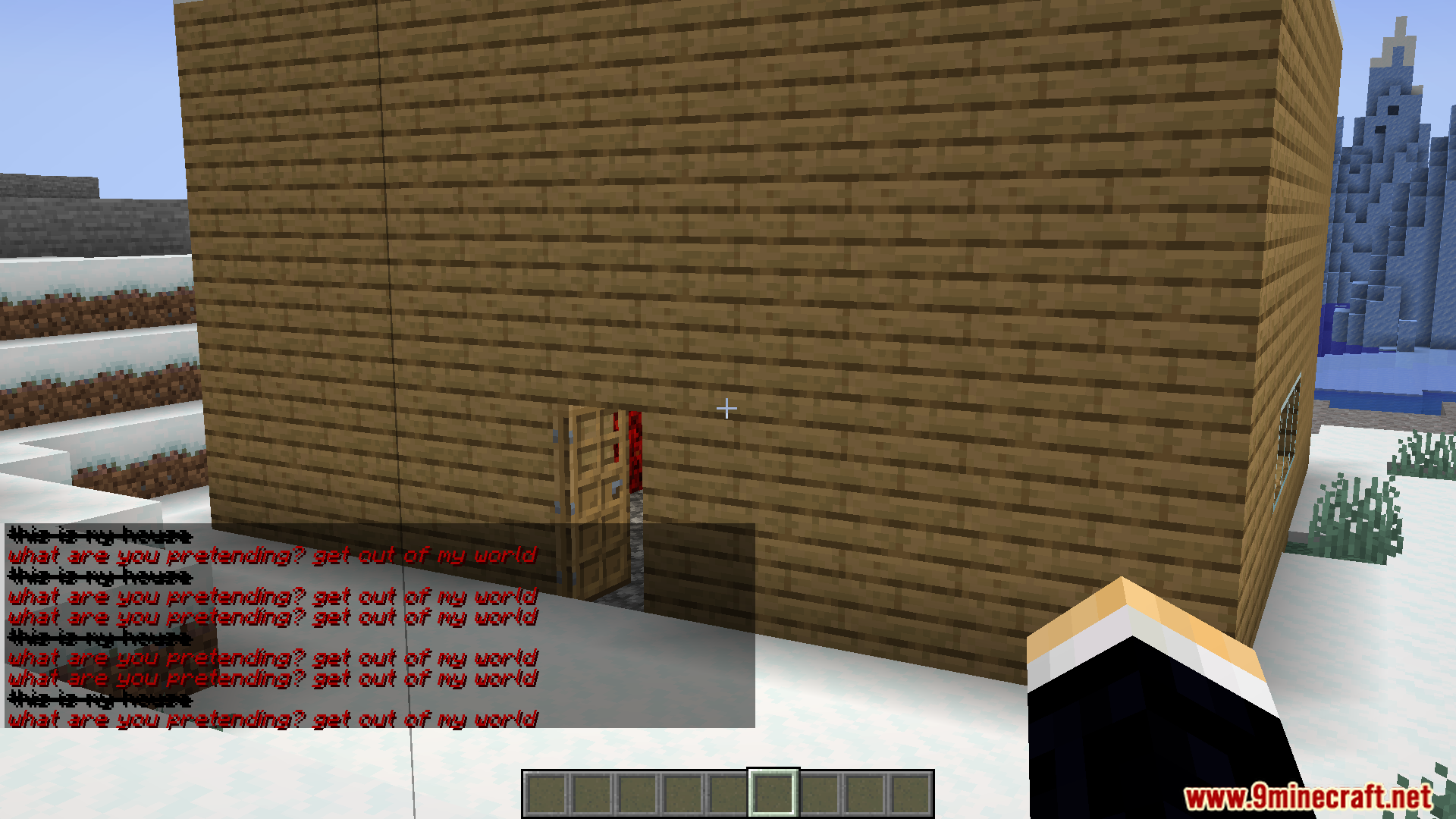
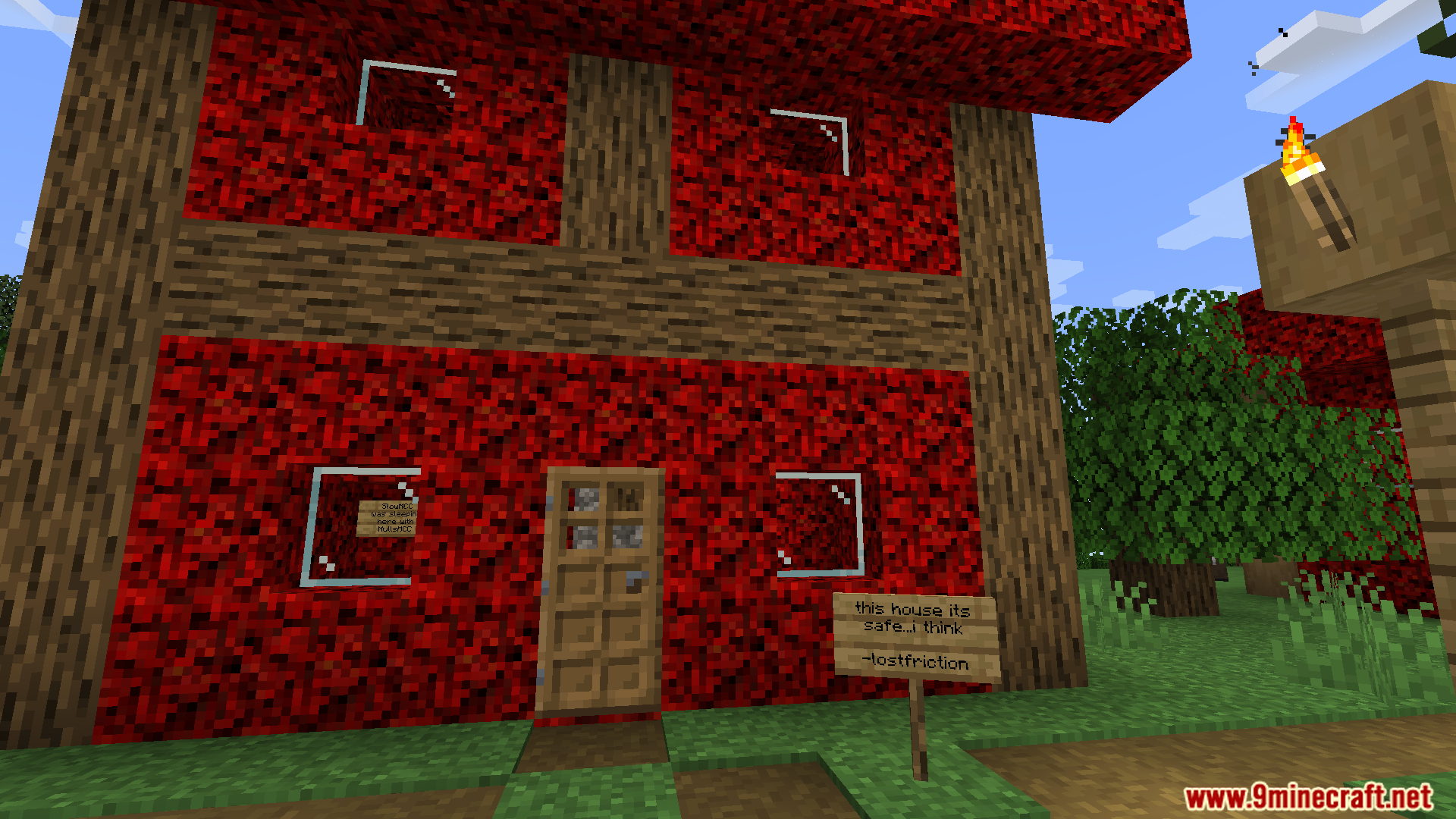
000.jar Mod brings a corrupt horror mob into your Minecraft world with an ARG-style mystery. Instead of random jump scares or mobs that chase you like typical Dwellers, this mod builds a quiet, creepy mood like old versions of Minecraft. Random environmental and psychological surprises happen as you explore, and you choose whether to move forward while you hide from a mob that tries to kick you out of your game. It works in both singleplayer worlds and multiplayer servers, lets you change or reset its settings at any time, and needs GeckoLib and Configured to run properly.

Features:
- Corrupt Horror Mob: Adds an unpredictable corrupt mob that invades your world and tries to kick you out of your own game.
- Psychological Horror Style: Focuses on quiet environmental suspense instead of random jump scares or Dweller-style mobs that chase you.
- Random Configurable Events: Triggers completely random surprises while you explore, and lets you change or reset the settings to fit your taste.
- Brings back the eerie mood of old Minecraft versions, giving you the feeling that something is wrong without constantly bothering you.
- Lets you play at your own pace and choose whether to move forward or stay safe.
- Works in both singleplayer worlds and multiplayer servers with almost no bugs or errors.
- Pairs well with Minecraft Alpha or Beta textures and sounds, as well as classic mods like Herobrine, for a more tense atmosphere.
- Uses GeckoLib for animations and Configured for the in-game settings menu.
- Removes safely at any time without corrupting or harming your world save.
How to Use:
- Start a singleplayer world for the recommended experience, or join a multiplayer server that runs this mod.
- Add Minecraft Alpha or Beta textures and sounds, or pair this mod with classic horror mods like Herobrine, if you want a tenser atmosphere.
- Explore your world patiently and watch your surroundings so you can notice strange surprises and choose when to move forward.
- Hide, wait, and stay away from the corrupt mob instead of going to look for it, because searching for it makes things worse as it tries to kick you out of your game.
- Open the config menu through the Configured mod whenever you want to change the default settings to fit your taste or reset them back to normal.
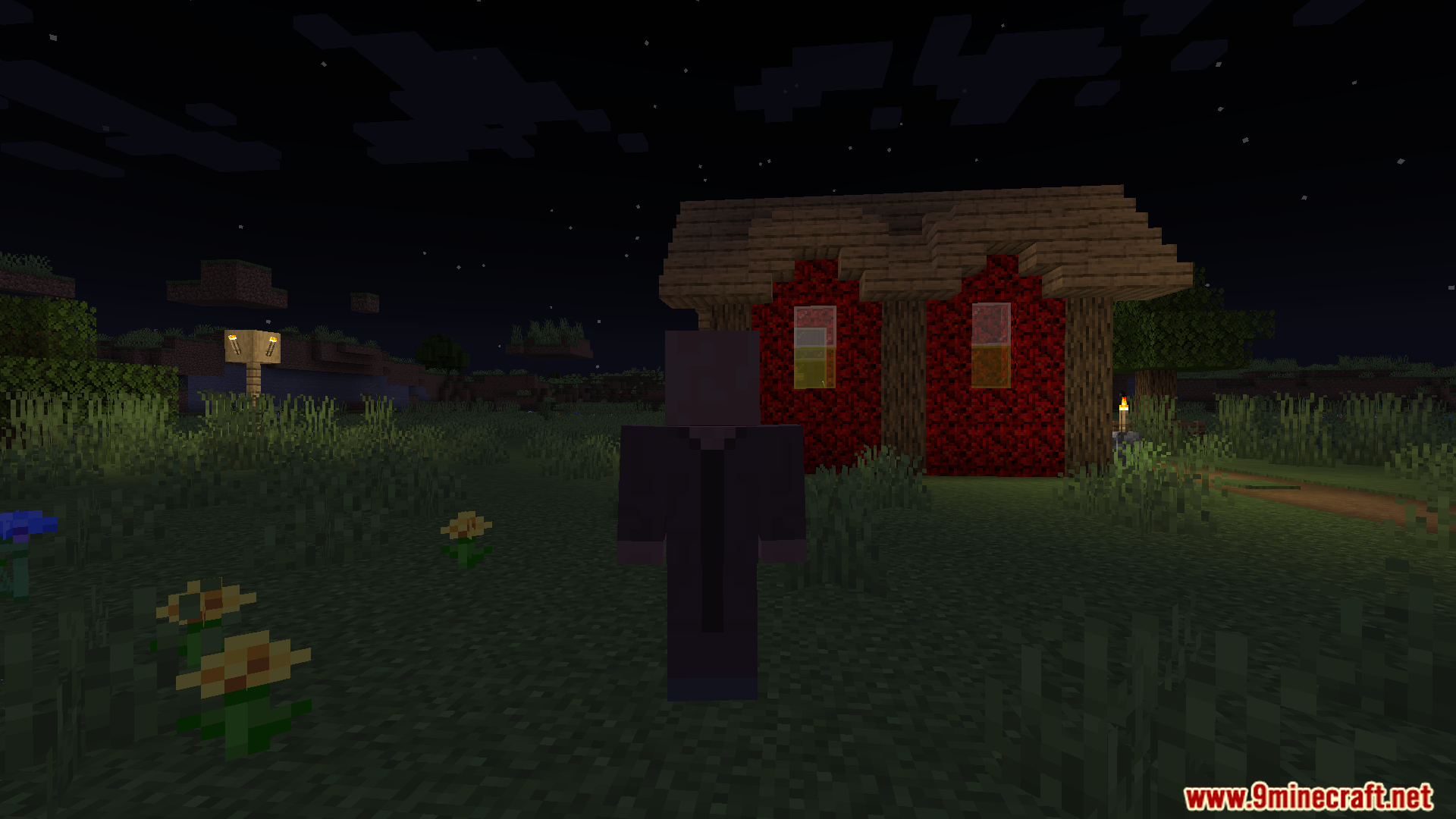
Screenshots:
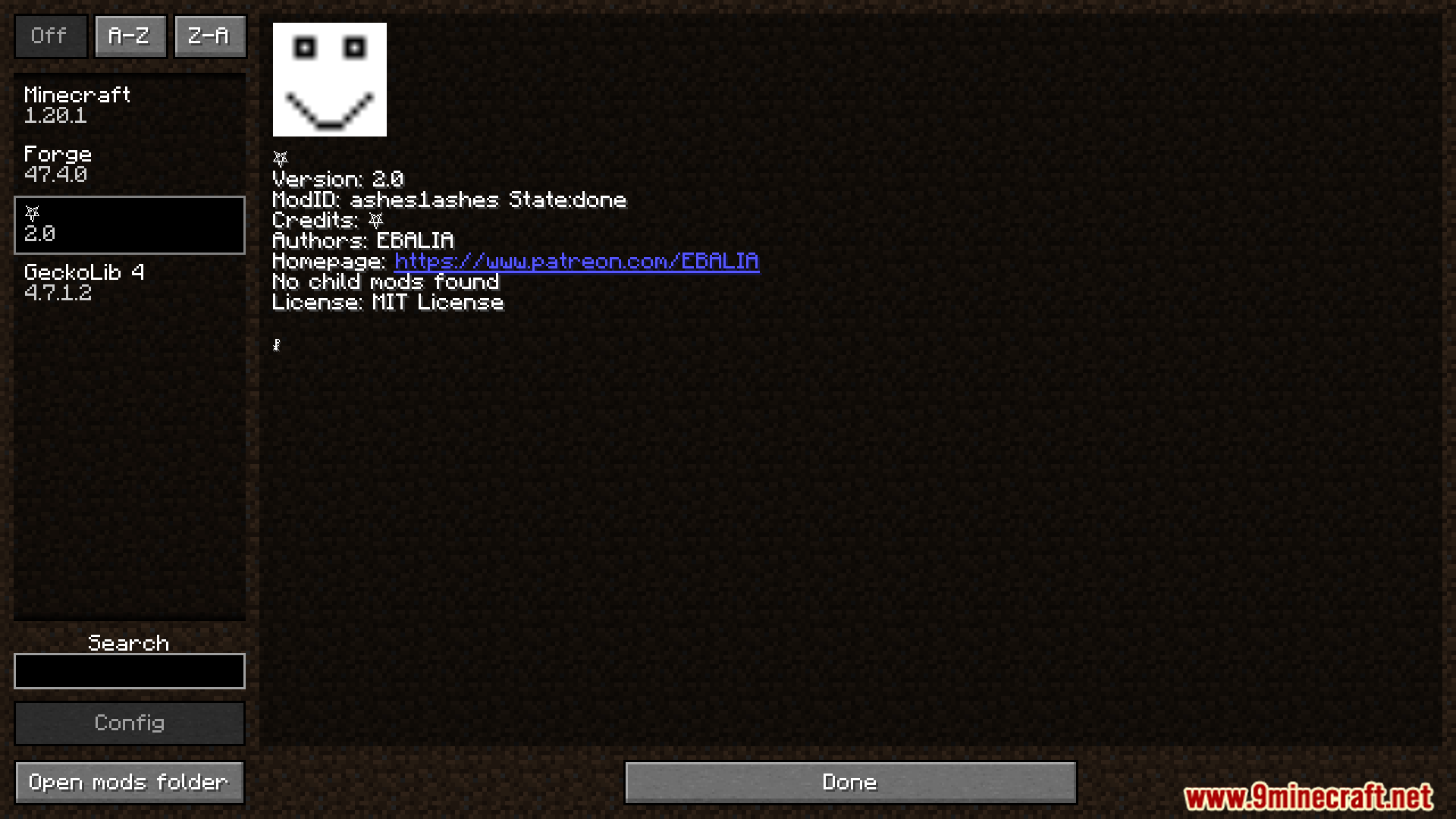
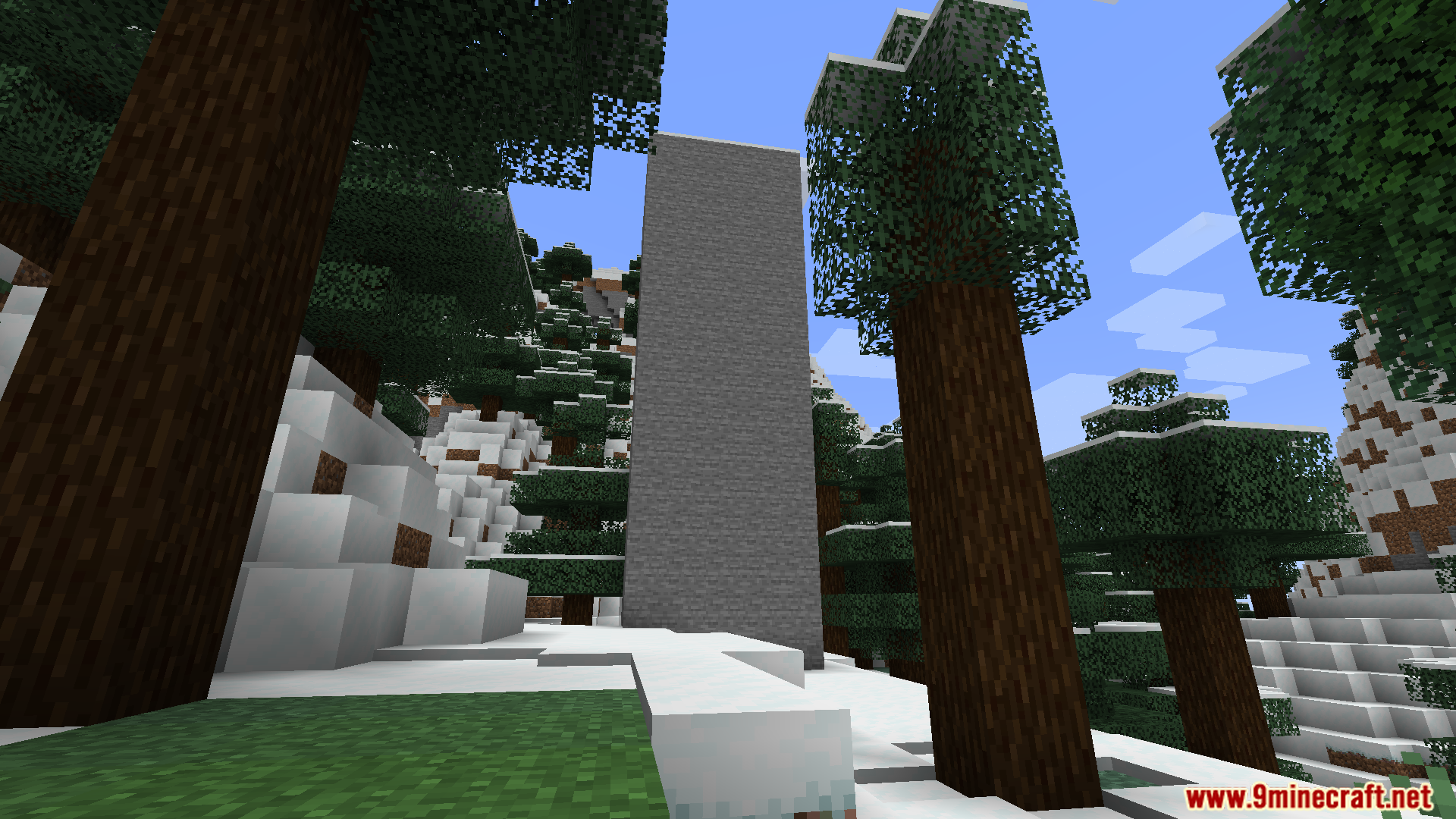
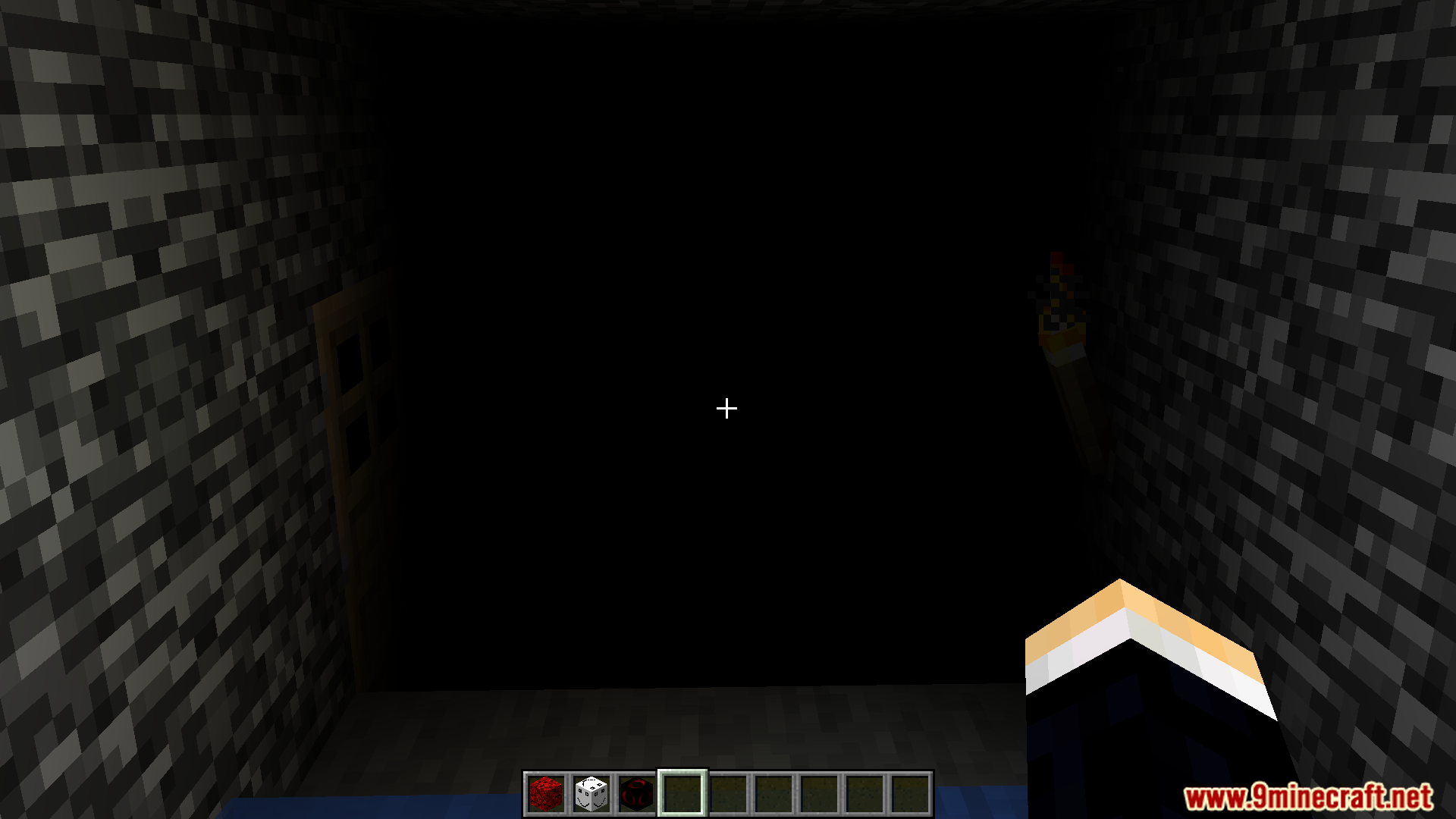
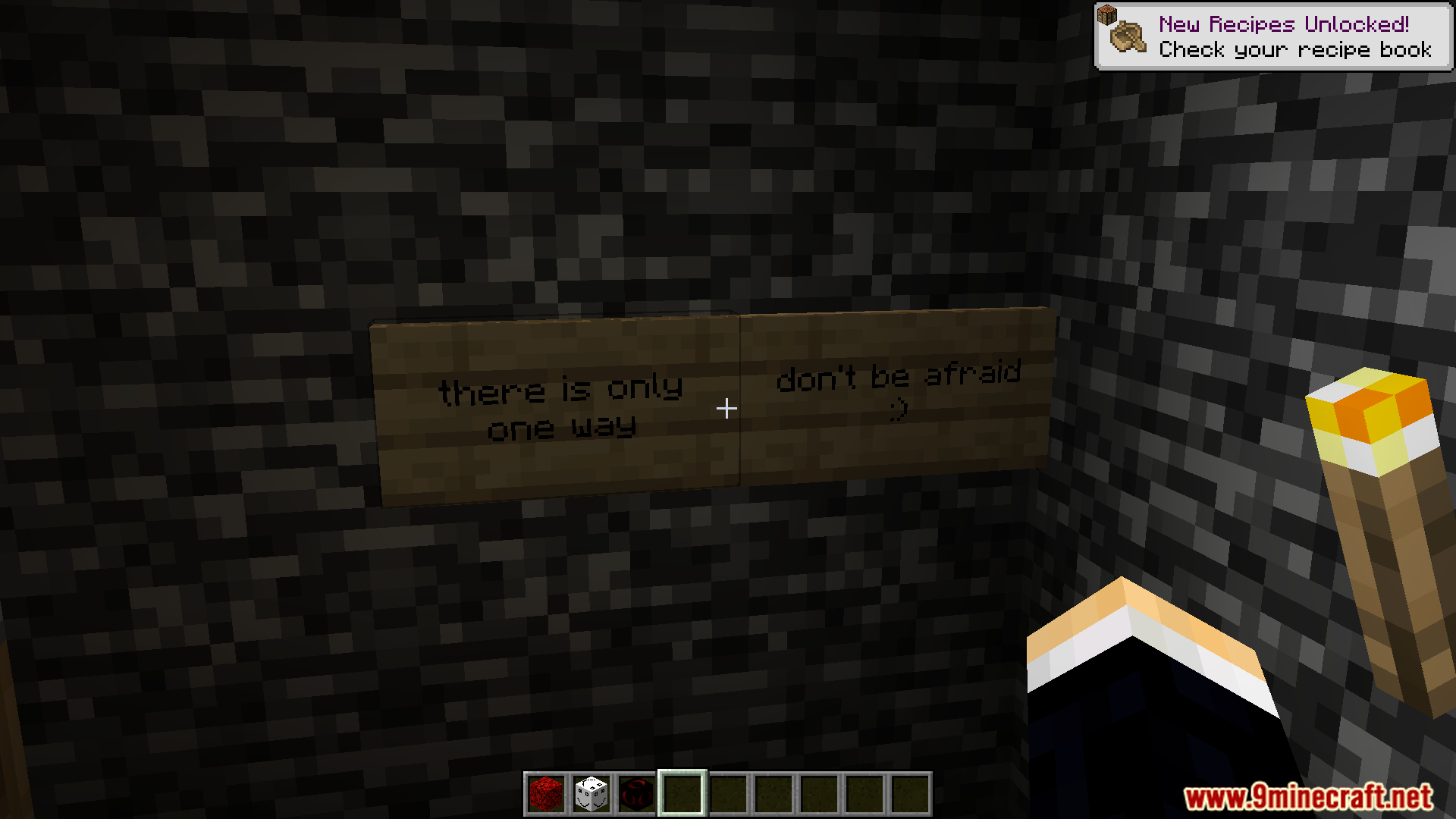




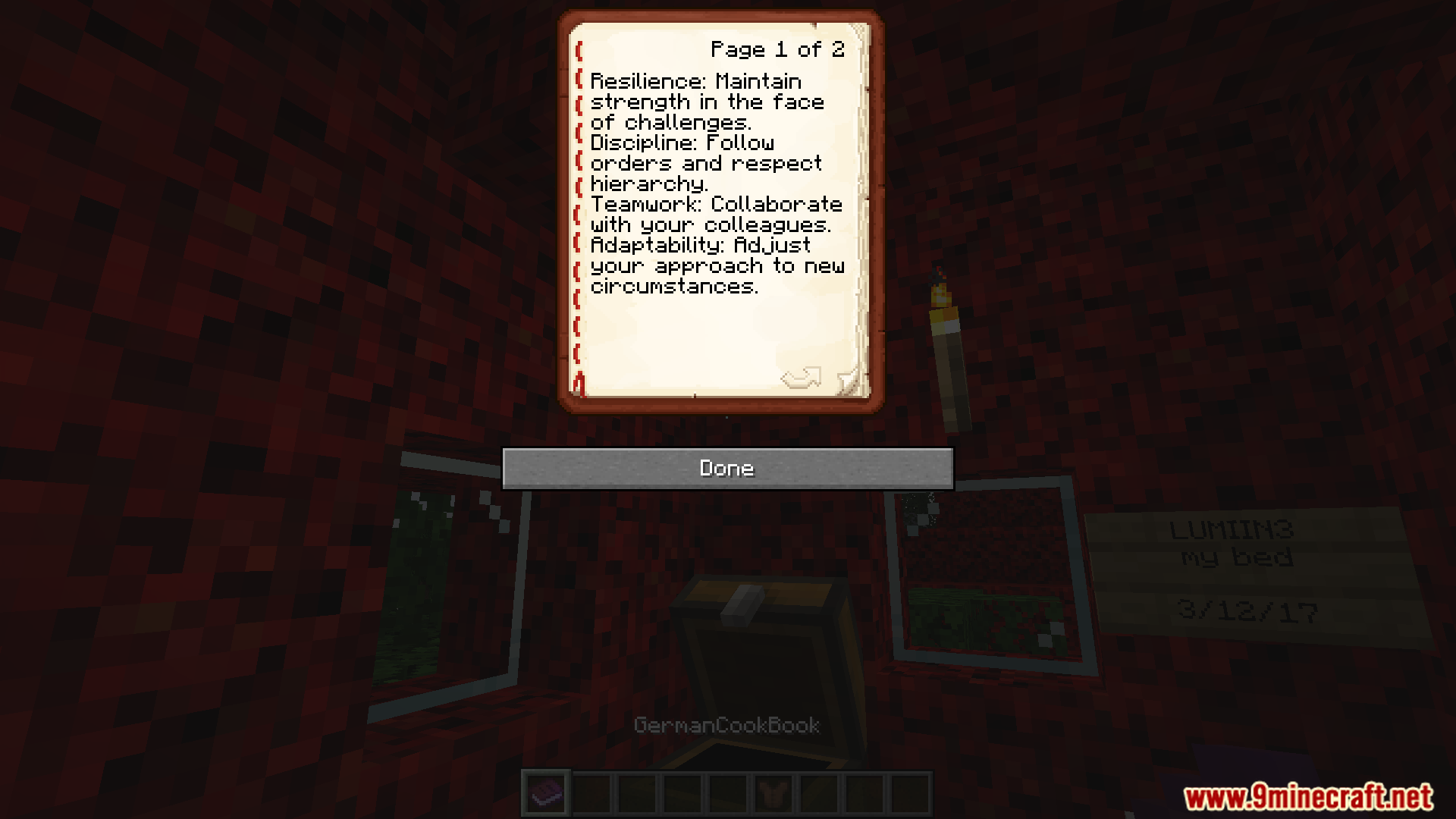
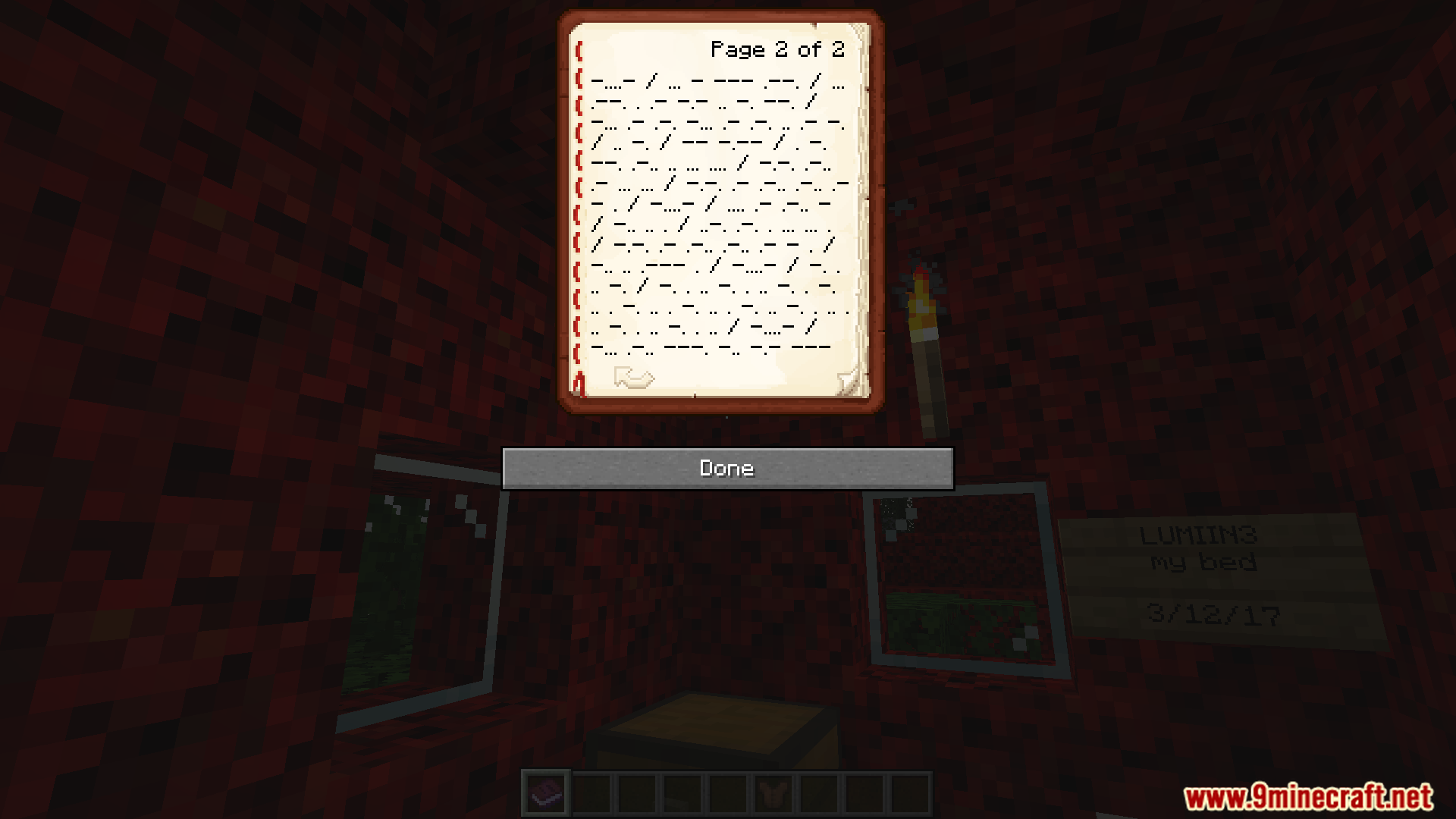
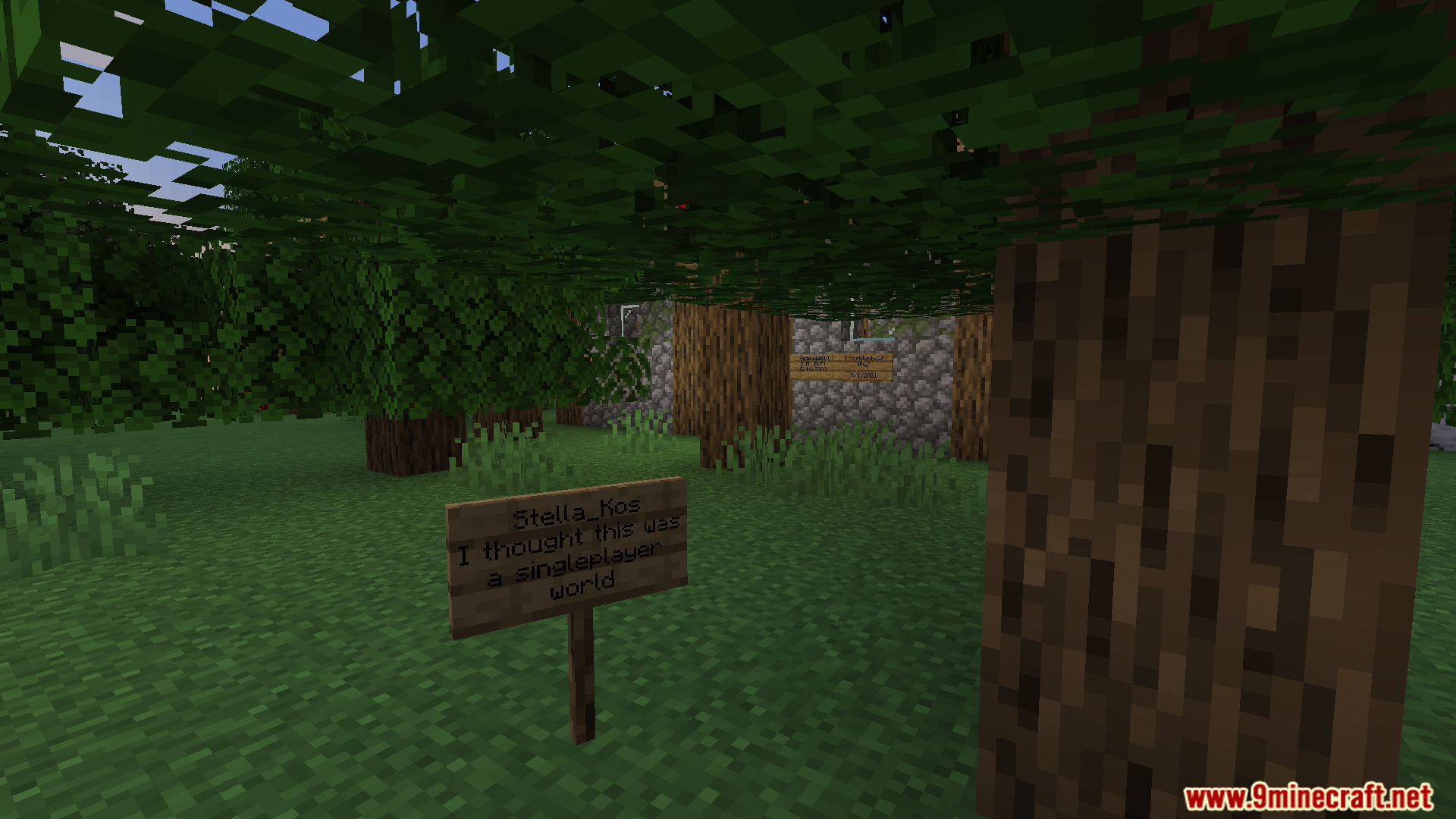
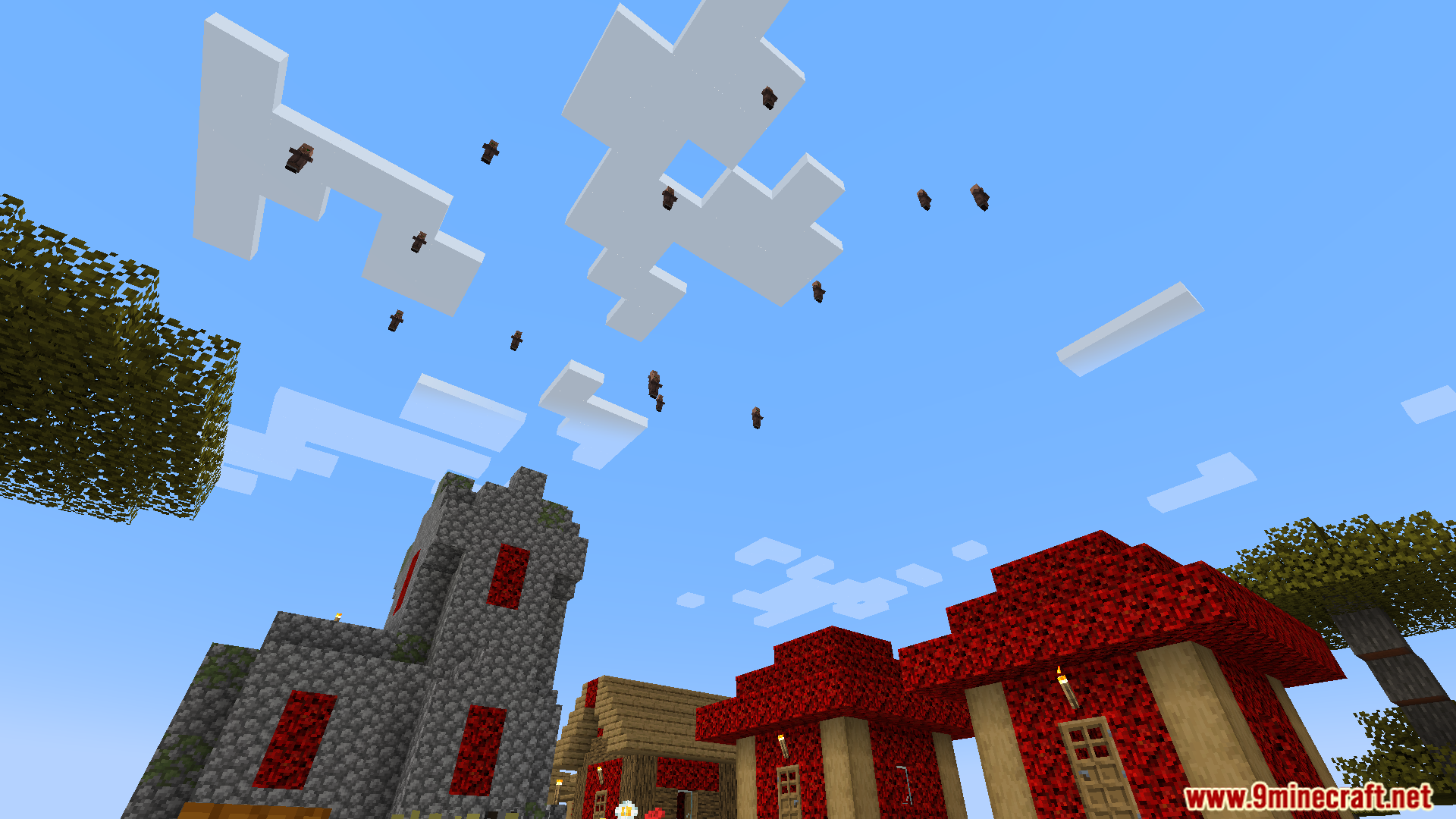



How to Install:
New to Minecraft? Follow our step-by-step guide to install Mods on your PC.View Guide
Requirements:

000.jar Mod Download Links
For Minecraft 1.20.1
Forge version: Download from Server 1 – Download from Server 2
For Minecraft 1.19.4
Forge version: Download from Server 1 – Download from Server 2
For Minecraft 1.19.2
Forge version: Download from Server 1 – Download from Server 2
Do you use mods that completely overhaul Minecraft's combat system (like Better Combat or Epic Fight)?
34 responses · See the full results →
You May Also Like
Picked for this page
 Roughly Enough Items Mod (26.3, 1.20.1) – Look Up Any Recipe Without a Wiki
 Inventory Sorter Mod (26.3, 1.20.1) – Automatically Sorting Chests
 Ametrin API (26.3, 1.20.1) – Library for Ametrin Studios Mods
 Illager Expansion Recrafted Mod (26.3, 1.21.1) – Expands Illager Content
 Revelationary Mod (26.2, 1.20.1) – Rewarding Game Progression
 Extra Inventory Mod (1.21.10, 1.20.2) – Carry More Worry Less
 Vivilly Dweller Mod (1.19.2) – Survive a Stalker That Mimics Human Voices
 The Rise of Slender Mod (1.20.1, 1.19.2) – This Mod Takes You Back To 2012
 Krampus Mod (1.20.1, 1.19.2) – Hunted by Winter’s Demon
 Datapack Load Error Fix Mod (1.21.11, 1.20.1) – Debugging Tools
 Atmospheric Paintings Pack Mod (1.21.4, 1.20.1) – Pixelated Real Life Paintings
 Formless Mod (1.20.1) – Sneak Up to Copy Items From Mobs and Players
Most viewed in Mods over the last 7 days
 Ala Industrial Mod (26.3) – Run Electric Power Grids and Automated Factories
 PleasureCraft Mod (26.3, 1.21.1) – Jenny Mod Remake for Fabric
 Jennycraft Mod (26.3, 1.20.1) – Virtual Girlfriend in Minecraft
 Fapcraft Mod (26.3, 1.12.2) – Comprehensive and Detailed Content
 Jenny Mod (Fapcraft) Official Complete Guide – How to use, Tutorial
 BangCraft Mod (1.20.1) – Jenny, Ellie and Elliot
 Fabric Loader (26.3, 1.20.1) – Fabric Installer for All Minecraft Versions
 The Shooting Star Demo Mod (26.3, 1.20.1) – Vaporize Terrain From Orbit
 Meteor Client Mod (26.3, 1.20.1) – Xray, HUD, Fly
 OptiFine HD (26.3, 1.20.1) – Run Faster, FPS Boost, Shaders Support
 Aristois Client Mod (1.21.4, 1.20.1) – World Class Minecraft Utility
 Prestige Client Mod (1.21.11, 1.21.4) – Powerful Ghost Features for Crystal & Sword PvP
More from Mods
 Shield System Mod (1.21.1) – Tank Heavy Monster Hits Without Losing Hearts
 Shin’s Tensura Race Models Mod (1.19.2) – Play As Unique 3D Anime Race
 Offgrid Mod (26.3, 1.20.1) – Furnish Compact Interiors Without Strict Grid
 Tempest Almanac Iron’s Spells ‘n Spellbooks Mod (1.21.1, 1.20.1)
 Chat Guides Mod (26.3, 1.21.11) – Never Memorize Complex Server Commands Again
 TRMT Reimagined the Roads More Travelled Mod (26.3, 1.20.1)
 Morrowless Mod (1.21.1) – Defend Your Shelter From Nightmare Creatures
 THE SLOPSTROSITY Mod (1.21.1) – Battle a Ridiculous Slime Boss
 Decoween Mod (1.21.1, 1.20.1) – Transform Ordinary Survival Bases
 Simply Light 9minecraft Mod (26.3) – Decorate Builds Without Torches
 Alex’s Caves Continued Mod (26.3, 1.20.1) – Conquer Six Massive Underground
 Anvil Uses Mod (26.3, 1.20.1) – Track Item Anvil Usage

This post has no comments yet. Be the first — your comment will appear here.